





Deals electronics auto electronics




















About
Car electronics help you upgrade daily driving with smarter visibility, cleaner audio connections, and easier navigation. You can compare power, connectivity, and installation options in one place, so your setup fits your vehicle and routine.
How to choose car electronics for your vehicle
You should start with vehicle compatibility before you compare features. You’ll want to check your vehicle make, model, available ports, and mounting space.
If you use a 12V outlet, you can often choose plug-and-play accessories with quick setup. If you prefer a cleaner look, you may consider hardwired options for a more integrated fit.
You can also compare whether your vehicle supports OBD-II accessories or standard power connections. That detail helps you avoid adapters that won’t connect the way you expect.
What auto electronics can help you do every day
Auto electronics can help you record the road, stream audio, and follow turn-by-turn guidance with less guesswork. You’ll notice these upgrades matter especially when you commute often or share a vehicle.
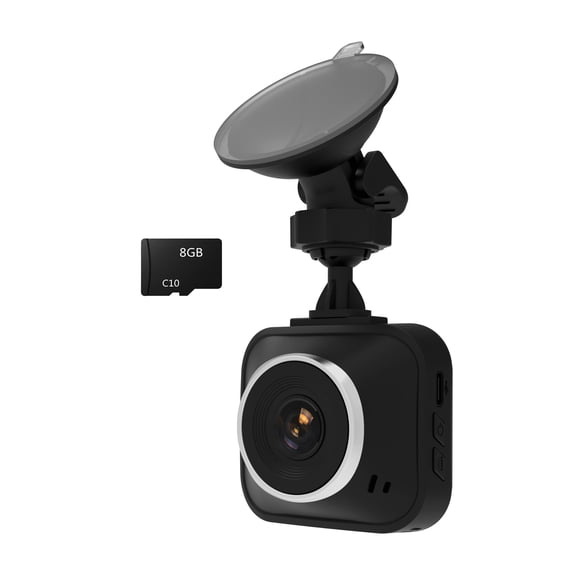
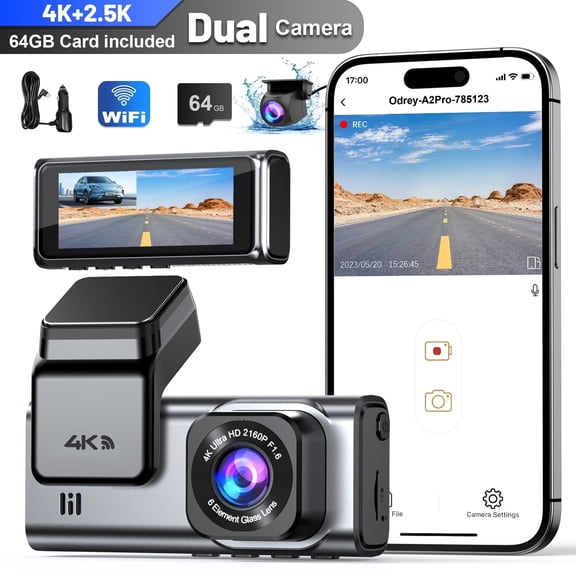
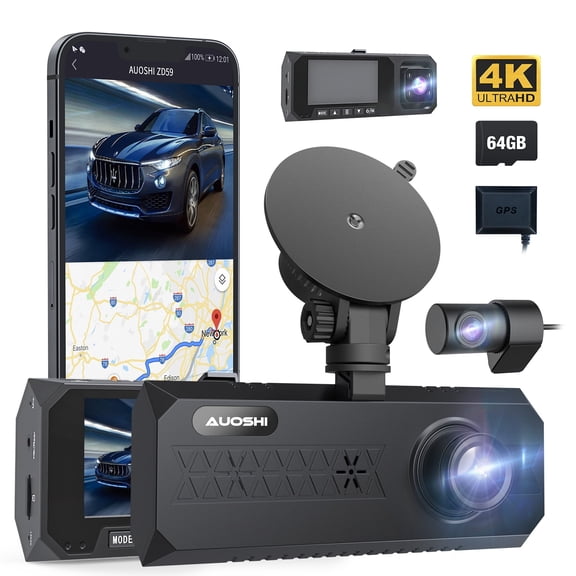
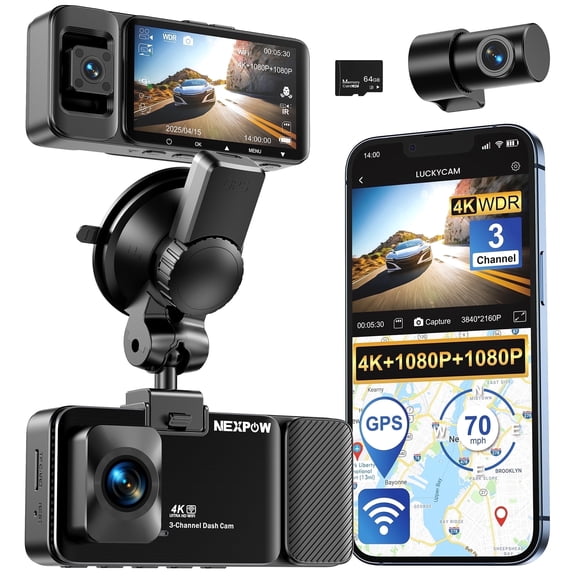
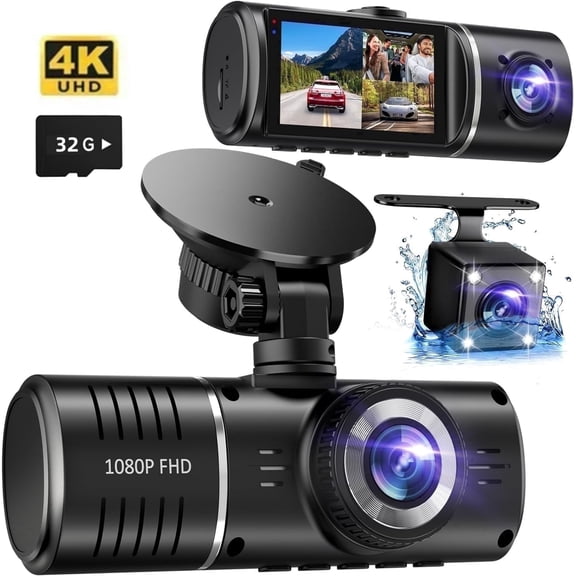
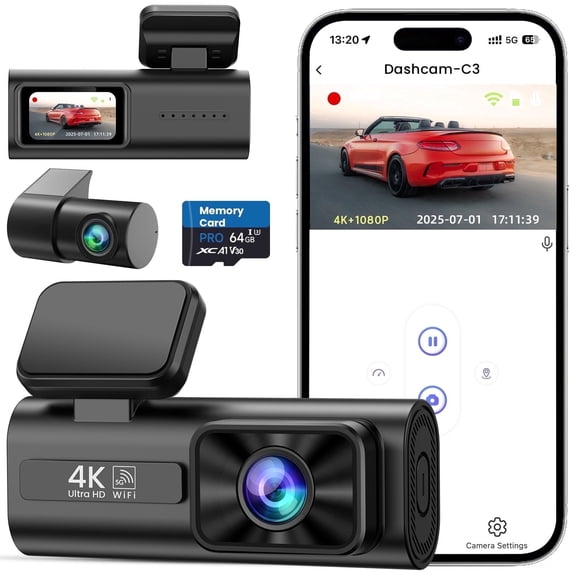
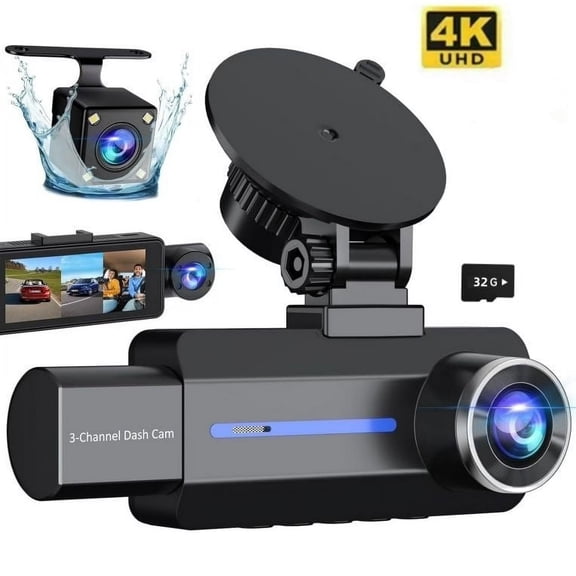
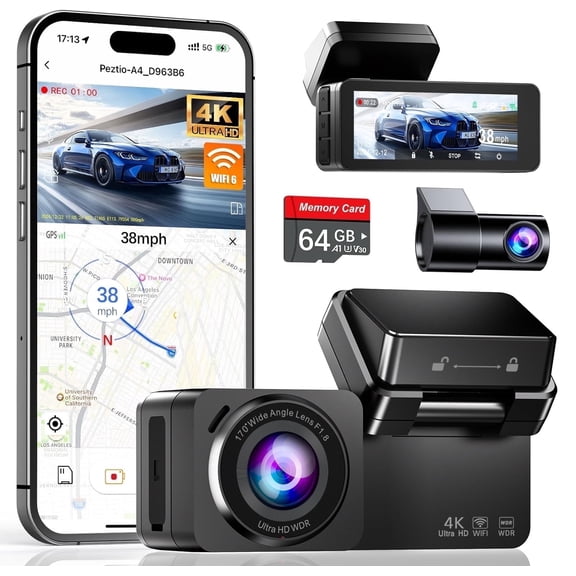
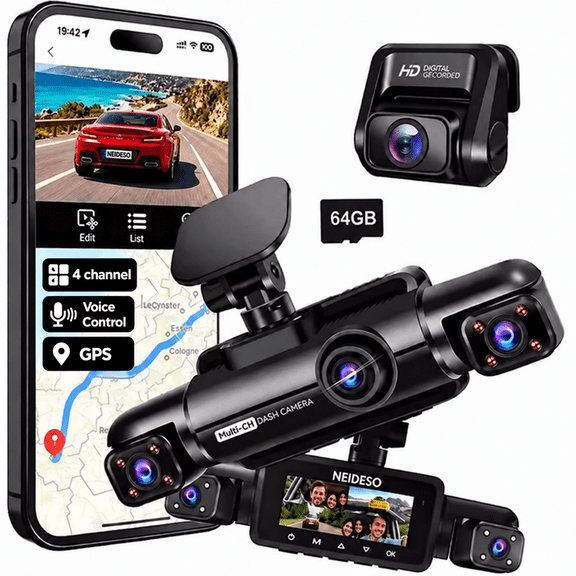
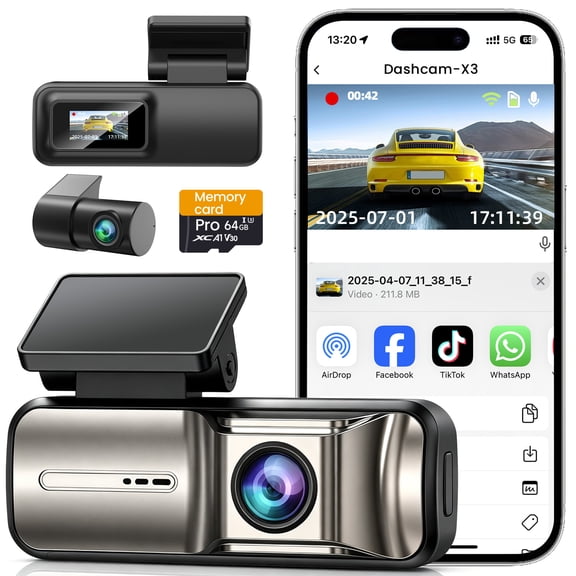
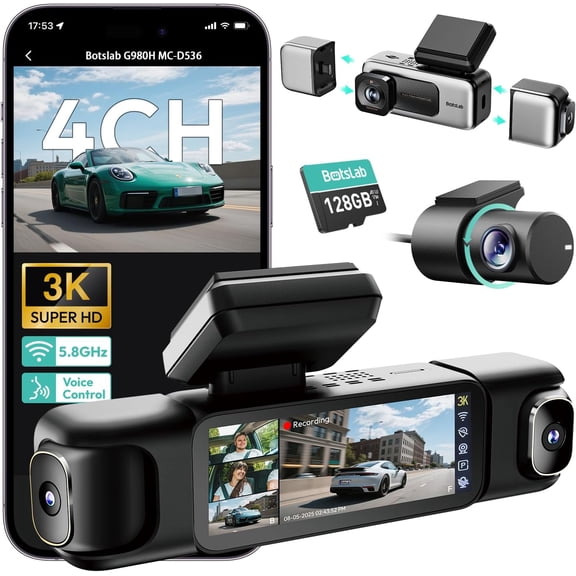
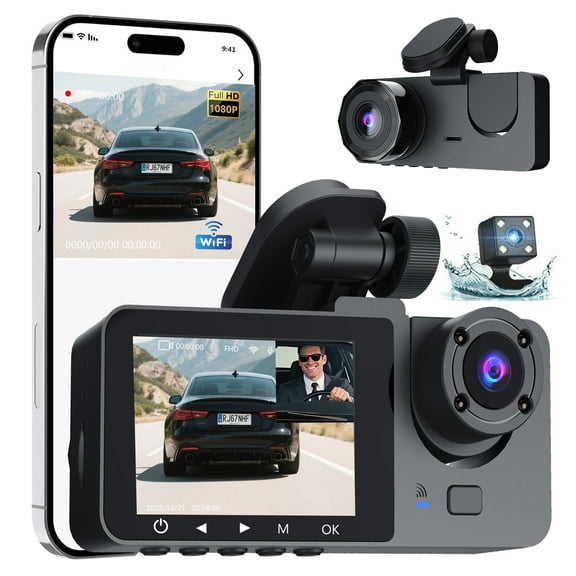
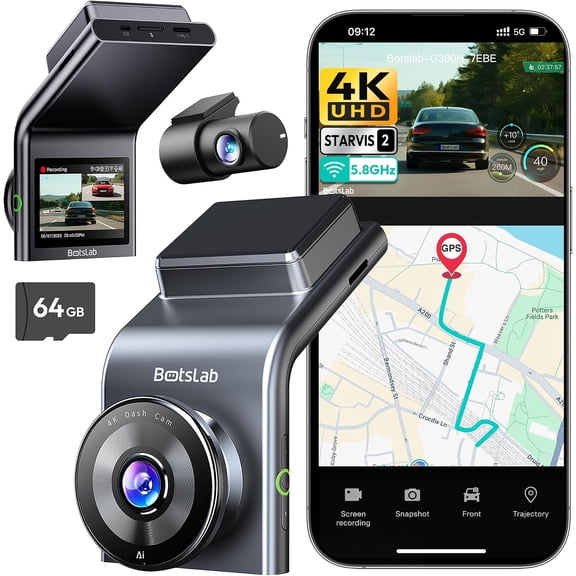
- You can use dash cams to capture trips through a windshield-mounted setup.
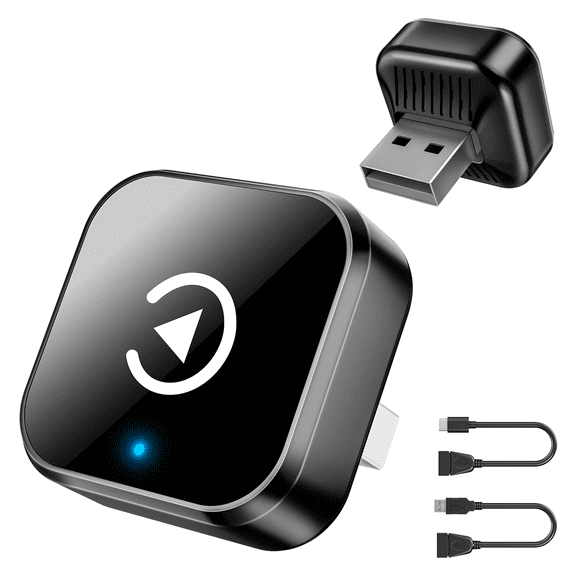
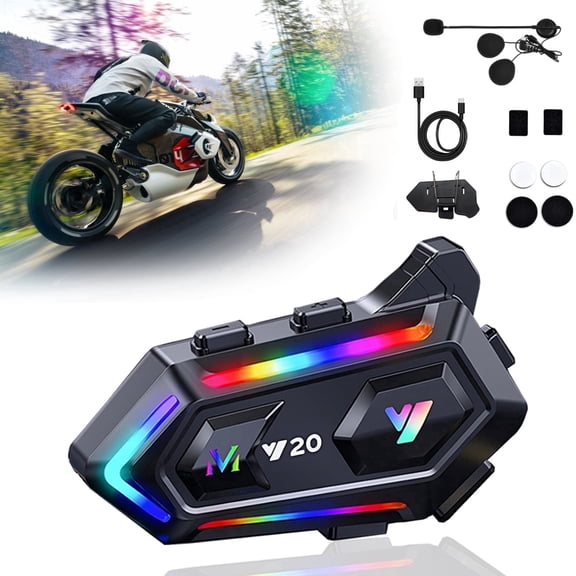
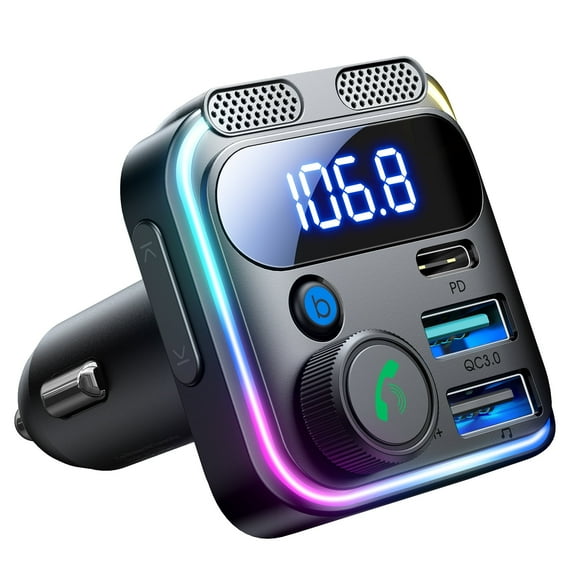
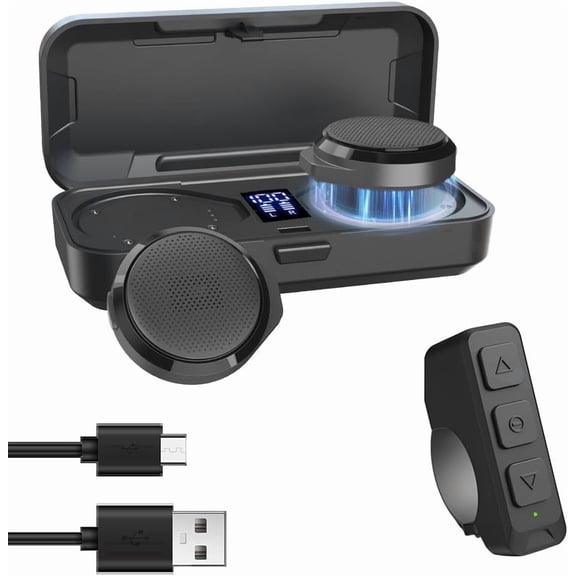
- You can use bluetooth adapters to connect your phone through Bluetooth, auxiliary, or FM transmitter options.
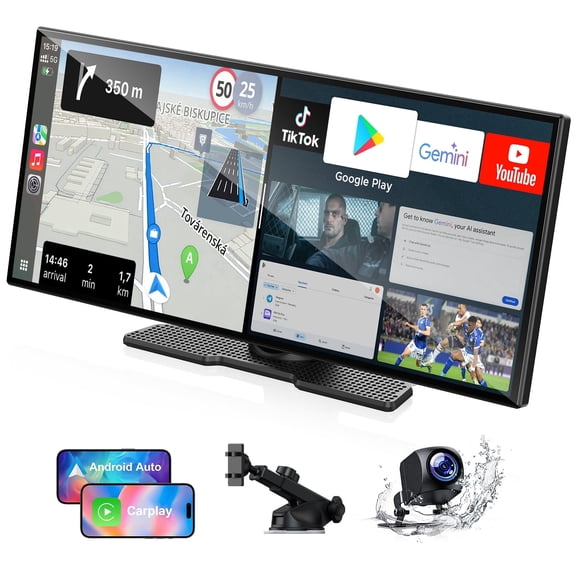
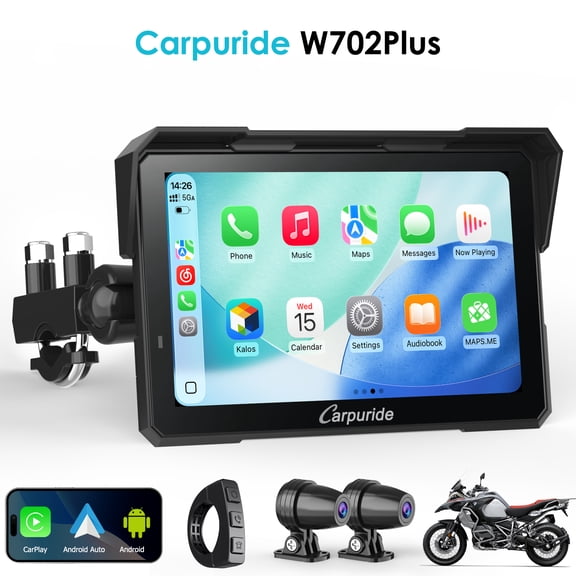
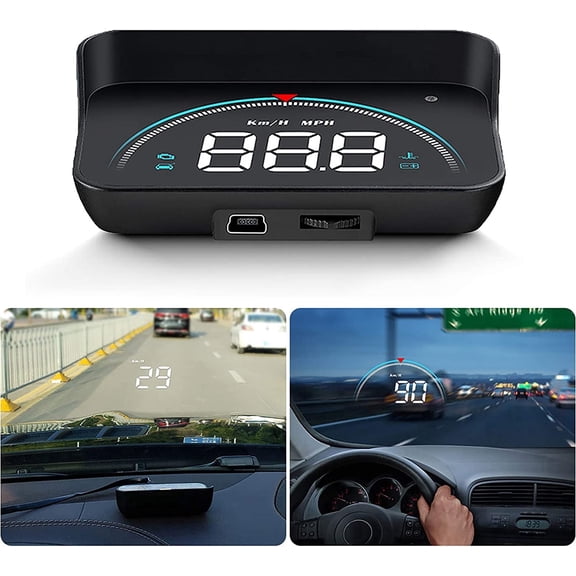
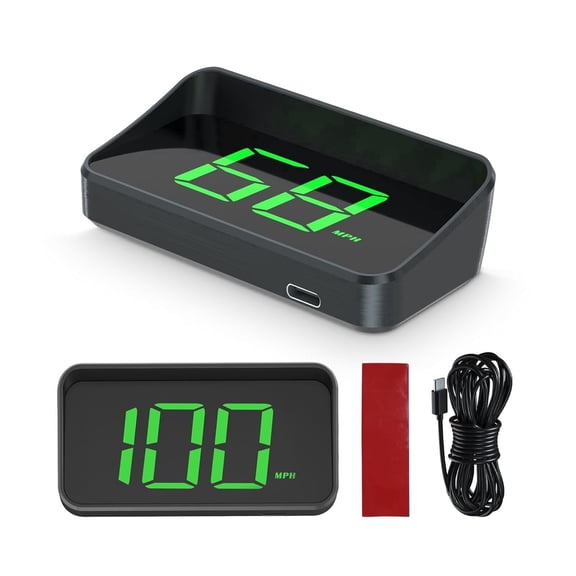
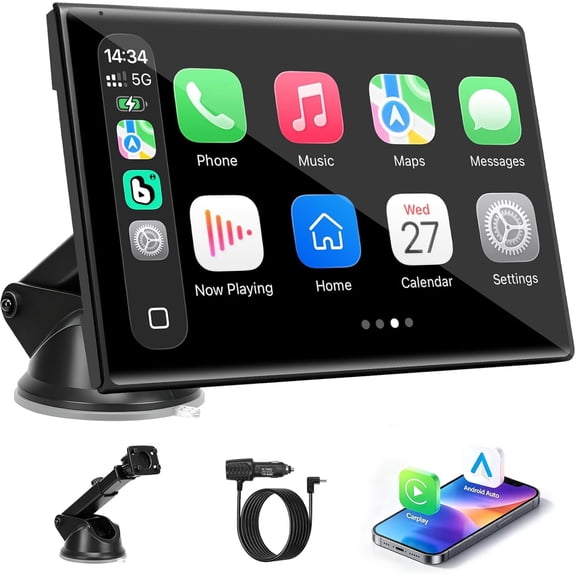
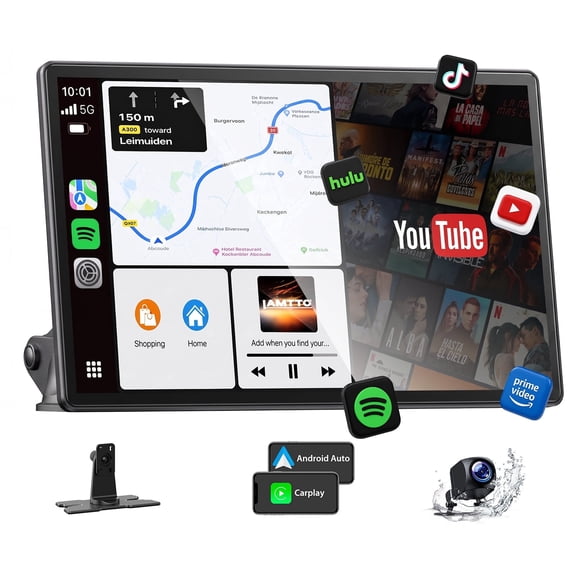
- You can use GPS navigators when you want a dedicated screen instead of relying on your phone.
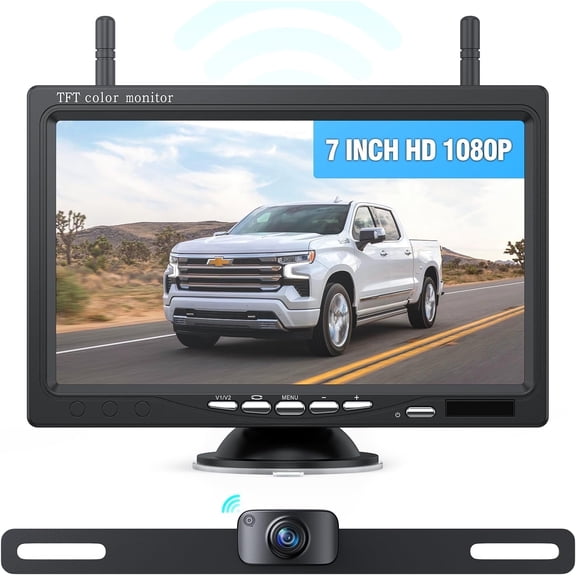
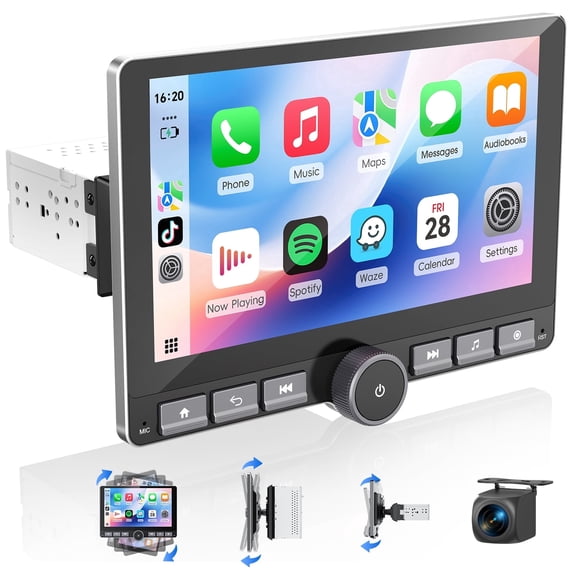
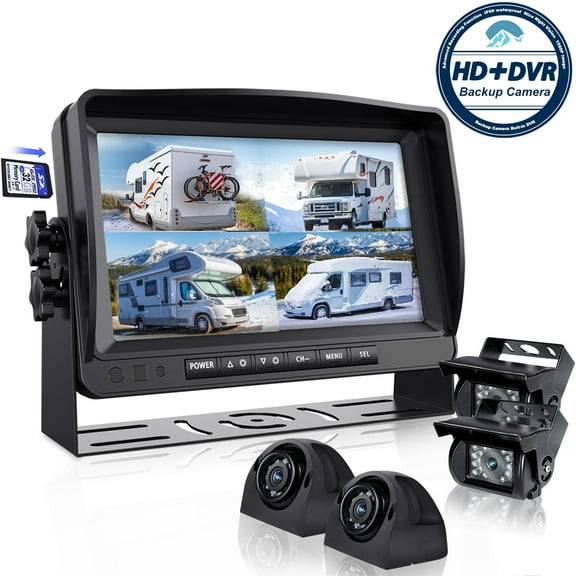
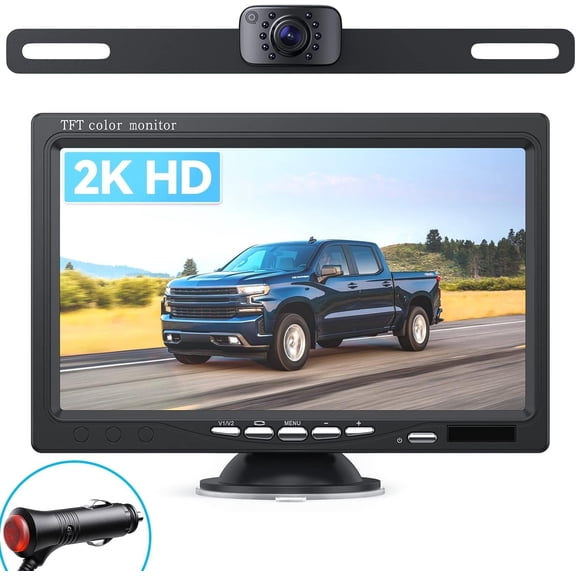
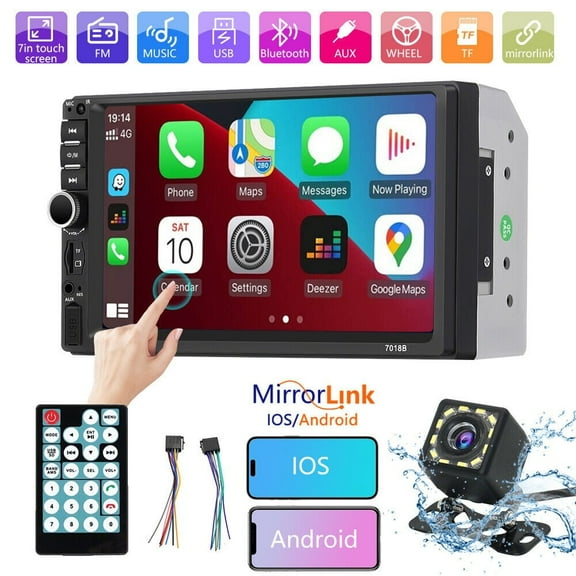
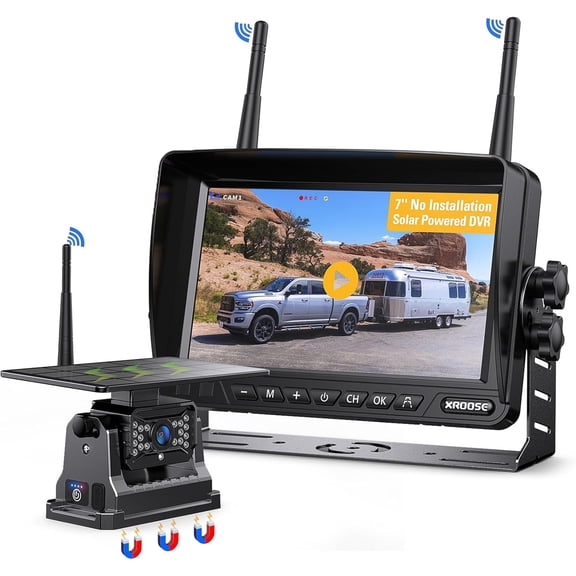
- You can use backup cameras to improve rear visibility when your vehicle needs an added display or camera view.
You may also appreciate fewer cable changes when your device matches your ports and phone setup. That makes everyday driving feel more organized and easier to manage.
When you compare by device type first, you can narrow choices faster. That approach works well if you already know whether you need recording, navigation, audio streaming, or rear-view assistance.
Choosing device type and installation style
You should match device type with installation effort before you commit. Dash cams often use windshield mounts, while GPS navigators may use dashboard mounts for easier viewing.
If you want a simple setup, you can look for plug-and-play designs with a 12V or USB connection. If you want a built-in look, you may prefer professional install or hardwired power.
You’ll also want to consider where the screen or camera sits in your line of sight. That helps you choose a mount that fits your dashboard shape and windshield space.
For backup cameras, you may need to compare display compatibility and camera placement. For bluetooth adapters, you should check whether your vehicle has auxiliary input, USB access, or open radio frequencies.
Comparing power source and battery use
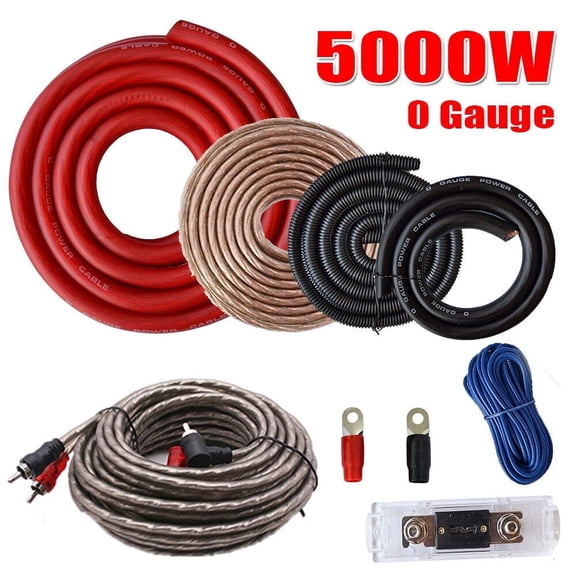
You should check whether your car electronics use a 12V auxiliary outlet, USB, battery power, or hardwiring. That decision affects how you power the device and how permanent the setup feels.
If you move accessories between vehicles, you may prefer USB or 12V power for easier transfer. If you keep one setup long term, you might choose hardwired power for a cleaner cabin.
You’ll also want to review auto-shutoff or parking mode details when they apply. Those settings help you understand how the device behaves when your vehicle is parked or turned off.
Battery-powered options can work well when you want flexible placement without a visible cord. Hardwired options can suit drivers who want fewer charging steps during regular use.
Comparing connectivity for phones and audio
You should compare Bluetooth, Wi-Fi, auxiliary, and FM transmitter connections based on how you already use your phone. That makes it easier for you to choose a setup that feels familiar.
If you stream music or calls, bluetooth adapters can connect your phone through your car’s speakers. If you use a companion app, you should check the supported Bluetooth version and app requirements.
Wi-Fi can matter when you transfer dash cam footage to your phone without removing a memory card. Auxiliary connections can appeal to you if you want a direct wired link.
FM transmitter options can help when your vehicle lacks auxiliary input or newer wireless features. You should compare signal setup and charging ports if you want one device to handle both tasks.
Matching car electronics to real driving needs
You may want dash cams for daily commuting, rideshare driving, or frequent highway travel. In those cases, you should compare windshield mount style, power source, and phone app support.
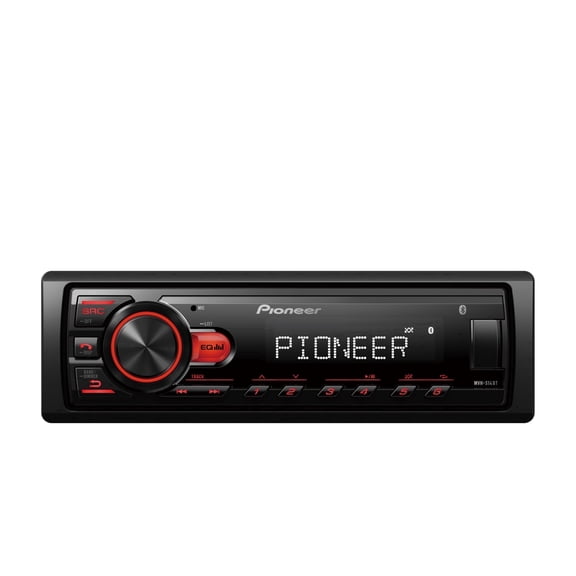
If you drive an older vehicle, bluetooth adapters can modernize audio without replacing the stereo. You can compare FM transmitter and auxiliary models based on your dashboard connections.
For road trips, you might prefer GPS navigators with a dedicated display and simple dashboard mount. You can keep your phone available for calls while your route stays visible.
If your vehicle needs extra rear visibility support, backup cameras can add a camera-and-screen setup. You should check mount location, power method, and display compatibility before you choose.
You can also build a setup that combines several auto electronics in one vehicle. A dash cam, bluetooth adapter, and GPS unit can each support a different part of your drive.
When you compare compatibility, installation type, connectivity, and power source together, you can choose with more confidence. That helps you create a setup that works smoothly every time you start the car.