

TV Deals & More



















About
You can compare tv specials more clearly when you use screen size, display type, smart platform, and gaming features as your guide. You'll get practical help for living rooms, bedrooms, dorms, and home theaters without sorting through mismatched specs.
When you shop this category, you may want a flat screen tv that fits your wall, your streaming apps, and your viewing habits. You'll also find choices that support everyday watching, movie nights, and console play in one place.
How to choose tv specials by screen size
You should start with screen size because it shapes how your TV looks and feels in your room. You'll usually want to measure your wall, your stand, and your seat distance before comparing models.
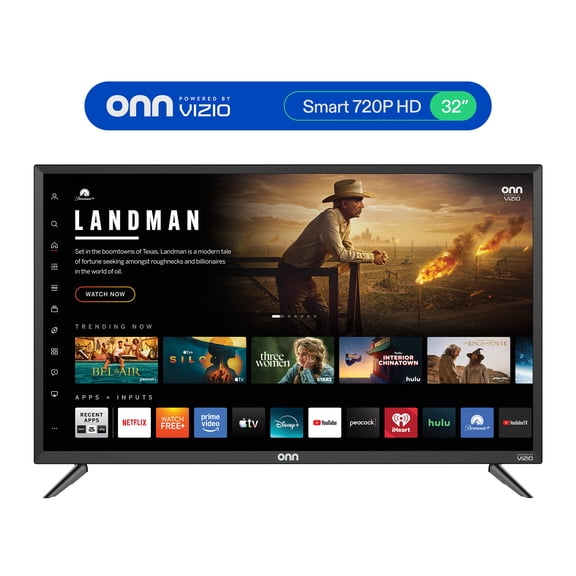
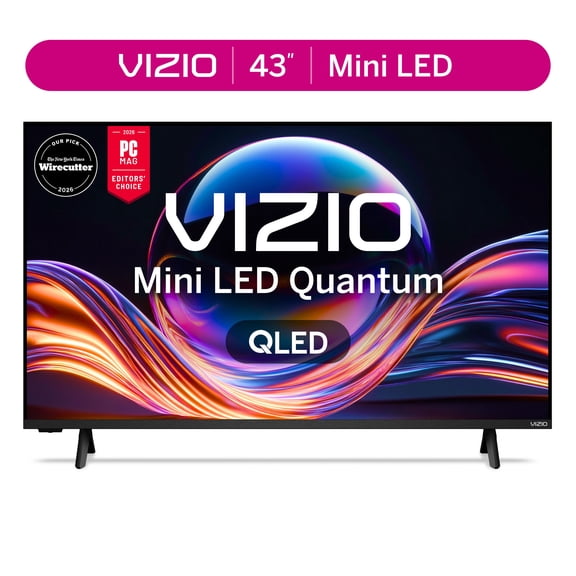
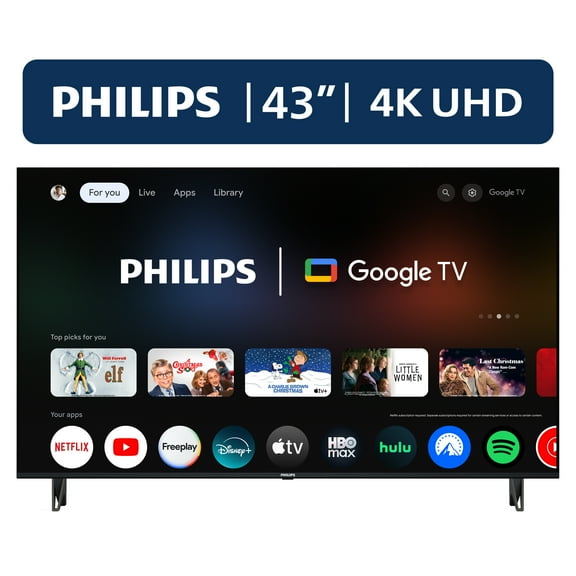
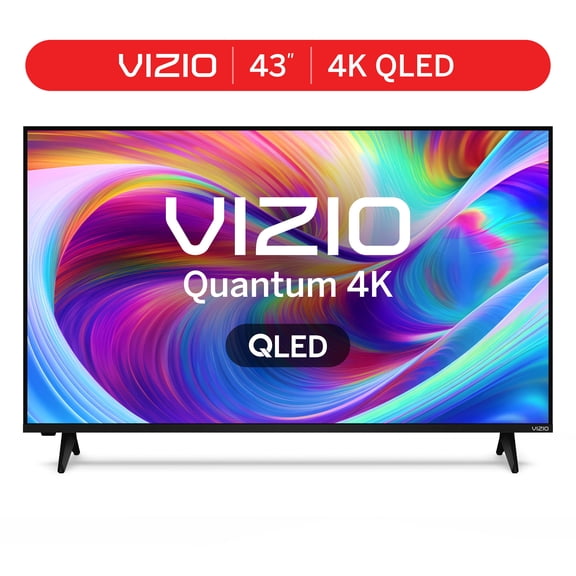
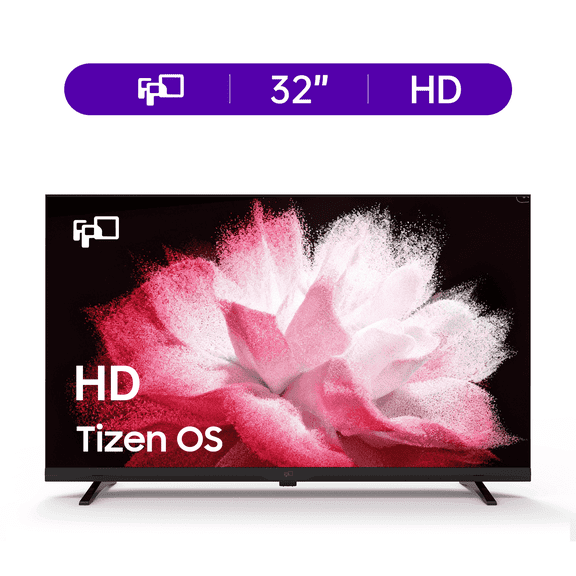
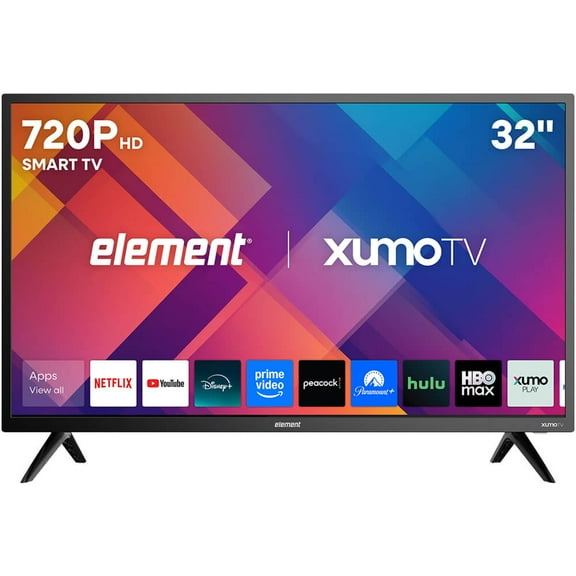
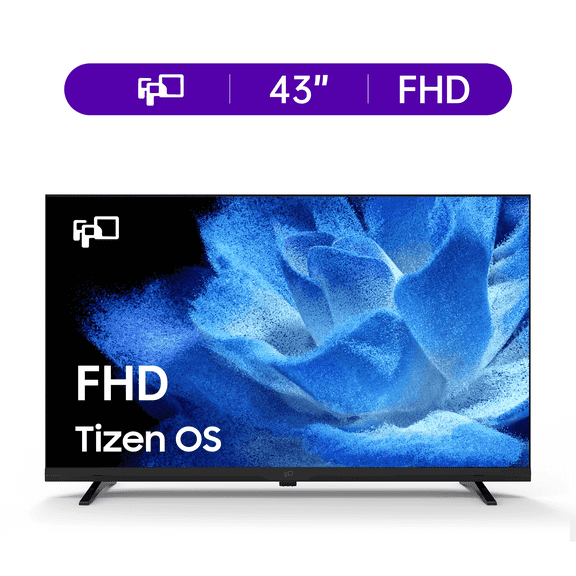
If you're furnishing a smaller room, you may prefer 32 inch or 43 inch TVs for desks, dressers, or compact media stands. You'll keep the screen comfortable to watch without overwhelming your space.
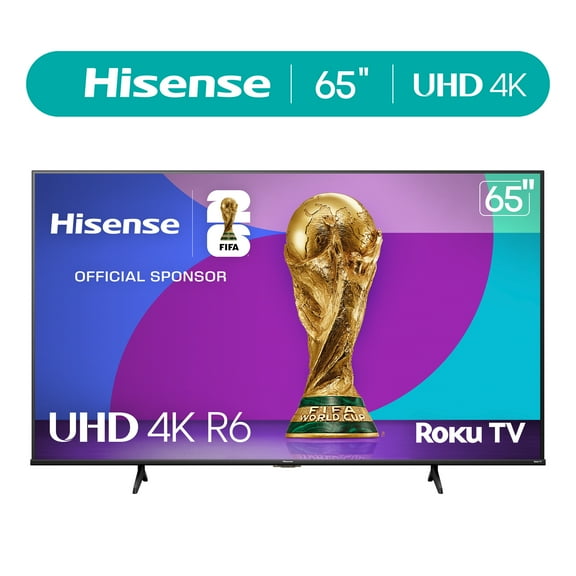
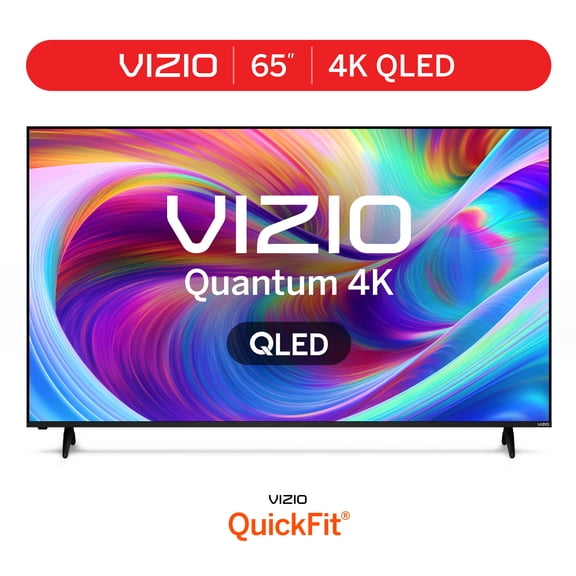
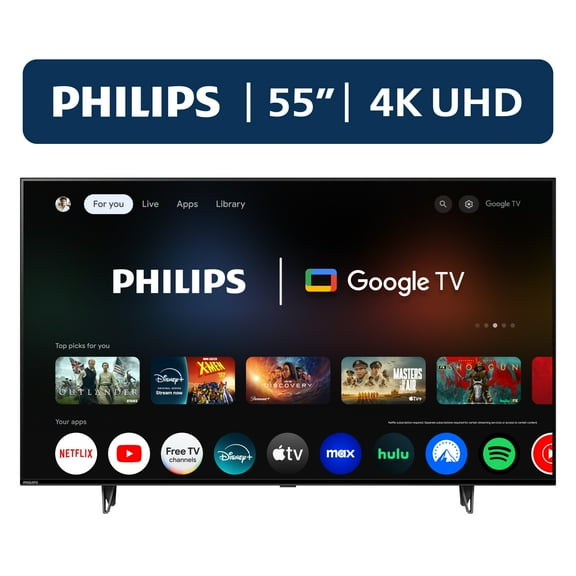
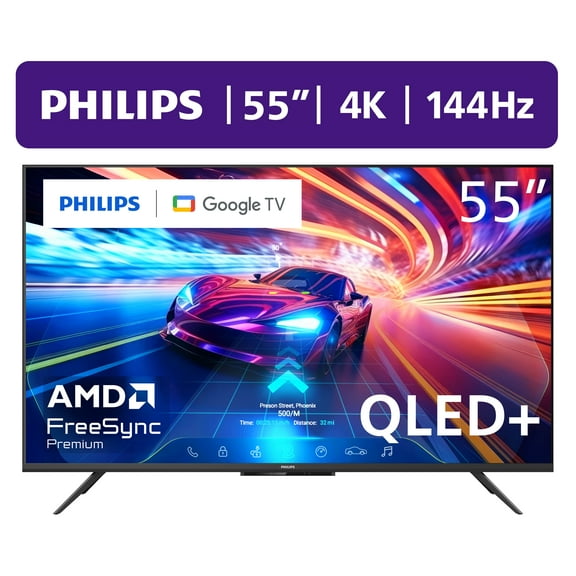
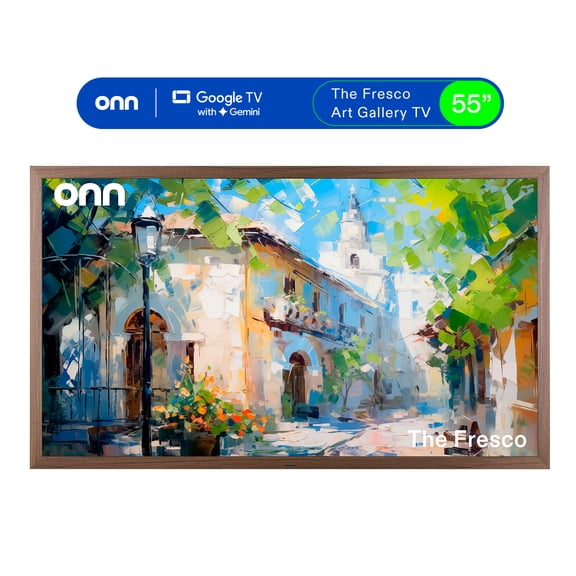
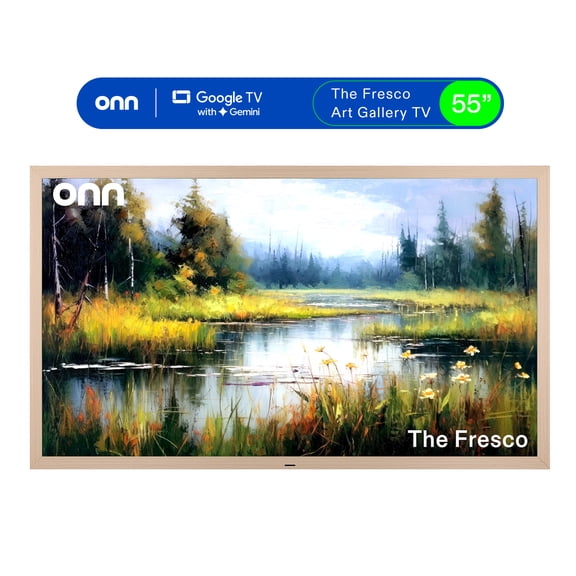
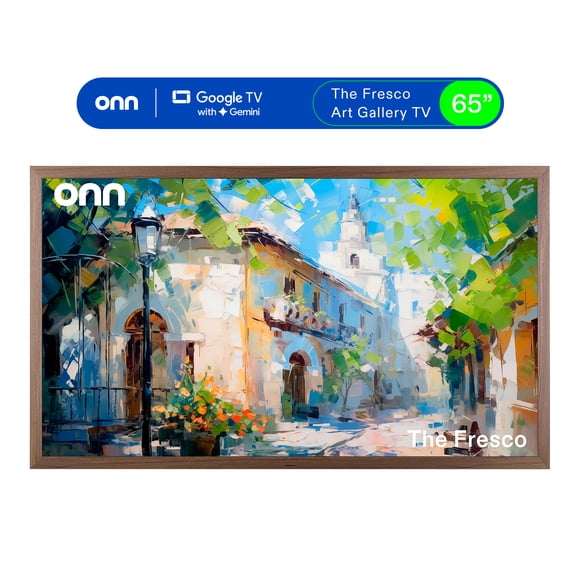
For a main living area, you may lean toward 55 inch or 65 inch sets when you want a cinematic look. You'll often get a strong balance of immersion and placement flexibility.
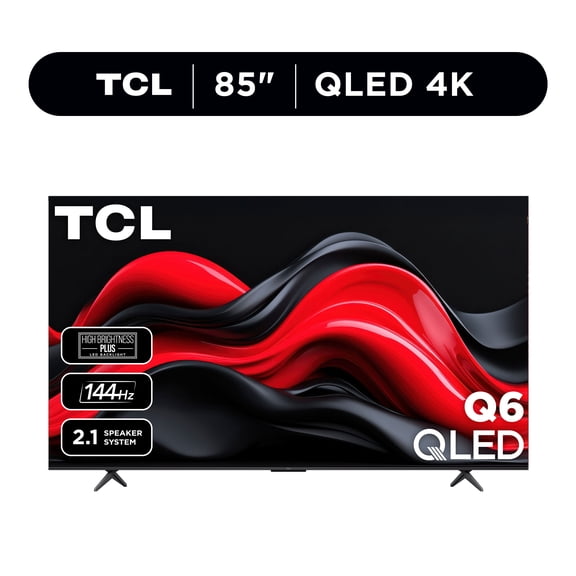
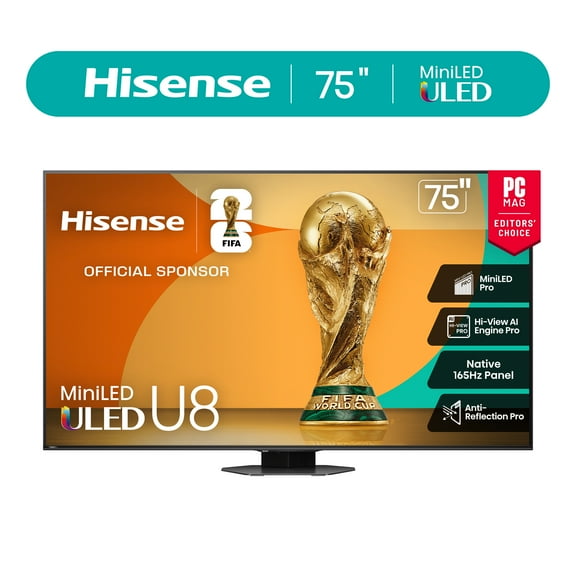
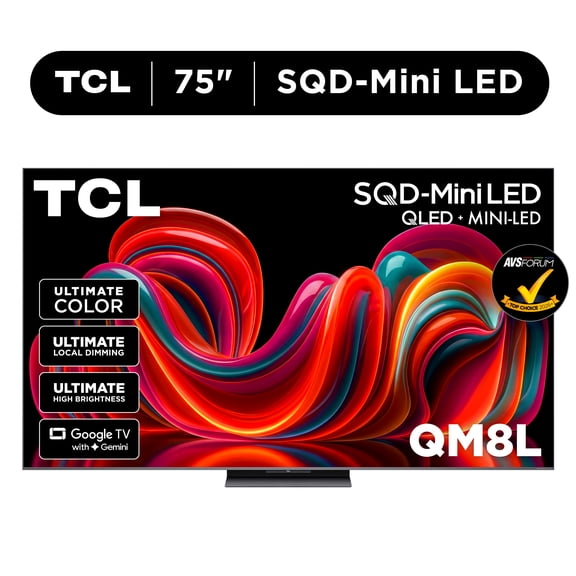
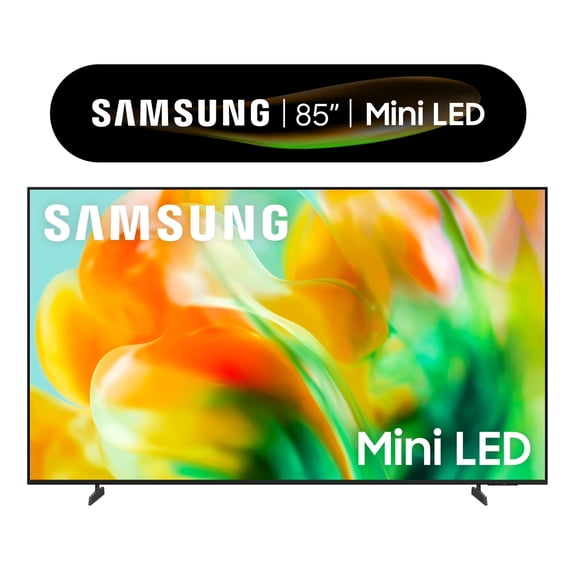
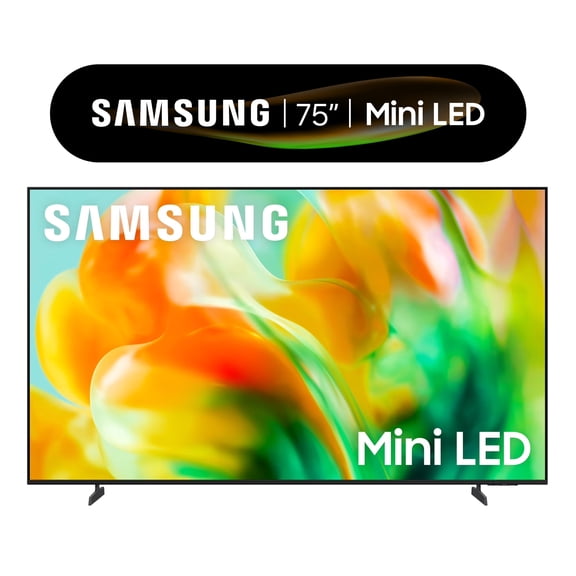
If you're planning a dedicated media room, you may consider 75 inch or 85 inch screens for a bigger picture. You'll want extra wall width and deeper viewing distance for that larger format.
- You can use 32 inch and 43 inch TVs for kitchens, dorms, guest rooms, and tighter layouts.
- You can choose 55 inch and 65 inch TVs when your couch sits several feet from the screen.
- You can consider 75 inch and 85 inch TVs when you want a theater-style setup in a larger room.
Choosing a flat screen tv by display technology
You should compare display technology next because picture style can change how movies, sports, and games appear. You'll commonly see LED, OLED, QLED, and 4K UHD options across this category.
If you want a familiar everyday choice, you may start with LED screens for clear images and broad availability. You'll often find LED options across many sizes and room setups.
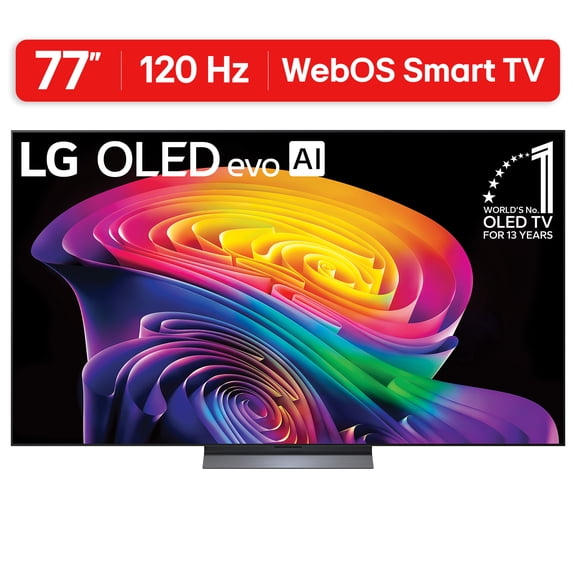
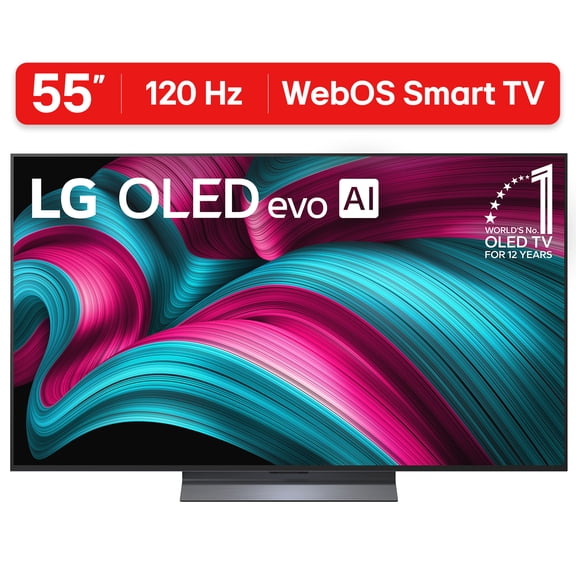
When you want deep contrast and rich shadow detail, you may look at OLED displays for dark-room viewing. You'll notice pixels can dim individually, which helps scenes look more defined.
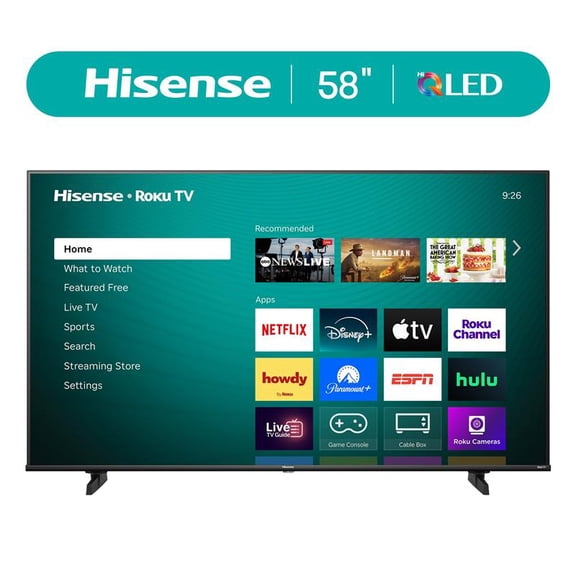
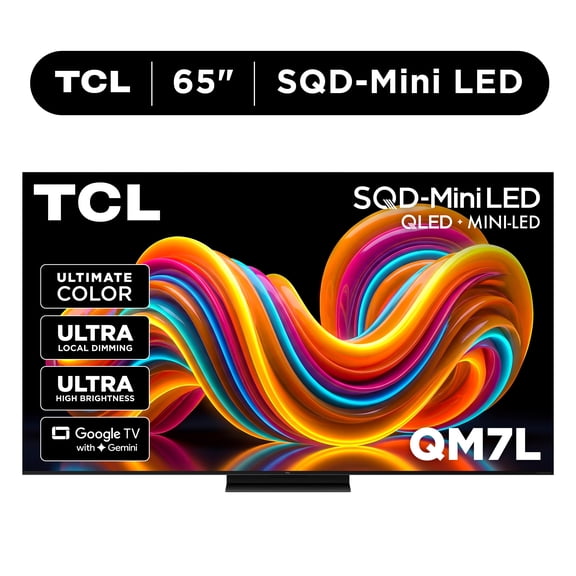
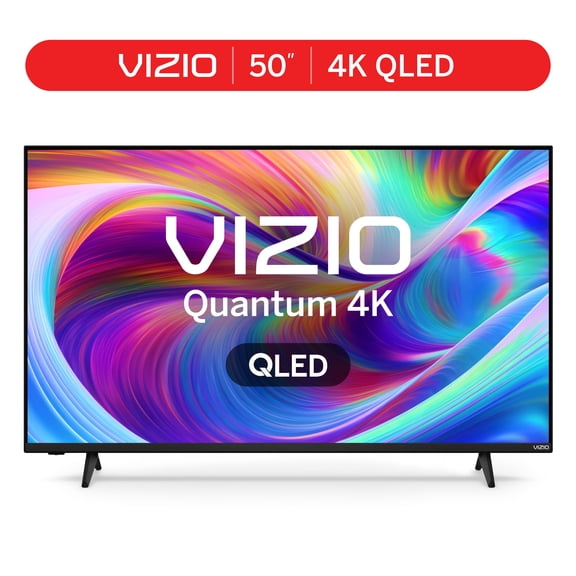
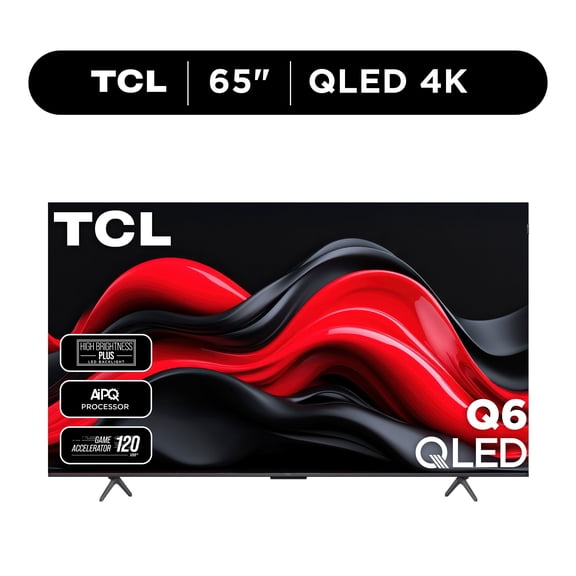
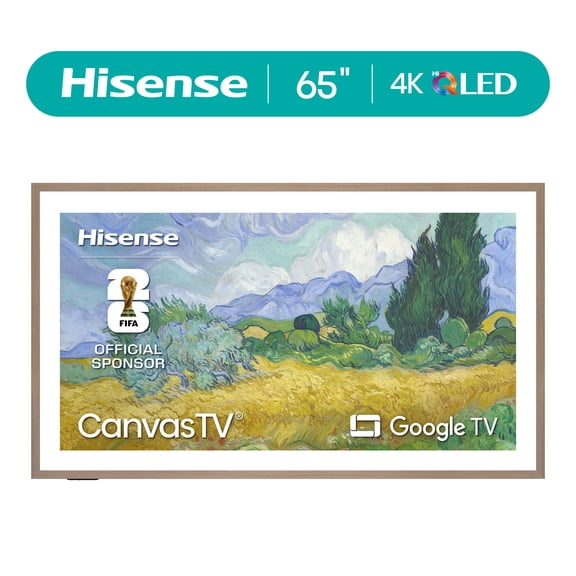
If your room gets lots of daylight, you may compare QLED models for bright, vivid color and punchy highlights. You'll often find QLED useful when windows and lamps create extra ambient light.
You should also check resolution because 4K gives you sharper detail on larger screens and newer streaming content. You'll still find 1080p useful for smaller spaces, while 8K targets very large displays.
How to compare tv specials by smart platform
You should think about your smart platform early because it affects how you open apps and navigate menus. You'll commonly choose from Roku TV, Google TV, Fire TV, and WebOS.
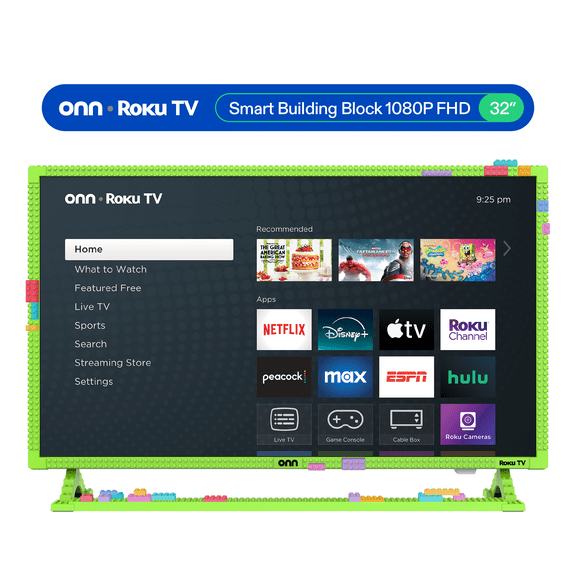
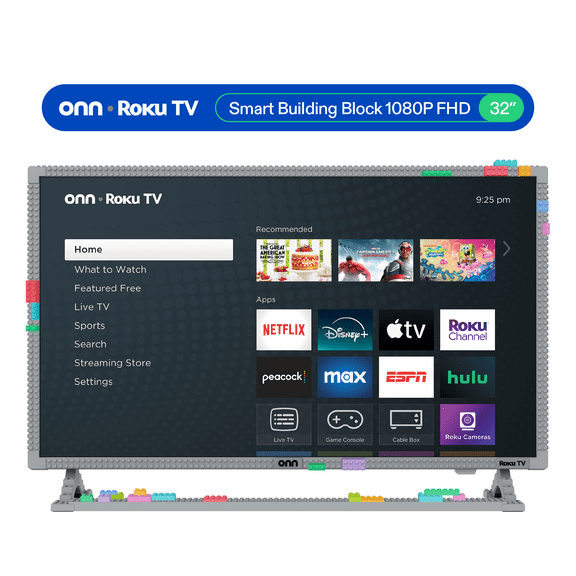
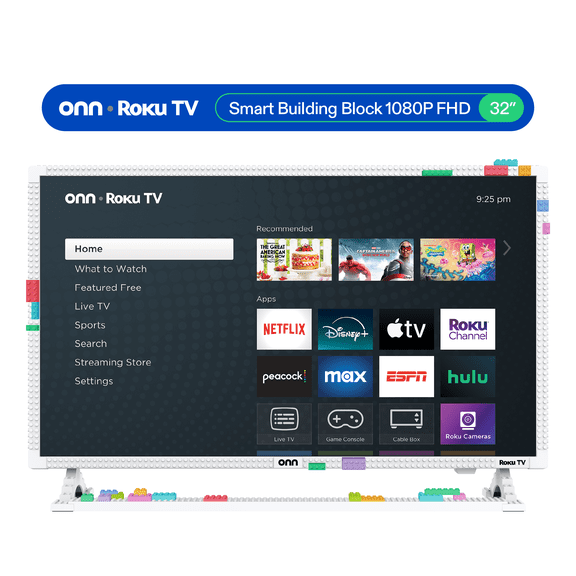
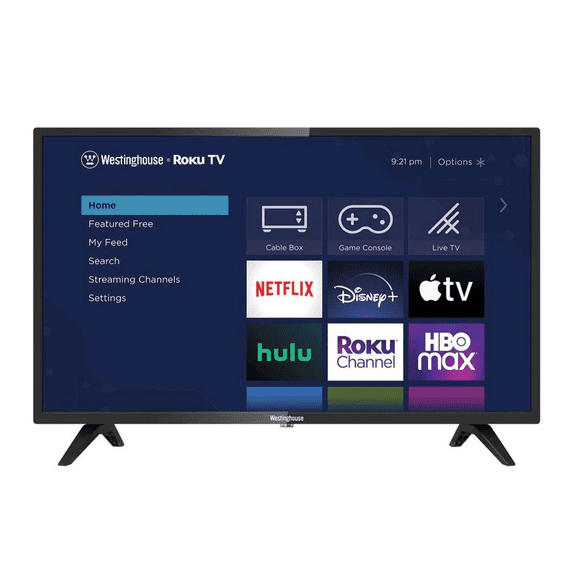
If you want a simple home screen, you may prefer Roku TV for straightforward app access and quick setup. You'll usually move between streaming services with very little menu clutter.
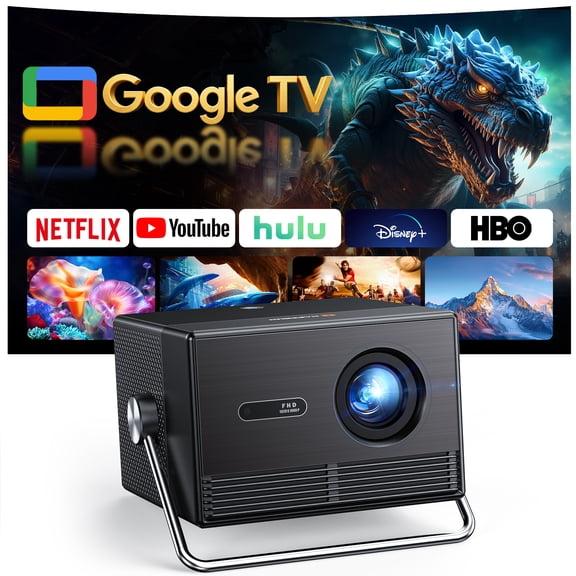
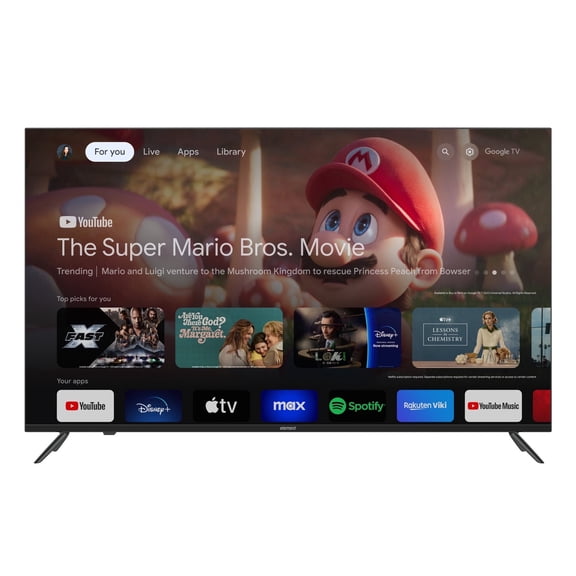
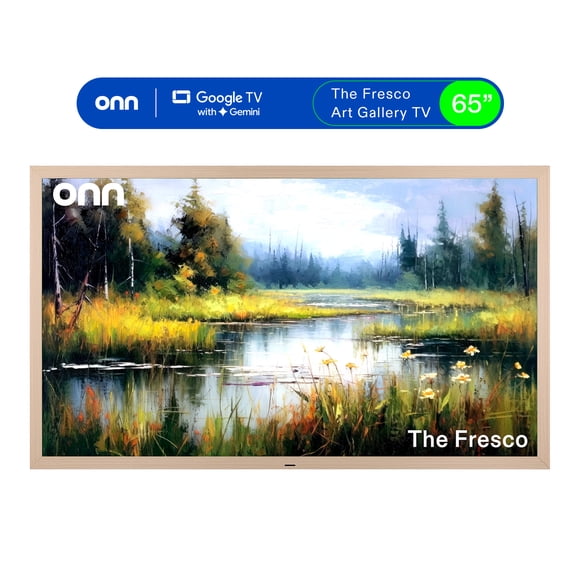
When you want personalized recommendations and Google integration, you may explore Google TV models for a content-first layout. You'll also find voice search helpful when you switch between apps often.
If your home already uses Amazon services, you may gravitate toward Fire TV for familiar controls and app organization. You'll keep your streaming routine consistent across devices.
When you want a polished menu with broad app support, you may compare WebOS options for smooth navigation. You'll want to confirm your favorite services and casting needs before you choose.
What to look for in tv features for gaming and everyday viewing
You should check refresh rate and ports if you split time between streaming, sports, and gaming. You'll see a real difference when your console and TV support the same performance features.
If you play newer consoles, you may look for 120Hz support for smoother motion during fast gameplay. You'll want that extra responsiveness for racing, sports, and action-heavy titles.
You should also compare HDMI 2.1 ports when you want advanced console features on compatible devices. You'll make setup easier when your TV has enough ports for a console, soundbar, and streamer.
For casual watching, you may focus on easy menus, dependable app support, and the right number of HDMI inputs. You'll still want clear motion handling for live sports and busy action scenes.
How tv specials fit real rooms and shopping moments
You may want tv specials for a first apartment, a family room refresh, or a simple bedroom upgrade. You'll get more useful results when you match the screen size and platform to that space.
If you're comparing a tv near me type search, you may really want convenient pickup, shipping options, and fast availability. You'll find broad online selection and flexible fulfillment cover that shopping intent.
When you plan ahead for moments like memorial day tv 2026 searches, you may be watching for timing and model variety. You'll still make a stronger choice when you compare size, display, and platform first.
For movie nights, you may pair a 65 inch or 75 inch screen with 4K and OLED or QLED picture options. You'll get a more immersive view when your room supports the larger format.
For guest rooms, kids' spaces, or dorms, you may prefer 32 inch or 43 inch TVs with simple smart tools. You'll keep setup easy while fitting smaller furniture and tighter walls.
If your household mixes streaming, live sports, and gaming, you may want 4K resolution, 120Hz support, and several HDMI ports. You'll cover daily watching and weekend play without compromising convenience.
You can narrow tv specials with more confidence when you compare viewing distance, panel type, platform, and gaming support together. You'll end up with a TV that fits your room, your apps, and your screen habits from day one.