

Computing Deals & More


























































FAQ
About
Doorbuster laptops help you compare computers by form factor, speed, and storage before you choose a machine for work, school, or everyday use. You can sort through laptops, desktop computers, all-in-ones, and two-in-ones with clearer buying guidance that matches how you live and work.
If you’re replacing an older device, you’ll want details that matter fast. You can use this guide to compare portability, processor options, RAM, storage, and operating system fit without getting buried in jargon.
How to choose doorbuster laptops and computers
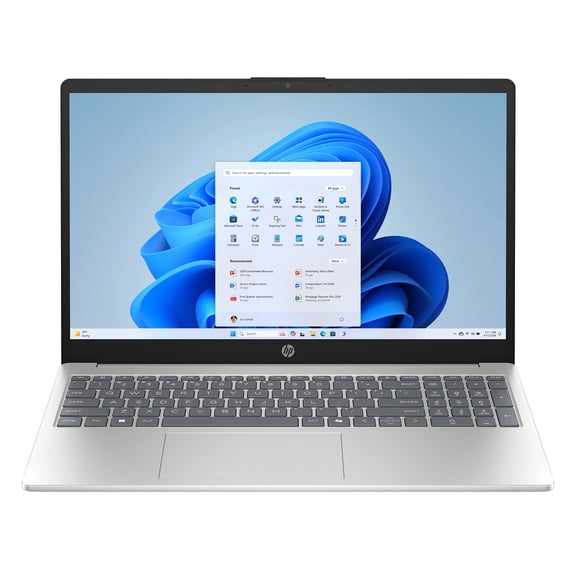
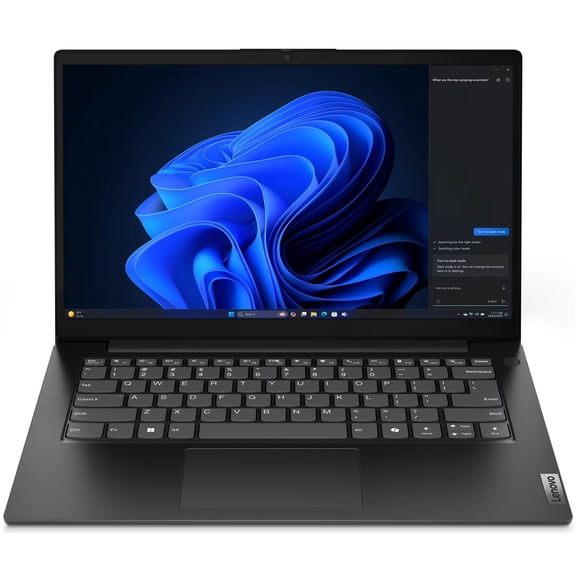
Start with form factor because your daily routine shapes everything else you’ll want. You may prefer a laptop for travel, a desktop for a fixed setup, an all-in-one for a cleaner desk, or a two-in-one for touch flexibility.
When you compare computers, you should think about where you’ll use them most. You’ll usually want a lightweight laptop for commutes, while your home office may benefit from the larger screens common with desktop computers.
You can narrow your options faster by focusing on the outcome you need each day. Your classes, video calls, creative apps, and family streaming habits will point you toward the right mix of speed, memory, and storage.
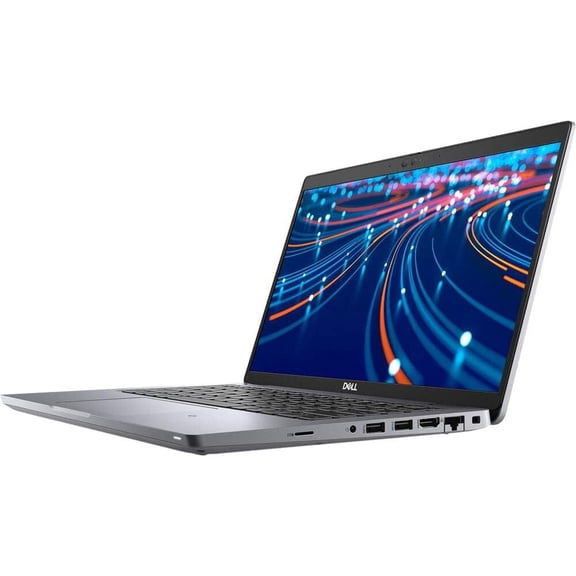
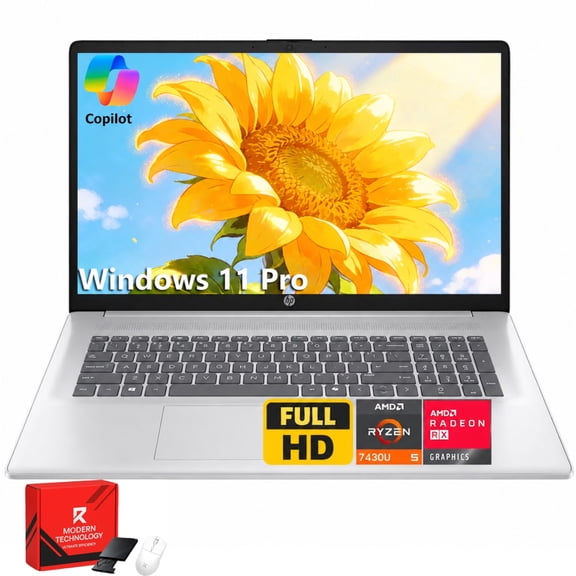
- You can carry laptops easily for classes, travel, and room-to-room use.
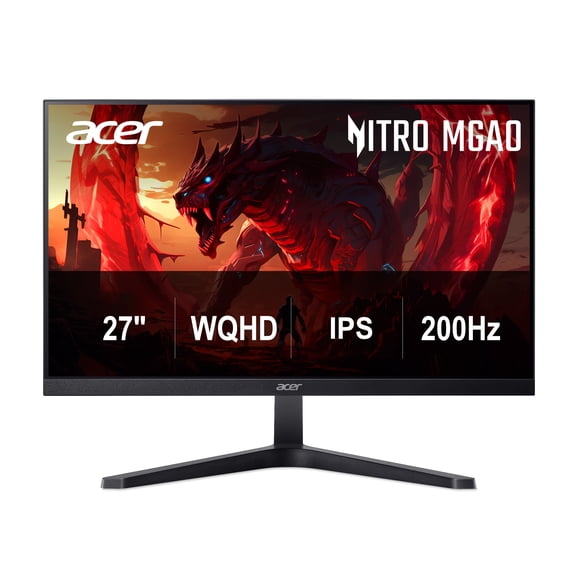
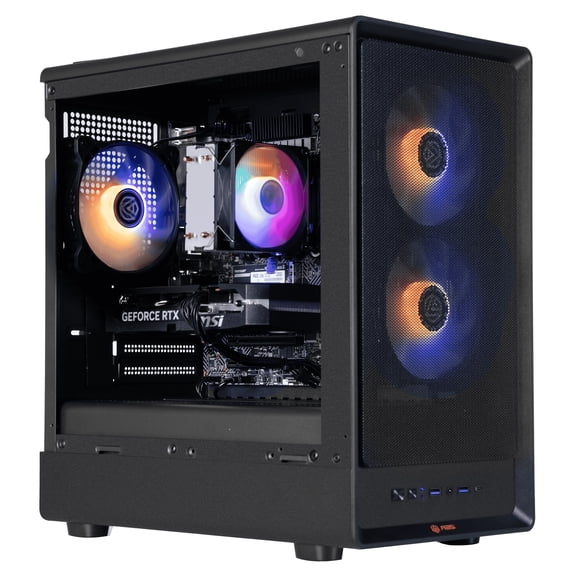
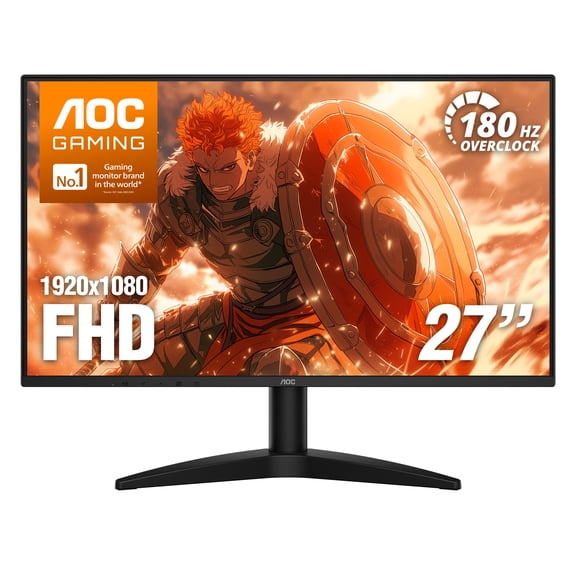
- You can set up desktop computers for larger monitors, full keyboards, and dedicated workspaces.
- You can choose all-in-ones when you want fewer visible cables on your desk.
- You can pick two-in-ones when your note-taking or entertainment habits benefit from touch controls.
Choosing form factor, operating system, and everyday fit
Look at your workspace first, then check your software habits. You’ll want a device that fits your desk, your bag, and the programs you already use.
If you rely on familiar office tools and broad accessory support, you may lean toward a traditional laptop or desktop setup. If your other devices already shape your workflow, you should check whether your operating system keeps syncing simple.
You’ll also want to think about battery life if you work away from outlets. Your travel days, campus schedule, and coffee shop sessions can make battery performance just as important as screen size.
For shared family spaces, you may prefer an all-in-one because you get a streamlined setup with fewer separate parts. For flexible use, you can choose a two-in-one that lets your screen switch between typing and touch tasks.
What to look for in processors, RAM, and SSD storage
Processor choice affects how quickly your computer handles apps, tabs, and creative tasks. You can compare Intel Core i5, Intel Core i7, AMD Ryzen 5, AMD Ryzen 7, and Apple M-Series options by matching them to your routine.
If you handle email, streaming, and schoolwork, you’ll often find a midrange CPU fits your day well. If you edit photos, run demanding software, or game after hours, you may want a stronger processor for smoother multitasking.
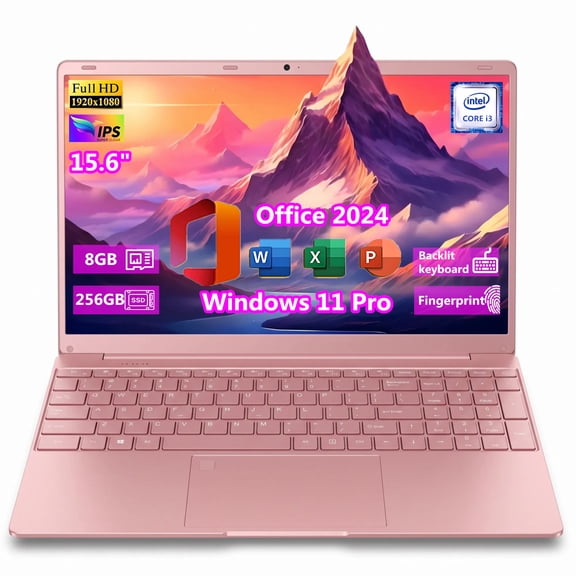
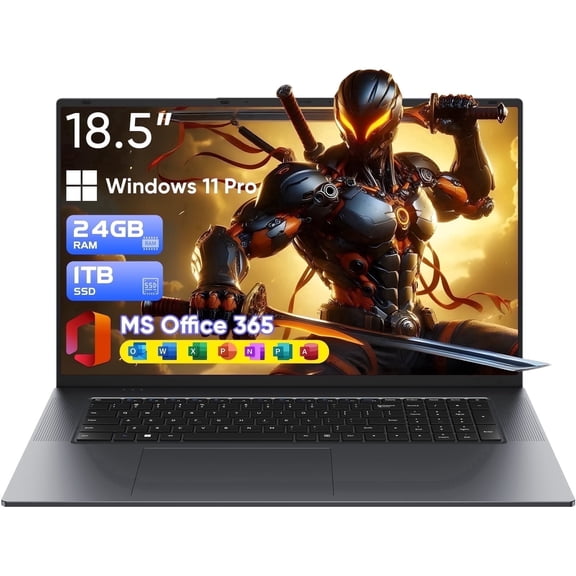
RAM tells you how comfortably your system handles several tasks at once. You can treat 8GB as a practical starting point for browsing and documents, while 16GB gives your workflow more room for meetings, tabs, and apps.
If your workload includes heavier creative programs or more advanced gaming, you may want 32GB. You’ll notice that higher RAM capacity helps your system stay responsive during bigger projects.
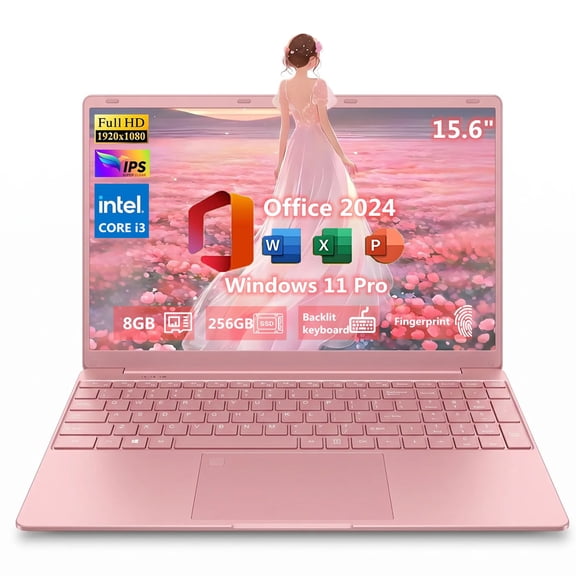
Storage matters because your files, downloads, and apps need room to live. You can choose 256GB SSD for lighter everyday use, 512GB SSD for a balanced setup, or 1TB SSD for larger libraries and bigger software installs.
An SSD helps your computer start faster and open files quicker than older drive styles. You’ll appreciate that speed when your day includes frequent restarts, large downloads, or switching between tasks.
Using computer prices and seasonal computer searches wisely
When you compare computer prices, you should focus on the specs that affect your daily experience. You’ll get more practical value when your processor, RAM, and SSD match your actual workload instead of adding extras you won’t use.
Seasonal searches like memorial day computers, black friday computers, and laptop black friday often reflect the same buying questions. You still need to compare form factor, memory, and storage first, because those choices shape your long-term satisfaction.
If you’re looking for computers with fast pickup or delivery options, you’ll want clear category filters and dependable product information. You can use those tools to narrow by screen size, processor family, storage capacity, and operating system.
You may also be choosing between a household computer and a personal machine. Your shared setup may need a desktop or all-in-one for a central space. Your personal setup may call for a laptop you can carry anywhere.
Matching computers to school, work, gaming, and home use
For school, you’ll usually want a laptop with enough battery life, 8GB or 16GB RAM, and SSD storage. You can carry it across campus, join online classes, and keep assignments organized without a bulky setup.
For remote work, you may want a larger display or a desktop computer with room for accessories. You’ll likely appreciate extra memory, steady performance, and a setup that supports video calls and long work sessions.
For creative projects, you should compare stronger CPUs, 16GB or 32GB RAM, and larger SSD options. You can keep editing apps, media files, and multitasking demands moving with fewer slowdowns.
For entertainment and gaming, you’ll want to check processor strength, memory headroom, and storage space for larger installs. You can also compare laptops against desktop computers based on whether portability or upgrade flexibility matters more to you.
When you choose doorbuster laptops with a clear view of form factor, CPU, RAM, and SSD size, you make your search simpler. You’ll end up with a computer that fits your routine, your software, and your space with less guesswork.