

School Tech



























![Mingdaln 7 Bands Gift Set Smart Watch , [1.85" AMOLED Screen] Smartwatch for women , Ip68 Waterproof with Bluetooth Calls, AI Control, 7 Days Battery Fits for Android Iphone, Pink](https://i5.walmartimages.com/seo/Mingdaln-Smart-Watch-Men-Women-2026-Smartwatch-Metal-body-1-93-New-Fitness-Watch-Answer-Make-Call-120-Sport-Modes-Pedometer-IP68-Waterproof-Fitness-T_6becfb3c-82dd-40fc-a3d4-ff6bfc5cbcb9.77015b326fca2c8515af5729506bee5f.jpeg?odnHeight=576&odnWidth=576&odnBg=FFFFFF)














![Aioneus USB C to USB C Cable [3Pack 10FT] 60W C to C Fast Charging Nylon Braided Type C to Type C Charger Cord,Compatible with Samsung Galaxy iPhone 15/16, Gray](https://i5.walmartimages.com/seo/Aioneus-USB-C-to-USB-C-Cable-3Pack-10FT-60W-C-to-C-Fast-Charging-Nylon-Braided-Type-C-to-Type-C-Charger-Cord-for-Samsung-Galaxy-iPhone-15-16-Gray_97bd6a6f-714f-4f24-a0fb-380f834e0134.2065dd2e85e6cffe212aa6dff9b43661.png?odnHeight=576&odnWidth=576&odnBg=FFFFFF)
![3ft(3Pack), variant on Aioneus USB C to USB C Cable [3Pack 10FT] 60W C to C Fast Charging Nylon Braided Type C to Type C Charger Cord,Compatible with Samsung Galaxy iPhone 15/16, Gray](https://i5.walmartimages.com/asr/0b366809-ae88-43d2-96ef-2b3c07061432.3ed8ac7a0170cb2c743cae2f84eccca2.png?odnHeight=30&odnWidth=30&odnBg=FFFFFF)
![3ft6ft10ft(3Pack), variant on Aioneus USB C to USB C Cable [3Pack 10FT] 60W C to C Fast Charging Nylon Braided Type C to Type C Charger Cord,Compatible with Samsung Galaxy iPhone 15/16, Gray](https://i5.walmartimages.com/asr/4fa21e69-f366-448f-83a6-83ba3584586c.74fe5a89b30053855327b388a7da7e46.png?odnHeight=30&odnWidth=30&odnBg=FFFFFF)
![6ft(3Pack), variant on Aioneus USB C to USB C Cable [3Pack 10FT] 60W C to C Fast Charging Nylon Braided Type C to Type C Charger Cord,Compatible with Samsung Galaxy iPhone 15/16, Gray](https://i5.walmartimages.com/asr/f78401fa-e21b-43ef-b319-ce1469b18652.84f334abbc0532dbeeb7b1ae2e360fb0.png?odnHeight=30&odnWidth=30&odnBg=FFFFFF)
![Gray, variant on Aioneus USB C to USB C Cable [3Pack 10FT] 60W C to C Fast Charging Nylon Braided Type C to Type C Charger Cord,Compatible with Samsung Galaxy iPhone 15/16, Gray](https://i5.walmartimages.com/asr/3ef34e96-2ff1-4507-800f-5afdb60de735.26ba0d6864f644add0a581a0de778716.png?odnHeight=30&odnWidth=30&odnBg=FFFFFF)













About
With back to school electronics, you can match school needs to the right device, grade level, and daily routine. You’ll find practical choices for classwork, homework, videos, and study sessions across laptops, tablets, headphones, and calculators.
As you prepare for a new term, you may need tech that fits elementary learners, busy teens, or campus life. You can use this guide to compare device types, storage, connectivity, and power options with less guesswork.
How to choose back to school electronics by grade level
Your student’s grade level can shape which screen size, keyboard setup, and portability matter most during the school year. You may prefer simple, durable classroom tech for elementary students and more multitasking support for older students.
For elementary grades, you might focus on tablets, kid-friendly headphones, and easy basic calculators for guided assignments. In middle school, you may want a balance of typing comfort, lighter weight, and dependable battery life.
High school students often need room for research tabs, writing assignments, and graphing calculator use in math classes. In college, you may prioritize stronger performance, larger storage, and flexible charging options for long days between classes.
Choosing the right device type for schoolwork
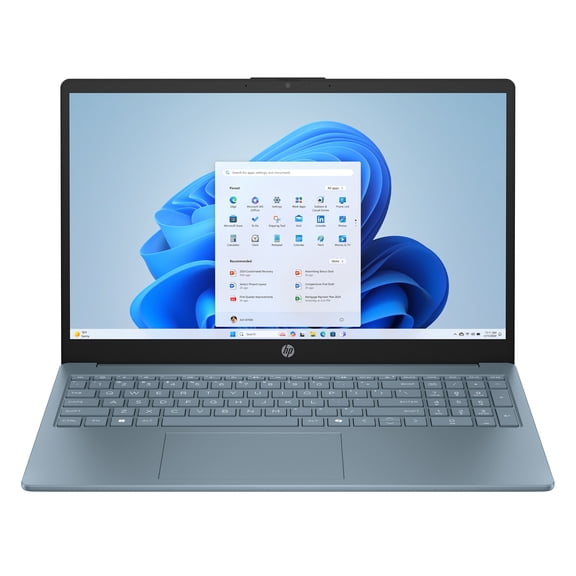
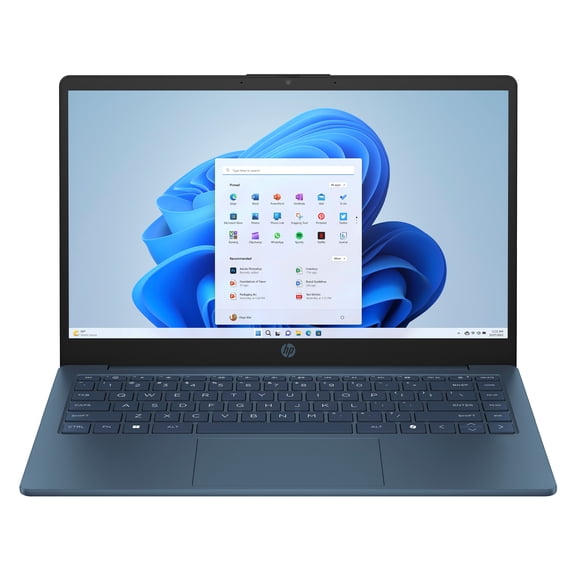
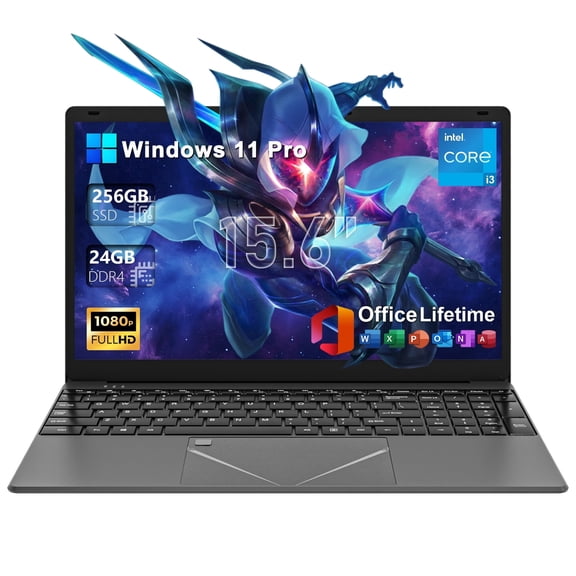
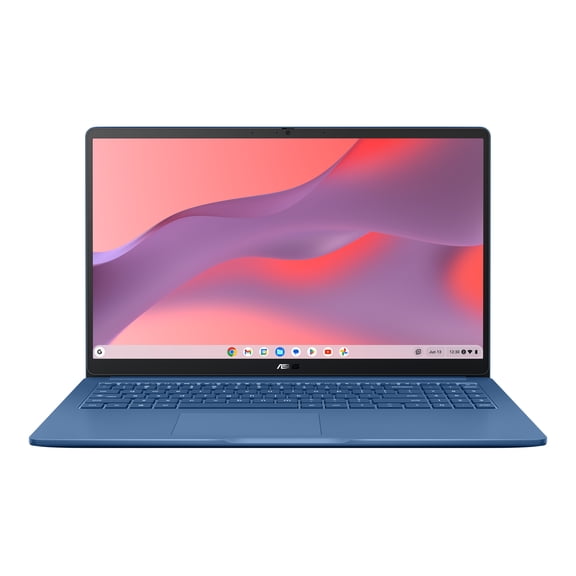
If you’re deciding between laptops and tablets, you should start with how your student completes daily assignments. You may lean toward laptops when your student types often, joins online classes, or uses several windows at once.
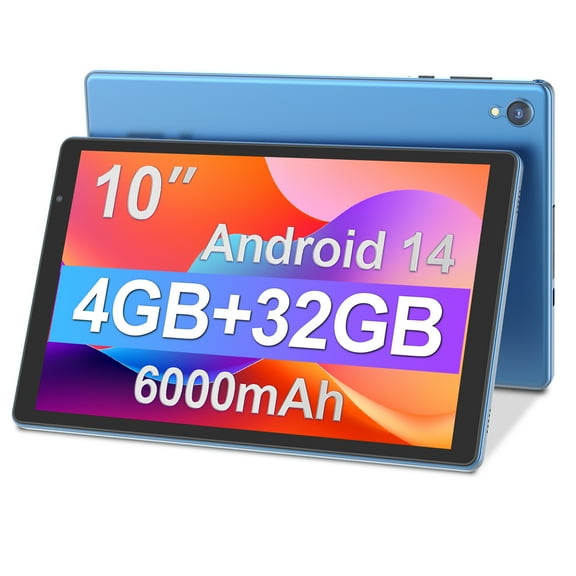
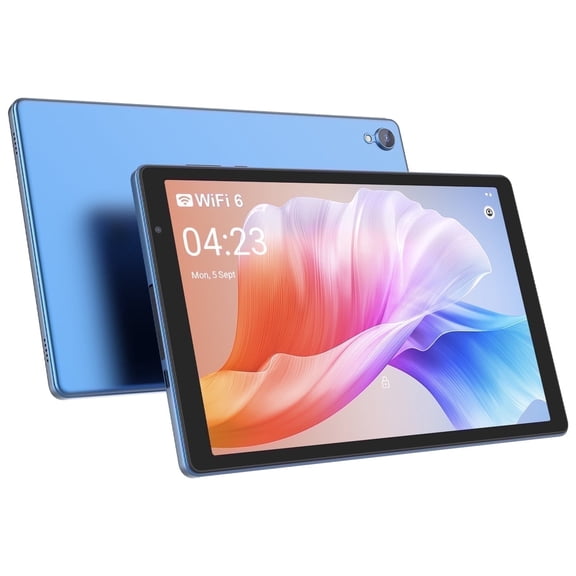
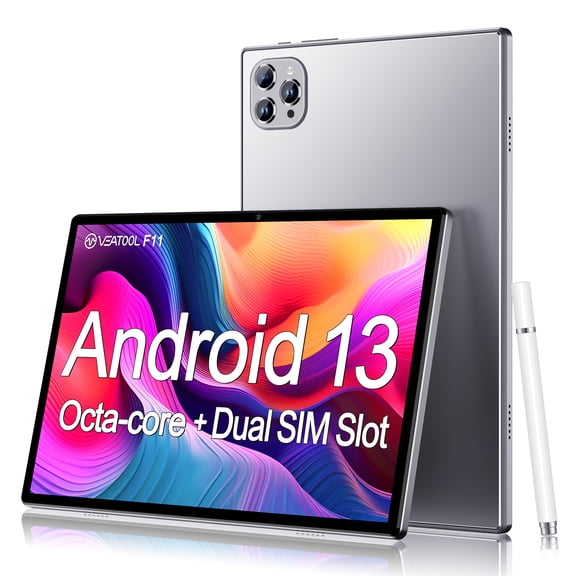
Tablets can make sense when you want a lighter back to school device for reading, streaming lessons, and note review. You may also like how tablets fit smaller backpacks and move easily between home, class, and study spaces.
- You can choose laptops for longer writing tasks, research projects, and class platforms that use full keyboards.
- You can choose tablets for portable reading, quick check-ins, and touch-friendly educational apps.
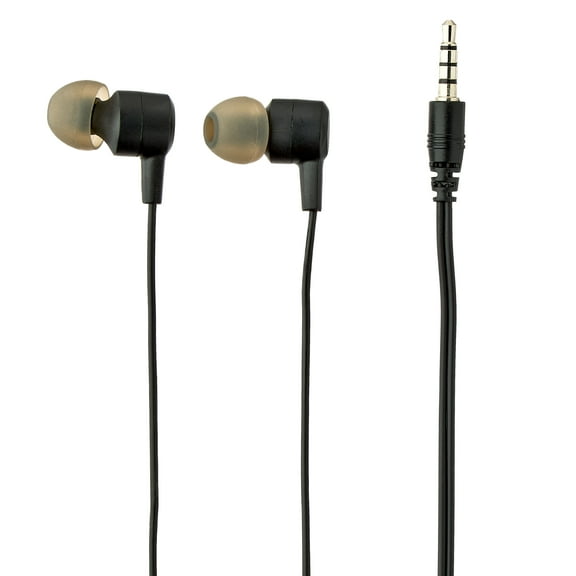
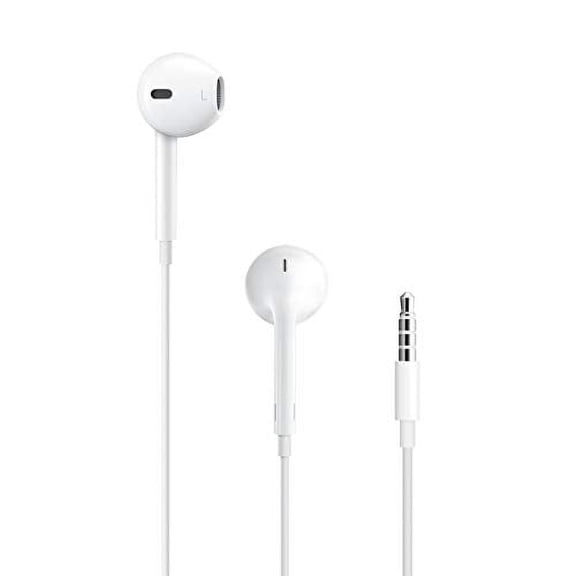
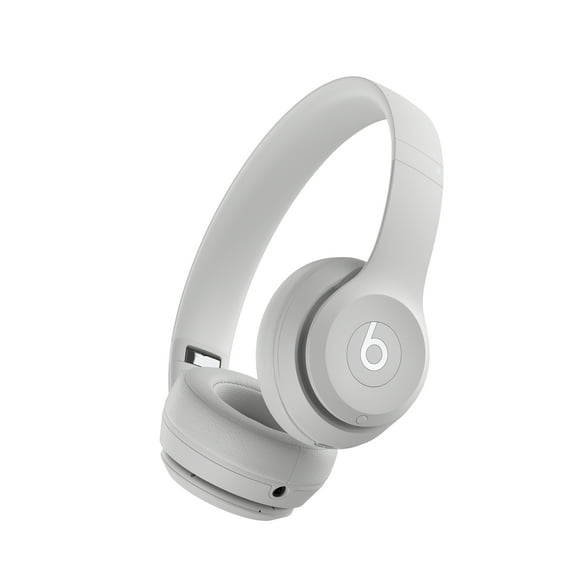
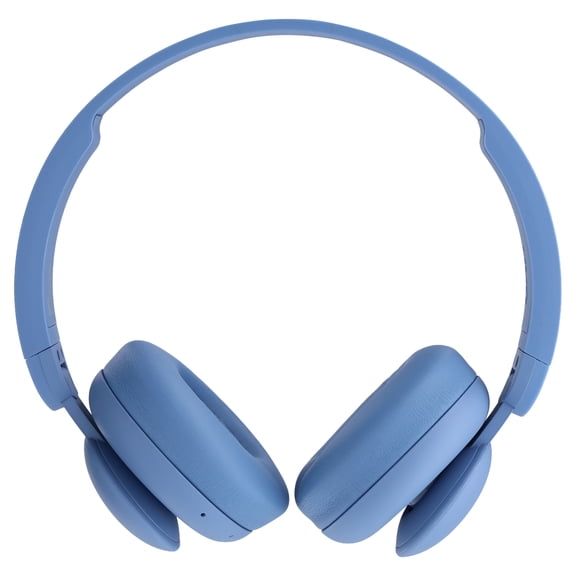
- You can choose headphones for focused listening during lessons, study halls, and shared spaces.
- You can choose calculators for everyday math work, advanced equations, and test-day class requirements.
When you compare device type, you should also check whether classes require certain software or browser access. You’ll want to confirm if your student needs a full keyboard, touch controls, or both.
What to look for in storage and school software
Your storage choice affects how many files, apps, and downloads you can keep ready for class. You may find 64GB works for lighter use, while 128GB or 256GB gives you more room for projects.
If your student stores presentations, photos, or offline lessons, you may want 256GB or 512GB for smoother day-to-day use. You can avoid constant file cleanup when your device has space for school software and class materials.
As you compare options, you should think about how often your student downloads assignments or records class content. You’ll also want enough storage for updates, study apps, and future semesters.
Comparing connectivity for back to school headphones and devices
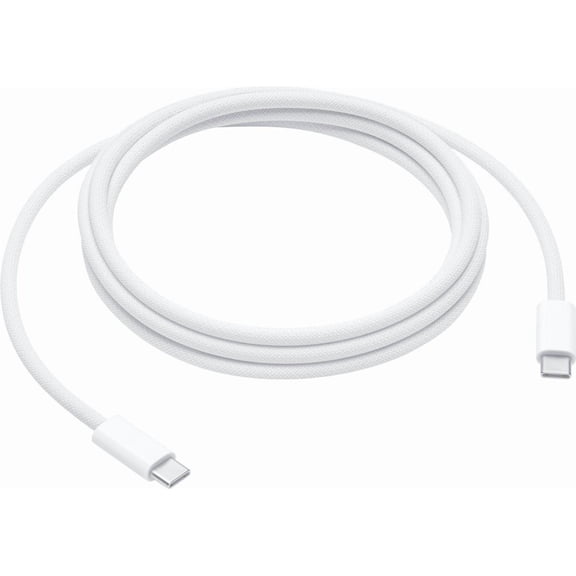
Your connectivity choice can change how easily your student plugs in, pairs up, and moves through the school day. You may prefer wired or USB-C connections when you want simple setup for classrooms and shared family spaces.
If your student switches between desks, library tables, and home study areas, you might like wireless or bluetooth options. You can reduce cable clutter while keeping audio gear and accessories easy to carry.
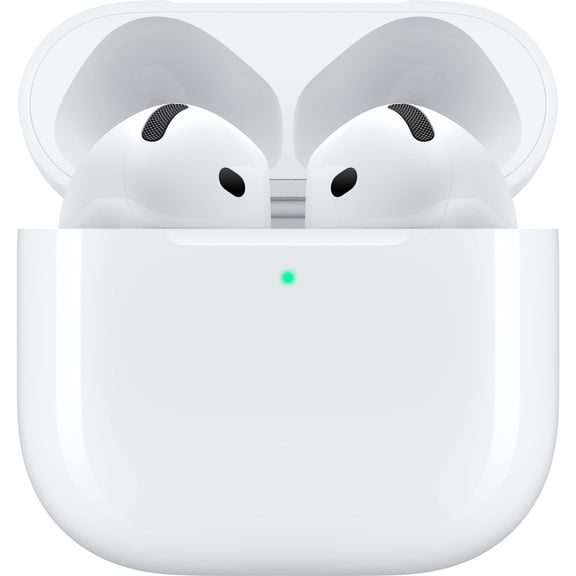
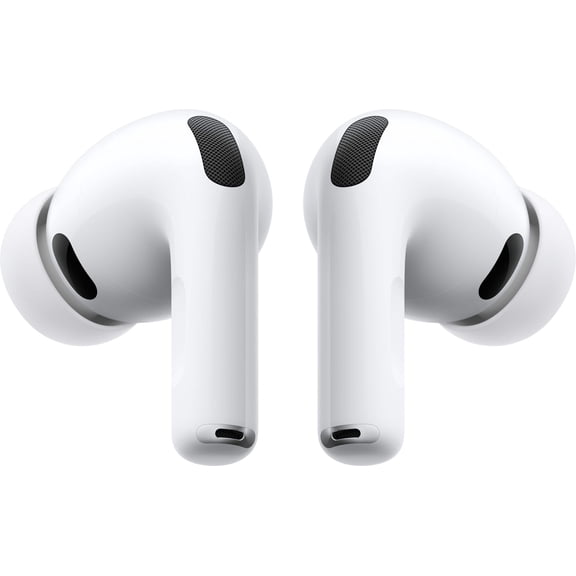
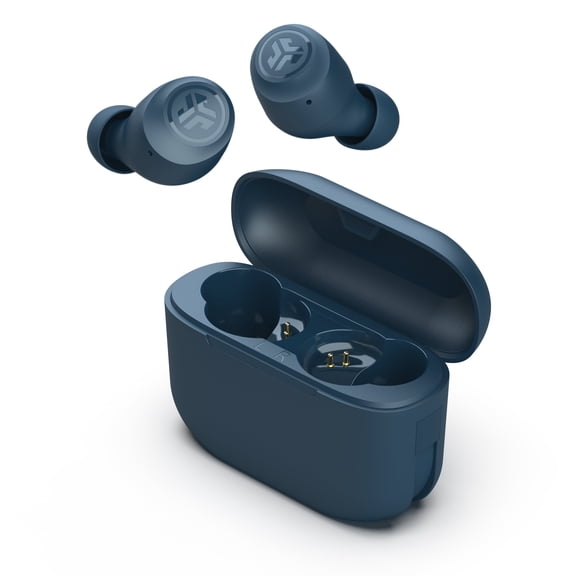
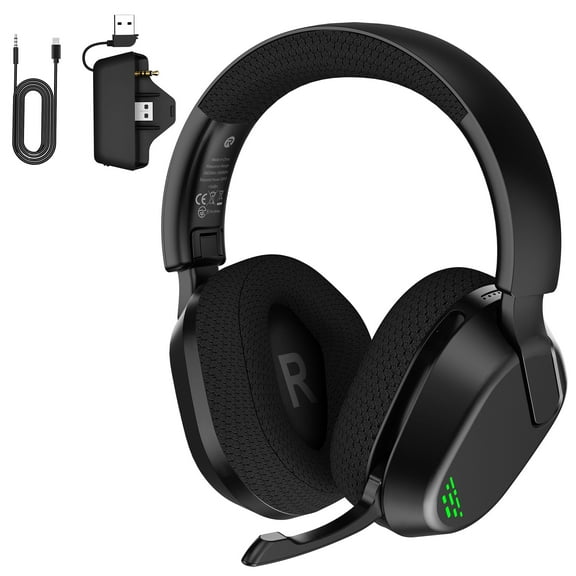
For back to school headphones, you should check how they connect to tablets, laptops, and classroom tech before classes begin. You’ll avoid compatibility issues when your audio gear matches your student’s ports and charging habits.
How to choose battery powered, rechargeable, or plug-in tech
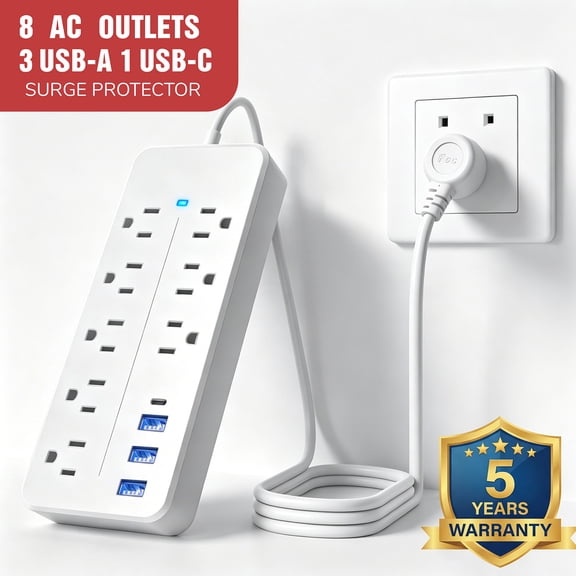
Your power source matters when your student moves between classes, buses, after-school programs, and homework time. You may want rechargeable devices for daily use because they support portable routines without constant battery replacement.
Battery powered accessories can work well when you want a simple backup for calculators or smaller classroom tech. You may prefer plug-in options for home desks, dorm rooms, or steady study stations.
When you compare battery life, you should think about a full school day instead of a short session. You’ll appreciate a back to school tech setup that stays ready through class, commuting, and evening assignments.
Using back to school electronics in real student routines
If your child is in elementary school, you may pair a tablet with wired headphones for reading practice and guided learning apps. You can keep the setup light, simple, and easy to move from classroom to kitchen table.
For middle school, you might choose a laptop with 128GB storage and rechargeable headphones for research, typing, and video lessons. You’ll get a flexible setup that supports both classroom tasks and homework.
High school students may need a laptop, graphing calculator, and back to school headphones for math, essays, and online study sessions. You can support heavier workloads with more storage and dependable all-day power.
If you’re shopping for college, you may compare lighter laptops, 256GB or 512GB storage, and bluetooth audio for commuting across campus. You’ll want a setup that handles lectures, papers, presentations, and shared study spaces.
When you shop for younger students, you may also look for volume-limiting headphones that cap sound around 85dB. You can choose audio gear designed for school listening, video lessons, and travel without extra complexity.
Supporting student learning and tech needs
Your back to school electronics choices should reflect class requirements, study habits, and how your student carries tech each day. You can narrow the options faster when you compare grade level, device type, connectivity, storage, and power source together.
With the right mix of classroom tech and everyday usability, you’ll set up smoother school days from the first assignment onward. You can feel confident when your student’s device fits real schoolwork, real schedules, and real spaces.