

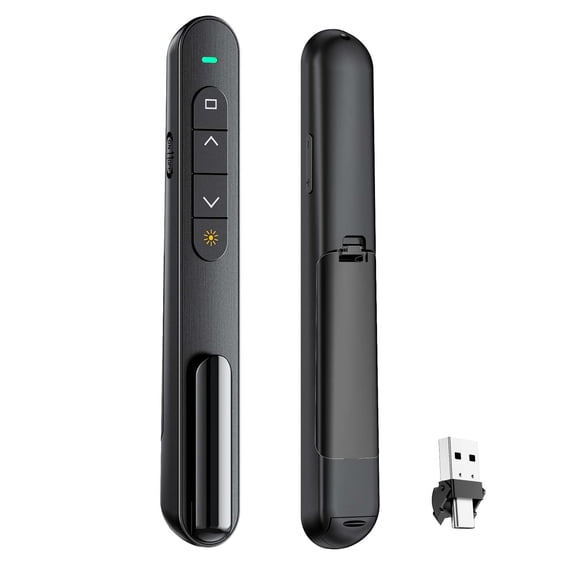
Presentation Clicker with Volume Control,Wireless Presenter Remote
Key item features
-
Product Feature
- 【Plug and Play Operation】 This presentation clicker supports page up and down,hyperlink navigation,volume control,power on off,and full screen black screen switching.No additional software or driver installation is needed to use its core functions
- 【Bright Red Pointer Light】 The powerpoint clicker emits a bright red light that helps clearly mark key parts of each slide to let audiences easily follow main points.The light remains clearly visible even in large conference rooms or lecture halls
- 【Long Wireless Control Range】 The clicker for PowerPoint presentations delivers a control distance of up to 328 ft.It allows presenters to roam the entire venue and interact directly with the audience without being restricted to a stationary podium
- 【Wide System and Software Compatibility】 The wireless presenter remote works smoothly across Mac OS and Windows laptops.It supports software including PowerPoint,Keynote,Google Slides,Excel,ACDSee,Prezi,iWork Numbers and Pages
- 【Portable Carrying Design】 The presentation pointer has a convenient clip that can attach to a notebook or pocket for easy carrying.It fits for use in meetings,classrooms,training sessions and various presentation scenarios
How To Use
Insert the USB receiver of the clicker into the USB port of your target device.Make sure the device is powered on and running the presentation software you intend to use.Install one AAA battery into the clicker as required,note that the battery is not included with the product.Once connected,you can directly press the corresponding buttons on the clicker to perform preset functions including page turning,pointer activation and mode switching.If you encounter unstable connection during use,please check whether the USB receiver is firmly plugged in,and confirm there are no large metal obstacles between the clicker and the receiver that may block the signal.After finishing your presentation,you can unplug the USB receiver and store it along with the clicker via the built-in clip for easy next use.
Why Choose
This presentation clicker is built with intuitive operation logic that adapts to common usage habits of presenters across different operating systems and software platforms.It eliminates the need for complicated setup steps so you can start your presentation immediately after plugging in the receiver.The long wireless range and clear pointer light support smooth performance in different venue sizes,and the portable clip design makes it easy to carry without taking extra storage space.All functions are designed to cover the core needs of daily presentation scenarios,helping you complete slide control and audience interaction smoothly during meetings,training and classroom sessions.
- clicker for powerpoint presentations
- clicker for powerpoint presentations
- clicker for powerpoint presentations
- clicker for powerpoint presentations
Specs
Compatibility, Laptops, Electronic whiteboards, Projectors, Mac, Windows, Linux, Android, PowerPoint, Keynote, Google Slides, Excel, ACDSee, Prezi, iWork Numbers, Pages
Wireless, Wireless
Laser color, Red
Items included, USB Receiver
OS, Mac, Windows, Linux, Android
About this item
Product details
Product Details
The presentation clicker is a specialized ergonomic device designed to support a single connected device for seamless presentation control.It works with a wide range of compatible hardware including laptops,electronic whiteboards and projectors,and supports common software across multiple operating systems such as Mac,Windows,Linux and Android.Its core functions cover page up and down navigation,hyperlink access,volume adjustment,device power control,and full screen or black screen switching during slideshows.Equipped with a bright red pointer light,it lets presenters clearly highlight key content on slides,remaining visible even in large conference rooms or lecture halls.It offers a 328-foot wireless control range that frees presenters from fixed podiums to move around and interact with audiences,and comes with a handy clip for attaching to notebooks or pockets for easy portability,making it suitable for meetings,classrooms and training scenarios.
-
Product Feature
- 【Plug and Play Operation】 This presentation clicker supports page up and down,hyperlink navigation,volume control,power on off,and full screen black screen switching.No additional software or driver installation is needed to use its core functions
- 【Bright Red Pointer Light】 The powerpoint clicker emits a bright red light that helps clearly mark key parts of each slide to let audiences easily follow main points.The light remains clearly visible even in large conference rooms or lecture halls
- 【Long Wireless Control Range】 The clicker for PowerPoint presentations delivers a control distance of up to 328 ft.It allows presenters to roam the entire venue and interact directly with the audience without being restricted to a stationary podium
- 【Wide System and Software Compatibility】 The wireless presenter remote works smoothly across Mac OS and Windows laptops.It supports software including PowerPoint,Keynote,Google Slides,Excel,ACDSee,Prezi,iWork Numbers and Pages
- 【Portable Carrying Design】 The presentation pointer has a convenient clip that can attach to a notebook or pocket for easy carrying.It fits for use in meetings,classrooms,training sessions and various presentation scenarios
How To Use
Insert the USB receiver of the clicker into the USB port of your target device.Make sure the device is powered on and running the presentation software you intend to use.Install one AAA battery into the clicker as required,note that the battery is not included with the product.Once connected,you can directly press the corresponding buttons on the clicker to perform preset functions including page turning,pointer activation and mode switching.If you encounter unstable connection during use,please check whether the USB receiver is firmly plugged in,and confirm there are no large metal obstacles between the clicker and the receiver that may block the signal.After finishing your presentation,you can unplug the USB receiver and store it along with the clicker via the built-in clip for easy next use.
Why Choose
This presentation clicker is built with intuitive operation logic that adapts to common usage habits of presenters across different operating systems and software platforms.It eliminates the need for complicated setup steps so you can start your presentation immediately after plugging in the receiver.The long wireless range and clear pointer light support smooth performance in different venue sizes,and the portable clip design makes it easy to carry without taking extra storage space.All functions are designed to cover the core needs of daily presentation scenarios,helping you complete slide control and audience interaction smoothly during meetings,training and classroom sessions.
- clicker for powerpoint presentations
- clicker for powerpoint presentations
- clicker for powerpoint presentations
- clicker for powerpoint presentations
Specifications
Maximum range
Compatibility
Wireless
Laser color
Warranty
Warranty information
Similar items you might like
Based on what customers bought
Reduced price, Wireless USB Presenter Remote & PowerPoint Clicker with Laser Pointer For PPT Computer Laptop, RF 2.4GHz Wireless Control – Presentation Tool For Business, School $12.59 Was $14.99
Reduced price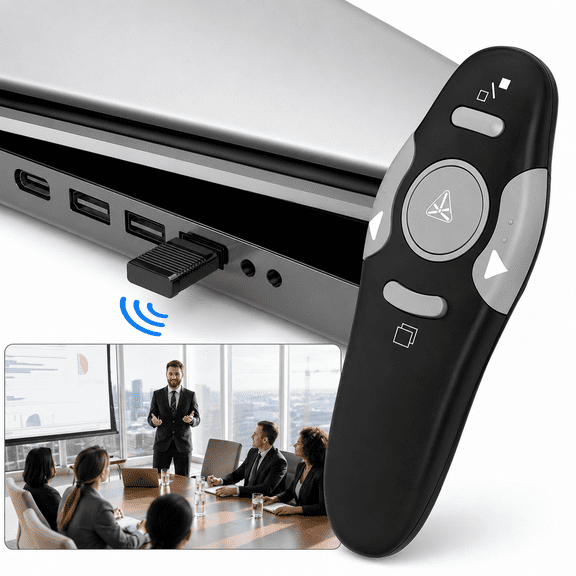 SponsoredNow$1259current price Now $12.59, Was $14.99$14.99You save $2.40You save$2.40
Wireless USB Presenter Remote & PowerPoint Clicker with Laser Pointer For PPT Computer Laptop, RF 2.4GHz Wireless Control – Presentation Tool For Business, School
15 out of 5 Stars. 1 reviews5 out of 5 starsShipping, arrives in 3+ daysGJX Wireless Presenter with Red Laser Pointer, 2.4GHz Presentation Clicker Remote, Air Mouse PPT Remote for Windows Mac Linux $8.87
 $887current price $8.87
GJX Wireless Presenter with Red Laser Pointer, 2.4GHz Presentation Clicker Remote, Air Mouse PPT Remote for Windows Mac Linux
Wireless Presenter Remote RF 2.4GHz USB Presentation Remote Control PowerPoint Presentation Clicker for Mac/Keynote/PC/Laptop/PPT $4.61 Was $5.84
 $461current price $4.61, Was $5.84$5.84
Wireless Presenter Remote RF 2.4GHz USB Presentation Remote Control PowerPoint Presentation Clicker for Mac/Keynote/PC/Laptop/PPT
64.3 out of 5 Stars. 6 reviews4.3 out of 5 starsClearance, Wireless Presenter,Hyperlink Volume Control Presentation Clicker RF 2.4GHz USB PowerPoint Clicker Presentation Remote Control Pointer Slide Advancer (Black) $4.98 Was $19.99
Clearance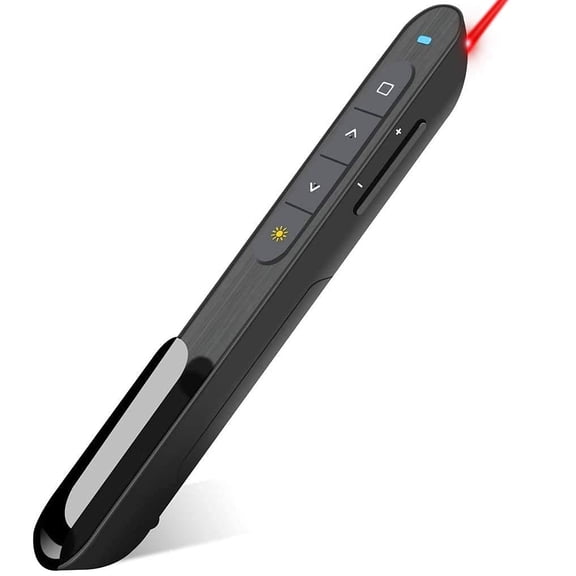 $498current price $4.98, Was $19.99$19.99
Wireless Presenter,Hyperlink Volume Control Presentation Clicker RF 2.4GHz USB PowerPoint Clicker Presentation Remote Control Pointer Slide Advancer (Black)
GJX Presentation Clicker with Volume Control,2.4Ghz Usb Wireless Presenter Remote,Clicker Slide Advancer Compatible with Mac,Windows,Keynote $9.23
 2 optionsAvailable in additional 2 options$923current price $9.23
GJX Presentation Clicker with Volume Control,2.4Ghz Usb Wireless Presenter Remote,Clicker Slide Advancer Compatible with Mac,Windows,Keynote
Presentation Clicker for PowerPoint,Wireless Presenter Remote USB Receiver $4.98
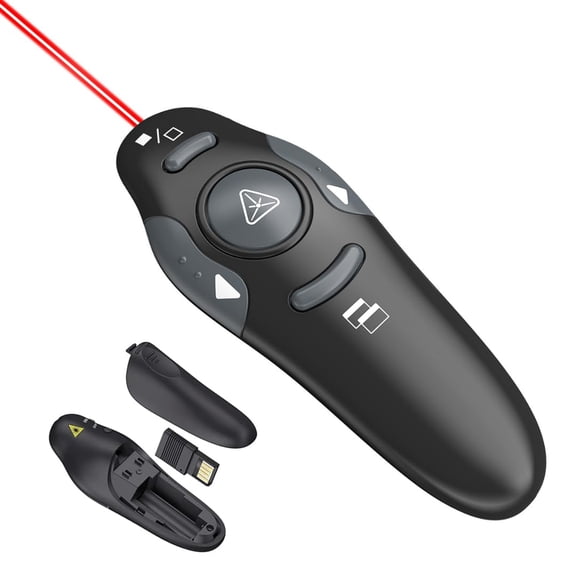 $498current price $4.98
Presentation Clicker for PowerPoint,Wireless Presenter Remote USB Receiver
Clearance, 2.4GHz USB Wireless Powerpoint PP Clicker Presenter E4O3 Presenter Pointer L4E2 $4.79 Was $5.44
Clearance $479current price $4.79, Was $5.44$5.44
2.4GHz USB Wireless Powerpoint PP Clicker Presenter E4O3 Presenter Pointer L4E2
HBMYN Presentation Clicker PowerPoint Clicker for Presentation, Remote Rechargeable Wireless Presenter Pointer Slide Advancer $19.28
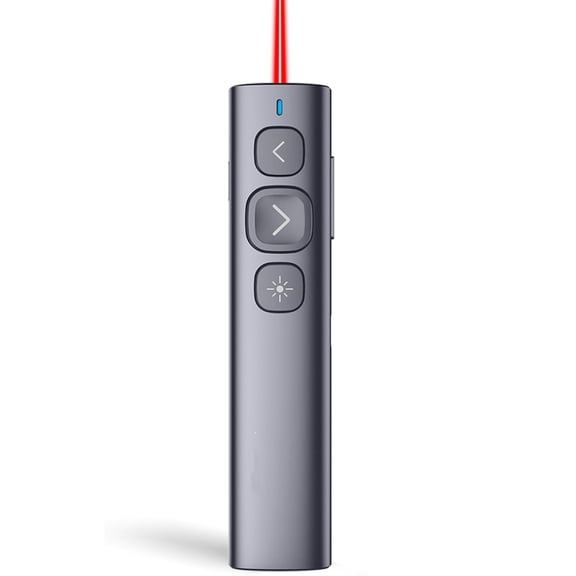 $1928current price $19.28
HBMYN Presentation Clicker PowerPoint Clicker for Presentation, Remote Rechargeable Wireless Presenter Pointer Slide Advancer
2.4GHz Wireless Presenter Remote Control Laser Pointer PowerPoint Clicker $7.28
$728current price $7.282.4GHz Wireless Presenter Remote Control Laser Pointer PowerPoint Clicker
Presentation Clicker Rechargeable PowerPoint Clicker, Hyperlink Volume Wireless Presenter Remote Presentation Pointer, 2.4GHz Presentation Remote PPT Slide Clicker for Computer Laptop $9.38 Was $15.99
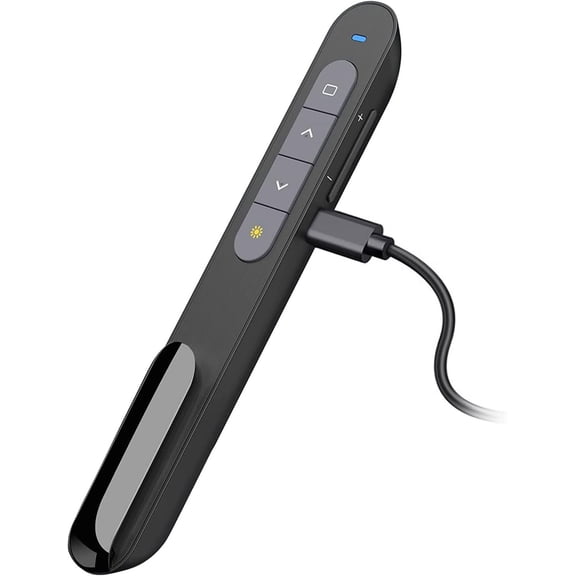 $938current price $9.38, Was $15.99$15.99
Presentation Clicker Rechargeable PowerPoint Clicker, Hyperlink Volume Wireless Presenter Remote Presentation Pointer, 2.4GHz Presentation Remote PPT Slide Clicker for Computer Laptop
Wireless Presenter RF 2.4GHz Presentation Remote with Pointer PowerPoint PPT Slides Clicker for School Office $4.73
 $473current price $4.73
Wireless Presenter RF 2.4GHz Presentation Remote with Pointer PowerPoint PPT Slides Clicker for School Office
GJX Presentation Clicker with Red Laser Pointer,Rf 2.4Ghz Usb Wireless Presenter Remote Slide Clicker for Powerpoint Presentations for Computer Laptop Office Classroom $7.99
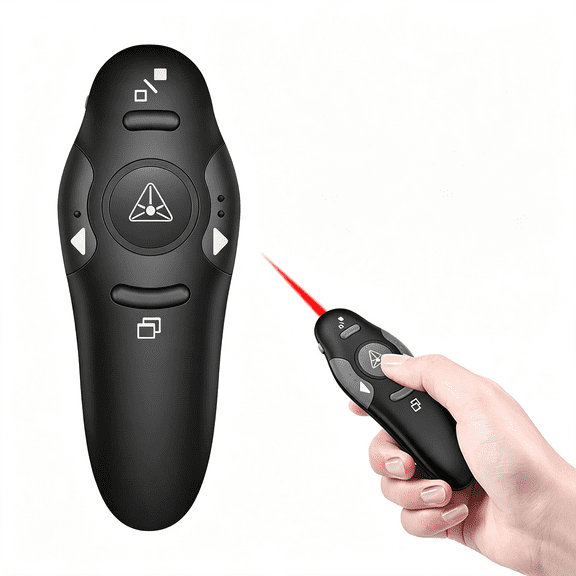 $799current price $7.99
GJX Presentation Clicker with Red Laser Pointer,Rf 2.4Ghz Usb Wireless Presenter Remote Slide Clicker for Powerpoint Presentations for Computer Laptop Office Classroom
Clearance, Wireless Presentation Clicker for PowerPoint Presentations,USB Dongle Wireless Presenter Remote with Laser Pointer Slide Clickers for Mac/Windows/Linux,Computer/Laptop,Google Slide/PPT/Keynote $4.47 Was $19.99
Clearance $447current price $4.47, Was $19.99$19.99
Wireless Presentation Clicker for PowerPoint Presentations,USB Dongle Wireless Presenter Remote with Laser Pointer Slide Clickers for Mac/Windows/Linux,Computer/Laptop,Google Slide/PPT/Keynote
JIhuahe Wireless Presentation Clicker, Multimedia Page Turner Remote Control Pen for PowerPoint, Keynote, Google Slides, Teaching Pointer with USB Receiver,black $4.08
 $408current price $4.08
JIhuahe Wireless Presentation Clicker, Multimedia Page Turner Remote Control Pen for PowerPoint, Keynote, Google Slides, Teaching Pointer with USB Receiver,black
GJX Presentation Clicker for PowerPoint,RF 2.4GHz USB Wireless Presenter Remote with Volume Control,PowerPoint Clicker Slide Advancer for Mac,Windows,Laptop,Keynote $9.44
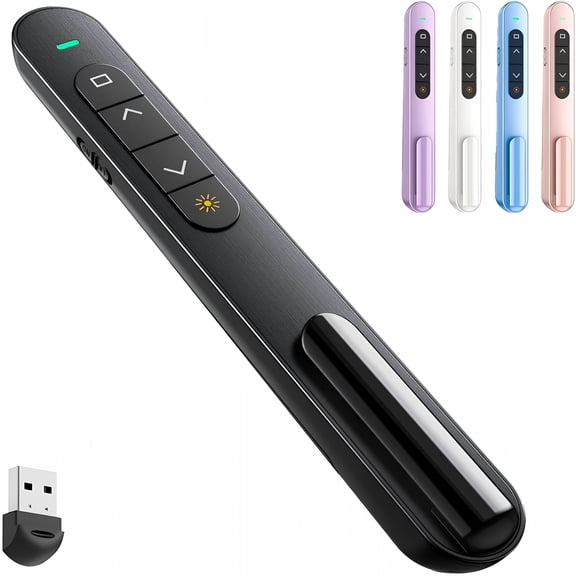 $944current price $9.44
GJX Presentation Clicker for PowerPoint,RF 2.4GHz USB Wireless Presenter Remote with Volume Control,PowerPoint Clicker Slide Advancer for Mac,Windows,Laptop,Keynote
Pekwouc Presentation Clicker, Hyperlink Volume Control Wireless Presenter, PPT PowerPoint Clicker, RF 2.4GHz USB Presentation Remote Control PowerPoint Slide Advancer for Keynote/PPT/Mac/PC $8.98
 $898current price $8.98
Pekwouc Presentation Clicker, Hyperlink Volume Control Wireless Presenter, PPT PowerPoint Clicker, RF 2.4GHz USB Presentation Remote Control PowerPoint Slide Advancer for Keynote/PPT/Mac/PC
45 out of 5 Stars. 4 reviews5 out of 5 starsGJX 2026 New Wireless Presenter Presentation Clicker with Red Laser Pointer,2.4Ghz Rf Wireless Presentation Remote Ppt Clicker for Powerpoint Works for Windows/Mac/Linux $9.29
 $929current price $9.29
GJX 2026 New Wireless Presenter Presentation Clicker with Red Laser Pointer,2.4Ghz Rf Wireless Presentation Remote Ppt Clicker for Powerpoint Works for Windows/Mac/Linux
Presentation Clicker for Powerpoint Presentations,Pink,A & C $4.98
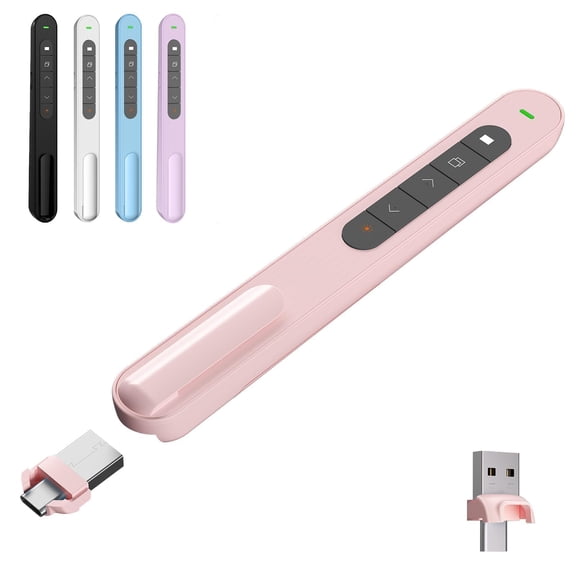 4 optionsAvailable in additional 4 options$498current price $4.98
Presentation Clicker for Powerpoint Presentations,Pink,A & C
GJX 2026 New Wireless Presenter, Hyperlink Volume Control Presentation Clicker Rf 2.4Ghz Usb Powerpoint Clicker Presentation Remote Control Pointer Slide Advancer (Black) $9.91
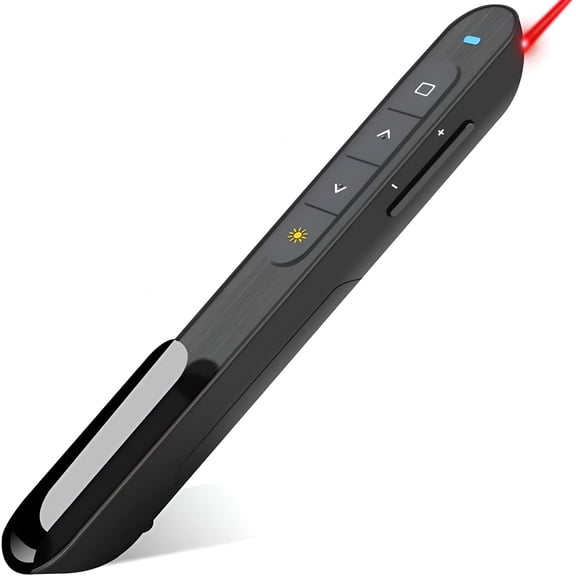 $991current price $9.91
GJX 2026 New Wireless Presenter, Hyperlink Volume Control Presentation Clicker Rf 2.4Ghz Usb Powerpoint Clicker Presentation Remote Control Pointer Slide Advancer (Black)
Presentation Remote Clicker,USB A & USB C Wireless Presenter for PowerPoint Presentation Remote,RF 2.4GHz Slide Advancer for Mac,Keynote,Computer,Laptop $4.98
 $498current price $4.98
Presentation Remote Clicker,USB A & USB C Wireless Presenter for PowerPoint Presentation Remote,RF 2.4GHz Slide Advancer for Mac,Keynote,Computer,Laptop
Customer ratings & reviews

 Free Holiday returns until Jan 31
How do you want your item?

