


Canon imageFORMULA R30 Office Document Scanner
Key item features
- Rapid Scanning: Scans documents at speeds up to 25 pages per minute (ppm) or 50 images per minute (ipm), enhancing efficiency for various office tasks.
- Sharp Resolution: Captures intricate details with an optical resolution of 600 dpi, ensuring clear and accurate reproduction of documents and images.
- Automatic Duplexing: Automatically scans both sides of a document in a single pass, streamlining workflow and reducing paper consumption.
- Generous Capacity: Features an automatic document feeder (ADF) that holds up to 60 sheets for unattended scanning of large batches.
- Intuitive Software: Includes CaptureOnTouch Lite software for easy scanning, editing, and organizing of documents on Windows and Mac.
- Seamless Connectivity: Connects to computers via USB 2.0 for stable data transfer and efficient scanning operations.
- Advanced Enhancements: Incorporates features like Auto Color Detection, Deskew, Double-Feed Detection, and Text Enhancement for optimized scan quality.
Specs
Computer scanner type, Sheetfed Scanners
Model name, R30
Maximum scan paper size, 2" x 2.10", 8.50" x 14"
Maximum scanner resolution, 600 dpi
Pages per min, 25 ppm
About this item
Product details
- ENHANCED PRODUCTIVITY - Scan documents quickly with speeds up to 25 pages per minute (ppm) or 50 images per minute (ipm) maximizing your efficiency for various office tasks.
- HIGH-RESOLUTION SCANS - Capture intricate details with an optical resolution of 600 dpi ensuring clear and accurate reproduction of your important documents and images.
- DUPLEX SCANNING - Save time and resources by automatically scanning both sides of a document in a single pass streamlining your workflow and reducing paper consumption.
- LARGE ADF CAPACITY - Load up to 60 sheets at once with the automatic document feeder (ADF) allowing for unattended scanning of large batches of documents effortlessly.
- USER-FRIENDLY SOFTWARE - Utilize the included CaptureOnTouch Lite software for easy and intuitive scanning editing and organizing of your scanned documents on Windows and Mac.
- VERSATILE CONNECTIVITY - Connect seamlessly to your computer via USB 2.0 ensuring a stable and reliable connection for fast data transfer and efficient scanning operations.
- Environmentally Friendly: meets ENERGY STAR guidelines for energy efficiency and utilizes plastic-less packaging
Specifications
Brand
Computer scanner type
Model name
Maximum scan paper size
Warranty
Warranty information
Please be aware that the warranty terms on items offered for sale by third party Marketplace sellers may differ from those displayed in this section (if any). To confirm warranty terms on an item offered for sale by a third party Marketplace seller, please use the 'Contact seller' feature on the third party Marketplace seller's information page and request the item's warranty terms prior to purchase.
Similar items you might like
Fujitsu fi-7160 Sheetfed Scanner, 600 dpi Optical, Automatic Document Feeder, Black $268.00
 $26800current price $268.00
Fujitsu fi-7160 Sheetfed Scanner, 600 dpi Optical, Automatic Document Feeder, Black
31 out of 5 Stars. 3 reviews1 out of 5 starsCanon imageFORMULA R40II Office Document Scanner $281.00
 $28100current price $281.00
Canon imageFORMULA R40II Office Document Scanner
294.7 out of 5 Stars. 29 reviews4.7 out of 5 starsCanon ImageFORMULA R10 Portable Document Scanner, White $186.35
 $18635current price $186.35
Canon ImageFORMULA R10 Portable Document Scanner, White
1774.7 out of 5 Stars. 177 reviews4.7 out of 5 starsAVer M11‑8M Document Camera 8MP HDMI USB $253.98 Was $277.60
 $25398current price $253.98, Was $277.60$277.60
AVer M11‑8M Document Camera 8MP HDMI USB
Canon imageFORMULA RS40 Photo and Document Scanner, White $350.00
 $35000current price $350.00
Canon imageFORMULA RS40 Photo and Document Scanner, White
1644.6 out of 5 Stars. 164 reviews4.6 out of 5 starsBrother ADS-1800W Wireless Compact Desktop Scanner, Scan Speeds of Up to 30ppm, 2.8" Color Touchscreen $324.99 $83.33/lb
 $32499current price $324.99$83.33/lb
Brother ADS-1800W Wireless Compact Desktop Scanner, Scan Speeds of Up to 30ppm, 2.8" Color Touchscreen
303.8 out of 5 Stars. 30 reviews3.8 out of 5 starsXerox Sheetfed Scanner, 600 dpi Optical, TAA Compliant $169.99
 $16999current price $169.99
Xerox Sheetfed Scanner, 600 dpi Optical, TAA Compliant
Plustek PSD300 - High-Speed Document Scanner with 50-Sheets Feeder, Multiple Scan Destinations to SharePoint and Office 365 $249.00
 $24900current price $249.00
Plustek PSD300 - High-Speed Document Scanner with 50-Sheets Feeder, Multiple Scan Destinations to SharePoint and Office 365
25 out of 5 Stars. 2 reviews5 out of 5 starsEpson WorkForce ES-C220 Compact Document Scanner, Duplex, ADF $279.99
 $27999current price $279.99
Epson WorkForce ES-C220 Compact Document Scanner, Duplex, ADF
524.1 out of 5 Stars. 52 reviews4.1 out of 5 starsCZUR Shine Ultra Pro 24MP Document Scanner, USB Book Scanner, Portable Document Camera, A3 Large Format Book Scanner, Adjustable Height, Max DPI 440, for Windows & Mac $263.20
 $26320current price $263.20
CZUR Shine Ultra Pro 24MP Document Scanner, USB Book Scanner, Portable Document Camera, A3 Large Format Book Scanner, Adjustable Height, Max DPI 440, for Windows & Mac
23.5 out of 5 Stars. 2 reviews3.5 out of 5 starsIRIScan Pro Office 3 Sheetfed Scanner $259.95
 $25995current price $259.95
IRIScan Pro Office 3 Sheetfed Scanner
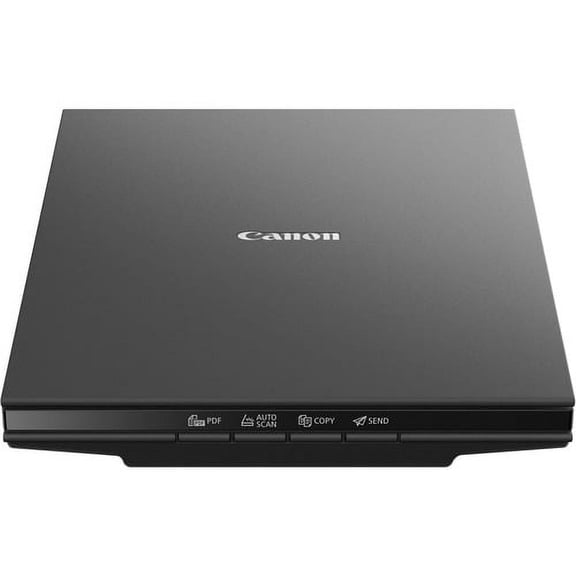
Canon CanoScan LiDE 300 Flatbed Scanner - 2400 dpi Optical, 48-bit Color, 16-bit Grayscale, USB (2995C002AA) | 2-Pack (2 Total) $175.70
 $17570current price $175.70
Canon CanoScan LiDE 300 Flatbed Scanner - 2400 dpi Optical, 48-bit Color, 16-bit Grayscale, USB (2995C002AA) | 2-Pack (2 Total)
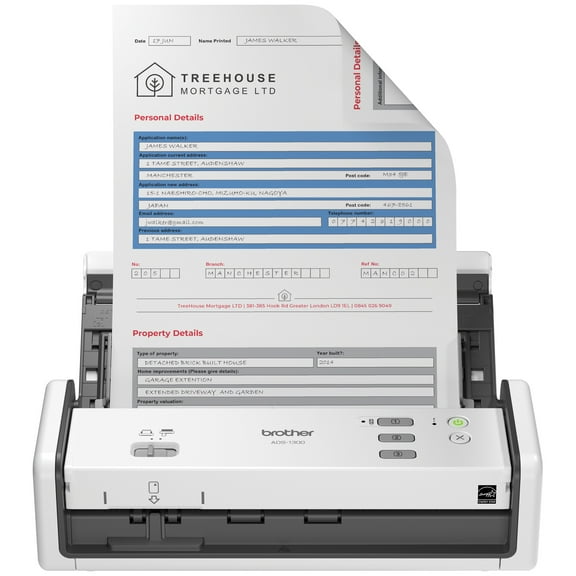
Brother ADS-1300 Compact Color Desktop Scanner, up to 30ppm, Single Pass Double-Sided Scanning $254.99 $254.99/count
 $25499current price $254.99$254.99/count
Brother ADS-1300 Compact Color Desktop Scanner, up to 30ppm, Single Pass Double-Sided Scanning
473.9 out of 5 Stars. 47 reviews3.9 out of 5 starsCanon CanoScan LiDE 220 Flatbed Scanner - 4800 dpi Optical, Black $129.95 96.3 ¢/ea
 $12995current price $129.9596.3 ¢/ea
Canon CanoScan LiDE 220 Flatbed Scanner - 4800 dpi Optical, Black
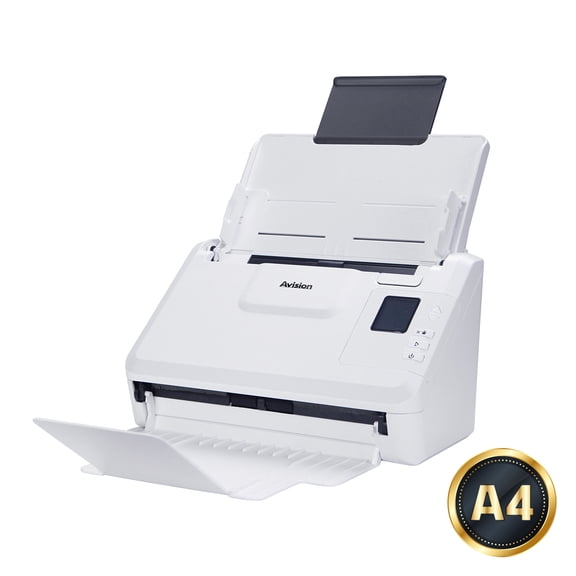
234.4 out of 5 Stars. 23 reviews4.4 out of 5 starsAvision AD340G $249.00
 $24900current price $249.00
Avision AD340G
10 Million Pixels Document Camera High Definition Portable Scanner, A4 Scanners File Card Passport Recognition Document Scanner ,High-Speed Capture $89.92
 $8992current price $89.92
10 Million Pixels Document Camera High Definition Portable Scanner, A4 Scanners File Card Passport Recognition Document Scanner ,High-Speed Capture
Portable Scanner 900 DPI Handheld A4 Document Scanner For Business Photo Picture Receipts Books Support JPG/PDF Format Document $67.60
 $6760current price $67.60
Portable Scanner 900 DPI Handheld A4 Document Scanner For Business Photo Picture Receipts Books Support JPG/PDF Format Document
Fujitsu Fi-6130Z Color Duplex Sheet-Fed Document Scanner with Automatic Document Feeder $166.00
 $16600current price $166.00
Fujitsu Fi-6130Z Color Duplex Sheet-Fed Document Scanner with Automatic Document Feeder
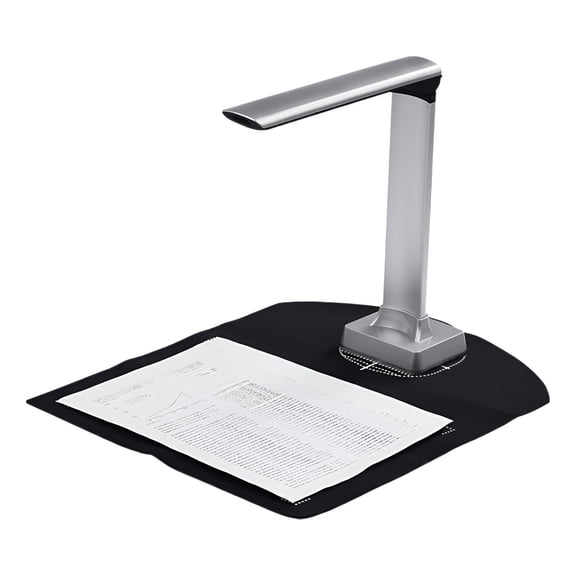
Applicable to ABook Scanner with 5MP Document Camera, Size $108.01
 $10801current price $108.01
Applicable to ABook Scanner with 5MP Document Camera, Size
Portable Foldable 16MP Document Scanner with OCR for Fast Home Scanning $69.06
 $6906current price $69.06
Portable Foldable 16MP Document Scanner with OCR for Fast Home Scanning
Customer ratings & reviews
Filtered and sorted results would be available on the new 'Customer ratings & reviews' page.
Showing 1-3 of 3 reviews
Verified Purchase
Ease of Operation
Could not be easier - true plug and play software. Does what is expected with good quality output.
Seller Verified Purchase
Almost Perfect
I like this scanner. It is fast. It automatically scans both sides of the paper. What I do not like is I have not been able to find a way to keep the icon that allows you to start scanning on my desktop or taskbar. Every time, I have to find the scanner in my menu and click on one of the files until I get the scan menu. Also, I have diffiuclty saving the scanned document in the folder where I want to store it. It defauls to the pictures folder or Desktop. I try directing into the appropriate folder, but it always end up in the pictures folder. Another thing to note is that the document must be placed in the feeder face down. I had to figure how to place the document in the feeder to get it right side up on the screen.
Seller Verified Purchase
So Slow
Scanner is so slow and would not recommend it.

 Free Holiday returns until Jan 31

(Only one option can be selected at a time)

How do you want your item?

