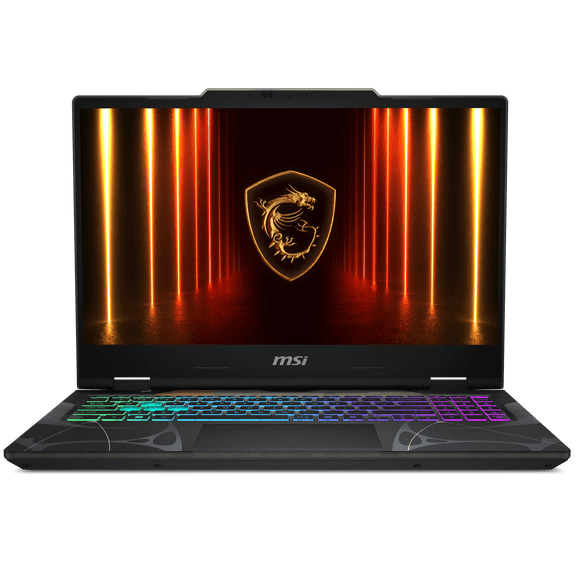
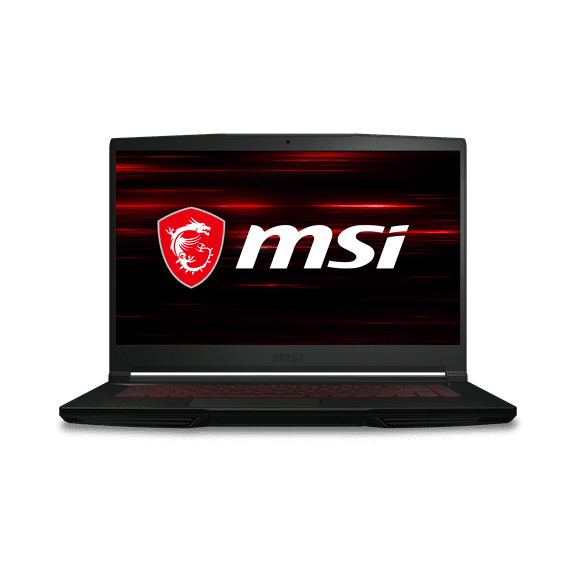
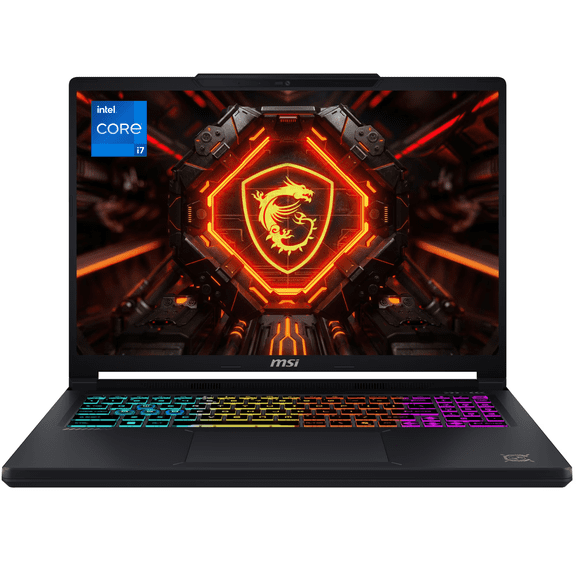
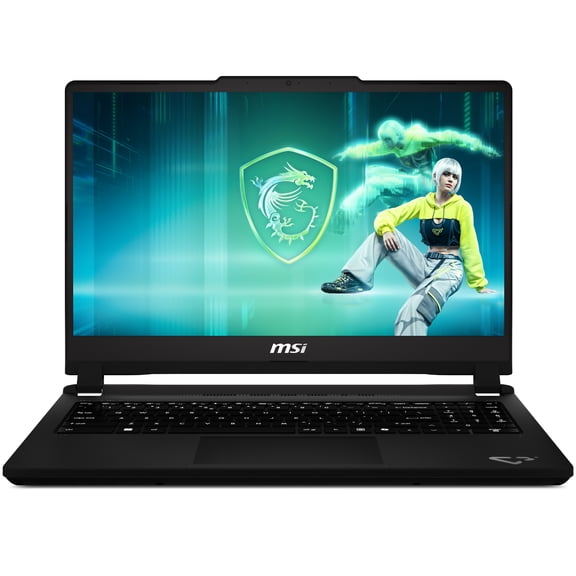
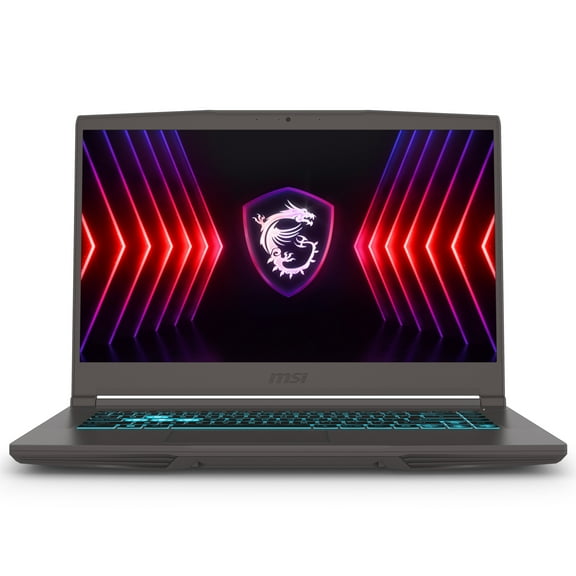
MSI GL65 9SC-002 15.6" Gaming Laptop, Intel Core i5-9300H, NVIDIA GeForce GTX 1650, 8GB, 512GB NVMe SSD
Hero image 0 of MSI GL65 9SC-002 15.6" Gaming Laptop, Intel Core i5-9300H, NVIDIA GeForce GTX 1650, 8GB, 512GB NVMe SSD, 0 of 14

MSI GL65 9SC-002 15.6" Gaming Laptop, Intel Core i5-9300H, NVIDIA GeForce GTX 1650, 8GB, 512GB NVMe SSD

Key item features

  • Powerful Processor: Latest 9th Intel Core i5-9300H processor with 10% performance gains over the previous generation.
  • Customizable Keyboard: Per-key RGB gaming keyboard by SteelSeries allows customization and real-time in-game status updates through keyboard lighting.
  • Immersive Display: 15.6" FHD (1920x1080) IPS-Level display with thin bezel design for a bigger screen in a compact form factor.
  • Multi-Monitor Support: Matrix Display technology supports up to 3 monitors with HDMI and mini DisplayPort, offering up to 4K resolution output.
  • Advanced Cooling: Dedicated thermal solutions with 7 heat pipes for maximum performance under extreme gaming conditions.
  • Enhanced Audio: Upgraded giant speakers with exclusive audio module design and independent sound chamber for louder sound and higher quality.
  • Seamless Gaming: MSI APP Player developed with BlueStacks for a seamless gaming experience between mobile games and PC platform.
Generated by AI
Current price is $649.00
Price when purchased online
  • Free shipping
  • Free 15-day returns
Walmart Accident Plan by Allstate

(Only one option can be selected at a time)

Tech Support

How do you want your item?

How do you want your item?
Ships to
Arrives between May 14 - May 16
|
Sold and shipped by Etek-Global
3.8134328358208953 stars out of 5, based on 134 seller reviews(3.8)
Report an issue with this seller
Free 15-day returns

About this item

Product details

Specifications

Warranty

Warnings

Customer ratings & reviews

4.3 out of 5 stars
stars34 ratings23 reviews
How item rating is calculated

Customer photos

Filtered and sorted results would be available on the new 'Customer ratings & reviews' page.
Sort by |

Showing 1-3 of 23 reviews

Nov 30, 2019
neoncreeps
Walmart Associate
5 out of 5 stars review

games run perfectly!

ive had this laptop for a few days now and it runs perfectly! ive played Planet Zoo, Skyrim, Fable, Destiny 2 and final fantasy and they all run at 60 fps constantly on high graphics settings! for the price this laptop runs great and never overheats. it also offers great customization when it comes to the battery life and performance.

Helpful?6fe1a880-4508-11f0-8d8f-136482466119334400609
Dec 15, 2019
Cameron
Walmart Associate
5 out of 5 stars review

Great laptop. I bought it to replace my desktop and I’m not dissapointed. Runs really well and the fan is usually pretty quiet even when gaming. Black friday deal of $599 madr it a perfect purchase. One thing i didn’t expect was the aluminum casing which was a huge thing for me.

Helpful?6fe1a880-4508-11f0-8d8f-136482466119334400609
Dec 25, 2019
x108j
Walmart Associate
5 out of 5 stars review

GL65 9SC-002 (OS driver issue once Win10 updated)

Quote "From User" - "Worked well since Thursday of last week. I used this computer ,for both personal and work. Monday 12.02.2019 ,started work ,and the headphone jack will not work. Returning this laptop. Sad ,really ,because I really like it." This problem seems to be coming from the Windows Drivers Update or Windows Updates once the laptop updates to the 1909 version of Windows 10. The driver for "Realtek(R) Audio" in Device Manager is malfunctioning or it does not work at all after series of recent Windows Updates. This seems to be a software driver issue and it is most likely related to Windows 10. I was able to investigate the hardware completely and it did not seem to be any hardware issue around the audio section of the internal motherboard circuitry. Temporary solution is to turn off Windows Updates or de-install the audio driver and leave it as default "High Definition Audio Driver". If the issue already persists MSI has a tool for factory reset (which will return the laptop software part to default settings with Realtek Audio Driver working OK) - Turn On the laptop - continuously press F3 until the recovery screen comes up. Then Select Troubleshoot - Restore MSI factory settings and follow the on-screen instructions.

Helpful?6fe1a880-4508-11f0-8d8f-136482466119334400609