



MSI

Shop by category
Featured laptops


FAQ
About MSI - Walmart.com
You can use the msi store to compare gaming laptops, desktops, monitors, and components in one place. You’ll get a clearer path to the right setup when you compare device type, series, use case, and hardware options.
How to choose in the msi store
You should start with device type, because that choice shapes your speed, space, and upgrade path. You’ll usually compare laptops for mobility, desktops for desk setups, monitors for display performance, and components for custom builds.
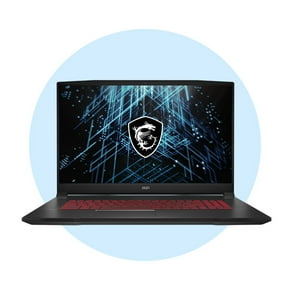
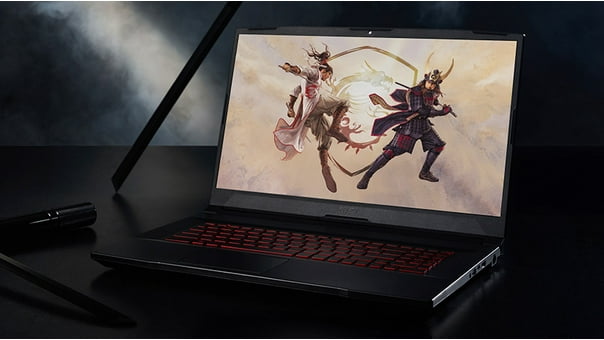
When you narrow by series, you can match your setup to how you play or work. You may compare Raider, Stealth, Katana, Aegis, and Optix lines based on size, styling, and hardware focus.
- You can choose laptops when you need performance that travels between classes, workspaces, or tournaments.
- You can choose desktops when you want larger cooling systems and more room for future upgrades.
- You can choose monitors when you want smoother motion, sharper visuals, and a display that fits your desk.
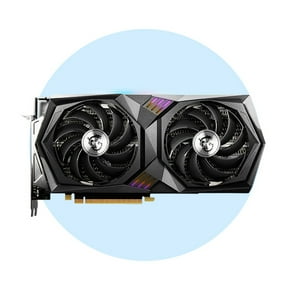
- You can choose components when you’re building or refreshing a system around motherboard, graphics, cooling, or power needs.
You’ll also want to think about your main use case before you compare specifications. You can shop for gaming, content creation, business tasks, or esports play with more confidence.
Choosing device type and series
You should compare laptops and desktops by how you use your space each day. You may prefer a 15-inch laptop for travel, while a 17-inch model can suit a more fixed setup.
If you want a system for one desk, you may lean toward a desktop with larger airflow paths. You’ll often get more room for internal changes, including extra storage or memory later.
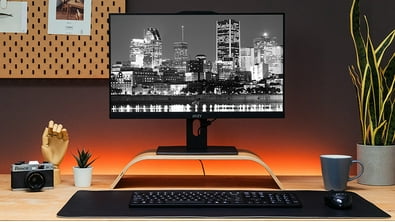
You can use monitors to complete your setup based on panel size, refresh rate, and resolution. You’ll notice that esports setups often prioritize fast refresh rates and responsive visuals.
Series names can help you sort broad design priorities without guessing. You may look at Stealth for thinner laptop designs, Katana for gaming-focused systems, and Aegis for desktop towers.
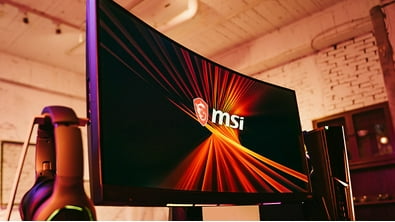
When you compare Optix monitors, you can focus on screen fit, motion clarity, and desk placement. You should check stand design, screen size, and connection options before you choose.
What to look for in performance specs
You should check the GPU model, RAM, and refresh rate first, because those specs shape everyday performance. You’ll feel their impact in frame pacing, multitasking, and how smooth games look.
If you play newer titles, you may want more graphics power and enough RAM for background apps. You can also compare refresh rate if you care about fast motion in shooters.
You should review cooling details in plain terms before you commit to a system. You can compare fan count, heat pipe design, and noise level to understand how a system handles long sessions.
When you want sustained performance, you should look for airflow and thermal design that fit your use. You’ll usually appreciate stronger cooling during extended gaming, editing, or streaming sessions.
You can also plan for long-term flexibility by checking upgrade paths. You should see whether a model includes M.2 slots for storage and SO-DIMM RAM slots for memory changes.
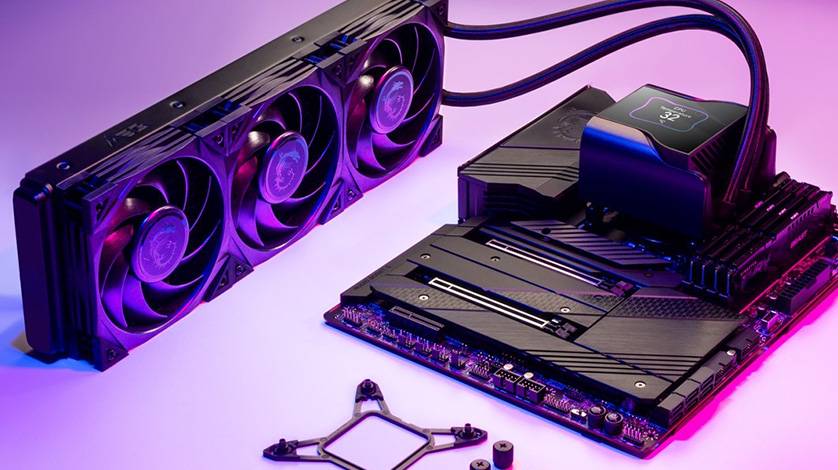
If you’re building a custom setup, you can compare motherboards, graphics cards, liquid coolers, and power supplies together. You’ll make better decisions when connector support and power needs line up.
Matching the msi store to your use case
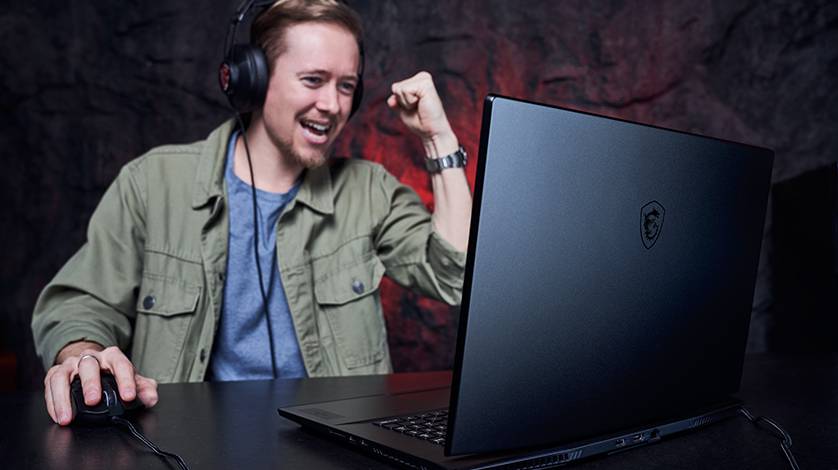
You can use the msi store for gaming systems when you want strong graphics, fast displays, and cooling built for longer play. You should compare laptop mobility against desktop expansion before deciding.
For content creation, you may want more screen space, higher memory capacity, and storage expansion. You can pair a larger monitor with a desktop or choose a laptop that balances power and portability.
If your day mixes work and entertainment, you should check keyboard layout, ports, and display size. You’ll want a system that handles meetings, editing, and evening gaming without constant compromises.
For esports, you can focus on refresh rate, response feel, and compact setups that fit smaller spaces. You may prefer a lighter laptop or a monitor tuned for fast competitive play.
If you’re searching terms like msi us store, msi shop, or msi store usa, you’re likely comparing availability across categories. You can simplify that search by using one brand hub for laptops, displays, and core PC parts.
When you’re upgrading an older system, you can start with components before replacing everything. You may add a motherboard, graphics card, liquid cooler, or power supply to match your next performance goal.
How to compare support and setup details
You should check ports, wireless options, and display outputs before you finalize your choice. You’ll avoid setup headaches when your laptop, monitor, and accessories connect the way you expect.
It also helps to compare storage capacity and expansion support across models. You can choose a system that fits your files now and still leaves room for future additions.
When you use this category as your buying guide, you can compare MSI hardware with more clarity. You’ll end with a setup that matches your games, workspace, and upgrade plans more closely.