

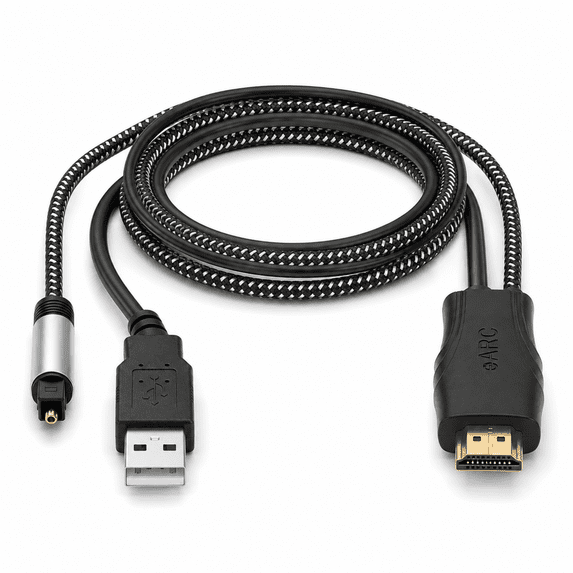
Hero image 0 of J-Tech Digital HDMI ARC/eARC to Optical Audio Converter Cable, USB Powered, 24-Bit/192kHz, PCM & 5.1 Digital Audio Support for TVs and Sound Systems – No CEC [JTECH-EARC-OP], 0 of 7
J-Tech Digital HDMI ARC/eARC to Optical Audio Converter Cable, USB Powered, 24-Bit/192kHz, PCM & 5.1 Digital Audio Support for TVs and Sound Systems – No CEC [JTECH-EARC-OP]
Key item features
- HDMI eARC/ARC to Optical Converter Cable: Connects an eARC or ARC-compatible TV to a sound system through the built-in optical SPDIF cable. For TVs with an ARC/eARC port only. Set the TV audio output to ARC/eARC and select a supported audio format.
- Plug & Play Setup: Built-in HDMI, optical, and USB connections simplify installation. The USB cable provides power from the TV’s USB port or another USB-compatible port. Easy to use for home theaters, meeting rooms, conference rooms, and other AV setups.
- 24-Bit / 192kHz Audio: Supports up to 24-bit / 192kHz audio sampling for clear digital audio when connecting your TV to a compatible sound system or soundbar.
- Multiple Audio Formats: Set the TV audio format to PCM, Dolby 5.1, or DTS 5.1. When using Dolby 5.1 or DTS 5.1, the connected sound system must also support the selected audio format.
- Important Setup Notes: Optical connections do not support CEC volume control, so adjust volume directly on the soundbar or audio system. Connect the USB cable to the TV’s USB port or another USB-compatible port for power. For setup, connect HDMI to the TV’s ARC/eARC port, set audio output to ARC/eARC, select the audio format, enable CEC, and refer to the TV manual if needed.
Specs
Connection, HDMI, Optical, USB
Electronic end connection 1, Male
Electronic end connection 2, Male
Electronic end connection 3, Male
Brand, J-Tech Digital, Inc
Rec location, Indoor
Connection
HDMI, Optical, USB
Electronic end connection 1, Male
Electronic end connection 1
Male
Electronic end connection 2, Male
Electronic end connection 2
Male
Electronic end connection 3, Male
Electronic end connection 3
Male
Brand, J-Tech Digital, Inc
Brand
J-Tech Digital, Inc
Rec location, Indoor
Rec location
Indoor
About this item
Product details
Upgrade your TV audio setup with the J-Tech Digital JTECH-EARC-OP HDMI eARC/ARC to Optical Converter Cable. Designed for TVs with an ARC or eARC HDMI port, this convenient all-in-one cable sends your TV’s audio to a compatible soundbar or audio system through its built-in optical SPDIF connection. The integrated USB cable provides power from your TV’s USB port or another USB-compatible port, helping keep installation simple and convenient. The JTECH-EARC-OP supports up to 24-bit/192kHz audio sampling and multiple audio formats, including PCM, Dolby 5.1, and DTS 5.1. For Dolby 5.1 or DTS 5.1, the connected audio system must also support the selected format. Simply connect the HDMI end to your TV’s ARC/eARC port, connect the optical end to your audio system, provide USB power, and configure your TV’s audio settings. Please note that optical connections do not support CEC volume control, so volume should be adjusted directly through the connected soundbar or audio system.
- HDMI eARC/ARC to Optical Converter Cable: Connects an eARC or ARC-compatible TV to a sound system through the built-in optical SPDIF cable. For TVs with an ARC/eARC port only. Set the TV audio output to ARC/eARC and select a supported audio format.
- Plug & Play Setup: Built-in HDMI, optical, and USB connections simplify installation. The USB cable provides power from the TV’s USB port or another USB-compatible port. Easy to use for home theaters, meeting rooms, conference rooms, and other AV setups.
- 24-Bit / 192kHz Audio: Supports up to 24-bit / 192kHz audio sampling for clear digital audio when connecting your TV to a compatible sound system or soundbar.
- Multiple Audio Formats: Set the TV audio format to PCM, Dolby 5.1, or DTS 5.1. When using Dolby 5.1 or DTS 5.1, the connected sound system must also support the selected audio format.
- Important Setup Notes: Optical connections do not support CEC volume control, so adjust volume directly on the soundbar or audio system. Connect the USB cable to the TV’s USB port or another USB-compatible port for power. For setup, connect HDMI to the TV’s ARC/eARC port, set audio output to ARC/eARC, select the audio format, enable CEC, and refer to the TV manual if needed.
info:
We aim to show you accurate product information. Manufacturers, suppliers and others provide what you see here, and we have not verified it.
Specifications
Connection
HDMI, Optical, USB
Electronic end connection 1
Male
Electronic end connection 2
Male
Electronic end connection 3
Male
Warranty
Warranty information
All J-Tech Digital products come with a one (1) year warranty starting from the date of original purchase.
Please be aware that the warranty terms on items offered for sale by third party Marketplace sellers may differ from those displayed in this section (if any). To confirm warranty terms on an item offered for sale by a third party Marketplace seller, please use the 'Contact seller' feature on the third party Marketplace seller's information page and request the item's warranty terms prior to purchase.
Similar items you might like
Based on what customers bought
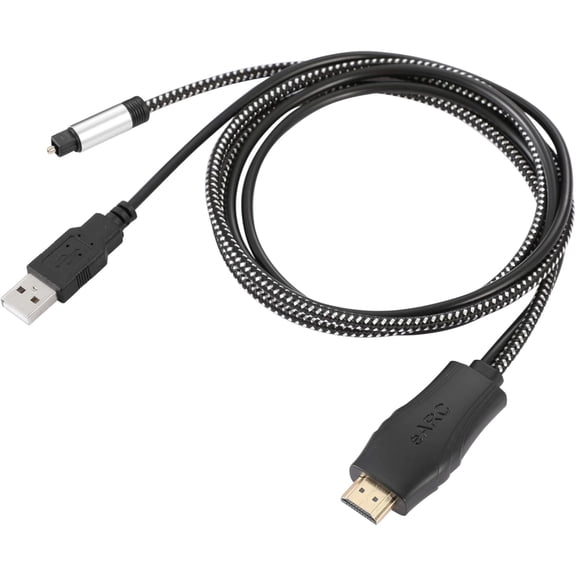
KSRplayer 192KHz HDMI eARC/ARC to Optical Audio Converter – Plug & Play 3.4ft Built‑in Cable, Audio Extractor for TV to Soundbar, Supports Dolby/DTS 5.1 for Home Theater Sound System $19.99
 $1999current price $19.99
KSRplayer 192KHz HDMI eARC/ARC to Optical Audio Converter – Plug & Play 3.4ft Built‑in Cable, Audio Extractor for TV to Soundbar, Supports Dolby/DTS 5.1 for Home Theater Sound System
114 out of 5 Stars. 11 reviews4 out of 5 starsBest seller, FosPower (6 Feet) 24K Gold Plated Toslink Digital Optical Audio Cable (S/PDIF) - [Zero RFI & EMI Interference] Metal Connectors & Ultra Durable Nylon Braided Jacket $8.99
Best seller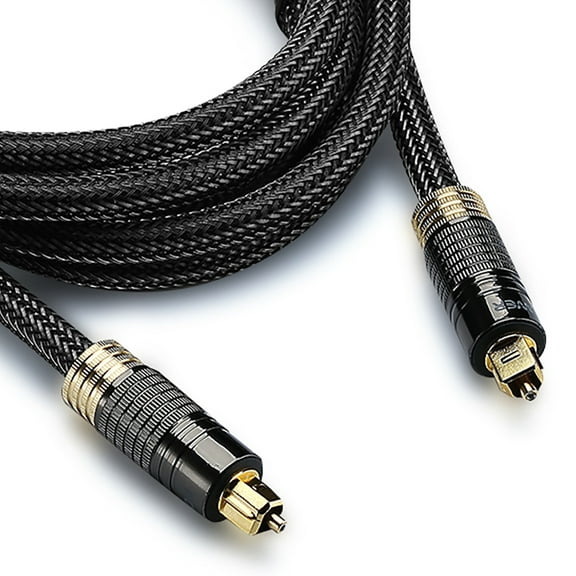 Sponsored$899current price $8.99
FosPower (6 Feet) 24K Gold Plated Toslink Digital Optical Audio Cable (S/PDIF) - [Zero RFI & EMI Interference] Metal Connectors & Ultra Durable Nylon Braided Jacket
1374.7 out of 5 Stars. 137 reviews4.7 out of 5 starsSave with Shipping, arrives Wed, Nov 25
Best seller, FosPower (10 Feet) 24K Gold Plated Toslink Digital Optical Audio Cable (S/PDIF) - [Zero RFI & EMI Interference] Metal Connectors & Ultra Durable Nylon Braided Jacket $10.99
Best seller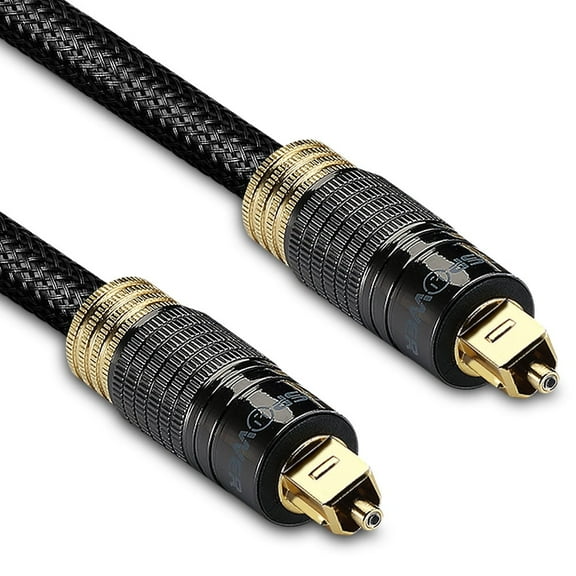 Sponsored$1099current price $10.99
FosPower (10 Feet) 24K Gold Plated Toslink Digital Optical Audio Cable (S/PDIF) - [Zero RFI & EMI Interference] Metal Connectors & Ultra Durable Nylon Braided Jacket
1364.6 out of 5 Stars. 136 reviews4.6 out of 5 starsSave withShipping, arrives Wed, Nov 25M Buder Optical Audio Cable 1 in 2 Out Male to Female SPDIF Fiber Optic Splitter Connection Cord for Digital Power Amplifier Stereo (13.00 inches / 33.02 cm) $10.58 Was $12.15
 $1058current price $10.58, Was $12.15$12.15
M Buder Optical Audio Cable 1 in 2 Out Male to Female SPDIF Fiber Optic Splitter Connection Cord for Digital Power Amplifier Stereo (13.00 inches / 33.02 cm)
Cubilux USB A to TOSLINK Optical Audio Cable, Unidirectional USB Type A to SPDIF Digital Aux Cord, S/PDIF Transmitter for Computer/Laptop/PC(5.1 Surround Sound) and PS5/4(Stereo), NOT for TV, 6.6 FT $28.49
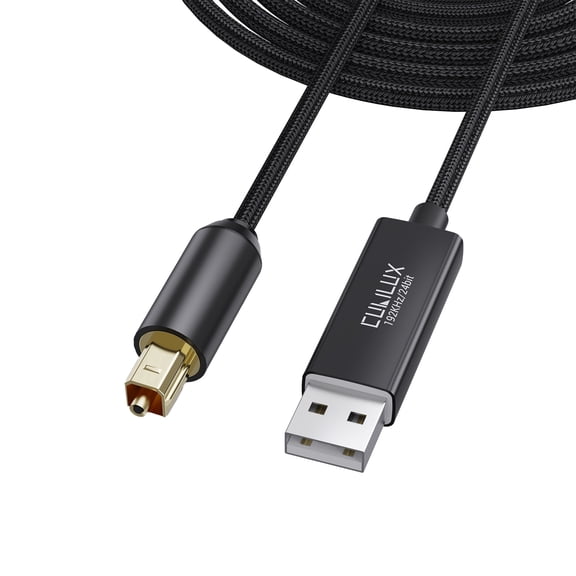 $2849current price $28.49
Cubilux USB A to TOSLINK Optical Audio Cable, Unidirectional USB Type A to SPDIF Digital Aux Cord, S/PDIF Transmitter for Computer/Laptop/PC(5.1 Surround Sound) and PS5/4(Stereo), NOT for TV, 6.6 FT
15 out of 5 Stars. 1 reviews5 out of 5 stars10ft Optical Audio Cable Long Digital Audio Optical Cable for Soundbar, TV, Home Cinema, Xbox/PS4, Sonos, Toslink Fiber Optic S/PDIF Digital Audio $15.99 Was $19.99
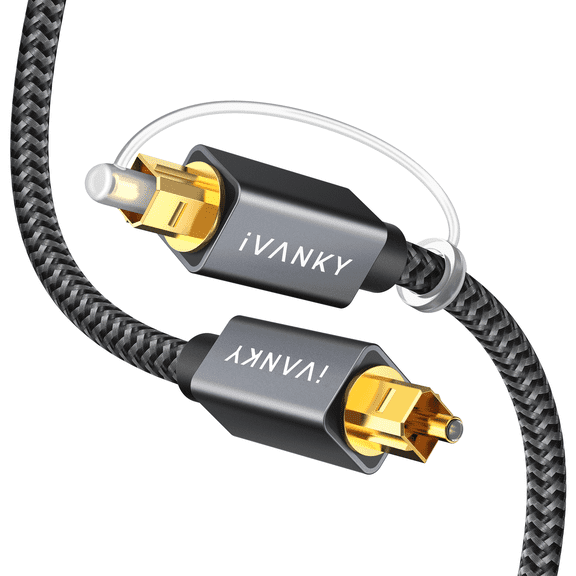 3 optionsAvailable in additional 3 options$1599current price $15.99, Was $19.99$19.99
10ft Optical Audio Cable Long Digital Audio Optical Cable for Soundbar, TV, Home Cinema, Xbox/PS4, Sonos, Toslink Fiber Optic S/PDIF Digital Audio
95 out of 5 Stars. 9 reviews5 out of 5 starsBest seller, Sherry Digital Optical Audio Cable (3.3 Feet/1 Meter), 24K Gold-Plated Flawless Audio Fiber Optic Cable Male to Male Cord for Home Theater,Sound Bar, TV, PS, Xbox, Samsung $10.99 Was $12.49
Best seller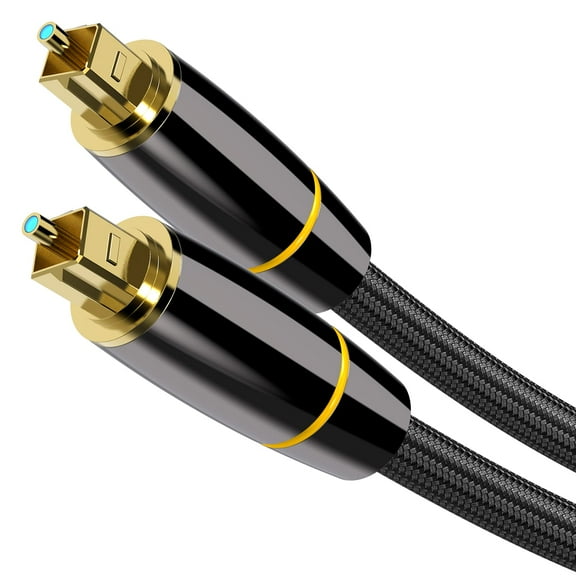 $1099current price $10.99, Was $12.49$12.49
Sherry Digital Optical Audio Cable (3.3 Feet/1 Meter), 24K Gold-Plated Flawless Audio Fiber Optic Cable Male to Male Cord for Home Theater,Sound Bar, TV, PS, Xbox, Samsung
884.6 out of 5 Stars. 88 reviews4.6 out of 5 starsClearance, USB - C to Dual RCA Audio Cable for High - Quality Sound Transmission $7.19 Was $13.19
Clearance
 $719current price $7.19, Was $13.19$13.19
USB - C to Dual RCA Audio Cable for High - Quality Sound Transmission
15 out of 5 Stars. 1 reviews5 out of 5 starsBest seller, onn DisplayPort to HDMI Adapter $13.72
Best seller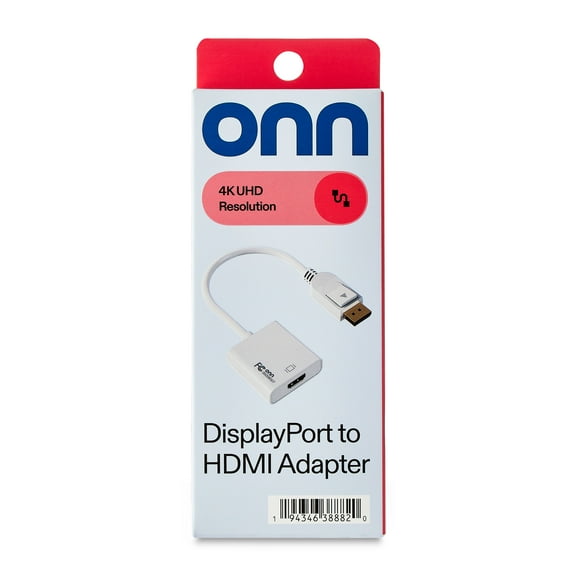 $1372current price $13.72
onn DisplayPort to HDMI Adapter
2194.5 out of 5 Stars. 219 reviews4.5 out of 5 starsIn 200+ people's carts, onn. USB-C to HDMI Cable, 6 ft, Black $14.88
In 200+ people's carts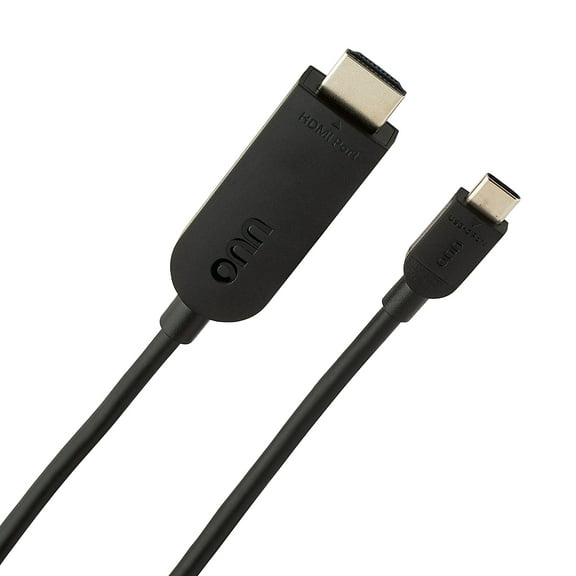 $1488current price $14.88
onn. USB-C to HDMI Cable, 6 ft, Black
6844.4 out of 5 Stars. 684 reviews4.4 out of 5 starsClearance, NUOLUX USB to Optical Audio Cable, Wide Compatibility, Smooth Streaming, Black $22.16 Was $24.90
Clearance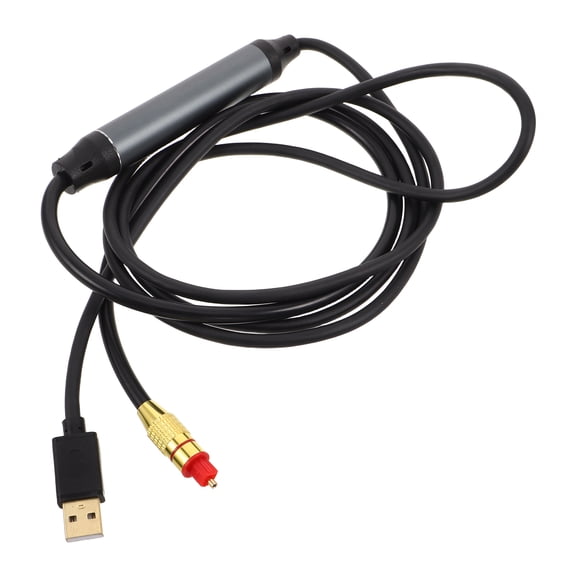 $2216current price $22.16, Was $24.90$24.90
NUOLUX USB to Optical Audio Cable, Wide Compatibility, Smooth Streaming, Black
(10 Feet) 24K Gold Plated Toslink Digital Optical Audio Cable (S/PDIF) - [Zero RFI & EMI Interference] Metal Connectors & Ultra Durable Nylon Braided Jacket $6.47
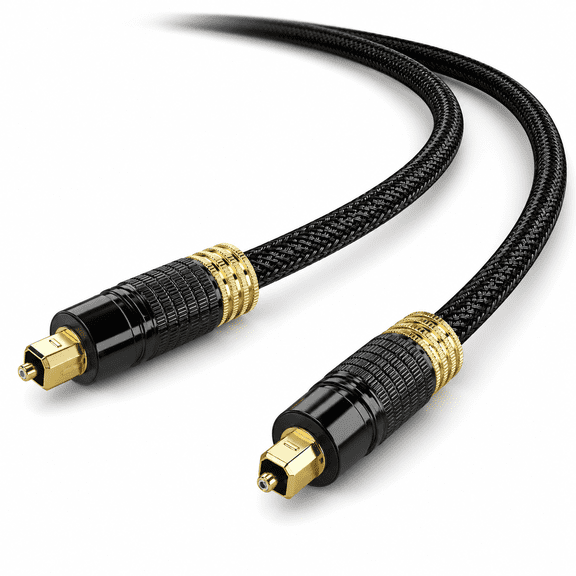 $647current price $6.47
(10 Feet) 24K Gold Plated Toslink Digital Optical Audio Cable (S/PDIF) - [Zero RFI & EMI Interference] Metal Connectors & Ultra Durable Nylon Braided Jacket
N64 to HDMI Adapter, N64 HDMI Converter for N64, Game Cube to HDTV with HDMI Cable Support 16:9/4:3 Conversion $24.99 Was $39.99
 $2499current price $24.99, Was $39.99$39.99
N64 to HDMI Adapter, N64 HDMI Converter for N64, Game Cube to HDTV with HDMI Cable Support 16:9/4:3 Conversion
1034.1 out of 5 Stars. 103 reviews4.1 out of 5 stars1080P HDMI to RCA Converter(HDMI & RCA Cables Included), Digital HDMI to Analog AV Composite CVBS Converter to Hook Up HDMI Gadgets to Older Televisions(white) $13.99 Was $15.99
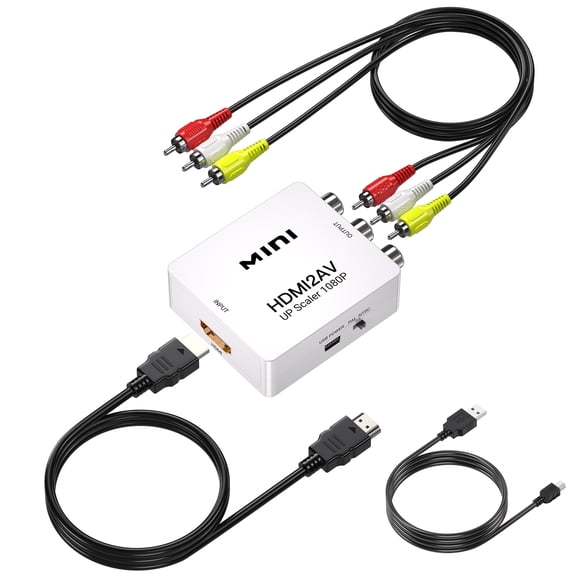 $1399current price $13.99, Was $15.99$15.99
1080P HDMI to RCA Converter(HDMI & RCA Cables Included), Digital HDMI to Analog AV Composite CVBS Converter to Hook Up HDMI Gadgets to Older Televisions(white)
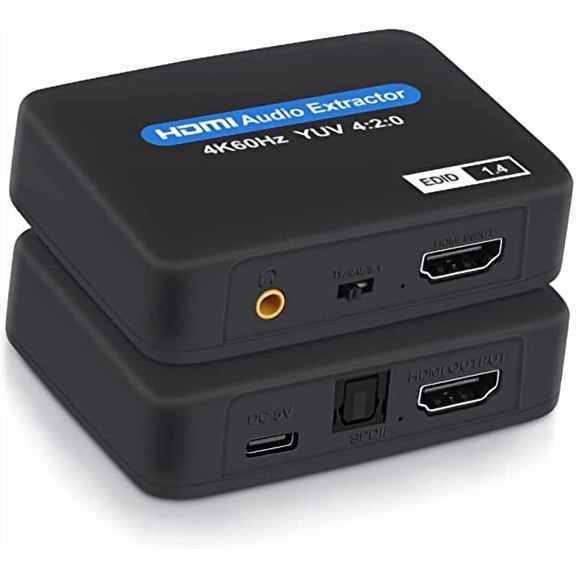
HDMI Audio Extractor, 4K UHD 60Hz ARC Audio Splitter with Optical/SPDIF & 3.5mm Stereo Output, 7.1/5.1/2CH Dolby/DTS/LPCM, HDCP 2.2, HDR10, 18Gbps, for Gaming Console/Projector $14.98
 $1498current price $14.98
HDMI Audio Extractor, 4K UHD 60Hz ARC Audio Splitter with Optical/SPDIF & 3.5mm Stereo Output, 7.1/5.1/2CH Dolby/DTS/LPCM, HDCP 2.2, HDR10, 18Gbps, for Gaming Console/Projector
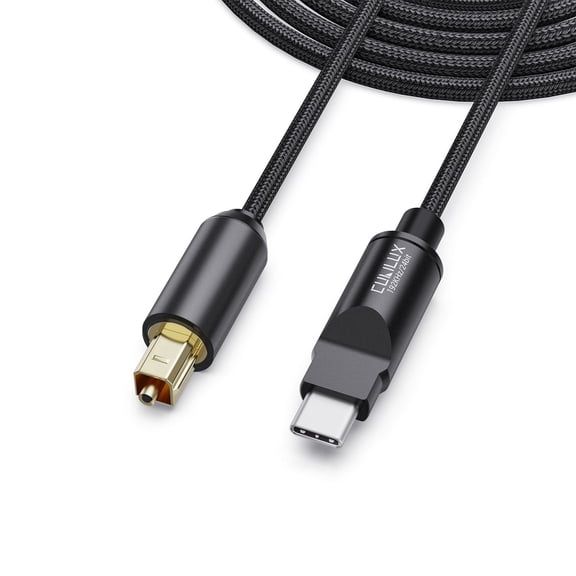
Cubilux USB C to TOSLINK Optical Audio Cable, Unidirectional Type C to SPDIF Digital Aux Cord, S/PDIF Transmitter for Computer/Laptop/PC MacBook(5.1 Surround Sound) and PS5(Stereo), 6.6 FT $28.49
 $2849current price $28.49
Cubilux USB C to TOSLINK Optical Audio Cable, Unidirectional Type C to SPDIF Digital Aux Cord, S/PDIF Transmitter for Computer/Laptop/PC MacBook(5.1 Surround Sound) and PS5(Stereo), 6.6 FT
Rollback, USB C to RCA Audio Cable 3.92FT Type C to 2 RCA Audio Cable Compatible with iPad, iPhone, Laptop, Tablet, Home Theater, DVD, Amplifier, Mixer, Speaker, Car Stereo $10.00 Was $11.24
Rollback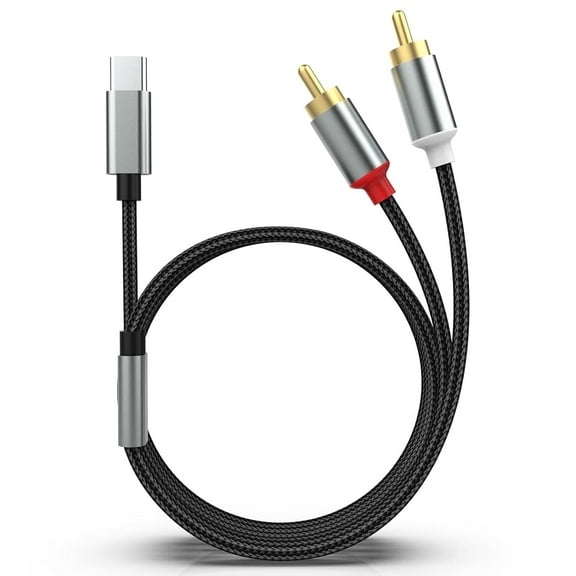 $1000current price $10.00, Was $11.24$11.24
USB C to RCA Audio Cable 3.92FT Type C to 2 RCA Audio Cable Compatible with iPad, iPhone, Laptop, Tablet, Home Theater, DVD, Amplifier, Mixer, Speaker, Car Stereo
84.8 out of 5 Stars. 8 reviews4.8 out of 5 starsIn 200+ people's carts, Monster 3 ft USB-C to 3.5mm Aux Cord for Headphones and Speakers, Black $7.96
In 200+ people's carts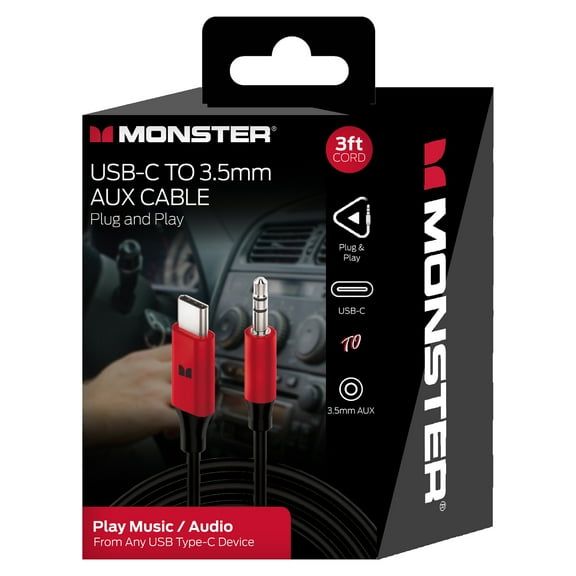 $796current price $7.96
Monster 3 ft USB-C to 3.5mm Aux Cord for Headphones and Speakers, Black
26174.4 out of 5 Stars. 2617 reviews4.4 out of 5 starsIn 50+ people's carts, onn 6' Digital Optical Audio Cable, Black $16.38
In 50+ people's carts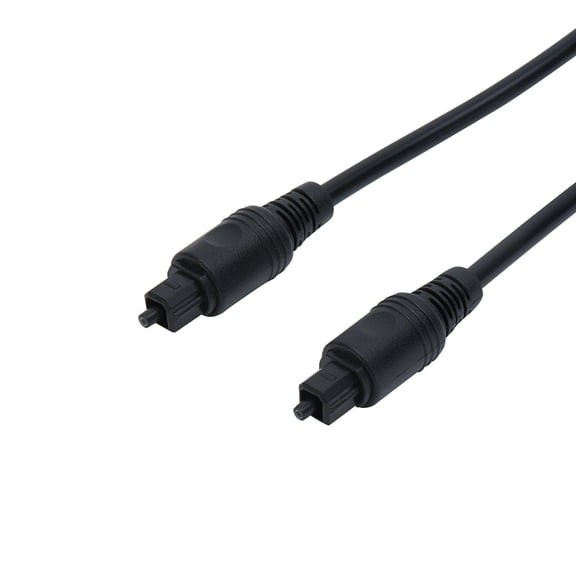 $1638current price $16.38
onn 6' Digital Optical Audio Cable, Black
10884.6 out of 5 Stars. 1088 reviews4.6 out of 5 starsBest seller, 4K Hdmi Cable 50ft High Speed HDMI Cable 4K@60HZ 3D ARC Gold Plated Connector Ethernet Audio Video Return Cord for UHD TV Monitor Laptop Xbox PS4/PS5 $31.44 Was $36.99
Best seller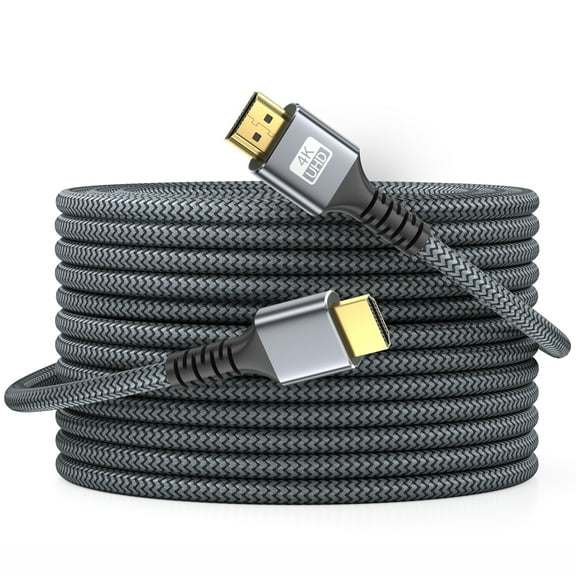 12 optionsAvailable in additional 12 options$3144current price $31.44, Was $36.99$36.99
4K Hdmi Cable 50ft High Speed HDMI Cable 4K@60HZ 3D ARC Gold Plated Connector Ethernet Audio Video Return Cord for UHD TV Monitor Laptop Xbox PS4/PS5
5104.6 out of 5 Stars. 510 reviews4.6 out of 5 stars

Customer ratings & reviews
Includes global ratings and reviews
How item rating is calculated
Filtered and sorted results would be available on the new 'Customer ratings & reviews' page.
Sort by |
Showing 1-1 of 1 review
Nov 12, 2026
Reviewer name: Joshua
5 out of 5 stars
Verified Purchase
Works as stated
Works well with my tv HDMI arc to audio.
Helpful?3NP8AHR729D020911468628

Current price is USD$28.99
Price when purchased online
- Free shipping
 Free Holiday returns until Jan 31

Walmart Protection Plan by Allstate
(Only one option can be selected at a time)
How do you want your item?
Ships to
Arrives between Dec 3 - Dec 7
|
Sold and shipped by J-Tech Digital, Inc
4.60655737704918 out of 5 stars

Extended holiday returns
Free Holiday returns until Jan 31