



















Tech for School and College
Headphones by Brand
- Apple Airpods
- Beats by Dr. Dre
- Sony Headphones
- JLab Headphones
- onn. Headphones
- JBL Headphones
- Skullcandy Headphones
- JVC Headphones
- Samsung Headphones
- Senheiser Headphones
- Soundcore by Anker Headphones
- LG Headphones
- Panasonic Headphones
- Jabra Headphones
- Shokz Headphones
- Bose Headphones
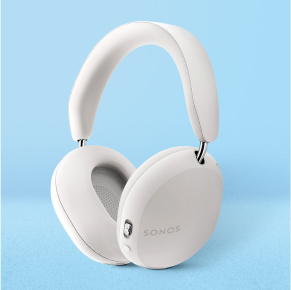
- Sonos Headphones
Back to School
Life on campus—complete
Keep study time switched on
Top brands on campus



About Tech for School and College - Walmart.com
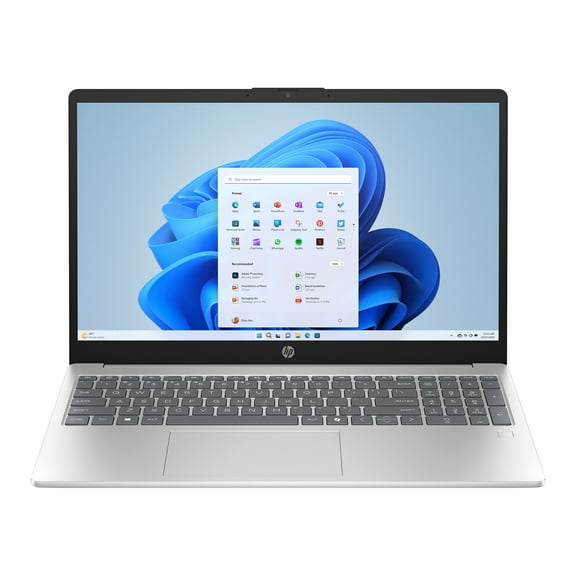
Tech for school college helps you cover classes, homework, and study sessions with devices built for campus routines. You can compare laptops, tablets, headphones, and calculators by school needs, battery life, and everyday portability.
How to choose tech for school college
Start with the device type that matches your classes and assignments. You may need student laptops for writing papers, tablets for reading, headphones for focus, or calculators for specific math courses.
Next, compare academic level because your needs often change by grade. You might want simple school setups for middle school, broader tools for high school, and flexible college tech essentials for mixed schedules.
You’ll also want to check school requirements before you choose. Your operating system, RAM, and storage affect how smoothly you run class platforms, save files, and handle video lessons.
- You can pick laptops when your coursework includes essays, presentations, spreadsheets, and multi-tab research.
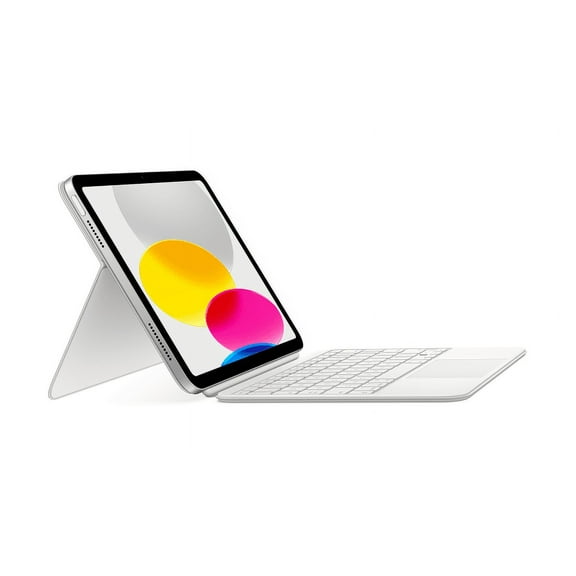
- You can choose tablets when your day centers on reading, note-taking, streaming lectures, and portable studying.
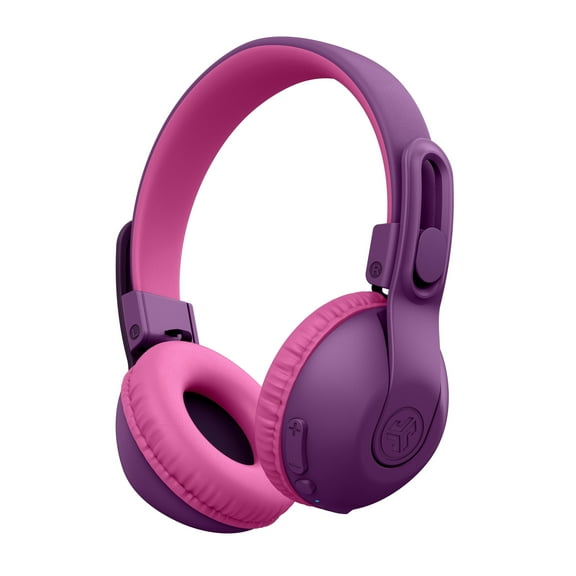
- You can add headphones when your shared spaces call for clearer audio during classes and study blocks.
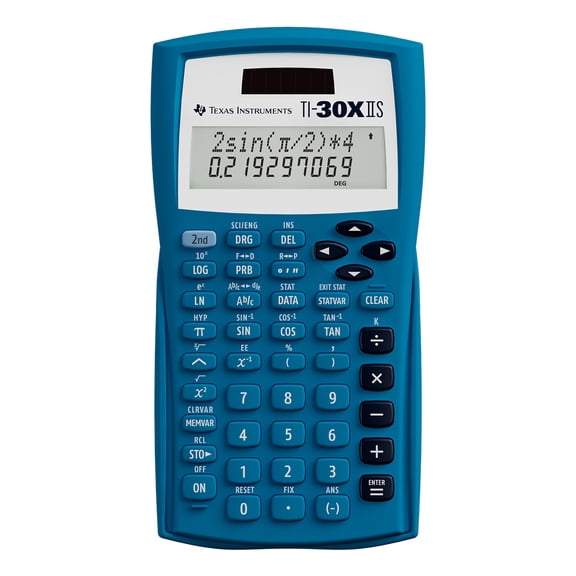
- You can check calculators against course lists so your device fits classroom expectations.
Choosing college tech essentials by academic level
If you’re shopping for middle school, you may focus on simple navigation and easy carrying. Your tech should feel straightforward for homework, classroom apps, and family-managed schedules.
For high school, you may need more flexibility across writing, research, and group projects. Your setup often works harder when assignments include presentations, cloud documents, and online collaboration.
When you’re buying for college, you may want gear that handles lectures, long library sessions, and frequent movement across campus. Your college tech essentials should support note-taking, streaming, file storage, and video calls in one routine.
Consider size and weight before you commit to a device. You’ll notice lighter options fit crowded backpacks and daily commutes more comfortably between classes, dorms, and study spots.
What to look for in school tech accessories
Connectivity matters because your accessories need to work with your main device. You should compare Wi-Fi support, Bluetooth pairing, and USB-C connections so your setup stays simple.
Wi-Fi features help you join class portals, submit work, and stream lessons in shared spaces. Bluetooth can make headphones, keyboards, and mice easier to use without extra cords in your bag.
USB-C can be a helpful checkpoint when you charge devices or connect newer accessories. You should check whether your laptop, tablet, charger, and portable power bank use the same port type.
School tech accessories also shape how organized your day feels. You can keep chargers, cases, adapters, and audio gear aligned with your schedule when you compare compatibility first.
Comparing specs that affect class performance
You don’t need to memorize technical terms, but you should know what they mean for daily use. Your operating system affects software access, while RAM helps with multitasking and storage holds your files.
If you switch between documents, browser tabs, and class apps, you’ll want enough RAM for smoother movement. If you store lecture recordings, large projects, or design files, you’ll want more storage space.
Battery life can be a major decision point during long school days. You should look for all-day use in plain terms, such as enough hours for classes, study time, and the trip home.
Fast charging can help when your outlets are limited between classes. A portable power bank may also fit your routine if you move between buildings, libraries, and off-campus stops.
Durability matters when your device rides in a backpack every day. You may prefer designs that feel ready for desks, commutes, and repeated packing without adding too much bulk.
Using back to school electronics in real routines
Back to school electronics can support very different days, so your routine should guide your choice. You may want a laptop for writing-heavy majors, a tablet for reading-heavy classes, or both for shared use.
If your day includes long lectures and study halls, you may prioritize long battery life and comfortable headphones. Your setup can feel more dependable when it lasts through class blocks without frequent charging.
For commuting students, portability often matters as much as screen size. You can compare lighter devices, compact chargers, and school tech accessories that fit easily into tighter backpacks.
If your classes require software downloads, check operating system support before you choose. You’ll avoid mismatches when your laptop or tablet aligns with campus platforms and assignment tools.
Shared households and dorm rooms can also shape your decision. You may find Bluetooth headphones, USB-C charging, and compact tablets easier to manage in smaller spaces.
When your checklist includes calculators, confirm course guidance early. You can narrow options faster when your class type, school rules, and preferred layout all match.
With the right mix of devices and accessories, you can move through classes with fewer interruptions. Your setup should fit your coursework, your schedule, and the way you carry tech each day.