

PC Gaming Processors in PC Gaming













About PC Gaming Processors in PC Gaming - Walmart.com
When you compare pc gaming processors, you can build smooth gameplay and smart upgrades. You can also avoid fit issues when you match sockets, core counts, and cooling needs early.
If you’re replacing an older chip or planning a fresh tower, you need clear decision points. You can use this guide to compare brand, processor series, and motherboard fit with less guesswork.
Choosing PC gaming processors by brand and series
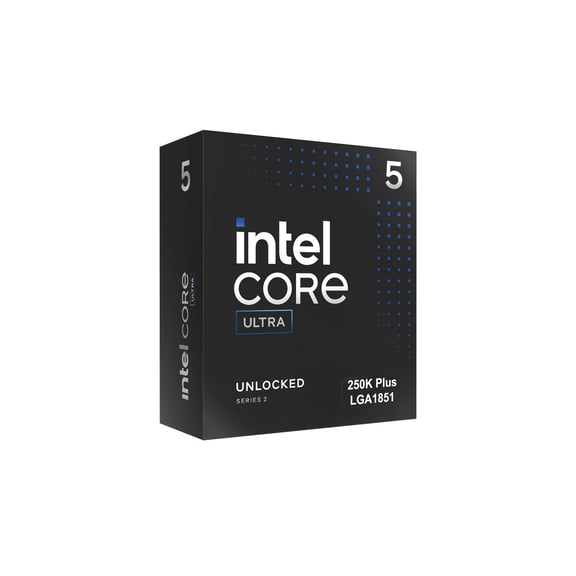
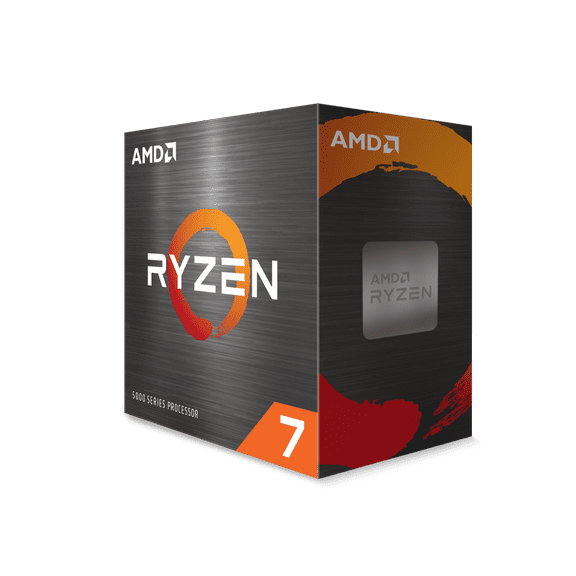
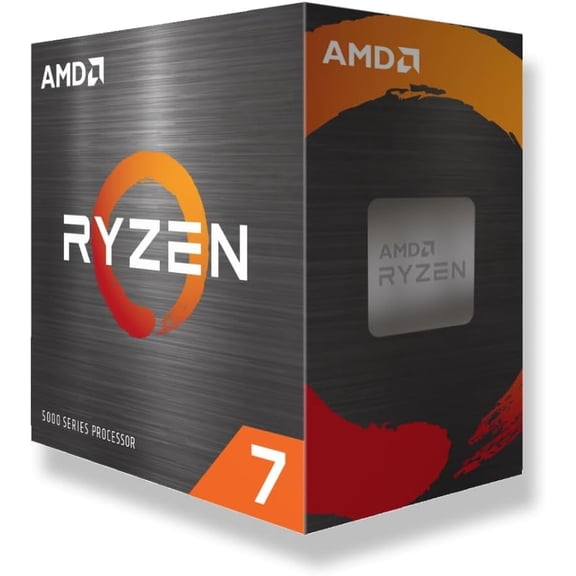
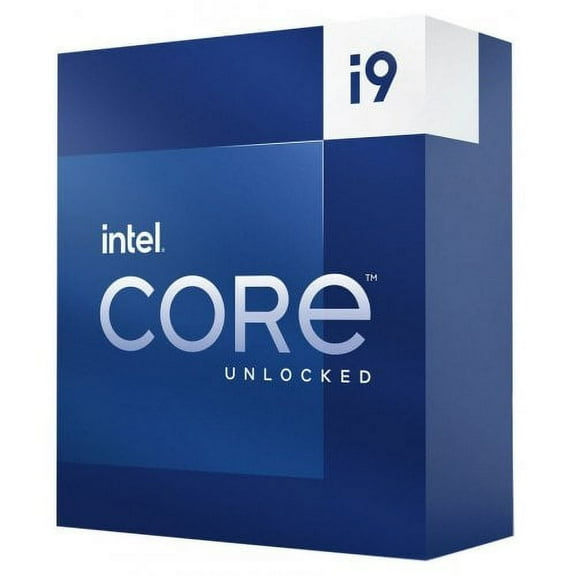
When you shop pc gaming processors, you’ll usually compare AMD and Intel first. You can narrow your options quickly when you pair each brand with the series that fits your play style.
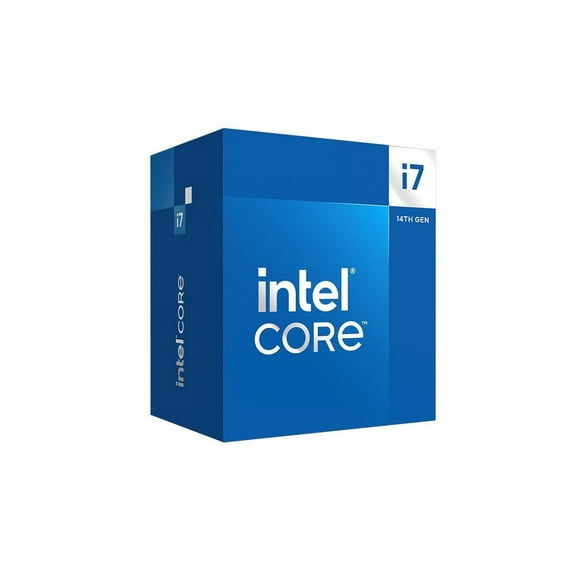
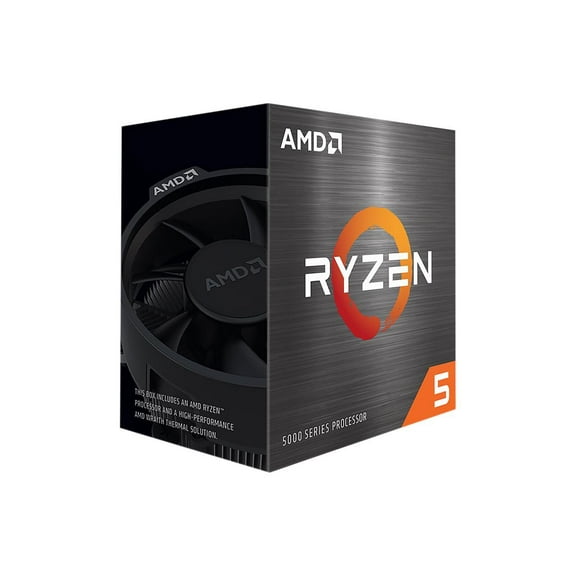
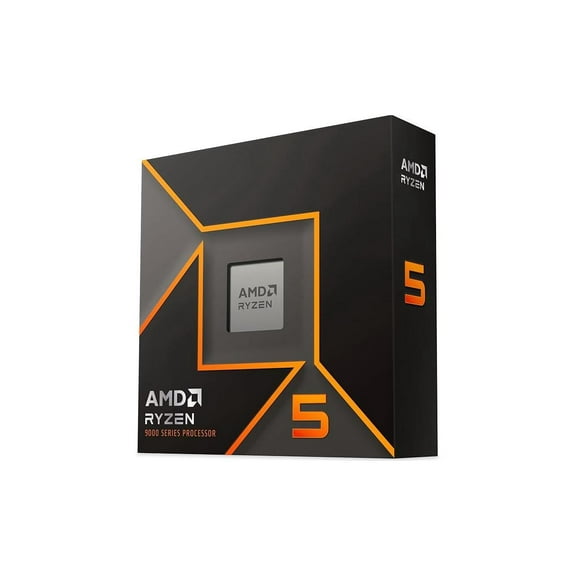
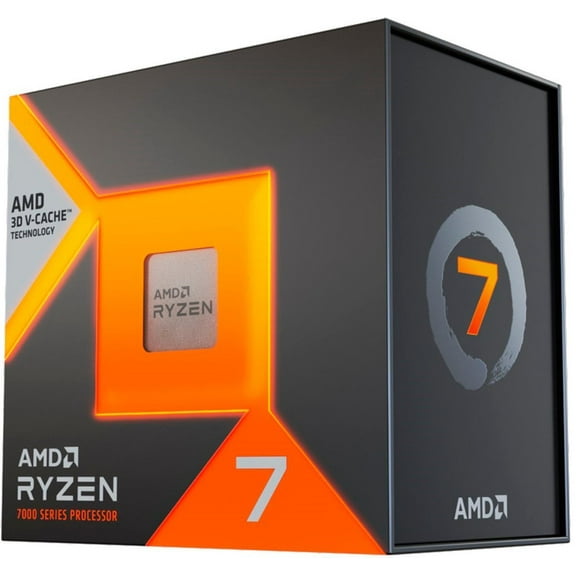
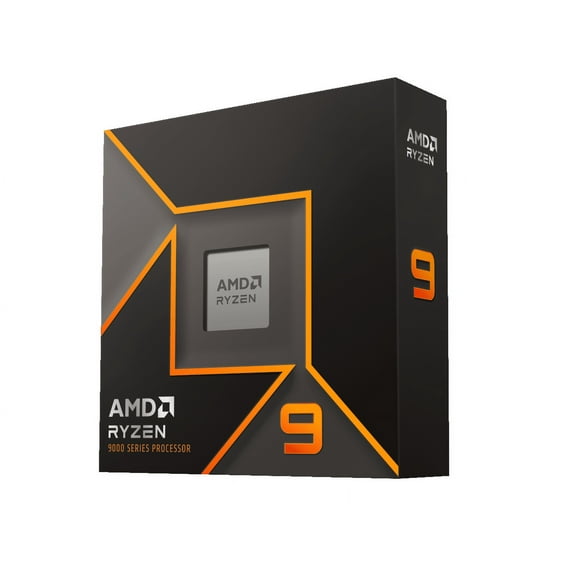
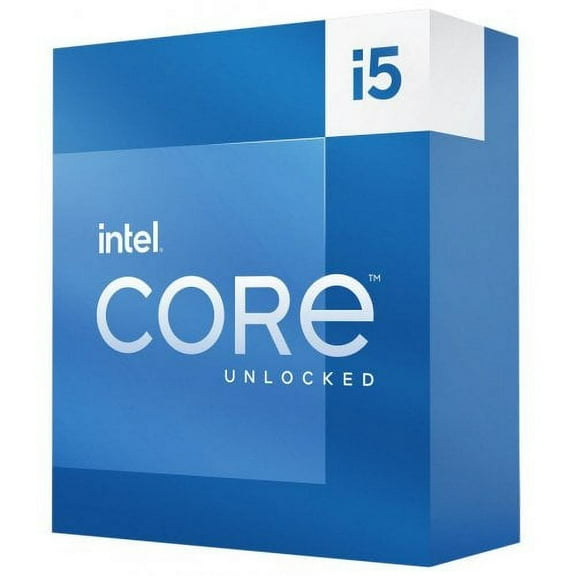
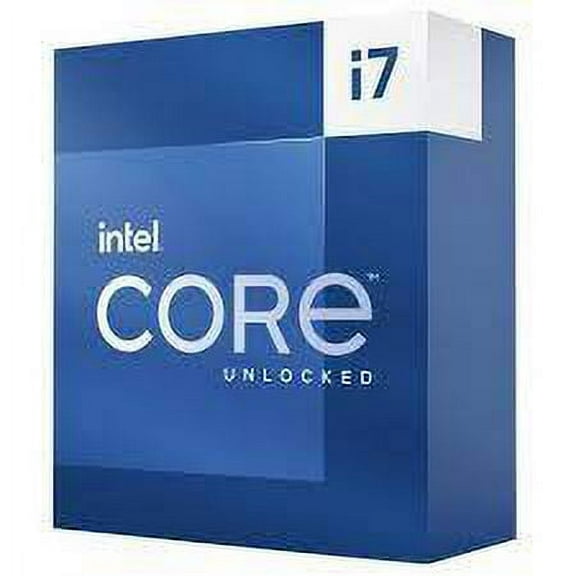
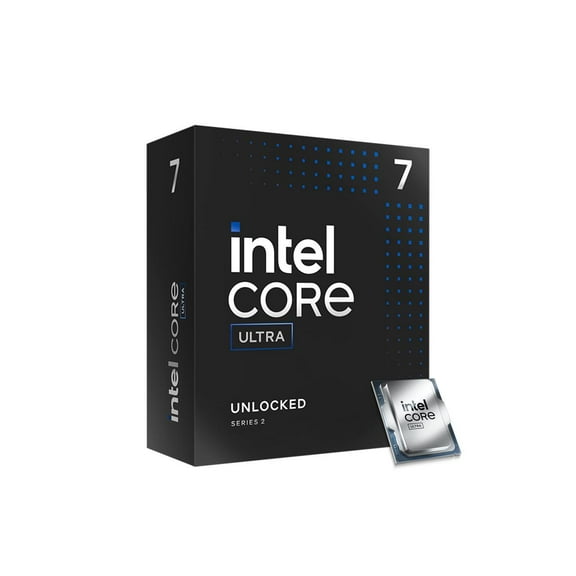
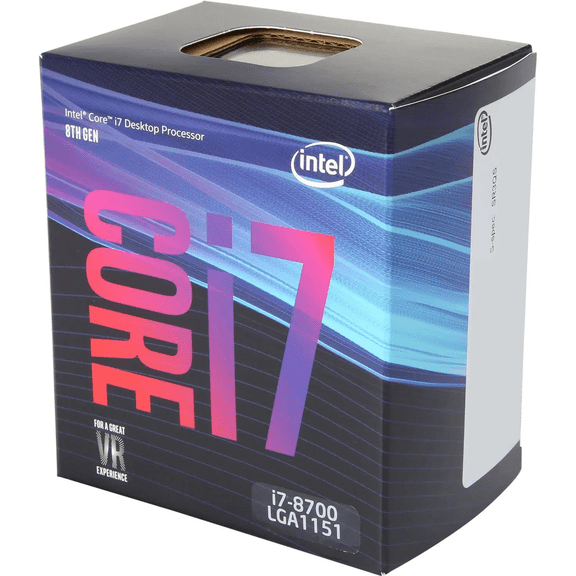
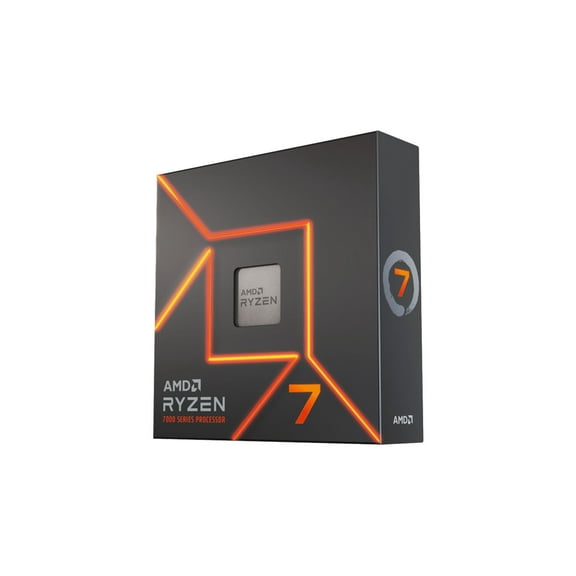
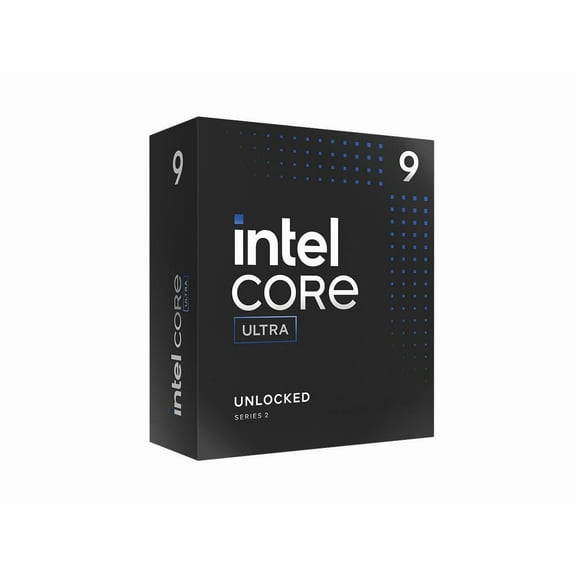
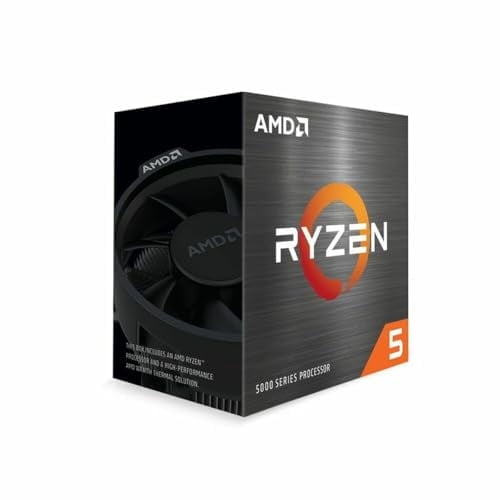
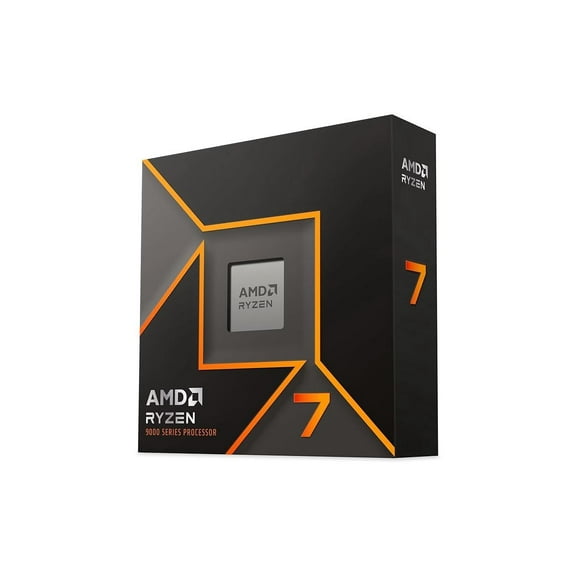
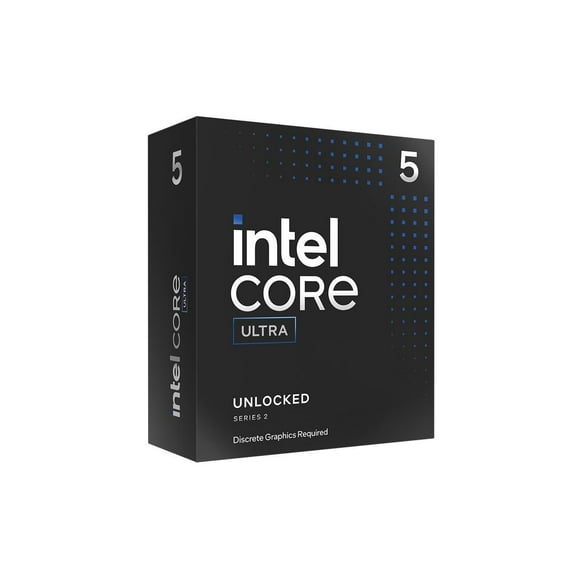
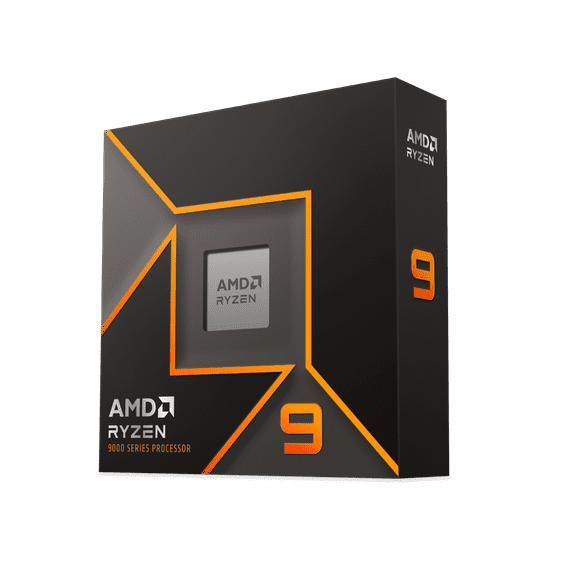
If you want a balanced gaming build, you may compare Ryzen 5 and Core i5 models. If you stream, edit clips, or run many apps, you may lean toward Ryzen 7, Ryzen 9, Core i7, or Core i9.
You should treat processor series as a quick shorthand for performance tier. You can use that tier to match your graphics card, monitor resolution, and the games you play.
What to look for in a gaming CPU
When you pick a gaming CPU, you should compare the benefits that affect daily play. You may usually notice differences in frame pacing, multitasking support, and upgrade flexibility.
- You can keep gameplay responsive when your processor handles game logic, background apps, and voice chat at the same time.
- You can get a clear upgrade path when you match processor socket compatibility with your motherboard from the start.
- You can match your processor to your cooling plan, which helps your case layout stay organized and efficient.
- You may choose multi-core processors for streaming, recording, or content creation alongside gaming sessions.
If you play esports titles, you may focus on strong clock speeds and solid midrange core counts. If you play large open-world games, you may want extra threads for background tasks.
You can also plan around how long you want your build to last. If you expect future GPU upgrades, you may want extra headroom from modern desktop processors now.
Understanding processor socket compatibility and motherboard fit
Before you choose among desktop processors, you should confirm your motherboard socket first. You can’t install an AM5 processor into an LGA 1700 board, and you can’t reverse that match.
If you own an AMD board, you may be comparing AM4 and AM5 support. If you own an Intel board, you’ll often check LGA 1200 or LGA 1700 before you decide.
You should also confirm chipset support and BIOS readiness with your board details. You can avoid wasted setup time when you check processor socket compatibility before checkout.
When you upgrade an older system, you may keep your current board with a compatible chip. When you build new, you can choose a modern socket for a wider path forward.
Comparing core counts, threads, and real gaming use
When you compare core counts, you should think about what runs with your game. You may have voice chat, a browser, game launchers, recording software, and updates running together.
If you mainly play and chat, six-core processors may cover your needs well. If you stream or multitask often, eight-core or 12-core options can give you extra breathing room.
If you edit video, render clips, or keep many programs open, you may consider 16-core models. You can often notice smooth switching between tasks when extra threads share the workload.
You shouldn’t assume additional cores always fit every build. You should balance your processor with your graphics card, power supply, and the resolution you use.
Checking thermal design power and cooling requirements
When you choose pc processors for gaming, you should check thermal design power, often called TDP. You can use TDP as a simple guide for heat output and cooler planning.
If your processor draws more power, you may need a stronger air cooler or liquid cooling setup. You should also make sure your case airflow supports the heat your parts create.
Unlocked desktop processors may appeal to you if you like tuning settings and experimenting. You should pair those chips with capable cooling, because extra performance settings can mean extra heat.
If you want a simpler build, you may prefer a chip that fits a modest cooling plan. You can often get a straightforward installation path when your cooler, case, and processor align.
Matching PC gaming processors to your setup
If you’re upgrading a family desktop into a gaming machine, you should start with socket and series. You can then choose a core count that supports your games without rebuilding every part.
If you’re building a new tower for competitive play, you may prioritize fast clocks and current-platform support. You may want that combination when you pair a high-refresh monitor with a strong graphics card.
If you stream gameplay and edit highlights, you may favor eight-core, 12-core, or 16-core chips. You can keep your game active while background apps handle capture, chat, and export tasks.
If you want a compact build, you should think carefully about thermals and cooler height. You can avoid fit problems by checking case clearance before choosing a higher-power processor.
When you compare series like Ryzen 5, Ryzen 7, Ryzen 9, Core i5, Core i7, and Core i9, you can shop with clear goals. You can make a confident upgrade when your processor matches your board, workload, and cooling plan.