









Processors (CPU) in Computer Components


![AMD Ryzen 7 5000 5800X3D Octa-core [8 Core] 3.40 GHz Processor - Box (100-100000651pof)](https://i5.walmartimages.com/seo/AMD-Ryzen-7-5800X3D-10th-Anniversary-Edition-Ryzen-7-5000-Series-Vermeer-Zen-3-8-Core-3-4-GHz-Socket-AM4-105W-Desktop-CPU-Processor-100-100000651POF_dc9b5c7a-3a85-4ed8-8404-382e05b6dfc9.7316b2fbbe98f178e62388efcbd20d3b.jpeg?odnHeight=576&odnWidth=576&odnBg=FFFFFF)
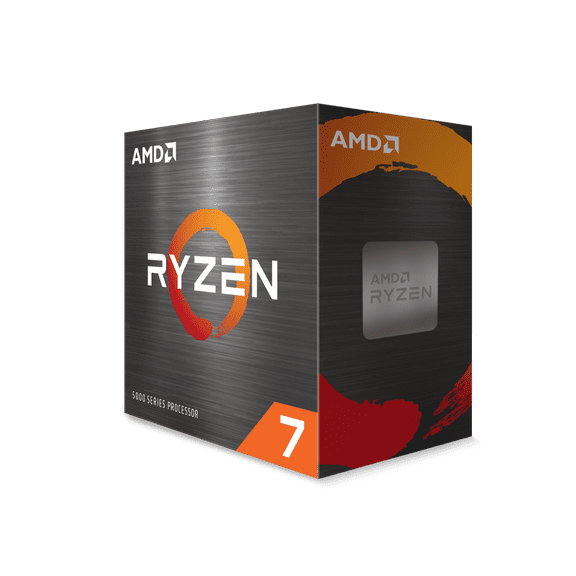
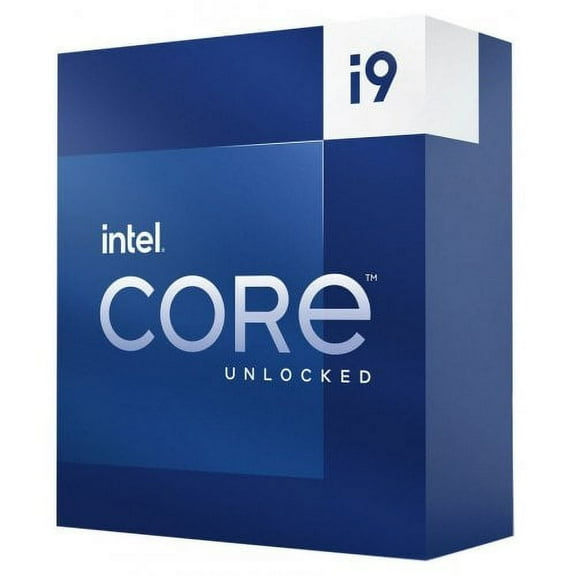

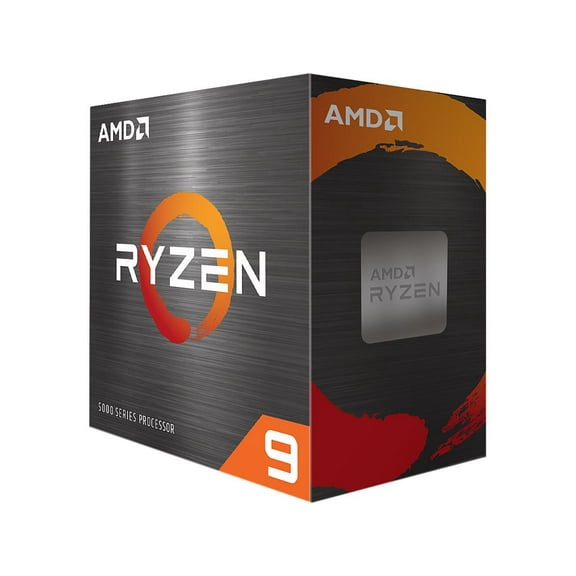
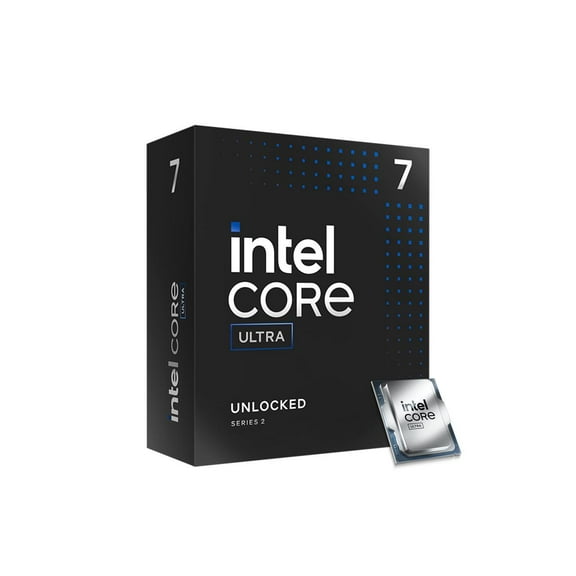

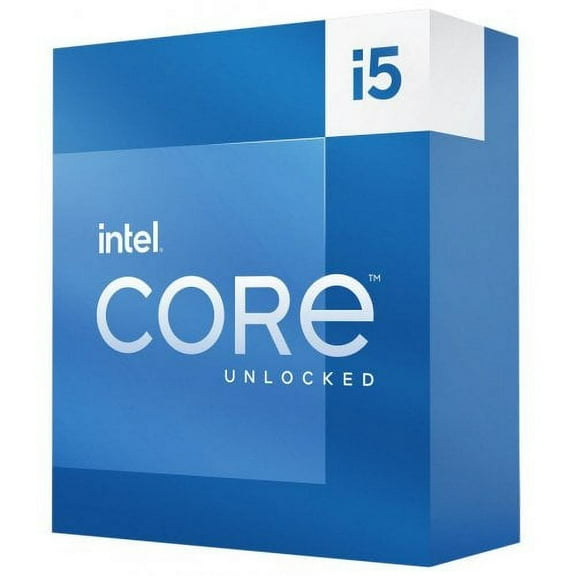
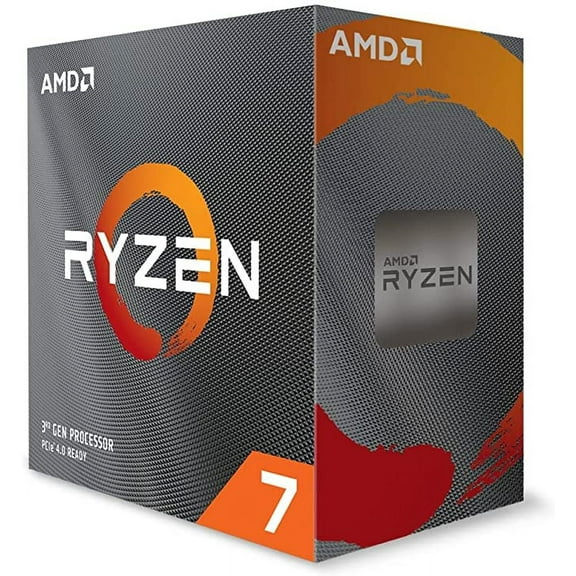
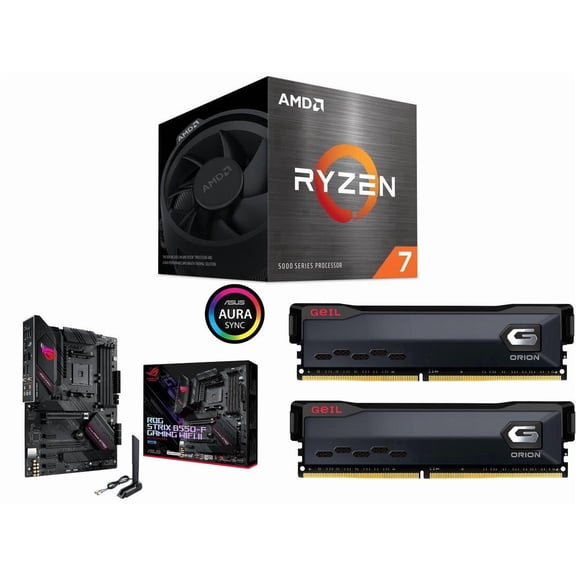
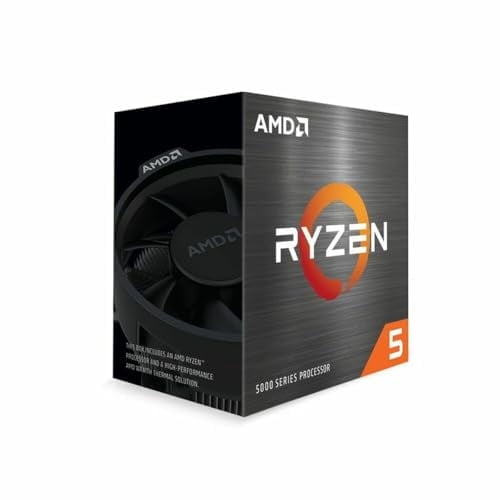




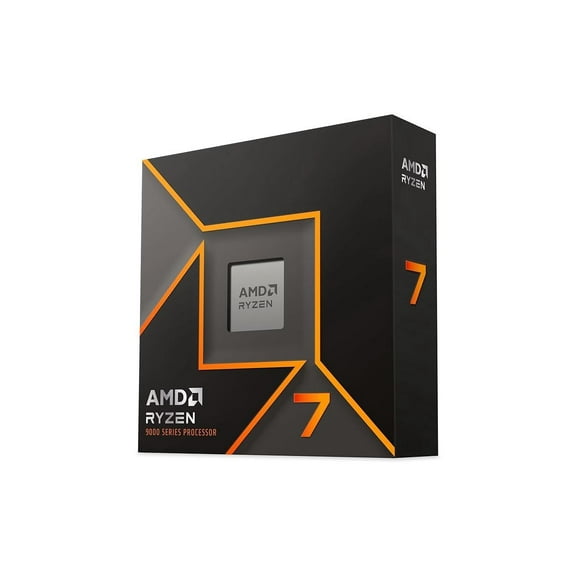
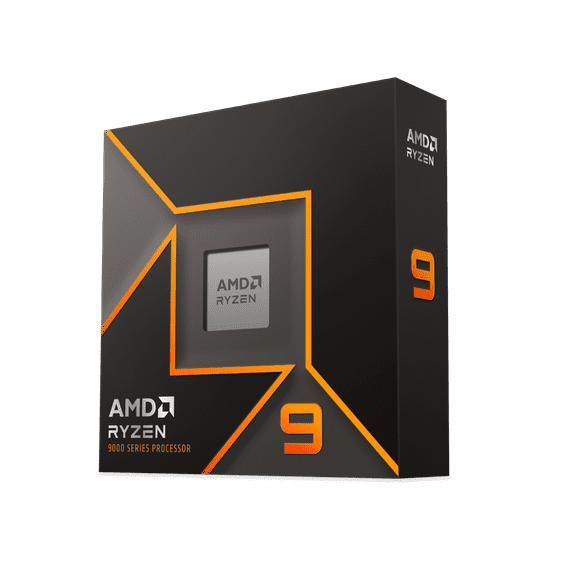
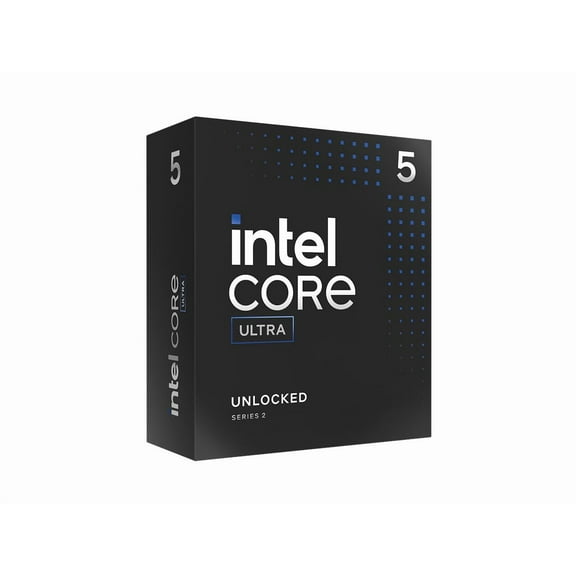
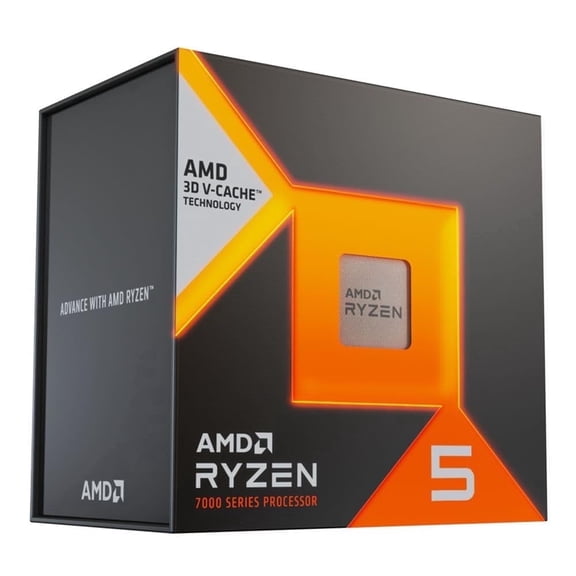



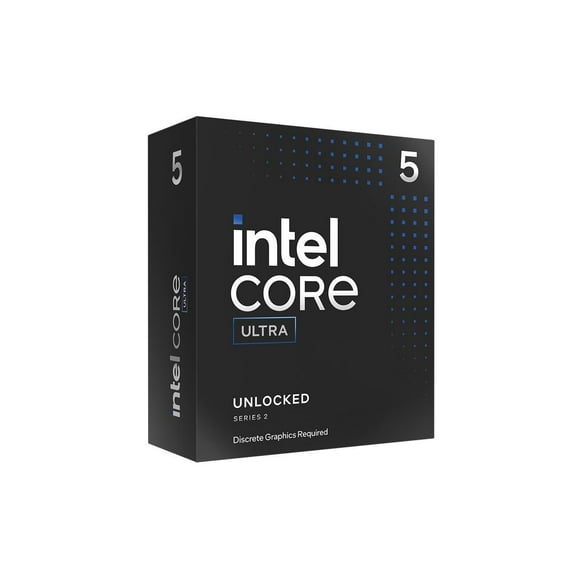
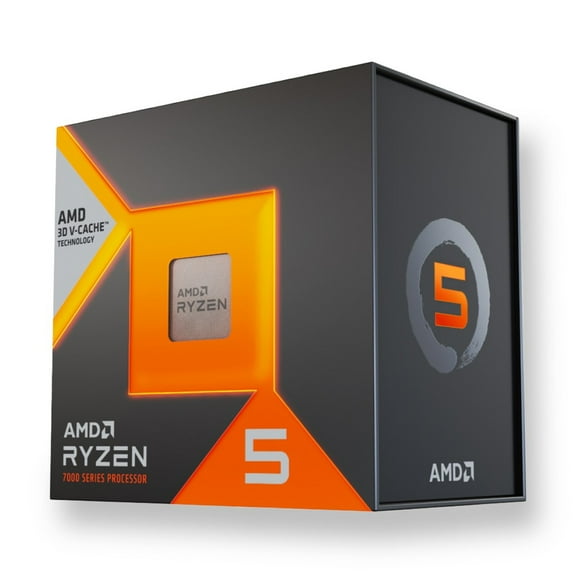

About Processors (CPU) in Computer Components - Walmart.com
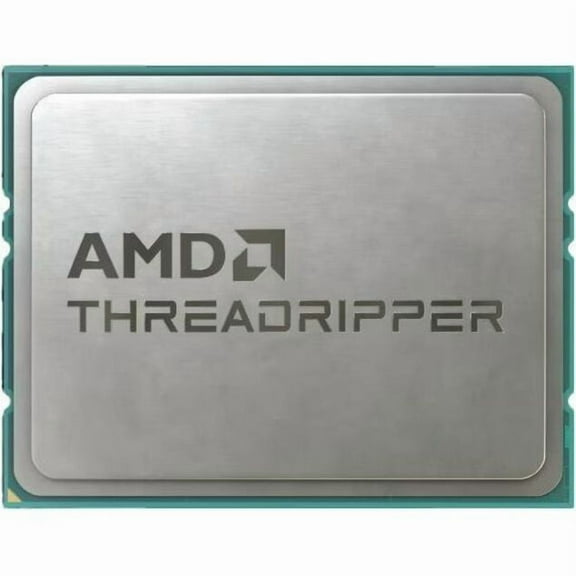
PC cpu prices matter when youu're building, upgrading, or replacing a processor in a desktop setup. This category brings together Intel and AMD options, plus key compatibility details for modern motherboard sockets.
You can compare clock speeds, core counts, cache sizes, and supported platforms without jumping between scattered product pages. That makes it simple to match a processor to your build goals and desktop parts list.
Find the right cpu near you
Availability matters when your build is waiting on one final part. This page helps you check pickup and delivery options while comparing processors for pc in one place.
If youu're replacing an older chip, quick access to current inventory helps keep your project moving. You can review brands, generations, and platform support before choosing a model.
- Choose CPUs for gaming rigs, creator desktops, or everyday home computers.
- Compare Intel Core and AMD Ryzen families side by side.
- Check fulfillment options that fit your timeline and preferred shopping method.
- Filter by socket, brand, and performance tier for a tighter shortlist.
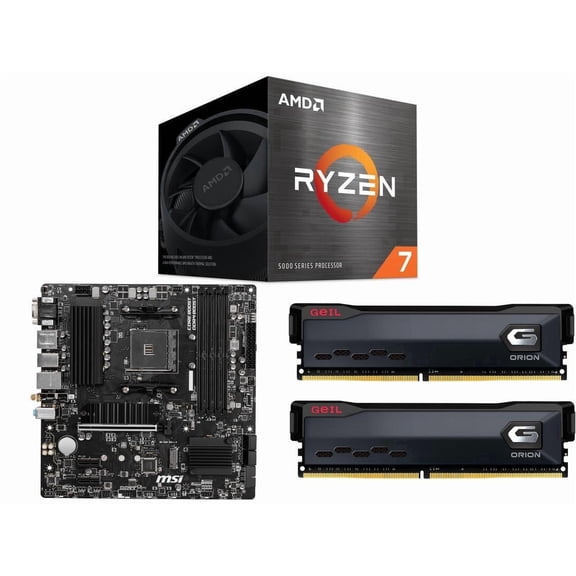
That convenience is especially useful when youu're pairing a processor with a motherboard and memory on the same schedule. It keeps your part list focused and compatible.
Understanding pc cpu prices and performance
PC cpu prices often reflect architecture, core count, thread count, and boost speed. Advanced chips also include large cache and robust multitasking capability.
If youu're asking how much does a processor cost, start with your workload. Office systems, gaming towers, and editing stations need different levels of processing power.
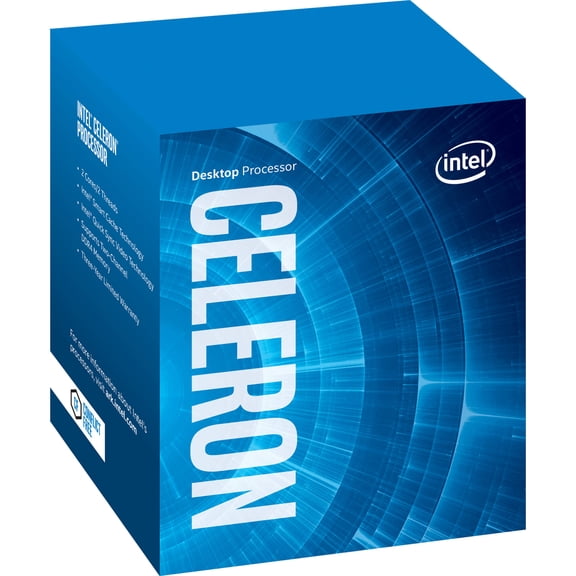
Entry models handle web browsing, documents, streaming, and basic home tasks smoothly. Midrange processors support responsive gaming sessions and steady multitasking during demanding use.
Enthusiast chips fit intensive workflows like video editing, code compilation, and complex content creation. Many shoppers also compare cpu price ranges by platform longevity and upgrade path.
Socket support shapes total build planning. An LGA 1700 processor fits certain Intel boards, while AM5 processors pair with compatible AMD motherboards.
Chipset support also matters. Features like PCIe lanes, memory compatibility, and overclocking support can influence which processor fits your setup.
Intel and AMD Ryzen processors for pc
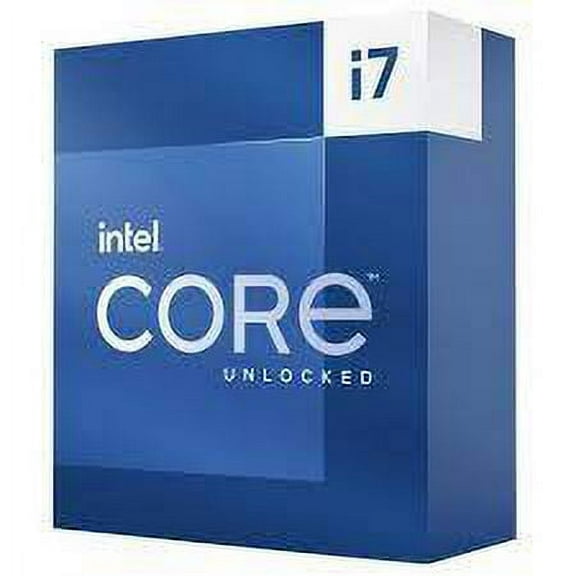
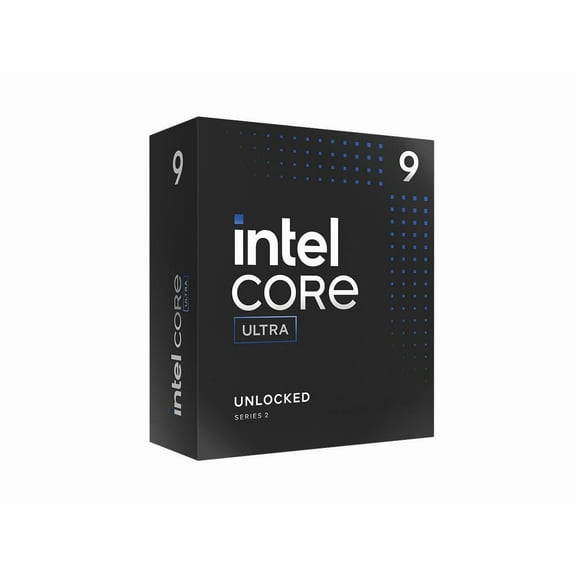
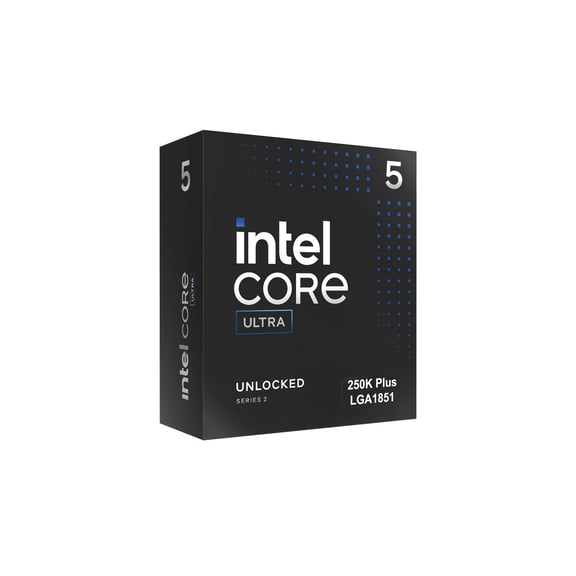
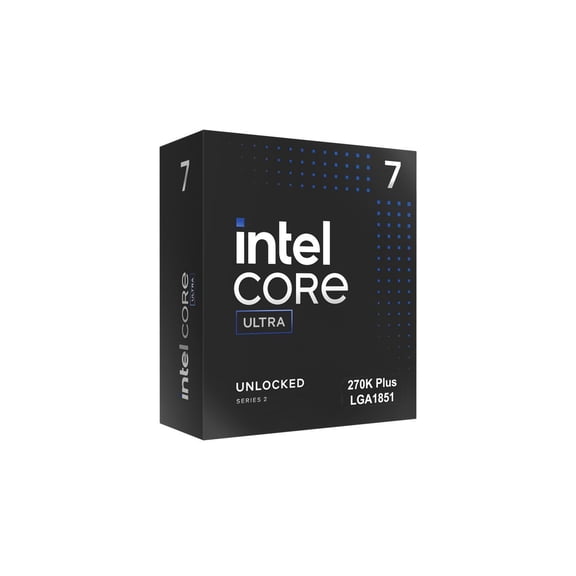
Intel cpu options often appeal to shoppers balancing gaming, productivity, and platform familiarity. Current families offer choices across entry desktops, mainstream towers, and workstation builds.
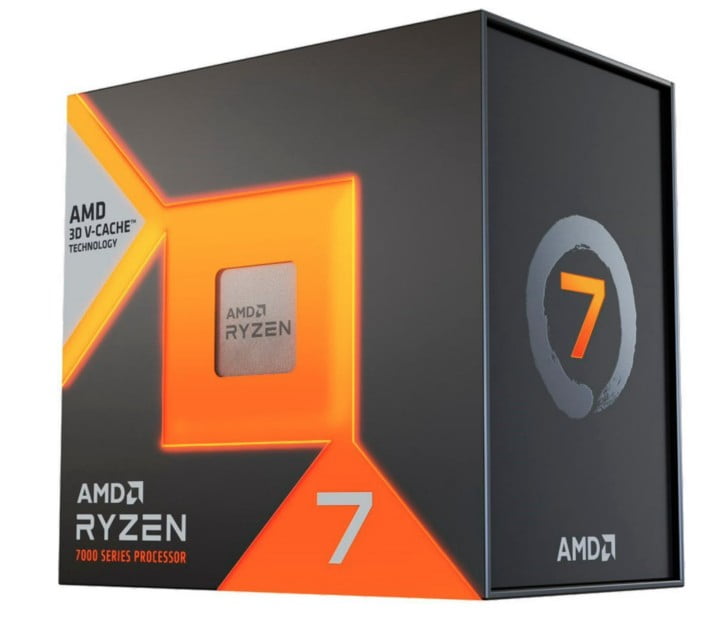
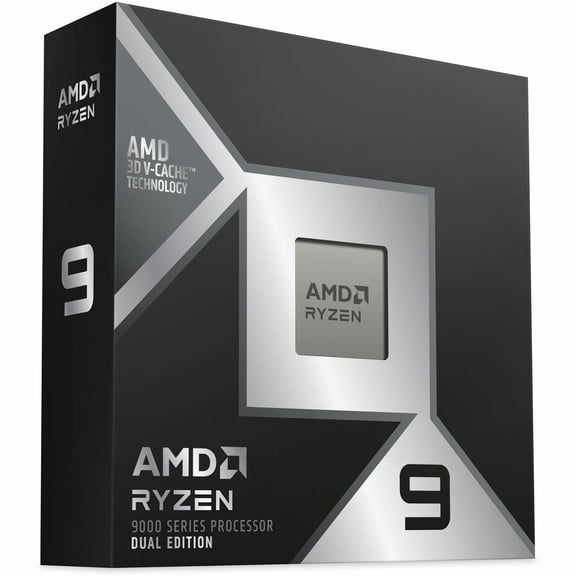
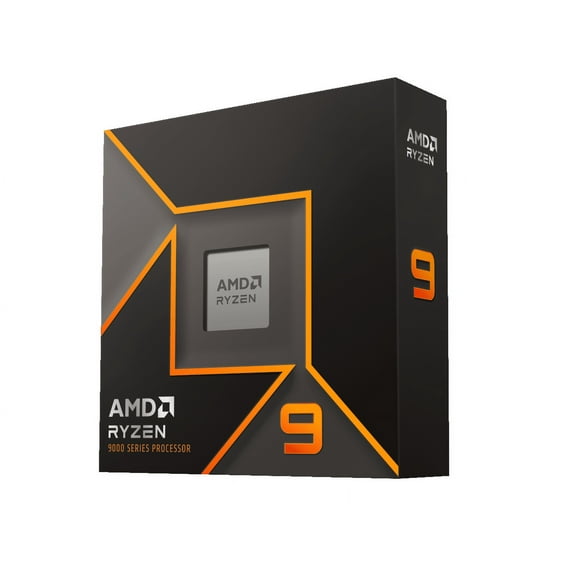
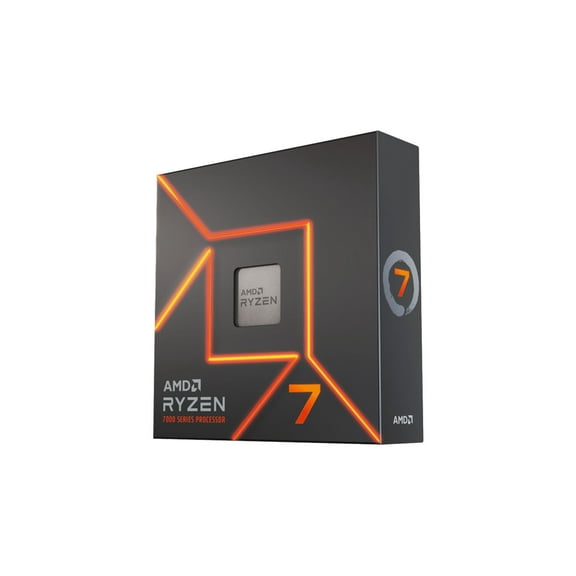
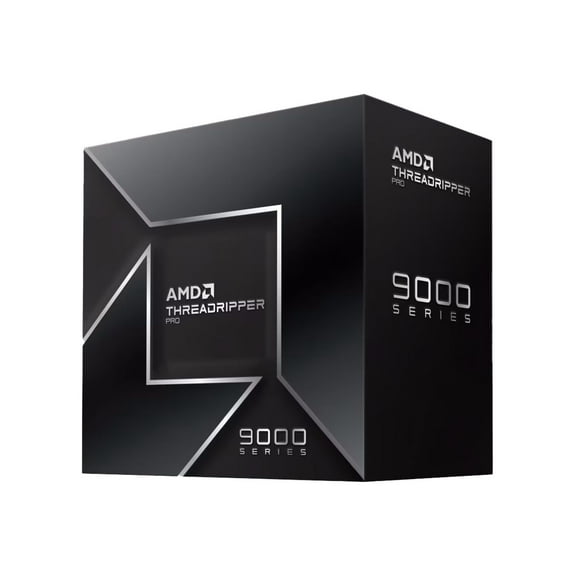
AMD Ryzen processors for pc are also popular for robust multi-core output and broad AM5 interest. Many builders compare Ryzen tiers by cores, clock speed, and integrated graphics availability.
When comparing brands, look closely at socket type first. A processor that doesnu't match your motherboard wonu't fit your planned build.
Integrated graphics can be another deciding factor. Some chips support display output without a separate graphics card, which helps with basic desktops and first builds.
Thermal design and cooling needs deserve attention too. High performance processors may need a capable air cooler or liquid cooler for steady operation.
Specific enthusiast searches also matter. Shoppers researching an amd ryzen 9 9950x3d2 processor often want gaming and creator hardware in a current platform.
How to choose processors for pc builds
Start with the tasks your desktop handles every week. Gaming, schoolwork, office tasks, streaming, and editing each point to a different processor tier.
Next, confirm motherboard compatibility before comparing speed numbers. Socket type, BIOS support, and memory standards can narrow your choices quickly.
A gaming build may prioritize boost clocks, cache, and direct single-threaded responsiveness. A productivity system may benefit from extra cores for rendering, compiling, and multitasking.
Compact desktops and family computers often need efficient chips with simpler cooling requirements. That can help keep the build process direct and straightforward.
Upgrade planners should also think about future parts. Choosing the right platform now can simplify later swaps for memory, storage, graphics, and cooling hardware.
Reviewing pc cpu prices alongside platform details helps avoid mismatched components. It also gives you a direct picture of total build readiness from the start.
What experienced buyers check first
Experienced shoppers usually compare cores, threads, base speed, boost speed, and cache before anything else. Those details shape everyday responsiveness and workload handling.
They also check whether a processor includes a cooler. Some desktop CPUs ship without one, which affects what else you need for installation.
Memory support is another useful checkpoint. DDR4 and DDR5 compatibility can change motherboard choices and influence your full parts list.
For replacement upgrades, generation support matters just as much as raw speed. A modern chip may need a different board, even within the same brand family.
With those details in one category, comparing processors becomes practical and precise. You get a direct path to a desktop build that fits your parts and performance goals.