

Sharp Aquos Board(2)
Sharp NEC Display 43" Class AQUOS BOARD $1,650.86

Sharp NEC Display 43" Class AQUOS BOARD
Sharp PN-LM551 55" Class AQUOS BOARD Touch Display $2,043.40
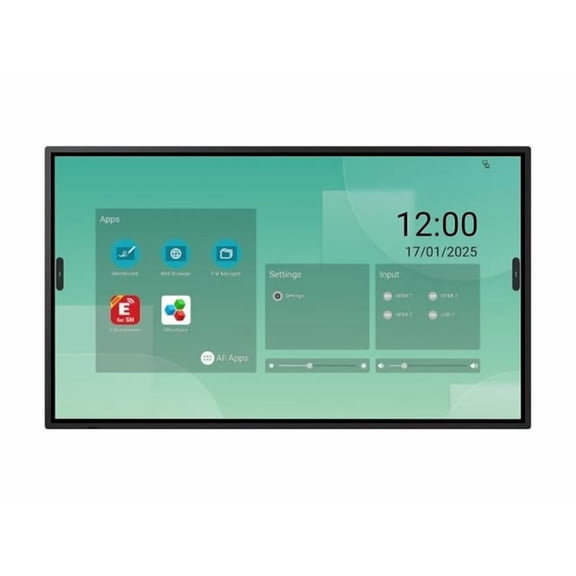
Sharp PN-LM551 55" Class AQUOS BOARD Touch Display
FAQ
How do you connect a device to a Sharp AQUOS BOARD?
Connecting a device to a Sharp AQUOS BOARD is often straightforward. Most models feature multiple input options such as HDMI, USB, and VGA ports. To connect, simply locate the corresponding port on the board and plug in your laptop, tablet, or other device using the appropriate cable.
- For wireless connections, many boards support screen mirroring; check your device’s compatibility and follow the on-screen prompts.
- Always ensure both the board and your device are turned on before connecting.
Review your product’s manual for supported connection types, as features can vary by model.
Can I write directly on the AQUOS BOARD screen?
Yes, most Sharp AQUOS BOARD models are designed with interactive touch technology, allowing you to write or draw directly on the screen using the included stylus or your finger.
- These features make it easy to annotate presentations, brainstorm, or teach remotely.
- To avoid any potential damage, use only accessories provided with the board or those approved in the manual.
Features can differ, so it’s a good idea to check your specific model’s guide for proper usage tips.
What size AQUOS BOARD is best for my meeting room?
Choosing the right AQUOS BOARD size depends on your meeting room’s dimensions and the number of participants.
- For smaller rooms (up to 8 people), a smaller screen (around 43") may be sufficient.
- Larger groups or spaces may benefit from a 55" or bigger display for better visibility.
Consider the distance between the display and viewers—larger screens are easier to read from farther away. Take measurements of your space before choosing.
Are there apps I can use with the AQUOS BOARD?
Many Sharp AQUOS BOARDs support various compatible apps for note-taking, collaboration, and presentations.
- You can often access built-in whiteboard apps or connect your own device to use preferred software.
- Integration features, like opening shared documents or cloud files, depend on your board’s model and any third-party apps you install.
Check your board’s user guide for supported applications and follow the setup instructions to get started.
How should I clean and maintain my AQUOS BOARD?
To keep your AQUOS BOARD in great shape, gently wipe the screen with a soft, dry microfiber cloth to remove fingerprints and dust.
- Avoid using harsh chemicals, abrasive pads, or excessive moisture, as these can harm the display.
- For deeper cleaning, lightly dampen the cloth with water if needed, but ensure no moisture seeps into the edges or ports.
Regular maintenance helps preserve clarity and touch responsiveness. Always consult your product manual for specific care recommendations.
Popular in Sharp AQUOS Board Displays for Offices and Classrooms
Related Products
Replacement Remote for FUJITSU 8119018015, RT8119018015, PRMS103S, P63XTA51U, P63XTA51US, P42XTA51US, P55XTA51US, P55XTA51U, P63XTA51UB, P50XTA51US,
 Replacement Remote for FUJITSU 8119018015, RT8119018015, PRMS103S, P63XTA51U, P63XTA51US, P42XTA51US, P55XTA51US, P55XTA51U, P63XTA51UB, P50XTA51US,$38.91current price $38.91
New Universal For Panasonic Epson Benq Dell Viewsonic Projector Remote Control
 New Universal For Panasonic Epson Benq Dell Viewsonic Projector Remote Control$9.34current price $9.34
New Remote Control for ACER Projector V32S EV-W62H AS314 AW314 X125H X115 D602D
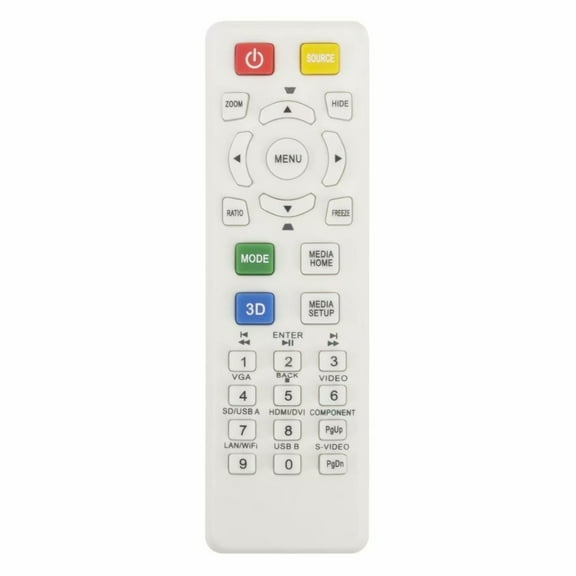 New Remote Control for ACER Projector V32S EV-W62H AS314 AW314 X125H X115 D602D$11.69current price $11.69
New Remote Control NS-RC4NA-17 for INSIGNI TV 193615 NS-24D510MX17 NS24D310NA17 NS-24D310NA17 NS24D510MX17 NS24D510NA17 NS-24D510NA17 NS32D310MX17 NS-32D310MX17 NS32D310NA17 NS-32D310NA17 NS32D311NA17
 New Remote Control NS-RC4NA-17 for INSIGNI TV 193615 NS-24D510MX17 NS24D310NA17 NS-24D310NA17 NS24D510MX17 NS24D510NA17 NS-24D510NA17 NS32D310MX17 NS-32D310MX17 NS32D310NA17 NS-32D310NA17 NS32D311NA17$7.23current price $7.23
New TS-12+AL Replace Remote Control fit for Almost All Toshiba TV CT-90302 CT-90366 CT-90325 CT-90329 CT-8037 CT-90275 CT-90326
 New TS-12+AL Replace Remote Control fit for Almost All Toshiba TV CT-90302 CT-90366 CT-90325 CT-90329 CT-8037 CT-90275 CT-90326$7.62current price $7.62
Replacement Remote for PANASONIC RTLSSQ0263, LSSQ0263, PVV4022A, PVV4021, PVQV201, PVV4022, PVV402
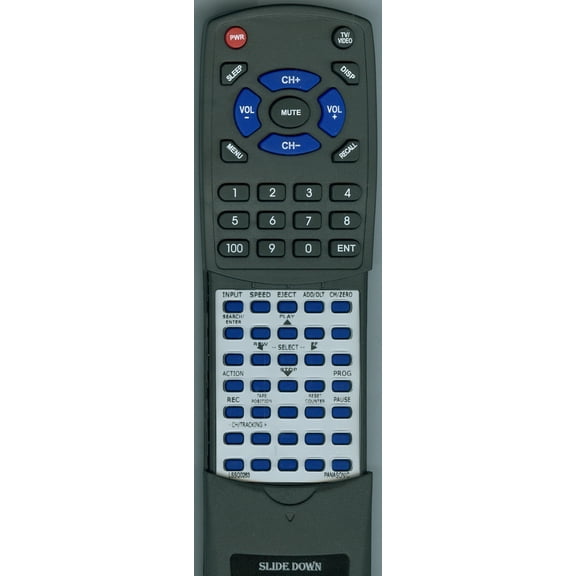 Replacement Remote for PANASONIC RTLSSQ0263, LSSQ0263, PVV4022A, PVV4021, PVQV201, PVV4022, PVV402$39.84current price $39.84
Advanced Lamps™ Lamp (Bulb Only) for The Toshiba 65HM167 TV - 1 Unit per pack
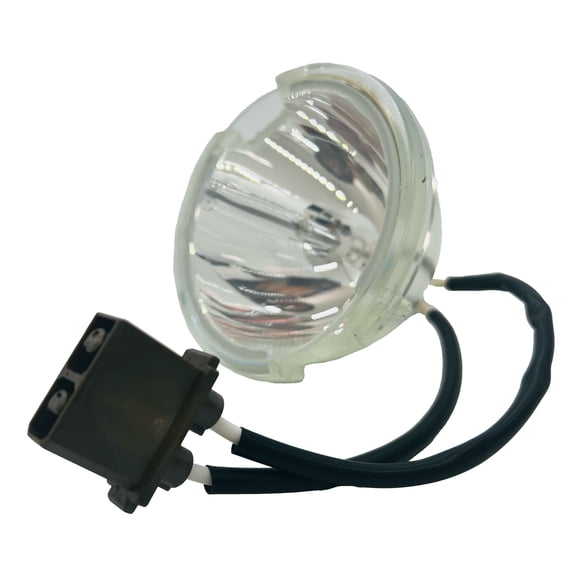 Advanced Lamps™ Lamp (Bulb Only) for The Toshiba 65HM167 TV - 1 Unit per pack$58.99current price $58.99
OEM Panasonic Lamp Originally Shipped With NN-SN757S, NNSN757S, NN-SD767B, NNSD767B
 OEM Panasonic Lamp Originally Shipped With NN-SN757S, NNSN757S, NN-SD767B, NNSD767B$27.99current price $27.99
Replacement Remote for PANASONIC RTVSQS1598, VSQS1598, PV9661, PV9662, PVS9670, PV9664, PV9668, VSQS1578, PVHD1000, PV8665S, PV9450, VSQS1596, PV9401
 Replacement Remote for PANASONIC RTVSQS1598, VSQS1598, PV9661, PV9662, PVS9670, PV9664, PV9668, VSQS1578, PVHD1000, PV8665S, PV9450, VSQS1596, PV9401$38.91current price $38.91
New RL57A Replace Remote for AOC TV L22W861 L42H861 L32W861 L47H861 L26W861 L19W861
 New RL57A Replace Remote for AOC TV L22W861 L42H861 L32W861 L47H861 L26W861 L19W861$7.67current price $7.67
New Replacement MR25GA AKB76046603 for 2025 Voice TV Remote Control G5 C5 B5 Series
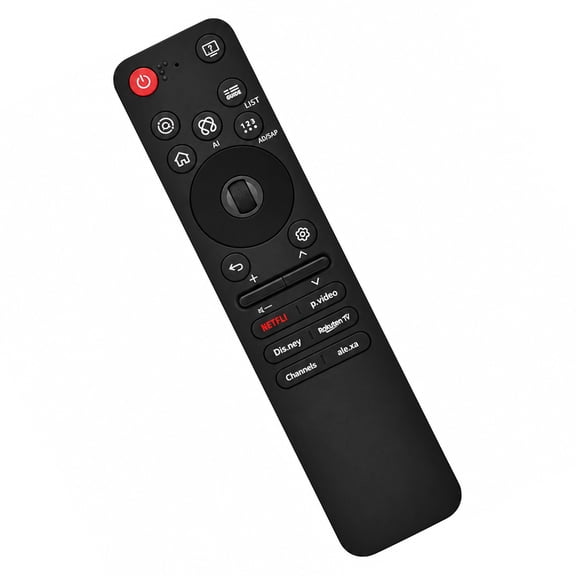 New Replacement MR25GA AKB76046603 for 2025 Voice TV Remote Control G5 C5 B5 Series$16.97current price $16.97
Power Supply Board 6M04C0000X000 for Vizio V505-G9 LINIXXKU LINIXXKV LINIXXMV LIAIXXNV LIAIXXVV V505-G9 LINIXXMV LINIXXNV LINIXXPV LINIXXQV LINIXXSV V505-G9 LINIXXTV LINIXXVV
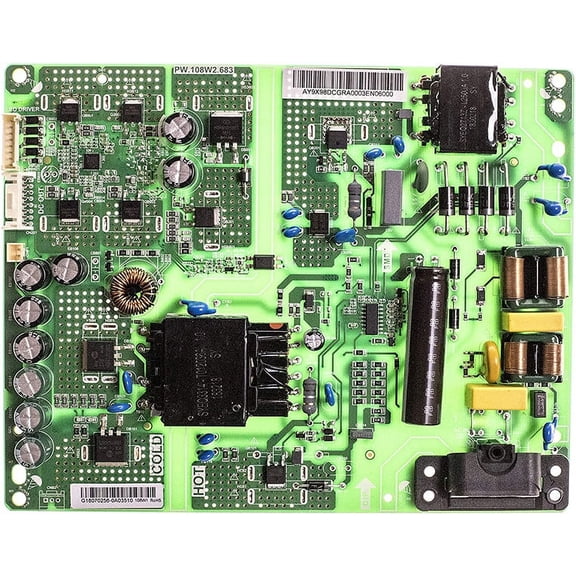 Power Supply Board 6M04C0000X000 for Vizio V505-G9 LINIXXKU LINIXXKV LINIXXMV LIAIXXNV LIAIXXVV V505-G9 LINIXXMV LINIXXNV LINIXXPV LINIXXQV LINIXXSV V505-G9 LINIXXTV LINIXXVV$27.89current price $27.89
New 398GRABD1NENEC Replace Remote Control Fits for NEC 398GRABD1NENEC Projector Remote Control NEC E323 E324 E423 E424 E463 E464 E553 E554
 New 398GRABD1NENEC Replace Remote Control Fits for NEC 398GRABD1NENEC Projector Remote Control NEC E323 E324 E423 E424 E463 E464 E553 E554$14.39current price $14.39
New J-25021 Remote Control For Acer Projectors X1123H X1223H PE-W45 F25W T-250
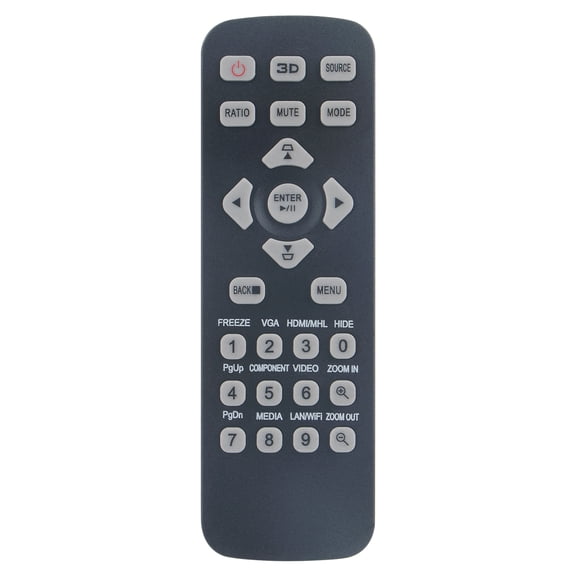 New J-25021 Remote Control For Acer Projectors X1123H X1223H PE-W45 F25W T-250$10.99current price $10.99
Remote Control for BENQ Projector W1080ST W1070 HT1075 HT2150ST HT3050 HT4050 TH682ST TH681 TH535 TH530 MS527 MS524 MW529 MH530
 Remote Control for BENQ Projector W1080ST W1070 HT1075 HT2150ST HT3050 HT4050 TH682ST TH681 TH535 TH530 MS527 MS524 MW529 MH530$19.99current price $19.99