

Jaybird Freedom Wireless(1)
Jaybird Freedom In-Ear Wireless Bluetooth Sport Headphones, Blaze Red $14.99
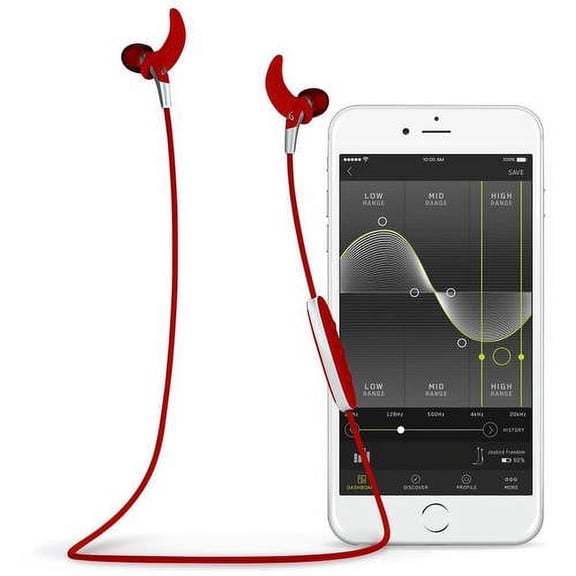
Jaybird Freedom In-Ear Wireless Bluetooth Sport Headphones, Blaze Red
Other options to consider(4)
BlueParrott C400-XT Wireless Bluetooth Noise Cancelling Headset, 24hrs battery $174.95 $174.95/lb
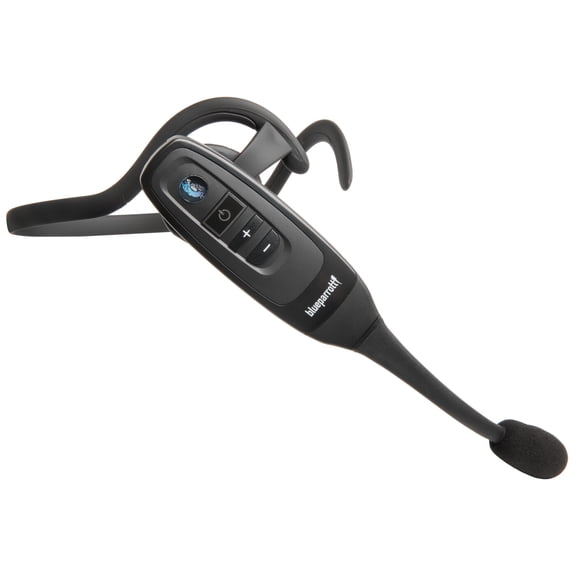
BlueParrott C400-XT Wireless Bluetooth Noise Cancelling Headset, 24hrs battery
Soundcore Liberty 4 NC Wireless Earbuds with USB C Charger Block 20W,98.5% Noise Reduction, Hi-Res Sound, 50H Battery $73.49 Was $84.99
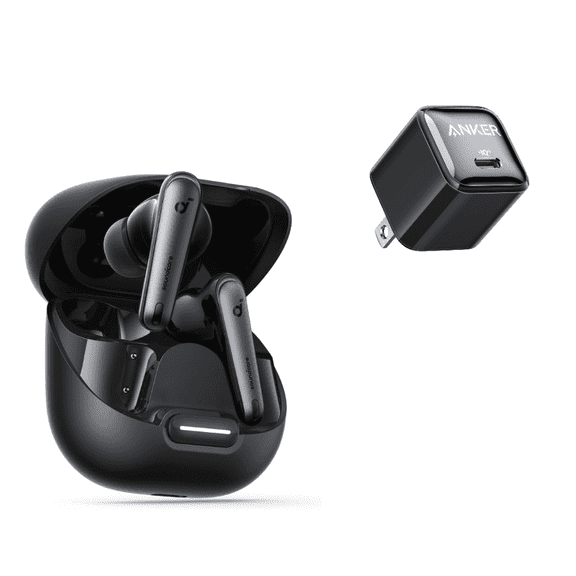
Soundcore Liberty 4 NC Wireless Earbuds with USB C Charger Block 20W,98.5% Noise Reduction, Hi-Res Sound, 50H Battery
Giunmcul Tax Free Weekend New Border J225 True Wireless Headset Bluetooth Headset 5.3TWS Technology Low Power and High Battery Life Multi-color Fashion Headphones


Giunmcul Tax Free Weekend New Border J225 True Wireless Headset Bluetooth Headset 5.3TWS Technology Low Power and High Battery Life Multi-color Fashion Headphones
Hyper Gear Freedom BT150 Wireless Earphones - Champagne $28.99

Hyper Gear Freedom BT150 Wireless Earphones - Champagne
FAQ
How do you connect wireless headphones to your phone?
Connecting wireless headphones to your phone is usually a quick process. First, turn on the headphones and make sure they're in pairing mode. Then, open the Bluetooth settings on your phone and search for available devices.
- Tap the headphones' name to start pairing.
- If prompted, confirm the connection or enter a pairing code.
Once connected, you can use the headphones for calls, music, or workouts. If you have trouble, check the headphone manual for specific instructions.
Can you use wireless headphones during workouts?
Wireless headphones are designed to be convenient for workouts. Many models feature sweat resistance and secure fits to stay in place during exercise.
- Look for headphones with ear hooks or adjustable tips.
- Check the product description for water or sweat resistance ratings.
Before starting a workout, make sure the headphones are charged and paired with your device. If you're exercising outdoors, stay aware of your surroundings for safety.
How do you clean in-ear wireless headphones?
Keeping your in-ear wireless headphones clean helps them last longer and perform better. Start by gently removing the ear tips and wiping them with a damp cloth.
- Use a dry cotton swab to clean the speaker area.
- Make sure no moisture enters the electronics.
Let all parts dry completely before reassembling. Regular cleaning can help maintain sound quality and comfort.
What can you do if the headphones won't charge?
If your wireless headphones aren't charging, there are a few things you can try. Check that the charging cable and port are free of debris and securely connected.
- Try using a different cable or charger.
- Inspect the charging contacts for dirt or damage.
If the headphones still don't charge, consult the product manual or reach out to Walmart's customer support for further help.
Are there replacement parts for wireless headphones?
Replacement parts like ear tips and charging cables are often available for wireless headphones. These can help extend the life of your headphones or improve comfort.
- Check Walmart's accessories section for compatible parts.
- Refer to your headphone model's manual to find the right replacements.
Having extra parts on hand can be useful, especially if you use your headphones frequently.
Popular in Jaybird Freedom Wireless Headphones Electronics Collection
Related Products
Technics True Wireless Earbuds with Industry Leading Noise Cancelling
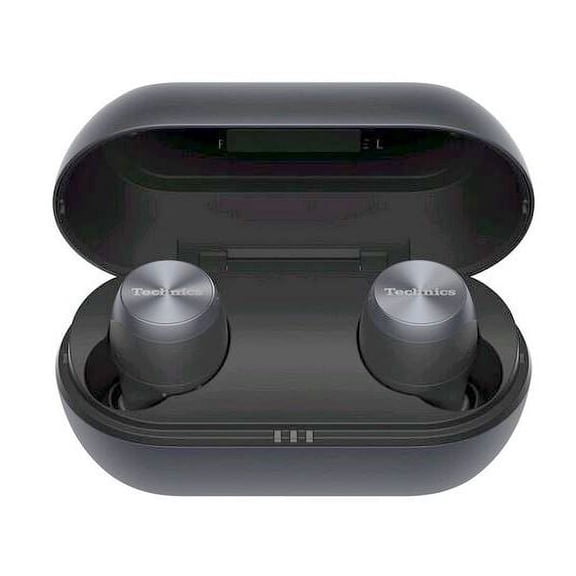 Technics True Wireless Earbuds with Industry Leading Noise Cancelling$127.49current price $127.49
QTOCIO Bluetooth Headphones, Bluetooth 5.0 Earbuds True Wireless Headset Deep Bass Earphone
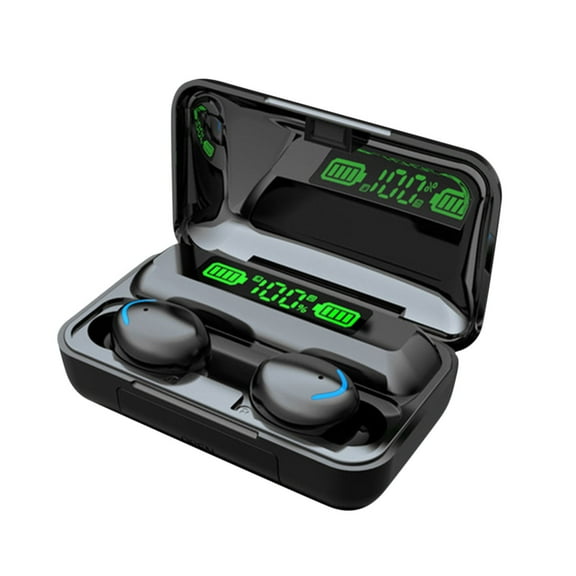 QTOCIO Bluetooth Headphones, Bluetooth 5.0 Earbuds True Wireless Headset Deep Bass Earphone$2.01current price $2.01
Hoey Wireless Earbuds with Ear Hooks,48H Playtime,Bluetooth 5.3 Running Headphones,IPX7 Waterproof Sweatproof Workout Earbuds,Secure Fit
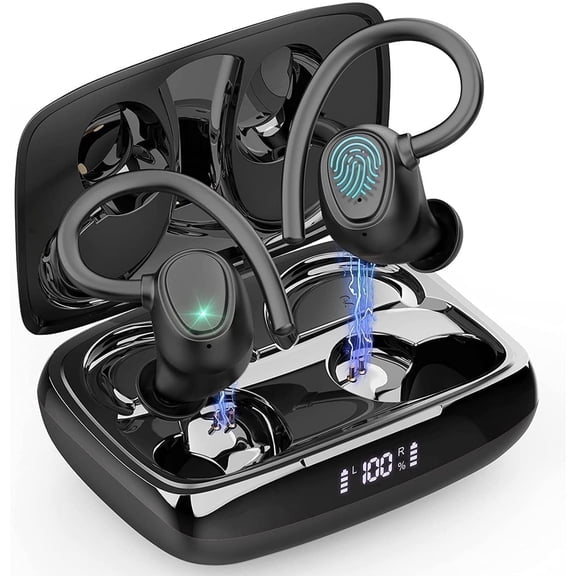 Hoey Wireless Earbuds with Ear Hooks,48H Playtime,Bluetooth 5.3 Running Headphones,IPX7 Waterproof Sweatproof Workout Earbuds,Secure Fit$14.24current price $14.24
VEAT00L Hybrid Active Noise Cancelling Headphones, Wireless Over Ear Bluetooth 6.0 ANC Headset, 120 Hrs Playtime Wireless Headphones, Spatial Audio, Deep Bass,6-Mic ENC Clear Calls Comfort Fit Earcup
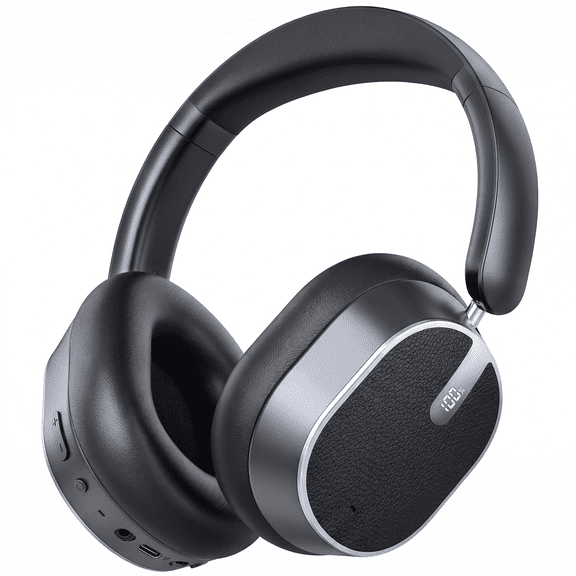 VEAT00L Hybrid Active Noise Cancelling Headphones, Wireless Over Ear Bluetooth 6.0 ANC Headset, 120 Hrs Playtime Wireless Headphones, Spatial Audio, Deep Bass,6-Mic ENC Clear Calls Comfort Fit Earcup$37.99current price $37.99
Cshidworld Neckband Bluetooth Headphones,120 Hours Long Playtime , Around The Neck Wireless Earbuds,Waterproof Sweatproof for Sport Over Neck Magnetic Ear Buds Headset,Black
 Cshidworld Neckband Bluetooth Headphones,120 Hours Long Playtime , Around The Neck Wireless Earbuds,Waterproof Sweatproof for Sport Over Neck Magnetic Ear Buds Headset,Black$16.99current price $16.99
Haysky Wireless Earbuds, Hi-Fi True Wireless Bluetooth Earbuds with 50H Playtime, Comfort Fit Noise Cancelling Earphones for Phone Laptop Sports, Purple
 Haysky Wireless Earbuds, Hi-Fi True Wireless Bluetooth Earbuds with 50H Playtime, Comfort Fit Noise Cancelling Earphones for Phone Laptop Sports, Purple$11.99current price $11.99
Wireless Earbuds, True Wireless Bluetooth 5.0 Headphones, In-Ear TWS Headsets with Built-in Mic for Sport with Charging Case [Black]
 Wireless Earbuds, True Wireless Bluetooth 5.0 Headphones, In-Ear TWS Headsets with Built-in Mic for Sport with Charging Case [Black]$14.19current price $14.19
Wireless Earbuds, Bluetooth 5.4 Headphones in Ear buds, HiFi Stereo Wireless Earphones with 4 ENC Noise Cancelling Mics, 35H Wireless Headphones with IP7 Waterproof, LED Display USB C, Mini Ultraligh
 Wireless Earbuds, Bluetooth 5.4 Headphones in Ear buds, HiFi Stereo Wireless Earphones with 4 ENC Noise Cancelling Mics, 35H Wireless Headphones with IP7 Waterproof, LED Display USB C, Mini Ultraligh$19.99current price $19.99
Bluetooth Headphones, Wireless Earbuds Microphone, Sports Earphones, IPX7 Waterproof , Noise Cancelling HD Stereo Running Gym, up to 8 Hours Working Time
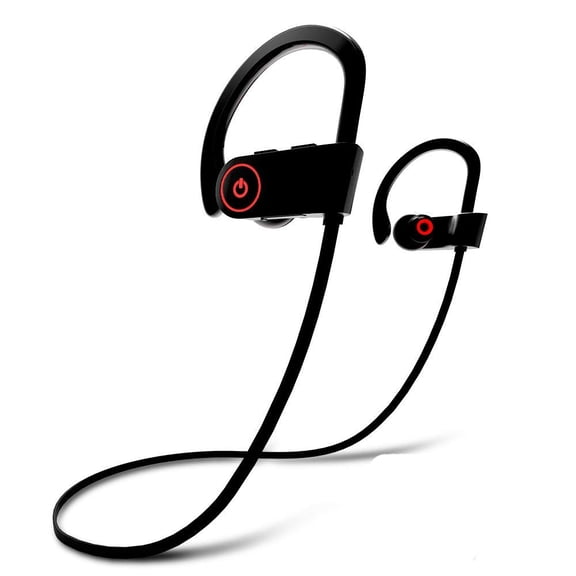 Bluetooth Headphones, Wireless Earbuds Microphone, Sports Earphones, IPX7 Waterproof , Noise Cancelling HD Stereo Running Gym, up to 8 Hours Working Time$18.59current price $18.59
Wireless Sports Earbuds - Bluetooth 5.0 Stereo Earphones with IPX5 Sweat Resistance Sweatproof Sport Headphones with Microphone, Noise Cancelling Headset for Workout, Running, Gym
 Wireless Sports Earbuds - Bluetooth 5.0 Stereo Earphones with IPX5 Sweat Resistance Sweatproof Sport Headphones with Microphone, Noise Cancelling Headset for Workout, Running, Gym$9.99current price $9.99
Bluetooth Headphones, Wireless Earbuds for Running, Noise Cancelling Headsets for Workout, Sports Earphones Bluetooth 4.1 with Mic, Waterproof Sports Ear Buds for Gym Jogging-Red
 Bluetooth Headphones, Wireless Earbuds for Running, Noise Cancelling Headsets for Workout, Sports Earphones Bluetooth 4.1 with Mic, Waterproof Sports Ear Buds for Gym Jogging-Red$14.99current price $14.99
Jaybird Bluetooth Sports In-Ear Headphones, Midnight Black, X2
Jaybird Bluetooth Sports In-Ear Headphones, Midnight Black, X2
Bluetooth 5.3 Over-Ear Sport Headset, Wireless Earbuds with 13mm Dual-Layer Drivers, Deep Bass, Noise-Canceling Mic, One-Button Control, Hi-Fi Sound for Workouts and Calls
 Bluetooth 5.3 Over-Ear Sport Headset, Wireless Earbuds with 13mm Dual-Layer Drivers, Deep Bass, Noise-Canceling Mic, One-Button Control, Hi-Fi Sound for Workouts and Calls$30.18current price $30.18
Bluetooth Earbuds,Neckband Bluetooth Headphones,Hd Stereo Wireless Sports Earphones,Around Neck Bluetooth Headphones Noise Cancelling Mic,Magnetic Attraction,Black
 Bluetooth Earbuds,Neckband Bluetooth Headphones,Hd Stereo Wireless Sports Earphones,Around Neck Bluetooth Headphones Noise Cancelling Mic,Magnetic Attraction,Black$3.89current price $3.89
Bluetooth Wireless Headphones, Best Sports Earphones w/Mic IPX7 Waterproof HD Stereo Sweatproof Earbuds for Gym Running Workout 8 Hour Battery Noise Cancelling Headsets Cordless Heapdhone-Red
 Bluetooth Wireless Headphones, Best Sports Earphones w/Mic IPX7 Waterproof HD Stereo Sweatproof Earbuds for Gym Running Workout 8 Hour Battery Noise Cancelling Headsets Cordless Heapdhone-Red$14.99current price $14.99