Intuos(11)
Wacom Intuos Graphics Drawing Tablet, 3 Bonus Software Included, 7.9"x 6.3", Black, Small (CTL4100) Was $69.95
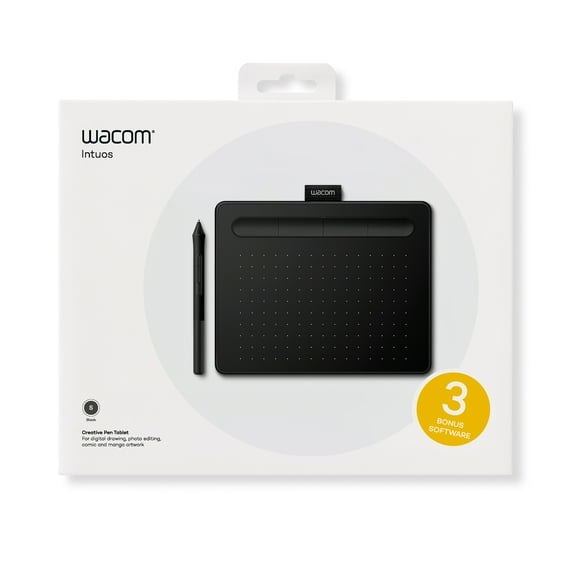
Wacom Intuos Graphics Drawing Tablet, 3 Bonus Software Included, 7.9"x 6.3", Black, Small (CTL4100)
Wacom Intuos Wireless Graphics Drawing Tablet with 3 Bonus Software Included, 7.9" X 6.3", Black (CTL4100WLK0) Small (Wireless) Was $79.95
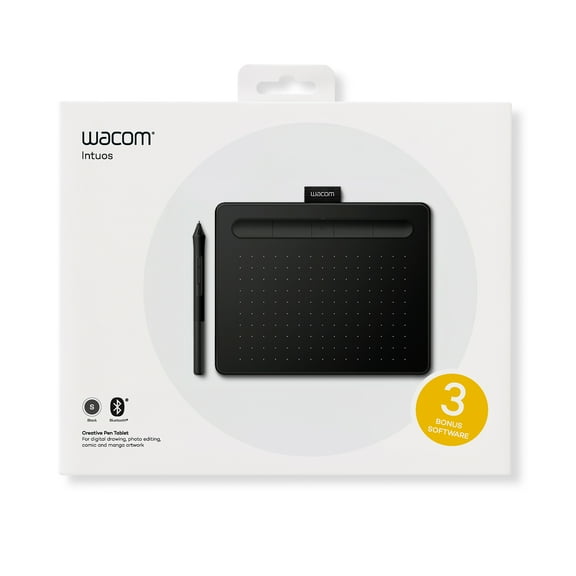


Wacom Intuos Wireless Graphics Drawing Tablet with 3 Bonus Software Included, 7.9" X 6.3", Black (CTL4100WLK0) Small (Wireless)
Restored Wacom CTL6100WLK0 Intuos Creative Pen Tablet Bluetooth, Black, Medium (Refurbished) $79.95 Was $89.95
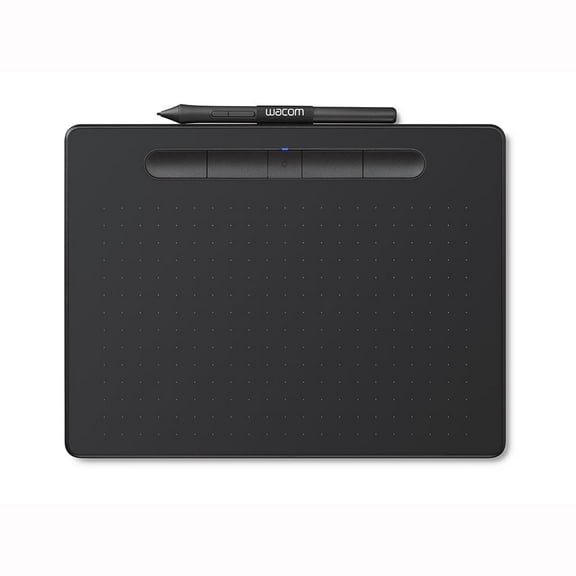
Restored Wacom CTL6100WLK0 Intuos Creative Pen Tablet Bluetooth, Black, Medium (Refurbished)
Restored Wacom Intuos Creative Pen Tablet with Bluetooth Small, Pistachio - Factory (Refurbished) $54.95

Restored Wacom Intuos Creative Pen Tablet with Bluetooth Small, Pistachio - Factory (Refurbished)
Restored Wacom Intuos Creative Pen Tablet with Bluetooth (Medium, Green) - (Refurbished) $79.95
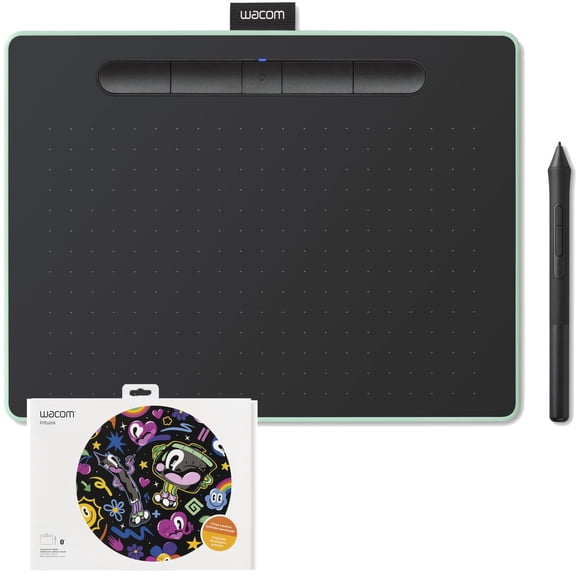
Restored Wacom Intuos Creative Pen Tablet with Bluetooth (Medium, Green) - (Refurbished)
Wacom Intuos Wireless Drawing Tablet with software Included - Black (CTL4100WLK0)(RB) $59.00
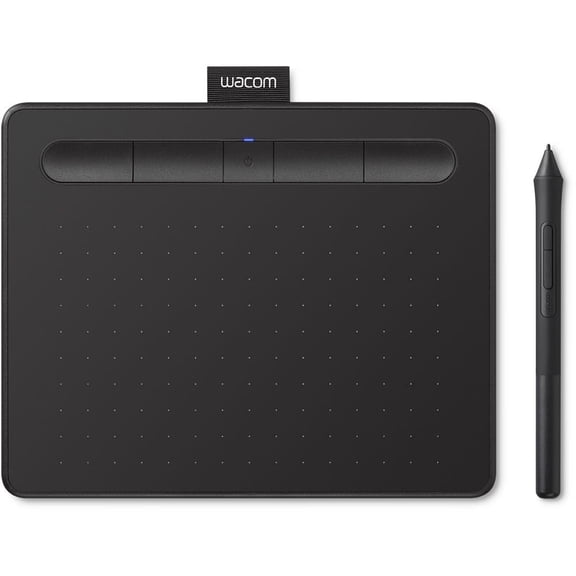
Wacom Intuos Wireless Drawing Tablet with software Included - Black (CTL4100WLK0)(RB)
Wacom Intuos Pro Medium Bluetooth Graphic Drawing Tablet with Pro Pen 3 $299.95 Was $379.95
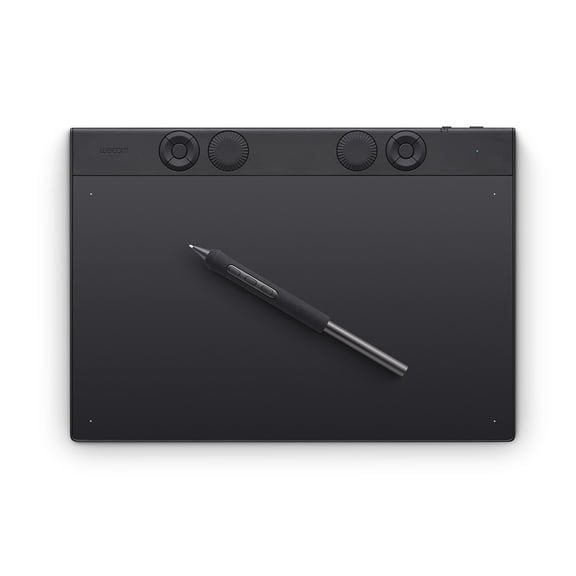
Wacom Intuos Pro Medium Bluetooth Graphic Drawing Tablet with Pro Pen 3
Wacom Intuos Wireless Graphics Drawing Tablet with 3 Bonus Software Included, 10.4" X 7.8", Black, Medium (CTL6100WLK0) Was $129.95
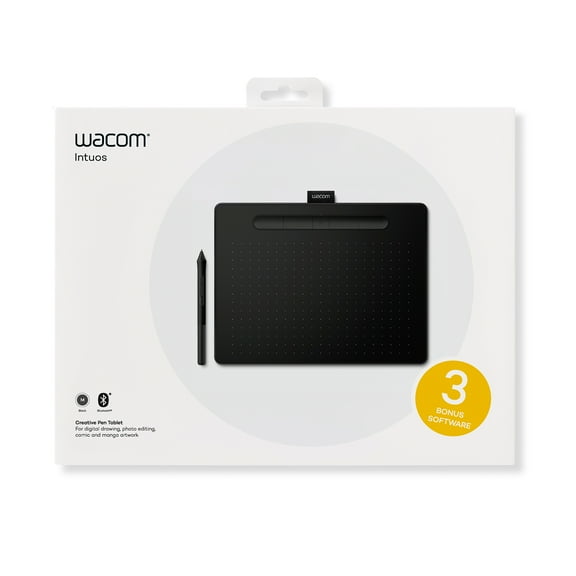


Wacom Intuos Wireless Graphics Drawing Tablet with 3 Bonus Software Included, 10.4" X 7.8", Black, Medium (CTL6100WLK0)
Wacom Intuos Pro Small $258.67
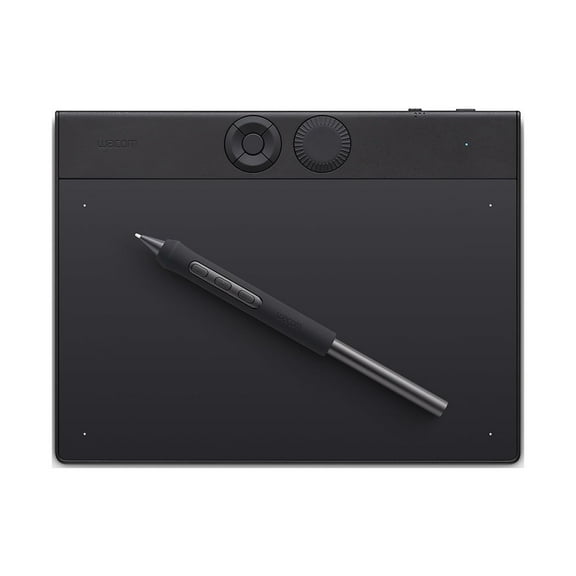
Wacom Intuos Pro Small
Wacom PTK870K0A Intuos Pro Large Drawing Tablet with Wacom Pro Pen 3, Black $499.95
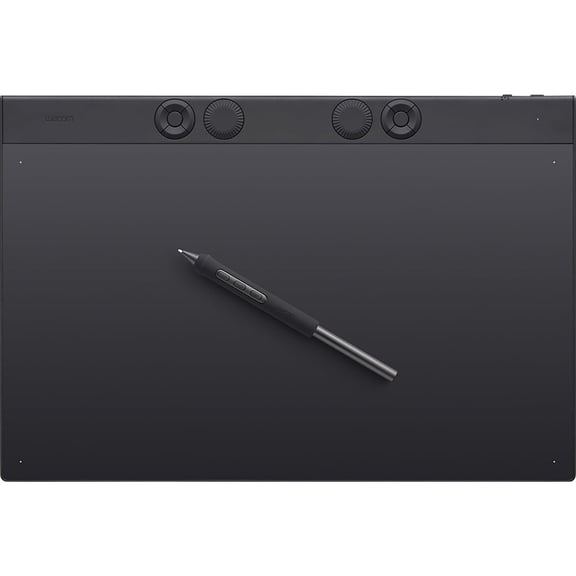
Wacom PTK870K0A Intuos Pro Large Drawing Tablet with Wacom Pro Pen 3, Black
New, HBMYN Intuos Pen LP190K High Pressure Sensitivity stylus pens $12.59
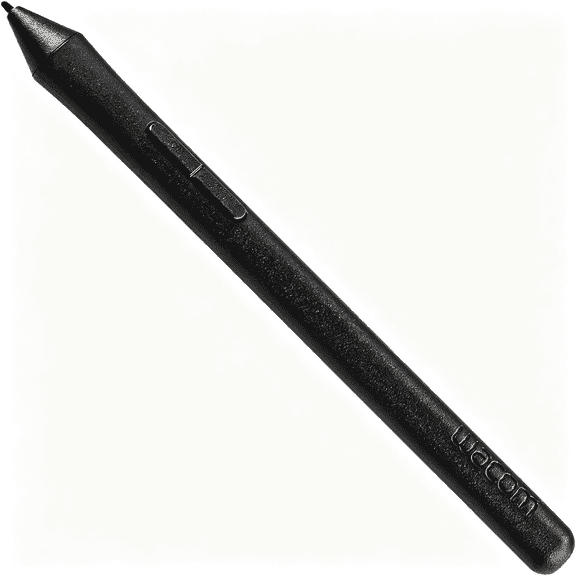
HBMYN Intuos Pen LP190K High Pressure Sensitivity stylus pens
Other options to consider(10)
WIND LAND Protective Film For Intuos Digital Graphic Drawing Tablets LED $13.35
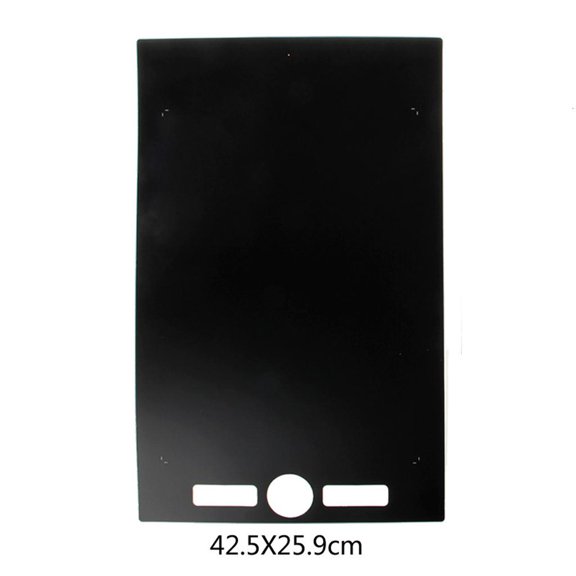
WIND LAND Protective Film For Intuos Digital Graphic Drawing Tablets LED
CHIXIAMANT Protective Film For Intuos Digital Graphic Drawing Tablets LED $10.99
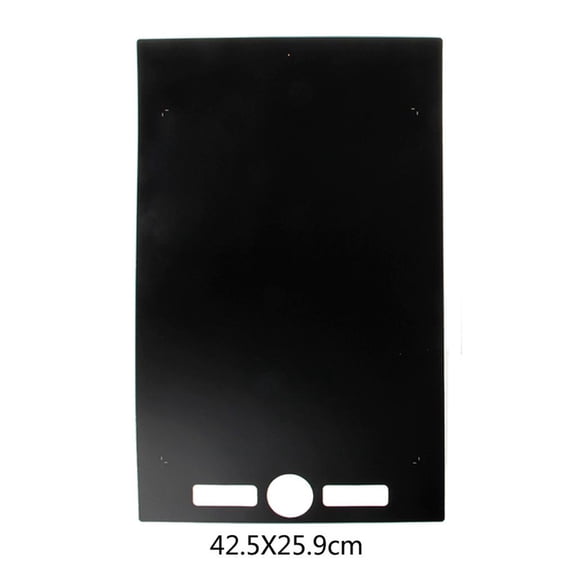
CHIXIAMANT Protective Film For Intuos Digital Graphic Drawing Tablets LED
10 Pack Stylus Pen Nibs Replacement for Bamboo for Intuos Pens for Wacom CTL460 CTH460 CTH461 CTH661 CTH-480 CTH-480S for INTUOS4 Refill (With Removal Ring) $11.59

10 Pack Stylus Pen Nibs Replacement for Bamboo for Intuos Pens for Wacom CTL460 CTH460 CTH461 CTH661 CTH-480 CTH-480S for INTUOS4 Refill (With Removal Ring)
KUMEE 10 Pack Replacement Refill Pen Nib Standard Fit for Wacom Bamboo Intuos Pens Wacom Ctl460, Cth460, Cth461, Cth661, Cth-480 Cth-480S Intuos4 $7.94

KUMEE 10 Pack Replacement Refill Pen Nib Standard Fit for Wacom Bamboo Intuos Pens Wacom Ctl460, Cth460, Cth461, Cth661, Cth-480 Cth-480S Intuos4
10Pcs Drawing Pad Pen Nibs Replacement Stylus Tips for Intuos PHT680/ PHT660 , Cintiq DTH1320/1620 $7.67
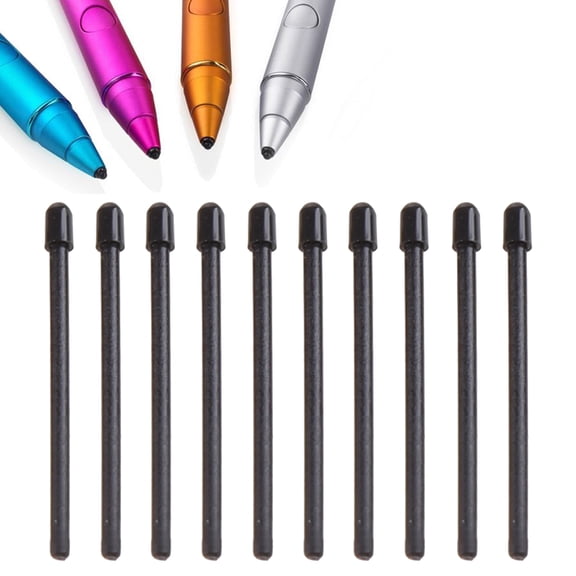
10Pcs Drawing Pad Pen Nibs Replacement Stylus Tips for Intuos PHT680/ PHT660 , Cintiq DTH1320/1620
Clearance, 10 Pack Replacement Nibs for Graphic Drawing Tablet Stylus Suitable for Intuos Pro PHT680/ PHT660 , Cintiq DTH1320/1620 $7.34 Was $8.31
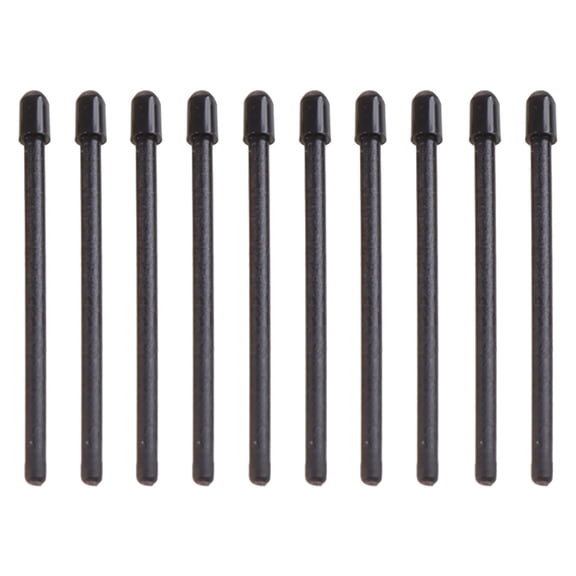
10 Pack Replacement Nibs for Graphic Drawing Tablet Stylus Suitable for Intuos Pro PHT680/ PHT660 , Cintiq DTH1320/1620
Lerpwige 10 Pcs Graphic Drawing Pad Standard Pen Nibs Stylus for Intuos 860/660 Cintiq $7.47 Was $8.33
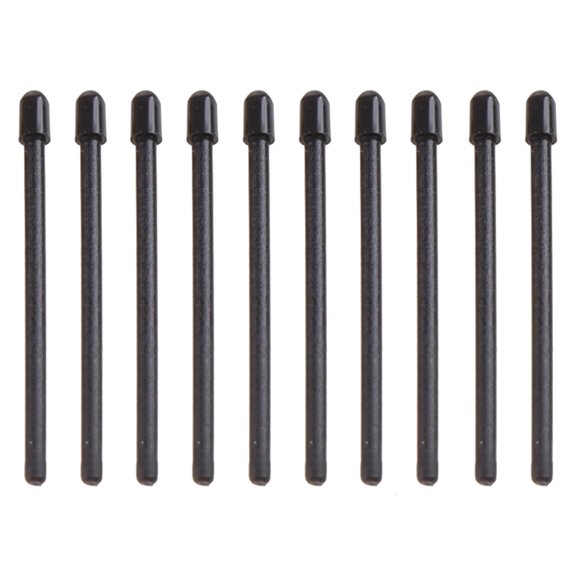
Lerpwige 10 Pcs Graphic Drawing Pad Standard Pen Nibs Stylus for Intuos 860/660 Cintiq
Tective Cover For intuos PTK470 PTK670 Digital Art Tablets Precise Port Access From $18.25
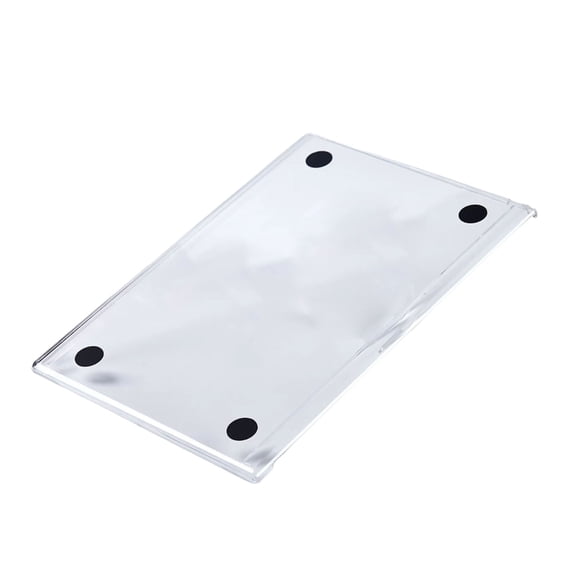
Tective Cover For intuos PTK470 PTK670 Digital Art Tablets Precise Port Access
Standard Pen Nibs for , 24Pcs Black Replacement Refill Pen Tips for Intuos Pro, IMobileStudio Pro $6.39
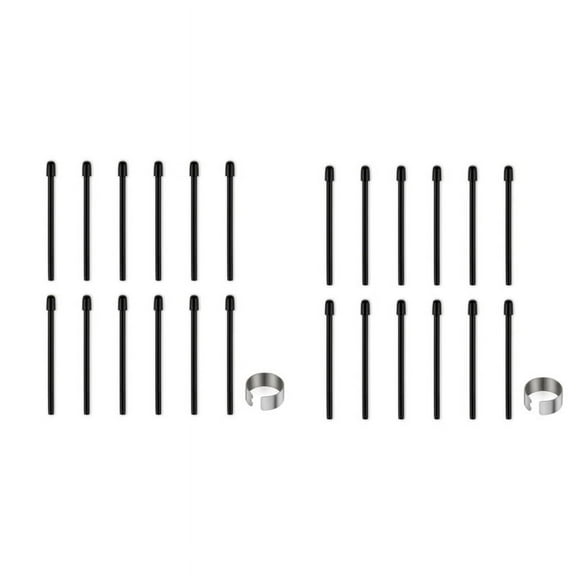
Standard Pen Nibs for , 24Pcs Black Replacement Refill Pen Tips for Intuos Pro, IMobileStudio Pro
Protective Film For Intuos Digital Graphic Drawing Tablets LED $12.79
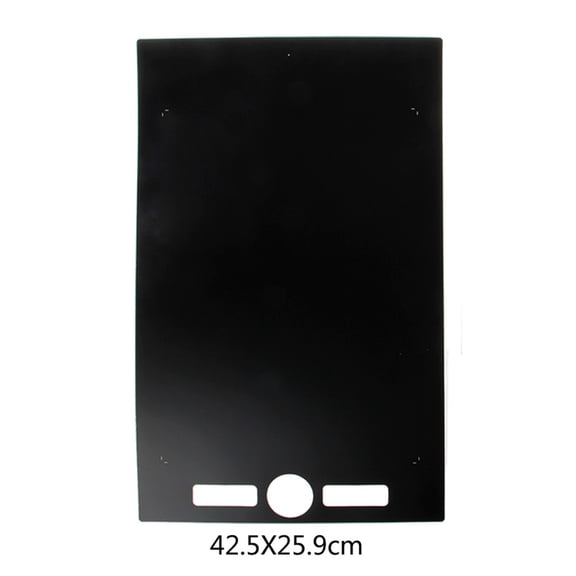
Protective Film For Intuos Digital Graphic Drawing Tablets LED
FAQ
how do I connect the tablet to my computer?
To connect your Wacom Intuos tablet to your computer, you can use either a USB cable or Bluetooth, depending on the model. For USB connection, simply plug the cable into your tablet and your computer's USB port. For Bluetooth, turn on your tablet, activate Bluetooth on your computer, and pair the devices as prompted. Make sure to install the latest drivers from the manufacturer’s website for optimal performance. If you run into issues, restarting both the tablet and computer can help.
can I use the pen for digital painting?
Absolutely, the pen that comes with Wacom Intuos tablets is designed for digital painting, sketching, and drawing. The pressure-sensitive pen allows you to create varying line thicknesses and achieve precise control over your artwork. Most graphic design and art software will recognize the pen’s input for brush strokes and shading techniques. To get the most out of your tablet, explore the included bonus software or download popular drawing programs compatible with the device.
what’s the difference between the small and medium sizes?
- Small tablets are lighter and more compact, making them great for travel or limited desk space. They're ideal for casual sketching or simple edits.
- Medium tablets offer a larger drawing area, which can give you more control for detailed projects. They’re preferred by users who do a lot of digital painting or retouching.
Consider your workspace and how you plan to use the tablet to find the size that suits you best.
is it easy to clean the tablet surface?
Cleaning your tablet is straightforward. Use a soft, dry microfiber cloth to gently wipe the surface and remove dust or fingerprints. If there's stubborn grime, slightly dampen the cloth with water—never use harsh chemicals or submerge the tablet. Remember to unplug the device before cleaning and avoid direct moisture on any openings. Regular maintenance can help preserve smooth pen movement and keep your device looking great.
do I need to charge the pen or tablet?
- Tablet: Wireless tablets typically contain a rechargeable battery. You can charge them via the USB cable; check the user manual for battery life details.
- Pen: Most Wacom Intuos pens don't require charging as they’re battery-free, relying on electromagnetic technology.
If you use your tablet wirelessly, check its charge periodically to prevent interruptions. The pen itself should work whenever the tablet is powered on.
Popular in Shop Intuos Drawing Tablets and Pen Tablets Electronics
Related Products
XP Pen Stylus, Battery-free Pen for Artist 12 Pro, Artist 13.3 Pro, Artist 15.6Pro Artist 22R Pro, Artist 24 Pro
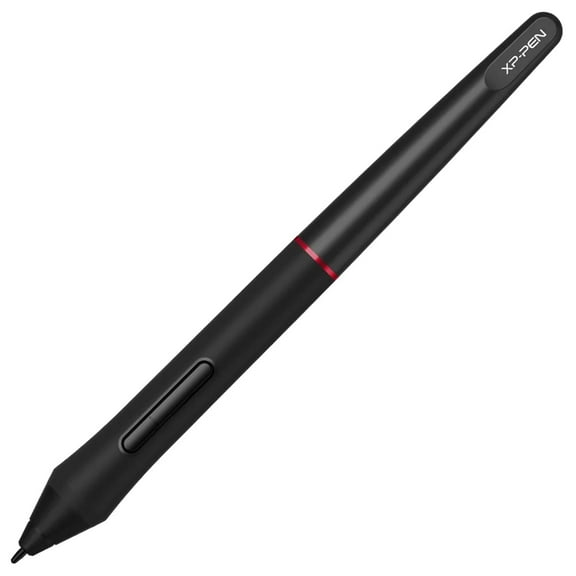 XP Pen Stylus, Battery-free Pen for Artist 12 Pro, Artist 13.3 Pro, Artist 15.6Pro Artist 22R Pro, Artist 24 Pro$19.99current price $19.99
Wacom Standard Nibs for Digital Pro Pen 2 (10 Pack) (ACK22211)
 Wacom Standard Nibs for Digital Pro Pen 2 (10 Pack) (ACK22211)$10.95current price $10.95
XPPen Artist Pro 14 (Gen 2) Drawing Tablet with 16384 Pressure Sensing Stylus, WUXGA 1920P Graphic Drawing Display, Pen Tablet for Computer
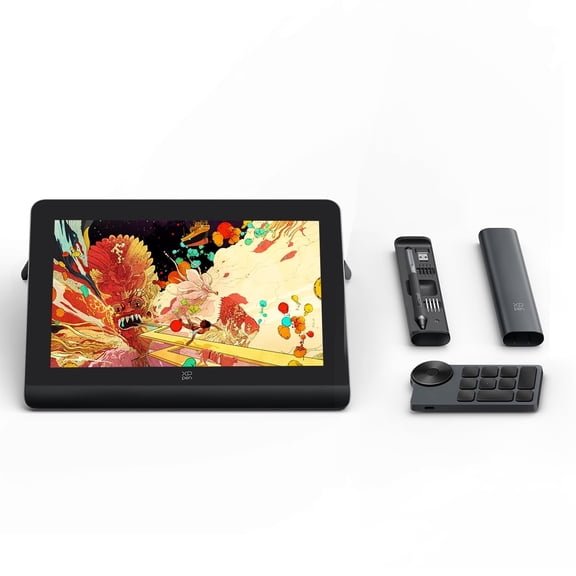 XPPen Artist Pro 14 (Gen 2) Drawing Tablet with 16384 Pressure Sensing Stylus, WUXGA 1920P Graphic Drawing Display, Pen Tablet for Computer$399.99current price $399.99
Wacom DTHA116CL0Z MovinkPad 11 Pen Tablet with 11.45" Display, Wacom Pro Pen 3
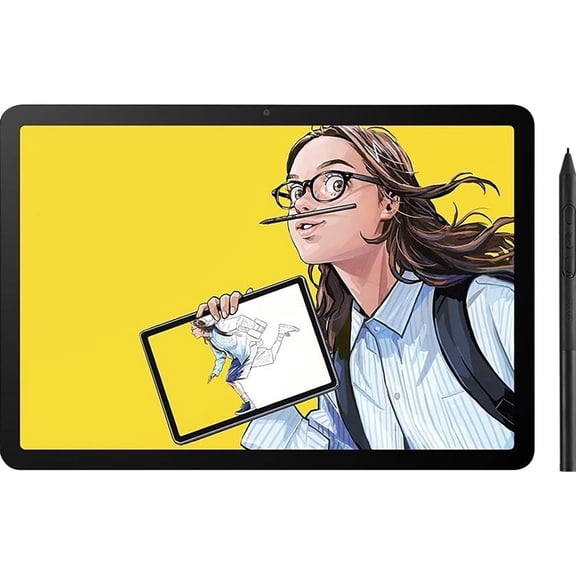 Wacom DTHA116CL0Z MovinkPad 11 Pen Tablet with 11.45" Display, Wacom Pro Pen 3$474.95current price $474.95
XP-Pen Artist Pro Series Drawing Tablets, 14"/16" Graphic Display,Latest Gen 2 Design for Animation,1920x1200 Monitor 123% SRGB Color Gamut, 16384 Pressure Level X3 Pro Stylus for Computer
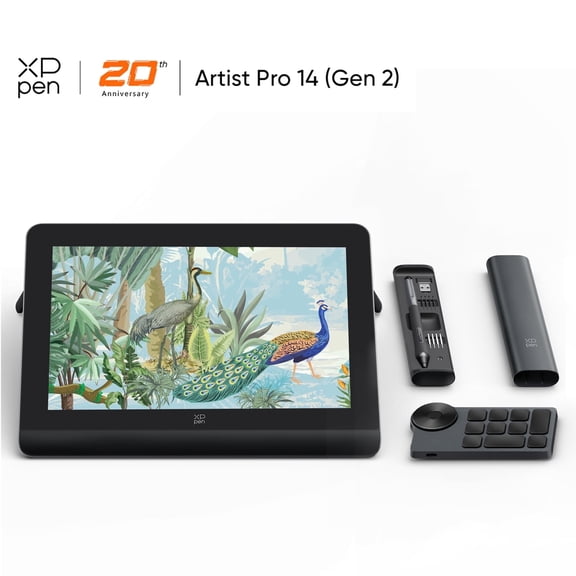 XP-Pen Artist Pro Series Drawing Tablets, 14"/16" Graphic Display,Latest Gen 2 Design for Animation,1920x1200 Monitor 123% SRGB Color Gamut, 16384 Pressure Level X3 Pro Stylus for Computer$279.99current price $279.99
PW100 Stylus Pen Battery-free Digital Pen for Huion H640P/H950P/H1060P/H1161/HC16/HS64/HS610 Graphic Tablets Drawing Pen
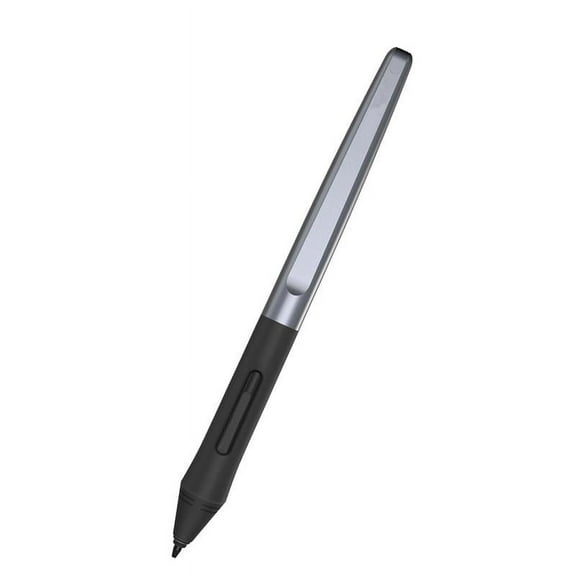 PW100 Stylus Pen Battery-free Digital Pen for Huion H640P/H950P/H1060P/H1161/HC16/HS64/HS610 Graphic Tablets Drawing Pen$22.98current price $22.98
XPPen 13.3in Drawing Display with Stand for Computers, Latest Artist13.3 Pro V2 Graphic Tablet with Screen, 16384 Pen Pressure Stylus, 99% sRGB Full-Laminated Pen Display
 XPPen 13.3in Drawing Display with Stand for Computers, Latest Artist13.3 Pro V2 Graphic Tablet with Screen, 16384 Pen Pressure Stylus, 99% sRGB Full-Laminated Pen Display$269.99current price $269.99
Graphics Drawing Pen Digital Stylus LCD Tablet Perfect Handwriting Pens for Game Image Editing Artist Teachers Gift
 Graphics Drawing Pen Digital Stylus LCD Tablet Perfect Handwriting Pens for Game Image Editing Artist Teachers Gift$5.59current price $5.59
XP-PEN StarG640 Drawing Graphic Tablet Digital Writing Pen with 8192 Levels Battery-Free Stylus for Chromebook Game/E-Learning/Online Class (901)
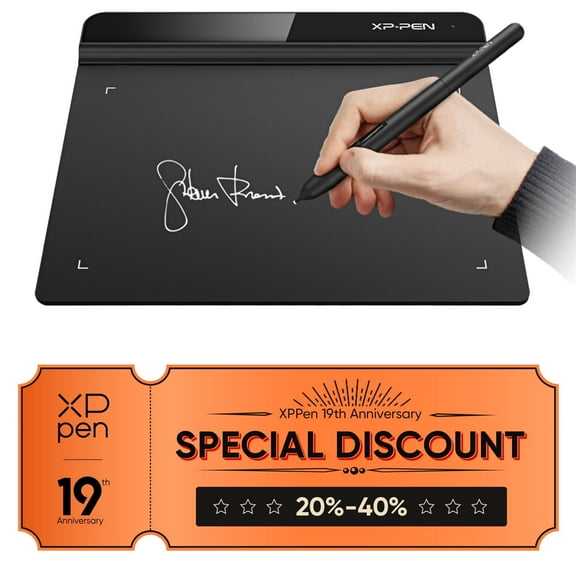 XP-PEN StarG640 Drawing Graphic Tablet Digital Writing Pen with 8192 Levels Battery-Free Stylus for Chromebook Game/E-Learning/Online Class (901)$38.99current price $38.99