

Portable Tech in Electronics

































About Portable Tech in Electronics - Walmart.com
You can upgrade daily use with tablet accessories that fit your device, your routine, and your screen size. You’ll find options for writing, viewing, typing, and carrying that match how you use your tablet.
When you compare by exact model number, you can avoid loose fits and blocked ports. You’ll also narrow choices faster when you check screen size in inches before you choose.
How to choose tablet accessories by compatibility
Start with device compatibility because your tablet accessories need to match your tablet’s shape, camera cutouts, and connector style. You should compare iPad, Samsung Galaxy Tab, Lenovo Active, and universal options before you look deeper.
If you use ipad accessories across school or work, you should check generation details, not just the device family. If you use a universal fit, you should measure width, height, and screen size first.
You can make your shortlist faster when you compare these common decision points. You’ll reduce returns when you confirm details before you pick an accessory type.
- You should match the exact model number listed in your tablet settings.
- You should check screen size in inches for cases and tablet screen protectors.
- You should compare connector style, including Bluetooth, wired, magnetic, or passive options.
- You should confirm camera, speaker, and button placement for fitted cases.
Choosing the right accessory type for your routine
You can build a more useful setup when you match accessory type to your everyday tasks. You’ll usually choose from stands, stylus pens, screen protectors, keyboards, and cases.
If you read recipes or stream shows, tablet stands can keep your screen raised and easier to view. If you type notes or emails, keyboards can give your tablet a laptop-like feel.
For bags, desks, and commutes, cases add grip and coverage around corners and edges. For busy screens, tablet screen protectors help you keep the display clearer during taps and swipes.
You may want a simple guide before you compare materials or connections. You can use these benefit-focused checkpoints to match the accessory to your day.
- You can use stands for hands-free viewing during video calls, streaming, or reading.
- You can use stylus pens for tablets when you write notes or sketch with more control.
- You can use cases when you carry your tablet between rooms, classes, or meetings.
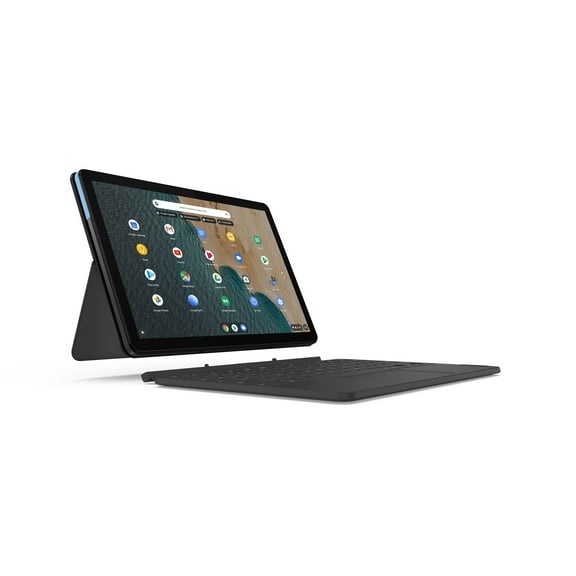
- You can use keyboards when you answer messages or draft documents on the go.
What to look for in tablet stands and stylus pens for tablets
You should compare stand adjustability because viewing angle changes how comfortable your screen feels on a desk or nightstand. You’ll want wider angle range if you switch between typing, streaming, and video calls.
For desk use, you may prefer aluminum stands that feel steady and fold neatly. For bed or couch use, you may prefer lighter designs that reposition quickly.
When you compare stylus pens for tablets, you should focus on writing feel, tip style, and connection type. You’ll notice lower latency feels more immediate when your lines follow your hand closely.
Bluetooth styluses may offer extra controls, while passive options keep setup simple. Magnetic styles can attach neatly to some tablets, and wired options can suit specific charging preferences.
If you draw, you should look for precision that supports fine lines and palm placement. If you take notes, you may prefer a smoother tip that glides cleanly across the screen.
Comparing materials and protection details
You should compare materials because they affect grip, feel, and daily wear. You’ll often see tempered glass, aluminum, silicone, and leatherette across this category.
For tablet screen protectors, tempered glass can give you a familiar glass feel during swipes. You should also check whether the manufacturer lists a 9H hardness rating, since that’s a common durability detail shoppers compare.
Silicone cases can feel softer in hand and easier to grip during reading sessions. Leatherette styles can give your tablet a polished look for meetings, travel, or shared spaces.
Aluminum stands can feel clean and structured on a desk with keyboards and chargers nearby. You should also check foldability if you move between rooms or pack your setup for travel.
Matching tablet accessories to how you use your tablet
You can narrow options faster when you shop by use case instead of guessing. You’ll make a clearer choice when you match accessories to drawing, office productivity, kids entertainment, or travel.
For drawing, you may pair a precise stylus with a stand that supports a lower working angle. For office productivity, you may pair a keyboard case with a stand for upright viewing.
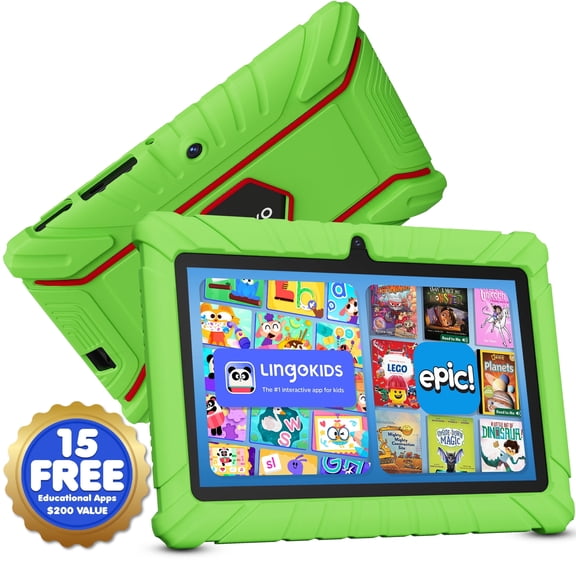
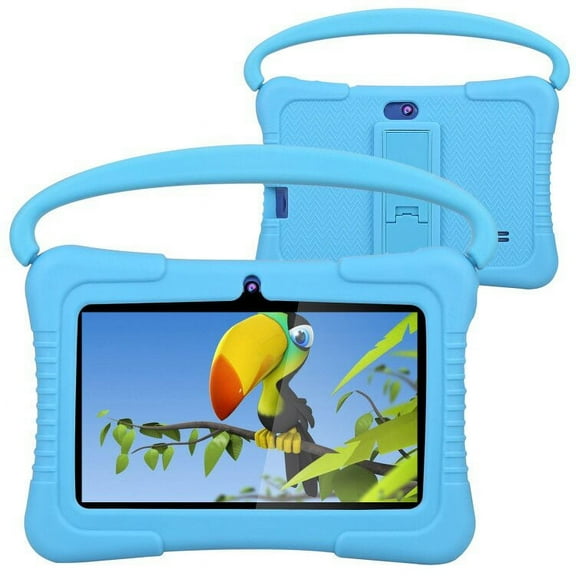
For kids entertainment, you may look for grippy materials and simple stands for stable viewing. For travel, you may prefer fold-flat stands, slim cases, and compact accessories that pack easily.
You can also combine features across device types when your household uses different tablets. You’ll appreciate universal options when several users share chargers, stands, or common spaces.
When you choose tablet accessories with compatibility, materials, and use case in mind, your setup feels more organized. You’ll get a smoother fit for streaming, note-taking, drawing, and daily carry.