

Sort by|
Hopper From Dish Network(6)
Uses item details. Price when purchased online
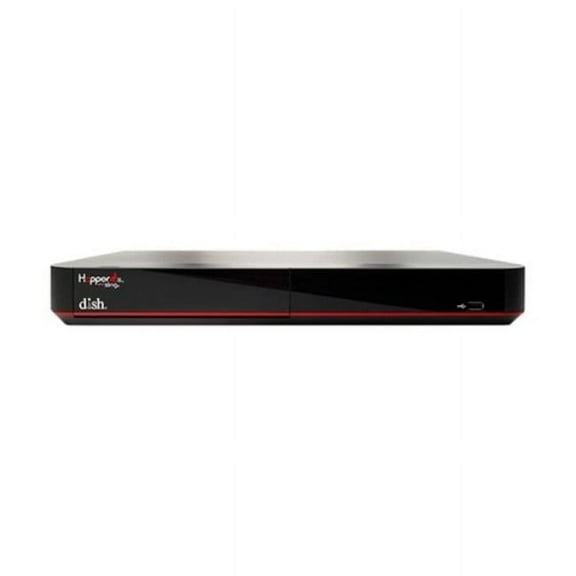
Pace Dish Hopper 3 DVR System with 16 Tuners $324.64 Was $344.40
Now$32464
current price Now $324.64, Was $344.40$344.40
Pace Dish Hopper 3 DVR System with 16 Tuners
1 out of 5 stars
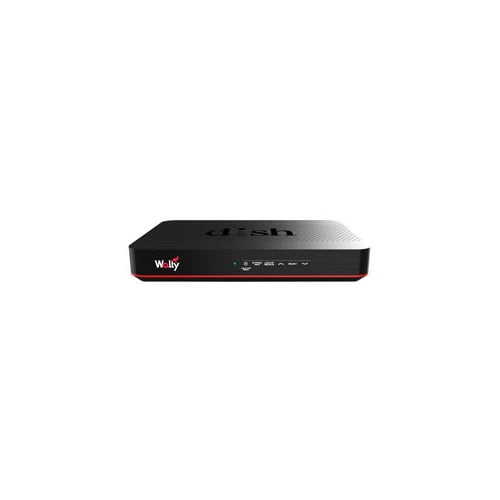
DISH NETWORK WALLY DISH HD SATELLITE AND WIFI-ENABLED RECEIVER $82.92
$8292
current price $82.92DISH NETWORK WALLY DISH HD SATELLITE AND WIFI-ENABLED RECEIVER
5 out of 5 stars
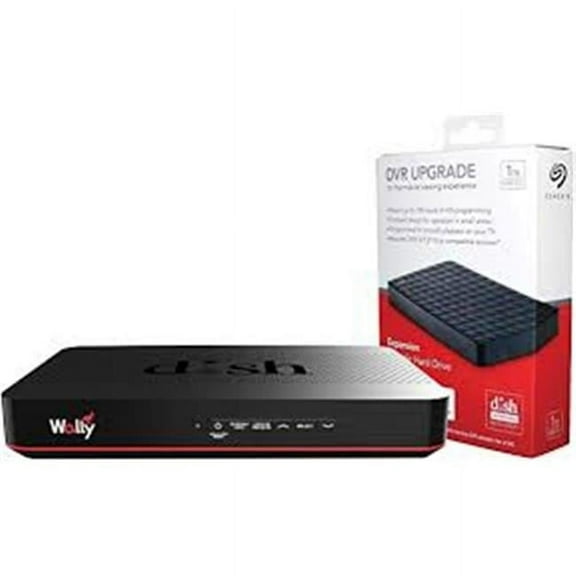
Pace Dish Wally HEVC HD Single Tuner Receiver $82.21 Was $91.62
Now$8221
current price Now $82.21, Was $91.62$91.62
Pace Dish Wally HEVC HD Single Tuner Receiver
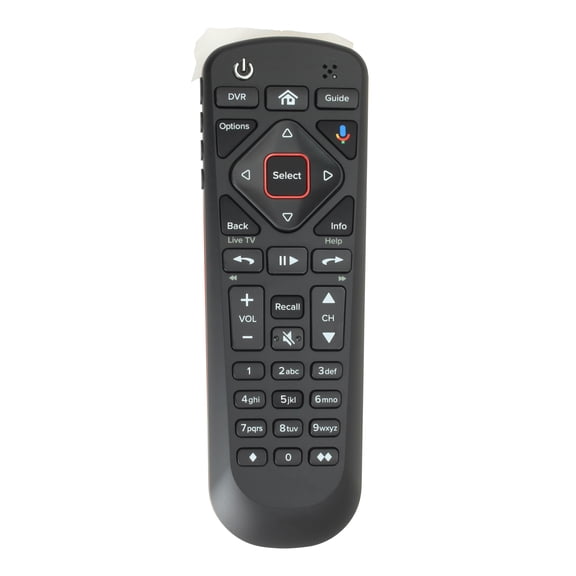
New, SatelliteSale Remote Control Replacement Dish Network 54 Series Compatible with Hopper, Joey and Wally Receivers, Backlit Keys, Voice RC Black Plastic with Batteries Included $38.95
New
$3895
current price $38.95SatelliteSale Remote Control Replacement Dish Network 54 Series Compatible with Hopper, Joey and Wally Receivers, Backlit Keys, Voice RC Black Plastic with Batteries Included
5 out of 5 stars
SatelliteSale Remote Control Replacement Dish Network 60.0 Voice RC Compatible with Hopper, Joey, Wally Receivers - Large Buttons Matte Gray ABS Plastic with Batteries Included $44.95
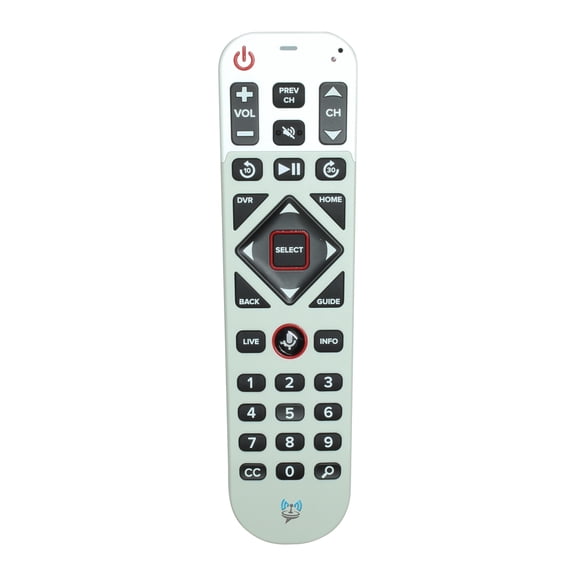
$4495
current price $44.95SatelliteSale Remote Control Replacement Dish Network 60.0 Voice RC Compatible with Hopper, Joey, Wally Receivers - Large Buttons Matte Gray ABS Plastic with Batteries Included
5 out of 5 stars
1305908409 Dish Network Wally $77.99
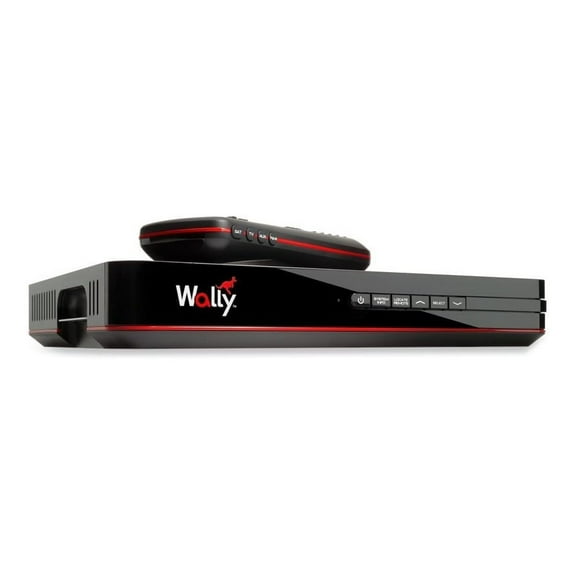
$7799
current price $77.991305908409 Dish Network Wally
4.3 out of 5 stars
FAQ
How does the Hopper system work with accessories?
The Hopper system from Dish Network connects seamlessly with a variety of accessories, like access points and remote controls.
- Access points help extend your system's connectivity throughout your home, making sure your devices stay linked.
- Replacement remotes offer voice control and user-friendly navigation so you can easily change channels or search for shows.
Can I use a voice remote with Hopper?
Yes, many Hopper systems support voice remotes, which let you control your TV and search for content using spoken commands.
- Make sure the remote is designed for the Hopper model you have.
- Voice remotes enhance convenience by reducing button presses and streamlining navigation.
What does an access point do for Hopper?
An access point helps extend the connectivity and functionality of your Hopper system.
- It allows the Hopper and other devices to communicate smoothly across greater distances within your home.
- This is especially helpful in larger or multi-story households where signal strength can be an issue.
How do I set up a replacement remote?
Setting up a replacement remote for your Hopper system is usually straightforward.
- Insert the batteries as instructed.
- Press the pairing button or follow on-screen prompts if your system supports automatic pairing.
- Test basic functions like volume and channel changes.
Is it easy to expand my Hopper system?
Expanding your Hopper system with accessories like access points or additional remotes is designed to be user-friendly.
- Most accessories plug in or pair via straightforward steps, often outlined in the product manual.
- The setup process typically involves minimal configuration, so you can get connected quickly.
Popular in Hopper from Dish Network Electronics and Accessories
Related Products
KaKu LNB 5 For Slimline Dish Directv Brand
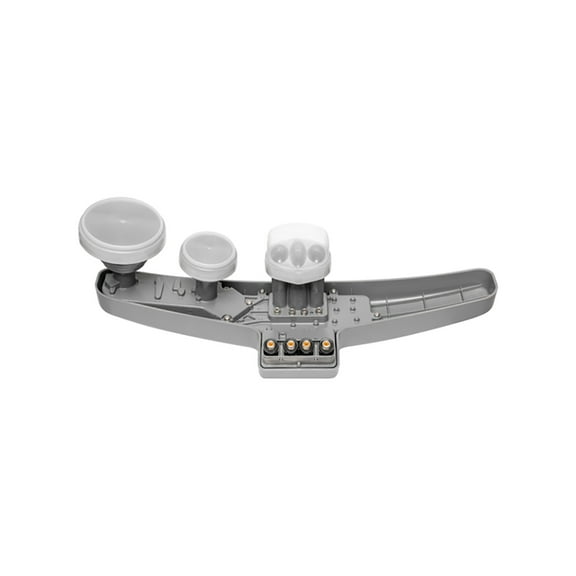 KaKu LNB 5 For Slimline Dish Directv Brand$129.00current price $129.00
New Remote Replacement for Dish Network 54.0 Satellite Receiver SAT TV AUX Mode
 New Remote Replacement for Dish Network 54.0 Satellite Receiver SAT TV AUX Mode$40.00current price $40.00
Remote Control for Dish Network 20.1 IR Remote Control, New Replacement IR Remote Control for Dish Network 20.1 IR
 Remote Control for Dish Network 20.1 IR Remote Control, New Replacement IR Remote Control for Dish Network 20.1 IR$17.99current price $17.99
DirecTV swm13 3d2rblnb UltraHD lnb For Slimline Dish
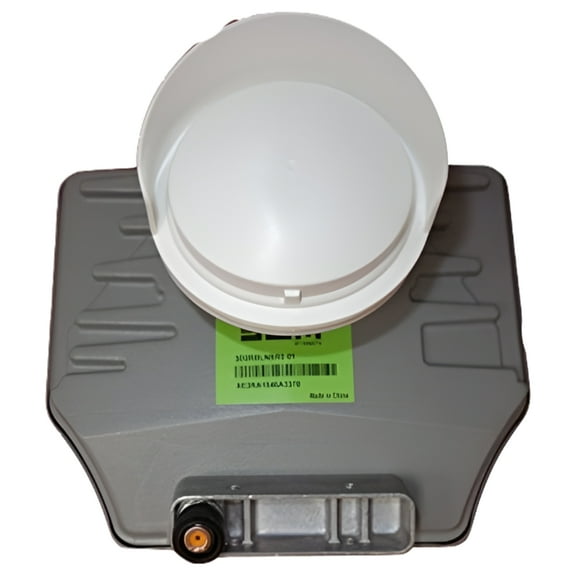 DirecTV swm13 3d2rblnb UltraHD lnb For Slimline Dish$54.95current price $54.95
New Replace Remote Control Fits for Dish Network 21.1 20.0 21.0 IR UHF Pro TV receivers TV1 TV2 locations select UHF for tv2 or IR for tv 1 ViP722k ViP222k ViP222 ViP 722k ViP 222k ViP 222 ViP722
 New Replace Remote Control Fits for Dish Network 21.1 20.0 21.0 IR UHF Pro TV receivers TV1 TV2 locations select UHF for tv2 or IR for tv 1 ViP722k ViP222k ViP222 ViP 722k ViP 222k ViP 222 ViP722$29.49current price $29.49
10-12dBi 4G Antenna Outdoor Dual SMA Male with 16.4ft RG174 Cable High Gain 698-2700MHz 3G/4G LTE White OmniDirectional Outdoor Mount Antenna for Cellular 4G LTE Router Mobile Hotspot Wireless
 10-12dBi 4G Antenna Outdoor Dual SMA Male with 16.4ft RG174 Cable High Gain 698-2700MHz 3G/4G LTE White OmniDirectional Outdoor Mount Antenna for Cellular 4G LTE Router Mobile Hotspot Wireless$30.99current price $30.99
OEM NEW Sony FM Antenna Originally Shipped With: CMTSBT100, CMT-SBT100
 OEM NEW Sony FM Antenna Originally Shipped With: CMTSBT100, CMT-SBT100$25.99current price $25.99
DIRECTV CCK-W Wireless Cinema Connection Kit (DCAW1R1-01)
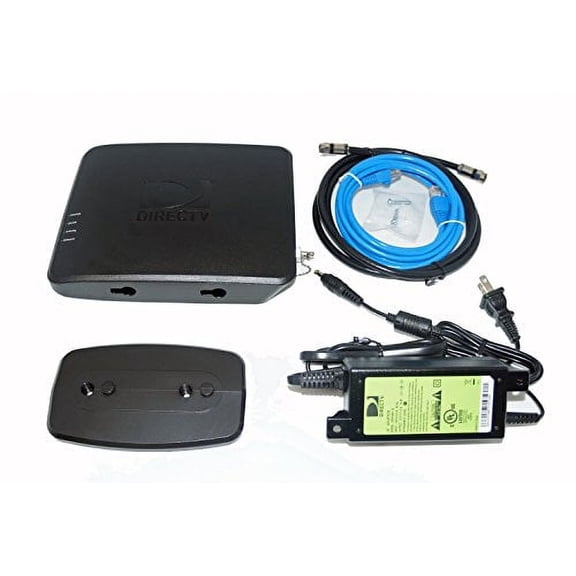 DIRECTV CCK-W Wireless Cinema Connection Kit (DCAW1R1-01)$39.95current price $39.95
2026 TV Antenna Indoor Antenna for Smart TV, 2200+ Miles Long Range Reception tv Antenna with Amplifier Signal Booster for Local Channels, Clear Reception for 4K 1080p HD
 2026 TV Antenna Indoor Antenna for Smart TV, 2200+ Miles Long Range Reception tv Antenna with Amplifier Signal Booster for Local Channels, Clear Reception for 4K 1080p HD$25.88current price $25.88
Jolt Switch TV Antenna USB In-Line Amplifier with 6ft. USB Cable, Coaxial Cable, and USB Power Adapter
Jolt Switch TV Antenna USB In-Line Amplifier with 6ft. USB Cable, Coaxial Cable, and USB Power Adapter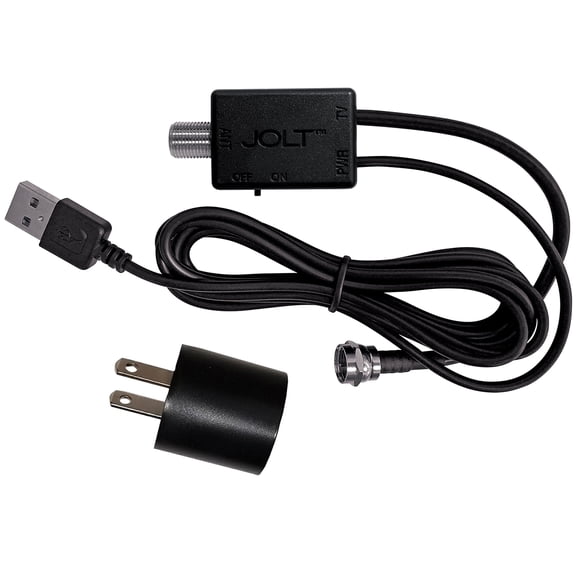
New remote control for DISH Network Receiver Accessory 52.0 UHF 2G 205286
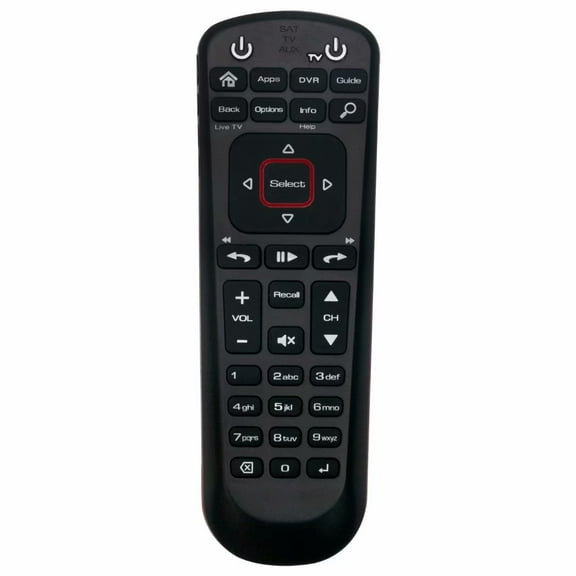 New remote control for DISH Network Receiver Accessory 52.0 UHF 2G 205286$18.99current price $18.99
Allimity IR Replaced Remote Compatible with Dish 20.0 21.0 Network Satellite Receiver
 Allimity IR Replaced Remote Compatible with Dish 20.0 21.0 Network Satellite Receiver$9.99current price $9.99
Winegard LNA-200 Boost XT Digital HDTV Preamplifier
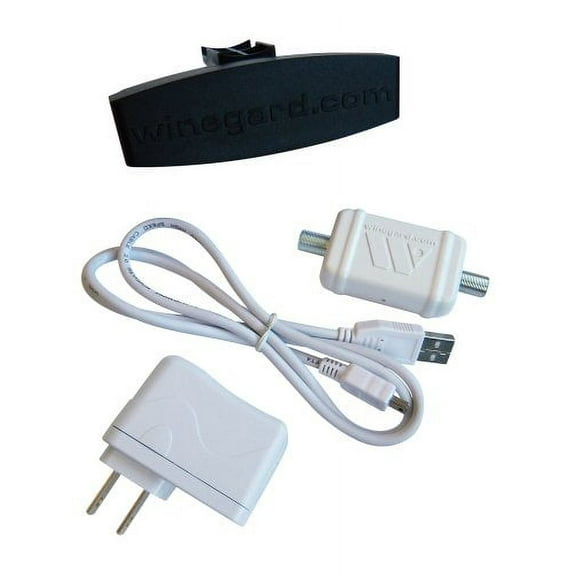 Winegard LNA-200 Boost XT Digital HDTV Preamplifier$61.95current price $61.95
Eightwood Wall Mount Bracket Aluminum for Starlink Antenna Gen 2 Starlink Satellite Internet V2 Mesh Wifi Router Starlink Routers Accessories
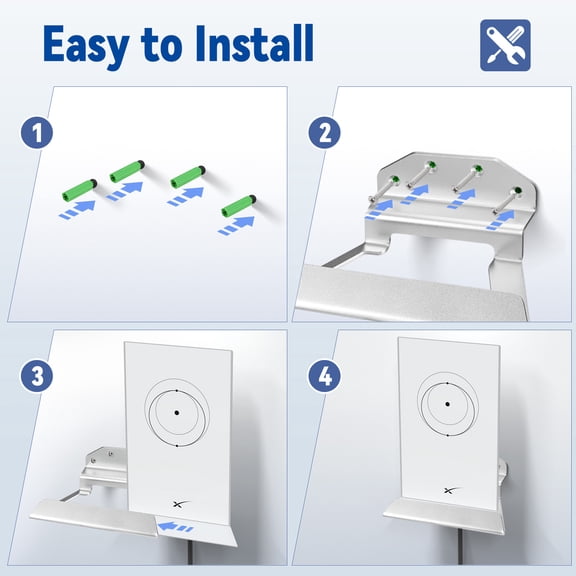 Eightwood Wall Mount Bracket Aluminum for Starlink Antenna Gen 2 Starlink Satellite Internet V2 Mesh Wifi Router Starlink Routers Accessories$11.99current price $11.99
ClearStream MAX-XR COMPLETE HDTV Antenna, Jolt Switch Amplifier, 20” Mast, 30’ Coaxial Cable, Splitter
ClearStream MAX-XR COMPLETE HDTV Antenna, Jolt Switch Amplifier, 20” Mast, 30’ Coaxial Cable, Splitter
DIRECTV SL3-SWM SlimLine Single Wire Ka/Ku Triple LNB with Built-in Multiswitch for Directv
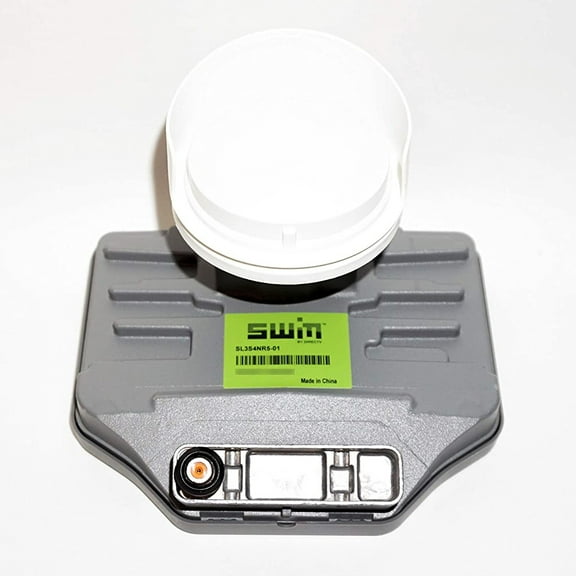 DIRECTV SL3-SWM SlimLine Single Wire Ka/Ku Triple LNB with Built-in Multiswitch for Directv$54.00current price $54.00
TV Antennas for Smart TV Indoor/Outdoor, 4K Ultra-Thin HD Digital TV Antenna for Freeview Local Channels, Support VHF/UHF/DAB Radio/4K/1080P All TV 600Miles Range for Free Channels, 9.8FT Coax Cable
 TV Antennas for Smart TV Indoor/Outdoor, 4K Ultra-Thin HD Digital TV Antenna for Freeview Local Channels, Support VHF/UHF/DAB Radio/4K/1080P All TV 600Miles Range for Free Channels, 9.8FT Coax Cable$19.75current price $19.75
Directv Slim Line Dish Antenna - NO LNB
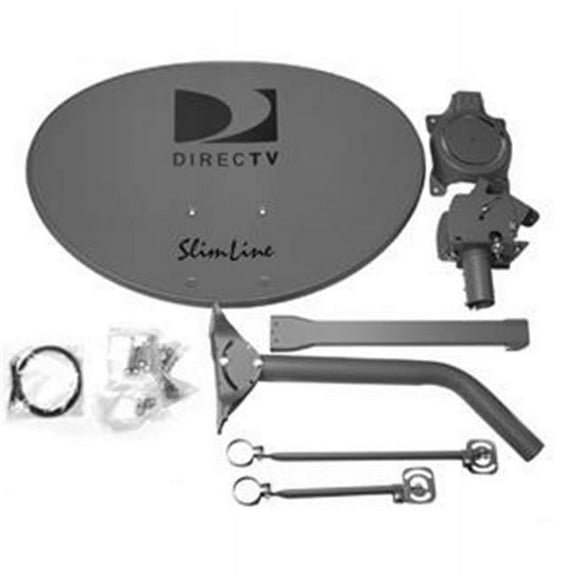 Directv Slim Line Dish Antenna - NO LNB$78.36current price $78.36