

Directv Receivers(4)
KVH H24 DIRECTV Receiver - 110V AC w/IR/RF Remote - *Remanufact... [72-0900-H24] $164.31

KVH H24 DIRECTV Receiver - 110V AC w/IR/RF Remote - *Remanufact... [72-0900-H24]
Pre-Owned AT&T DirecTv C51 Genie Mini Client Receiver Kit Use With HR34 HR44 Used Mint $54.99
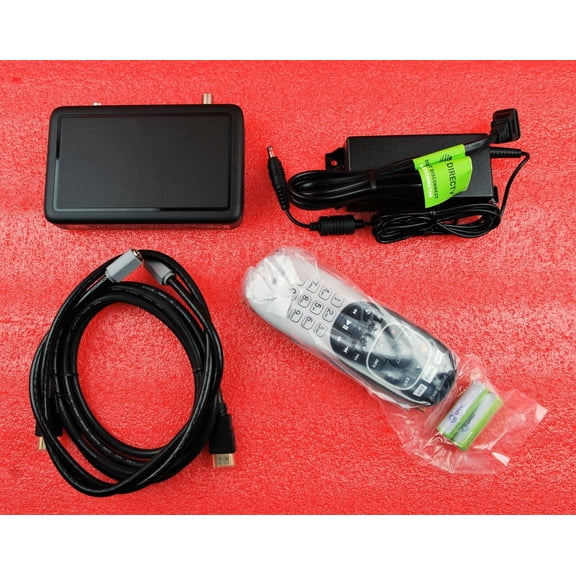
Pre-Owned AT&T DirecTv C51 Genie Mini Client Receiver Kit Use With HR34 HR44 Used Mint
Best seller, KOQIT H.265 HD DVB-S/S2 FTA Digital Satellite Receiver, Free to Air HEVC USB WiFi TV Sat Decoder, Supports Intelsat Galaxy 19, MeeCast TV Stick Sat to IP $49.99
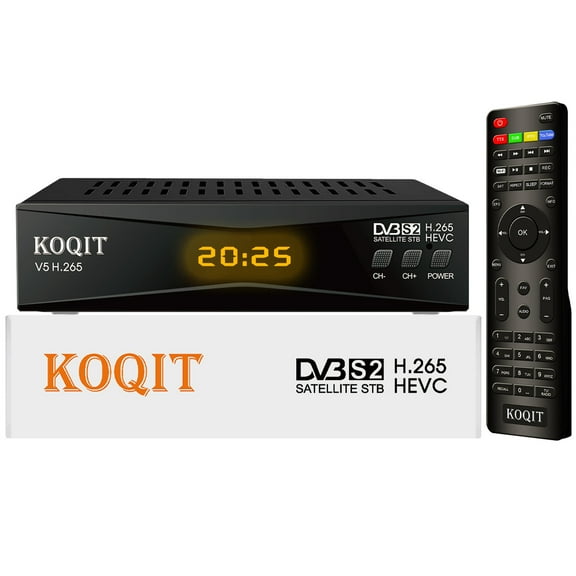
KOQIT H.265 HD DVB-S/S2 FTA Digital Satellite Receiver, Free to Air HEVC USB WiFi TV Sat Decoder, Supports Intelsat Galaxy 19, MeeCast TV Stick Sat to IP
Cmple - Dual Frequency IR Receiver SA HDTV DVR and DirectTV H21 $28.49
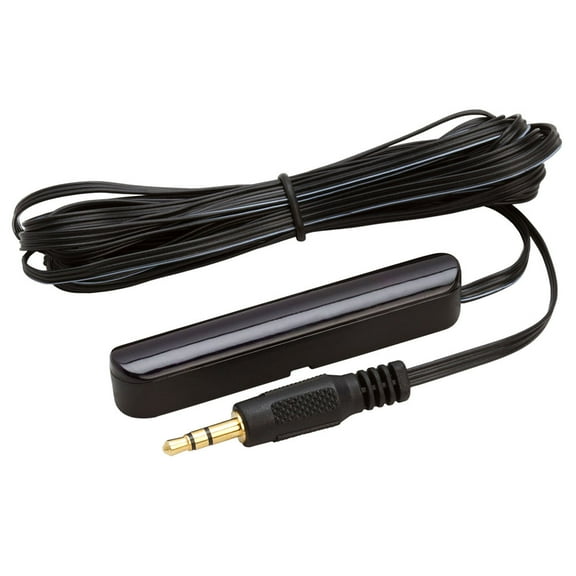
Cmple - Dual Frequency IR Receiver SA HDTV DVR and DirectTV H21
FAQ
Which receivers work with DIRECTV service?
DIRECTV uses a range of receivers, including standard, HD, and DVR models. The most common types are:
- Standard receivers for basic channels
- HD receivers for high-definition content
- DVR receivers for recording and pausing live TV
Compatibility depends on your DIRECTV package and satellite dish setup. If you're shopping for a receiver, check that it matches your current service and equipment. For the latest compatibility details, it's a good idea to review DIRECTV's official support resources or speak with their customer service before making a purchase.
Can I still use my old DIRECTV receiver?
Some older DIRECTV receivers may still function, but it depends on the model and DIRECTV's current technology. DIRECTV has phased out support for certain legacy receivers, especially those not compatible with HD or newer satellite signals. If your receiver is several years old, it may not receive all available channels or features. Before setting up an older receiver, check with DIRECTV or review their support site to confirm if your device is still supported and what steps you might need to reactivate it.
What’s the latest DIRECTV receiver available?
DIRECTV regularly updates its receiver lineup to support new features like 4K resolution and advanced DVR capabilities. The newest receivers typically offer improved performance, more storage, and compatibility with the latest satellite signals. To find the most current model, check DIRECTV’s official website or contact their customer service. If you’re shopping at Walmart, look for receivers labeled as "newest" or "latest generation" in the product description for up-to-date technology.
Why are people switching from DIRECTV?
Customers may choose to leave DIRECTV for a variety of reasons, such as changes in viewing habits, interest in streaming services, or moving to areas where satellite service isn't available. Others might be seeking different channel packages or features. It's important to consider your own needs—like live sports, DVR options, or local channel availability—when deciding if DIRECTV is right for you. If you’re exploring alternatives, compare features and compatibility with your home setup before making a switch.
How do I set up a DIRECTV receiver at home?
Setting up a DIRECTV receiver usually involves connecting it to your TV, satellite dish, and power outlet. Here are some general steps:
- Connect the satellite cable to the receiver’s input.
- Use an HDMI or AV cable to link the receiver to your TV.
- Plug the receiver into a power source and turn it on.
- Follow the on-screen prompts to activate your receiver and scan for channels.
For best results, refer to the instruction manual included with your receiver or visit DIRECTV’s support site for model-specific setup guides. If you run into issues, customer support can walk you through troubleshooting steps.
Popular in DirecTV Receivers for Satellite TV
Related Products
New Replace Remote Control Fits for DS Network 54.0 54.1 54.2 54.3 Satellite Receiver Remote Control Wally Hopper 2G
 New Replace Remote Control Fits for DS Network 54.0 54.1 54.2 54.3 Satellite Receiver Remote Control Wally Hopper 2G$19.99current price $19.99
New replace remote control fit for Technical Pro most Hybrid Receivers H1502urbt H2502urbt H3502urbt HW4000urbt H12X500ubt RX55uribt
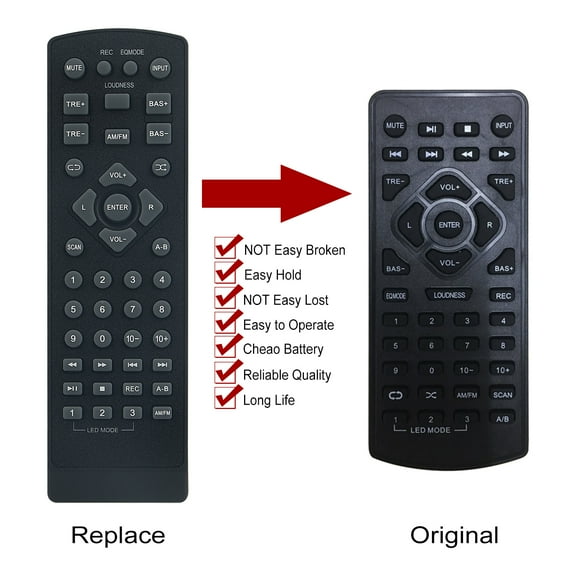 New replace remote control fit for Technical Pro most Hybrid Receivers H1502urbt H2502urbt H3502urbt HW4000urbt H12X500ubt RX55uribt$15.99current price $15.99
New RAV531 ZP35470 Replaced Remote Control for Yamaha AV Receiver RX-V383 Htr-3071 RX-V379 RX-V381 RX-V483
 New RAV531 ZP35470 Replaced Remote Control for Yamaha AV Receiver RX-V383 Htr-3071 RX-V379 RX-V381 RX-V483$8.48current price $8.48
New Genuine RMC-STR514 For Insignia Stereo Receiver Remote NS-STR514-C NS-STR514
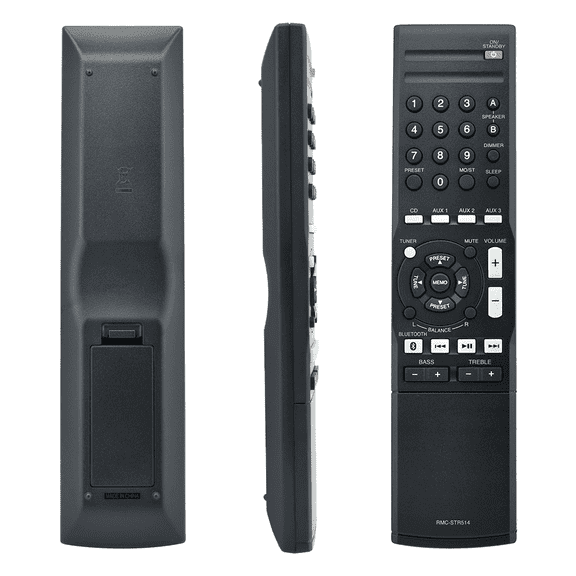 New Genuine RMC-STR514 For Insignia Stereo Receiver Remote NS-STR514-C NS-STR514$9.41current price $9.41
New RMT-AA130U RM-AAU190 remote control for Sony Home Theatre AV Receiver STR-DN1060 STR-DN860
 New RMT-AA130U RM-AAU190 remote control for Sony Home Theatre AV Receiver STR-DN1060 STR-DN860$7.64current price $7.64
New RC-972R For Onkyo AV Receiver Remote Control TX-NR595 TX-RZ840 TX-NR797
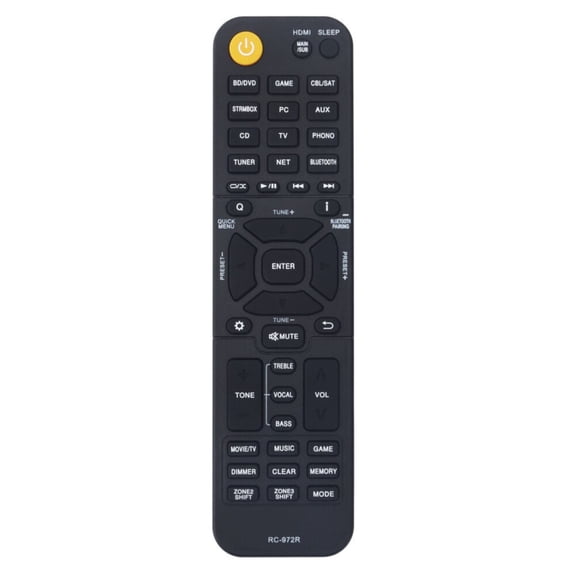 New RC-972R For Onkyo AV Receiver Remote Control TX-NR595 TX-RZ840 TX-NR797$9.06current price $9.06
RC-834M Replaced Remote Control for Onkyo AV Receiver HT-S6500 HT-R758 HT-S7500 TX-NR414
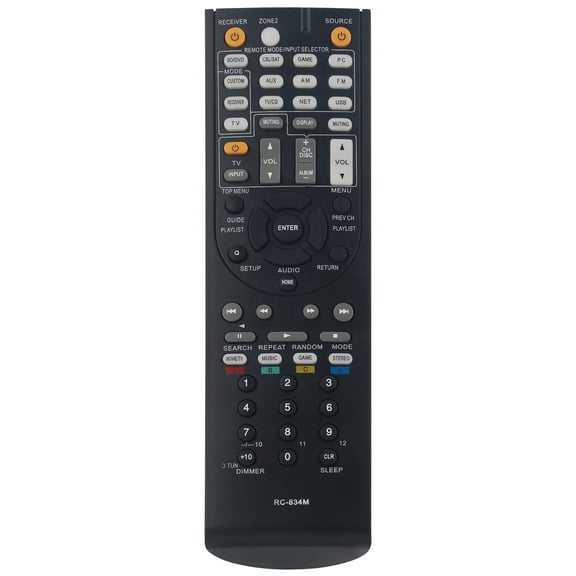 RC-834M Replaced Remote Control for Onkyo AV Receiver HT-S6500 HT-R758 HT-S7500 TX-NR414$9.97current price $9.97
New Remote control RC-898M for Onkyo AV Receiver TX-NR646 TX-NR747 TX-NR545
 New Remote control RC-898M for Onkyo AV Receiver TX-NR646 TX-NR747 TX-NR545$8.16current price $8.16
New RC-972R remote control for Onkyo Audio TX-NR797 TX-RZ840 TX-NR696
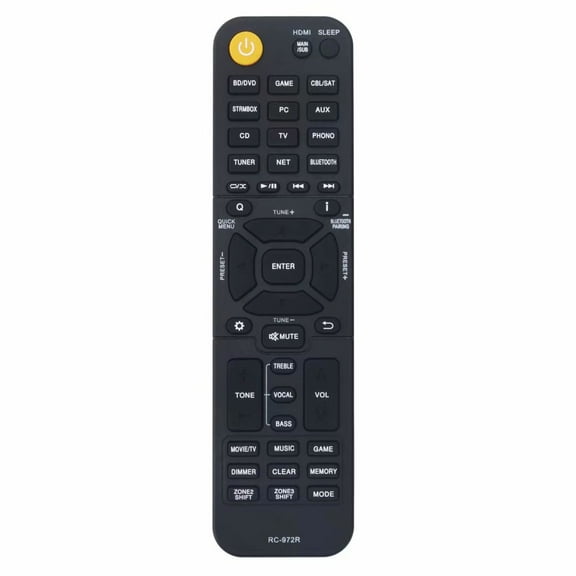 New RC-972R remote control for Onkyo Audio TX-NR797 TX-RZ840 TX-NR696$7.49current price $7.49
New Remote Replacement for Dish Network 54.0 Satellite Receiver SAT TV AUX Mode
 New Remote Replacement for Dish Network 54.0 Satellite Receiver SAT TV AUX Mode$40.00current price $40.00
Allimity RM-U185 RM-U306 RM-U306A RM-U306B Replaced Remote Control Compatible with FM Stereo Receiver STR-DE185 STR-DE197 STR-DE475 STR-DE485 STR-DE495 STR-DE497 STR-DE585 STR-DE590 STR-DE595
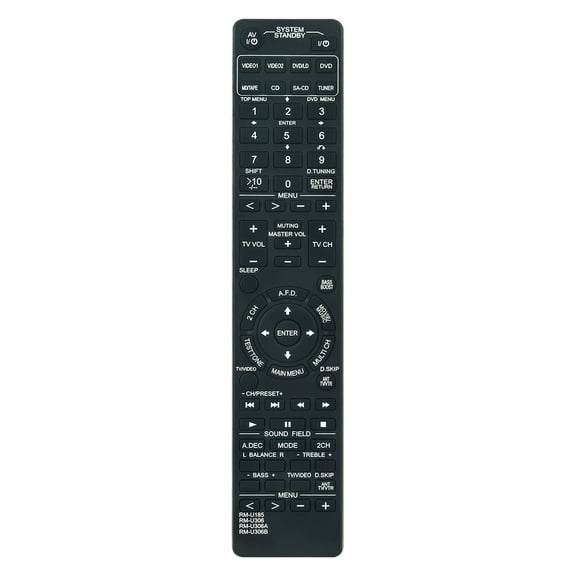 Allimity RM-U185 RM-U306 RM-U306A RM-U306B Replaced Remote Control Compatible with FM Stereo Receiver STR-DE185 STR-DE197 STR-DE475 STR-DE485 STR-DE495 STR-DE497 STR-DE585 STR-DE590 STR-DE595$14.98current price $14.98
New Replace RM-AAU170 For Audio/Video Receiver AV Remote Control STRDN840
 New Replace RM-AAU170 For Audio/Video Receiver AV Remote Control STRDN840$9.32current price $9.32
New RC-903S Replace Remote Control Fits for Onkyo RC-903S RC-816S RC-904S Audio Receiver TX8160 TX 8160 TX-8160 TX8270 TX 8270 TX-8270
 New RC-903S Replace Remote Control Fits for Onkyo RC-903S RC-816S RC-904S Audio Receiver TX8160 TX 8160 TX-8160 TX8270 TX 8270 TX-8270$18.38current price $18.38
Ceybo RC-799M Replacement Remote fit for Audio Receiver Onkyo
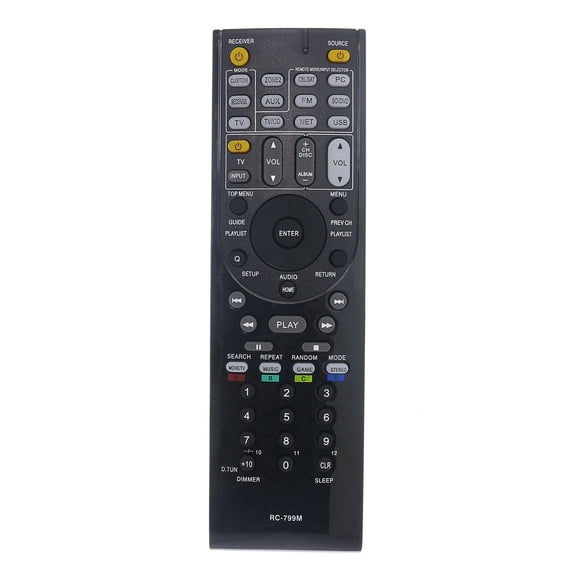 Ceybo RC-799M Replacement Remote fit for Audio Receiver Onkyo$10.99current price $10.99
New RC-709M replace remote control fit for ONKYO AV Receiver TXSR576 TXSR506B TXSR506
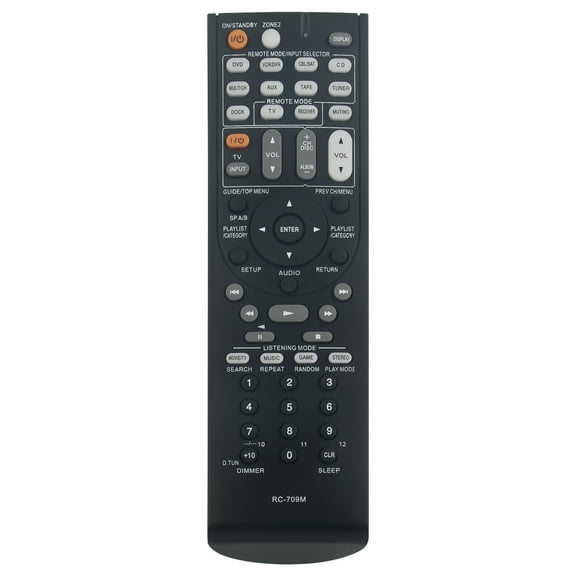 New RC-709M replace remote control fit for ONKYO AV Receiver TXSR576 TXSR506B TXSR506$11.84current price $11.84
New RM-AAU130 For AV Stereo Receiver Remote Control STR-DH130 STRDH130
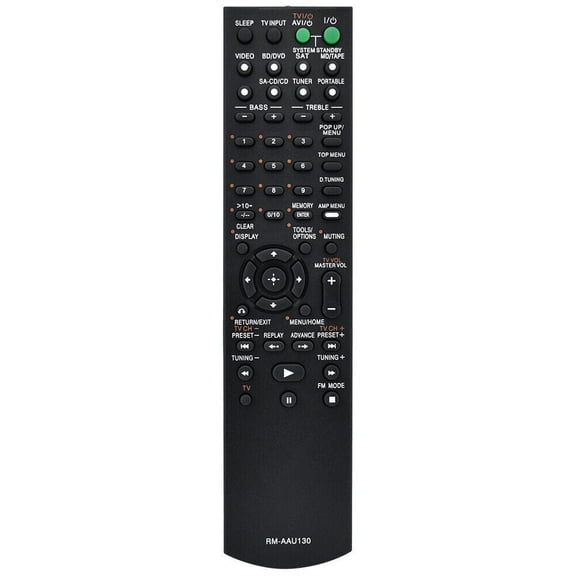 New RM-AAU130 For AV Stereo Receiver Remote Control STR-DH130 STRDH130$10.25current price $10.25
2 Pack Replacement for RCA 3-Device Universal Remote Control Palm Sized - Works with Onkyo DVD - Remote Code 0503, 0627, 2147
 2 Pack Replacement for RCA 3-Device Universal Remote Control Palm Sized - Works with Onkyo DVD - Remote Code 0503, 0627, 2147$20.99current price $20.99
New remote control for DISH Network Receiver Accessory 52.0 UHF 2G 205286
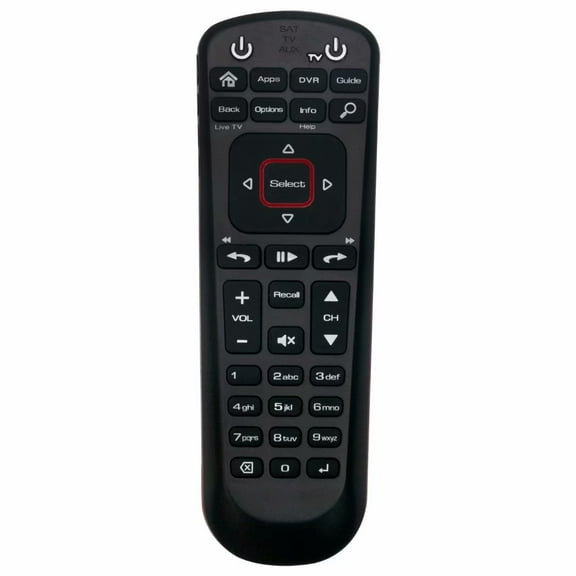 New remote control for DISH Network Receiver Accessory 52.0 UHF 2G 205286$18.99current price $18.99