

Ddj800(1)
DC Power Jack for Pioneer DDJ-800 DDJ-1000SRT DDJ-FLX10 SR2 DJ Controller $17.00

DC Power Jack for Pioneer DDJ-800 DDJ-1000SRT DDJ-FLX10 SR2 DJ Controller
FAQ
What does a DJ controller do?
A DJ controller is a piece of equipment that lets you mix music using software on your computer or device. It typically has a set of jog wheels, faders, knobs, and buttons that help you blend tracks, adjust effects, and manage the flow of your set. Many controllers include multiple channels so you can cue up and transition between songs easily. They’re popular with both beginners and experienced DJs because they offer hands-on control and portability compared to traditional turntables and mixers.
Is a case included with DJ controllers?
Some DJ controllers come packaged with a soft case or carrying bag for added protection and easier transport, while others may not. It’s a good idea to check the individual product details to see what's included in the package. If a case isn't included, you can often find compatible cases sold separately at Walmart, which can help protect your gear when you’re on the go.
Can I connect my DJ controller to speakers?
Yes, most DJ controllers have audio outputs that let you connect them to external speakers, monitors, or sound systems.
- You'll usually find output ports like RCA or 1/4” jacks on the back.
- Before connecting, make sure your speakers accept the same type of input or have the proper adapters.
- For home practice, smaller desktop speakers work well, while larger powered speakers are useful for performances.
Be sure to consult your controller’s manual for specific connection guidelines.
How do I get started using a DJ controller?
Starting with a DJ controller is pretty straightforward. Here’s a simple roadmap:
- Install the DJ software that comes with your controller on your computer or device.
- Connect your controller using the included USB cable.
- Import your music library, then use the jog wheels and faders to practice mixing tracks.
- Experiment with EQs, effects, and looping features for creative transitions.
Many controllers also offer beginner tutorials built into the software, making it easier to learn the basics at your own pace.
What should I look for in a DJ controller?
When shopping for a DJ controller, consider:
- Number of channels: 2-channel controllers are ideal for basic mixing, while more channels give you advanced layering options.
- Portability: Compact controllers are great for travel, while larger models offer more features.
- Software compatibility: Check if it works with the DJ software you prefer.
- Input/output options: Having versatile connections helps you set up easily with various devices and speakers.
Take time to think about your setup and how you plan to use the controller before making a choice.
Popular in Shop ddj800 Musical Instruments and Accessories Online
Related Products
Cleveland Probe;Asy;Dual Level (Producti S3003231 - Genuine OEM Replacement Part
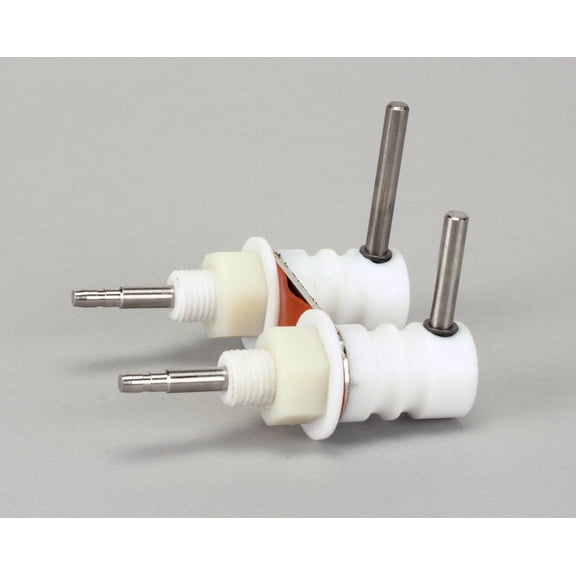 Cleveland Probe;Asy;Dual Level (Producti S3003231 - Genuine OEM Replacement Part$327.72current price $327.72
Grindmaster Cecilware Probe, Mix Low New Style W0572362 - Genuine OEM Replacement Part
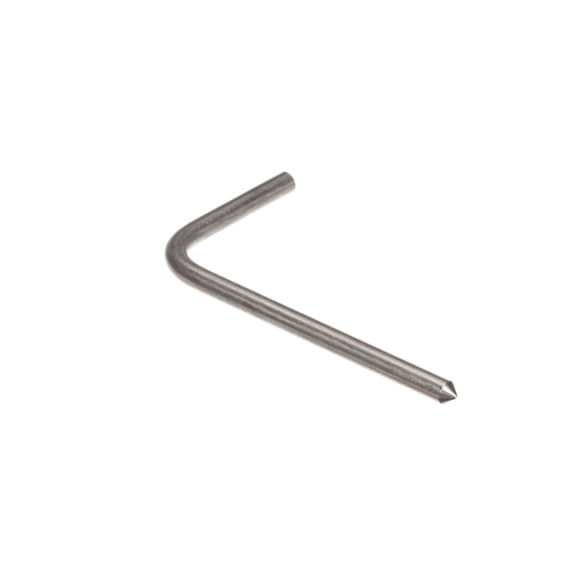 Grindmaster Cecilware Probe, Mix Low New Style W0572362 - Genuine OEM Replacement Part$38.09current price $38.09
Lancer Probe Assembly, Eibc Iii,W/Springs 52-1897-SP - Genuine OEM Replacement Part
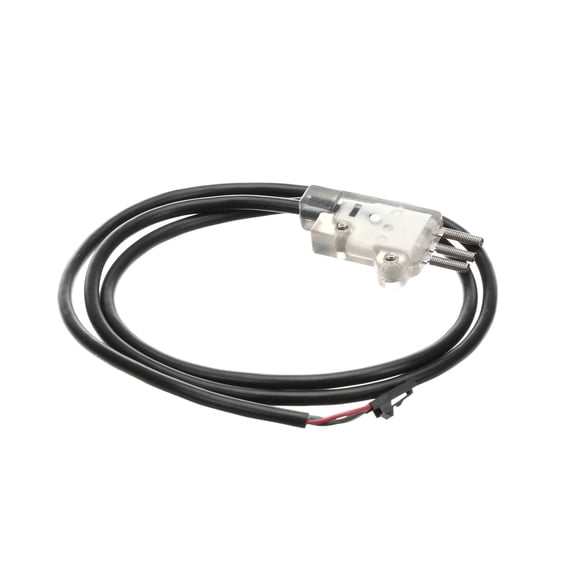 Lancer Probe Assembly, Eibc Iii,W/Springs 52-1897-SP - Genuine OEM Replacement Part$28.99current price $28.99
Novation Launchpad Pro MK3 64-Pad Performance Controller for Ableton with Case Package
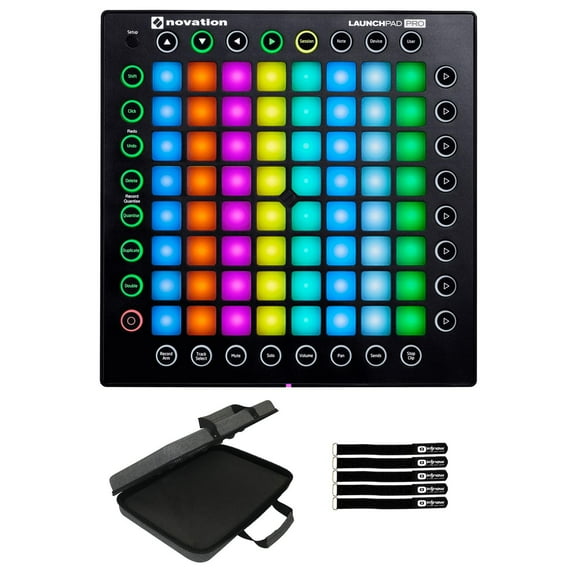 Novation Launchpad Pro MK3 64-Pad Performance Controller for Ableton with Case Package$410.40current price $410.40
Soundcraft Notepad-12FX Small-format Analog Twelve-Channel Mixing Console with USB I/O and Lexicon Effects (5085985US)
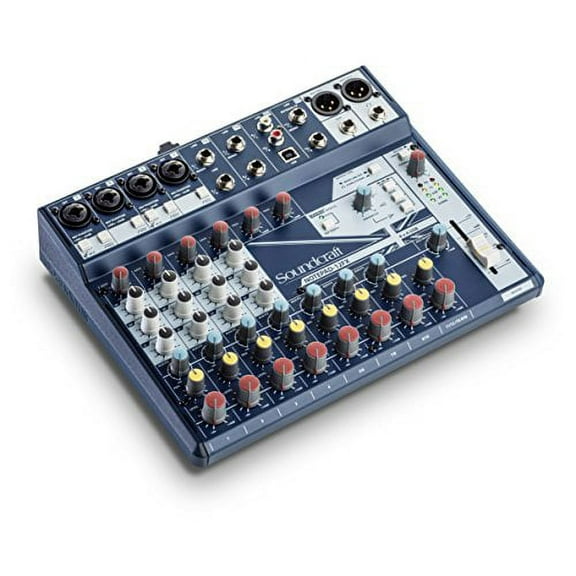 Soundcraft Notepad-12FX Small-format Analog Twelve-Channel Mixing Console with USB I/O and Lexicon Effects (5085985US)$199.00current price $199.00
Frymaster Kj3Fc Fast Probe Assembly 8071524 - Genuine OEM Replacement Part
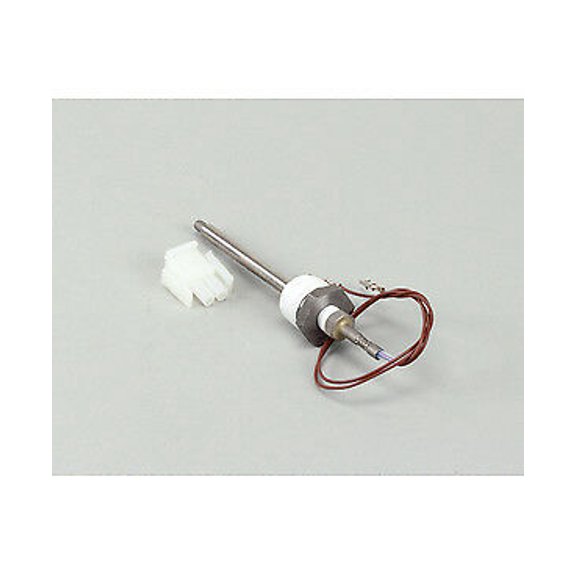 Frymaster Kj3Fc Fast Probe Assembly 8071524 - Genuine OEM Replacement Part$227.17current price $227.17
