

60 Sharp Aquos Tv(1)
Uses item details. Price when purchased online
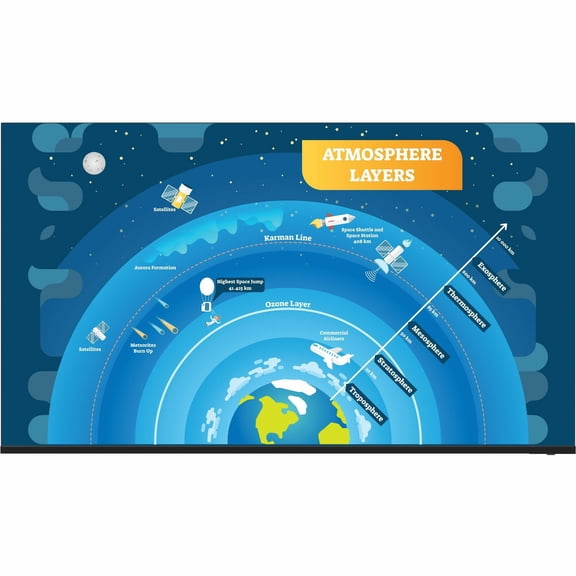
Sharp NEC Display AQUOS 64.5'' Digital Signage Display Model 4P-B65EJ2U $950.00
$95000
current price $950.00Sharp NEC Display AQUOS 64.5'' Digital Signage Display Model 4P-B65EJ2U
Other options to consider(5)
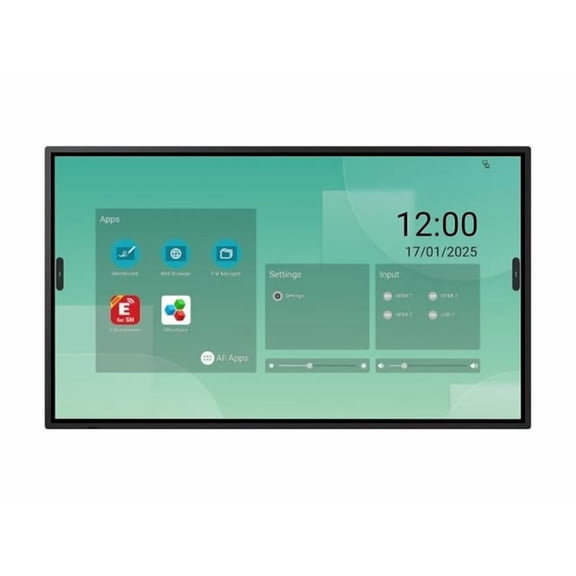
Sharp PN-LM551 55" Class AQUOS BOARD Touch Display $2,043.40
$2,04340
current price $2,043.40Sharp PN-LM551 55" Class AQUOS BOARD Touch Display
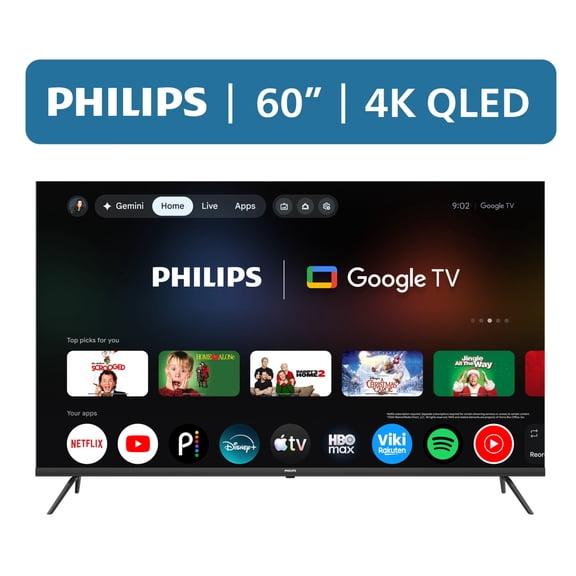
In 1K+ people's carts, Philips 60" Class QLED 4K UHD (2160p) Google Smart TV (60PQL7456/F7) $268.00
In 1K+ people's carts
$26800
current price $268.00From $177.00
Philips 60" Class QLED 4K UHD (2160p) Google Smart TV (60PQL7456/F7)
4.4 out of 5 stars
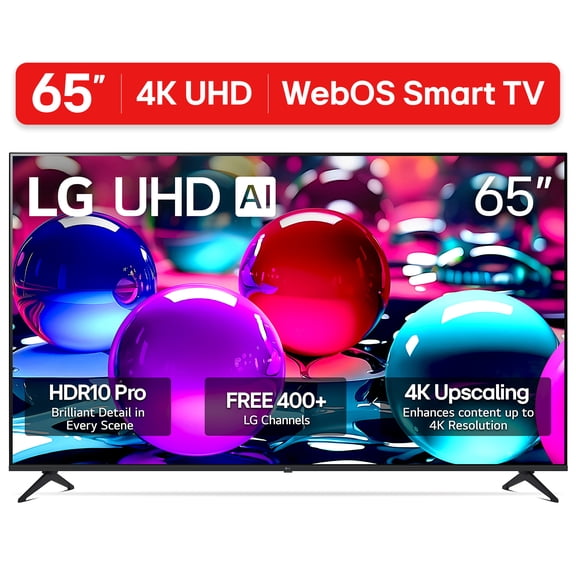
In 1K+ people's carts, LG 65" 4K UHD UA75 AI Smart TV, 65UA7500 $328.00 Was $398.00
In 1K+ people's carts
Now$32800
current price Now $328.00, Was $398.00$398.00
LG 65" 4K UHD UA75 AI Smart TV, 65UA7500
4.3 out of 5 stars
New, Hisense 65QD6QV 65 inch Class QD6QV Series 4K QLED UHD Smart VIDAA TV $539.42
New
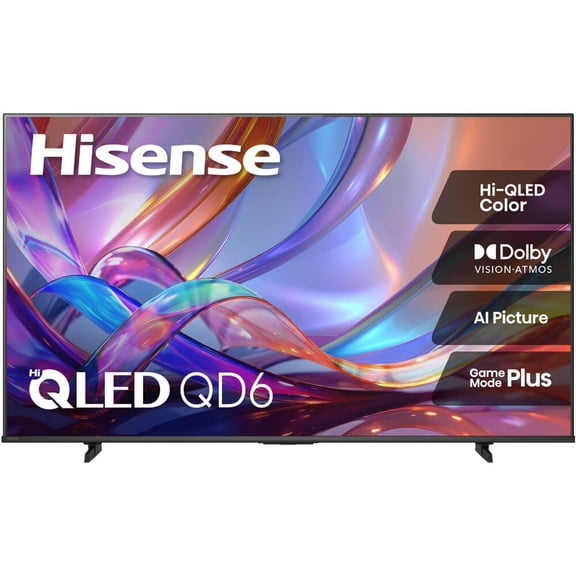
$53942
current price $539.42Hisense 65QD6QV 65 inch Class QD6QV Series 4K QLED UHD Smart VIDAA TV
4.7 out of 5 stars
TCL 65" A400U Designer Series QD-Mini LED QLED 4K Smart Google TV (New 2026) - Art Library, Flush Wall Mount Included, Halo Control System, Local Dimming Pro, High Brightness Pro - 65A400U $798.00 Was $1,198.00
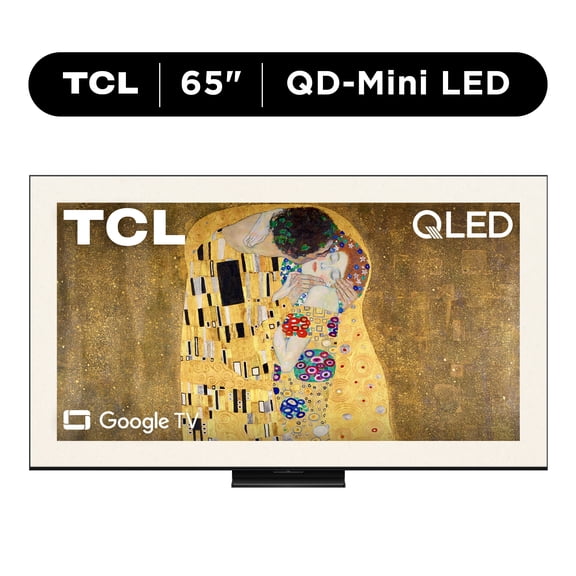
Now$79800
current price Now $798.00, Was $1,198.00$1,198.00
TCL 65" A400U Designer Series QD-Mini LED QLED 4K Smart Google TV (New 2026) - Art Library, Flush Wall Mount Included, Halo Control System, Local Dimming Pro, High Brightness Pro - 65A400U
5 out of 5 stars
FAQ
How do I connect my TV to Wi-Fi?
Connecting your TV to Wi-Fi is usually a quick process.
- First, navigate to the TV's settings menu and look for the 'Network' or 'Wi-Fi' option.
- Select your home Wi-Fi network from the list of available networks.
- Enter your Wi-Fi password using the remote or touch controls, depending on your TV.
- After entering the password, confirm and wait for the connection to establish.
What’s the best way to clean a flat screen?
To safely clean your flat screen TV:
- Turn off and unplug the TV to avoid damage.
- Use a soft, dry microfiber cloth. Gently wipe the screen to remove dust.
- For smudges, lightly dampen the cloth with water or a cleaner recommended by the TV manufacturer.
- Avoid spray cleaners directly on the screen and steer clear of harsh chemicals like alcohol.
Can I use a universal remote with these TVs?
Most TVs on this page are compatible with universal remotes, but it’s a good idea to check the remote’s compatibility with your specific TV model.
- Many universal remotes require setup—this can involve entering a code or using an auto-search function.
- Refer to both your TV’s manual and the remote’s instructions for best results.
- If your TV has smart features, some universal remotes may also support app controls.
What do I need for wall mounting?
If you’re thinking about wall mounting your TV, here’s what you’ll need:
- A compatible wall mount rated for your TV’s size and weight.
- Proper tools, such as a drill, level, and stud finder.
- Ensure you have sturdy wall anchors and screws, especially for heavier displays.
- Carefully follow the instructions in your mount and TV manuals.
How do I fix a TV that won’t turn on?
If your TV isn’t powering up, try these troubleshooting steps:
- Double-check the power cord connection and make sure your outlet works.
- If there’s a remote, try replacing its batteries or use the manual power button.
- Unplug the TV for a minute, then plug it back in—sometimes, this helps reset the electronics.
- Review the user manual for any specific troubleshooting tips for your model.
Popular in Shop 60 Sharp AQUOS TV and 65 Inch Televisions Online
Related Products
Sylvox 55" QLED Outdoor TV,4K UHD 1000nits Smart Television for Partial Sun,IP55 Weatherproof, Dolby Atmos,Voice Remote,Chromecast,Deck Pro QLED 3.0
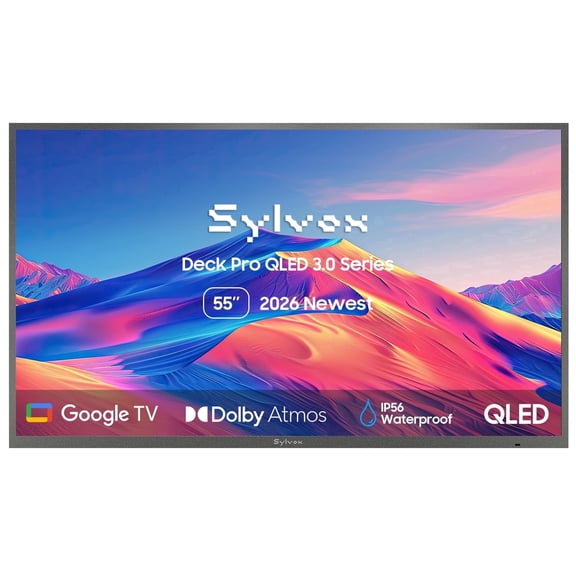 Sylvox 55" QLED Outdoor TV,4K UHD 1000nits Smart Television for Partial Sun,IP55 Weatherproof, Dolby Atmos,Voice Remote,Chromecast,Deck Pro QLED 3.0$1699.00current price $1699.00
Sylvox 55" Smart Outdoor TV, 4K Uhd 1000nits with Dobly Atmos, Google TV with Voice remote, IP56 Waterproof,Google cast,Patial Sun,Deck Pro 3.0
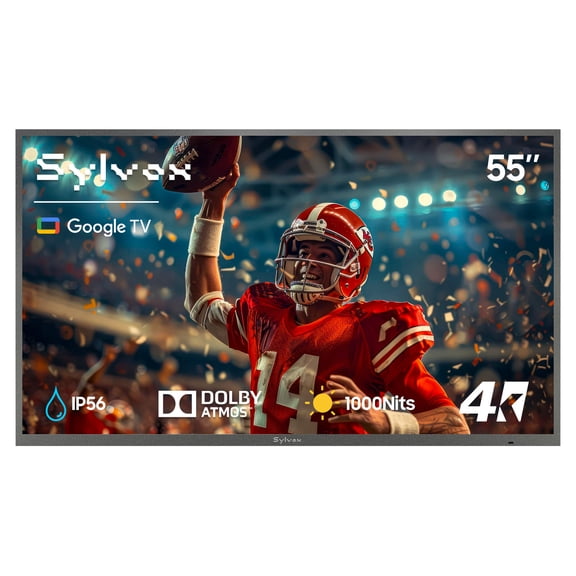 Sylvox 55" Smart Outdoor TV, 4K Uhd 1000nits with Dobly Atmos, Google TV with Voice remote, IP56 Waterproof,Google cast,Patial Sun,Deck Pro 3.0$1399.00current price $1399.00
Hisense 55" Class U8 Series Mini-LED ULED 4K UHD Google Smart TV (55U8QG, 2025 Model) - QLED, Native 165Hz, Game Mode Ultra 288 VRR,Dolby Vision IQ, Dobly Atmos, Up to 5000 Nits, IMAX Enhanced
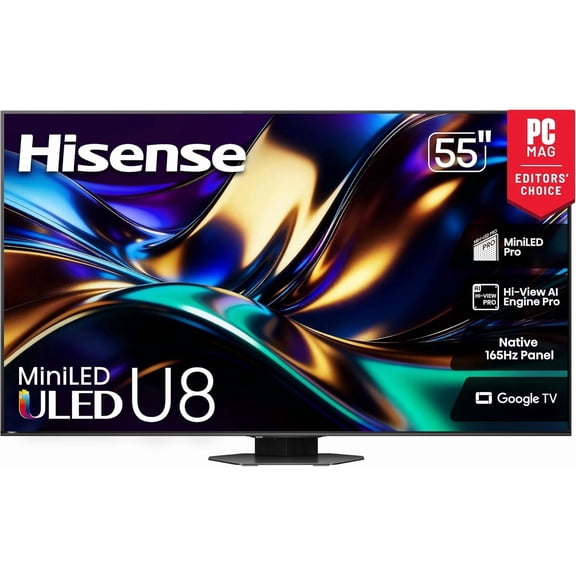 Hisense 55" Class U8 Series Mini-LED ULED 4K UHD Google Smart TV (55U8QG, 2025 Model) - QLED, Native 165Hz, Game Mode Ultra 288 VRR,Dolby Vision IQ, Dobly Atmos, Up to 5000 Nits, IMAX Enhanced$699.95current price $699.95
SYLVOX 55 inch Outdoor Smart TV, 2000 Nits 4K UHD HDR 10 IP56 Waterproof Google Television with Dolby Atmos, Voice Remote,Chromecast, Pool Pro 3.0
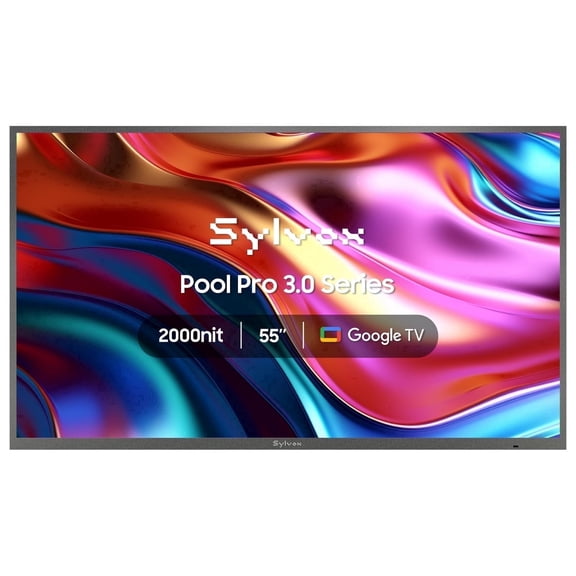 SYLVOX 55 inch Outdoor Smart TV, 2000 Nits 4K UHD HDR 10 IP56 Waterproof Google Television with Dolby Atmos, Voice Remote,Chromecast, Pool Pro 3.0$2349.00current price $2349.00
50" Class Select Series 4K Smart RokuTV
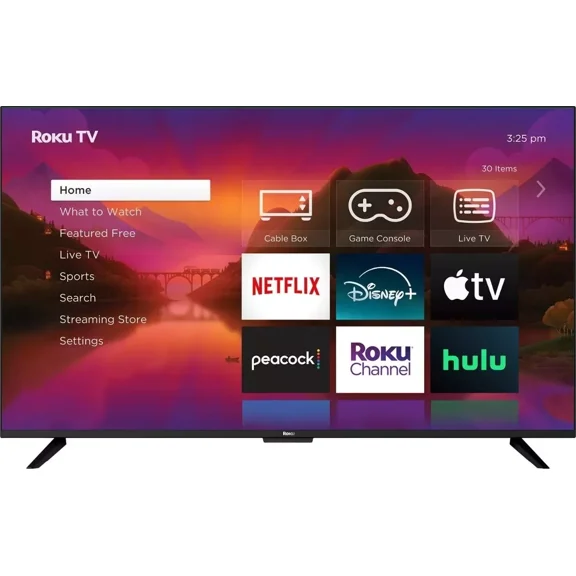 50" Class Select Series 4K Smart RokuTV$374.48current price $374.48
Roku 55-Inch Plus Series 4K QLED Mini-LED Smart TV, Dolby Vision & Atmos, HDR Plus, Bluetooth, Wi-Fi, 60Hz, Voice Control, Streaming Bundle with UAX HDMI Cable & 12-Month CPS Protection Plan
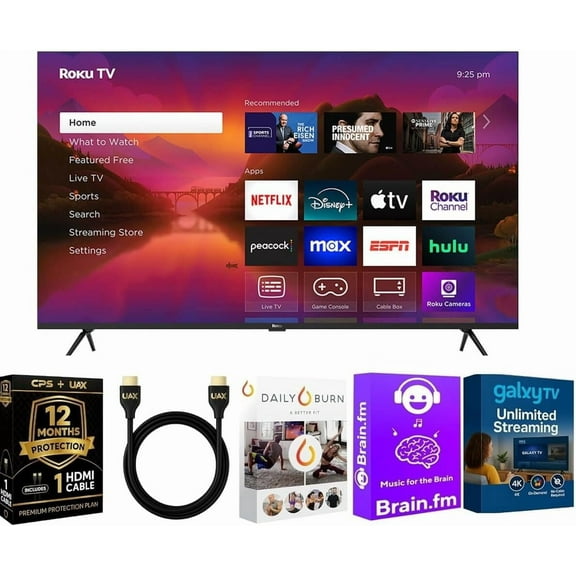 Roku 55-Inch Plus Series 4K QLED Mini-LED Smart TV, Dolby Vision & Atmos, HDR Plus, Bluetooth, Wi-Fi, 60Hz, Voice Control, Streaming Bundle with UAX HDMI Cable & 12-Month CPS Protection Plan$479.99current price $479.99
Westinghouse WR50UE4520 50 inch Class 4K UHD LED Smart TV
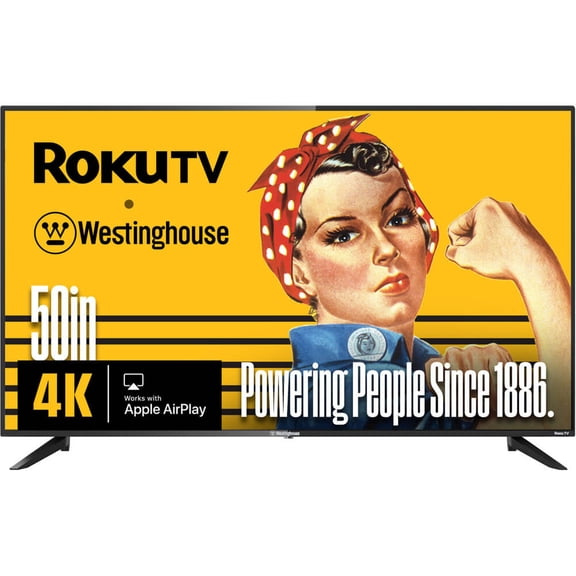 Westinghouse WR50UE4520 50 inch Class 4K UHD LED Smart TV$254.99current price $254.99
Open Box Hisense 50-Inch Class H5 Series 4K UHD HDR Google Smart TV (50H5BG, 2025 Model) - Dolby Vision Gaming, HDR 10, Motion Rate 120, AI Upscaler, DTS Virtual X, Game Mode Plus, Google Assistant B
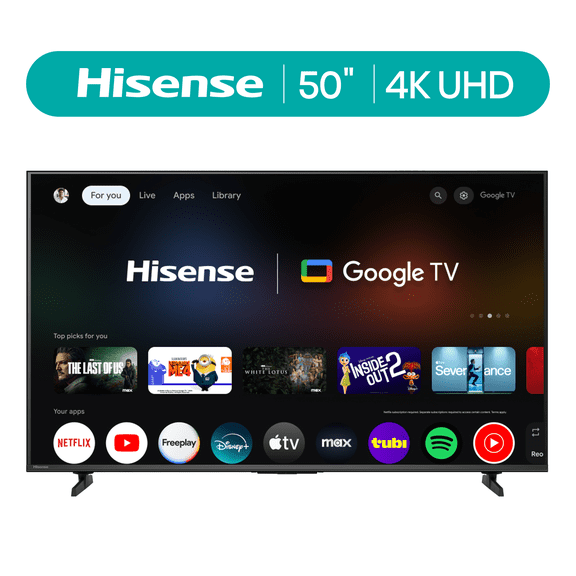 Open Box Hisense 50-Inch Class H5 Series 4K UHD HDR Google Smart TV (50H5BG, 2025 Model) - Dolby Vision Gaming, HDR 10, Motion Rate 120, AI Upscaler, DTS Virtual X, Game Mode Plus, Google Assistant B$142.00current price $142.00
Sylvox Outdoor TV,65'' QLED 4K UHD Television with 1000nits,Google TV with IP55 Weatherproof , Dolby Atmos,Voice Control, Chromecast,(Deck Pro QLED 3.0)
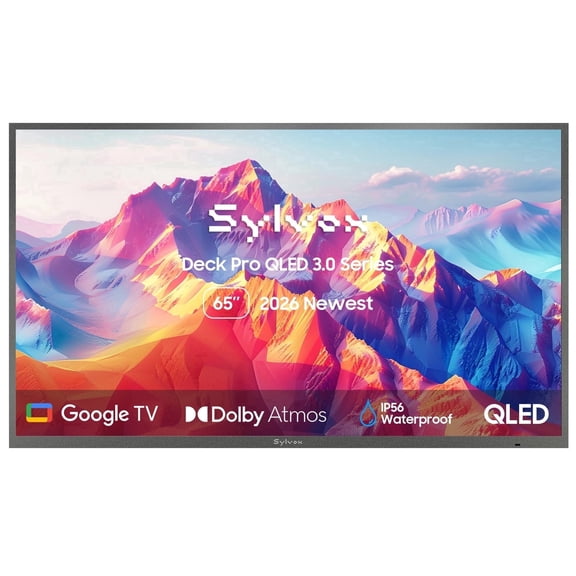 Sylvox Outdoor TV,65'' QLED 4K UHD Television with 1000nits,Google TV with IP55 Weatherproof , Dolby Atmos,Voice Control, Chromecast,(Deck Pro QLED 3.0)$2379.00current price $2379.00