






Tablets for Kids with Parental Controls

















































About Tablets for Kids with Parental Controls - Walmart.com
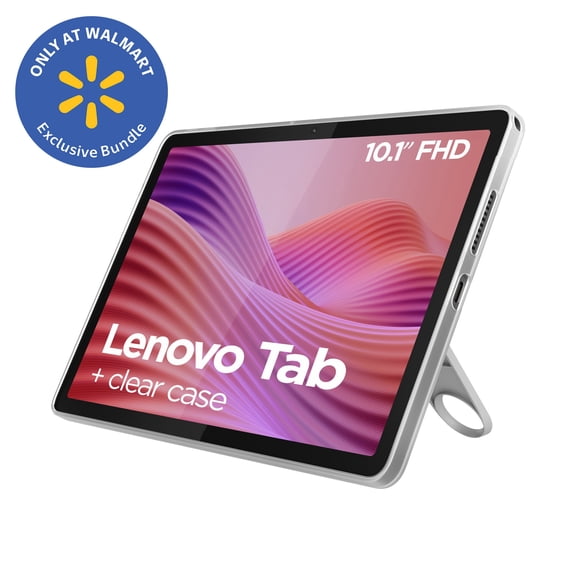
Tablets with cases help you get a ready-to-use setup without matching parts on your own. You can compare operating systems, case styles, screen sizes, and connectivity in one focused category.
If you want a tablet and case bundle for school, work, travel, or family use, this page makes the choices clearer. You can narrow in on keyboard options, rugged protection, and exact size compatibility before you choose.
How to choose tablets with cases
You should start with how you'll use your device each day. Your routine will point you toward a folio stand, a keyboard cover, or a kids tablet with case.
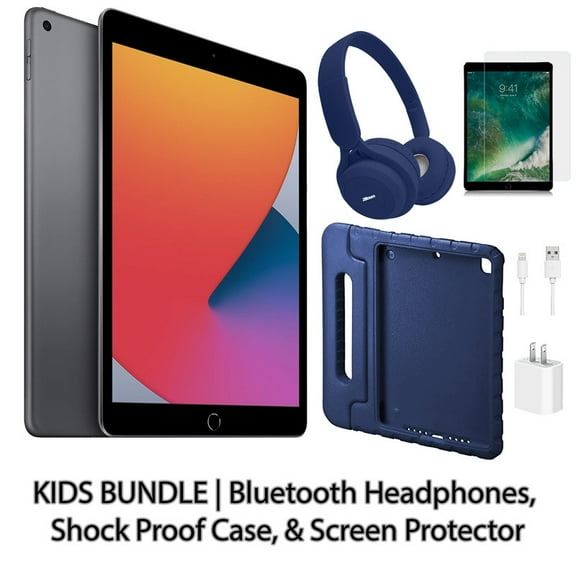
When you compare bundles, you can avoid the extra step of finding a separate cover later. Your tablet arrives paired with a case style that matches everyday handling and storage.
- You can pick a setup that supports streaming, reading, email, and note-taking right away.
- You can compare keyboard cases, rugged covers, and folio stands based on how you carry your tablet.
- You can match your screen size and operating system before you commit to a bundle.
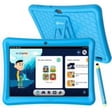
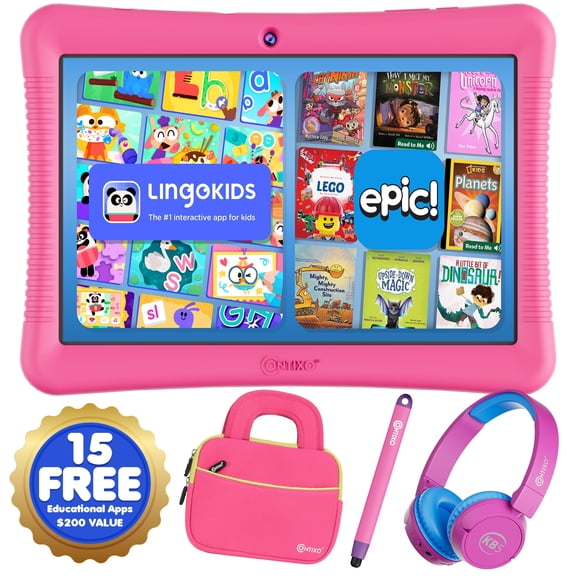
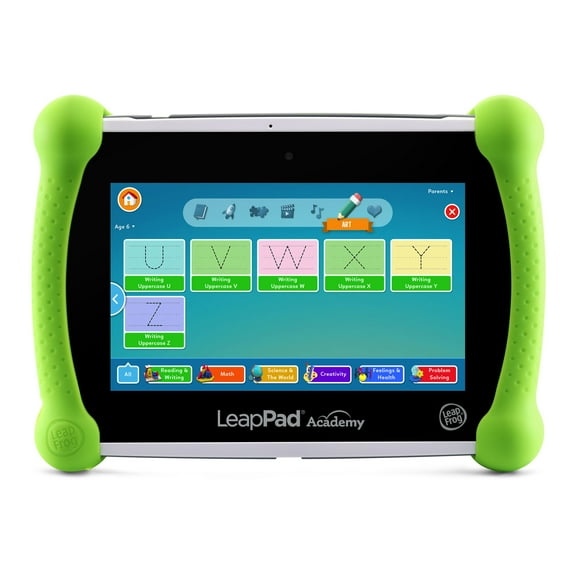
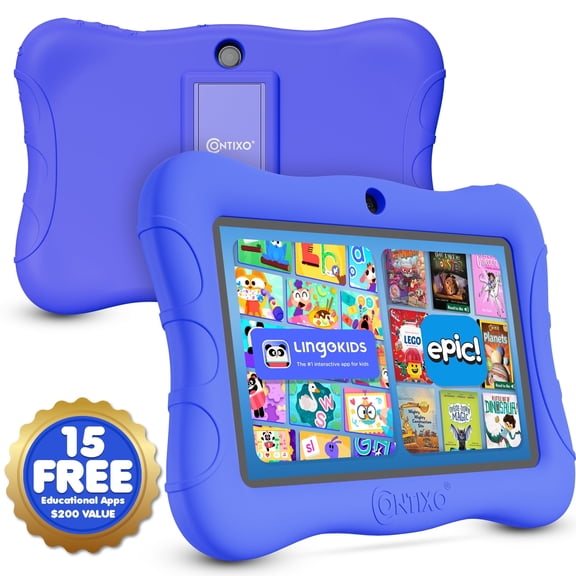
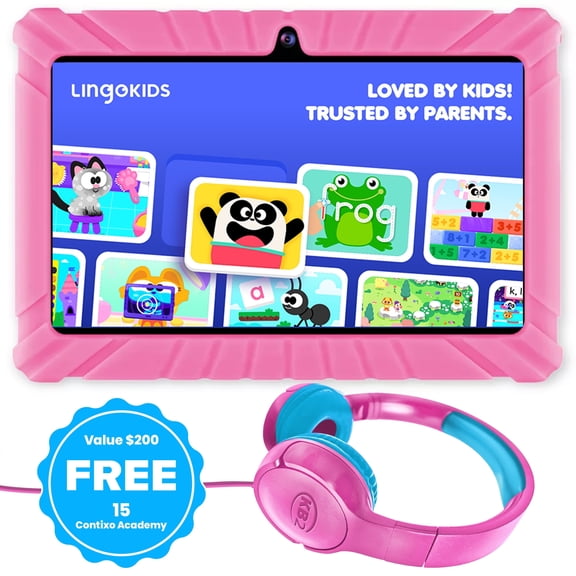
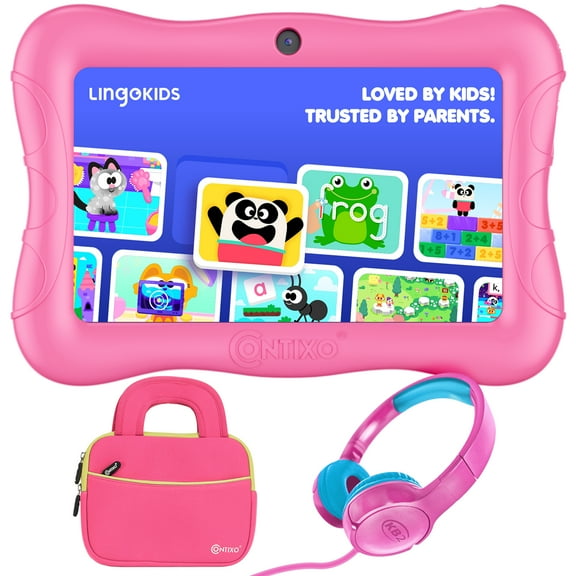
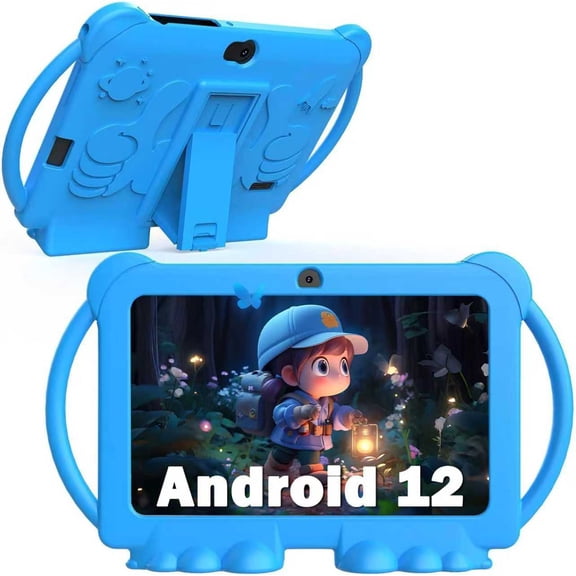
- You can choose a kids tablet with case when your household needs easier grip and sturdier corners.
A bundle can simplify your search when you need protection from the first day. You get a clearer path to the format, cover style, and connection options you actually use.
Choosing the right operating system and connectivity
You should compare operating systems first because your apps, accessories, and file sharing can vary by platform. Your choice may center on an android tablet with case, an iOS model, or a Windows option.
If you already use Google services, you may prefer an android tablet with case for familiar syncing and app access. If you use Apple devices often, your iOS choice may fit your existing ecosystem.
You can also consider Windows bundles when your tasks look closer to laptop work. Your setup may feel more natural for spreadsheets, documents, and browser-heavy workflows.
Connectivity matters when you need flexibility away from home or the office. You can compare Wi-Fi models for everyday indoor use, LTE cellular options, and 5G enabled choices.
If you travel often, you may want a tablet and case bundle with mobile connectivity. Your device can stay connected during commutes, field work, or shared family outings.
Comparing case styles, including tablet with keyboard and case
You should look at case style as a daily-use decision, not just a design choice. Your cover affects typing comfort, carrying weight, viewing angles, and how protected your tablet feels.
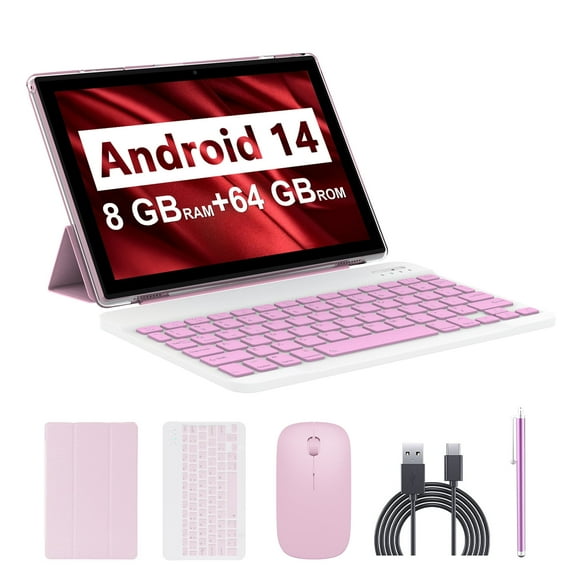
A tablet with keyboard and case can make quick emails, notes, and light documents easier to handle. You should compare Bluetooth pairing, battery life, and key travel before you choose.
Bluetooth pairing matters because you want a keyboard that connects without extra hassle. Battery life matters because your keyboard should last through classes, meetings, or flights.
Key travel describes how far each key moves when you type. You may notice deeper key travel feels more like a laptop, while shallow keys keep the case slimmer.
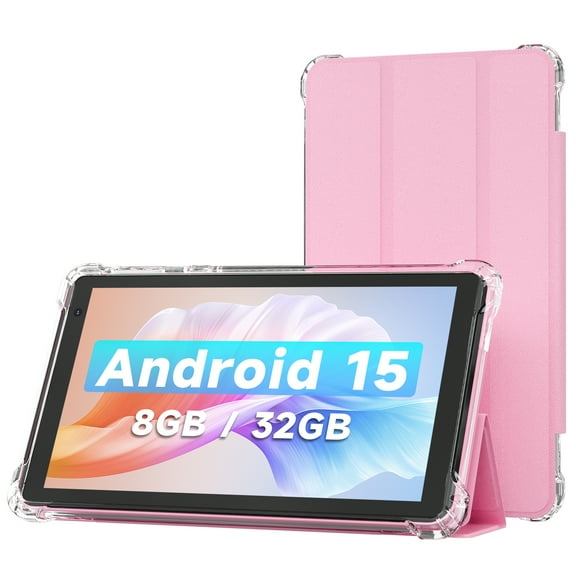
If you prefer a lighter carry, you can consider a folio stand that folds for viewing. Your folio option may suit reading recipes, watching videos, or joining video calls.
For tougher handling, you should compare rugged protective covers with reinforced corners and bumpers. Your tradeoff is usually more protection with extra bulk, or less weight with a slimmer profile.
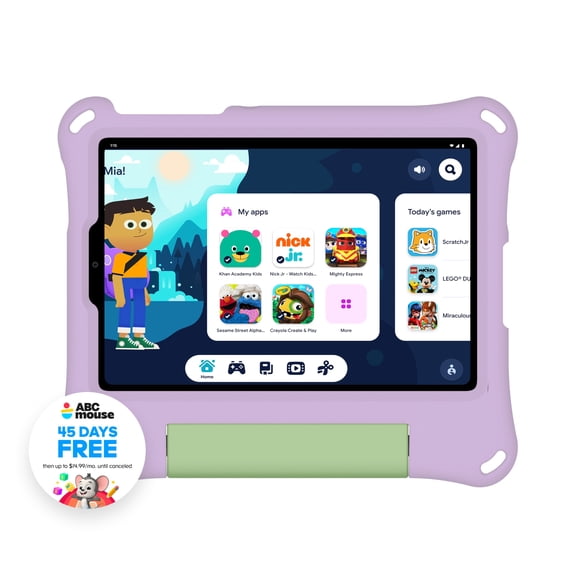
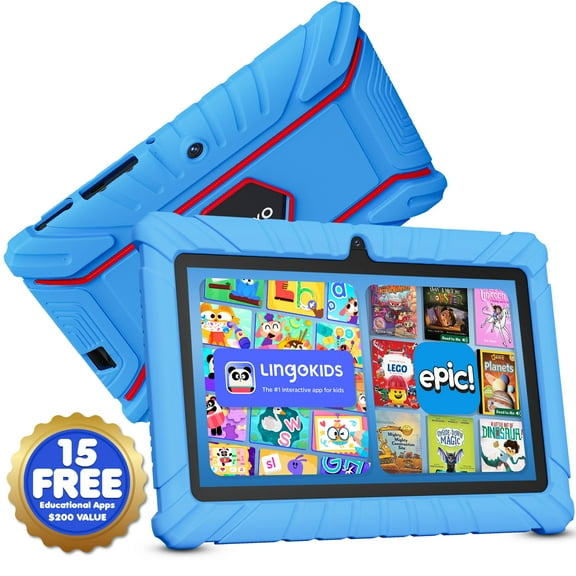
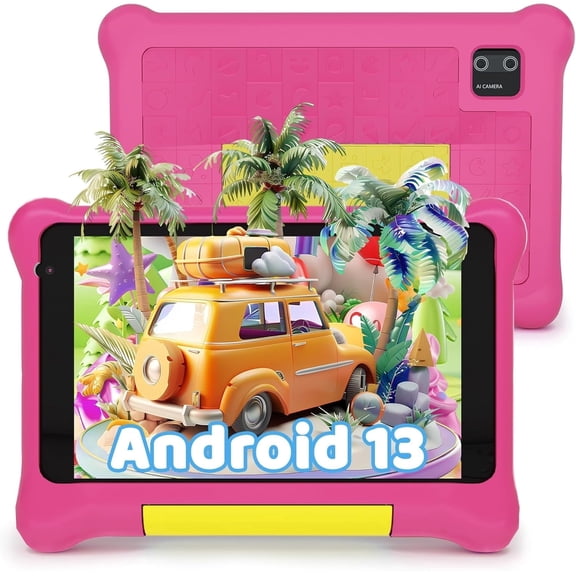
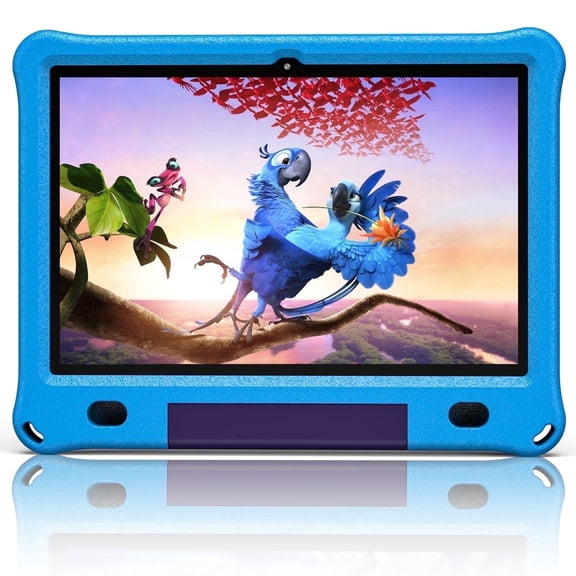
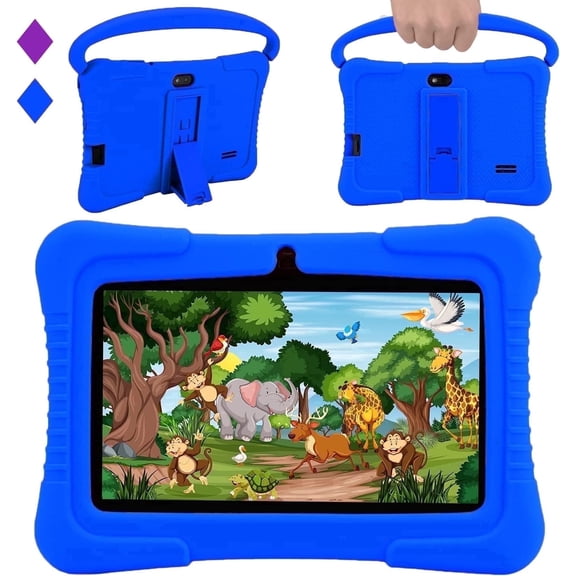
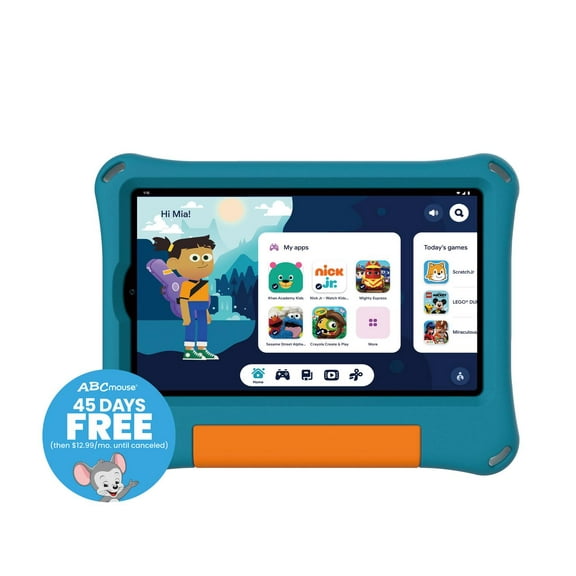
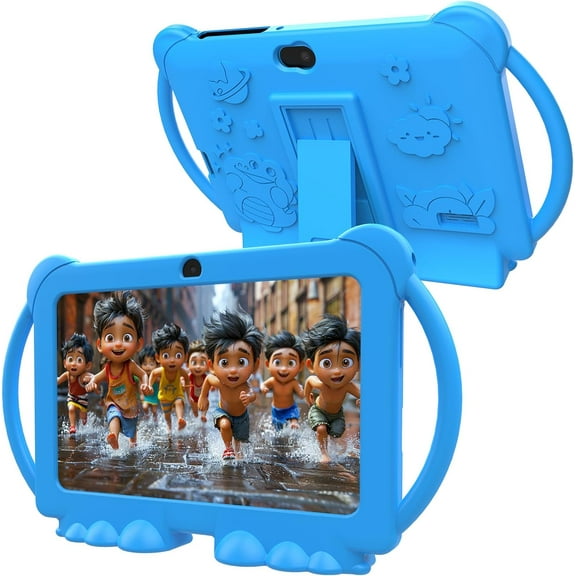
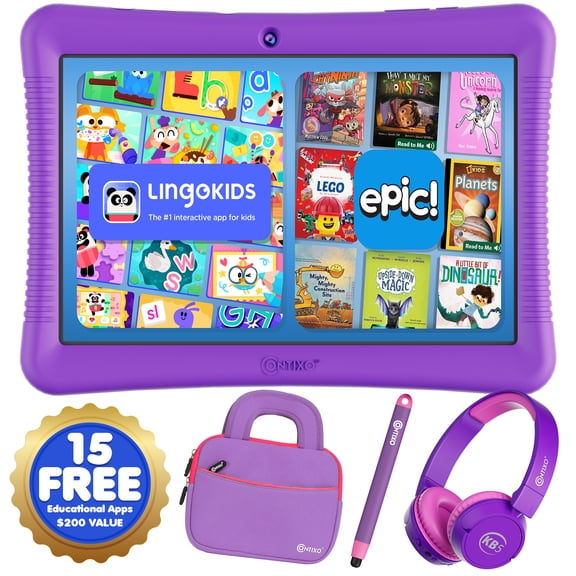
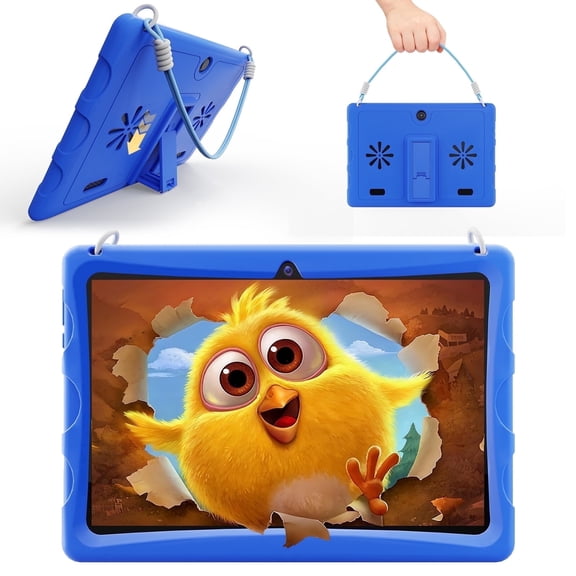
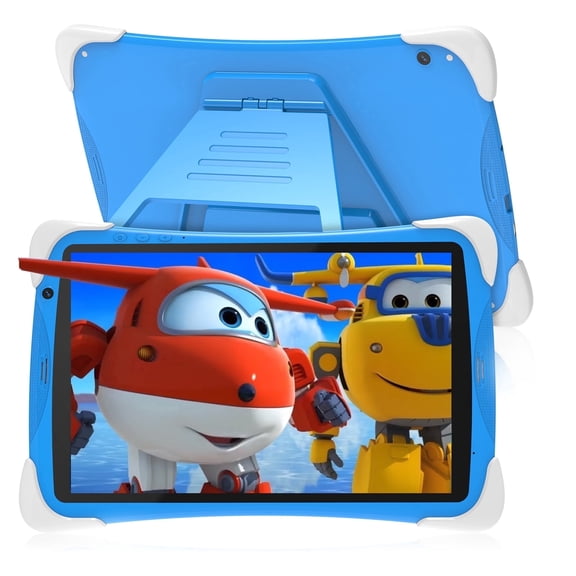
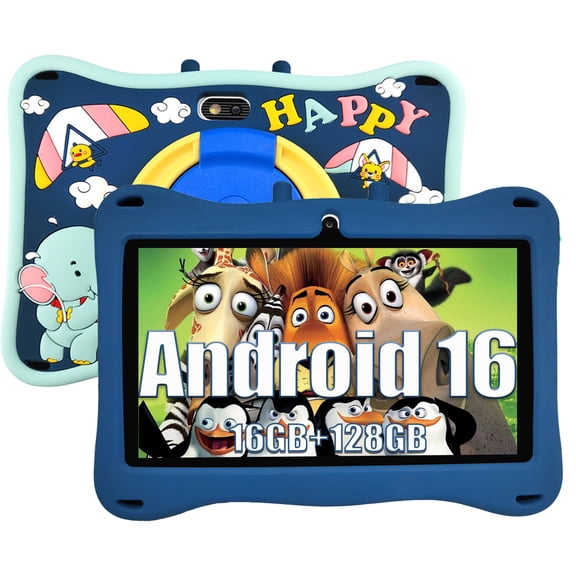
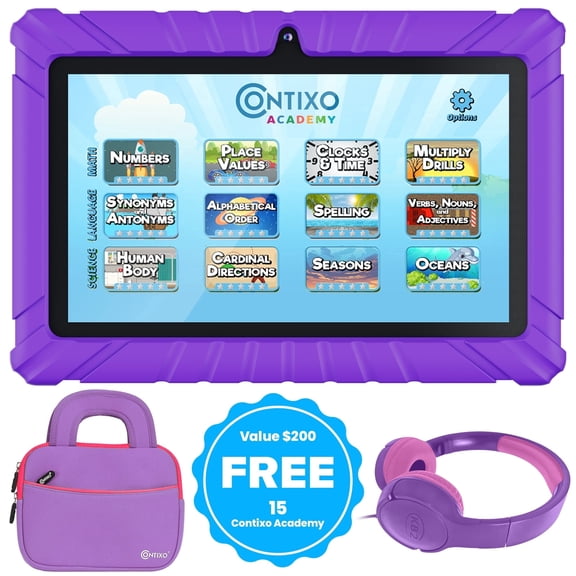
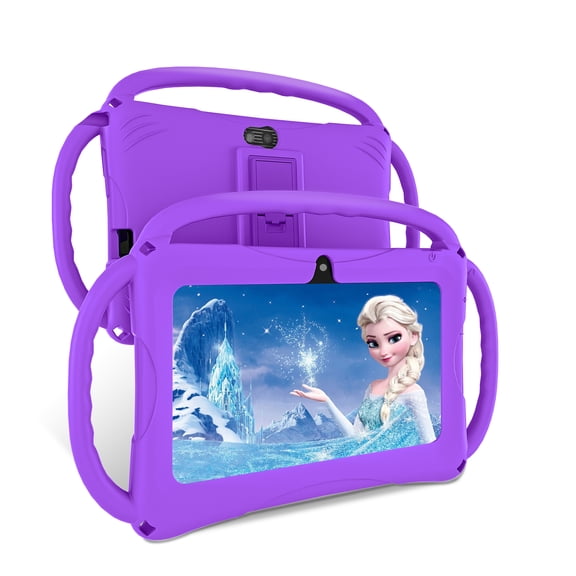
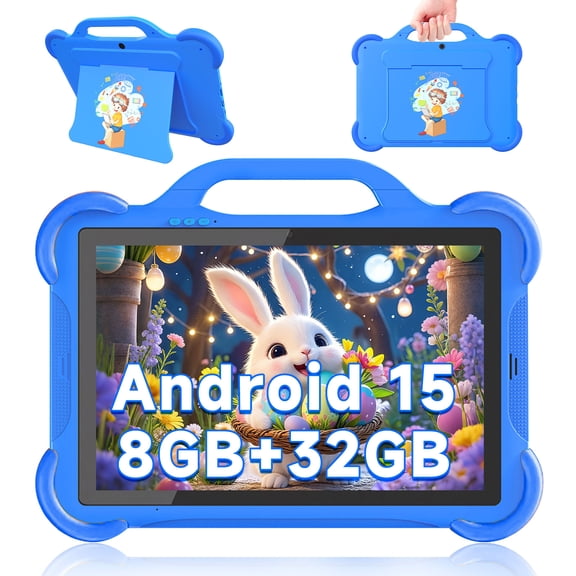
If you're shopping for younger users, a kids tablet with case can offer thick edges and easy-grip handles. Your child can carry the device more comfortably during learning and entertainment time.
Matching screen size and exact fit
You should confirm screen size and model compatibility before anything else. Your case needs to fit the exact tablet dimensions, camera placement, and button layout.
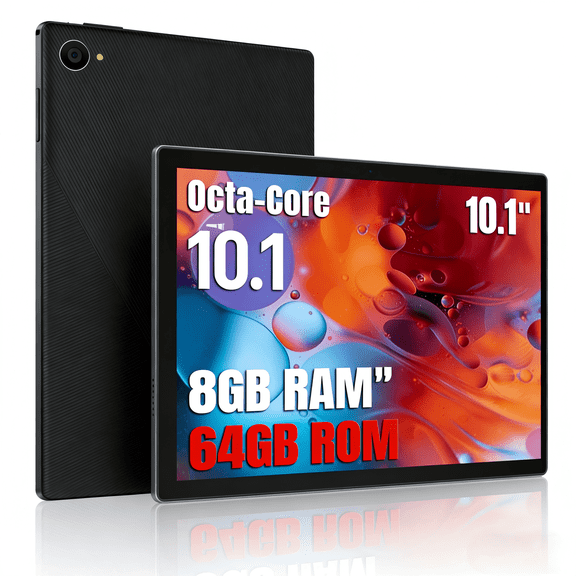
A 7 inch or 8 inch model may feel easier to hold for reading and quick trips. A 10 inch tablet with case often gives you more room for streaming, homework, and browsing.
If you want more workspace, you can compare 12 inch options for split-screen tasks and document viewing. Your larger display may pair well with a keyboard cover for productivity.
You should check whether a case is designed for the exact model, not just the same screen class. Your fit needs to align with ports, speakers, charging access, and camera openings.
When you compare a 10 inch tablet with case, you can focus on balance between portability and viewing space. Your screen feels roomy enough for movies and schoolwork without becoming too awkward to carry.
Use cases for work, family, and travel
You can choose different combinations based on who uses the device and where it goes. Your home office, classroom, back seat, or carry-on bag each calls for a different setup.
For work or study, you may want a tablet with keyboard and case plus a larger display. Your bundle can support typing, research, and video meetings in a more organized way.
For entertainment, you might prefer a folio stand that props the screen at comfortable angles. Your tablet becomes easier to use for streaming, reading, and casual games.
For younger users, you should consider thick bumpers, built-in handles, and simpler grip shapes. Your kids tablet with case can fit family routines that involve learning apps and travel playback.
If you commute or travel often, you may want Wi-Fi plus a lightweight cover, or cellular service with added protection. Your choice depends on whether portability or constant connection matters more.
When you compare tablets with cases at the category level, you can make a cleaner decision around fit and function. Your final choice can support everyday typing, easier carrying, and ready-to-go protection.