


1,000s of can’t-miss savings
Low prices on (just about) everything.


TV Savings


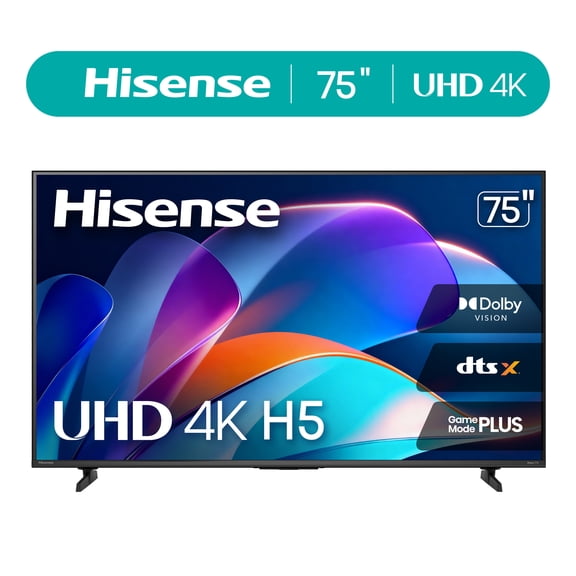
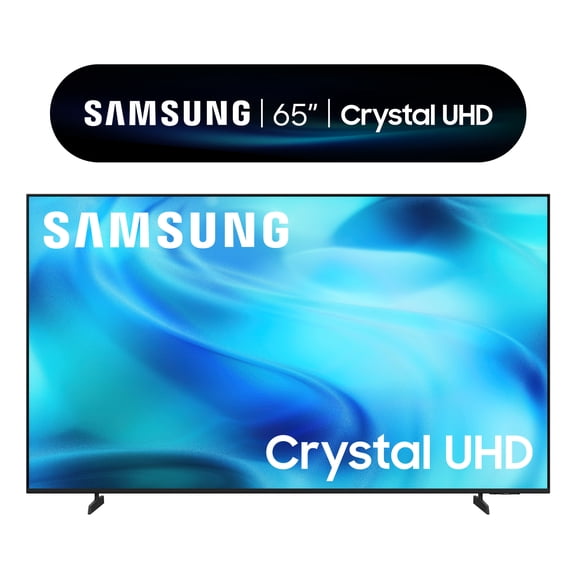
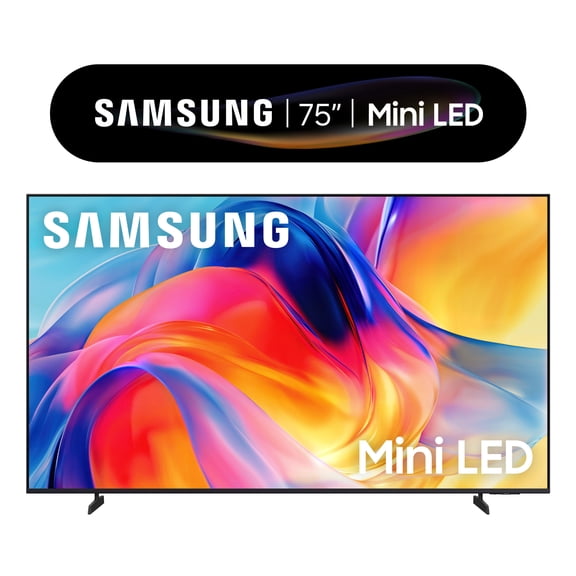
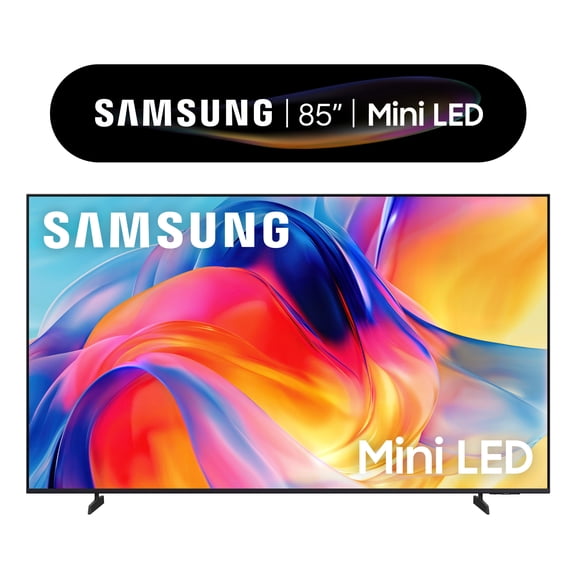







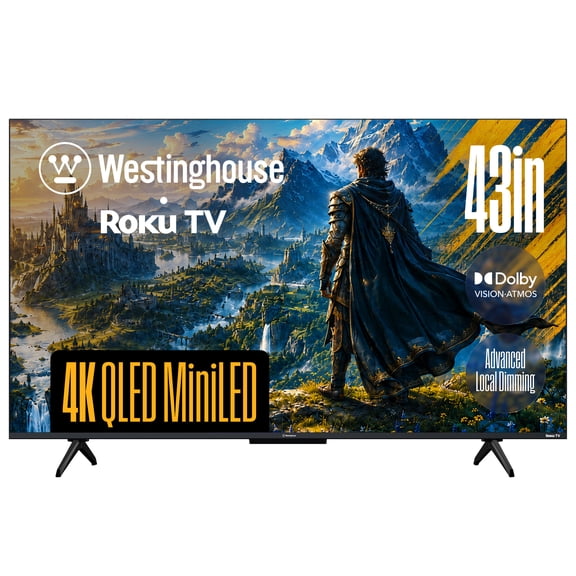

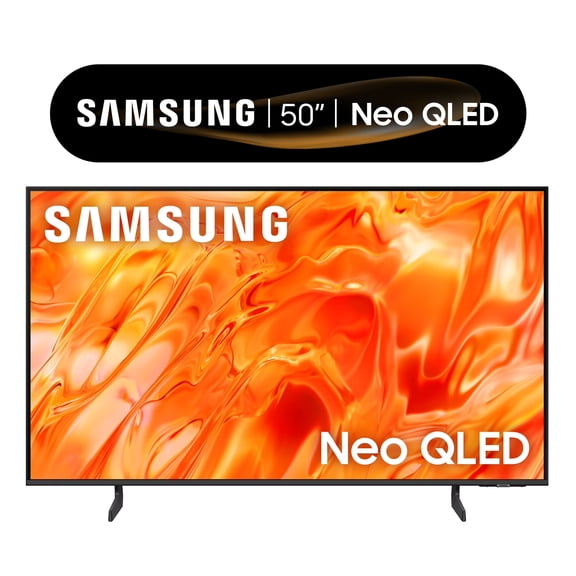
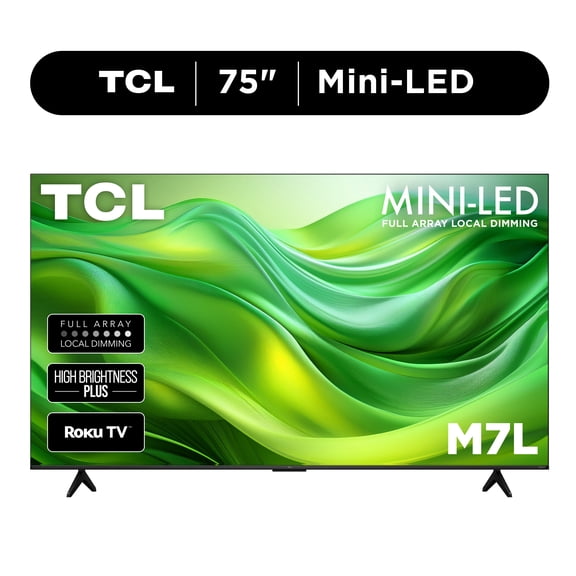
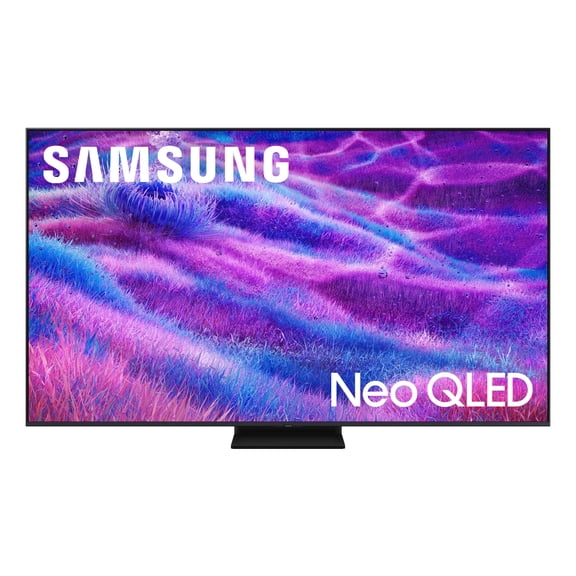











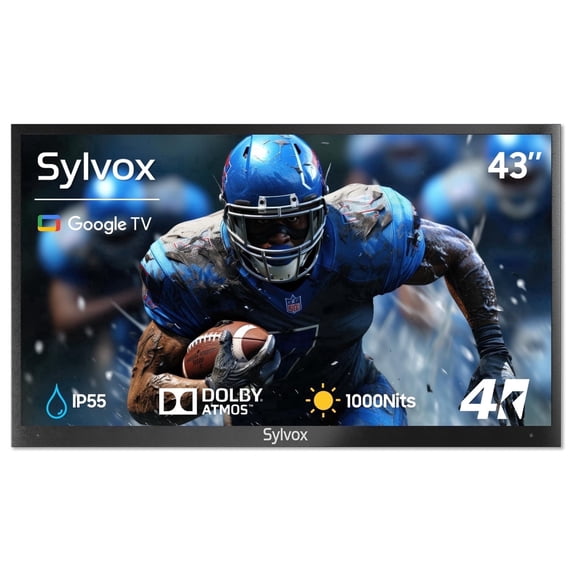

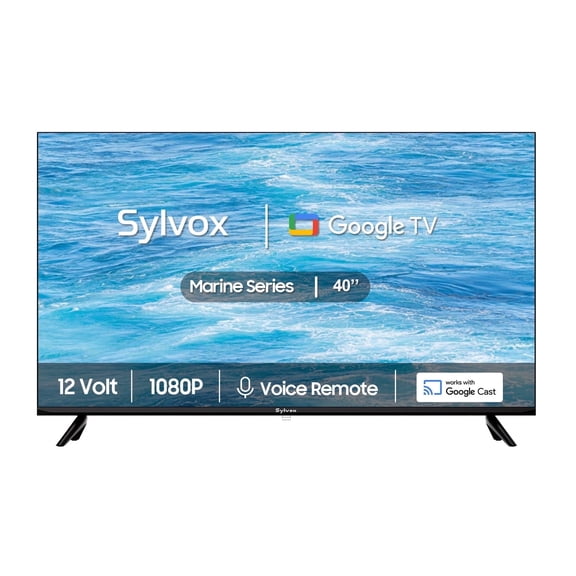

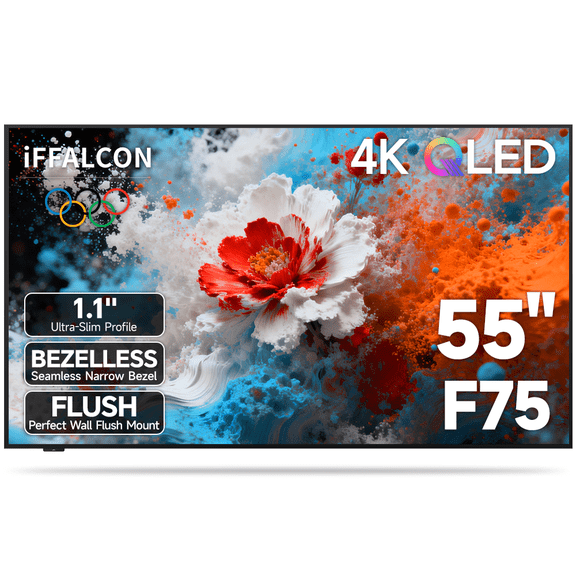


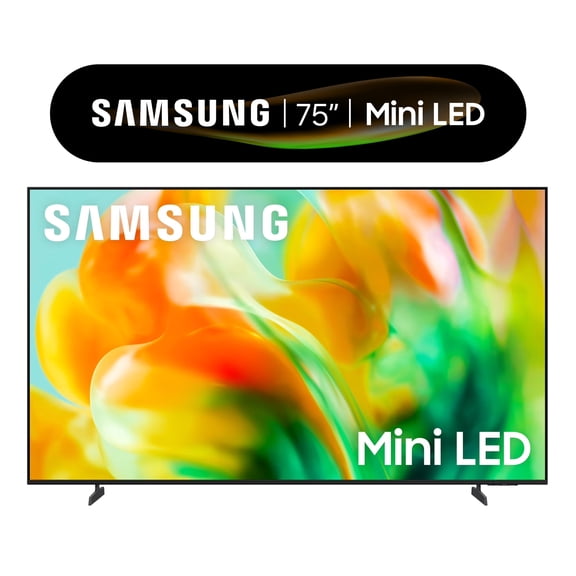
About
TVs can transform your living room, bedroom, or game space when you choose the right screen size, picture technology, and smart platform. You can compare Walmart TVs by room fit, streaming access, and connection options, so your setup feels tailored to your home.
If you're replacing an older screen, you'll likely notice sharper 4K detail, smoother app access, and easier soundbar pairing. You can also narrow your choice faster when you focus on size, resolution, and ports before brand names.
How to choose TVs for your room
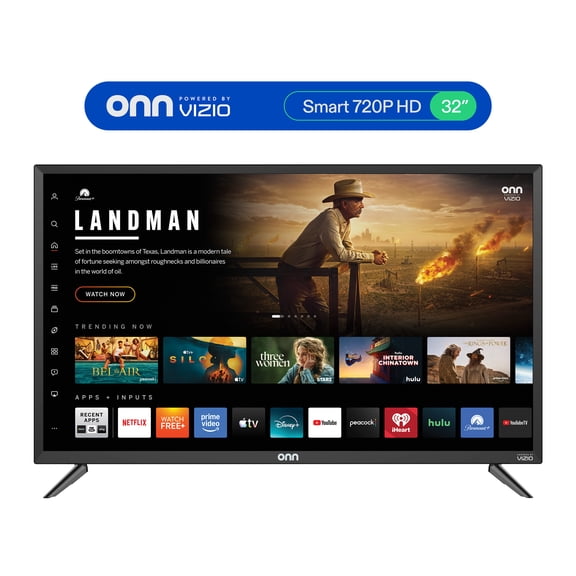
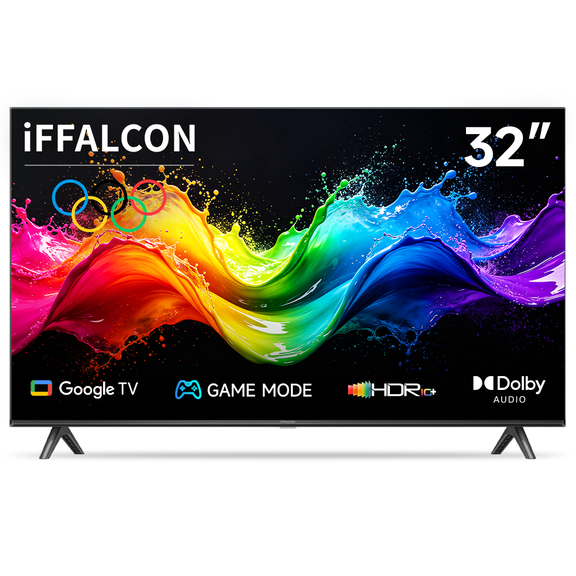
Screen size affects how comfortable your viewing feels, so you'll want to measure your seating distance first. You can start with a 32-inch screen for smaller rooms, while 55-inch and 65-inch options suit many living spaces.
If you have a larger wall and deeper seating area, you'll often prefer 75-inch and larger screens. You should measure both your furniture distance and your stand width, so your TV fits without crowding the room.
- You can use 32-inch TVs in bedrooms, dorms, and compact apartments.
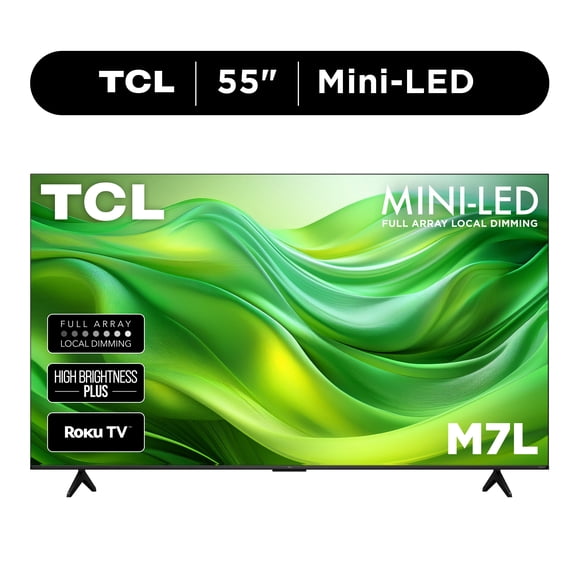
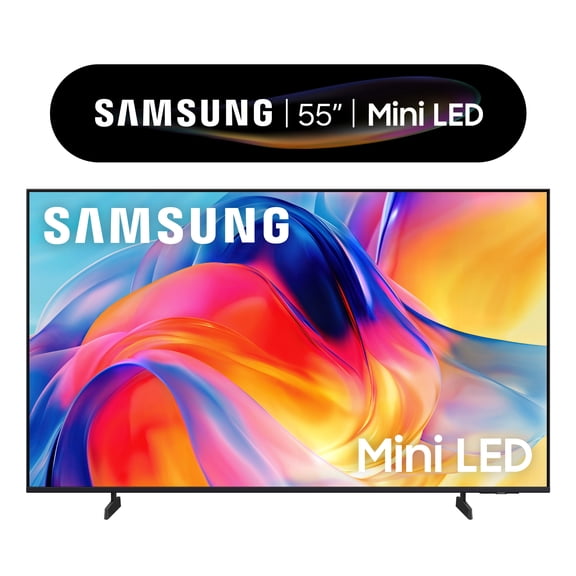
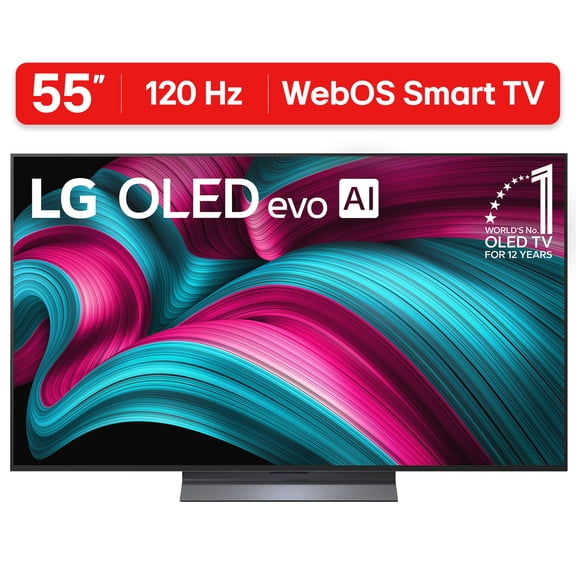
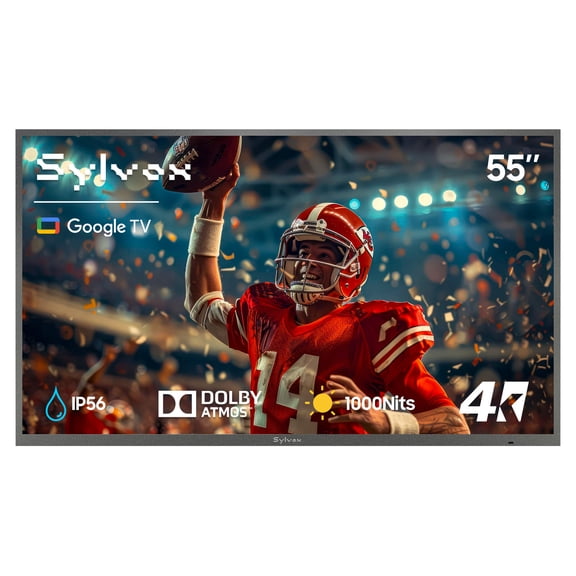
- You may choose 55-inch TVs for everyday family viewing in medium rooms.
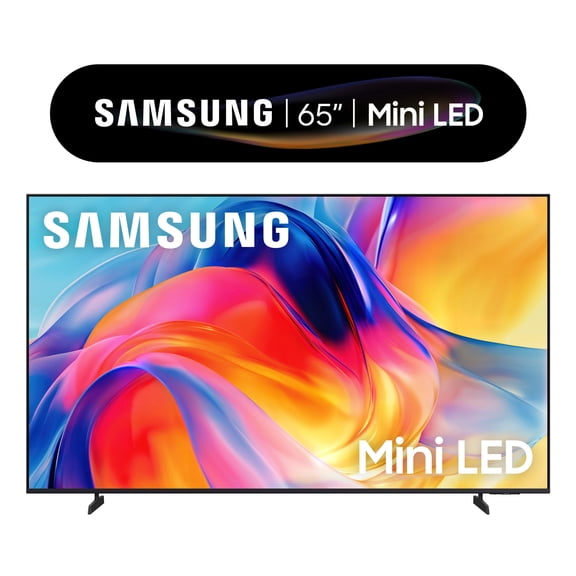
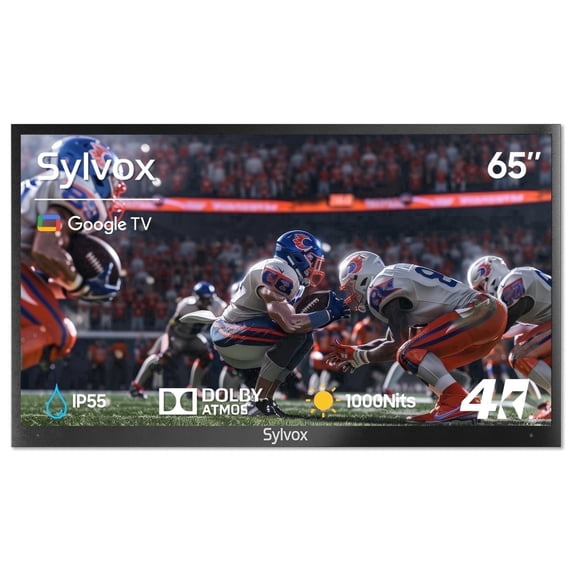
- You can pick 65-inch TVs when you want stronger detail from sports, movies, and console gaming.
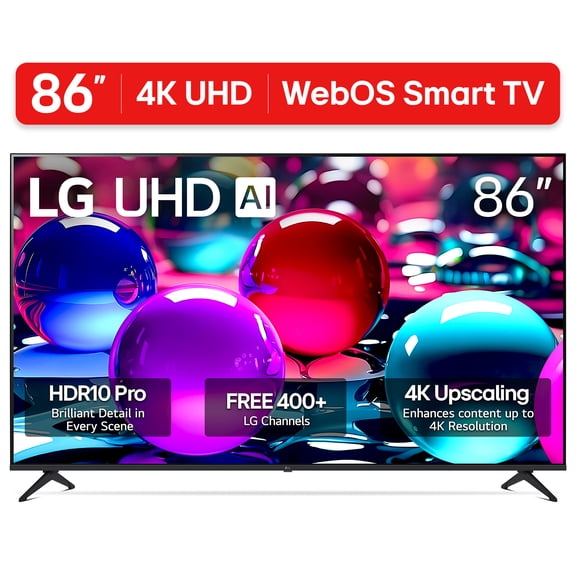
- You might prefer 75-inch and larger TVs when your seating sits farther back.
Room brightness also shapes your decision, because you'll notice reflections differently in sunny spaces. You can place brighter screens in open rooms, while darker viewing spaces may highlight deeper contrast.
Choosing display technology and resolution for TVs
Resolution tells you how much detail you can see, and you'll find 1080p Full HD works for casual viewing on smaller screens. You may prefer 4K Ultra HD for larger screens, because you'll notice sharper text, clearer faces, and finer background detail.
If you're comparing 4K and 8K, you should think about screen size and source content first. You may not need 8K unless you want a very large screen and newer content support.
Display technology changes how color and contrast look in your room. You can compare LED, OLED, and QLED by brightness, black levels, and how often you watch in daylight.
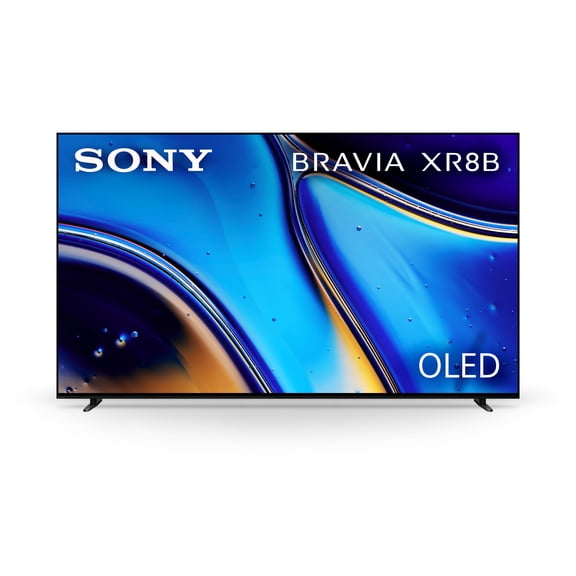
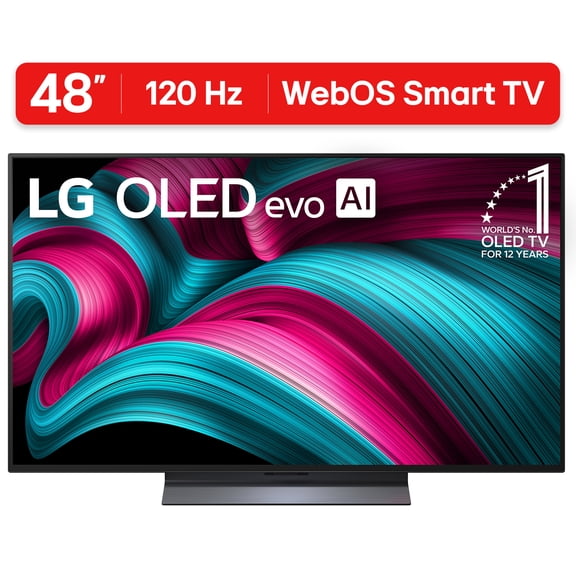
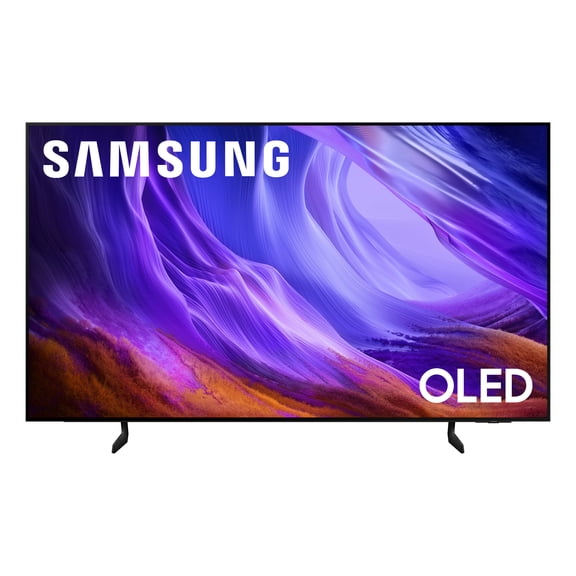
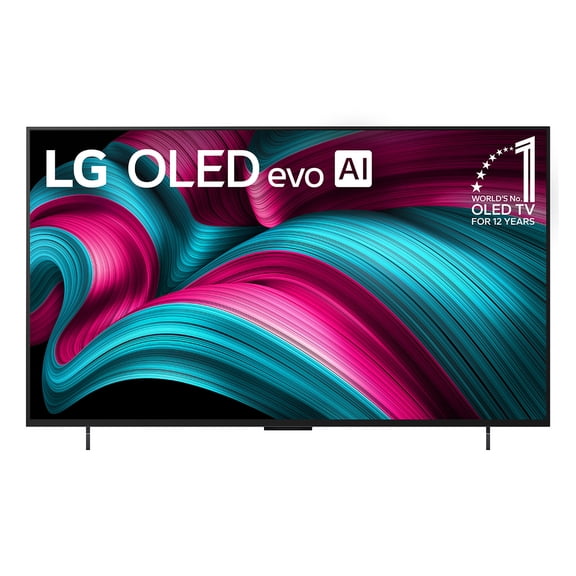
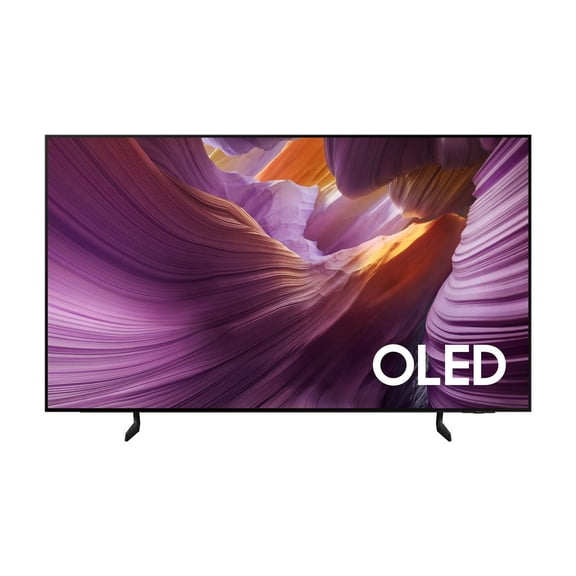
With LED TVs, you'll usually get a familiar picture style that fits many rooms and viewing habits. With OLED TVs, you'll often notice deeper blacks and strong contrast for movie viewing in dim spaces.
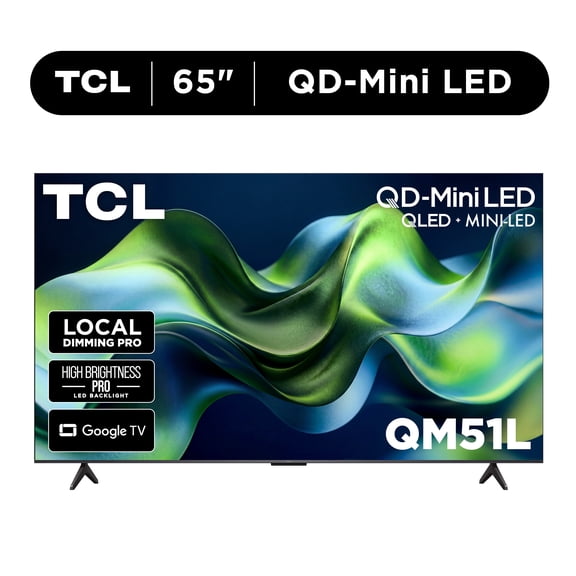
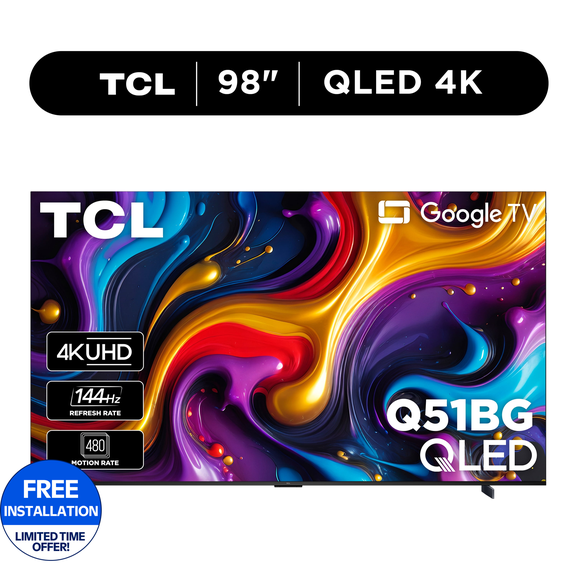
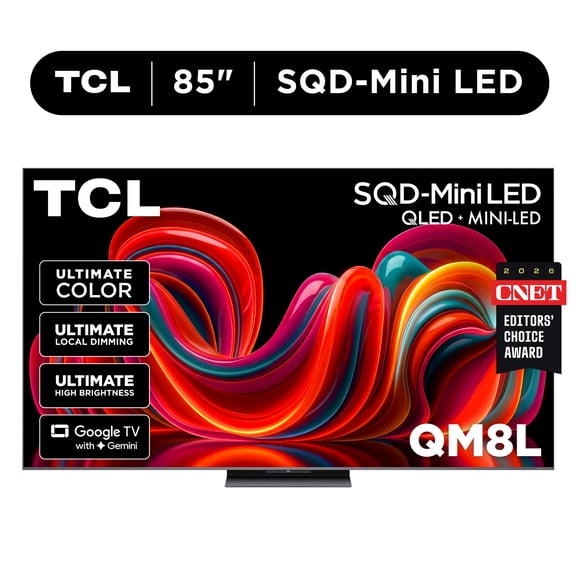
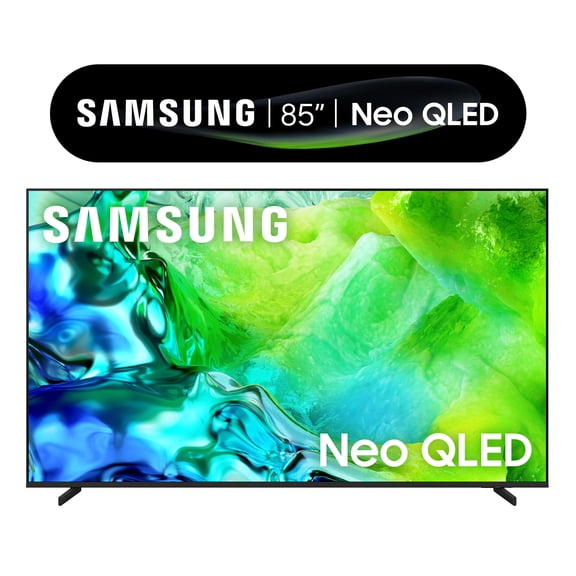
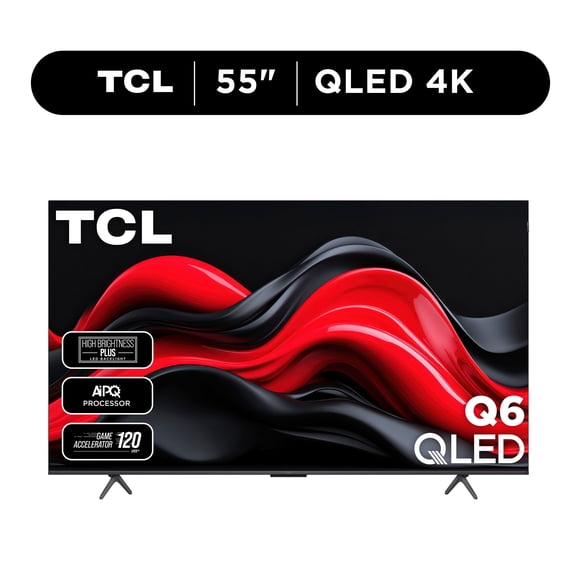
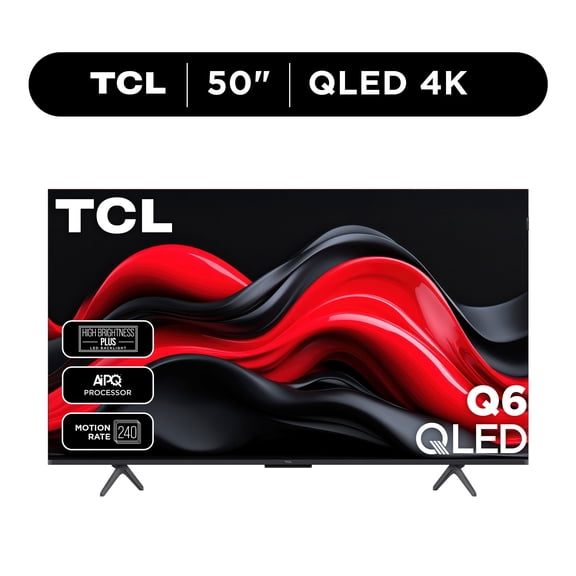
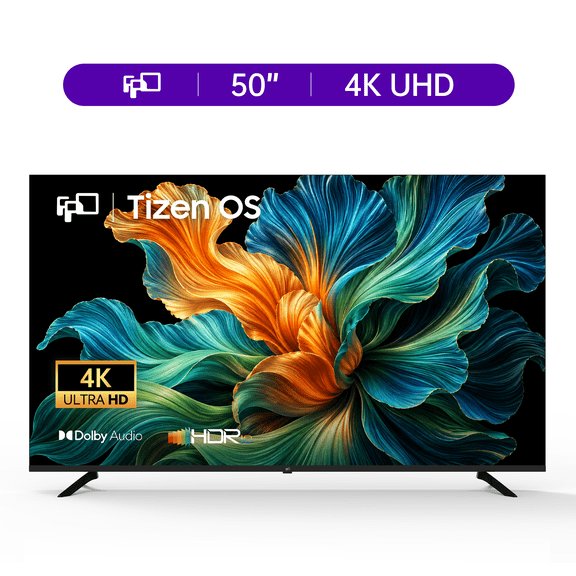
With QLED TVs, you can get strong brightness and vivid color that stands out in bright family rooms. With 4K UHD sets, you'll combine high resolution with the modern streaming and gaming features many shoppers want.
What to look for in smart TV platforms
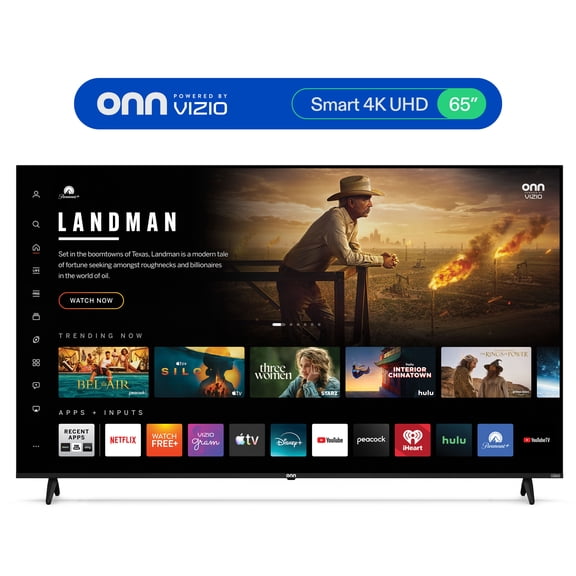
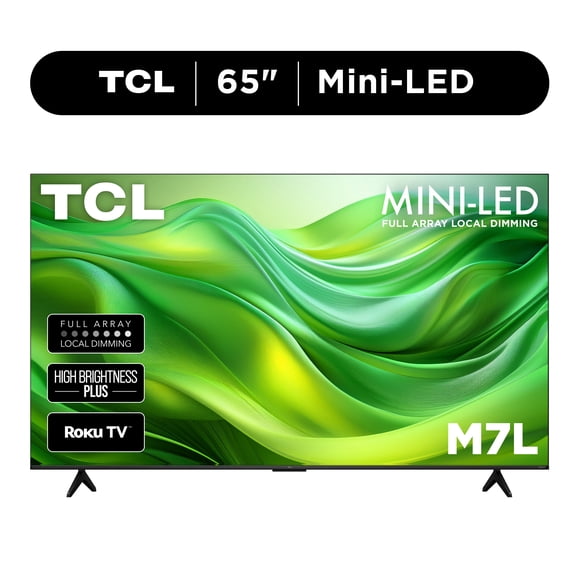
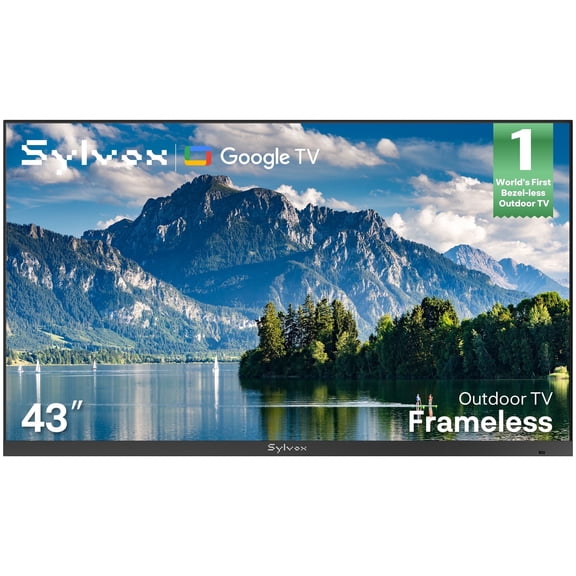
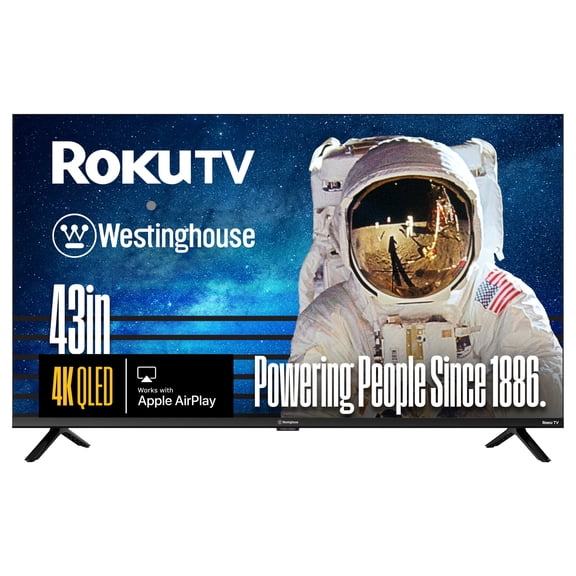
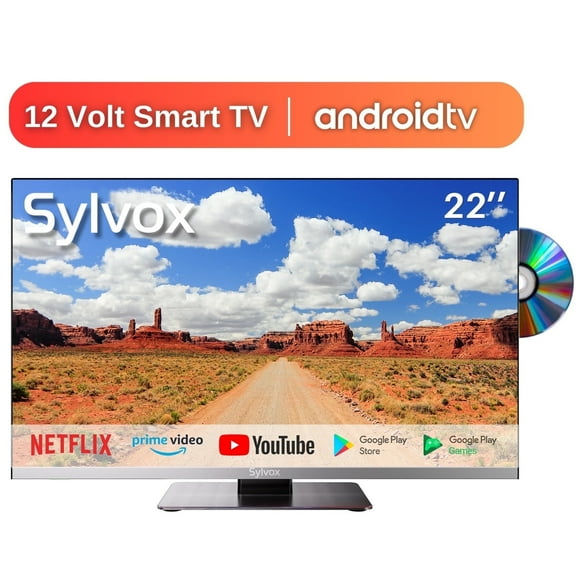
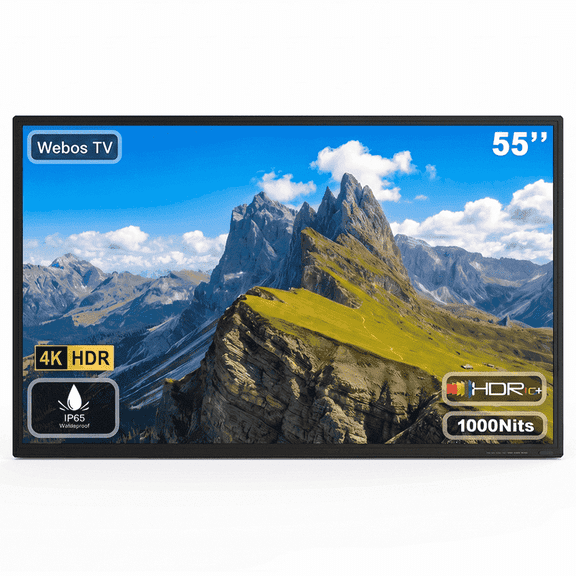
Smart TV features matter when you want simple access to streaming apps without extra boxes. You can compare Roku TV, Google TV, Fire TV, and WebOS by menu style, app support, and voice control options.
If you want a straightforward home screen, you may like a platform that keeps apps front and center. If your household uses multiple streaming services, you should check whether your favorite apps appear on the platform you choose.
You may also want to think about device pairing across your home. You can look for a setup that works smoothly with your phone, smart speaker, or casting habits.
App compatibility can shape daily convenience more than shoppers expect. You'll likely use your TV more often when your streaming apps, live TV options, and search tools feel easy to reach.
Checking ports and connections for gaming and sound
Ports can make a major difference when you connect consoles, streaming devices, and soundbars. You should count your HDMI inputs before you choose, especially if your setup includes a game system and external audio.
If you play on newer consoles, you may want HDMI 2.1 support for advanced gaming features. You'll also want to check refresh-related specs when smooth motion matters for fast gameplay.
For soundbars, you should look for eARC support if you want simpler audio connections through one cable. You can keep your setup cleaner and switch inputs more easily when your TV and soundbar work together that way.
You may also need USB, Ethernet, or optical audio connections, depending on your accessories. You can avoid adapter clutter when you match your ports to the devices you already use.
How your TV choice fits everyday viewing
Your viewing habits can guide you toward the right mix of size, resolution, and smart tools. You might choose a 55-inch 4K Ultra HD smart TV for family streaming, or a 65-inch QLED model for bright-room sports.
If movie nights are your main focus, you may lean toward OLED and a darker room setup for richer contrast. If gaming drives your choice, you should focus on HDMI 2.1, 4K detail, and enough ports for consoles and audio gear.
For a bedroom or apartment, you may prefer a 32-inch or 55-inch screen with easy app access. For a main living room, you can step up to 65-inch or 75-inch and larger sizes for a more immersive picture.
When you compare TVs this way, you'll make a clearer decision without chasing specs you won't use. You can feel confident when your screen matches your space, your streaming habits, and your connected devices.
Walmart TVs give you a practical way to compare smart features, display types, and room-friendly sizes in one place. You can choose a screen that fits your space and enjoy a setup that feels easier to use every day.