




GeForce RTX™ 5090 / 5080 / 5070 GPU
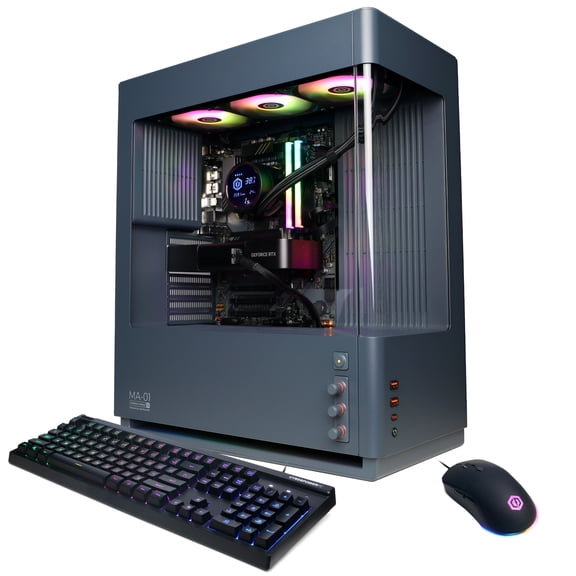
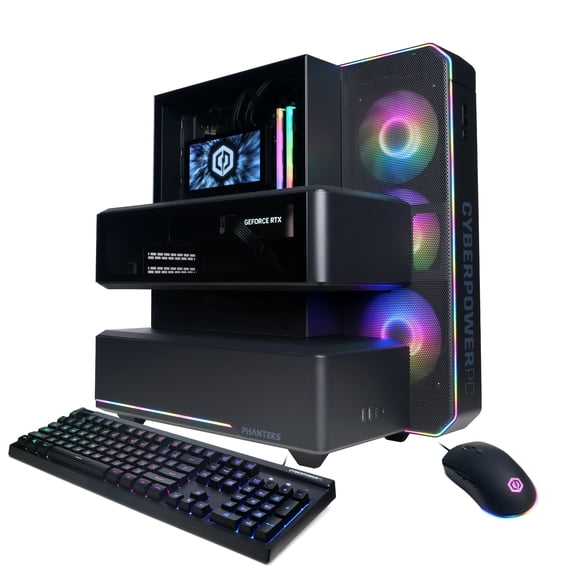
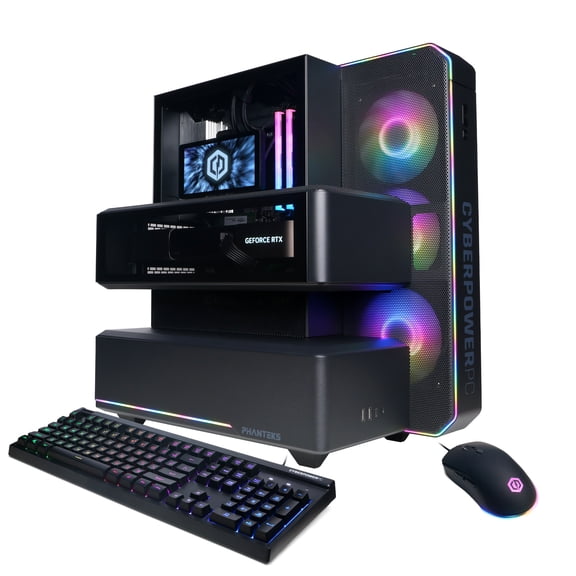
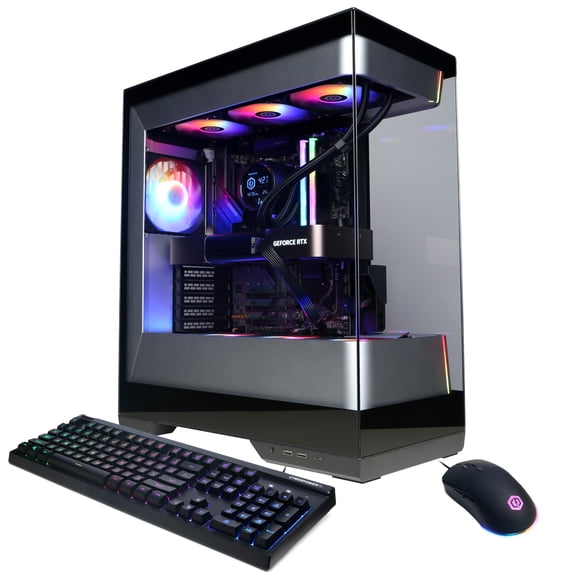
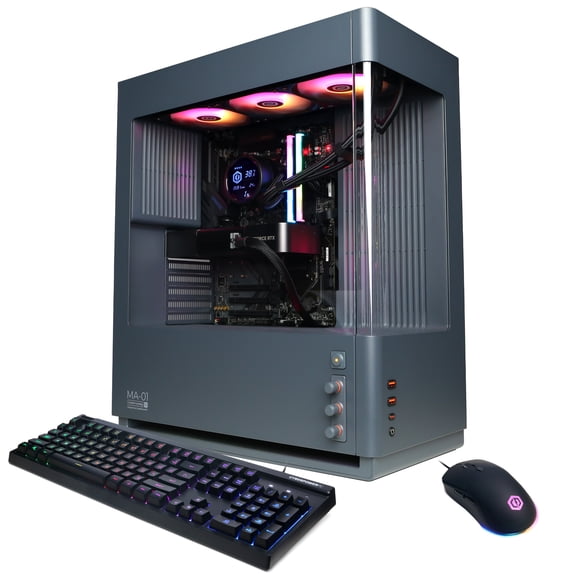
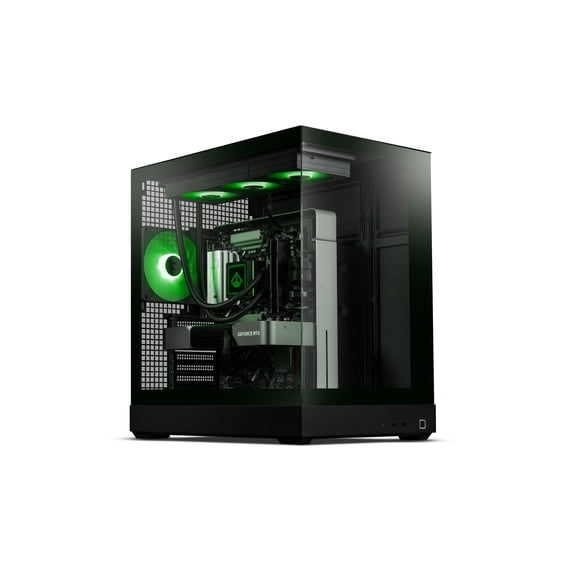
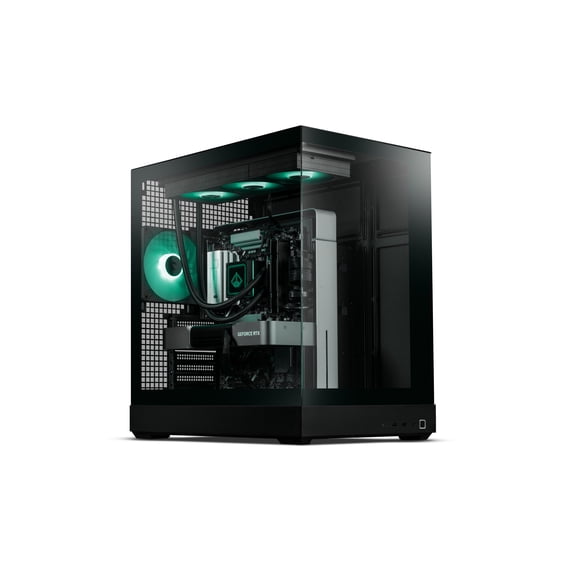
Gaming desktop builds powered by NVIDIA® GeForce RTX™
GeForce Week



















About
Your rtx 5060 price research gets easier when you compare GeForce RTX graphics cards, gaming desktops, and laptops in one place. You can use this page to sort GPU series, form factors, and VRAM needs before you choose your next setup.
If you’re upgrading a current tower, you can focus on PCIe fit, power supply wattage, and cooling space. If you want a ready-to-play system, you can compare desktop PCs and laptops built around NVIDIA GeForce RTX performance.
How to compare rtx 5060 price across GPU series
When you compare GPU series, you should start with how you play and the settings you expect. You may find RTX 30-Series, RTX 40-Series, and RTX 50-Series fit very different gaming goals.
If you want newer frame-generation features, you should compare newer GeForce RTX tiers first. If you want a stepping-stone upgrade, you can also review earlier generations for wider compatibility.
For many shoppers, rtx 5060 price is highly important when balancing fresh architecture with everyday gaming needs. You can use that comparison to narrow whether a standalone card, desktop PC, or laptop fits your plan.
- You can target smoother 1080p play with entry and mid-tier RTX options.
- You can compare newer AI-assisted frame features when you want more visual fluidity.
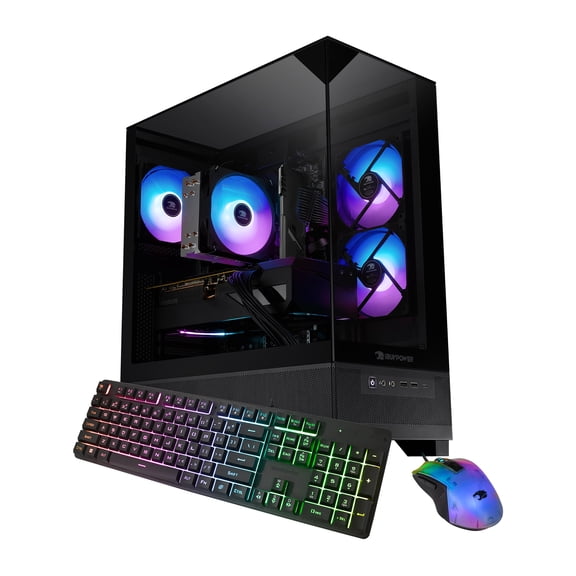
- You can choose a full gaming PC when you want parts matched for you.
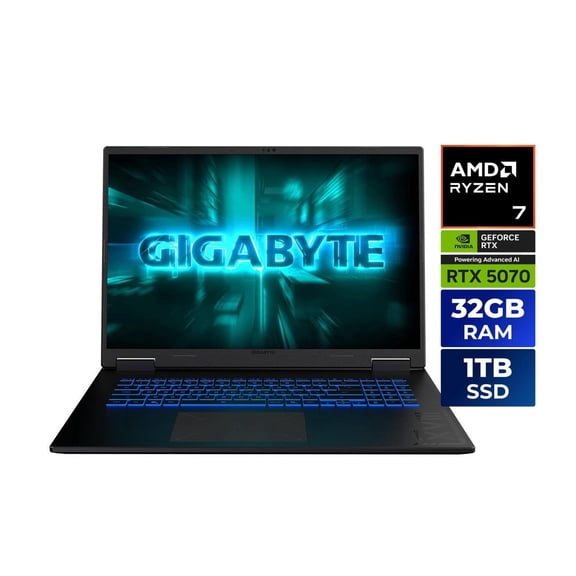
- You can select a laptop when your setup needs portability and a smaller footprint.
Choosing between desktop PC, laptop, and graphics card
You should choose a graphics card if your current PC already has a compatible PCIe slot and enough power. You can choose a desktop PC if you want a complete build with fewer setup decisions.
If you move between rooms or travel often, you may prefer a gaming laptop for built-in display and keyboard convenience. If you want easier future upgrades, you’ll usually prefer a desktop tower with open internal space.
Some shoppers search terms like uix desktop, pc etb, jt pc etb, pc plod, or ibo pro while comparing prebuilt systems. You can treat those searches as a cue to compare chassis size, ports, cooling, and graphics hardware together.
What to look for in memory size and performance
You should match VRAM to your target resolution before you compare model names. You’ll often find 8GB VRAM suited to many 1080p games and everyday gaming builds.
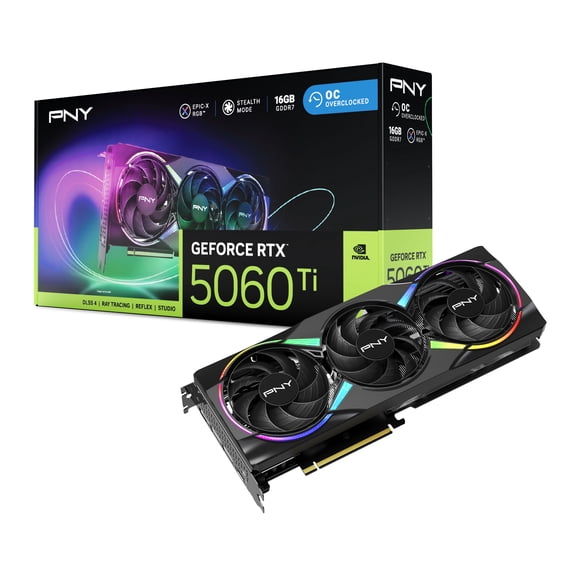
If you want higher texture settings or broader multitasking headroom, you may look at 12GB VRAM options. If you’re planning for heavier 4K workloads, you should check whether 16GB VRAM matches your screen goals.
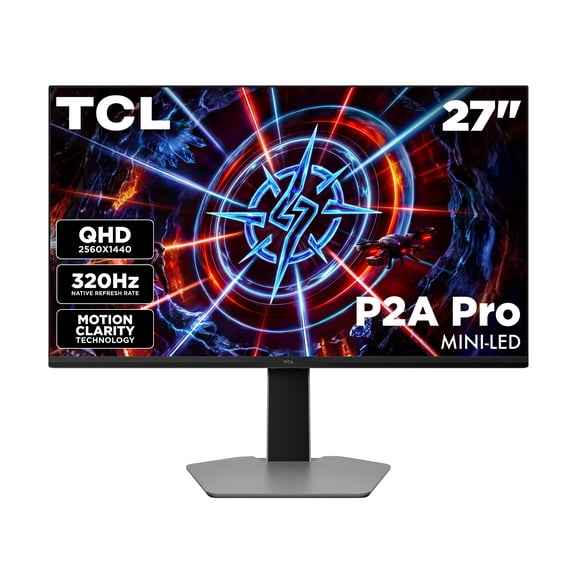
Memory size also affects how confidently you can choose between a card and a full system. You can compare GeForce RTX offers more clearly when you know whether your monitor is 1080p, 1440p, or 4K.
Checking compatibility, cooling, and case space
You should measure your current case before choosing a graphics card for an existing PC. You also need to check your power supply wattage and connector support before you commit.
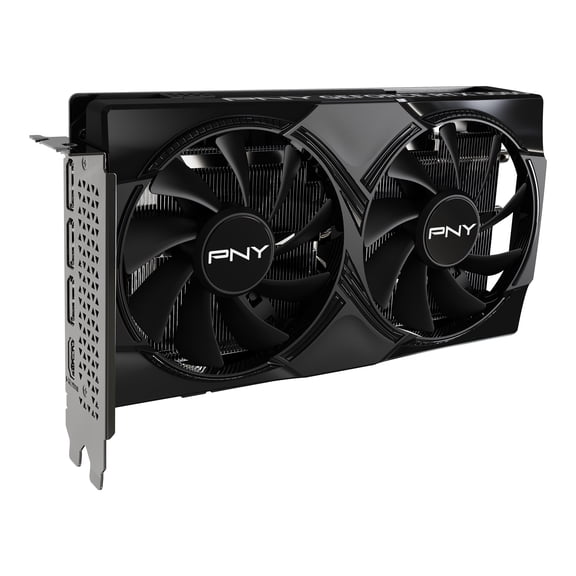
If your motherboard has a PCIe slot, you can confirm space around that slot for card length and fan clearance. You should also compare dual-fan and triple-fan cooling designs based on your case size.
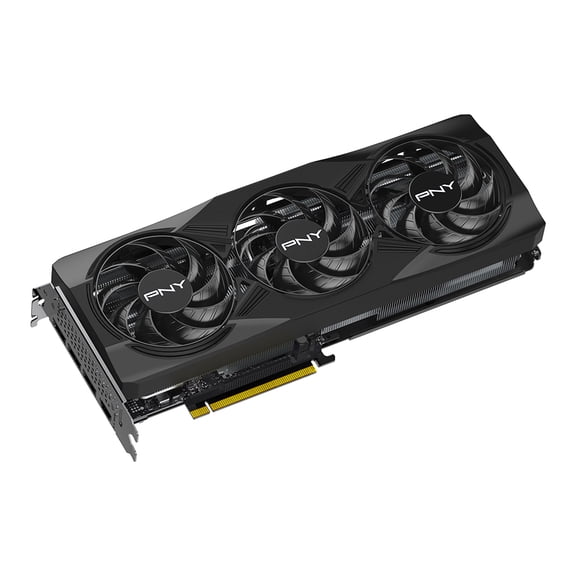
A dual-fan setup may suit your compact build if you need a shorter card. A triple-fan design may suit your roomy case when you want added airflow coverage.
How lighting and design affect your setup
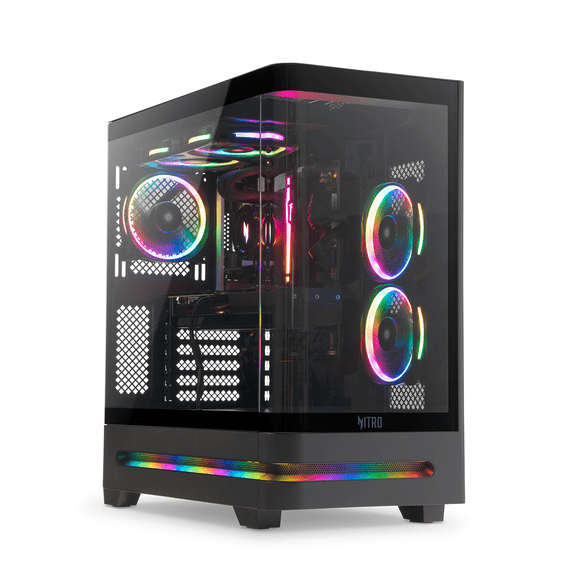
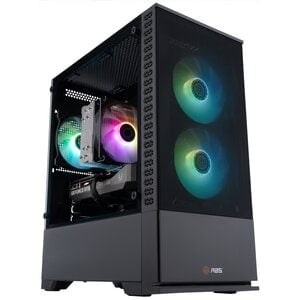
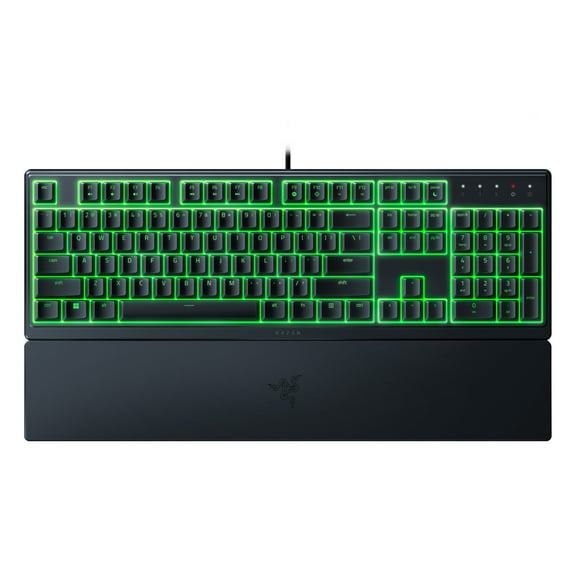
You can treat lighting as a style choice that changes how your gaming area looks day to night. You may prefer LED equipped hardware or RGB lighting when your desk setup already uses illuminated accessories.
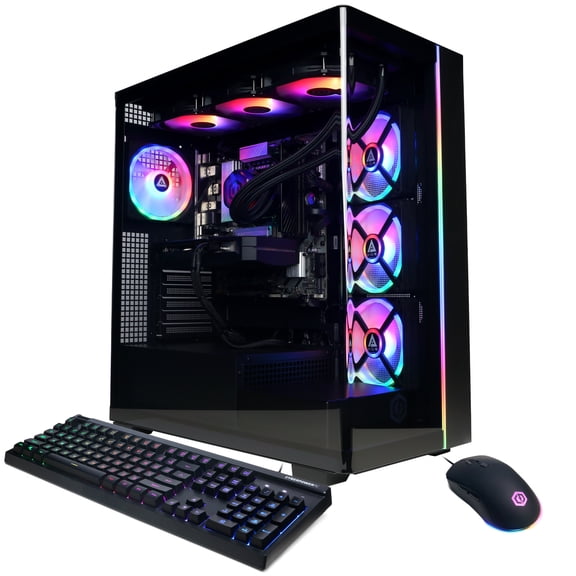
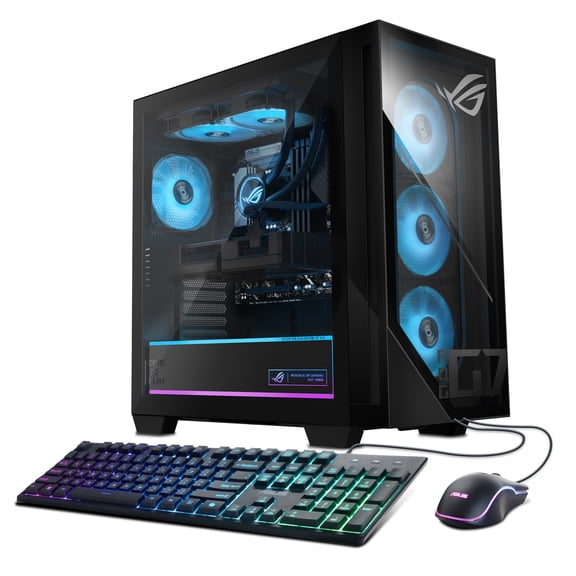
If you want a quieter visual style, you can choose non-RGB designs that blend into workspaces and shared rooms. You should also compare side-panel visibility, since lighting stands out more in glass-panel desktop cases.
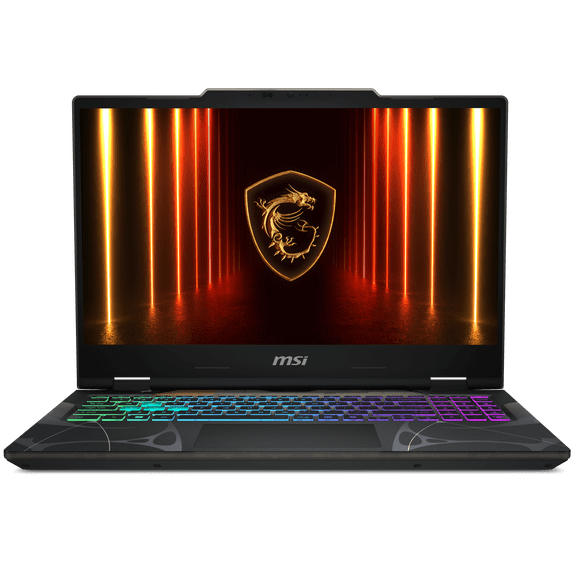
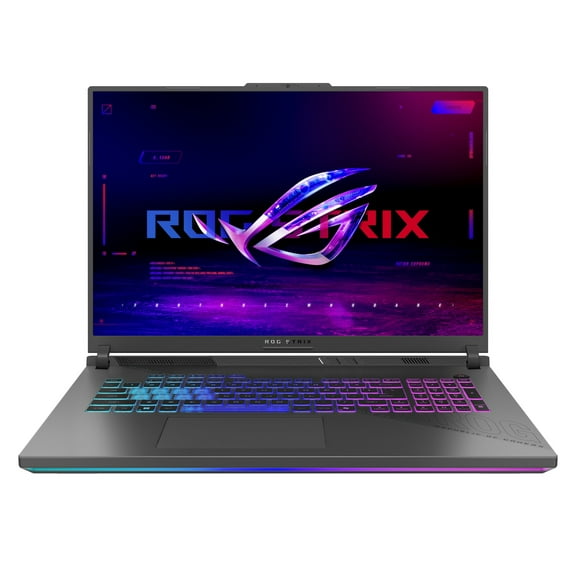
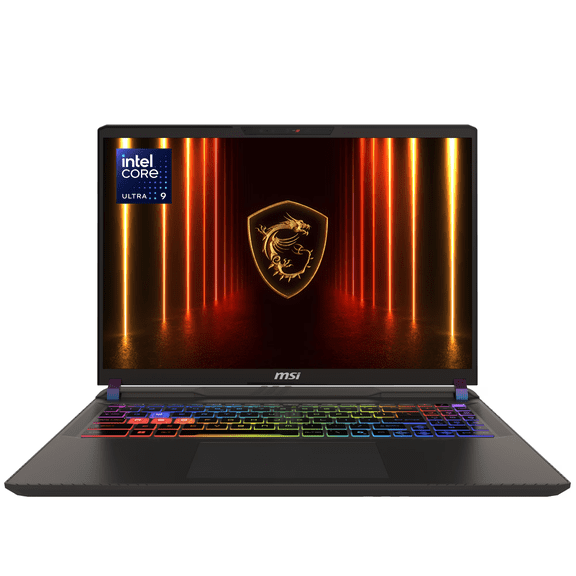
Lighting matters differently by form factor, so you should match it to where you play. You may notice laptop lighting centers on keyboards, while desktop systems often highlight fans and interior components.
Using geforce rtx offers for real gaming scenarios
If you’re building around esports titles and a 1080p monitor, you can start with 8GB VRAM and a compact card. If you want a faster path to gaming, you can choose a prebuilt desktop with matched parts.
If you play story-driven games at higher settings, you may compare 12GB or 16GB options for added texture headroom. You can also look for cooling layouts that match long gaming sessions and larger cases.
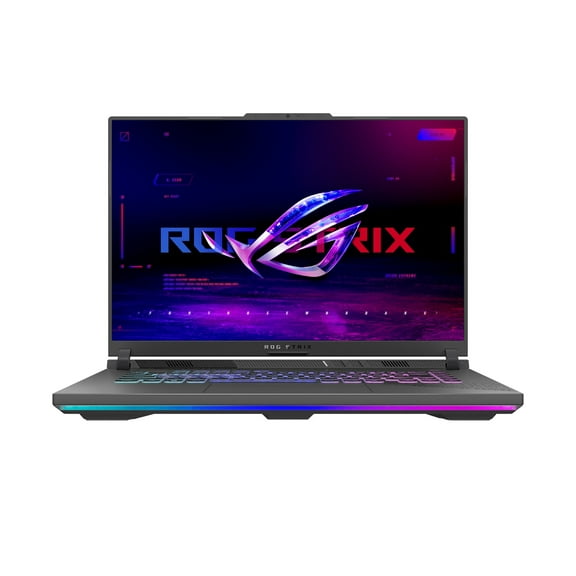
If your schedule keeps you mobile, you can choose a GeForce RTX laptop that travels easily between home and work. If your desk is permanent, you may prefer upgrade-friendly towers and standalone GPU paths.
When you compare geforce rtx offers, you should keep your display, power setup, and room layout in view. You’ll make a clearer choice when your GPU series, VRAM, and form factor all match how you actually play.
Why this GeForce RTX page helps you decide
You can use this page to compare GPU series, desktop and laptop paths, VRAM levels, and lighting styles without losing sight of compatibility. You’ll leave with a clearer view of which RTX setup fits your screen, space, and upgrade plans.