









Monster

Add color, sound, & more.
Strip lights & light bars
Automobile interior lighting
Bring your world to life
FAQ
About Monster - Walmart.com
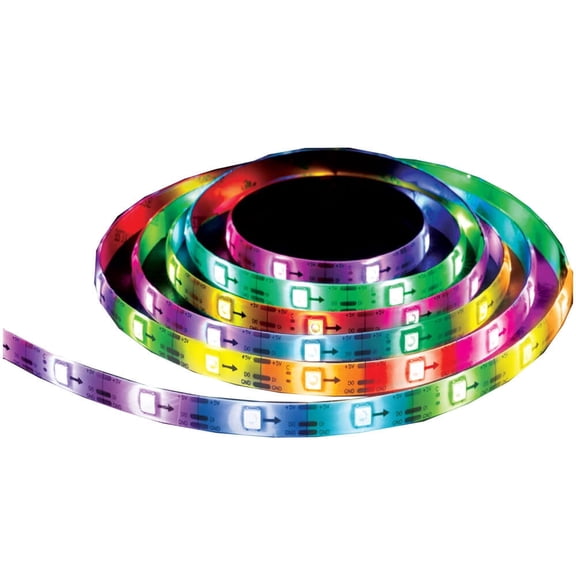
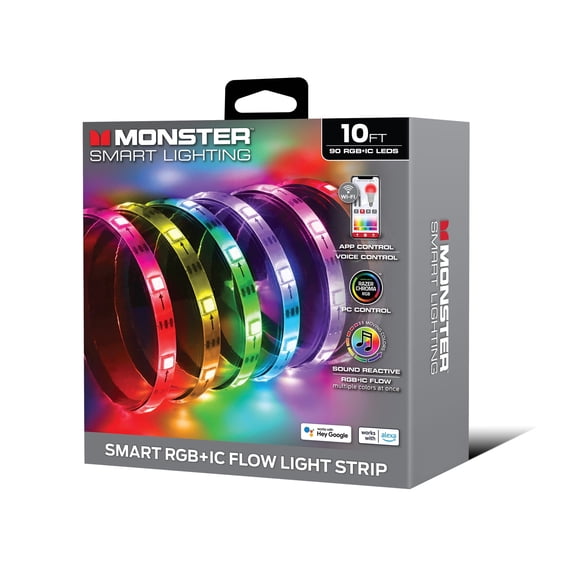
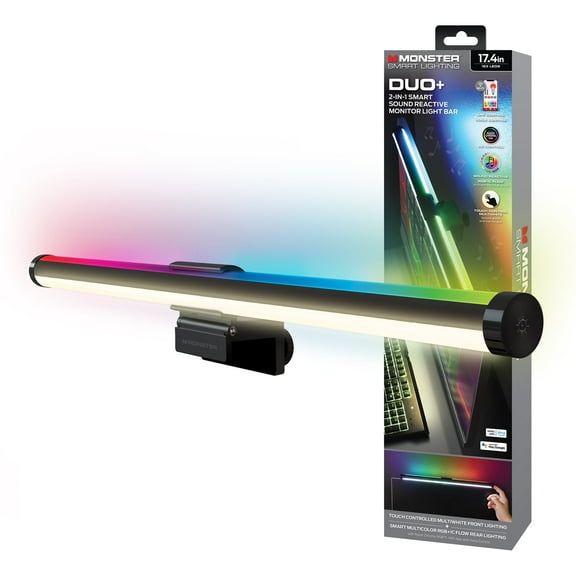
You can upgrade your setup with multicolor led lights that bring flexible color, smart control, and easy placement to TVs, desks, and shelves. You’ll also find length and power options that fit smaller accent zones or wider room layouts.
If you’re comparing brand shelves, you’ll want guidance that explains 6 foot led strip lights, app controls, and mounting details in plain language. You can use this guide to match your space, your power source, and your preferred lighting style.
How to choose multicolor led lights
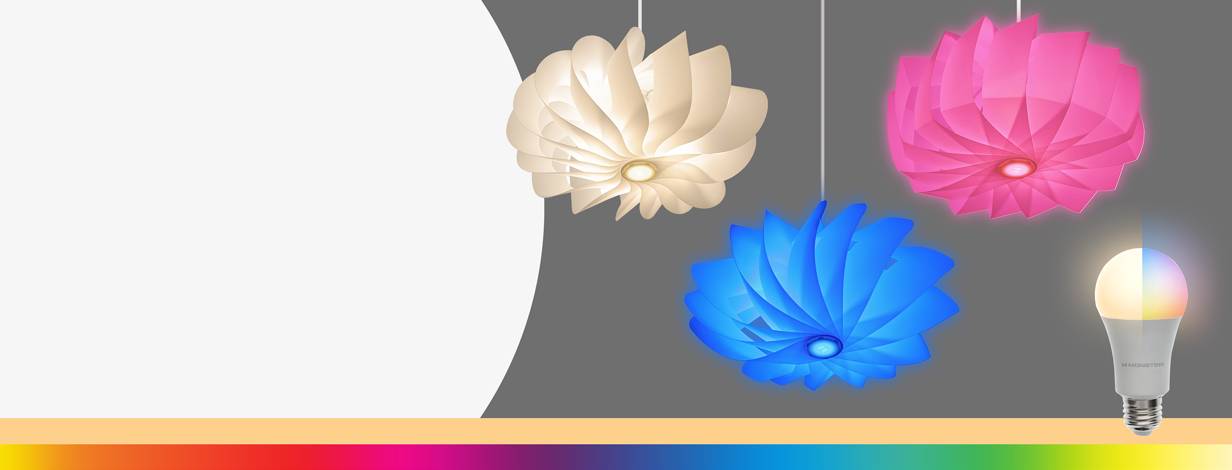
You should start with the color effect you want in your room. You can choose multicolor settings for animated scenes, RGB LED lights for bold color mixing, or white tones for a calmer look.
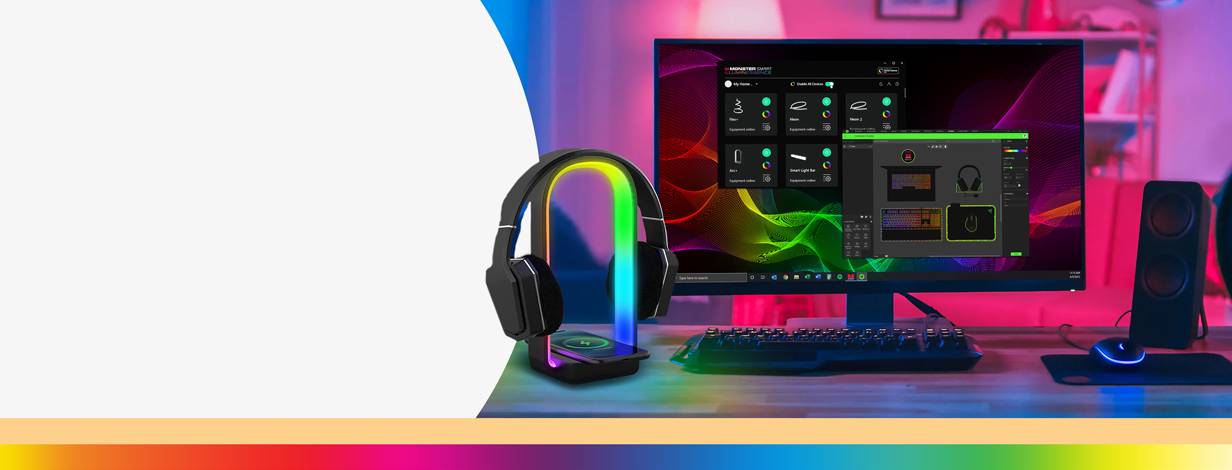
When you compare color modes, you should check whether you want accent lighting or everyday glow. You’ll notice multicolor modes work well for gaming setups, while warm or cool white can suit focused spaces.
- You can use multicolor modes to change the mood around a TV, bed frame, or desk.
- You can pick RGB LED lights when you want stronger color variety and scene customization.
- You can choose warm white or cool white when you want a simpler lighting look.
- You can compare app, remote, and voice controls based on how you like to adjust settings.
Choosing the right length with 6 foot led strip lights
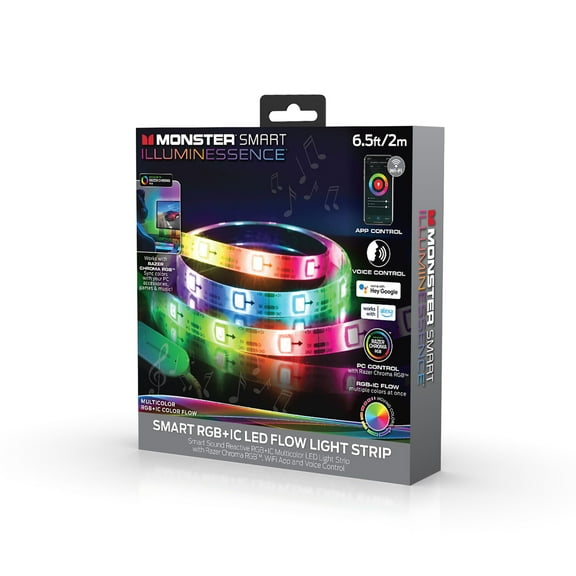
You should measure your surface before you choose a strip length. You’ll often find 6 foot led strip lights fit desks, headboards, monitors, and TV backlighting without excess slack.
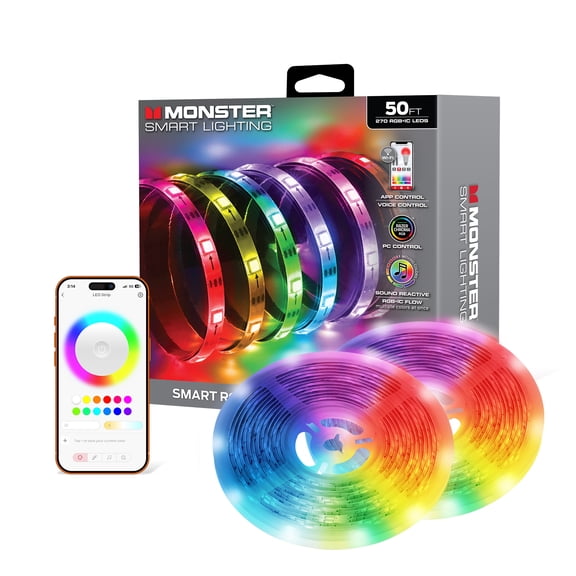
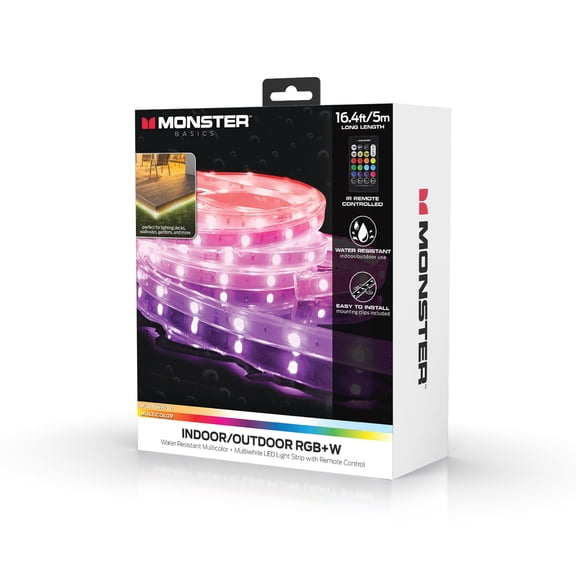
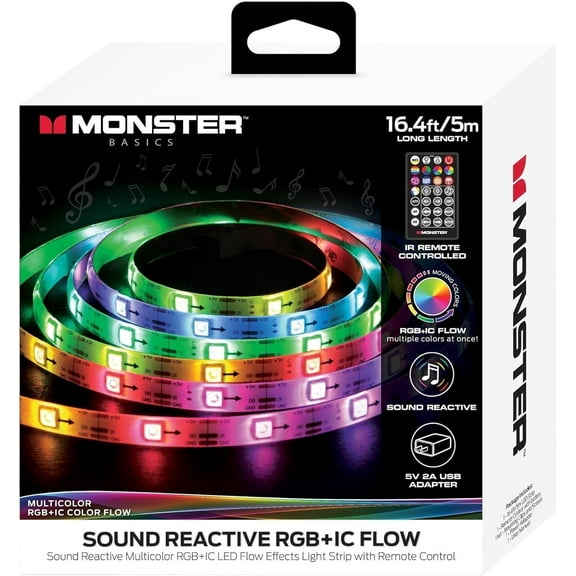
If you need broader coverage, you can compare 10 foot, 16.4 foot, and 32.8 foot options. You’ll get a cleaner result when your strip length closely matches the edge or perimeter.
For tighter installations, you may prefer a 6 foot led light strip or a 6ft strip light format. You can use those sizes behind a television, under a shelf, or along a small wall line.
When you plan placement, you should account for corners, cable routing, and the power connection. You’ll avoid awkward gaps when you measure each side before mounting.
Comparing control types for monster light setups
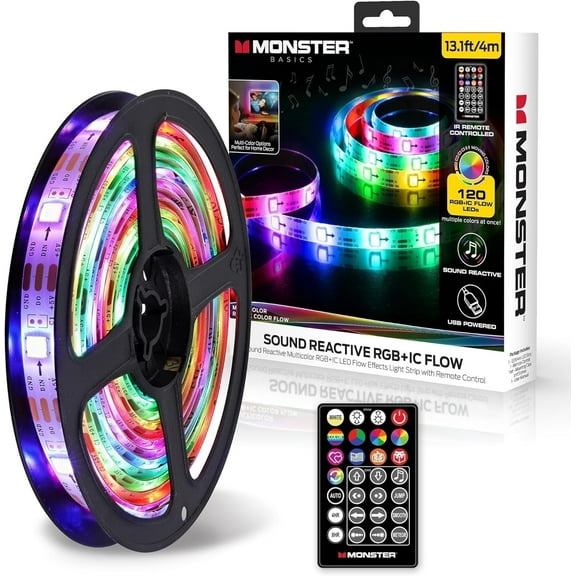
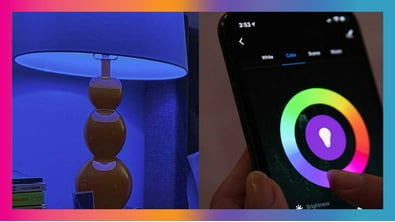
You should compare control methods based on how often you change colors and brightness. You can use app controlled options for scene presets, scheduling, and quick adjustments from your phone.
If you prefer simple hands-on changes, you may want remote control access. You can also look for voice controlled or smart home integrated options when you want lighting included in routines.
For a monster light setup around entertainment spaces, you’ll want controls that feel easy during daily use. You can switch colors for movies, dim your lights for streaming, or set a steady glow for work.
When you compare monster lights, you should check whether setup steps match your comfort level. You’ll usually want clear pairing, responsive controls, and easy scene changes for regular use.
Checking power source and connectivity details
You should confirm your power source before you choose any strip lighting. You can match USB powered options to ports on TVs, monitors, or battery packs for compact placement.
If you need stronger output or longer runs, you may prefer a wall plug-in design. You should also compare whether your setup uses USB 5V or a 12V wall adapter.
Those specs matter because you’ll want the right connection for your device and location. You can avoid setup frustration when you check cable reach, outlet access, and adapter type first.
For a 6 foot led strip light behind a screen, you may like USB power for a neater layout. For room accents, you might choose wall power when you want steady lighting away from a screen.
What to look for in installation and surface fit
You should think about where the strip will sit before you peel any backing. You’ll get a smoother result when you clean the surface and test the route first.
When you install lighting on desks, TVs, or shelves, you should look for flat and dry surfaces. You can improve placement by pressing sections evenly and guiding the strip around gentle corners.
If your space has textured material, you should check whether the adhesive area is suitable. You’ll also want enough clearance for connectors, bends, and power cables near the strip end.
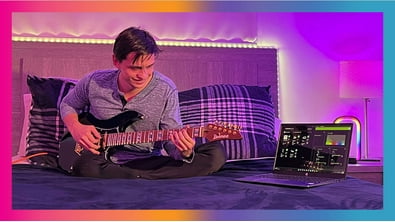
For TV backlighting, you can trace the rear edges for a hidden glow that frames the screen. For bedroom or gaming zones, you can outline furniture lines for a defined lighting border.
Matching light source and use case to your room
You should compare standard LED, RGB LED, and neon flex styles based on the look you want. You can use LED strips for clean accent lines, while neon flex gives you a smoother outline effect.
If you want bright color play, you may lean toward RGB LED formats. If you want softer ambient definition, you might choose white modes or a diffused strip style.
You can use a 6 ft led light strip for a monitor, bookshelf, or small entertainment center. You can use longer lengths to wrap a larger wall, a bed frame, or multiple shelves.
For home theater styling, you may want app scenes and synchronized color changes. For study areas, you may prefer steady white light that keeps your setup visually clean and consistent.
You’ll make a smarter choice when you compare length, color mode, control type, power source, and light source together. You can create a cleaner, more personalized room setup with lighting that fits your space from the start.