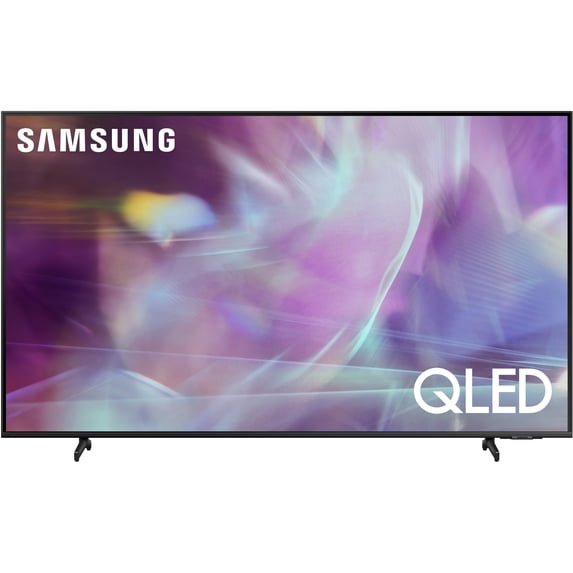
No "multiview" while using pre-installed apps
Bought this tv for multi-view function and it's "endless possibilities for splitting screens and viewing several types of content at the same time" I have called Samsung 3 times and still no fix. The only thing you can do here is screen mirror a Samsung phone on the right and on the left you can watch air tv, cable, Samsung tv, or hdmi input. NONE of the pre-installed apps (DISNEY, HULU,PRIME OR NETFLIX) work on Multiview. YouTube semi works but you need to exit split screen to search content then go back into Multiview. probably just needs a software update but will Samsung do it?
I recommend you just stick to the cheaper alternative TU7000 with just screen mirror for around $500 less. picture and sound on Q60A are good. I like the slim design with the thin bezel. Screen does get glare.
reply from Samsung
Hi, Thank you for your review of Samsung's Q60A TV and for sharing your feedback regarding Multi View. This feature allows you to display two things at once on your TV. For example, you can view media from different sources, such as a compatible app, Blu-ray player, or game console, on the main left screen, while also mirroring your phone to the smaller screen. Only 1 HDMI-connected device can be used at a time. For example, on the left screen: You can play an app (Samsung TV Plus, YouTube, or YouTube TV), HDMI devices, Antenna or Cable, or USB devices. On the right screen: You can screen mirror, use AirPlay, cast from an app, or cast from an IoT camera. Should you ever have questions or need help, please call us at 1-800-SAMSUNG (ask for TVs), available 8AM - 12AM EST, 7 days a week. For additional support resources, visit us on the Samsung website and click on the ‘Support’ link in the upper right corner of the homepage for: 1) Chat with Us/Product Help: To begin a chat or find solutions, choose ‘TVs & Home Theater’ and select your model & topic. 2) Register a Product: For access to easy warranty support, convenient opt-in to special promos and offers, faster troubleshooting and service, and quick notification of system updates. 3) Manuals & Software 4) Warranty Info 5) Contact Us ~ Samsung Specialist