

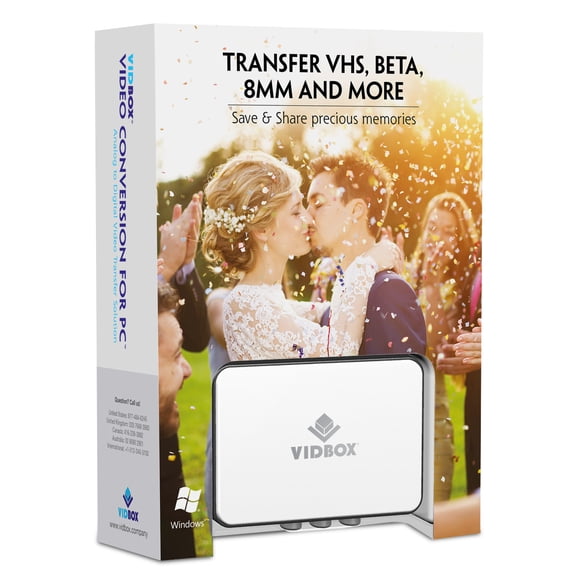
VIDBOX® Video Conversion for PC (Windows)
Key item features
- Effortless Digitization: Converts analog videos from VCRs and camcorders to digital formats (DVD, MPEG-2, MP4) on Windows PCs, guided by pictorial instructions.
- Complete Package: Includes a USB video capture device, software download card, USB cable, RCA AV cable, and a Quick Start Guide for convenient setup.
- Windows System Compatibility: Operates on Windows 10/11 (Intel Core i5+, 4GB RAM, 15GB HDD, USB 2.0/3.0); requires internet for software download and is not ARM-compatible.
- Universal Video Standards: Supports NTSC, PAL, and SECAM, enabling conversion from diverse global source devices, typically through RCA composite video output.
- Multilingual Software: Features software support for English, French, Portuguese, Spanish, and Korean languages, enhancing accessibility for varied users.
- User-Focused Design: Prioritizes ease of use for core video digitization; advanced editing options are available for users seeking more complex functionality.
Specs
System Requirements, Operating System: Windows 10, 11 Available USB 2.0 or 3.0 port Processor: Intel Core i5 or higher Memory: 4GB of RAM Free Hard Disk Space:15GB recommended Other: VCR or camcorder for video conversion DVD Writer for DVD burning Other player-specific cables as needed Internet required for software download
Brand, VIDBOX
Number of Users, 1
Delivery Method, Download
Physical Media Format, DVD
About this item
Product details
Save your precious memories
Video converter software provides everything you need to easily convert your videos to digital formats. All you need is a VCR and a PC with or without a DVD burner. The step-by-step pictorial instructions guide you through the process. Save your precious memories before it's too late!
Hardware Setup
What's Included
- USB video capture device
- Software Download Card
- USB cable
- RCA AV cable
- Quick Start Guide
Video
- Operating System: Windows 10, 11 (not compatible with Windows on ARM)
- Available USB 2.0 or 3.0 port
- Processor: Intel Core i5 or higher (not compatible with ARM, e.g. Snapdragon)
- Memory: 4GB of RAM
- Free Hard Disk Space: 15GB recommended
- Other:
- VCR or camcorder for video conversion
- DVD Writer for DVD burning
- Other player-specific cables as needed
- Internet required for software download
- Video Output: DVD, MPEG-2, MP4
- Video Standard Supported: NTSC, PAL, SECAM
- English, French, Portuguese, Spanish, Korean
For California residents:
WARNING This product can expose you to chemicals known to the State of California to cause cancer, birth defects, or other reproductive harm.
www.P65Warnings.ca.gov
Who can use VIDBOX Video Conversion for PC?
Anybody who can use a computer, play a tape, and connect some cables. You do have to have the right working player and computer, but otherwise, the core features of digitizing video are easy!
Advanced Mode features, like editing, require more effort to learn.
What can I record from?Most working players that outputs RCA composite video (or S-Video) + RCA stereo audio for most countries! The most common devices people record from are VHS players and camcorders. Our team has also heard from doctor's offices, police stations, plumbers, marine researchers, and video archivists using them in the workplace!
Why should I use a VIDBOX product?Great question! The fact is almost any conversion product can be good, but not every one is designed for ease of use. Video and audio have an overwhelming range of options and outputs in programs that try to do it all. VIDBOX products all have basic modes designed to simplify options that fit most people based on recognized standards.
- VIDBOX® Video Conversion for PC (Windows)
- Video converter for pc |Video conversion for pc (Window)
Save your precious memoriesVideo converter software provides everything you need to easily convert your videos to digital formats. All you need is a VCR and a PC with or without a DVD burner. The step-by-step pictorial instructions guide you through the process. Save your precious memories before it's too late!
Hardware Setup
What's Included- USB video capture device
- Software Download Card
- USB cable
- RCA AV cable
- Quick Start Guide
Video
- Operating System: Windows 10, 11 (not compatible with Windows on ARM)
- Available USB 2.0 or 3.0 port
- Processor: Intel Core i5 or higher (not compatible with ARM, e.g. Snapdragon)
- Memory: 4GB of RAM
- Free Hard Disk Space: 15GB recommended
- Other:
- VCR or camcorder for video conversion
- DVD Writer for DVD burning
- Other player-specific cables as needed
- Internet required for software download
- Video Output: DVD, MPEG-2, MP4
- Video Standard Supported: NTSC, PAL, SECAM
- English, French, Portuguese, Spanish, Korean
For California residents:WARNING This product can expose you to chemicals known to the State of California to cause cancer, birth defects, or other reproductive harm.
www.P65Warnings.ca.gov
Who can use VIDBOX Video Conversion for PC?Anybody who can use a computer, play a tape, and connect some cables. You do have to have the right working player and computer, but otherwise, the core features of digitizing video are easy!
Advanced Mode features, like editing, require more effort to learn.
What can I record from?Most working players that outputs RCA composite video (or S-Video) + RCA stereo audio for most countries! The most common devices people record from are VHS players and camcorders. Our team has also heard from doctor's offices, police stations, plumbers, marine researchers, and video archivists using them in the workplace!
Why should I use a VIDBOX product?Great question! The fact is almost any conversion product can be good, but not every one is designed for ease of use. Video and audio have an overwhelming range of options and outputs in programs that try to do it all. VIDBOX products all have basic modes designed to simplify options that fit most people based on recognized standards.
- By VIDBOX
Specifications
Computer Software Type
System Requirements
Brand
Number of Users
Warranty
Warranty information
Similar items you might like
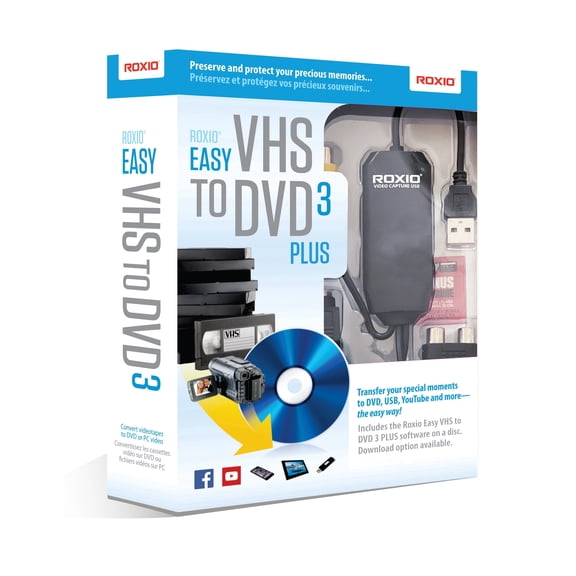
Roxio Easy VHS to DVD 3 with Plus | Convert VHS tapes to DVD or Digital $39.00
 $3900current price $39.00
Roxio Easy VHS to DVD 3 with Plus | Convert VHS tapes to DVD or Digital
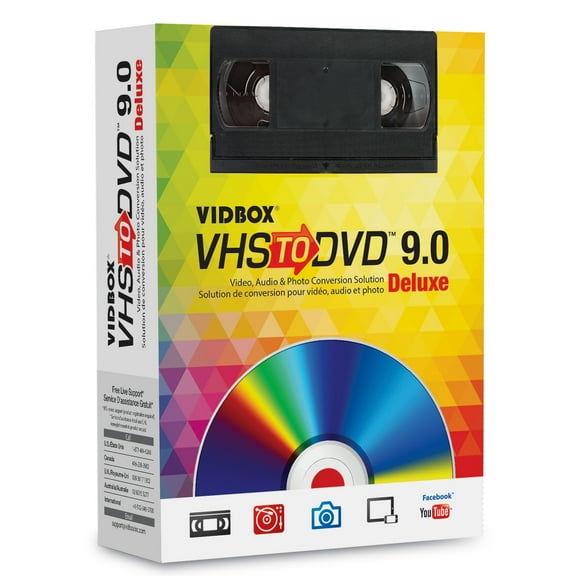
53.4 out of 5 Stars. 5 reviews3.4 out of 5 starsVHS to DVD 9.0 Deluxe - Windows $69.99
 $6999current price $69.99
VHS to DVD 9.0 Deluxe - Windows
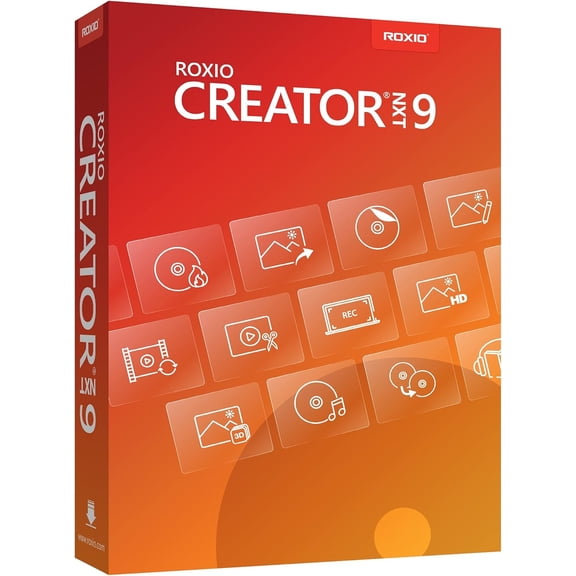
34.3 out of 5 Stars. 3 reviews4.3 out of 5 starsRoxio Creator NXT v.9.0 - Box Pack - 1 user - Mini Box Packing (rcrnxt9mlmbam) $59.99 Was $69.99
 $5999current price $59.99, Was $69.99$69.99
Roxio Creator NXT v.9.0 - Box Pack - 1 user - Mini Box Packing (rcrnxt9mlmbam)
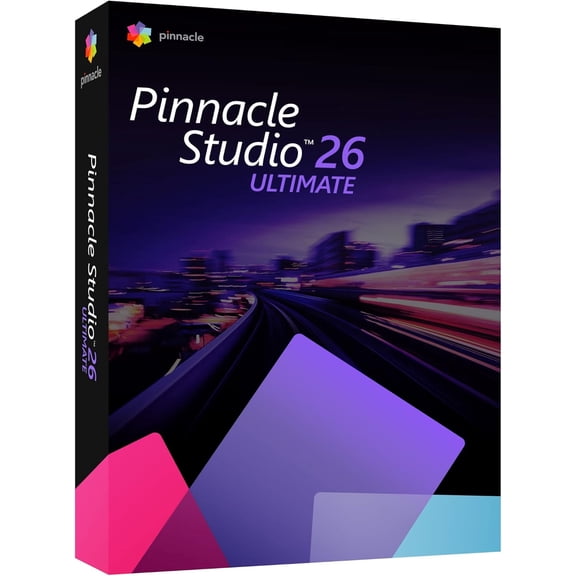
54.6 out of 5 Stars. 5 reviews4.6 out of 5 starsPinnacle Studio 26 Ultimate | Pro-Level Video Editing & Screen Recording Software [PC Key Card] $78.45
 $7845current price $78.45
Pinnacle Studio 26 Ultimate | Pro-Level Video Editing & Screen Recording Software [PC Key Card]
15 out of 5 Stars. 1 reviews5 out of 5 starsCorel PaintShop Pro 2023 Ultimate, Box Pack, 1 User, Mini Box Packing $59.97
 $5997current price $59.97
Corel PaintShop Pro 2023 Ultimate, Box Pack, 1 User, Mini Box Packing
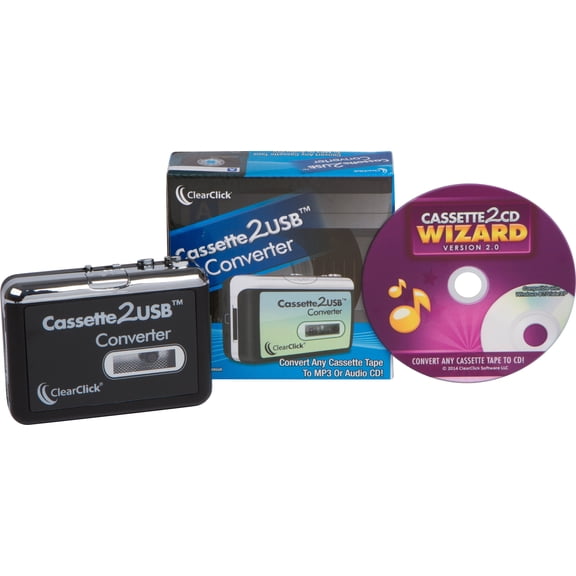
44.3 out of 5 Stars. 4 reviews4.3 out of 5 starsClearClick Cassette Tape To USB Converter with Cassette2CD Wizard 2.0 Software $24.95
 $2495current price $24.95
ClearClick Cassette Tape To USB Converter with Cassette2CD Wizard 2.0 Software
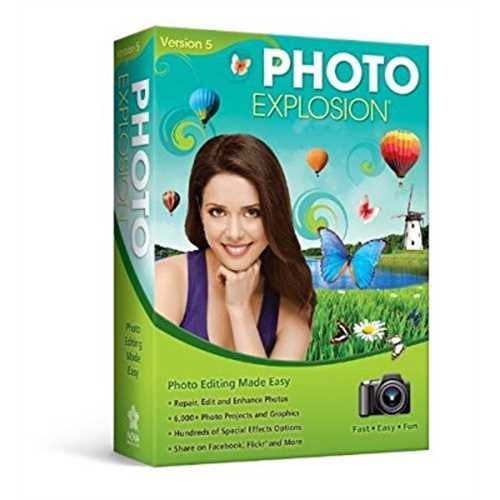
163.8 out of 5 Stars. 16 reviews3.8 out of 5 starsPhoto Explosion 5.0 $29.97 Was $34.99
 $2997current price $29.97, Was $34.99$34.99
Photo Explosion 5.0
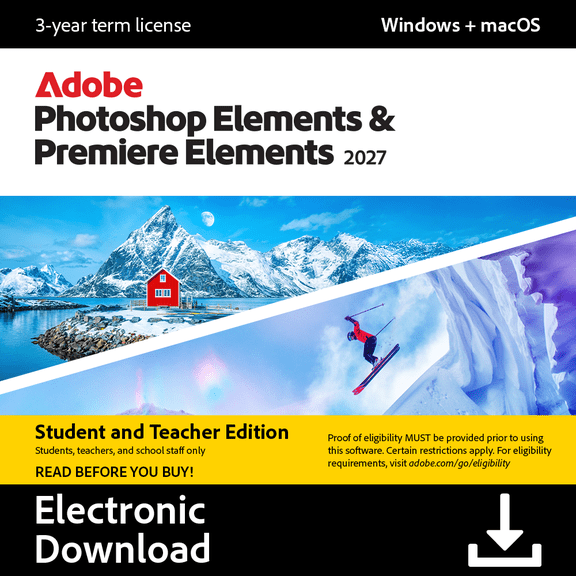
44 out of 5 Stars. 4 reviews4 out of 5 starsAdobe Photoshop Elements & Premiere Elements 2027 Student & Teacher Edition, for PC/Mac, Photo & Video Editing, 3-year term license (Digital Download) $79.99
 $7999current price $79.99
Adobe Photoshop Elements & Premiere Elements 2027 Student & Teacher Edition, for PC/Mac, Photo & Video Editing, 3-year term license (Digital Download)
Cyberlink Phs-0600-iwu0-00-edu Photodire $64.61
 $6461current price $64.61
Cyberlink Phs-0600-iwu0-00-edu Photodire
Scrapbook Factory v.5.0 Deluxe $55.99
 $5599current price $55.99
Scrapbook Factory v.5.0 Deluxe
11 out of 5 Stars. 1 reviews1 out of 5 starsRoxio Rt12tmacml Roxio Toast 12 Titanium $82.90
 $8290current price $82.90
Roxio Rt12tmacml Roxio Toast 12 Titanium
Cyberlink Pdr-0d00-iwu0-00 Powerdirector $81.55
 $8155current price $81.55
Cyberlink Pdr-0d00-iwu0-00 Powerdirector
Movavi Software Movavi Video Editor For Mac Is An Easy-to-use Utility For Essential Video Editin $49.05
 $4905current price $49.05
Movavi Software Movavi Video Editor For Mac Is An Easy-to-use Utility For Essential Video Editin
Photo Impact Pro 13 $79.99
 $7999current price $79.99
Photo Impact Pro 13
Corel PDF Fusion [Digital Download] $69.98
 $6998current price $69.98
Corel PDF Fusion [Digital Download]
23 out of 5 Stars. 2 reviews3 out of 5 starsAdobe Photoshop Elements & Premiere Elements 2027, for PC/Mac, Photo & Video Editing, 3-year term license (Digital Download) $89.99 Was $149.99
 $8999current price $89.99, Was $149.99$149.99
Adobe Photoshop Elements & Premiere Elements 2027, for PC/Mac, Photo & Video Editing, 3-year term license (Digital Download)
134.5 out of 5 Stars. 13 reviews4.5 out of 5 starsRoxio Toast 20 Pro - CD, DVD & Blu-ray Burner for Mac with Media Management & Creativity Suite $78.99
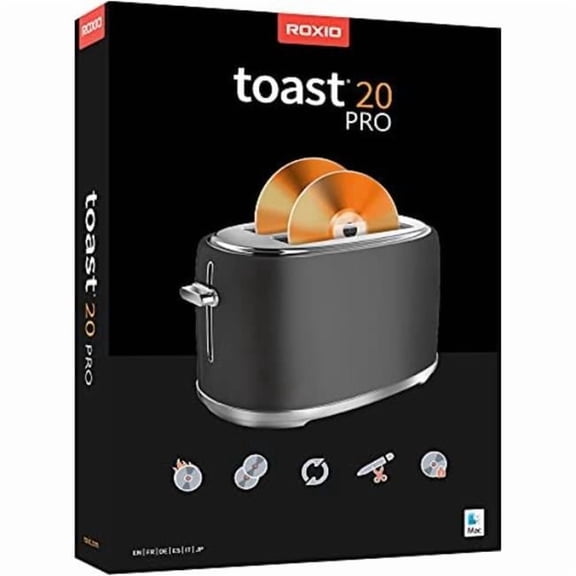 $7899current price $78.99
Roxio Toast 20 Pro - CD, DVD & Blu-ray Burner for Mac with Media Management & Creativity Suite
15 out of 5 Stars. 1 reviews5 out of 5 starsAdobe Premiere Elements 2027, for PC/Mac, Video Editing, 3-year term license (Digital Download) $99.99
 $9999current price $99.99
Adobe Premiere Elements 2027, for PC/Mac, Video Editing, 3-year term license (Digital Download)
64.8 out of 5 Stars. 6 reviews4.8 out of 5 starsCyberlink Pdr-0d00-iwx0-00 Powerdirector $59.16
$5916current price $59.16Cyberlink Pdr-0d00-iwx0-00 Powerdirector
Ashampoo Photo Commander Pro 27 $24.99
 $2499current price $24.99
Ashampoo Photo Commander Pro 27
Customer ratings & reviews
Filtered and sorted results would be available on the new 'Customer ratings & reviews' page.
Showing 1-2 of 2 reviews
Verified Purchase
Video capture program
This is an excellent program and device for capturing video programs and converting to mp4. Easy to use and accurate.
Verified Purchase
served my needs
i shopped online and found this to be what i needed Thanks

- Free shipping
 Free Holiday returns until Jan 31
How do you want your item?

