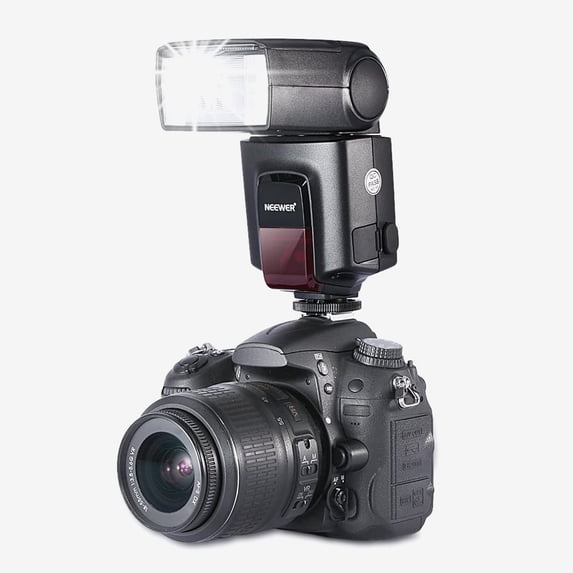
TT560 SPEEDLITE
Key item features
- Manual Mode: Press the MODE key to M Mode to set the TT560 on your camera hot shoe or speedlite trigger hot shoe for manual flash control.
- Slave Flash S1: In S1 Mode, the flash fires synchronously with the master flash, ideal for creating multiple lighting effects in manual flash environments.
- Slave Flash S2: In S2 Mode, the flash fires with the second flash from the master flash, suitable for TTL flash environments to achieve various lighting effects.
- Power-Saving: The flash enters stand-by state after 30 minutes of idle use in M Mode and 60 minutes in S1/S2 Mode, conserving battery life.
- Protection Features: Includes protection in continuous flashes and systematic over-temperature protection to ensure safe operation.
- Flexible Rotation: Vertical rotation angle of 0~90 degrees and horizontal rotation angle of 0~270 degrees for versatile lighting positions.
- Battery Powered: Operates on 4 AA batteries (Alkaline or Ni-MH), providing 100-1500 lighting times with a recycle time of 0.5-5.5 seconds.
- Compatibility: Compatible with Canon Digital EOS and Nikon DSLR cameras, offering broad usability for photographers.
Specs
Camera flash type, On-Camera Flash
Brand, Neewer
Features, Adjustable
Color temperature, 5600 K
Weight, 1 lb
Similar items you might like
Godox iM30 Mini Flash | Ultra-Compact Portable Speedlight 78g $29.00 Was $39.90
 $2900current price $29.00, Was $39.90$39.90
Godox iM30 Mini Flash | Ultra-Compact Portable Speedlight 78g
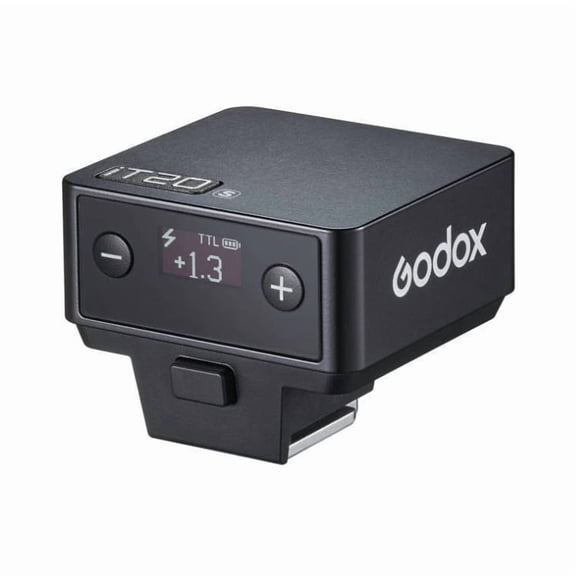
Godox iT20 S iFlash TTL Camera Flash for Sony Cameras (Black) $38.90
 $3890current price $38.90
Godox iT20 S iFlash TTL Camera Flash for Sony Cameras (Black)
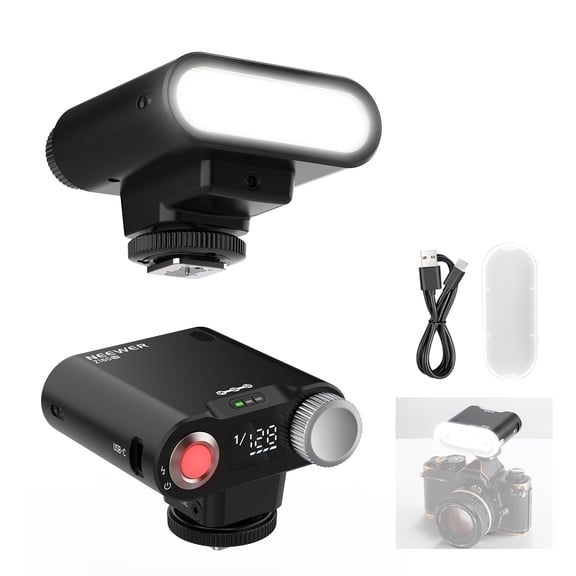
Neewer Z160 SE Flash: 20Ws GN15, 6000K, Manual 1/1-1/128 & S1/S2, 650 Flashes, for most cameras $33.99
 $3399current price $33.99
Neewer Z160 SE Flash: 20Ws GN15, 6000K, Manual 1/1-1/128 & S1/S2, 650 Flashes, for most cameras
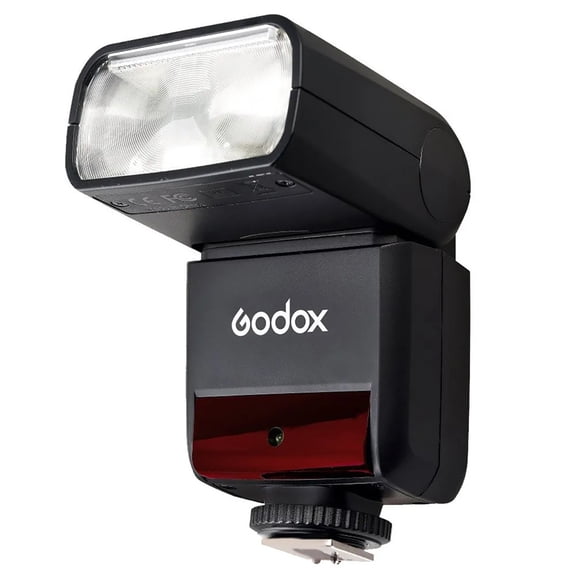
Godox TTL Camera Flash for Canon Camera TT350IIC $84.90
 $8490current price $84.90
Godox TTL Camera Flash for Canon Camera TT350IIC
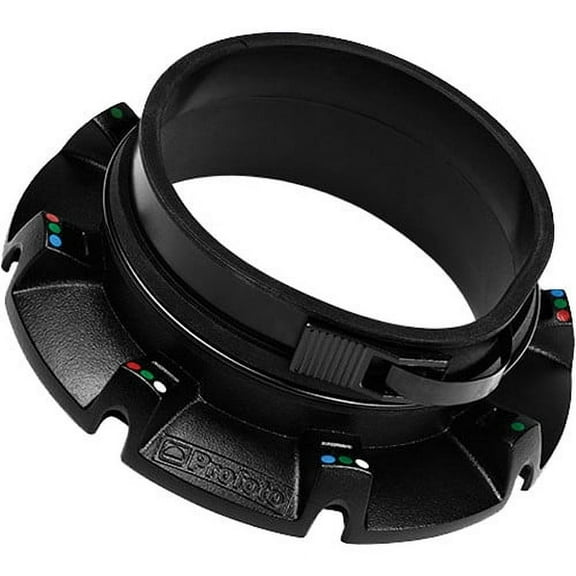
Profoto 101210 Speedring for OCF Flash Heads $87.09
 $8709current price $87.09
Profoto 101210 Speedring for OCF Flash Heads
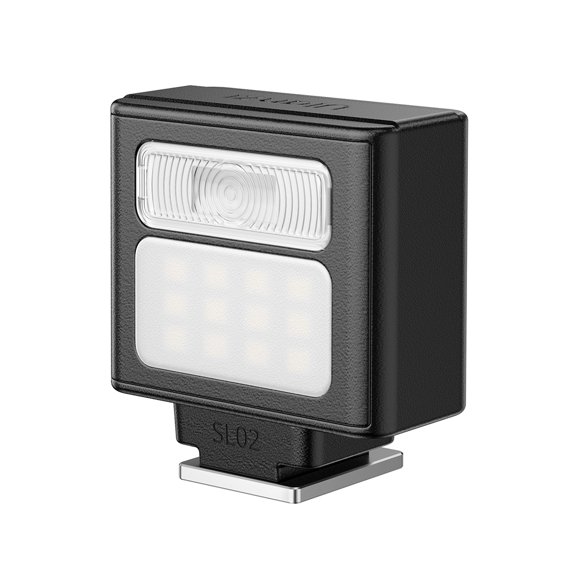
Ulanzi SL02 Spark Lite Camera Flash $21.99
 $2199current price $21.99
Ulanzi SL02 Spark Lite Camera Flash
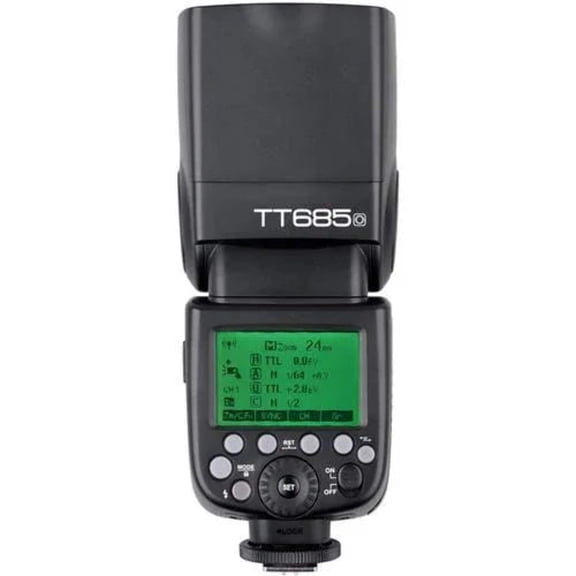
Godox TT685O Thinklite TTL Flash for Olympus/Panasonic Cameras $79.00
 $7900current price $79.00
Godox TT685O Thinklite TTL Flash for Olympus/Panasonic Cameras
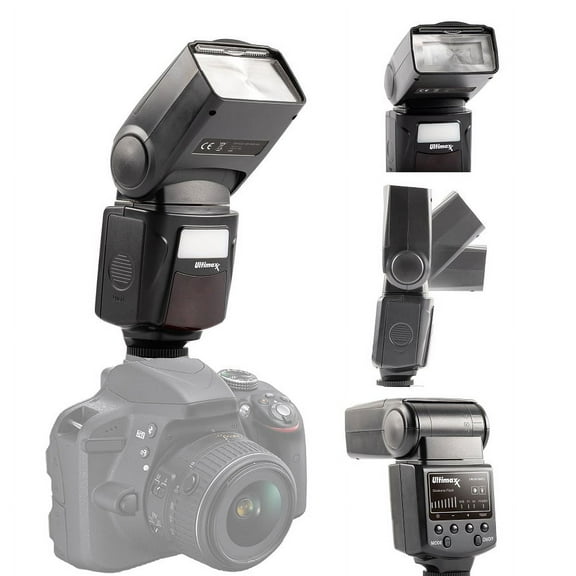
Digital Speedlite Flash For Canon EOS R10 R50 R100 $69.95
 $6995current price $69.95
Digital Speedlite Flash For Canon EOS R10 R50 R100
33.7 out of 5 Stars. 3 reviews3.7 out of 5 starsGodox TTL Retro Camera Flash for Canon $79.00
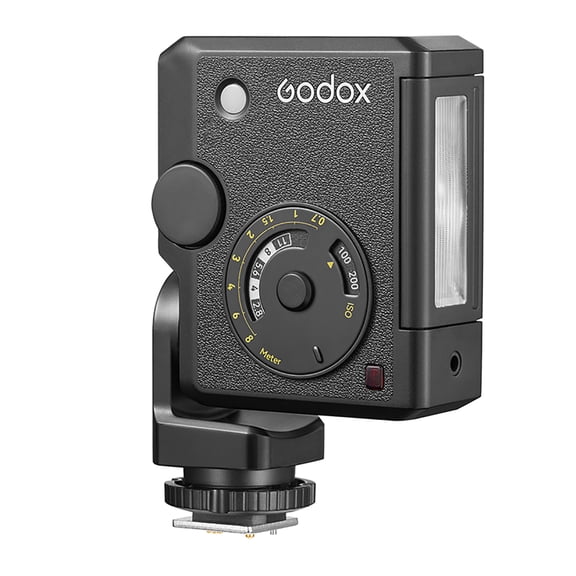 $7900current price $79.00
Godox TTL Retro Camera Flash for Canon
Ulanzi SL03 Spark Lite Camera Flash, 90 Degree Head, Type-C, for Mirrorless Cameras $23.74
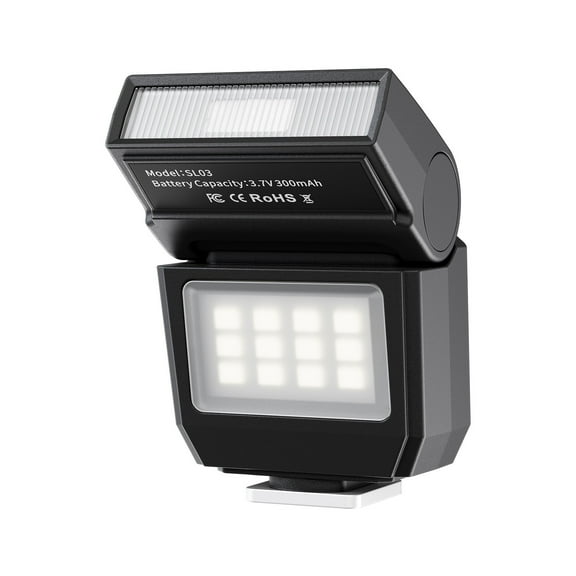 2 optionsAvailable in additional 2 options$2374current price $23.74
Ulanzi SL03 Spark Lite Camera Flash, 90 Degree Head, Type-C, for Mirrorless Cameras
Godox TTL Camera Flash for Sony Camera TT350IIS $84.90
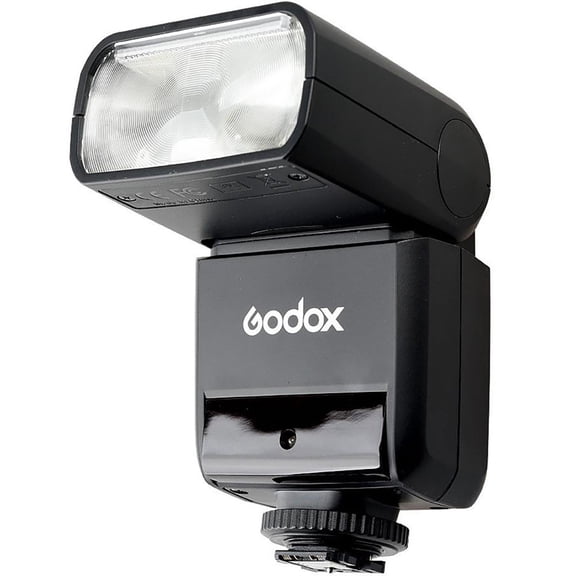 $8490current price $84.90
Godox TTL Camera Flash for Sony Camera TT350IIS
13 out of 5 Stars. 1 reviews3 out of 5 starsRollback, Ulanzi KL01 Kaleidoscope Mini Flash for Camera, Rechargeable Hot Shoe Mount with 600 Flashes $35.09 Was $38.99
Rollback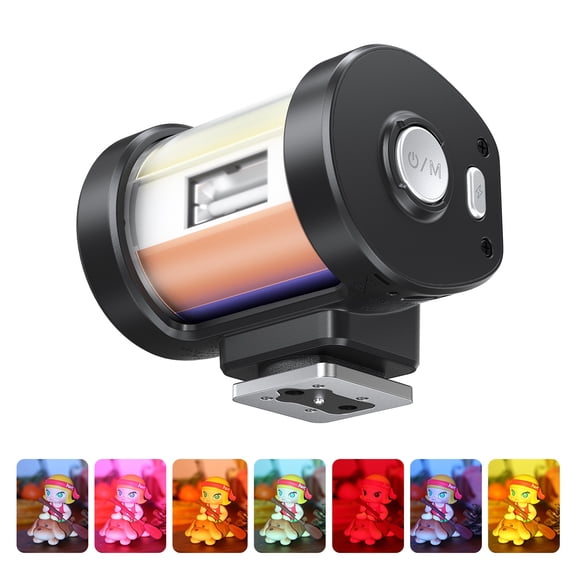 $3509current price $35.09, Was $38.99$38.99
Ulanzi KL01 Kaleidoscope Mini Flash for Camera, Rechargeable Hot Shoe Mount with 600 Flashes
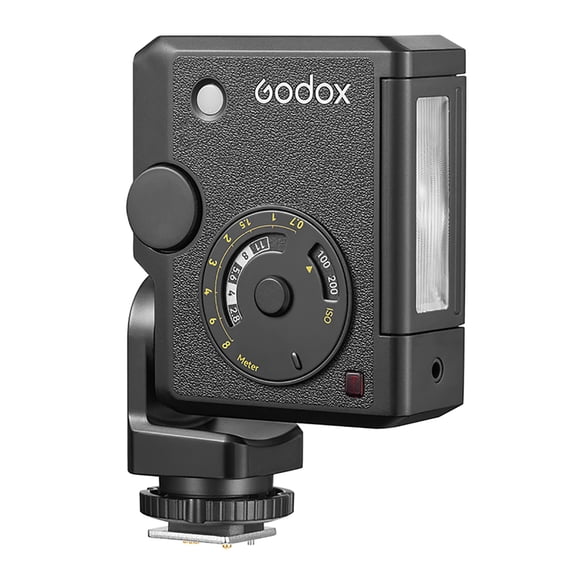
Godox TTL Retro Camera Flash for Sony $79.00
 $7900current price $79.00
Godox TTL Retro Camera Flash for Sony
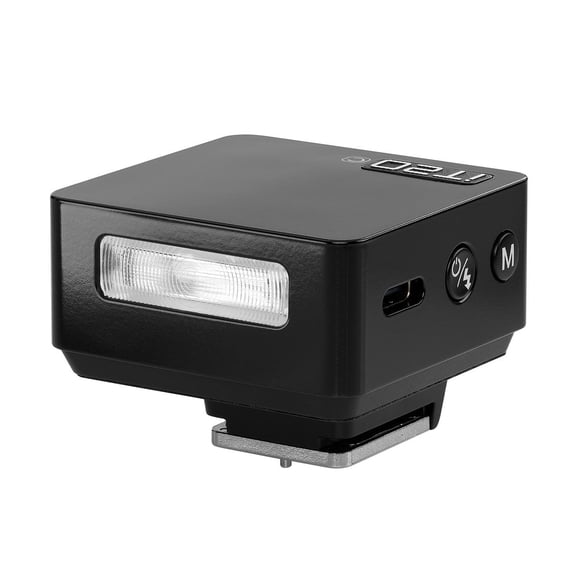
Flashpoint iT20 TTL Portable iFlash for Ricoh, Black $49.90 Was $60.77
 $4990current price $49.90, Was $60.77$60.77
Flashpoint iT20 TTL Portable iFlash for Ricoh, Black
Flashpoint Zoom-Mini R2 TTL Thinklite Flash for Sony Cameras, Godox TT350S Mini Thinklite $76.00
 $7600current price $76.00
Flashpoint Zoom-Mini R2 TTL Thinklite Flash for Sony Cameras, Godox TT350S Mini Thinklite
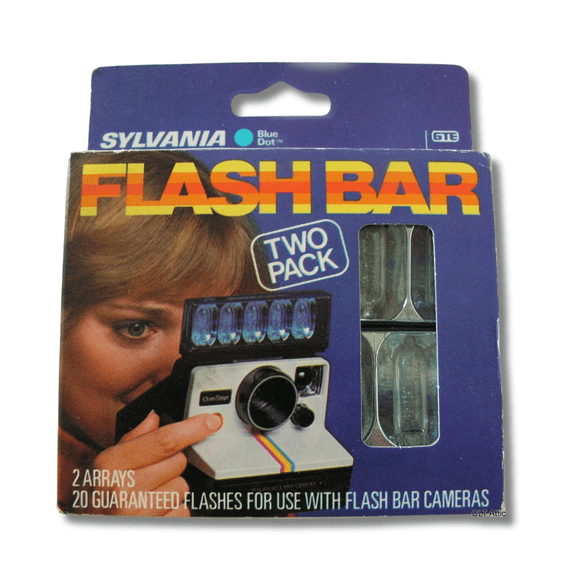
694.8 out of 5 Stars. 69 reviews4.8 out of 5 starsSylvania Blue Dot Flash Bar 2Pack Flashbar 20 Flashes $39.99
 $3999current price $39.99
Sylvania Blue Dot Flash Bar 2Pack Flashbar 20 Flashes
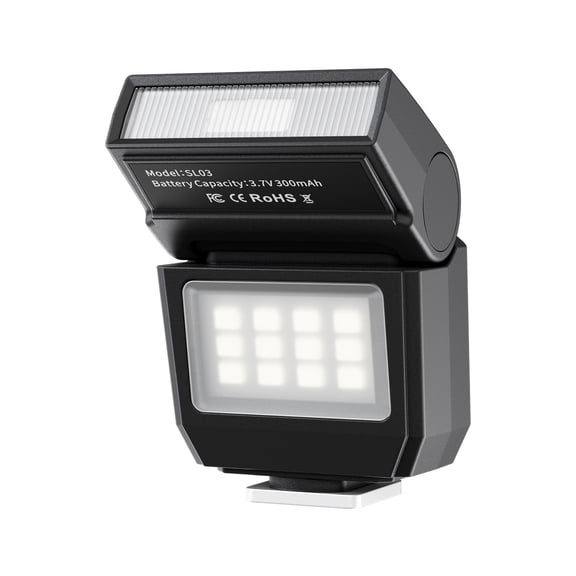
Ulanzi SL03 Portable Spark Lite Camera Flash LED Fill Light 6500K CRI 97 USB-C Black $26.87
 $2687current price $26.87
Ulanzi SL03 Portable Spark Lite Camera Flash LED Fill Light 6500K CRI 97 USB-C Black
Flashpoint iA32 Mini Flash for Camera, Godox iA32 $44.90
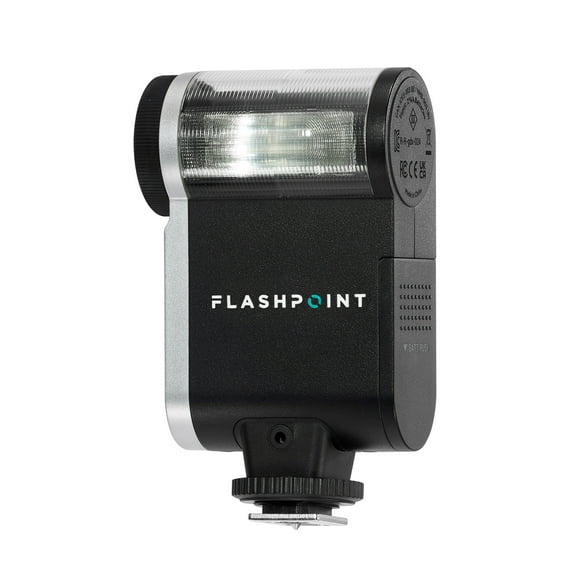 $4490current price $44.90
Flashpoint iA32 Mini Flash for Camera, Godox iA32
15 out of 5 Stars. 1 reviews5 out of 5 starsGodox iT30 Pro TTL Mini Flash for Sony Cameras, 2.4G Wireless Master & Receiver, HSS 1/8000s, Built-in Diffuser, USB-C Charging, Fast Recycle $63.90 Was $74.90
 5 optionsAvailable in additional 5 options$6390current price $63.90, Was $74.90$74.90
Godox iT30 Pro TTL Mini Flash for Sony Cameras, 2.4G Wireless Master & Receiver, HSS 1/8000s, Built-in Diffuser, USB-C Charging, Fast Recycle
25 out of 5 Stars. 2 reviews5 out of 5 starsGodox TT600S Thinklite Speedlite Flash for so ny Mirrorless Cameras, GN60, 2.4G Radio Transmission, 22-Stop Power Adjustment, 20-200mm Auto Manual Zoom for Portrait Wedding Photography $65.00
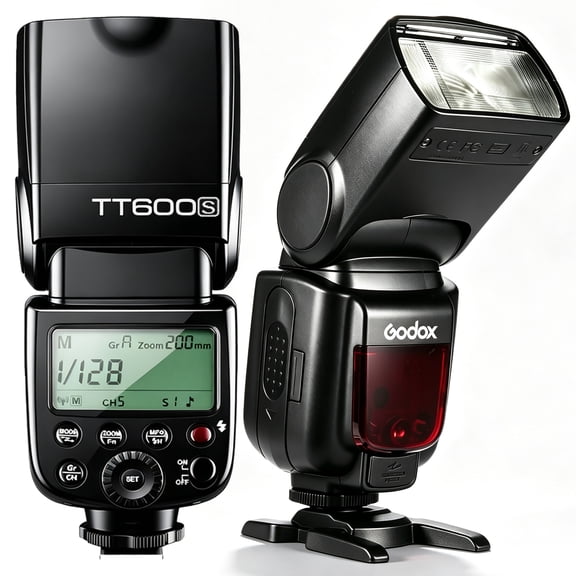 $6500current price $65.00
Godox TT600S Thinklite Speedlite Flash for so ny Mirrorless Cameras, GN60, 2.4G Radio Transmission, 22-Stop Power Adjustment, 20-200mm Auto Manual Zoom for Portrait Wedding Photography
15 out of 5 Stars. 1 reviews5 out of 5 stars
About this item
Product details
Features:
1. M Mode: Press the MODE key to M Mode. You can set the TT560 to your camera hot shoe or speedlite trigger hot shoe to trigger the flash unit. When shooting, adjust the flash power and press the camera shutter, the flash light will flash under the camera synchronous signal.
2. S1 Mode: Press the MODE key to S1 Mode. The Mode is applicable for slave flash in order to create many lighting effects. Respectively applicable for manual flash environment. When the flash is S1 mode, it will fire synchronously when the master flash fires, comparable with the effect by the use of radio trigger.
3. S2 Mode: Press the MODE key to S2 Mode. The mode is applicable for slave flash in order to create many lighting effects. Respectively applicable for TTL flash environment. The flash unit won't flash synchronously with the first flash but the second flash from the master flash.
4. Power-saving Function: To save power, the flash will enter stand-by state in about 30m of idle use. Press any button to wake it up. In S1/S2 mode, the flash will enter stand-by state in about 60m of idle use. Press any button to wake it up. In Power-saving mode, the charging indicator flickers in every 3s.
5. Protection Function (1) Protection in continuous flashes (2) Systematic over-temperature protection.
Specifications:
Guide Number: 38(ISO 100)
Flash Mode: M, S1, S2
Vertical Rotation Angle: 0~90 degrees
Horizontal Rotation Angle: 0~270 degrees
Power: 4 AA batteries (Alkaline or Ni-MH are usable)
Lighting Times: 100-1500 times (AA alkaline batteries used)
Recycle Time: 0.5-5.5s (AA alkaline batteries used)
Light Quantity Output Control: with 1/8-stop increment
Color Temperature: 5600K
Flash Duration:1/300s~1/20000s
Package Contents:
1 x TT560 Flash Speedlite
Specifications
Compatibility
Camera flash type
Brand
Features
Customer ratings & reviews
- 5 stars100% (1)1 rating are rated 5 stars, 100% of all ratings
- 4 stars0% (0)0 ratings are rated 4 stars, 0% of all ratings
- 3 stars0% (0)0 ratings are rated 3 stars, 0% of all ratings
- 2 stars0% (0)0 ratings are rated 2 stars, 0% of all ratings
- 1 star0% (0)0 ratings are rated 1 star, 0% of all ratings
Filtered and sorted results would be available on the new 'Customer ratings & reviews' page.