

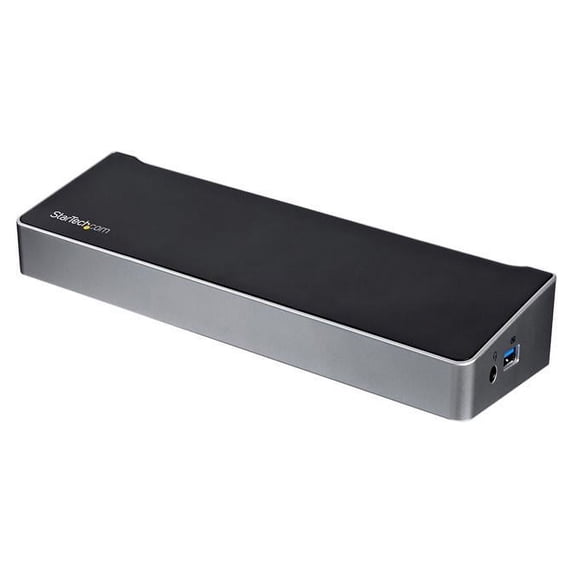
StarTech Triple-Monitor Docking Station for Laptops - USB 3.0
Key item features
- This triple-monitor docking station turns your USB 3.0 laptop into a full workstation with two DisplayPort outputs and an HDMI output. Plus, unlike some proprietary docks that only work with specific brands of laptop, this dock is universal, working with your Mac or Windows computer with USB 3.0.
- Triple Display Flexibility The USB 3.0 docking station adds triple-monitor support to your workstation, with resolution support up to 4K (3840 x 2160p) on one display and 2048x1152 on the other two. With more screens, combined with high resolution, the dock maximizes your screen real estate so you can simultaneously access multiple applications and compose on one display while referencing material on the other. You can also use your laptop screen for four displays in total, making it easy to manage several programs at once and avoid the nuisance of minimizing or rearranging windows.
- Powerful Connections and Fast Device Charging To support all of your USB peripherals, the docking station provides five USB 3.0 ports. The side-facing USB port is a USB fast-charge port (USB Battery Charging Specification 1.2), so you can charge your mobile devices faster than from standard USB ports, with or without your laptop connected to the dock. The dock also has a GbE port, headset jack and separate 3.5 mm audio and mic ports, so you'll have all the connections you need to stay productive. The TAA compliant USB3DOCKH2DP is backed by a 3-year StarTech.com warranty and free lifetime technical support. More from the Manufacturer > Dual displays with resolutions up to 3840x2160p on one display and 2560x1600p on the other Add wired network connectivity and audio devices with the Gigabit Ethernet RJ-45 port and headset jack plus separate 3.5 mm audio and microphone ports Charge your devices using the USB fast-charge port Connect your USB devices with 5 x USB 3.0 ports Achieve a high resolution with up to 3840x2160p (4K) on one of the displays Maximize your display capabilities with triple monitors (1 x HDMI and 2 x DP) or a dual-monitor setup
Specs
Maximum number of monitors, 3
Inputs/Outputs, USB 3.0, Ethernet, DisplayPort, HDMI, Headphone, Microphone
Resolution, 3840 x 2160, 2560 x 1440
Usb version, 3.0
In/Out type, HDMI
About this item
Product details
- This triple-monitor docking station turns your USB 3.0 laptop into a full workstation with two DisplayPort outputs and an HDMI output. Plus, unlike some proprietary docks that only work with specific brands of laptop, this dock is universal, working with your Mac or Windows computer with USB 3.0.
- Triple Display Flexibility The USB 3.0 docking station adds triple-monitor support to your workstation, with resolution support up to 4K (3840 x 2160p) on one display and 2048x1152 on the other two. With more screens, combined with high resolution, the dock maximizes your screen real estate so you can simultaneously access multiple applications and compose on one display while referencing material on the other. You can also use your laptop screen for four displays in total, making it easy to manage several programs at once and avoid the nuisance of minimizing or rearranging windows.
- Powerful Connections and Fast Device Charging To support all of your USB peripherals, the docking station provides five USB 3.0 ports. The side-facing USB port is a USB fast-charge port (USB Battery Charging Specification 1.2), so you can charge your mobile devices faster than from standard USB ports, with or without your laptop connected to the dock. The dock also has a GbE port, headset jack and separate 3.5 mm audio and mic ports, so you'll have all the connections you need to stay productive. The TAA compliant USB3DOCKH2DP is backed by a 3-year StarTech.com warranty and free lifetime technical support. More from the Manufacturer > Dual displays with resolutions up to 3840x2160p on one display and 2560x1600p on the other Add wired network connectivity and audio devices with the Gigabit Ethernet RJ-45 port and headset jack plus separate 3.5 mm audio and microphone ports Charge your devices using the USB fast-charge port Connect your USB devices with 5 x USB 3.0 ports Achieve a high resolution with up to 3840x2160p (4K) on one of the displays Maximize your display capabilities with triple monitors (1 x HDMI and 2 x DP) or a dual-monitor setup
Specifications
Compatibility
Maximum number of monitors
Inputs/Outputs
Resolution
Warranty
Warranty information
Please be aware that the warranty terms on items offered for sale by third party Marketplace sellers may differ from those displayed in this section (if any). To confirm warranty terms on an item offered for sale by a third party Marketplace seller, please use the 'Contact seller' feature on the third party Marketplace seller's information page and request the item's warranty terms prior to purchase.
Warnings
Similar items you might like
Based on what customers bought
Restored Dell WD19 130W Power Delivery Docking Station, Black $57.00
 Sponsored$5700current price $57.00
Restored Dell WD19 130W Power Delivery Docking Station, Black
Save with Shipping, arrives in 3+ daysRestored: Good
Dell Pro Dock - WD25 (100w), W129113145 $173.52
 Sponsored$17352current price $173.52
Dell Pro Dock - WD25 (100w), W129113145
Shipping, arrives in 3+ daysOWC OWC Thunderbolt Hub Docking Station, Grey/Black, Thunderbolt 4, USB-A $139.99 Was $169.99
 $13999current price $139.99, Was $169.99$169.99
OWC OWC Thunderbolt Hub Docking Station, Grey/Black, Thunderbolt 4, USB-A
54 out of 5 Stars. 5 reviews4 out of 5 starsUSB-C MST Triple Display Docking Station with 2.5Gbps Ethernet and 100W Charging $149.99
 $14999current price $149.99
USB-C MST Triple Display Docking Station with 2.5Gbps Ethernet and 100W Charging
StarTech.com DK30CH2DEP Triple-Monitor 4K USB-C Dock with 5x USB 3.0 Ports 100W PD - Black & Silver $169.86
 $16986current price $169.86
StarTech.com DK30CH2DEP Triple-Monitor 4K USB-C Dock with 5x USB 3.0 Ports 100W PD - Black & Silver
203.1 out of 5 Stars. 20 reviews3.1 out of 5 starsDell Pro Dock WD25Z USB-C Docking Station, 130W Power Delivery, 2.5GbE, 4 Displays $154.99
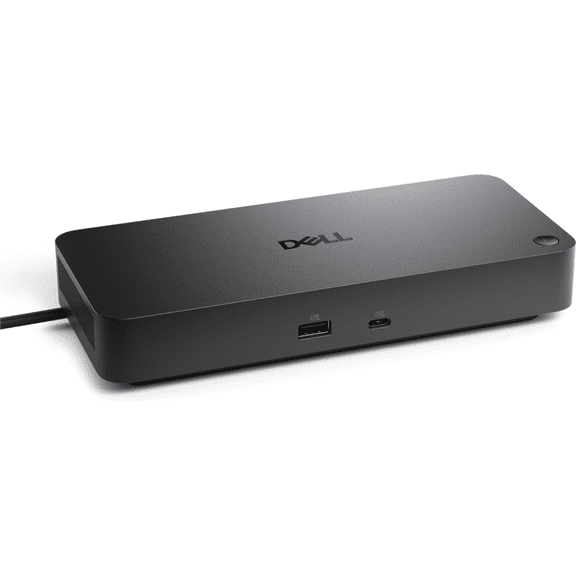 $15499current price $154.99
Dell Pro Dock WD25Z USB-C Docking Station, 130W Power Delivery, 2.5GbE, 4 Displays
394.7 out of 5 Stars. 39 reviews4.7 out of 5 starsDell WD19TB USB Type C Docking Station for Notebook/Tablet/Workstation - 180W $93.95
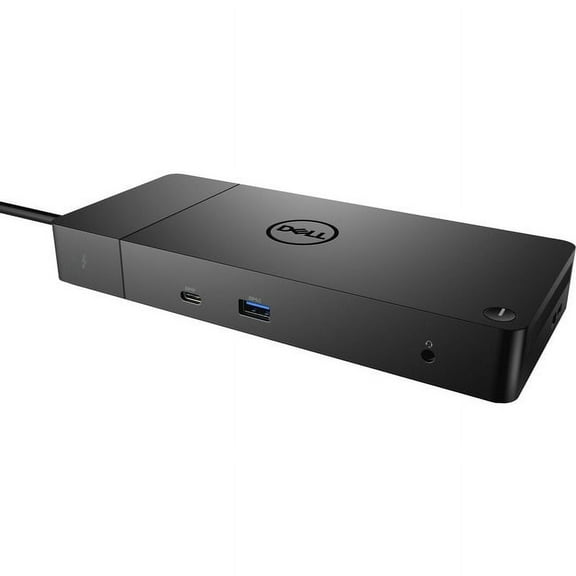 Sponsored$9395current price $93.95$93.95
Dell WD19TB USB Type C Docking Station for Notebook/Tablet/Workstation - 180W
263.7 out of 5 Stars. 26 reviews3.7 out of 5 starsSave withShipping, arrives in 3+ daysDell WD19S 90W Power Delivery Docking Station, Black $99.00
 $9900current price $99.00
Dell WD19S 90W Power Delivery Docking Station, Black
Best seller, NOVOO 15-in-1 USB C Laptop Hub Docking Station 3 Monitors 4K 60Hz HDMI VGA $39.99 Was $250.00
Best seller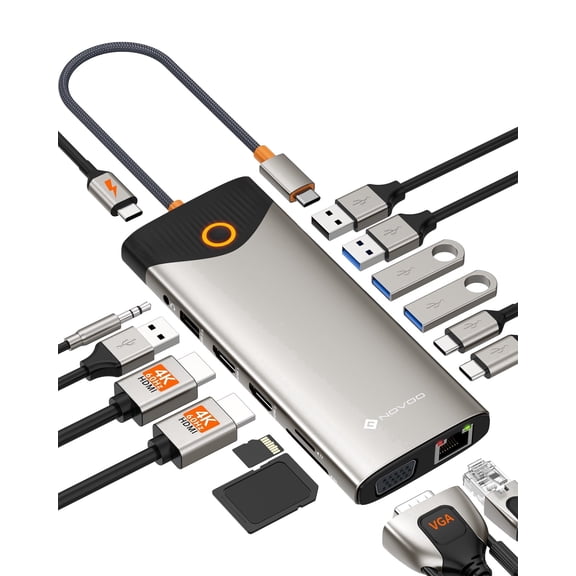 3 optionsAvailable in additional 3 options$3999current price $39.99, Was $250.00$250.00
NOVOO 15-in-1 USB C Laptop Hub Docking Station 3 Monitors 4K 60Hz HDMI VGA
334.3 out of 5 Stars. 33 reviews4.3 out of 5 starsReduced price, ACASIS Mac Mini M6 M4 Dock, 40Gbps Dual NVMe SSD Enclosure, Dual 4K Display $71.00 Was $79.00
Reduced price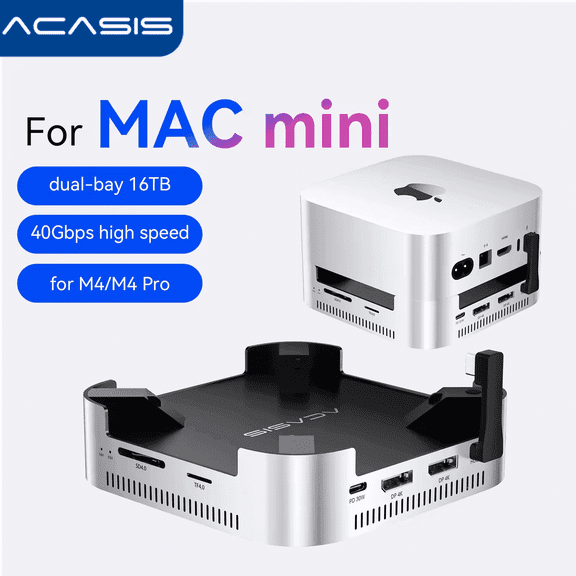 2 optionsAvailable in additional 2 options$7100current price $71.00, Was $79.00$79.00
ACASIS Mac Mini M6 M4 Dock, 40Gbps Dual NVMe SSD Enclosure, Dual 4K Display
134.8 out of 5 Stars. 13 reviews4.8 out of 5 starsDell WD19 130W Docking Station (with 90W Power Delivery) USB-C, HDMI, Dual DisplayPort, black $77.90 Was $92.99
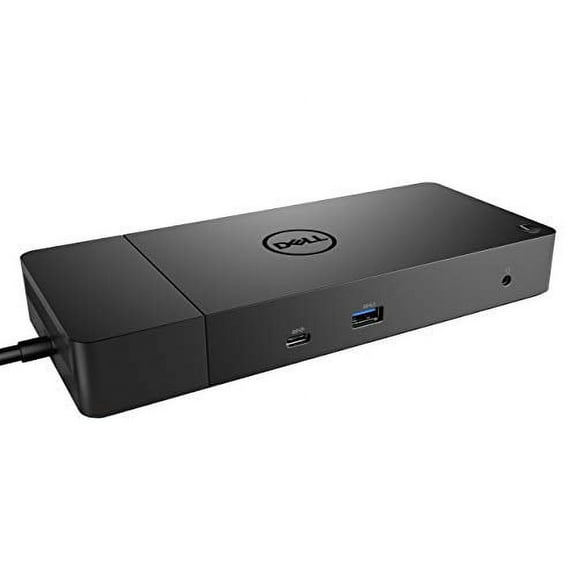 $7790current price $77.90, Was $92.99$92.99
Dell WD19 130W Docking Station (with 90W Power Delivery) USB-C, HDMI, Dual DisplayPort, black
95 out of 5 Stars. 9 reviews5 out of 5 starsLenovo ThinkPad Universal USB-C Dock - 40AY0090 $129.95
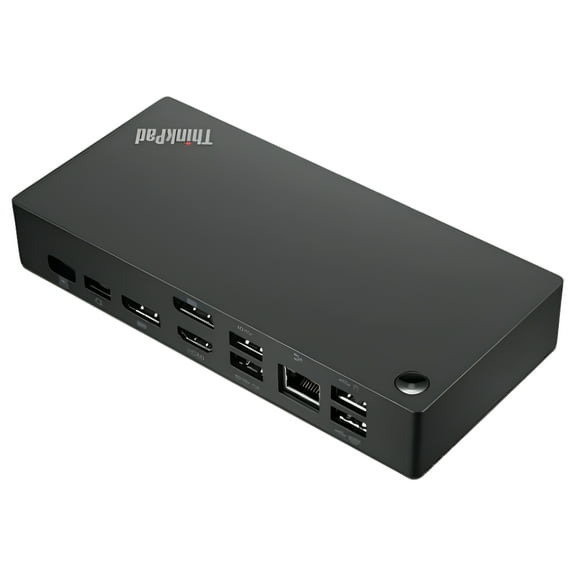 $12995current price $129.95
Lenovo ThinkPad Universal USB-C Dock - 40AY0090
85 out of 5 Stars. 8 reviews5 out of 5 starsReduced price, ACASIS USB C Docking Station, Dual 4K HDMI DisplayLink Dock for Laptop, MacBook Air/Pro M1/M2/M3/M4, 100W PD, Fast Data Transfer USB Hub $63.00 Was $93.51
Reduced price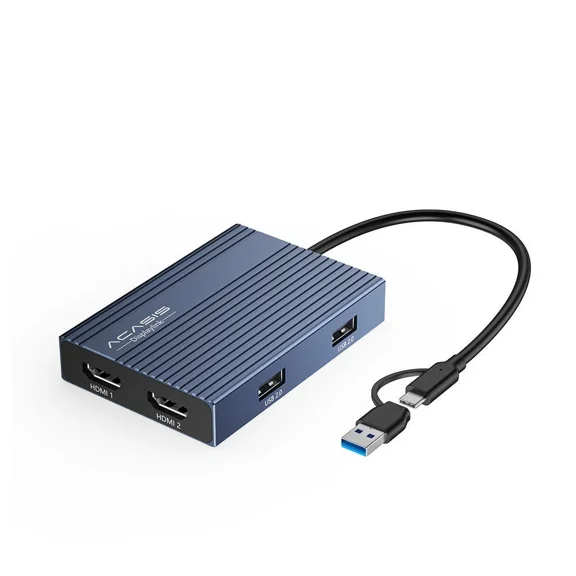 2 optionsAvailable in additional 2 options$6300current price $63.00, Was $93.51$93.51
ACASIS USB C Docking Station, Dual 4K HDMI DisplayLink Dock for Laptop, MacBook Air/Pro M1/M2/M3/M4, 100W PD, Fast Data Transfer USB Hub
224.5 out of 5 Stars. 22 reviews4.5 out of 5 starsDell D6000S Universal Docking Station $71.99 Was $79.99
 $7199current price $71.99, Was $79.99$79.99
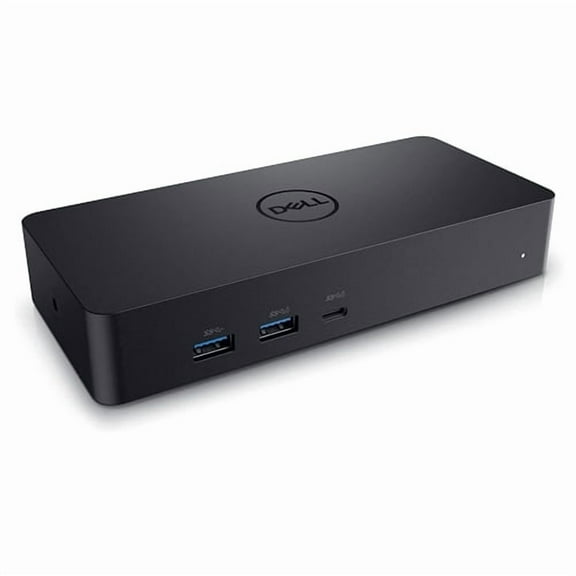
Dell D6000S Universal Docking Station
33 out of 5 Stars. 3 reviews3 out of 5 starsPlugable TBT4-UD5 USB Type-C Dual Display Laptop Docking Stations $199.95
 $19995current price $199.95
Plugable TBT4-UD5 USB Type-C Dual Display Laptop Docking Stations
214.4 out of 5 Stars. 21 reviews4.4 out of 5 starsBest seller, UGREEN Revodok 7 in 1 USB C Hub For Laptop, USB C Dock with 4K HDMI, 100W PD Charging $19.99
Best seller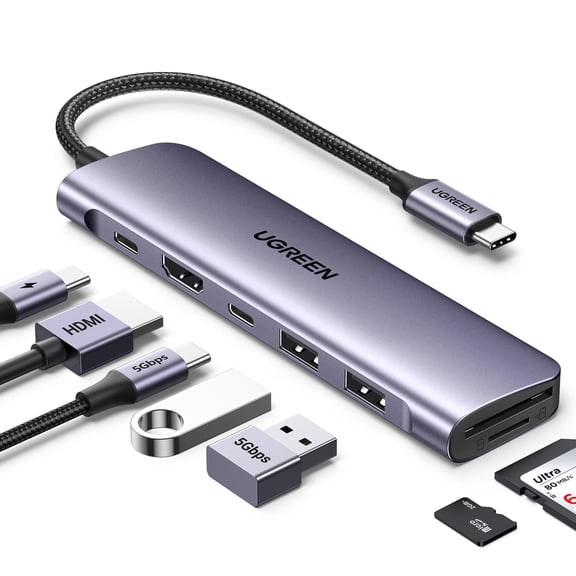 4 optionsAvailable in additional 4 options$1999current price $19.99
UGREEN Revodok 7 in 1 USB C Hub For Laptop, USB C Dock with 4K HDMI, 100W PD Charging
2014.5 out of 5 Stars. 201 reviews4.5 out of 5 starsHP USB-C 100W G6 Docking Station 9X3V1UT - 9-Port Hub, Triple 4K Support, DisplayPort, HDMI, RJ-45 $144.99 Was $279.99
 $14499current price $144.99, Was $279.99$279.99
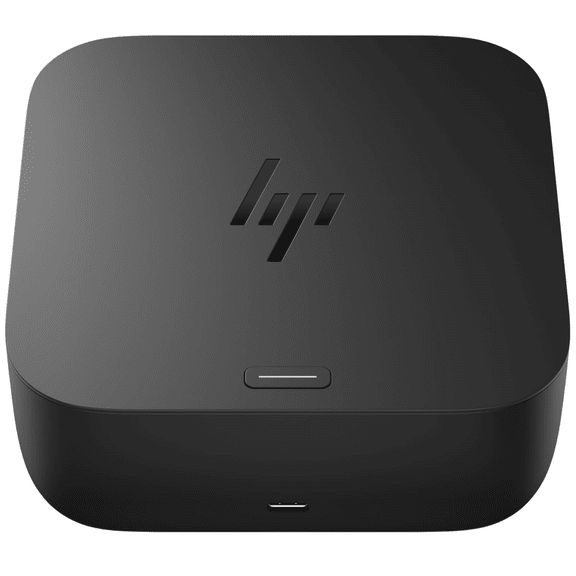
HP USB-C 100W G6 Docking Station 9X3V1UT - 9-Port Hub, Triple 4K Support, DisplayPort, HDMI, RJ-45
213.9 out of 5 Stars. 21 reviews3.9 out of 5 starsIn 25+ people's carts, j5create, USB-C to HDMI & USB 3.1 2-Port with Power Delivery, JCD371 $34.88
In 25+ people's carts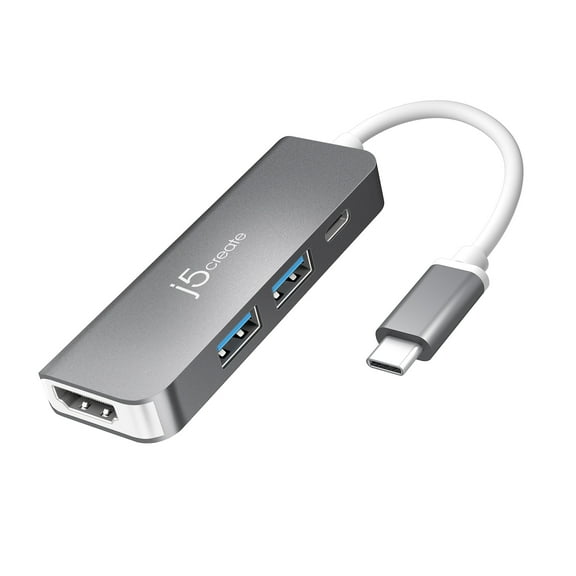 $3488current price $34.88
j5create, USB-C to HDMI & USB 3.1 2-Port with Power Delivery, JCD371
1654.3 out of 5 Stars. 165 reviews4.3 out of 5 starsStarTech 100W USB-C Triple 4K Monitor Docking Station with DP 1.4 DK31C2DHSPD $171.13
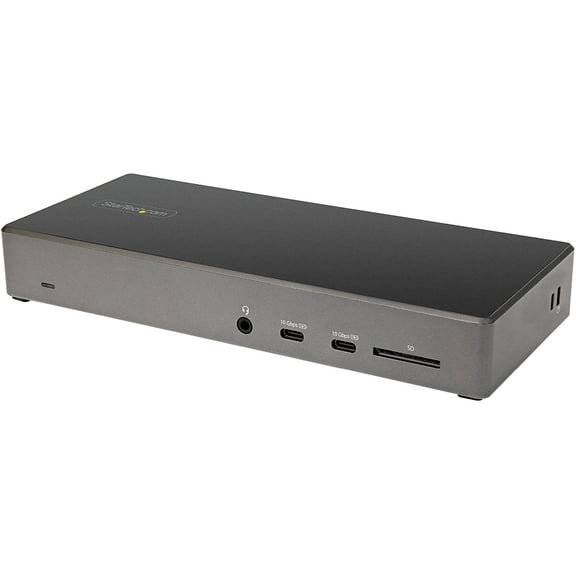 $17113current price $171.13
StarTech 100W USB-C Triple 4K Monitor Docking Station with DP 1.4 DK31C2DHSPD
72.3 out of 5 Stars. 7 reviews2.3 out of 5 starsDell Pro Dock WD25 - USB Type-C with DP Alt Mode Connector, DisplayPort/HDMI/USB 3.2 Gen2 Connectivity, Up to 100-Watt Power delivery - Black $138.46 Was $153.99
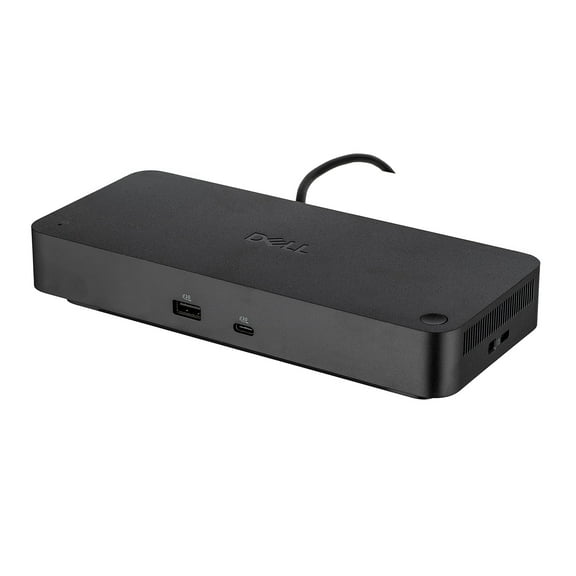 $13846current price $138.46, Was $153.99$153.99
Dell Pro Dock WD25 - USB Type-C with DP Alt Mode Connector, DisplayPort/HDMI/USB 3.2 Gen2 Connectivity, Up to 100-Watt Power delivery - Black
2714.6 out of 5 Stars. 271 reviews4.6 out of 5 stars

Customer ratings & reviews
Filtered and sorted results would be available on the new 'Customer ratings & reviews' page.
Showing 1-3 of 23 reviews
Best of both worlds
Ive had this for a long time and still love it, I can move seamlessly between my MAC and work laptop with just switching the connector to either laptop.
Never an issue
I bought this 3 years ago and it is a champ I've taken it to many university housing situations and used it with multiple laptops, monitors and a tv screen on one occasion. I constantly have 3, 720p monitors hooked up to it and it runs like butter. I keep my mouse, keyboard, optical drive and aux speakers hooked up to it and the run smoothly at all times I have never had any problems with it. I hooked it up to my 4k tv once and my video feed was a little slower than usual but I'm pretty sure that was because my old laptop didn't have the processing power for 4k. This is one of the best products I have ever owned as a engineering university student. This product doesn't stand out in any way and that's what is great about it. hook anything up to it and it just work as if it was plugged right into your computer.
Not just for Laptops
I work from home and also in the office...but I don't have a laptop. My work is mostly document-based, with spreadsheets and cloud-based things. The only video I do is an occasional YouTube clip here and there. I have a small form-factor desktop PC with an Intel i3 series CPU. On this hardware (running Windows 10) this thing works brilliantly. It allows me to move easily between office and home office. When I want to switch locations, I just un-do one AC power connection and one USB cable and I'm out the door. Connecting at the other location is just as simple - in two minutes I'm back online and working. If your intent is to use one of these docking stations with a system that is NOT a laptop, there are a couple things to watch out for: 1) Many PCs will not boot if there is no keyboard connected when you switch them on. I had to make one change to my PC BIOS to get around this issue. After that one little change, everything worked perfectly for me. 2) It is VERY important to install the DisplayLink drivers BEFORE connecting this unit for the first time. I did this, connected my three monitors and all other peripherals through the StarTech docking station and then disconnected the monitor from the PC. Then I re-arranged my monitor settings in the Windows 10 control panel and all was well. I haven't had to connect a monitor to my PC directly since then. Video performance is perfectly adequate for general purpose computing, but is NOT fast and I noticed a small performance hit overall in my system running this unit. Neither of these things are deal-breakers for me. I expected some performance penalty once I connected this device, but it isn't a real hindrance to me at all. I might wait one second longer for applications to load - not a huge deal. Many PC docking stations will do dual monitors but I haven't found any others that will do three. That is what makes this product so essential to me. You're not going to game on this device - don't have unreasonable expectations and I think you'll really appreciate it. I can't speak to Mac compatibility, but (again) I'd suggest not having unreasonable expectations.

- Free shipping
 Free Holiday returns until Jan 31

(Only one option can be selected at a time)
How do you want your item?

