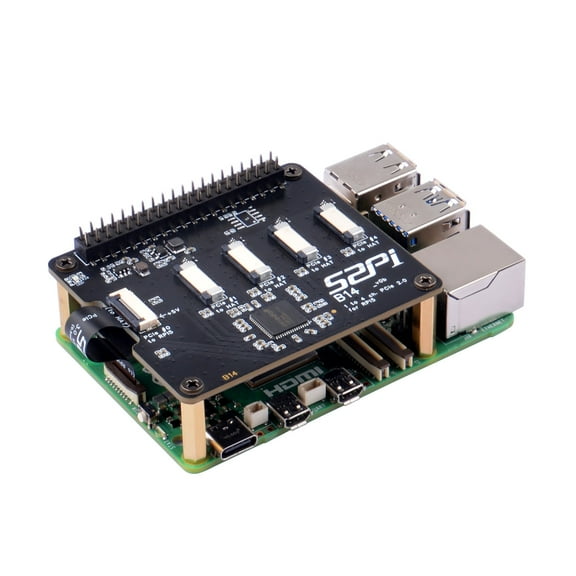
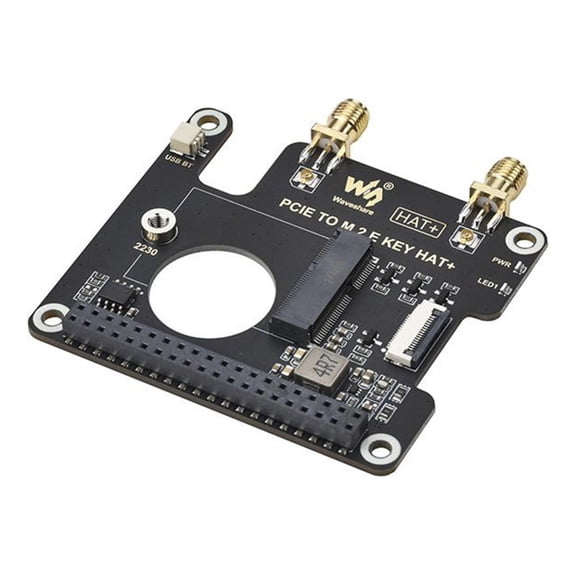
Pimoroni Raspberry Pi PCIe Extension Board for Raspberry Pi 5
Hero image 0 of Pimoroni Raspberry Pi PCIe Extension Board for Raspberry Pi 5, 0 of 5

Pimoroni Raspberry Pi PCIe Extension Board for Raspberry Pi 5

5 stars out of 2 reviews
(5.0)|
2 ratings

Key item features

Pimoroni Raspberry Pi PCIe Extension Board for Raspberry Pi 5

  • Compatible with M-key NVMe SSDs (2230-2280 sizes)
  • Compact design mounts conveniently under Raspberry Pi 5
  • Ideal for file servers, media centers, and high IOPS tasks
  • Supports the latest "PIP" design guidelines for easy use
  • Requires Raspberry Pi OS and firmware update to 2023-12-06 for optimal performance
Current price is $29.59
Price when purchased online
  • Free shipping
  • Free 15-day returns

How do you want your item?

How do you want your item?
Columbus, 43215
Arrives between Mar 13 - Mar 18
|
Sold and shipped by Platinum Micro
4.4 stars out of 5, based on 555 seller reviews(4.4)
Report an issue with this seller
Free 15-day returns

About this item
Product details

Specifications

Warranty

Customer ratings & reviews

5 out of 5 stars
stars2 ratings2 reviews
How item rating is calculated
Filtered and sorted results would be available on the new 'Customer ratings & reviews' page.
Sort by |

Showing 1-2 of 2 reviews

Mar 2, 2026
David
Sold and shipped byPlatinum Micro
5 out of 5 stars review

Verified Purchase

Make sure you read the instructions.

This one is within the Gold Standard of connecting a NVMe drive to a Raspberry Pi 5. But it must require some setup after you either flashed the OS to the NVMe drive or cloned the SD card to the NVMe. Step 1: Type this command: 'sudo rpi-eeprom-config --edit' Check to see if the file includes the line 'PCIE_PROBE=1' Check to see if BOOT_ORDER is '0xf461' and modify it if need be. If you don't see it, include it, save and exit. Turn off your Pi, take out the SD card, then boot. If all goes well, you should boot off the NVMe drive and get to the OS. Step 2: Type this command: 'sudo nano /boot/firmware/config.txt' Ensure the following two lines exist and of not, add them: dtparam=nvme dtparam=pciex1_gen=3 (You can change the 3 to 2 if you so wish.) Save and Exit, and then Reboot.

Helpful?6DIA32XI58SJ5469717058
Aug 26, 2024
Mike
Sold and shipped byPlatinum Micro
5 out of 5 stars review

Verified Purchase

Love it

Easy to install and quality of manufacture, now let's see how it works.

Helpful?6DIA32XI58SJ5469717058