

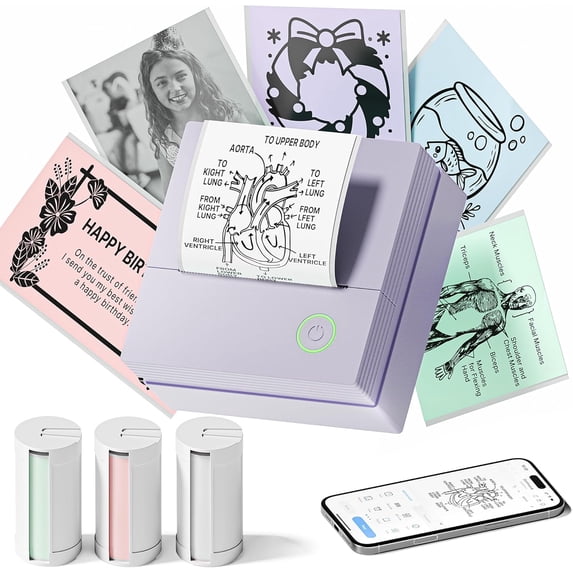
Hero image 0 of Mini Sticker Printer, PM290 Sticker Maker Machine with 3 Roll Paper, 0 of 4
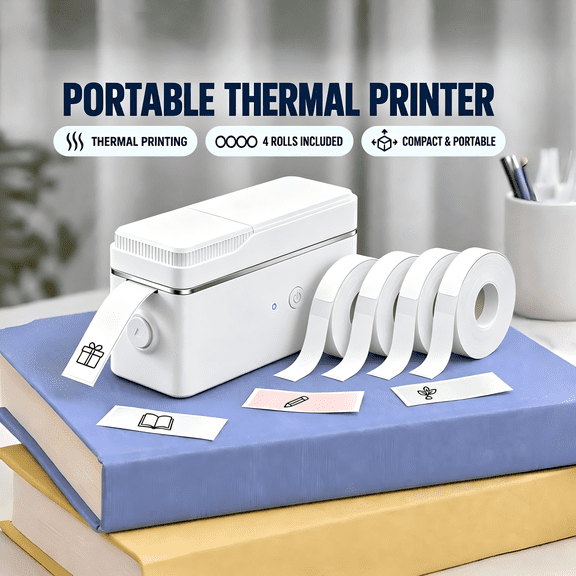
Mini Sticker Printer, PM290 Sticker Maker Machine with 3 Roll Paper
(No ratings yet)
Key item features
- Load Paper Rolls: Open the Mini Sticker Printer cover, load the label roll into the paper bin and close the cover. Press and hold the power button to turn on the sticker printer, connect via Bluetooth using Labelnize app and start printing. This sticker maker is a great helper for school/office/home—perfect as classroom essentials, teacher supplies, and middle school classroom must haves. Easy to set up and an excellent choice for birthdays or back-to-school. Note: Prints in black and white only
- Good Quality Printing: This mini sticker printer delivers high-quality, sharp prints with high-definition imaging. The mini printer supports one-click printing, saving time and effort. With a cute, compact design made for everyday life, it's a solid pick among college school supplies, teacher essentials, and school supplies for teachers. A great gift choice for birthdays. Note: Monochrome printing only; no charging adapter included
- Good Quality Printing: This mini sticker printer delivers high-quality, sharp prints with high-definition imaging. The mini printer supports one-click printing, saving time and effort. With a cute, compact design made for everyday life, it's a solid pick among college school supplies, teacher essentials, and school supplies for teachers. A great gift choice for birthdays. Note: Monochrome printing only; no charging adapter included
Specs
Interface type, Bluetooth
Maximum print resolution, 1 dpi
Brand, NOBRAND
Dimensions, 1.00 x 1.00 x 1.00 in
Weight, 1 oz
Color, Purple
Interface type
Bluetooth
Maximum print resolution, 1 dpi
Maximum print resolution
1 dpi
Brand, NOBRAND
Brand
NOBRAND
Dimensions, 1.00 x 1.00 x 1.00 in
Dimensions
1.00 x 1.00 x 1.00 in
Weight, 1 oz
Weight
1 oz
Color, Purple
Color
Purple
About this item
Product details
Bluetooth Connection: Connect your mini sticker printer to iOS 13 or later and Android devices via the "Labelnize" app. Download the app, long-press the sticker maker's power button until the green light flashes. Enable Bluetooth on your phone, grant permissions, and open the app to select "PM290" to connect. Note: PM290 does not support computer printing; all sticker printers connect via the app, not Bluetooth. A favorite among school supplies for students for quick, wireless printing on the go
- Load Paper Rolls: Open the Mini Sticker Printer cover, load the label roll into the paper bin and close the cover. Press and hold the power button to turn on the sticker printer, connect via Bluetooth using Labelnize app and start printing. This sticker maker is a great helper for school/office/home—perfect as classroom essentials, teacher supplies, and middle school classroom must haves. Easy to set up and an excellent choice for birthdays or back-to-school. Note: Prints in black and white only
- Good Quality Printing: This mini sticker printer delivers high-quality, sharp prints with high-definition imaging. The mini printer supports one-click printing, saving time and effort. With a cute, compact design made for everyday life, it's a solid pick among college school supplies, teacher essentials, and school supplies for teachers. A great gift choice for birthdays. Note: Monochrome printing only; no charging adapter included
- Good Quality Printing: This mini sticker printer delivers high-quality, sharp prints with high-definition imaging. The mini printer supports one-click printing, saving time and effort. With a cute, compact design made for everyday life, it's a solid pick among college school supplies, teacher essentials, and school supplies for teachers. A great gift choice for birthdays. Note: Monochrome printing only; no charging adapter included
info:
We aim to show you accurate product information. Manufacturers, suppliers and others provide what you see here, and we have not verified it.
Specifications
Interface type
Bluetooth
Maximum print resolution
1 dpi
Brand
NOBRAND
Dimensions
1.00 x 1.00 x 1.00 in
Warranty
Warranty information
Please be aware that the warranty terms on items offered for sale by third party Marketplace sellers may differ from those displayed in this section (if any). To confirm warranty terms on an item offered for sale by a third party Marketplace seller, please use the 'Contact seller' feature on the third party Marketplace seller's information page and request the item's warranty terms prior to purchase.
Similar items you might like
Based on what customers bought
In 50+ people's carts, Knaon Bluetooth Thermal Shipping Label Printer, 4x6, Black $40.99
In 50+ people's carts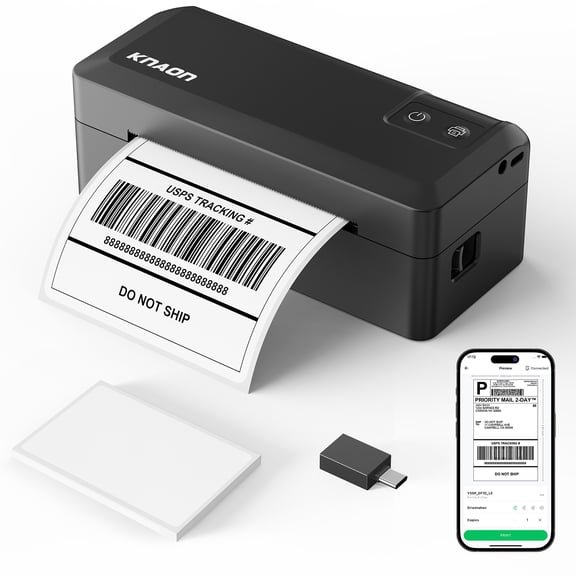 2 optionsAvailable in additional 2 options$4099current price $40.99
Knaon Bluetooth Thermal Shipping Label Printer, 4x6, Black
444.6 out of 5 Stars. 44 reviews4.6 out of 5 starsPortable Bluetooth Thermal Label Printer, Wireless Inkless Sticker Maker for 4x6 Shipping Labels, Barcodes, Address Stickers, Small Business, Home Office $16.99 Was $20.99
 $1699current price $16.99, Was $20.99$20.99
Portable Bluetooth Thermal Label Printer, Wireless Inkless Sticker Maker for 4x6 Shipping Labels, Barcodes, Address Stickers, Small Business, Home Office
292.6 out of 5 Stars. 29 reviews2.6 out of 5 stars5 Xyron Create-A-Sticker Sticker Maker - Create-A-Sticker $22.25 Was $29.99
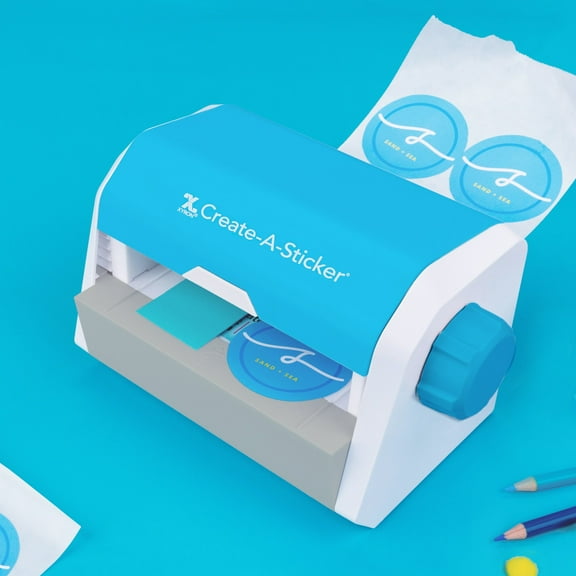 $2225current price $22.25, Was $29.99$29.99
5 Xyron Create-A-Sticker Sticker Maker - Create-A-Sticker
984.3 out of 5 Stars. 98 reviews4.3 out of 5 stars50+ bought since yesterday, RONGTA Bluetooth Shipping Label Printer, Wireless 4x6 Thermal Label Printer for Shipping Packages, Pink $45.99 Was $69.99
50+ bought since yesterday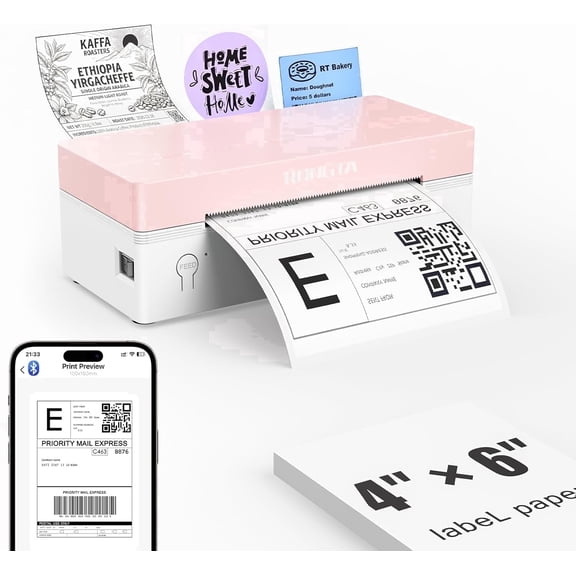 $4599current price $45.99, Was $69.99$69.99
RONGTA Bluetooth Shipping Label Printer, Wireless 4x6 Thermal Label Printer for Shipping Packages, Pink
3554.5 out of 5 Stars. 355 reviews4.5 out of 5 starsTOLENFUL Label Maker with Tape Portable Inkless Bluetooth Thermal Sticker Printer, XenGro AH-P05(White) $16.99 Was $39.99
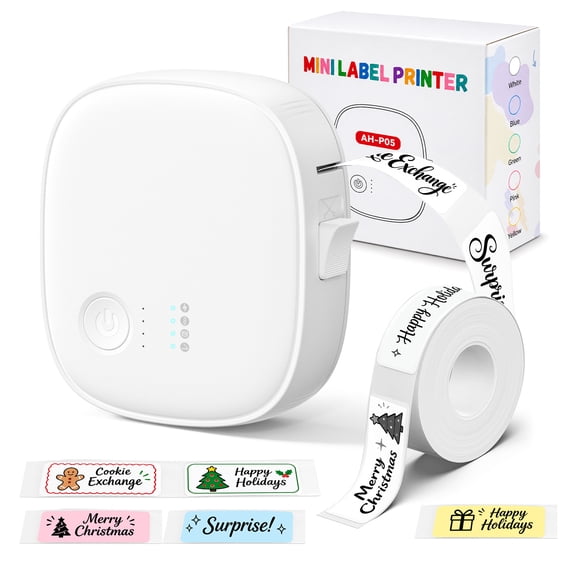 5 optionsAvailable in additional 5 options$1699current price $16.99, Was $39.99$39.99
TOLENFUL Label Maker with Tape Portable Inkless Bluetooth Thermal Sticker Printer, XenGro AH-P05(White)
494.8 out of 5 Stars. 49 reviews4.8 out of 5 starsNIIMBOT Upgraded D110 Mini Portable Label Printer Inkless Labeler Sticker Bluetooth Rechargeable Thermal with Tape(White) $12.79 Was $15.99


 $1279current price $12.79, Was $15.99$15.99
NIIMBOT Upgraded D110 Mini Portable Label Printer Inkless Labeler Sticker Bluetooth Rechargeable Thermal with Tape(White)
2534.7 out of 5 Stars. 253 reviews4.7 out of 5 starsIn 200+ people's carts, Mini Label Maker, Portable Bluetooth Sticker Printer with Roll Paper, Inkless Thermal Printer for Home, School, Office, Kids DIY, Photos, Study Notes $19.99 Was $39.99
In 200+ people's carts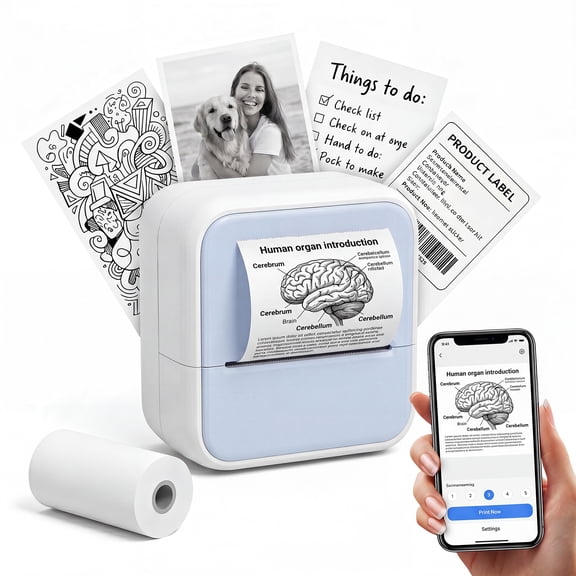 $1999current price $19.99, Was $39.99$39.99
Mini Label Maker, Portable Bluetooth Sticker Printer with Roll Paper, Inkless Thermal Printer for Home, School, Office, Kids DIY, Photos, Study Notes
384.4 out of 5 Stars. 38 reviews4.4 out of 5 starsNIIMBOT B21 Label Maker Machine, 2 inches Barcode Label Printer Wireless Thermal Sticker Printer, 50x30mm Label-230Pcs (Green) $59.39 Was $65.99
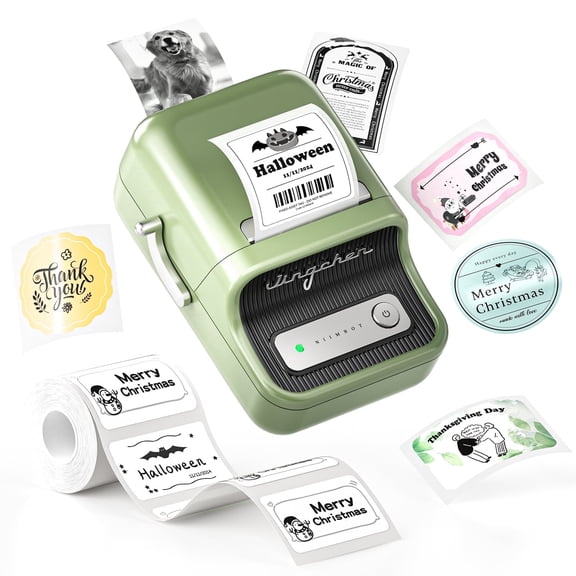


 $5939current price $59.39, Was $65.99$65.99
NIIMBOT B21 Label Maker Machine, 2 inches Barcode Label Printer Wireless Thermal Sticker Printer, 50x30mm Label-230Pcs (Green)
2684.5 out of 5 Stars. 268 reviews4.5 out of 5 starsSmart AI Voice Sticker Printer Box Portable Thermal Label Printer with Self-Adhesive Printing Paper for Home $41.67
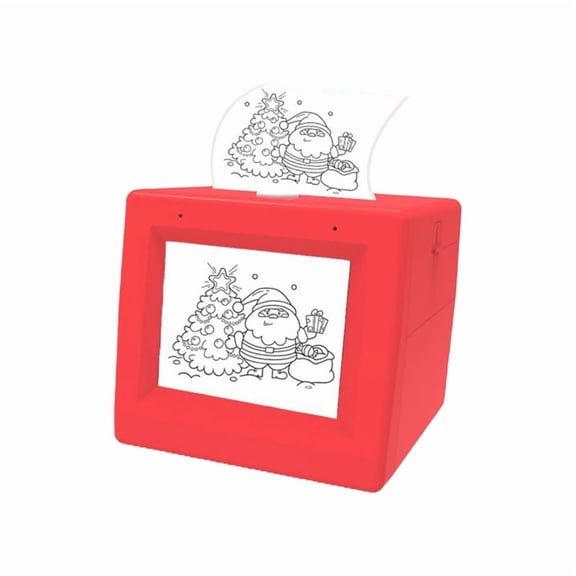 $4167current price $41.67
Smart AI Voice Sticker Printer Box Portable Thermal Label Printer with Self-Adhesive Printing Paper for Home
GJX Bluetooth Shipping Label Printer, 4x6 Thermal Label Printer for Shipping Packages, Wireless Barcode Address Maker for Small Business, E-Commerce, and Logistics $28.21
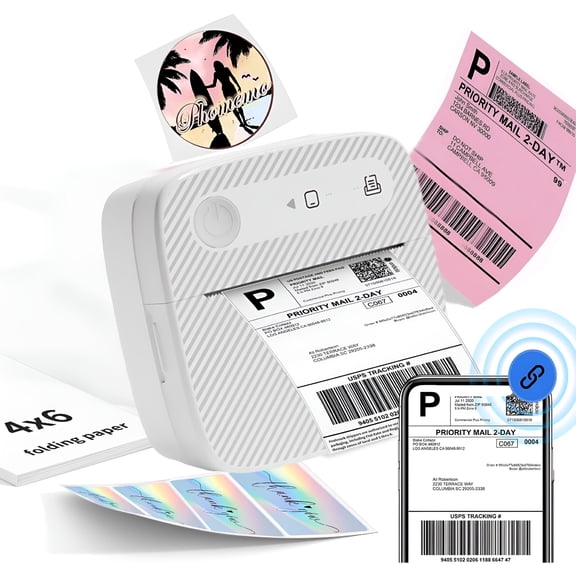 $2821current price $28.21
GJX Bluetooth Shipping Label Printer, 4x6 Thermal Label Printer for Shipping Packages, Wireless Barcode Address Maker for Small Business, E-Commerce, and Logistics
72.6 out of 5 Stars. 7 reviews2.6 out of 5 starsKnaon 4 x 6 High-Speed Bluetooth Thermal Shipping Label Printer, 150 mm/s, 203 dpi, Black $45.89 Was $50.99
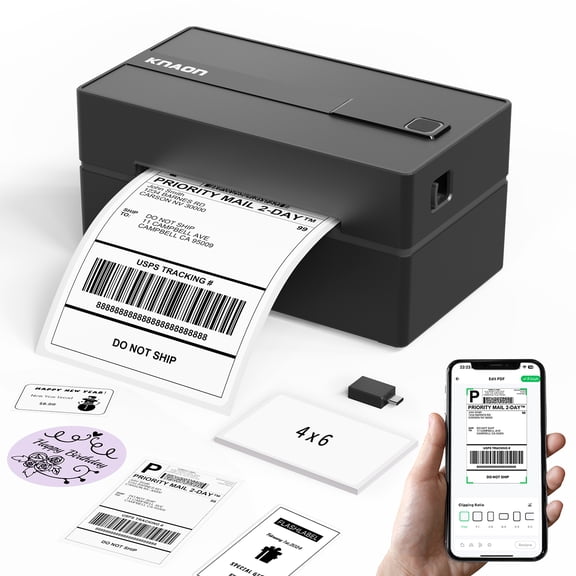 3 optionsAvailable in additional 3 options$4589current price $45.89, Was $50.99$50.99
Knaon 4 x 6 High-Speed Bluetooth Thermal Shipping Label Printer, 150 mm/s, 203 dpi, Black
244.9 out of 5 Stars. 24 reviews4.9 out of 5 starsMini Pocket Sticker Printer – PeriPage A6 Bear-Shaped Bluetooth Thermal Label Maker, Inkless Portable Printer for Journaling, Home Organization, School Notes, Gift Labels $26.99
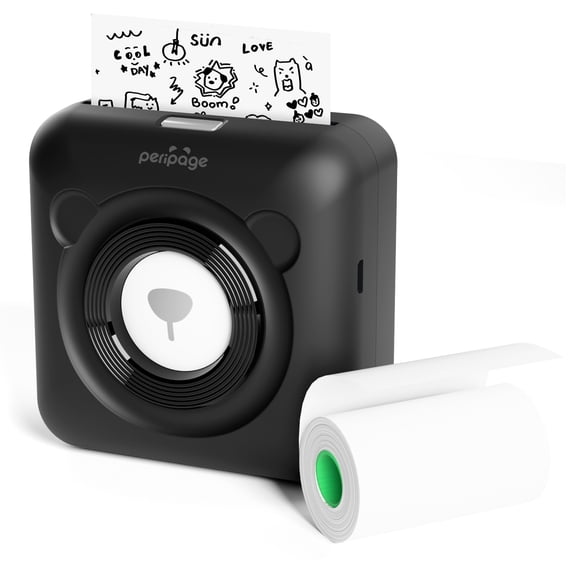 $2699current price $26.99
Mini Pocket Sticker Printer – PeriPage A6 Bear-Shaped Bluetooth Thermal Label Maker, Inkless Portable Printer for Journaling, Home Organization, School Notes, Gift Labels
NIIMBOT B2 PRO Label Maker Machine, 300DPI HD Thermal Photo Label Printer, Support Red -Black Dual Color Printing, Sticker Printer for Home, Business and Office, Came with 1 Roll Label $49.99
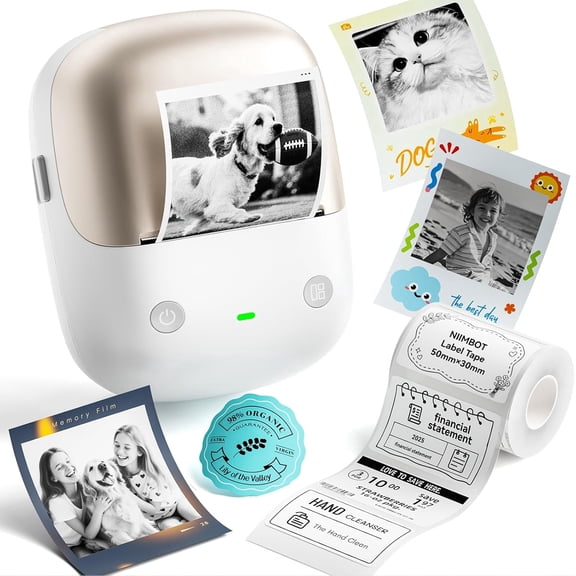

 $4999current price $49.99
NIIMBOT B2 PRO Label Maker Machine, 300DPI HD Thermal Photo Label Printer, Support Red -Black Dual Color Printing, Sticker Printer for Home, Business and Office, Came with 1 Roll Label
354.7 out of 5 Stars. 35 reviews4.7 out of 5 starsBest seller, RONGTA RP420 4x6 Thermal Shipping Label Printer, Bluetooth and USB, for Small Business $43.99 Was $53.99
Best seller $4399current price $43.99, Was $53.99$53.99
RONGTA RP420 4x6 Thermal Shipping Label Printer, Bluetooth and USB, for Small Business
404.2 out of 5 Stars. 40 reviews4.2 out of 5 starsClearance, Morsuma 203 Dpi Mini Portable Thermal Label Maker, White, 1-Pack $19.99 Was $38.99
Clearance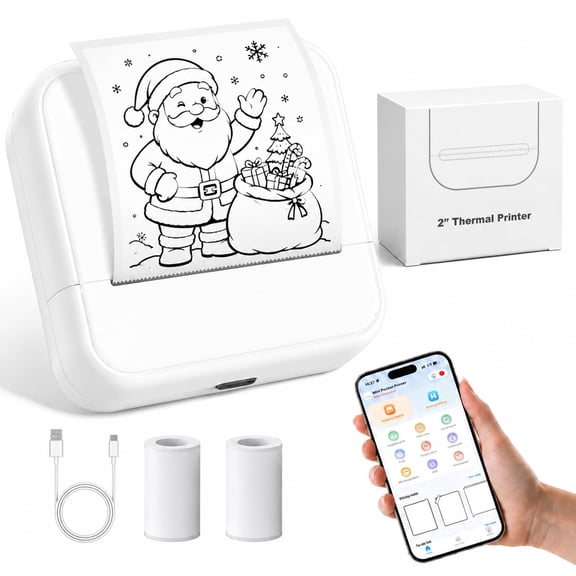 $1999current price $19.99, Was $38.99$38.99
Morsuma 203 Dpi Mini Portable Thermal Label Maker, White, 1-Pack
Best seller, JADENS Thermal Label Printer 4x6 Shipping Label Printer for Shipping Packages Small Business White $59.32 Was $69.99
Best seller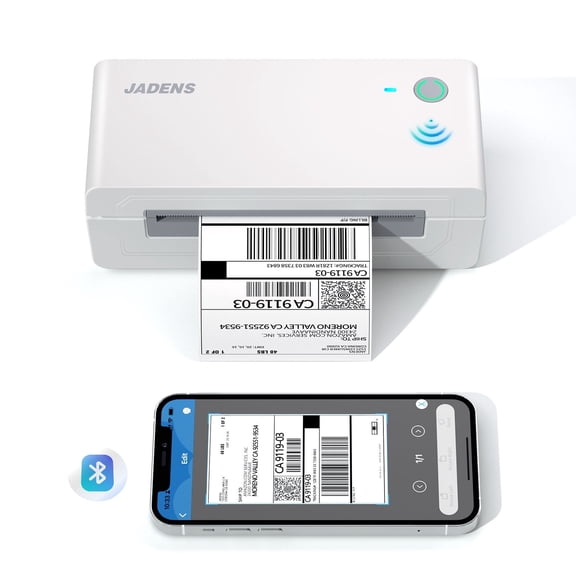 3 optionsAvailable in additional 3 options$5932current price $59.32, Was $69.99$69.99
JADENS Thermal Label Printer 4x6 Shipping Label Printer for Shipping Packages Small Business White
4334.6 out of 5 Stars. 433 reviews4.6 out of 5 starsRONGTA 4x6 Bluetooth Thermal Shipping Label Printer, Wireless Shipping Label Maker | Compatible with Windows/Mac/Android/iOS (Black) $43.99
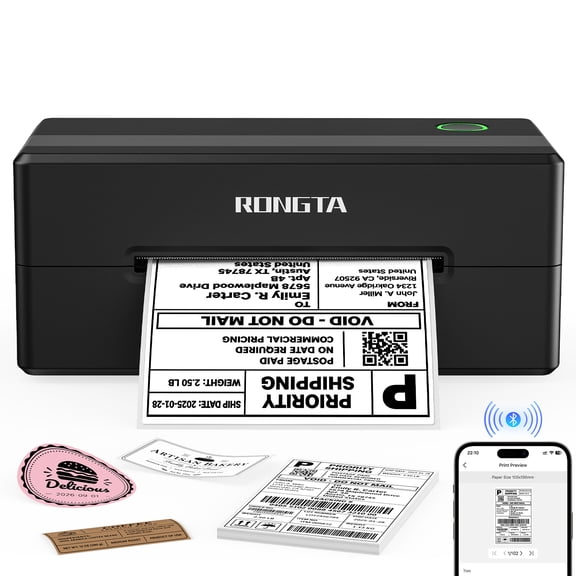 $4399current price $43.99
RONGTA 4x6 Bluetooth Thermal Shipping Label Printer, Wireless Shipping Label Maker | Compatible with Windows/Mac/Android/iOS (Black)
1454.4 out of 5 Stars. 145 reviews4.4 out of 5 starsMini Pocket Thermal Printer Wireless Sticker Maker & 10 Rolls Paper & 5 Pens for Study Notes DIY Journal Gift $24.99
 $2499current price $24.99
Mini Pocket Thermal Printer Wireless Sticker Maker & 10 Rolls Paper & 5 Pens for Study Notes DIY Journal Gift
RONGTA Wireless 4x6 Thermal Shipping Label Printer – Bluetooth Label Maker for Packages & Small Business, Works with Android/iOS/Windows (Green) $43.99
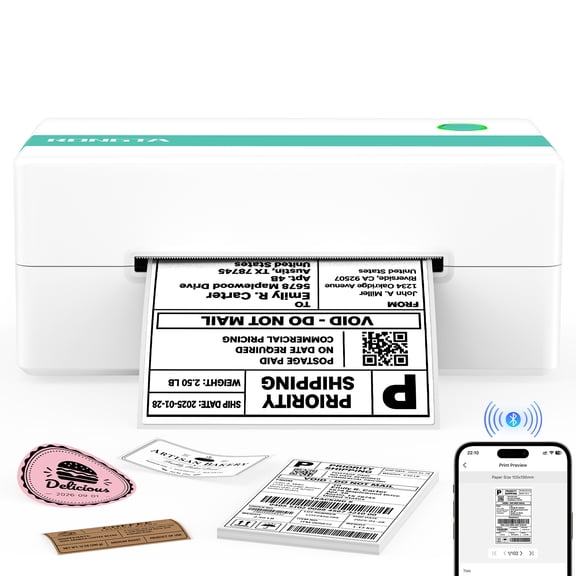 $4399current price $43.99
RONGTA Wireless 4x6 Thermal Shipping Label Printer – Bluetooth Label Maker for Packages & Small Business, Works with Android/iOS/Windows (Green)
364.7 out of 5 Stars. 36 reviews4.7 out of 5 starsP31S Portable Wireless Label Printer | Label Maker Machine with 4 Rolls 14×40mm Label Paper for Home & Office Organization $29.76
 $2976current price $29.76
P31S Portable Wireless Label Printer | Label Maker Machine with 4 Rolls 14×40mm Label Paper for Home & Office Organization
Customer ratings & reviews
0 out of 5 stars
This item does not have any reviews yet

Price when purchased online

Walmart Protection Plan by Allstate
(Only one option can be selected at a time)
More seller options (2)
Starting from $45.61