

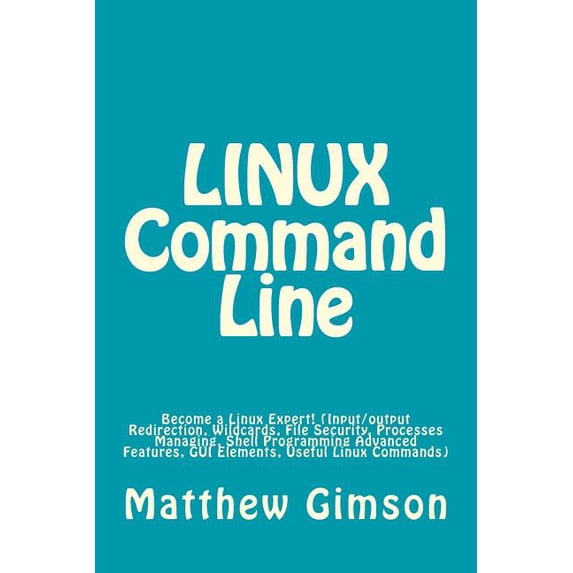
Programming Is Easy: LINUX Command Line: Become a Linux Expert! (Input/output Redirection, Wildcards, File Security, Processes Managing, Shell Programming Advanced Features, GUI Elements, Useful Linux
(No ratings yet)
Key item features
- ISBN: 9781519389084
- Condition: New
- Trade paperback
- Language: English
- Pages: 98
- Trade paperback (US). Glued binding. 98 p. Programming Is Easy, 4.
- LINUX Command Line
Become a Linux Expert (Input/Output Redirection, Wildcards, File Security, Processes Managing, Shell Programming Advanced Features, GUI elements, Useful Linux Commands)
This book is all about the advanced features that are associated with Linux. These are the features one needs to know in order to be referred to as a "Linux Expert", thus, after reading this book you will become one. The book begins by explaining more about Linux and what you have learned in the first part of the book. Various Linux features are discussed in this book. Input and output redirection in Linux is explained, with the emphasis on the use of the "cat" command. Although you are used to using this command to display the contents of a file, you will get to know how to use it to redirect both input and output in Linux. Appending new contents to an old file using the same command is also introduced. The two wildcards in Linux, mainly "*"and "?" are approached and talked about in depth. After reading this book you will understand how to get help with commands when needed. File security in Linux is presented in a way that makes it easy to understand. You will know how to manage permissions on files, including how to grant and remove permissions for users. The book will also guide you in how to manage processes in Linux, including how to run processes in the background, foreground and suspending them. You will also learn how to kill processes. Shell programming is also explored. Most of its advanced features, including creation dialogs and other GUI elements are covered. The following topics have been discussed in this book: DefinitionInput/output RedirectionWildcards in LinuxFile security in LinuxJobs and ProcessesAdvanced Shell Programming and more...Download your copy of " LINUX Command Line" by scrolling up and clicking "Buy Now With 1-Click" button.
Specs
Publication date, November, 2015
Author, Matthew Gimson
Book format, Paperback
Genre, Computing & Internet
Pages, 98
Age group, Adult
Publication date
November, 2015
Author, Matthew Gimson
Author
Matthew Gimson
Book format, Paperback
Book format
Paperback
Genre, Computing & Internet
Genre
Computing & Internet
Pages, 98
Pages
98
Age group, Adult
Age group
Adult
About this item
Product details
LINUX Command Line
Become a Linux Expert (Input/Output Redirection, Wildcards, File Security, Processes Managing, Shell Programming Advanced Features, GUI elements, Useful Linux Commands)
This book is all about the advanced features that are associated with Linux. These are the features one needs to know in order to be referred to as a "Linux Expert", thus, after reading this book you will become one. The book begins by explaining more about Linux and what you have learned in the first part of the book. Various Linux features are discussed in this book. Input and output redirection in Linux is explained, with the emphasis on the use of the "cat" command. Although you are used to using this command to display the contents of a file, you will get to know how to use it to redirect both input and output in Linux. Appending new contents to an old file using the same command is also introduced. The two wildcards in Linux, mainly "*"and "?" are approached and talked about in depth. After reading this book you will understand how to get help with commands when needed. File security in Linux is presented in a way that makes it easy to understand. You will know how to manage permissions on files, including how to grant and remove permissions for users. The book will also guide you in how to manage processes in Linux, including how to run processes in the background, foreground and suspending them. You will also learn how to kill processes. Shell programming is also explored. Most of its advanced features, including creation dialogs and other GUI elements are covered. The following topics have been discussed in this book: DefinitionInput/output RedirectionWildcards in LinuxFile security in LinuxJobs and ProcessesAdvanced Shell Programming and more...Download your copy of " LINUX Command Line" by scrolling up and clicking "Buy Now With 1-Click" button.
- ISBN: 9781519389084
- Condition: New
- Trade paperback
- Language: English
- Pages: 98
- Trade paperback (US). Glued binding. 98 p. Programming Is Easy, 4.
- LINUX Command Line
Become a Linux Expert (Input/Output Redirection, Wildcards, File Security, Processes Managing, Shell Programming Advanced Features, GUI elements, Useful Linux Commands)
This book is all about the advanced features that are associated with Linux. These are the features one needs to know in order to be referred to as a "Linux Expert", thus, after reading this book you will become one. The book begins by explaining more about Linux and what you have learned in the first part of the book. Various Linux features are discussed in this book. Input and output redirection in Linux is explained, with the emphasis on the use of the "cat" command. Although you are used to using this command to display the contents of a file, you will get to know how to use it to redirect both input and output in Linux. Appending new contents to an old file using the same command is also introduced. The two wildcards in Linux, mainly "*"and "?" are approached and talked about in depth. After reading this book you will understand how to get help with commands when needed. File security in Linux is presented in a way that makes it easy to understand. You will know how to manage permissions on files, including how to grant and remove permissions for users. The book will also guide you in how to manage processes in Linux, including how to run processes in the background, foreground and suspending them. You will also learn how to kill processes. Shell programming is also explored. Most of its advanced features, including creation dialogs and other GUI elements are covered. The following topics have been discussed in this book: DefinitionInput/output RedirectionWildcards in LinuxFile security in LinuxJobs and ProcessesAdvanced Shell Programming and more...Download your copy of " LINUX Command Line" by scrolling up and clicking "Buy Now With 1-Click" button.
info:
We aim to show you accurate product information. Manufacturers, suppliers and others provide what you see here, and we have not verified it.
Specifications
Publication date
November, 2015
Author
Matthew Gimson
Book format
Paperback
Genre
Computing & Internet
Warranty
Warranty information
Please be aware that the warranty terms on items offered for sale by third party Marketplace sellers may differ from those displayed in this section (if any). To confirm warranty terms on an item offered for sale by a third party Marketplace seller, please use the 'Contact seller' feature on the third party Marketplace seller's information page and request the item's warranty terms prior to purchase.
Similar items you might like
Based on what customers bought
Linux for Beginners: A Step by Step Guide to Linux Installation, Command Line, User Management, Networking, Shell Script, (Paperback) $14.99
 $1499current price $14.99
Linux for Beginners: A Step by Step Guide to Linux Installation, Command Line, User Management, Networking, Shell Script, (Paperback)
Pre-Owned Practical Guide to Fedora and Red Hat Enterprise Linux, A $7.96
 $796current price $7.96
Pre-Owned Practical Guide to Fedora and Red Hat Enterprise Linux, A
Pre-Owned The Official Raspberry Pi Beginner's Guide: How to Use Your New Computer (Paperback) 1912047268 9781912047260 $10.09
 $1009current price $10.09
Pre-Owned The Official Raspberry Pi Beginner's Guide: How to Use Your New Computer (Paperback) 1912047268 9781912047260
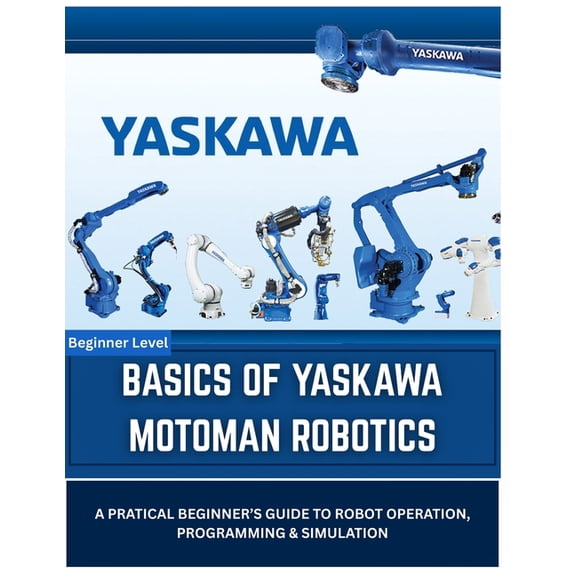
Yaskawa Robotics Guides Basics of Yaskawa Motoman Robotics: A Practical Introduction to INFORM Programming, Teach Pendant Operation, and Offline, (Paperback) $10.90
 $1090current price $10.90
Yaskawa Robotics Guides Basics of Yaskawa Motoman Robotics: A Practical Introduction to INFORM Programming, Teach Pendant Operation, and Offline, (Paperback)
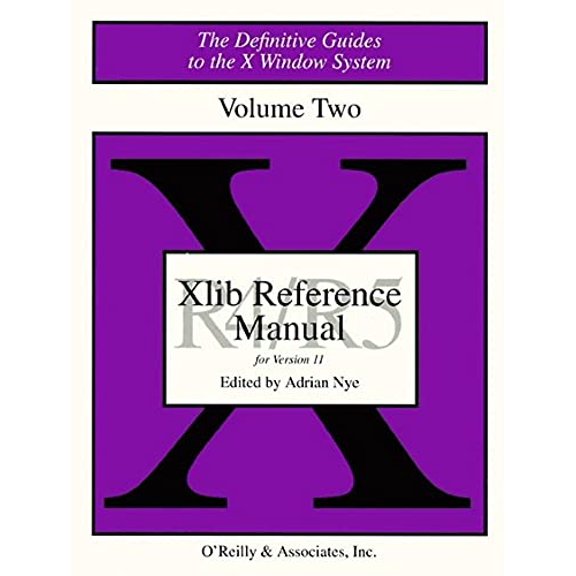
Pre-Owned Xlib Reference Manual R5: The Definitive Guides to the X Window System (Paperback) 1565920066 9781565920064 $11.42
 $1142current price $11.42
Pre-Owned Xlib Reference Manual R5: The Definitive Guides to the X Window System (Paperback) 1565920066 9781565920064
15 out of 5 Stars. 1 reviews5 out of 5 starsLinux Command Line: The Best Introduction to the Linux System for beginners (Paperback) $10.50
 $1050current price $10.50
Linux Command Line: The Best Introduction to the Linux System for beginners (Paperback)
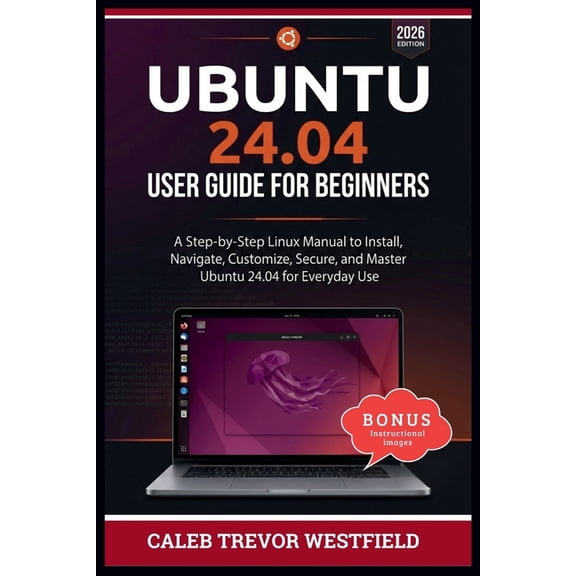
Ubuntu 24.04 User Guide for Beginners: A Complete Linux Mastery Blueprint for Installing Navigating Securing Customizing, (Paperback) $12.99
 $1299current price $12.99
Ubuntu 24.04 User Guide for Beginners: A Complete Linux Mastery Blueprint for Installing Navigating Securing Customizing, (Paperback)
Bootloader Source Code for Atmega328p Using Stk500 for Debian Linux: Including Makefile and Test Program $10.95
 $1095current price $10.95
Bootloader Source Code for Atmega328p Using Stk500 for Debian Linux: Including Makefile and Test Program
Bootloader Source Code for Atmega328p Using Stk500 for Microsoft Windows: Including Makefile and Test Program $10.95
$1095current price $10.95Bootloader Source Code for Atmega328p Using Stk500 for Microsoft Windows: Including Makefile and Test Program
Linux: A Complete Guide to Learn Linux Commands, Linux Operating System and Shell Scripting Step-by-Step, (Paperback) $14.97
 $1497current price $14.97
Linux: A Complete Guide to Learn Linux Commands, Linux Operating System and Shell Scripting Step-by-Step, (Paperback)
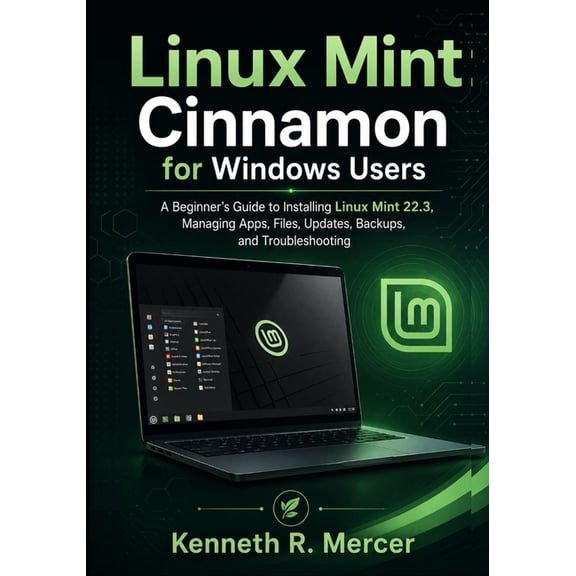
Linux Mint Cinnamon for Windows Users: A Beginner's Guide to Installing Linux Mint 22.3, Managing Apps, Files, Updates, , (Paperback) $14.00
 $1400current price $14.00
Linux Mint Cinnamon for Windows Users: A Beginner's Guide to Installing Linux Mint 22.3, Managing Apps, Files, Updates, , (Paperback)
AI Made Simple for Busy Professional: A Practical Guide to Saving Time, Automating Tasks, Making Better Decisions, and B, (Paperback) $10.95
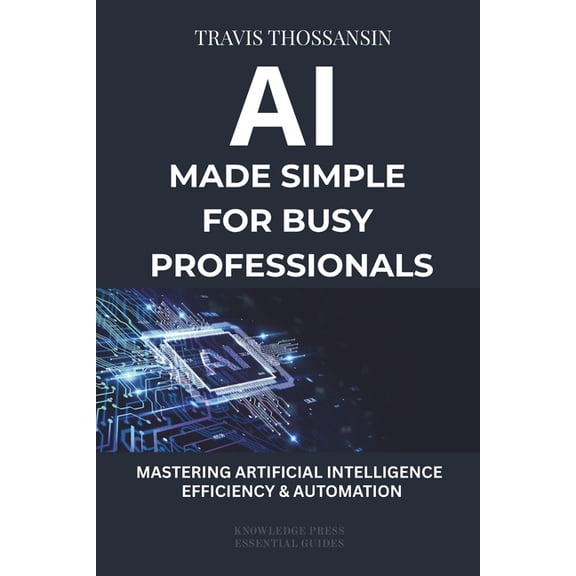 $1095current price $10.95
AI Made Simple for Busy Professional: A Practical Guide to Saving Time, Automating Tasks, Making Better Decisions, and B, (Paperback)
Arch Linux for Beginners: Master Linux Installation, Package Management, Customization, System Administration, and Perfo, (Paperback) $20.99
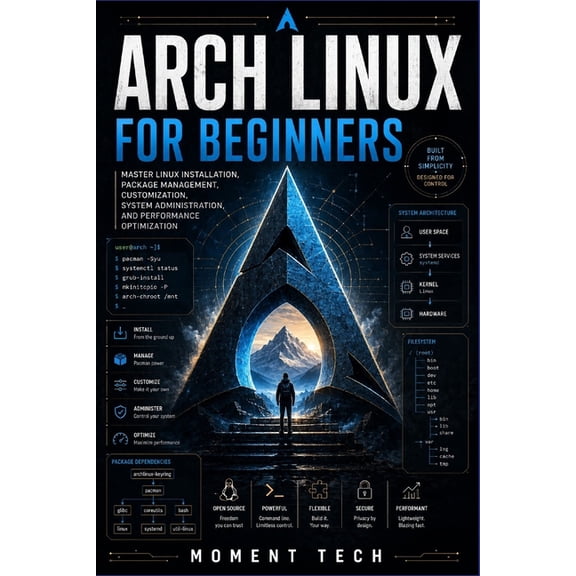 $2099current price $20.99
Arch Linux for Beginners: Master Linux Installation, Package Management, Customization, System Administration, and Perfo, (Paperback)
Linux for beginners: An Easy And Intuitive Systems To Start Using Linux Operating System Essential Commands, Easy Installation, And Configuration Tips (Paperback) $11.38
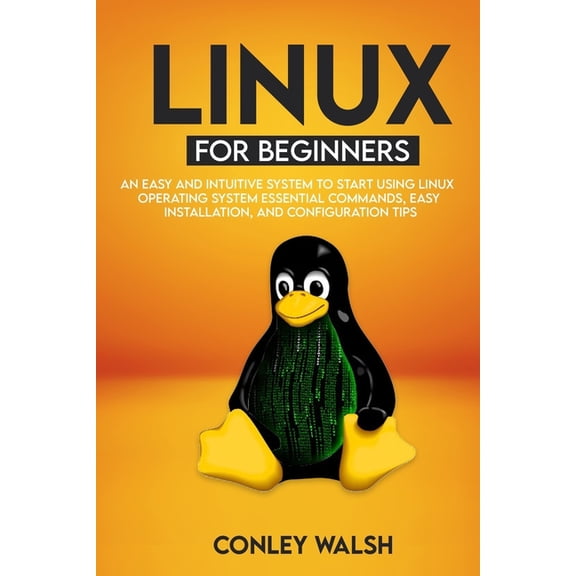 $1138current price $11.38
Linux for beginners: An Easy And Intuitive Systems To Start Using Linux Operating System Essential Commands, Easy Installation, And Configuration Tips (Paperback)
AWS Command Line Interface: Easy Guide on AWS CLI, (Paperback) $12.12
$1212current price $12.12AWS Command Line Interface: Easy Guide on AWS CLI, (Paperback)
Linux: Linux For Beginners: Your Step By Step Guide Of Becoming A Linux Command Line Ninja, (Paperback) $16.99
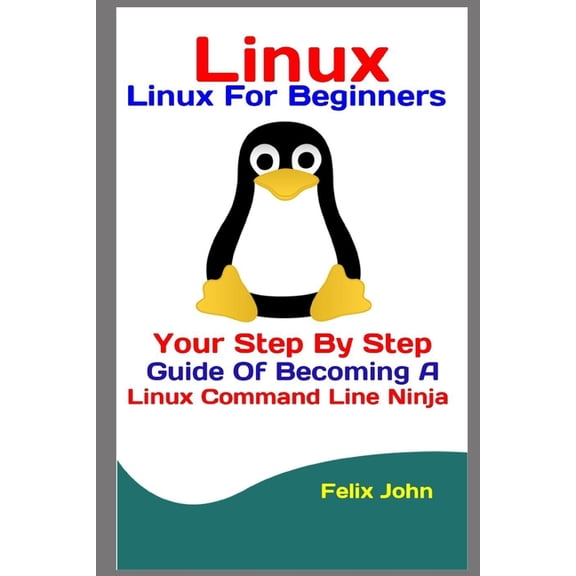 $1699current price $16.99
Linux: Linux For Beginners: Your Step By Step Guide Of Becoming A Linux Command Line Ninja, (Paperback)
Pre-Owned HTML: A Beginner's Guide, 9780072130263, 0072130261, Paperback, First Edition edition $7.78
 $778current price $7.78
Pre-Owned HTML: A Beginner's Guide, 9780072130263, 0072130261, Paperback, First Edition edition
Linux Mastery : The Ultimate Linux Operating System and Command Line Mastery $12.99
 $1299current price $12.99
Linux Mastery : The Ultimate Linux Operating System and Command Line Mastery
Bash Scripting Excellence - The Ultimate Guide to Linux Command Line Scripting: Discover the Art of Bash Programming for Linux, Unix, & Mac - Write Scripts Like a Pro and Tackle Real-World Challenges $12.99
 $1299current price $12.99
Bash Scripting Excellence - The Ultimate Guide to Linux Command Line Scripting: Discover the Art of Bash Programming for Linux, Unix, & Mac - Write Scripts Like a Pro and Tackle Real-World Challenges
Shell Scripting : Learn Linux Shell Programming Step-by-step $14.38
 $1438current price $14.38
Shell Scripting : Learn Linux Shell Programming Step-by-step
Customer ratings & reviews
0 out of 5 stars
This item does not have any reviews yet

Current price is USD$10.92
Price when purchased online
- Free shipping
 Free Holiday returns until Jan 31
How do you want your item?
Ships to
Arrives between Dec 4 - Dec 7
|
Sold and shipped by Alibris Books
4.5862952289465255 out of 5 stars

Extended holiday returns
Free Holiday returns until Jan 31More seller options (1)
Starting from $8.86