

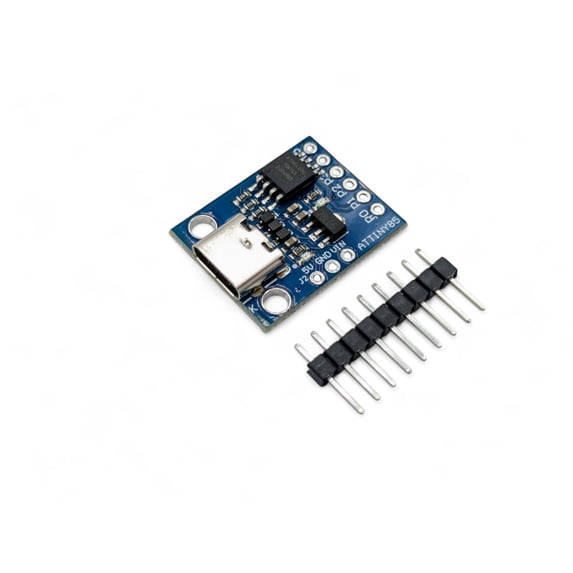
Digispark ATtiny85 USB-C Development Board — Arduino Compatible Microcontroller
Key item features
- Modern USB-C Connector: Connect with any standard USB-C data cable — no adapters needed for modern laptops and desktops
- Arduino IDE Compatible: Program using the familiar Arduino IDE with Digistump board support files
- Micronucleus USB Bootloader: Upload sketches directly over USB without needing a separate programmer
- 6 I/O Pins with Multiple Functions: Supports digital I/O, 3 PWM outputs, and 4 analog input channels on pins P0–P5
- On-Board LED: Built-in LED connected to pin P1 for easy testing, debugging, and visual feedback
- On-Board 5V Voltage Regulator: Powers the board from USB or accepts 7–12V on the VIN pin for standalone projects
- USB HID Capable: Can emulate USB keyboards, mice, and other Human Interface Devices for custom input projects
- Ultra-Compact Design: Tiny form factor at just 24 x 18 mm (0.95 x 0.71 inches), perfect for embedding into tight spaces and portable projects
- Easy Cable Connection: More convenient than USB-A for repeated connect/disconnect cycles during development
Specs
Brand, Envistia Mall
Has written warranty, No
Accessories, connector pins
Retail packaging, Set
About this item
Product details
Digispark ATtiny85 USB-C Development Board — Arduino Compatible Microcontroller
The Digispark ATtiny85 USB-C is a modern revision of the popular Digispark development board, featuring a standard USB-C connector instead of the traditional USB-A plug. Connect it to your computer using any USB-C data cable — no adapters needed for modern laptops and desktops. It uses the same ATtiny85 microcontroller, the same Micronucleus bootloader, and is programmed the same way through the Arduino IDE.
How It Works
- Install the Arduino IDE and add the Digistump board support package
- Install USB drivers (Windows only)
- Write or open your sketch and click Upload in the Arduino IDE
- When prompted, connect the Digispark to your computer using a USB-C data cable — the upload begins automatically
- Your sketch runs after the bootloader completes (approximately 5 seconds after connection)
Important: The Digispark programs differently than other Arduino boards. Click Upload first, then plug in the board when prompted. Do not plug in before clicking Upload. The bootloader only listens for new code for approximately 5 seconds after power-on. Use a data-capable USB-C cable — charge-only cables will not work.
Specifications
- Microcontroller: Microchip ATtiny85
- Architecture: 8-bit AVR
- Clock Speed: 16.5 MHz (internal PLL)
- Flash Memory: 8 KB (~6 KB available after bootloader)
- SRAM: 512 bytes
- EEPROM: 512 bytes
- Digital I/O Pins: 6 (P0–P5)
- PWM Outputs: 3 (P0, P1, P4)
- Analog Input Channels: 4 (P2, P3, P4, P5)
- Operating Voltage: 5V
- Input Voltage (VIN): 7–12V
- USB Interface: USB-C connector (USB 1.1 Low Speed)
- Bootloader: Micronucleus (V-USB based)
- On-Board LED: Yes — connected to P1
- Board Dimensions: Approx. 24 × 18 mm (0.95 × 0.71 inches) L × W
What's in the Box
- 1x Digispark ATtiny85 Development Board (USB-C)
USB-C cable not included. Use any standard USB-C data cable.
What You'll Need
- USB-C data cable — must be a data-capable cable, not charge-only
- Arduino IDE — free download from the Arduino website
- Digistump USB drivers — required for Windows; included with the board support package
Compatible With
- Arduino IDE (Windows, macOS, Linux)
- Micronucleus bootloader
- Most Arduino libraries designed for ATtiny85
- I2C and SPI peripherals (via pins P0, P1, P2)
Typical Applications
- USB HID devices — custom keyboards, macro pads, and mouse emulators
- LED controllers and RGB lighting effects
- Sensor data logging (temperature, light, humidity)
- Wearable electronics and compact embedded projects
- Home automation triggers and IoT sensor nodes
- Educational projects and learning Arduino programming
- Rapid prototyping of simple control circuits
Important Notes
- Click Upload in the Arduino IDE first, then plug in the board when prompted. Do not plug in before clicking Upload.
- Use a data-capable USB-C cable, not a charge-only cable. Charge-only cables will not work for programming.
- Windows users must install Digistump USB drivers before first use.
- The ATtiny85 does not have a hardware UART — the standard Arduino Serial Monitor is not available.
- With approximately 6 KB of usable flash memory, keep sketches small and avoid large libraries.
- Pin P5 is the RESET pin. Reconfiguring it as I/O will permanently disable USB programming.
- For best results, use a USB 2.0 port or hub. Some USB 3.0 controllers may have compatibility issues with low-speed USB devices.
Documentation
Full setup instructions, Arduino IDE configuration, driver installation, wiring diagrams, example projects, and troubleshooting guides are available at the Envistia Mall product support website.
- Modern USB-C Connector: Connect with any standard USB-C data cable — no adapters needed for modern laptops and desktops
- Arduino IDE Compatible: Program using the familiar Arduino IDE with Digistump board support files
- Micronucleus USB Bootloader: Upload sketches directly over USB without needing a separate programmer
- 6 I/O Pins with Multiple Functions: Supports digital I/O, 3 PWM outputs, and 4 analog input channels on pins P0–P5
- On-Board LED: Built-in LED connected to pin P1 for easy testing, debugging, and visual feedback
- On-Board 5V Voltage Regulator: Powers the board from USB or accepts 7–12V on the VIN pin for standalone projects
- USB HID Capable: Can emulate USB keyboards, mice, and other Human Interface Devices for custom input projects
- Ultra-Compact Design: Tiny form factor at just 24 x 18 mm (0.95 x 0.71 inches), perfect for embedding into tight spaces and portable projects
- Easy Cable Connection: More convenient than USB-A for repeated connect/disconnect cycles during development
Specifications
Compatibility
Brand
Has written warranty
Accessories
Warranty
Warranty information
Similar items you might like
CH347T Development Board Module USB2.0 High Speed USB to UART / I2C / SPI / JTAG / GPIO Open Source USB--Bridge $10.46 Was $11.73
 $1046current price $10.46, Was $11.73$11.73
CH347T Development Board Module USB2.0 High Speed USB to UART / I2C / SPI / JTAG / GPIO Open Source USB--Bridge
Sensor Shield V5 Digital Analog Expansion Module for Arduino UNO R3 MEGA2560 $7.29
 $729current price $7.29
Sensor Shield V5 Digital Analog Expansion Module for Arduino UNO R3 MEGA2560
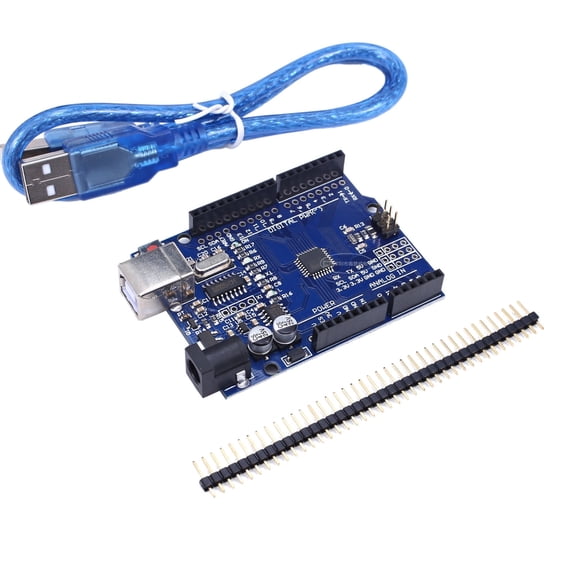
GJX 2026 New 1 Pcs Pc Parts, Atmega328P Microcontroller Board, Arduino Compatible, Usb Programming for Electronics Projects, Diy Robotics, Circuit Design, Prototyping, Arduino Development. $9.50
 $950current price $9.50
GJX 2026 New 1 Pcs Pc Parts, Atmega328P Microcontroller Board, Arduino Compatible, Usb Programming for Electronics Projects, Diy Robotics, Circuit Design, Prototyping, Arduino Development.
11 out of 5 Stars. 1 reviews1 out of 5 starsBreadboard Power Supply Module 3.3V / 5V For MB-102 $7.49
 $749current price $7.49
Breadboard Power Supply Module 3.3V / 5V For MB-102
35 out of 5 Stars. 3 reviews5 out of 5 starsTreedix 2pcs Terminal Adapter Expansion Board IO Shield V1.O Compatible with Arduino Mini Nano Board V3.0 Projects $10.99
 $1099current price $10.99
Treedix 2pcs Terminal Adapter Expansion Board IO Shield V1.O Compatible with Arduino Mini Nano Board V3.0 Projects
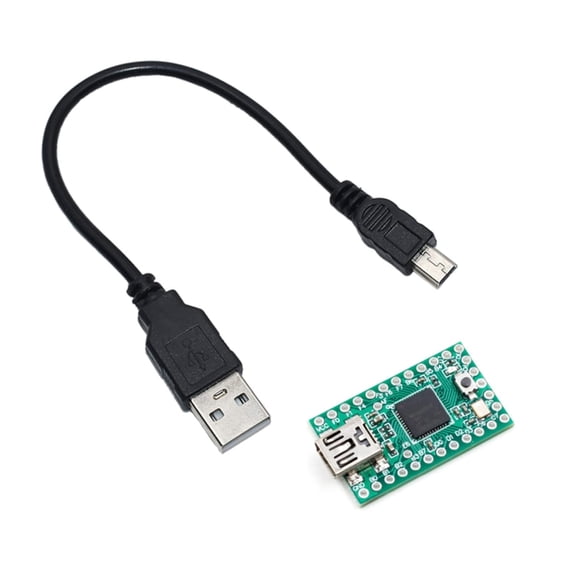
Teensy 2.0 USB AVR Development Board ATMEGA32U4 AVR Microcontroller Development and Learning Experimental Board $13.59 Was $15.49
 $1359current price $13.59, Was $15.49$15.49
Teensy 2.0 USB AVR Development Board ATMEGA32U4 AVR Microcontroller Development and Learning Experimental Board
ESP32-DevKitC Development Board Dual-Mode WiFi Cores Microcontroller Processor Integrated $11.63
 $1163current price $11.63
ESP32-DevKitC Development Board Dual-Mode WiFi Cores Microcontroller Processor Integrated
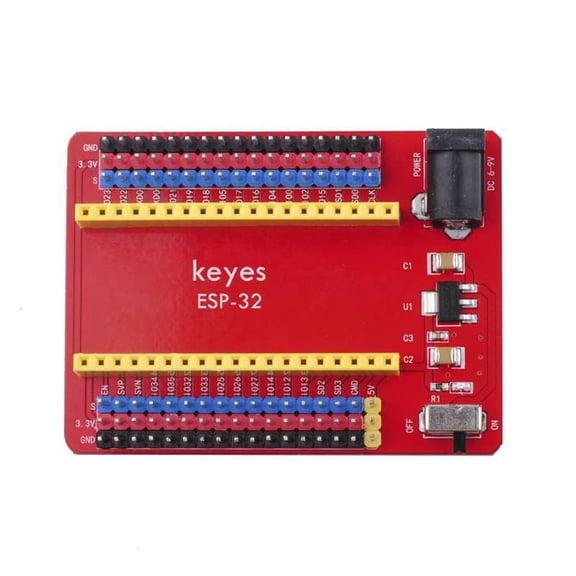
ESP32-IO Expansion Board Compatible with the Keyes ESP32 Core Board for Raspberry Pi $8.41
 $841current price $8.41
ESP32-IO Expansion Board Compatible with the Keyes ESP32 Core Board for Raspberry Pi
FT232 USB to TTL Adapter USB to Serial Converters for Development Project $6.79 Was $7.79
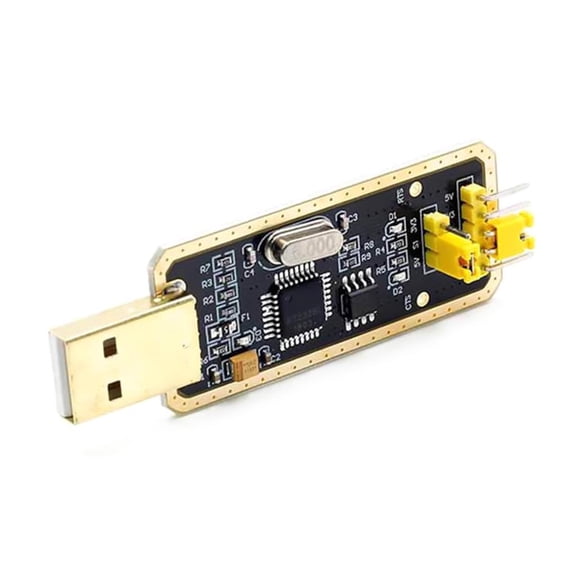 $679current price $6.79, Was $7.79$7.79
FT232 USB to TTL Adapter USB to Serial Converters for Development Project
Raspberry Pi RP2350A USB Development Board Dual-Architecture Microcontroller $20.99
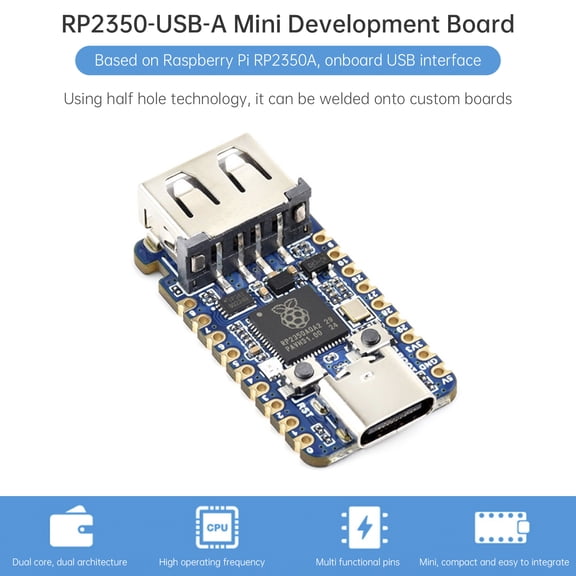 $2099current price $20.99
Raspberry Pi RP2350A USB Development Board Dual-Architecture Microcontroller
SD Memory Card Reader Writer Module with SPI Interface for Arduino $7.19
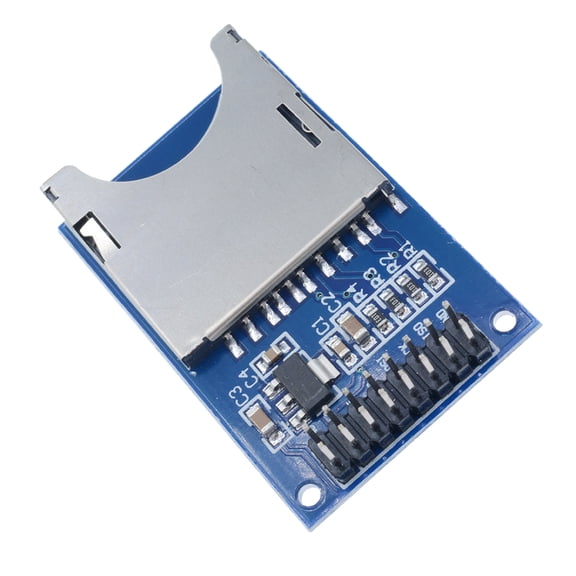 $719current price $7.19
SD Memory Card Reader Writer Module with SPI Interface for Arduino
L293D Motor Drive Shield Expansion Board For Arduino Uno MEGA2560 & Duemilanove $7.29
 $729current price $7.29
L293D Motor Drive Shield Expansion Board For Arduino Uno MEGA2560 & Duemilanove
14 out of 5 Stars. 1 reviews4 out of 5 starsPro Micro ATmega32U4 5V 16MHz Replaces ATmega328 Pro Mini Arduino-Compatible $11.89
 $1189current price $11.89
Pro Micro ATmega32U4 5V 16MHz Replaces ATmega328 Pro Mini Arduino-Compatible
23.5 out of 5 Stars. 2 reviews3.5 out of 5 starsNovixy Mega 2560 R3 Development Board with CH340G, Open Source Microcontroller Kit for Arduino IDE, Includes USB Cable, Blue $20.15
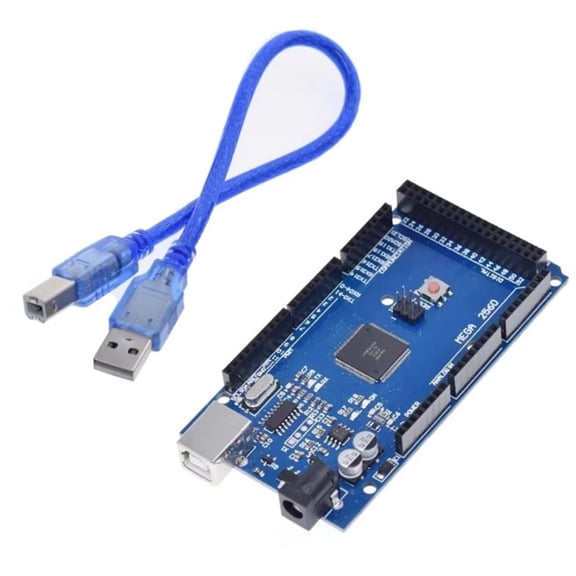 $2015current price $20.15
Novixy Mega 2560 R3 Development Board with CH340G, Open Source Microcontroller Kit for Arduino IDE, Includes USB Cable, Blue
T-Type GPIO Expansion Breadboard Jumper Cables Replacement for Raspberry Pi 3 4 Experiment Part $7.92
 $792current price $7.92
T-Type GPIO Expansion Breadboard Jumper Cables Replacement for Raspberry Pi 3 4 Experiment Part
3X 400 Point Solderless Prototype PCB Breadboard Protoboards 3Pcs $7.89
 $789current price $7.89
3X 400 Point Solderless Prototype PCB Breadboard Protoboards 3Pcs
Arduino Yun Yellow Case $5.99
 $599current price $5.99
Arduino Yun Yellow Case
Attiny85 Digispark Kickstarter Micro USB Development Board IIC I2C and SPI Vis USI Miniature Module Support for $9.17
 $917current price $9.17
Attiny85 Digispark Kickstarter Micro USB Development Board IIC I2C and SPI Vis USI Miniature Module Support for
Multi-Function Prototyping Expansion Shield For Arduino UNO LEONARDO MEGA2560 $8.29
 $829current price $8.29
Multi-Function Prototyping Expansion Shield For Arduino UNO LEONARDO MEGA2560
15 out of 5 Stars. 1 reviews5 out of 5 starsATmega328 CH340G 5V 16M Micro-controller with Mini USB Cable $9.95
 $995current price $9.95
ATmega328 CH340G 5V 16M Micro-controller with Mini USB Cable
12 out of 5 Stars. 1 reviews2 out of 5 stars
Customer ratings & reviews

- Free shipping
 Free Holiday returns until Jan 31
How do you want your item?

