

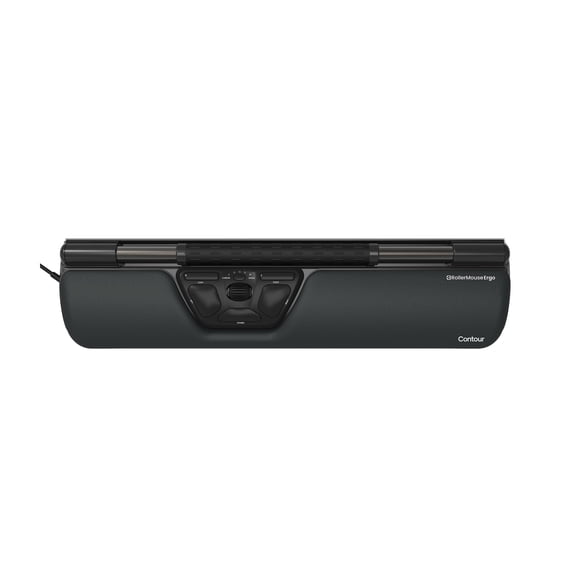
Contour RollerMouse Ergo Wired Centered Ergonomic Mouse
Key item features
- Nothing to reach for, nothing to grip: RollerMouse Ergo sits in front of your keyboard, where your hands already are. Roll the bar to move the cursor. Press it to click. Use your left hand, your right hand, or both. Standard workstation advice says to keep your upper arms close to your body, not reaching forward or to the sides.¹ RollerMouse builds that into your desk.
- Nothing to grip: You grip your computer mouse more than once a minute: around 600 times a day, more than 140,000 times a year.² Our centered pointing devices have nothing to grip.
- Keep your elbows close: Keep your elbows closer to your body.³ The rollerbar is centered in front of your keyboard, so there's no reaching to the side for a mouse.³
- Set up your way: Pick from 10 cursor speeds, up to 2800 DPI. Reprogram the six buttons in the optional Contour Personalization App. Place your keyboard right behind the rollerbar. The keyboard risers in the box lift it to the right height.
- Which RollerMouse is this? RollerMouse Ergo is a wired centered mouse, with a wrist rest and keyboard risers in the box.
- Ready for your setup: Plug it into a USB port on your computer. There's nothing to charge and nothing to pair. It works with Windows and macOS. In the box: RollerMouse Ergo, wrist rest and removal key, keyboard risers, user manual. 2-year warranty.
Specs
Color, Black
Motion detect, Trackball
Buttons, 6
Features, Ergonomic Design
Power type, Cable
About this item
Product details
The mouse moved.
RollerMouse Ergo Wired is a centered ergonomic mouse with a rollerbar that sits in front of your keyboard. You point and click without reaching for a mouse at the side. And it's ambidextrous: use your left hand, your right hand, or both.
You grip your computer mouse more than once a minute: around 600 times a day, more than 140,000 times a year.² Our centered pointing devices have nothing to grip.
How it works
Roll the bar to move the cursor. Press it to click. Then go back to typing, with your hands still in front of the keyboard. Put RollerMouse in front of your keyboard, use the keyboard risers in the box to set the height, connect it, and you're ready.
Made for your workday
RollerMouse is made for long days at a computer: email, spreadsheets, writing, browsing, and video calls, at home or in the office. It suits right- and left-handed people alike, and anyone who likes to switch hands during the day.
Which RollerMouse is this?
RollerMouse Ergo is a wired centered mouse, with a wrist rest and keyboard risers in the box.
Questions people ask
Is RollerMouse easy to get used to?
Start with email and browsing, and let the rollerbar become a habit.
Can I use it left-handed?
Yes. RollerMouse is ambidextrous: roll and click with your left hand, your right hand, or both.
Does it work with Mac?
Yes. RollerMouse Ergo works with Windows and macOS.
Will it fit in front of my keyboard?
Place your keyboard right behind the rollerbar. The keyboard risers in the box lift it to the right height, so your fingers move between keys and rollerbar without lifting your hands.
Do I need software?
No. Connect it and start working. The optional Contour Personalization App lets you reprogram the buttons.
How do the RollerMouse models differ?
RollerMouse Red is our flagship, with a solid aluminum frame. RollerMouse Red Plus adds a full-size palm support. RollerMouse Pro comes in three sizes: Slim, Regular, and Extended. RollerMouse Pro3 is wired, plug and play, and as wide as a full-size keyboard. RollerMouse Go is our compact model for hybrid work and travel. Red, Red Plus, and Pro come wired or wireless.
Prefer touch? Rather hold?
Contour Touch puts a touchpad in the same place. UniMouse is a vertical mouse that tilts from 35° to 70°, so you can find the angle that's most comfortable for you.
Specifications
Connection: wired (USB)
Cursor speed: 10 levels, up to 2800 DPI
Buttons: 6, programmable
Works with: Windows and macOS
In the box: RollerMouse Ergo, wrist rest and removal key, keyboard risers, user manual
Warranty: 2 years
Contour. Leaders in workplace health.
Sources
1. Supported by expert guidance in a peer-reviewed review of computer workstation ergonomics. Citation: Emerson et al., Journal of Hand Therapy 2021.
2. Supported by independent evidence from a workplace study measuring real mouse use at people’s own desks (16 office workers, 3 workdays each; 78 grips per hour on average). 600 a day assumes an 8-hour computer day; 140,000 a year assumes 230 working days. Citation: Johnson et al., Scandinavian Journal of Work, Environment & Health 2000.
3. Supported by evidence from a controlled lab study (12 adults; with a traditional mouse at the side the upper arm was lifted out from the body by 14° on average, with two centrally placed devices, RollerMouse Free2 and a touchpad from another manufacturer, by 7° and 9°; the study was partly funded by free product units from Contour). Citation: Lin et al., Applied Ergonomics 2015.
- Nothing to reach for, nothing to grip: RollerMouse Ergo sits in front of your keyboard, where your hands already are. Roll the bar to move the cursor. Press it to click. Use your left hand, your right hand, or both. Standard workstation advice says to keep your upper arms close to your body, not reaching forward or to the sides.¹ RollerMouse builds that into your desk.
- Nothing to grip: You grip your computer mouse more than once a minute: around 600 times a day, more than 140,000 times a year.² Our centered pointing devices have nothing to grip.
- Keep your elbows close: Keep your elbows closer to your body.³ The rollerbar is centered in front of your keyboard, so there's no reaching to the side for a mouse.³
- Set up your way: Pick from 10 cursor speeds, up to 2800 DPI. Reprogram the six buttons in the optional Contour Personalization App. Place your keyboard right behind the rollerbar. The keyboard risers in the box lift it to the right height.
- Which RollerMouse is this? RollerMouse Ergo is a wired centered mouse, with a wrist rest and keyboard risers in the box.
- Ready for your setup: Plug it into a USB port on your computer. There's nothing to charge and nothing to pair. It works with Windows and macOS. In the box: RollerMouse Ergo, wrist rest and removal key, keyboard risers, user manual. 2-year warranty.
Specifications
Brand
Color
Motion detect
Buttons
Warranty
Warranty information
Similar items you might like
Based on what customers bought
Reduced price, Personalized Round Mouse Pad, Smile Daisy Non-Slip Rubber Mouse Mat 7.8x7.8x0.08in for Office Laptop Computer Desk $12.69 Was $15.69
Reduced price SponsoredNow$1269current price Now $12.69, Was $15.69$15.69You save $3.00You save$3.00
Personalized Round Mouse Pad, Smile Daisy Non-Slip Rubber Mouse Mat 7.8x7.8x0.08in for Office Laptop Computer Desk
Shipping, arrives in 3+ daysContour RollerMouse Red Plus Wireless Centered Ergonomic Mouse $409.00 Was $456.45
 $40900current price $409.00, Was $456.45$456.45
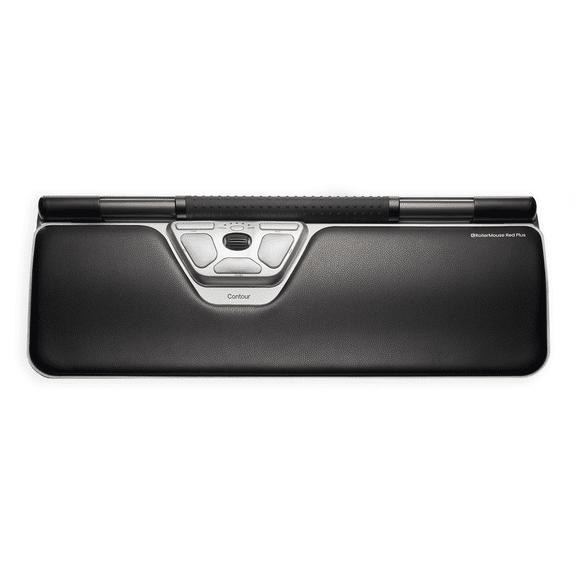
Contour RollerMouse Red Plus Wireless Centered Ergonomic Mouse
In 100+ people's carts, Onn Silent Wireless 5-Button Mouse with 1600 DPI, USB Nano Receiver, Pink $9.88
In 100+ people's carts 3 optionsAvailable in additional 3 options$988current price $9.88
Onn Silent Wireless 5-Button Mouse with 1600 DPI, USB Nano Receiver, Pink
7124.7 out of 5 Stars. 712 reviews4.7 out of 5 starsContour RollerMouse Pro Wireless Centered Ergonomic Mouse, Slim $293.00
 3 optionsAvailable in additional 3 options$29300current price $293.00
Contour RollerMouse Pro Wireless Centered Ergonomic Mouse, Slim
Contour RollerMouse Red Wireless Centered Ergonomic Mouse $394.00 Was $431.91
 $39400current price $394.00, Was $431.91$431.91
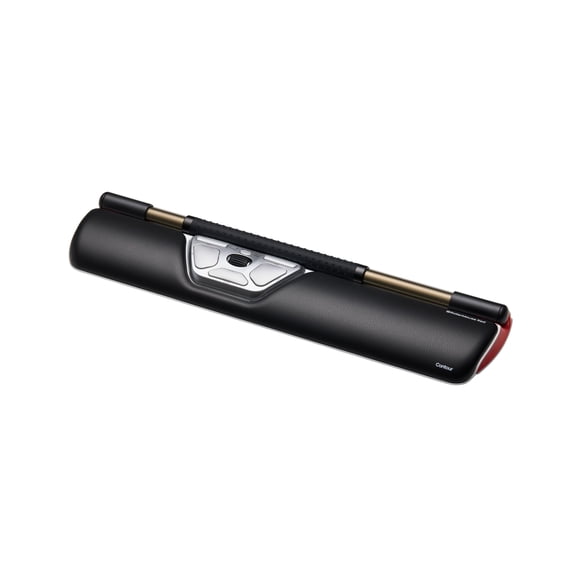
Contour RollerMouse Red Wireless Centered Ergonomic Mouse
Contour Design Pro 3-Wired Roller Mouse $358.78
 $35878current price $358.78
Contour Design Pro 3-Wired Roller Mouse
Cute Pink Strawberry Wired Mouse USB PC Computer Laptop Hot S4 T4O3 Z1B2 R6 $8.27
 $827current price $8.27
Cute Pink Strawberry Wired Mouse USB PC Computer Laptop Hot S4 T4O3 Z1B2 R6
Contour RollerMouse Red Wired Centered Ergonomic Mouse $325.00 Was $373.99
 $32500current price $325.00, Was $373.99$373.99
Contour RollerMouse Red Wired Centered Ergonomic Mouse
Contour RollerMouse Pro Wired Centered Ergonomic Mouse, Extended $314.00
 $31400current price $314.00
Contour RollerMouse Pro Wired Centered Ergonomic Mouse, Extended
Contour RollerMouse Pro Roll Bar Mouse - Cable - USB Type C - Scroll Wheel - 6 Button(s) - 6 Programmable Button(s) $273.99 Was $315.99
 $27399current price $273.99, Was $315.99$315.99
Contour RollerMouse Pro Roll Bar Mouse - Cable - USB Type C - Scroll Wheel - 6 Button(s) - 6 Programmable Button(s)
Contour RollerMouse Pro3 Mouse - Optical - Cable - USB - 2400 dpi - Scroll Wheel - 8 Button(s) - Symmetrical $309.00 Was $330.00
 $30900current price $309.00, Was $330.00$330.00
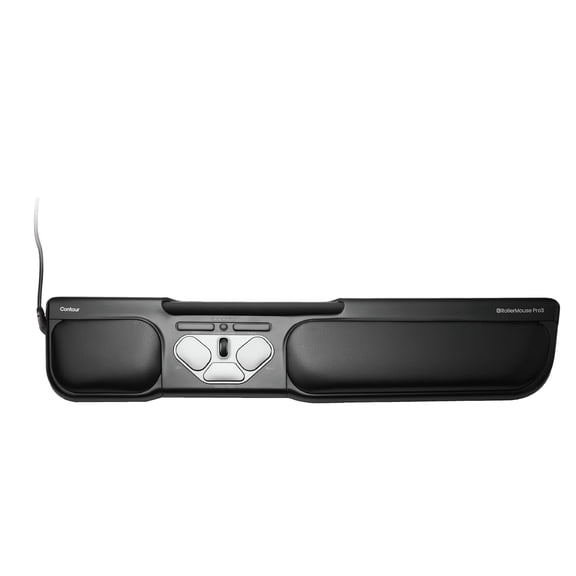
Contour RollerMouse Pro3 Mouse - Optical - Cable - USB - 2400 dpi - Scroll Wheel - 8 Button(s) - Symmetrical
44.8 out of 5 Stars. 4 reviews4.8 out of 5 starsiMicro Mouse $32.95
 $3295current price $32.95
iMicro Mouse
Califone X-keys O-Trac Dual USB PS/2 Trackball Black - Cable - Black - 1 - PS/2 - Scroll Wheel - 3 Button(s) - Symmetrical $238.39
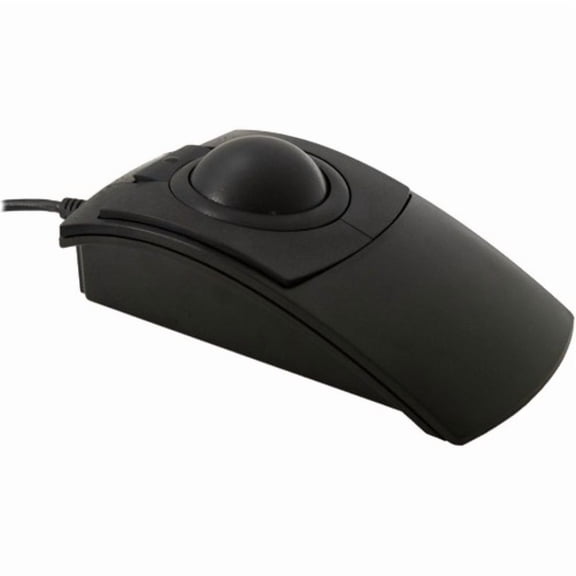 $23839current price $238.39
Califone X-keys O-Trac Dual USB PS/2 Trackball Black - Cable - Black - 1 - PS/2 - Scroll Wheel - 3 Button(s) - Symmetrical
Wired Mouse, 3 Button 1200DPI Accessory for Desktop Computer $5.20
 $520current price $5.20
Wired Mouse, 3 Button 1200DPI Accessory for Desktop Computer
Memzuoix Wired USB Mouse, 3-Button USB-A Computer Mouse with Scroll Wheel, Plug and Play for Laptop Desktop PC, Black $9.99 Was $19.99
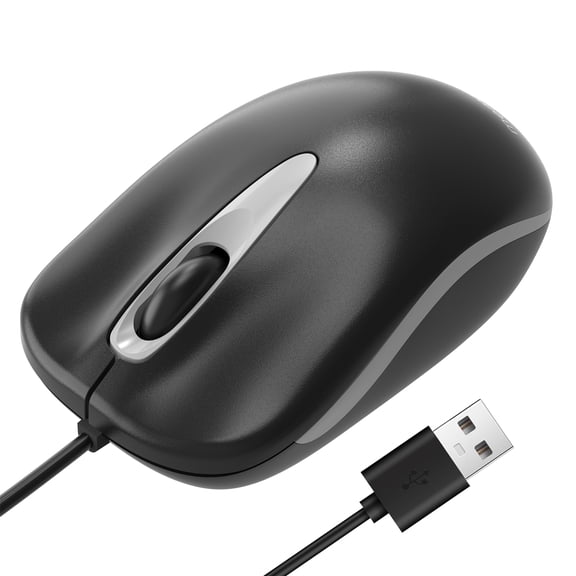 3 optionsAvailable in additional 3 options$999current price $9.99, Was $19.99$19.99
Memzuoix Wired USB Mouse, 3-Button USB-A Computer Mouse with Scroll Wheel, Plug and Play for Laptop Desktop PC, Black
65 out of 5 Stars. 6 reviews5 out of 5 starsIn 100+ people's carts, onn Wired USB Mouse, 3 Buttons, Gray $7.88
In 100+ people's carts $788current price $7.88
onn Wired USB Mouse, 3 Buttons, Gray
8634.6 out of 5 Stars. 863 reviews4.6 out of 5 starsAdesso iMouse A40 Wireless Mouse, Bluetooth and 2.4GHz Dual Mode with USB-C Receiver, Copilot AI Hotkey, Quiet Click Switches, 3 Level DPI 1000/1600/2400, 6 Buttons for Windows and Mac $17.99
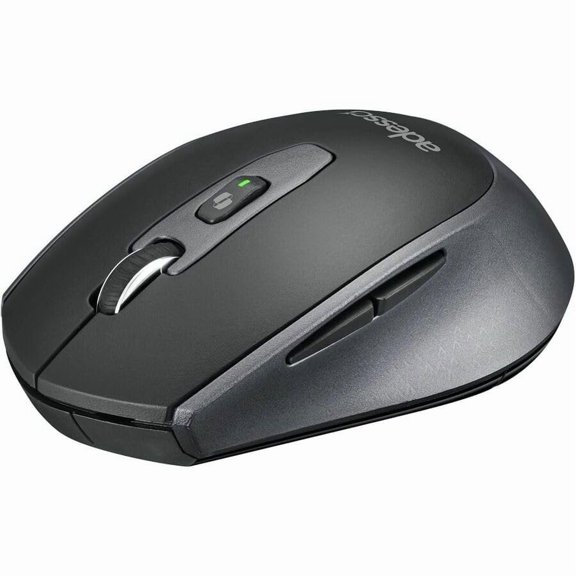 $1799current price $17.99
Adesso iMouse A40 Wireless Mouse, Bluetooth and 2.4GHz Dual Mode with USB-C Receiver, Copilot AI Hotkey, Quiet Click Switches, 3 Level DPI 1000/1600/2400, 6 Buttons for Windows and Mac
Perixx PERIMICE-515 Wired Vertical Mouse with 6 Button and 2 Level DPI Switch 1000 1600, Right Handed, Black $14.99
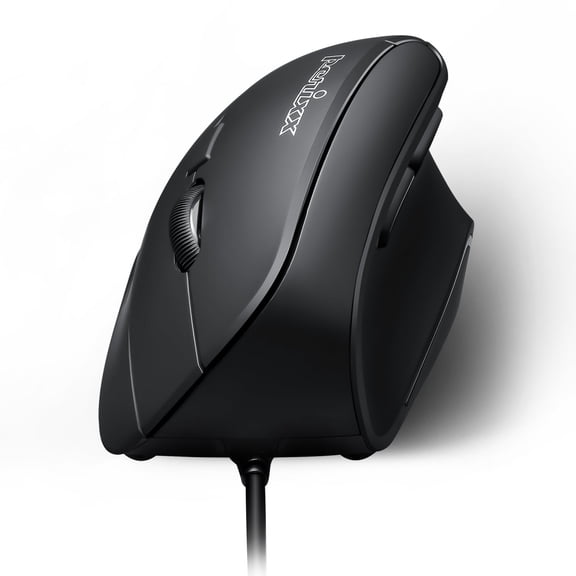 $1499current price $14.99
Perixx PERIMICE-515 Wired Vertical Mouse with 6 Button and 2 Level DPI Switch 1000 1600, Right Handed, Black
25 out of 5 Stars. 2 reviews5 out of 5 starsRollback, Havezk Strawberry Mouse USB Ergonomic Game Mouse Computer Mouse for Laptop Accessory for Home Office $6.39 Was $7.99
Rollback $639current price $6.39, Was $7.99$7.99
Havezk Strawberry Mouse USB Ergonomic Game Mouse Computer Mouse for Laptop Accessory for Home Office
WOW Pen JOY Vertical Ergonomic Optical Mouse $33.48
 $3348current price $33.48
WOW Pen JOY Vertical Ergonomic Optical Mouse
Customer ratings & reviews

- Free shipping
 Free Holiday returns until Jan 31

(Only one option can be selected at a time)
How do you want your item?

