ClearClick HD Capture Box - Capture Video From Gaming Devices & HDMI Sources (No Computer Required)
Key item features
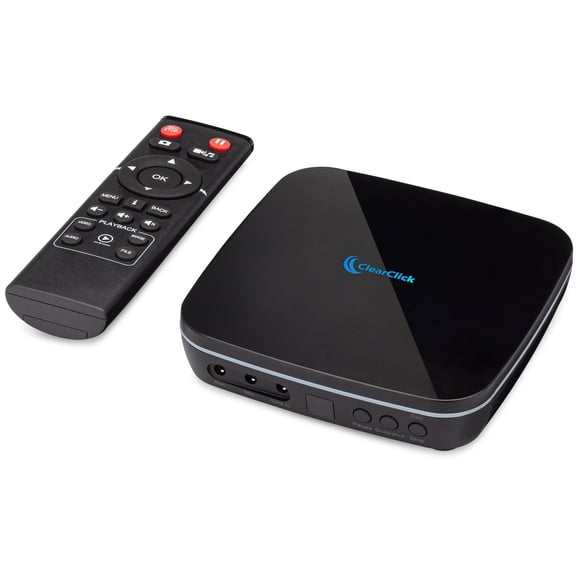
The ClearClick HD Capture Box allows you to record from any HDMI video source. No computer, no software, and no confusing drivers are required. Simply connect the HD Capture Box to your video source (HDMI cable included), plug in a USB flash drive or USB hard drive, and press "Record"!
The HD Capture Box can record in either 720p or 1080p, and saves your recordings in MP4 (H264) video format.
The HD Capture Box features HDMI pass-through with no lag, as well as 3.5mm headset jack that can record and overlay extra audio on top of your video. The HD Capture Box can record from any gaming system with HDMI-out, including Xbox, PlayStation, Wii, and more.
Included: VideoPad (Master's Edition) Video Editing Software CD
With the included VideoPad software, you can easily edit your recorded videos, adding other video clips, images, text, music, transitions, and effects. You can also use the software to burn your projects to DVD. Compatible with both Windows & Macintosh computers.
What's In The Box:
- ClearClick HD Capture Box
- HDMI Cable
- Power Adapter
- VideoPad (Master's Edition) Software CD
- Quick Start Guide (written in proper English and easy to understand)
Specs
In/Out type, HDMI
Works with, Gaming Consoles|HDMI Sources
Inputs/Outputs, HDMI 1 Input|HDMI 1 Output|USB 1 Input|3.5mm Audio Jack 1 Input
Brand, ClearClick
Input/output quantity, 2
About this item
Product details
The ClearClick HD Capture Box allows you to record from HDMI video sources. No computer, no software, and no confusing drivers are required. Simply connect the HD Capture Box to your video source (HDMI cable included), plug in a USB flash drive or USB hard drive, and press "Record"!
The HD Capture Box can record in either 720p or 1080p, and saves your recordings in MP4 (H264) video format.
NOTE: This device does not support live streaming. It works a standalone device only.
The HD Capture Box features HDMI pass-through with no lag, as well as 3.5mm headset jack that can record and overlay extra audio on top of your video. The HD Capture Box can record from gaming systems and other video sources with HDMI-out.
Included: VideoPad (Master's Edition) Video Editing Software CD
With the included VideoPad software, you can easily edit your recorded videos, adding other video clips, images, text, music, transitions, and effects. You can also use the software to burn your projects to DVD. Compatible with both Windows & Macintosh computers.
What's In The Box:
- ClearClick HD Capture Box
- HDMI Cable
- Power Adapter
- VideoPad (Master's Edition) Software CD
- Quick Start Guide (written in proper English and easy to understand)
IMPORTANT NOTE - Please Read Before Purchasing!
Many HDMI sources are protected. If your HD Capture Box will not record and/or will not pass through an HDMI signal, that means your source is protected. (This is not the fault of our device.) For more details, please see page #3 of the device manual.
The ClearClick HD Capture Box allows you to record from any HDMI video source. No computer, no software, and no confusing drivers are required. Simply connect the HD Capture Box to your video source (HDMI cable included), plug in a USB flash drive or USB hard drive, and press "Record"!
The HD Capture Box can record in either 720p or 1080p, and saves your recordings in MP4 (H264) video format.
The HD Capture Box features HDMI pass-through with no lag, as well as 3.5mm headset jack that can record and overlay extra audio on top of your video. The HD Capture Box can record from any gaming system with HDMI-out, including Xbox, PlayStation, Wii, and more.
Included: VideoPad (Master's Edition) Video Editing Software CD
With the included VideoPad software, you can easily edit your recorded videos, adding other video clips, images, text, music, transitions, and effects. You can also use the software to burn your projects to DVD. Compatible with both Windows & Macintosh computers.
What's In The Box:
- ClearClick HD Capture Box
- HDMI Cable
- Power Adapter
- VideoPad (Master's Edition) Software CD
- Quick Start Guide (written in proper English and easy to understand)
Specifications
Resolution
In/Out type
Works with
Inputs/Outputs
Similar items you might like
Based on what customers bought
ClearClick HD Video Capture Box Ultimate - Capture and Stream Video from HDMI, RCA, VHS, VCR, DVD, Camcorders, Hi8 $209.95
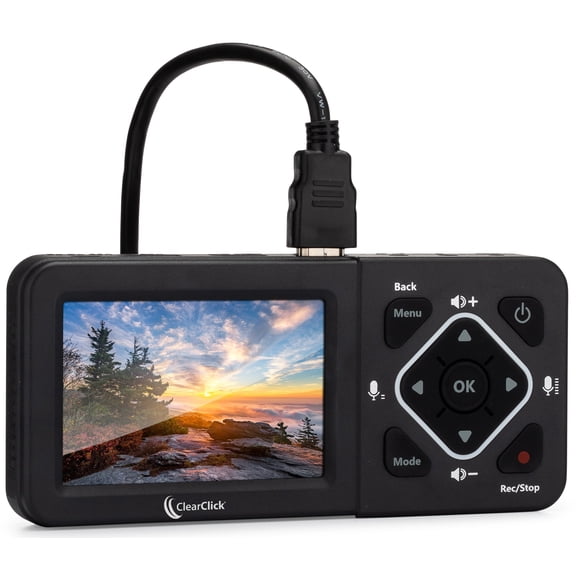 Sponsored$20995current price $209.95
ClearClick HD Video Capture Box Ultimate - Capture and Stream Video from HDMI, RCA, VHS, VCR, DVD, Camcorders, Hi8
14 out of 5 Stars. 1 reviews4 out of 5 starsSave with Shipping, arrives Sun, Nov 29
ClearClick Video to USB Lite - USB Audio Video Capture Device - Input AV, RCA, S-Video, VCR, VHS, Camcorder, Video8, Hi8, DVD, Retro Gaming Systems - USB-C Plug & Play $49.95
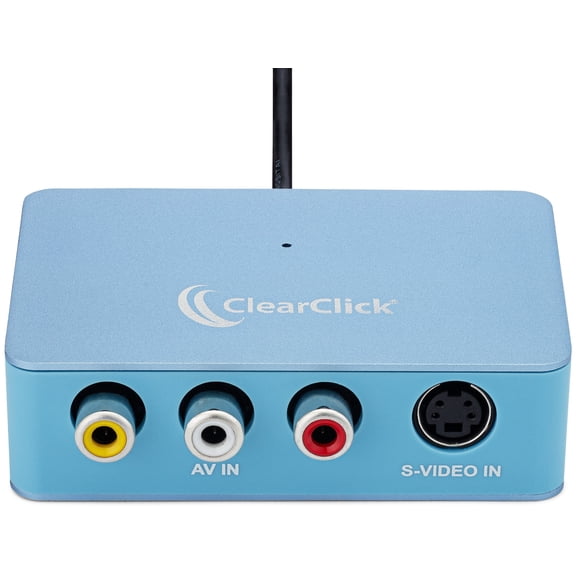 $4995current price $49.95
ClearClick Video to USB Lite - USB Audio Video Capture Device - Input AV, RCA, S-Video, VCR, VHS, Camcorder, Video8, Hi8, DVD, Retro Gaming Systems - USB-C Plug & Play
54.8 out of 5 Stars. 5 reviews4.8 out of 5 starsIn 25+ people's carts, UGREEN HDMI Video Capture Card, 4K HDMI to USB-C/A Capture Device, 1080P 30Hz USB 2.0 Capture Card for Streaming, Recording, Gaming, Live Video, Compatible with PC, Camera, Laptop $15.88 Was $28.99
In 25+ people's carts $1588current price $15.88, Was $28.99$28.99
UGREEN HDMI Video Capture Card, 4K HDMI to USB-C/A Capture Device, 1080P 30Hz USB 2.0 Capture Card for Streaming, Recording, Gaming, Live Video, Compatible with PC, Camera, Laptop
94.7 out of 5 Stars. 9 reviews4.7 out of 5 starsClearance, 4K HDMI Video Capture Card,1080P HDMI to USB 2.0 Capture Card for Streaming, Recording, Live Broadcasting, Video Conference, Teaching, Gaming $10.99 Was $15.99
Clearance $1099current price $10.99, Was $15.99$15.99
4K HDMI Video Capture Card,1080P HDMI to USB 2.0 Capture Card for Streaming, Recording, Live Broadcasting, Video Conference, Teaching, Gaming
In 100+ people's carts, Duomigo Video Capture Card 4K HDTV Loop-Out, 1080P 60FPS/2K 30FPS Game Capture Device for Streaming, Compatible with PS5/Switch/Camera/PC/OBS (Black) $16.96 Was $24.99
In 100+ people's carts 2 optionsAvailable in additional 2 options$1696current price $16.96, Was $24.99$24.99
Duomigo Video Capture Card 4K HDTV Loop-Out, 1080P 60FPS/2K 30FPS Game Capture Device for Streaming, Compatible with PS5/Switch/Camera/PC/OBS (Black)
3144.6 out of 5 Stars. 314 reviews4.6 out of 5 stars4K HDMI Capture Card for Streaming, USB 3.0/Type-C Game Video Capture Card Includes 2pcs HDMI Cables & USB Cable, 1080P 60FPS with 4K HDMI Loop-Out, Works for PS5/PS4/Switch/Xbox/PC/Camera/OBS ,Black $23.99
 $2399current price $23.99
4K HDMI Capture Card for Streaming, USB 3.0/Type-C Game Video Capture Card Includes 2pcs HDMI Cables & USB Cable, 1080P 60FPS with 4K HDMI Loop-Out, Works for PS5/PS4/Switch/Xbox/PC/Camera/OBS ,Black
Capture Card,AUBEAMTO Video Capture Card 4K 1080P 60FPS, HDMI Capture Card Switch, Game Capture Card USB 3.0 for Live Streaming Video Recording, Screen Capture Device Work with PS4/PC/OBS/DSLR/Camera $24.21
 Sponsored$2421current price $24.21
Capture Card,AUBEAMTO Video Capture Card 4K 1080P 60FPS, HDMI Capture Card Switch, Game Capture Card USB 3.0 for Live Streaming Video Recording, Screen Capture Device Work with PS4/PC/OBS/DSLR/Camera
11 out of 5 Stars. 1 reviews1 out of 5 starsSave withShipping, arrives Sun, Nov 294K Video Capture Card, HDMI to USB Capture Card 1080P for Streaming, Recording, Gaming, Compatible with Nintendo Switch, PS5, Xbox $9.99
 $999current price $9.99
4K Video Capture Card, HDMI to USB Capture Card 1080P for Streaming, Recording, Gaming, Compatible with Nintendo Switch, PS5, Xbox
23.5 out of 5 Stars. 2 reviews3.5 out of 5 starsUSB HDMI Video Capture Adapter, Plug and Play 1080p 60Hz Audio Video Capture for PC, 2.6 ft $10.00
 $1000current price $10.00
USB HDMI Video Capture Adapter, Plug and Play 1080p 60Hz Audio Video Capture for PC, 2.6 ft
Corel Dazzle Dvd Recorder Hd Video Capture Device Video Editing Software [Pc Disc] $34.99 Was $49.98
 $3499current price $34.99, Was $49.98$49.98
Corel Dazzle Dvd Recorder Hd Video Capture Device Video Editing Software [Pc Disc]
83.1 out of 5 Stars. 8 reviews3.1 out of 5 starsClearance, 4K Video Capture Card ,1080P HDMI to USB 2.0 Cam Link Card Game Capture Card Adapter Screen Record Capture Device for Streaming, Gaming, Video Conference, Teaching, Live Broadcasting $10.99 Was $16.99
Clearance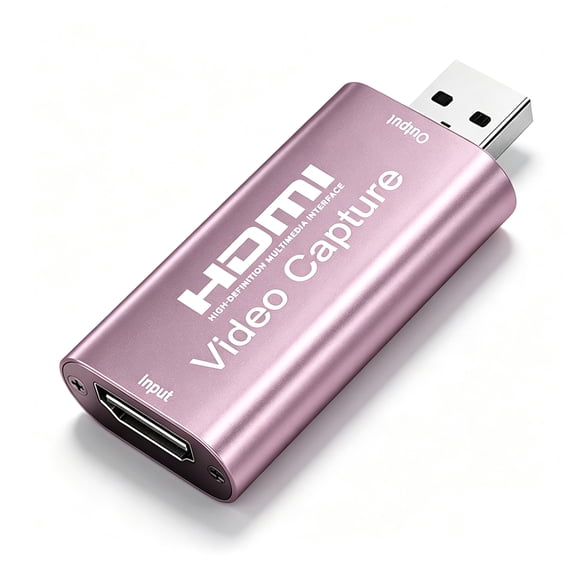 $1099current price $10.99, Was $16.99$16.99
4K Video Capture Card ,1080P HDMI to USB 2.0 Cam Link Card Game Capture Card Adapter Screen Record Capture Device for Streaming, Gaming, Video Conference, Teaching, Live Broadcasting
ACASIS 4K HDMI Video Capture Card, USB 3.2 5Gbps Capture Device, 4K60Hz Input, 1080P240 Capture, RGB24, for Gaming Streaming OBS $24.00 Was $26.99
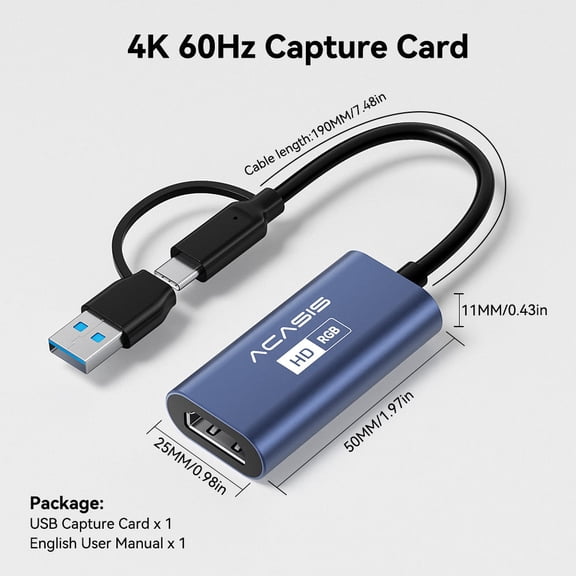 $2400current price $24.00, Was $26.99$26.99
ACASIS 4K HDMI Video Capture Card, USB 3.2 5Gbps Capture Device, 4K60Hz Input, 1080P240 Capture, RGB24, for Gaming Streaming OBS
AVerMedia GC553Pro Live Gamer Ultra S Black 4K HDMI Capture Card, USB Game Capture Card for Streaming and Recording $149.99
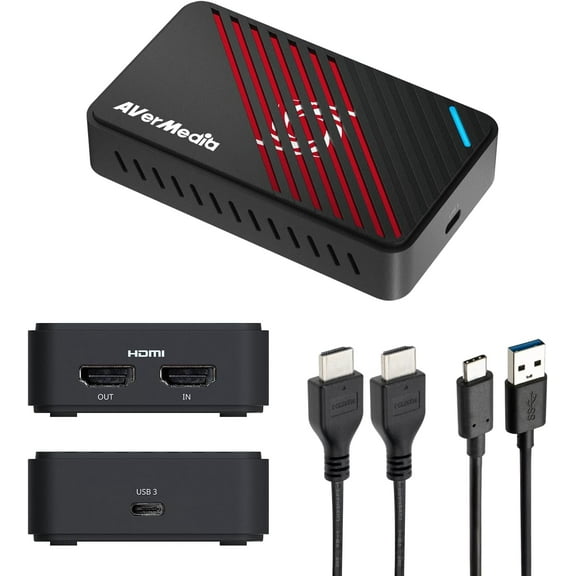 $14999current price $149.99
AVerMedia GC553Pro Live Gamer Ultra S Black 4K HDMI Capture Card, USB Game Capture Card for Streaming and Recording
USB 3.0 Video Capture Card, 4K UHD 60Hz, 1080P 60FPS HD Recorder, Compatible with Live Game Streaming and OBS Capture $27.32
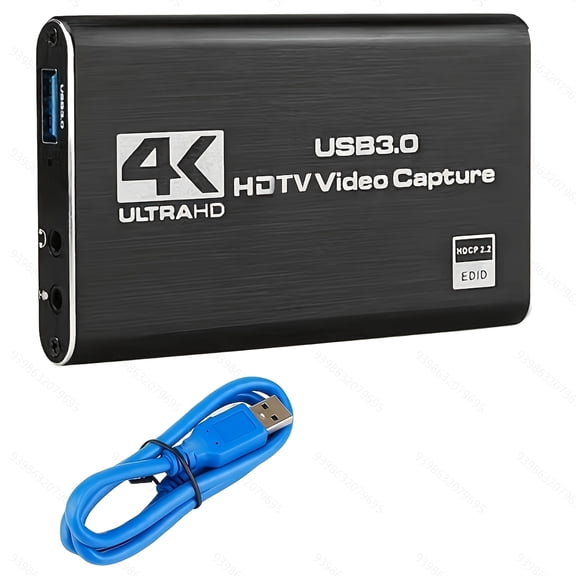 2 optionsAvailable in additional 2 options$2732current price $27.32
USB 3.0 Video Capture Card, 4K UHD 60Hz, 1080P 60FPS HD Recorder, Compatible with Live Game Streaming and OBS Capture
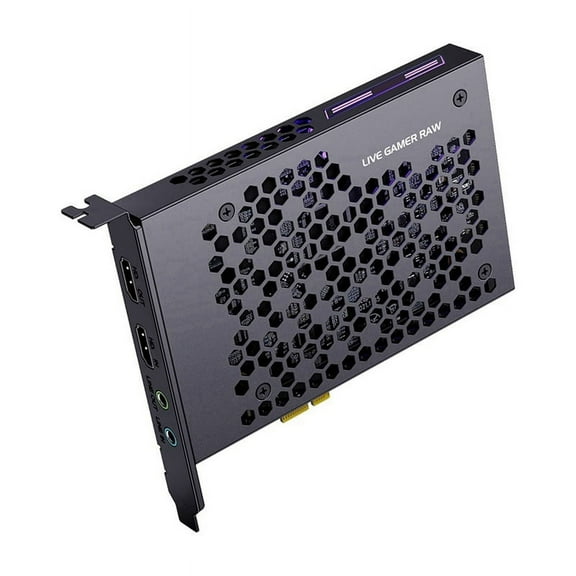
324B Live Gamer Raw PCIE 4K Video Game Capture Card Record and Live Stream for Gaming Systems Camcorders $83.60
 $8360current price $83.60
324B Live Gamer Raw PCIE 4K Video Game Capture Card Record and Live Stream for Gaming Systems Camcorders
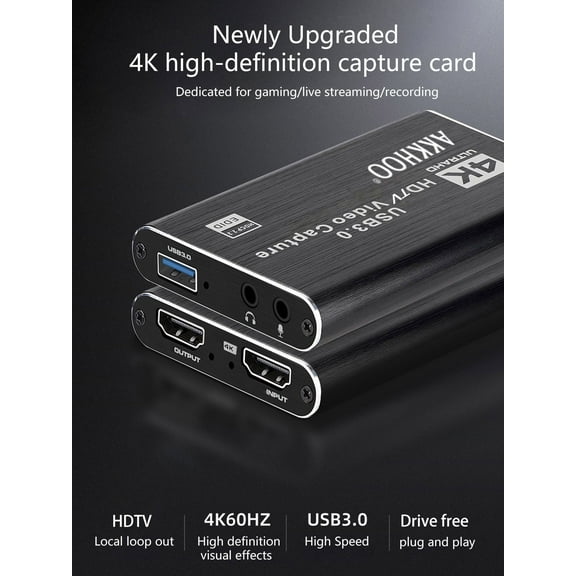
AKKHOO 4K Video Capture Card with Microphone $23.00
 $2300current price $23.00
AKKHOO 4K Video Capture Card with Microphone
Premium Elgato Game Capture Neo 1080p60 USB Capture Card, White $48.16 Was $66.56
 $4816current price $48.16, Was $66.56$66.56
Premium Elgato Game Capture Neo 1080p60 USB Capture Card, White
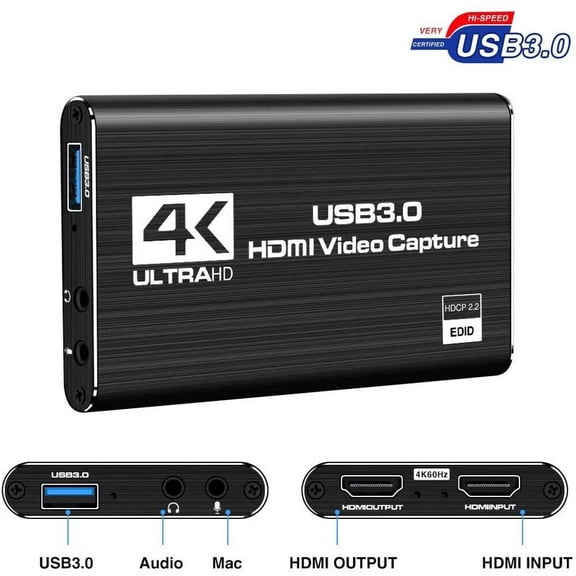
15 out of 5 Stars. 1 reviews5 out of 5 stars4K HDMI Video Capture Card USB 3.0, Game Streaming Recording Adapter for PC $16.94
 $1694current price $16.94
4K HDMI Video Capture Card USB 3.0, Game Streaming Recording Adapter for PC
Pyle HDMI Video Capture Device 1080p 60fps Video Capture Card HDMI with Pass-Through $50.99
 $5099current price $50.99
Pyle HDMI Video Capture Device 1080p 60fps Video Capture Card HDMI with Pass-Through
64.8 out of 5 Stars. 6 reviews4.8 out of 5 starsClearClick 4K HD Video Capture Box 2.0 (Second Generation) - Record Audio and Video from 4K HDMI Sources [Content-Protected Sources Not Supported] - Saves onto USB Flash Drive or MicroSD Card $179.95
 $17995current price $179.95
ClearClick 4K HD Video Capture Box 2.0 (Second Generation) - Record Audio and Video from 4K HDMI Sources [Content-Protected Sources Not Supported] - Saves onto USB Flash Drive or MicroSD Card
11 out of 5 Stars. 1 reviews1 out of 5 stars

Customer ratings & reviews
Filtered and sorted results would be available on the new 'Customer ratings & reviews' page.
Showing 1-3 of 11 reviews
Verified Purchase
Works well so far!
Works as expected! It seems it automatically detects if the input is 720p or 1080p so there's no need to configure that setting. The flashing lights do a great job of specifying when the device is recording, done recording, and still packaging the file. I haven't used the software yet, but it works so well with flash drives that I may never need to use it. Beware not all flash drives work with this box, so please test a flash drive before you buy it in bulk if you're using this for regular recording purposes.
Works great. Wishing it had a way to remember time
Attach the cables and a usb drive and click the button to start and again to stop. Very easy. I wish it had a cmos battery built in to keep the date time. When new files are made, they're made as of whatever date the built in software is coded to.
Work Great!
Work just like it says. I recommend it for anyone who wants to record their favorite videos or games.