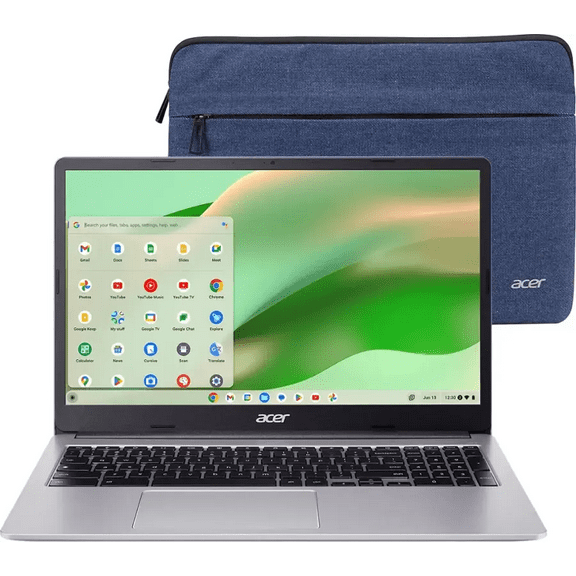
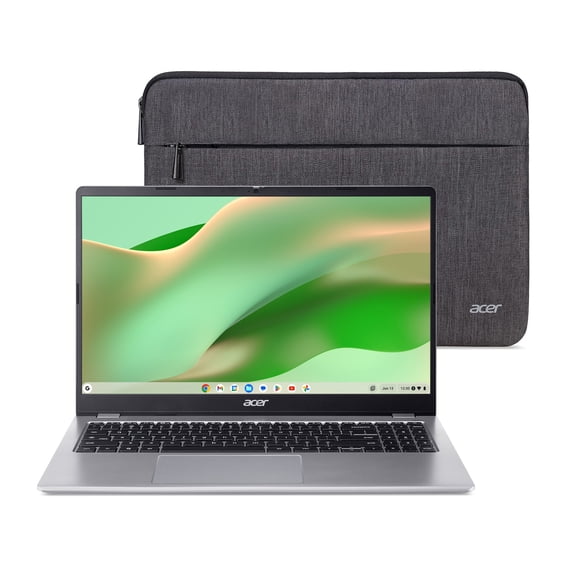
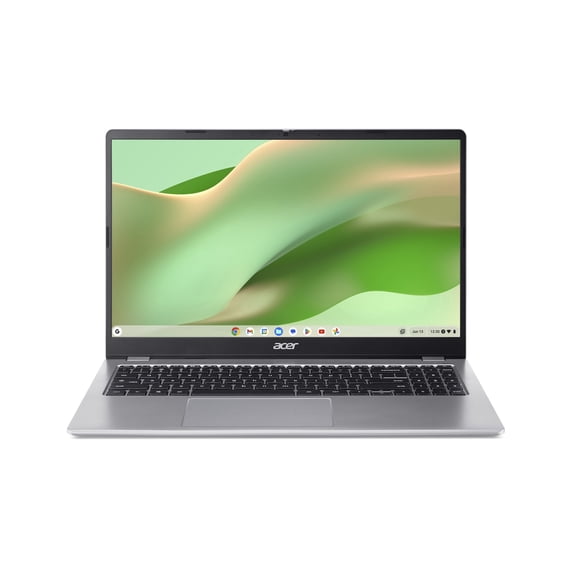
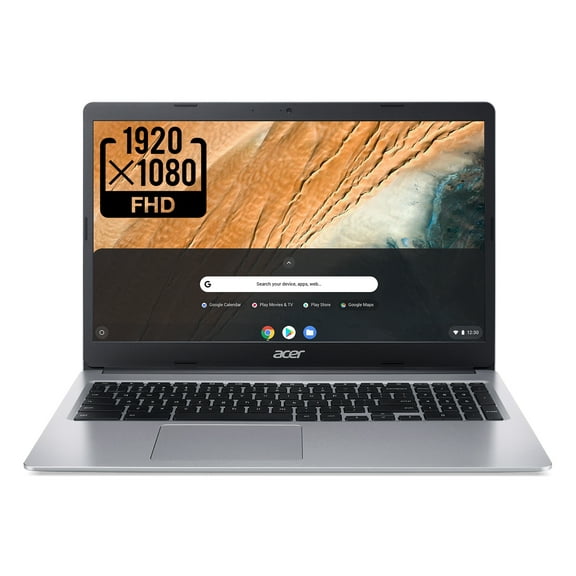
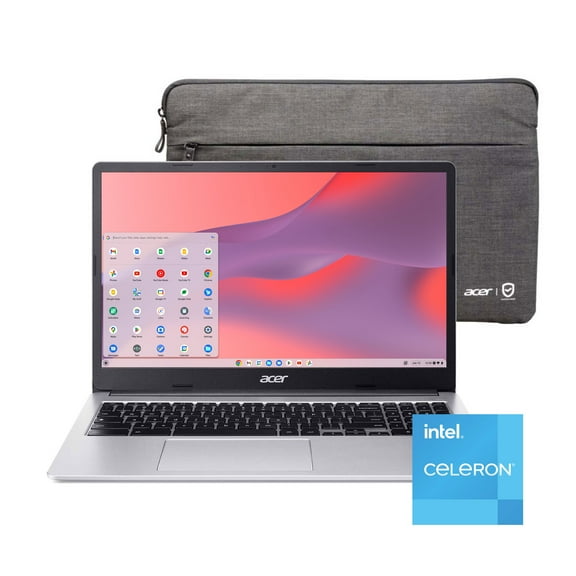
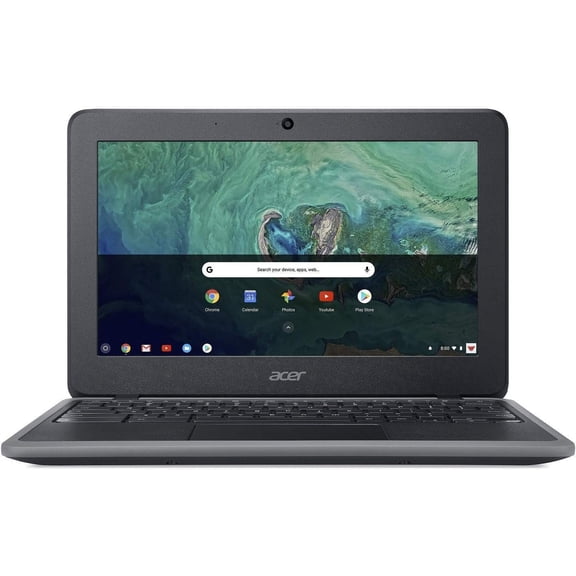
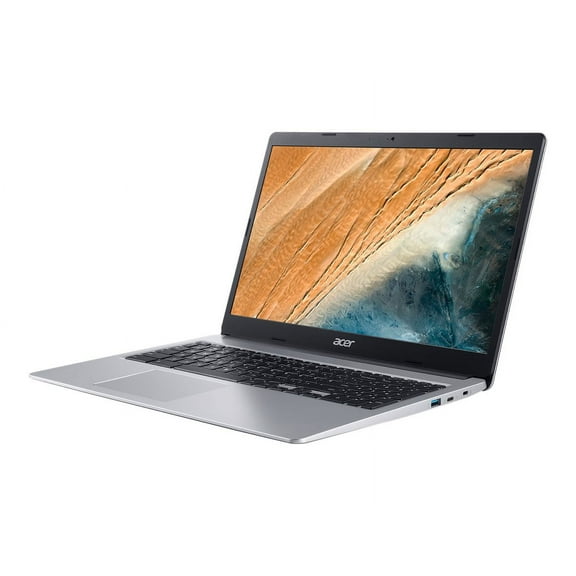
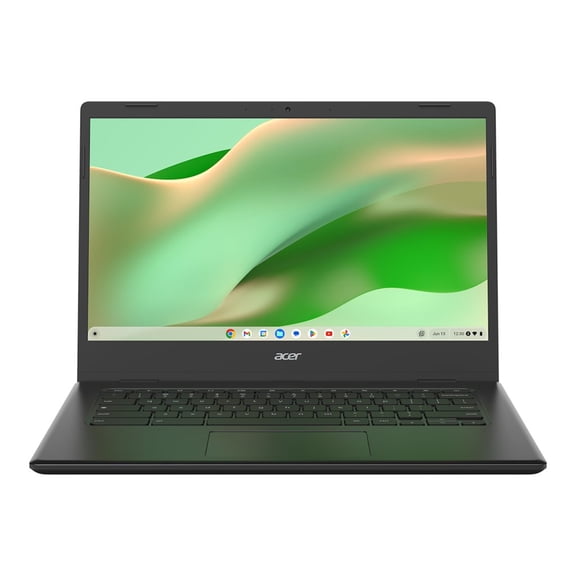
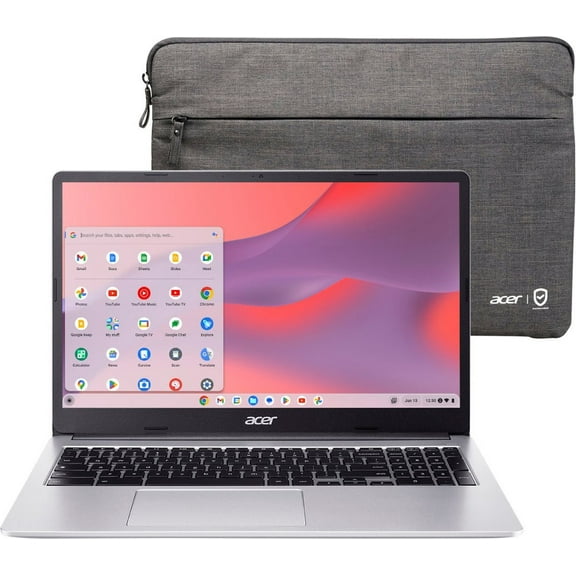
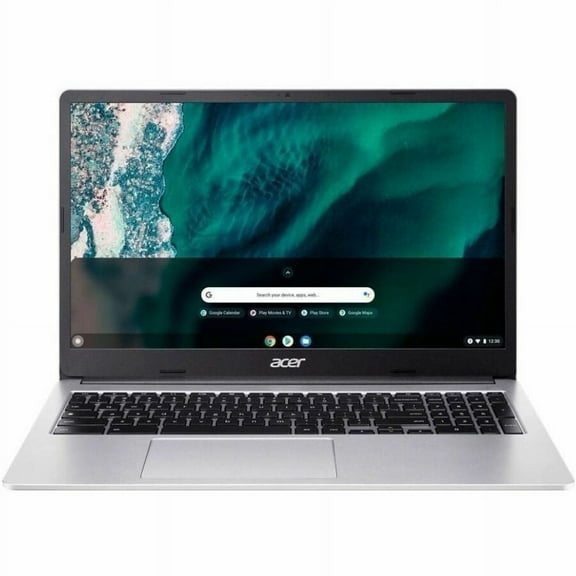
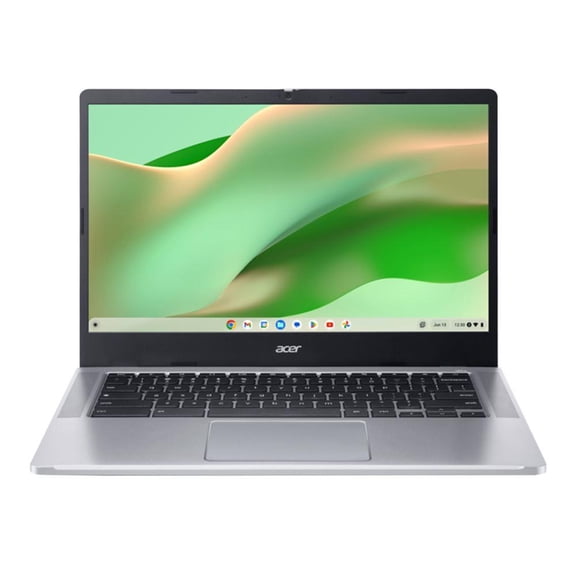
Acer 315 15.6" Celeron 4GB/32GB Chromebook, 15.6" HD Display, Intel Celeron N4000, 4GB LPDDR4, 32GB eMMC, Protective Sleeve, Pure Silver, Chrome OS - CB315-3H-C2C3
Hero image 0 of Acer 315 15.6" Celeron 4GB/32GB Chromebook, 15.6" HD Display, Intel Celeron N4000, 4GB LPDDR4, 32GB eMMC, Protective Sleeve, Pure Silver, Chrome OS - CB315-3H-C2C3, 0 of 13

Acer 315 15.6" Celeron 4GB/32GB Chromebook, 15.6" HD Display, Intel Celeron N4000, 4GB LPDDR4, 32GB eMMC, Protective Sleeve, Pure Silver, Chrome OS - CB315-3H-C2C3

Key item features

  • 15.6" HD
  • Intel Celeron N4000
  • 4GB LPDDR4
  • 32GB eMMC
  • 2020 Model
  • Backlight Technology: LED
  • Screen Resolution:1366 x 768
  • Sound Mode: Stereo
  • Number of Speakers: 2
  • Battery Chemistry: Lithium-Ion (Li-ion)
Current price is $169.99
Price when purchased online
5 free offers, including Apple TV up to 3 months free
  • Free shipping
  • Free 15-day returns
Walmart Accident Plan by Allstate
Tech Support

How do you want your item?

How do you want your item?
Columbus, 43215
Arrives by Sat, May 9
|
Only 1 left
Sold and shipped by Holiday Gifts Express
4.336633663366337 stars out of 5, based on 101 seller reviews(4.3)
Report an issue with this seller
Free 15-day returns
Other sellers
$164.00
+Free shipping
Shipping, arrives by Wed, May 13 to Columbus, 43215
Sold and shipped by Etek-Global
Free 15-day returns

About this item

Product details

Specifications

Warranty

Customer ratings & reviews

4.5 out of 5 stars
stars3,610 ratings2,824 reviews
How item rating is calculated

Reviews summary

Pros

  • : Offers large screen and good performance at a low cost.
  • : Easy to navigate and understand.
  • : Screen measures 15.6 inches diagonally.
  • : Used for online school and educational activities.
  • : Lasts up to 12.5 hours.
Generated by AI

Customer photos

  • +523 images
Filtered and sorted results would be available on the new 'Customer ratings & reviews' page.
Sort by |

Showing 1-3 of 2,824 reviews

Jan 5, 2025
Abdul
Top Reviewer
Sold and shipped byGAMES FOR US
5 out of 5 stars review

Verified Purchase

Great gift

I bought this for my cousin so we can keep up easier and so she can have entertainment. We live 4000 miles away from each other and travel is out of the question. She is enjoying roaming around the WWW...we can chat anytime since we are 4 times zones apart. She likes it so far.

Helpful?6U7XEJSWPPIH565923637
Apr 19, 2020
TISAMA
5 out of 5 stars review

Fast and smart

Acer Chromebook 315, 15.6 HD, Intel Celeron N4000, 4GB LPDDR4, 32GB eMMC, Chrome OS - CB315-3H-C2C3, I am super happy with this Chromebook it works with the google chrome operating system and it is super fast and smarter, the size is just right and very light super easy to carryover everywhere, it comes with a protective sleeve. It works with google so when you enter your gmail account synchronize all the applications you use, photos, videos, music and documents, the battery lasts up to 12 hours, the appearance is super stylish metal color, it connects super faster to any wireless connection, the memory is 4GB LPDDR3 5DRAM and 16 GB EMMC and in addition 100GB google drive space for all documents to automatically backed up, It is full HD experience making the photos, videos, games and documents very vivid, sharp and legible, the screen size 14 inch, the resolution 1920x1080 pixels and it weight 3.42 pounds, super recommended.

Incentivized Review
Helpful?6U7XEJSWPPIH565923637
Apr 16, 2020
Michelle
5 out of 5 stars review

Working great.

This is a pretty amazing Chromebook laptop. First, the screen is big and wide with excellent visuals. I have noticed no visual issues, like when the screen darkens from a certain angle. Also, the screen doesn't reflect light back so it's easy to see and work in just about any kind of lighting. It's comfortable to use, too. The keys have a nice shape, size, height, and feel to them. It's all really easy to type on, even if you have larger hands, like my husband. I can type as fast on this Chromebook as I do on my PC keyboard. There is a generous touch pad area (no mouse needed) and a wide wrist-rest area, too. I like that all that size doesn't make it heavy, it's about three and a half pounds. The case is some kind of heavy duty plastic, which looks very upscale, with a fancy metallic look. At its thickest, it's about three quarters of an inch and on the thinner edge, it's only about a half an inch. And yet, they found enough room for several ports, including two of the faster, blue USB ports, two superfast USB-C ports (so I can charge it with the included USB-C power cord on either side), a Security Lock slot, and a micro SD card slot to enlarge storage and save and access files. Note that it has no HDMI slot, so this may not be ideal for an entertainment center (if you don't have a USB-C to HDMI converter). It also has a regular 3.5mm micro-stereo plug for earphones, but I usually use my wireless ear pods since the Bluetooth on this Chromebook pairs and connects almost instantly with great sound. The speakers aren't bad, either with clear audio making it easy to talk back and forth via video chat or online conferencing. Zero problems with the microphone, which has good sound according to those I've chatted with. And the camera is every bit as good as my office camera, even in less than ideal lighting. Also, I used to have a laptop where the fan would start up during video chats, ruining the audio (it sounded like an airplane taking off). This Chromebook has a special processor that runs cool and has no fan, so I really appreciate that. It said that it has super fast Wi-Fi, so I ran multiple speedtests to check it out and I got download speeds over 200 Mbps, and nearly the same for uploads. To be clear: That's 200 megabits per second for wireless Wi-Fi, not plugged-in ethernet. I was a little unsure about relying on the Chrome OS so much, as I've used Windows my whole life, but it has been really easy and intuitive to use. Setting it up was very simple. I plugged it in, turned it on (boots up in seconds), and logged into the Chrome browser, which is what I always use anyway. And... that's it. Moments later, there was my Chrome browser, set up the just the way I like it, with all my bookmarks and everything. I tried to overload it for this review, to see how it would handle lots of tabs open and videos playing, but it just ran smoothly. There are two icons on the bottom screen menu bar. The one on the left accesses files, the Chrome browser, and such. The one on the right, which also displays the time, battery, and Wi-Fi strength, has all the settings right there -- volume, screen brightness, and everything else.

Incentivized Review
Helpful?6U7XEJSWPPIH565923637