

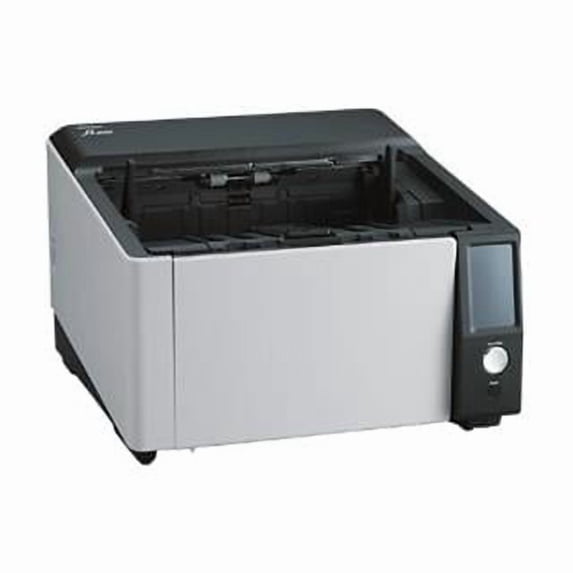
Hero image 0 of Ricoh PA03830-B005 FI-8950 Image Scanner, 0 of 1
Ricoh PA03830-B005 FI-8950 Image Scanner
(No ratings yet)
Key item features
Key Features and Benefits:
- Prevent errors with advanced feeding technologies
Automatic Skew Correction straightens skewed documents in the tray one by one before scanning. This prevents paper jams due to skew and achieves stable scanning even when scanning large volumes of documents that are difficult to organize or when mixed batches, including small documents, are loaded. Stapled Documents Detection detects abnormal lifting of a document being scanned and stops scanning immediately. It catches all abnormalities during paper feeding no matter where the stapling position is and prevents document damage by stopping the paper feed before the jam occurs. The Automatic Separation Control function adjusts torque on brake rollers by observing the slip ratio of papers, that can differ slightly depending on frictional wear and the amount of dust stuck on the rollers. This reduces the need for manual torque adjustments and frees you from multi-feeds and paper pick-up issues. - Simplifies document collection and eases transition to the next scan
The structure and control of the document paper outlet have been reviewed to greatly improve the post-scanning ejection performance. The brake amount is instantly adjusted according to the size and position of each document, so that small documents can be scanned at high speed and then neatly stacked in the order in which they were scanned. The function also improves the output of folded or curled documents, preventing the previous document from pushing out or jamming in the paper outlet. - Optimized high-quality image data for business use
Combining CIS sensor with the GI image processing engine suppresses the occurrence of color shifts. PFU Clear Image Capture produces high definition images for data extraction while keeping power consumption to the minimum and reduces startup times. - Intuitive 4.3-inch touchscreen to achieve better user experience
An easy-to-read color touchscreen enables intuitive operations such as checking the status of the scanner and selecting the job menu. When an error occurs, a message with an illustration appears on the screen to help the operator resolve the error smoothly. - Designed with operator usability as a priority
A space is provided for inserting your hand under the device. The device is easy to lift and can be installed without having to worry about getting your hands caught when putting it down. In addition, the device is designed so that all work, such as setting and collecting documents and operating the touchscreen, can be done while you are seated. The touchscreen is angled for easy viewing from a seated position. A hopper and stacker enable you to set and eject paper up to A4 size without having to extend them. - Easy maintenance
The device is designed with daily maintenance in mind so that it can be used comfortably even in centralized scanning work where daily cleaning is required. Since the top opens wide and the LED turns on automatically, rollers and glass surfaces can be cleaned with high visibility.
Specs
Computer scanner type, Sheetfed Scanners
Model name, FI-8950
Has automatic document feeder, Y
Color, Multicolor
Inputs/Outputs, USB
Accessories, <body><ul><li>Ricoh fi 8950</li><li>USB cable - 2 m</li><li>Software Operation Panel, PaperStream Capture, Scanner Central Admin Agent, Error Recovery Guide, PaperStream ClickScan, Network Setup Tool for fi Series</li></ul></body>
Computer scanner type
Sheetfed Scanners
Model name, FI-8950
Model name
FI-8950
Has automatic document feeder, Y
Has automatic document feeder
Y
Color, Multicolor
Color
Multicolor
Inputs/Outputs, USB
Inputs/Outputs
USB
Accessories, <body><ul><li>Ricoh fi 8950</li><li>USB cable - 2 m</li><li>Software Operation Panel, PaperStream Capture, Scanner Central Admin Agent, Error Recovery Guide, PaperStream ClickScan, Network Setup Tool for fi Series</li></ul></body>
Accessories
<body><ul><li>Ricoh fi 8950</li><li>USB cable - 2 m</li><li>Software Operation Panel, PaperStream Capture, Scanner Central Admin Agent, Error Recovery Guide, PaperStream ClickScan, Network Setup Tool for fi Series</li></ul></body>
About this item
Product details
Ricoh fi 8950 - document scanner - desktop - Gigabit LAN, USB 3.2 Gen 1
Key Features and Benefits:
- Prevent errors with advanced feeding technologies
Automatic Skew Correction straightens skewed documents in the tray one by one before scanning. This prevents paper jams due to skew and achieves stable scanning even when scanning large volumes of documents that are difficult to organize or when mixed batches, including small documents, are loaded. Stapled Documents Detection detects abnormal lifting of a document being scanned and stops scanning immediately. It catches all abnormalities during paper feeding no matter where the stapling position is and prevents document damage by stopping the paper feed before the jam occurs. The Automatic Separation Control function adjusts torque on brake rollers by observing the slip ratio of papers, that can differ slightly depending on frictional wear and the amount of dust stuck on the rollers. This reduces the need for manual torque adjustments and frees you from multi-feeds and paper pick-up issues. - Simplifies document collection and eases transition to the next scan
The structure and control of the document paper outlet have been reviewed to greatly improve the post-scanning ejection performance. The brake amount is instantly adjusted according to the size and position of each document, so that small documents can be scanned at high speed and then neatly stacked in the order in which they were scanned. The function also improves the output of folded or curled documents, preventing the previous document from pushing out or jamming in the paper outlet. - Optimized high-quality image data for business use
Combining CIS sensor with the GI image processing engine suppresses the occurrence of color shifts. PFU Clear Image Capture produces high definition images for data extraction while keeping power consumption to the minimum and reduces startup times. - Intuitive 4.3-inch touchscreen to achieve better user experience
An easy-to-read color touchscreen enables intuitive operations such as checking the status of the scanner and selecting the job menu. When an error occurs, a message with an illustration appears on the screen to help the operator resolve the error smoothly. - Designed with operator usability as a priority
A space is provided for inserting your hand under the device. The device is easy to lift and can be installed without having to worry about getting your hands caught when putting it down. In addition, the device is designed so that all work, such as setting and collecting documents and operating the touchscreen, can be done while you are seated. The touchscreen is angled for easy viewing from a seated position. A hopper and stacker enable you to set and eject paper up to A4 size without having to extend them. - Easy maintenance
The device is designed with daily maintenance in mind so that it can be used comfortably even in centralized scanning work where daily cleaning is required. Since the top opens wide and the LED turns on automatically, rollers and glass surfaces can be cleaned with high visibility.
info:
We aim to show you accurate product information. Manufacturers, suppliers and others provide what you see here, and we have not verified it.
Specifications
Computer scanner type
Sheetfed Scanners
Model name
FI-8950
Has automatic document feeder
Y
Color
Multicolor
Warranty
Warranty information
Please be aware that the warranty terms on items offered for sale by third party Marketplace sellers may differ from those displayed in this section (if any). To confirm warranty terms on an item offered for sale by a third party Marketplace seller, please use the 'Contact seller' feature on the third party Marketplace seller's information page and request the item's warranty terms prior to purchase.
Warnings
Similar items you might like
Based on what customers bought
S3100F FBSCAN 12X160 100PPM 600DPI USB $5,879.92
 $5,87992current price $5,879.92
S3100F FBSCAN 12X160 100PPM 600DPI USB
Ricoh FI-7460 Workgroup Duplex Document Scanner (PA03710-B055) $2,460.99 Was $2,599.99
 $2,46099current price $2,460.99, Was $2,599.99$2,599.99
Ricoh FI-7460 Workgroup Duplex Document Scanner (PA03710-B055)
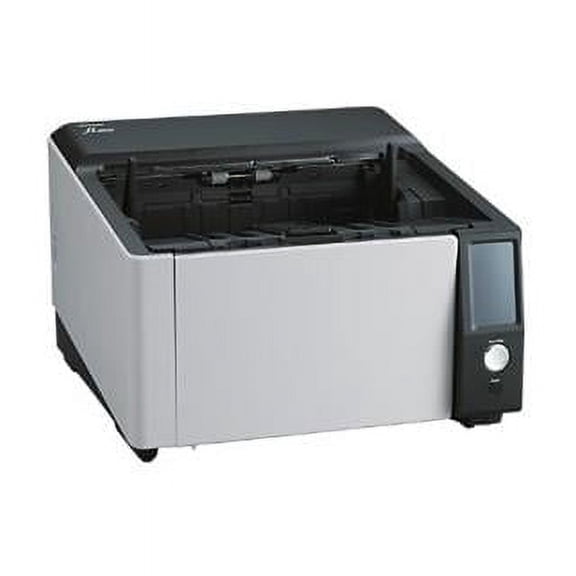
FI-8930 Image Scanner $9,966.53
 $9,96653current price $9,966.53
FI-8930 Image Scanner
Ricoh ImageScanner fi-8290 Flatbed/ADF Scanner 600 dpi Optical PA03810-B505 $2,017.99 Was $2,186.22
 $2,01799current price $2,017.99, Was $2,186.22$2,186.22
Ricoh ImageScanner fi-8290 Flatbed/ADF Scanner 600 dpi Optical PA03810-B505
Reduced price, Portable Foldable 16MP Document Scanner with OCR for Fast Home Scanning $62.18 Was $69.09
Reduced price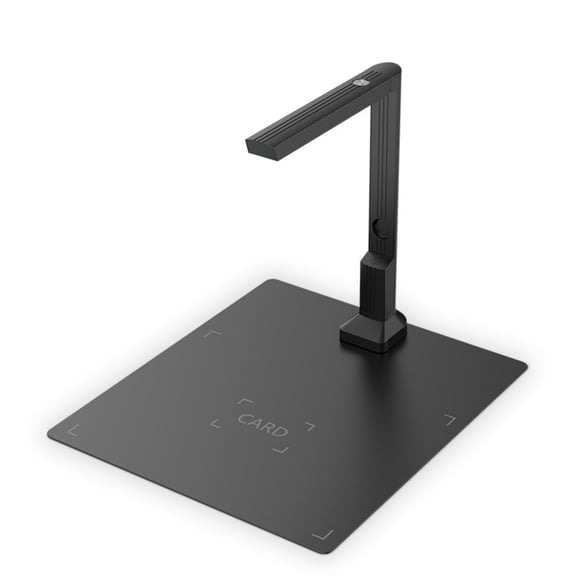 $6218current price $62.18, Was $69.09$69.09
Portable Foldable 16MP Document Scanner with OCR for Fast Home Scanning
Ricoh ScanSnap iX1300 Wireless Colour Document Scanner with USB Cable and Power Adapter PA03805-B105 $282.98
 2 optionsAvailable in additional 2 options$28298current price $282.98
Ricoh ScanSnap iX1300 Wireless Colour Document Scanner with USB Cable and Power Adapter PA03805-B105
934.3 out of 5 Stars. 93 reviews4.3 out of 5 starsEpson DS-530X Sheetfed Scanner $459.00
 $45900current price $459.00
Epson DS-530X Sheetfed Scanner
FOR 1SETS Roller Replacement Kit for Pro 2500 f1 Flatbed Scanner L2748A L2747-60001 $43.93
 $4393current price $43.93
FOR 1SETS Roller Replacement Kit for Pro 2500 f1 Flatbed Scanner L2748A L2747-60001
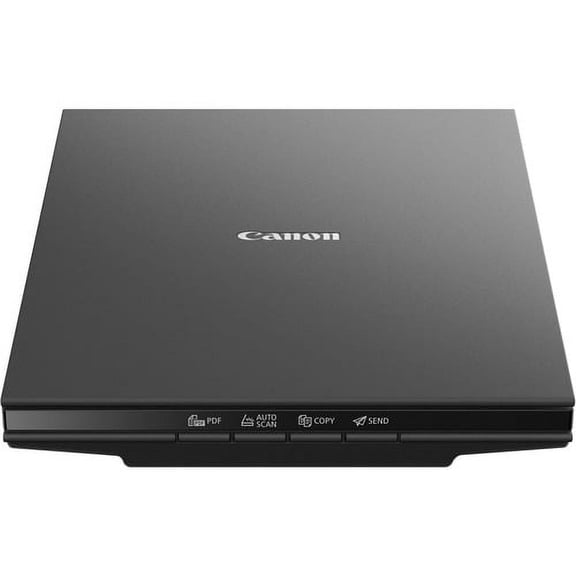
Canon CanoScan LiDE 300 Flatbed Scanner - 2400 dpi Optical, 48-bit Color, 16-bit Grayscale, USB (2995C002AA) | 2-Pack (2 Total) $175.70
 $17570current price $175.70
Canon CanoScan LiDE 300 Flatbed Scanner - 2400 dpi Optical, 48-bit Color, 16-bit Grayscale, USB (2995C002AA) | 2-Pack (2 Total)
RICOH fi-8040 Fast Front Office & Desktop Document Scanner $494.98
 $49498current price $494.98
RICOH fi-8040 Fast Front Office & Desktop Document Scanner
15 out of 5 Stars. 1 reviews5 out of 5 starsAvision AD6090 $1,099.00
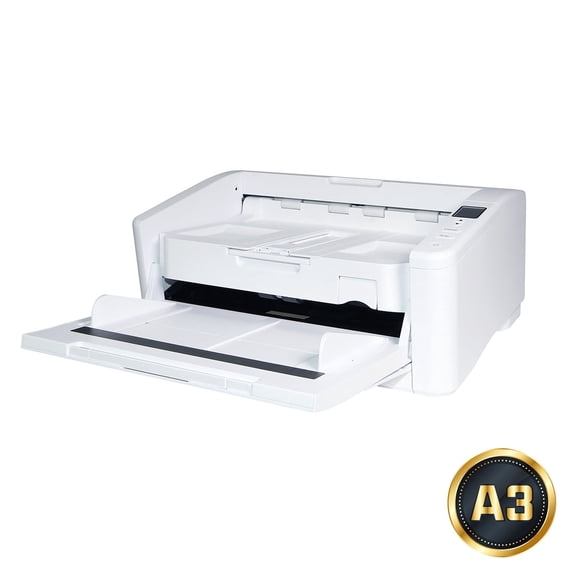 $1,09900current price $1,099.00
Avision AD6090
Brother Genuine SP-2001C Separation Pad SP2001C $38.26
 $3826current price $38.26
Brother Genuine SP-2001C Separation Pad SP2001C
55 out of 5 Stars. 5 reviews5 out of 5 starsFujitsu fi-7160 Sheetfed Scanner, 600 dpi Optical, Automatic Document Feeder, Black $268.00
 $26800current price $268.00
Fujitsu fi-7160 Sheetfed Scanner, 600 dpi Optical, Automatic Document Feeder, Black
31 out of 5 Stars. 3 reviews1 out of 5 starsAmbir Imagescan DS340AS Duplex ADF Scanner $877.21
 $87721current price $877.21
Ambir Imagescan DS340AS Duplex ADF Scanner
Automatic Size Scanner With 1 Second Per Page Speed 16MP Resolution For PDF JPG Conversion And Editing $57.73
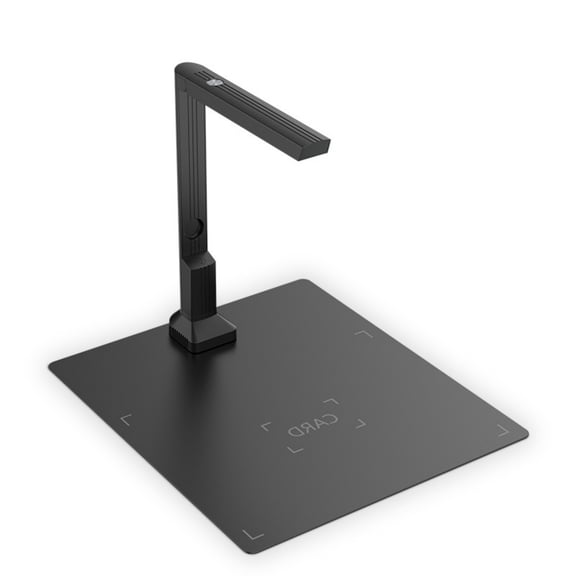 $5773current price $57.73
Automatic Size Scanner With 1 Second Per Page Speed 16MP Resolution For PDF JPG Conversion And Editing
Xerox Sheetfed Scanner, 600 dpi Optical, TAA Compliant $169.99
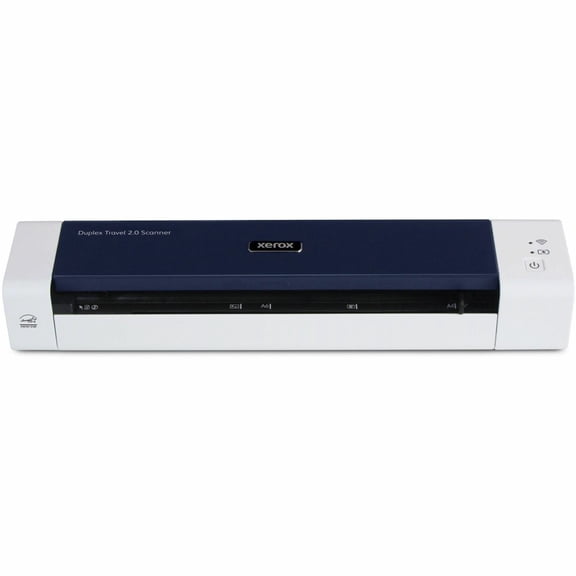 $16999current price $169.99
Xerox Sheetfed Scanner, 600 dpi Optical, TAA Compliant
FOR 5X Roller Replacement Kit for Pro 2500 f1 L2748A L2747-60001 Flatbed Scanner $93.18
 $9318current price $93.18
FOR 5X Roller Replacement Kit for Pro 2500 f1 L2748A L2747-60001 Flatbed Scanner
CHICHUMID Scanner Roller Pager Replacement Tpr Grey for Bike Precise Fit $8.99
 $899current price $8.99
CHICHUMID Scanner Roller Pager Replacement Tpr Grey for Bike Precise Fit
Avision AD340G $249.00
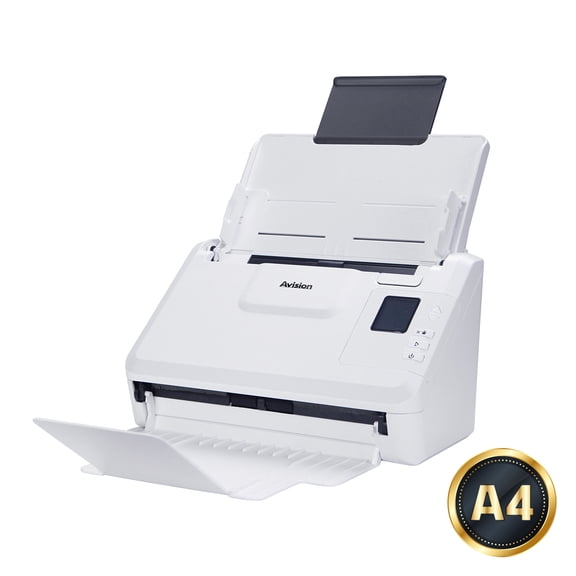 $24900current price $249.00
Avision AD340G
HOOWIFFY Scanner Parts Kit with Roller Paper Separation for Office Use, 4 Pieces Replacement Accessories $8.64 Was $10.29
 $864current price $8.64, Was $10.29$10.29
HOOWIFFY Scanner Parts Kit with Roller Paper Separation for Office Use, 4 Pieces Replacement Accessories
Customer ratings & reviews
0 out of 5 stars
This item does not have any reviews yet

Current price is USD$12,761.49
Price when purchased online
- Free shipping
 Free Holiday returns until Jan 31

Tech Support
How do you want your item?
Ships to
Arrives by Wed, Nov 18
|
Sold and shipped by PC OUTLET USA
4.857142857142857 out of 5 stars

Extended holiday returns
Free Holiday returns until Jan 31More seller options (2)
Starting from $14,298.44