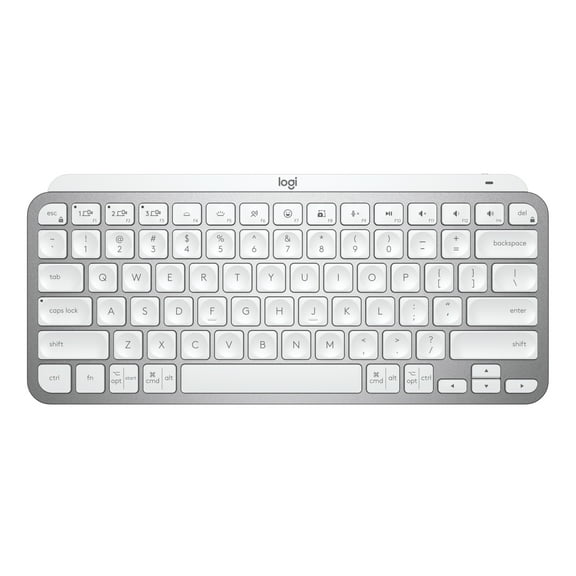
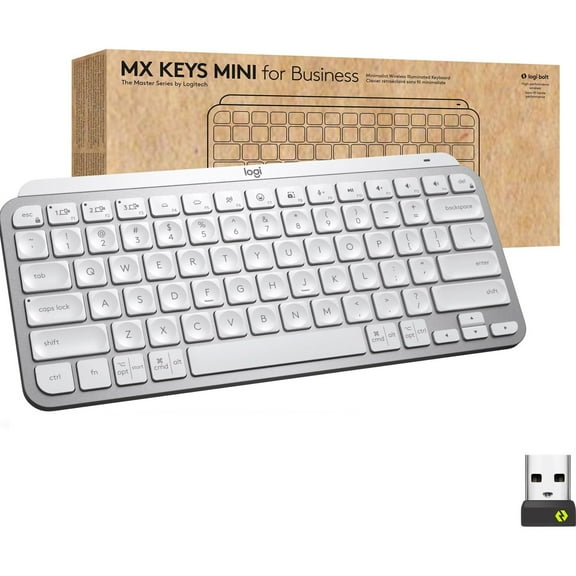
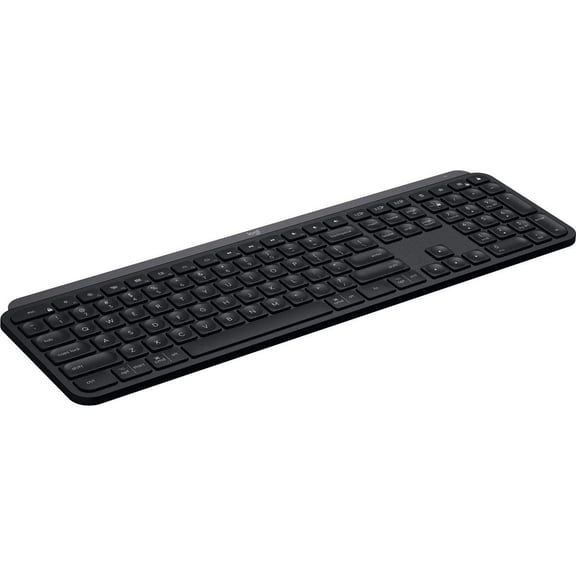
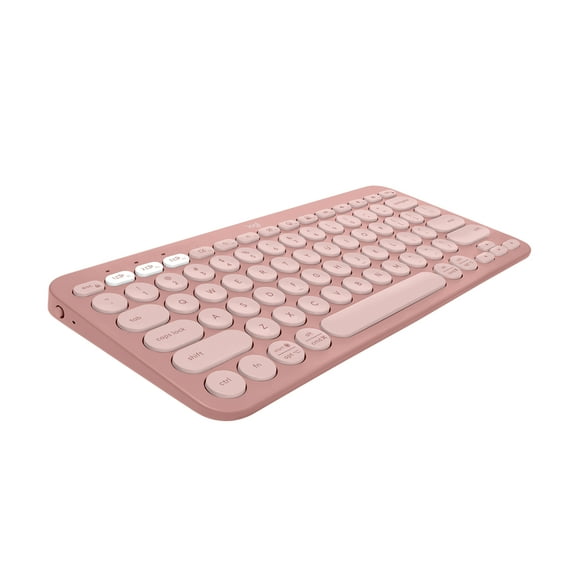
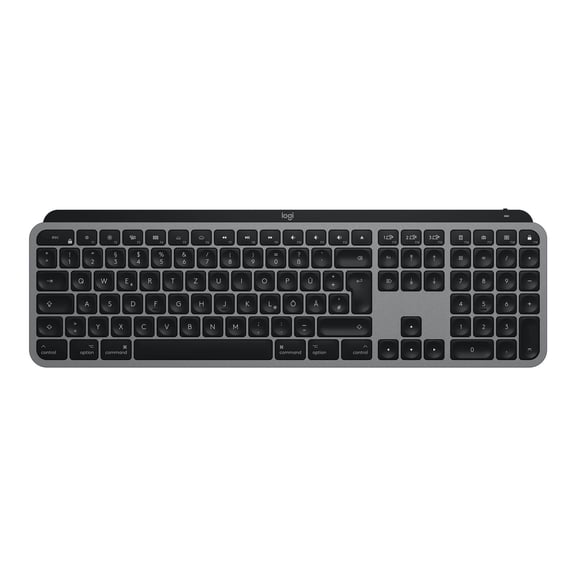
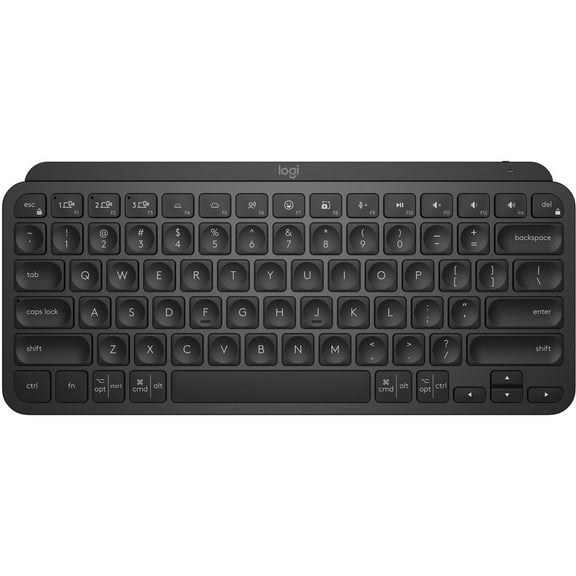
Logitech MX Keys Mini for Mac Minimalist Wireless Keyboard, Compact, Bluetooth, Backlit Keys, USB-C, Tactile Typing, Pale Grey
Hero image 0 of Logitech MX Keys Mini for Mac Minimalist Wireless Keyboard, Compact, Bluetooth, Backlit Keys, USB-C, Tactile Typing, Pale Grey, 0 of 12

Logitech MX Keys Mini for Mac Minimalist Wireless Keyboard, Compact, Bluetooth, Backlit Keys, USB-C, Tactile Typing, Pale Grey

Key item features

  • Mac Optimization: Optimized for macOS, iPadOS, and iOS, featuring a Mac-specific layout for enhanced productivity and compatibility with Apple MacBook Pro, MacBook Air, iMac, and iPad models.
  • Tactile Typing: Perfect Stroke keys are shaped for fingertips, offering optimal stability and tactile responsiveness, alongside voice-to-text Dictation, Mic Mute/Unmute, and Emoji keys.
  • Compact Ergonomics: A minimalist, portable design promotes improved ergonomics by aligning shoulders and allowing the mouse to be placed closer for reduced arm reaching and better posture.
  • Smart Backlighting: Backlit keys illuminate upon hand approach and automatically adjust to changing lighting conditions for seamless use.
  • Multi-Device Connectivity: Connects with multiple Mac computers and iPads via Bluetooth Low Energy, enabling seamless switching between devices.
  • Extended Battery: USB-C rechargeable, providing up to 10 days of power with backlighting or up to 5 months with backlighting off.
  • Sustainable Materials: Plastic parts in the Pale Grey model include 12% certified post-consumer recycled plastic, with a product carbon footprint of 9.96 kg CO2e.
Generated by AI
Current price is $99.99
Price when purchased online
  • Free shipping
  • Free 30-day returns
Walmart Protection Plan by Allstate

(Only one option can be selected at a time)

How do you want your item?

Try 30 days of Free Shipping with Walmart+! Choose plan at checkout.
How do you want your item?
Columbus, 43215
Arrives by Sun, May 3
.
Order within 10 hr 6 min
Sold and shipped by Walmart.com
Free 30-day returns - in store or online
This item is gift eligible

More seller options (5)

Starting from $99.99
walmart plus

Get free delivery, shipping and more*

*Restrictions apply

About this item

Product details

Specifications

Warranty

Warnings

Customer ratings & reviews

4.2 out of 5 stars
stars102 ratings82 reviews
How item rating is calculated

Reviews summary

Pros

  • : Has a small footprint, ideal for limited desk space.
  • : Features a design that allows for comfortable performance.
  • : Offers lower-priced option with similar functionality.
Generated by AI

Customer photos

Filtered and sorted results would be available on the new 'Customer ratings & reviews' page.
Sort by |

Showing 1-3 of 82 reviews

Nov 9, 2025
Erin
5 out of 5 stars review

Seller Verified Purchase

Buy it you won't be sorry

I've been using this everyday since I got it and I can't imagine going back. I really like the feel of the keys and how easy it is to turn on/off and charge.

Review from Logitech
Helpful?2LRFGO8BF2KR273719077
Jan 4, 2025
anonymous
Sold byMontre Le Trajet IncDelivered byWalmart
5 out of 5 stars review

Verified Purchase

Works great, looks great.

Definitely a step up for Logitech. Just the right size for the desk. Looks good. Connected in a snap. Love that it's Bluetooth so there no USB ports that have to be occupied. And great price!

Incentivized Review
Helpful?2LRFGO8BF2KR273719077
reply from Logitech

Thank you for the fantastic review of your Logitech MX Keys Mini for Mac! We're delighted you're enjoying its perfect size, sleek design, and seamless Bluetooth connection. We especially appreciate you noting the value it offers.

Jan 4, 2025
MEG
Top Reviewer
Sold byMontre Le Trajet IncDelivered byWalmart
5 out of 5 stars review

Verified Purchase

Not for people who need tactile mechanical feeling

Better than a standard slim design keystroke feel, especially if getting while on sale. Setup is incredibly easy - just plug it in to simultaneously charge and get started typing. There aren't any instructions included other than directing the user to download the Logi Options interface app and then walks you through installation and setup which requires giving the app monitoring and input access and permissions to your computer, yet it doesn't explain WHY the app is needed for keyboard use nor WHAT the app will be accessing on your computer, but does explain it will be running in the background. Looking online, this is a standard Logitech hw setup requirement but is only really necessary if you plan on customizing any process shortcuts or assigning hot keys. I decided not to give access permissions and the keyboard seems to work regardless, but I've only used it for basic typing (so not using all the FN keys) and knowing I won't ever want to customize it. The keystroke has a decent feel, with the cupped keys giving a more plastic shallow switch vs rubber and padded feel. Not as satisfying as a mechanical board but a way better price, so it was worth compromising to me. It's a little cramped feeling if using the arrow keys or other outer combination of fn, command or option keys, but again, for the price of the mini compared to the pro keyboard which is wider and includes the separate number pad, it was worth compromising on space for value.

Incentivized Review
Helpful?2LRFGO8BF2KR273719077
reply from Logitech

Thank you for your feedback! We appreciate you highlighting the ease of setup and the comfortable typing experience. We understand your concern regarding the Logi Options+ app. While optional for basic use, it offers extensive customization options like assigning shortcuts and adjusting backlighting. You can find more information about the app and its features on our support website. We're always working to improve our products and your feedback is valuable to us.