

Video Games | Classic and New Release Video Games | Walmart.com





![Roblox VGC $10 - $500 [Digital]](https://i5.walmartimages.com/asr/d2806d5f-62af-482c-b25d-ac2711b27040.f7e6ab79144643d6ceeefcb17d2896dc.jpeg?odnHeight=576&odnWidth=576&odnBg=FFFFFF)

![Sony PlayStation VGC $10-$250 [Digital]](https://i5.walmartimages.com/asr/2a987171-822a-497a-a844-81dabcaae2d7.2b0c738c4f95d4b5ff40132c4ea771da.jpeg?odnHeight=576&odnWidth=576&odnBg=FFFFFF)
![XBOX $50 Gift Card [Digital]](https://i5.walmartimages.com/seo/Xbox-50-eGift-Card-Digital_7a731824-fc50-4771-ab48-4902255ca9da.b41b0a5b1f6202664d9b46e7d874de79.jpeg?odnHeight=576&odnWidth=576&odnBg=FFFFFF)
![Nintendo eShop $20 eGift Card [Digital]](https://i5.walmartimages.com/seo/Nintendo-eShop-20-eGift-Card-Digital_e552a39d-b11e-472b-9b90-6cb5d4bd29bd.ea49988f242da2cfe413fa3091ae894d.jpeg?odnHeight=576&odnWidth=576&odnBg=FFFFFF)
![Nintendo Switch Online 12 Month Individual Membership Expansion Pack eGift Card [Digital]](https://i5.walmartimages.com/asr/a48e6e64-4389-4600-a187-d0680e24aedb.10d0ea28c7798b99279144182b33e389.jpeg?odnHeight=576&odnWidth=576&odnBg=FFFFFF)
![XBOX Game Pass Essential - 3 Month Membership [Digital]](https://i5.walmartimages.com/seo/XBOX-Game-Pass-Essential-3-Month-Membership-Digital_7115aaa1-72d1-40ac-b5b5-7efdb4c36bf9.014aa16843de0967d938288837e14bb3.jpeg?odnHeight=576&odnWidth=576&odnBg=FFFFFF)
![XBOX Game Pass Ultimate – 1 Month Membership [Digital]](https://i5.walmartimages.com/seo/Xbox-Game-Pass-Ultimate-1-Month-Digital_b5e8f53d-18fd-4a34-8c3b-2ae6959281f4.288e79d2cad41b14f8a22d261fad2951.jpeg?odnHeight=576&odnWidth=576&odnBg=FFFFFF)
![Meta Quest VGC $15 - $100 [Digital]](https://i5.walmartimages.com/asr/3810e023-a964-4402-bcd9-be45416021a9.ab983c0b28f471888a67b4c9d1f81be8.png?odnHeight=576&odnWidth=576&odnBg=FFFFFF)
Hard drives & memory
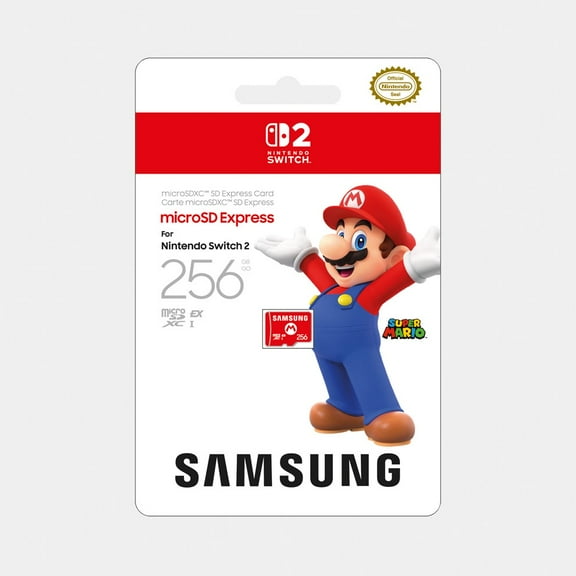


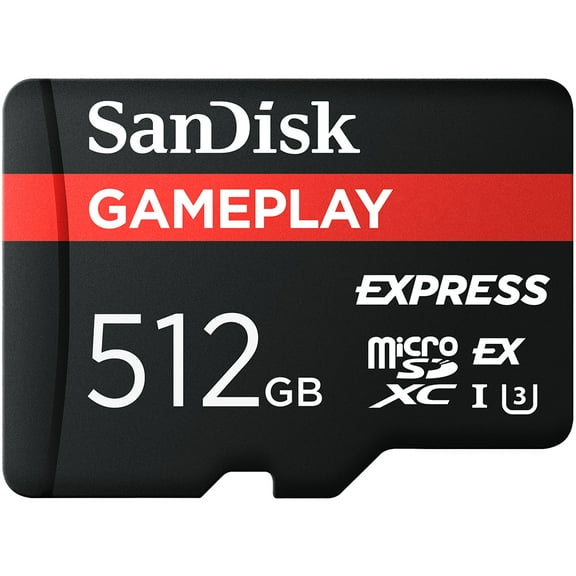

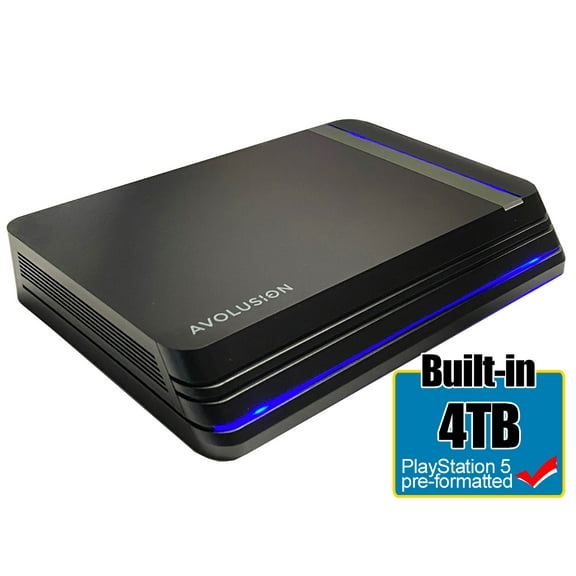
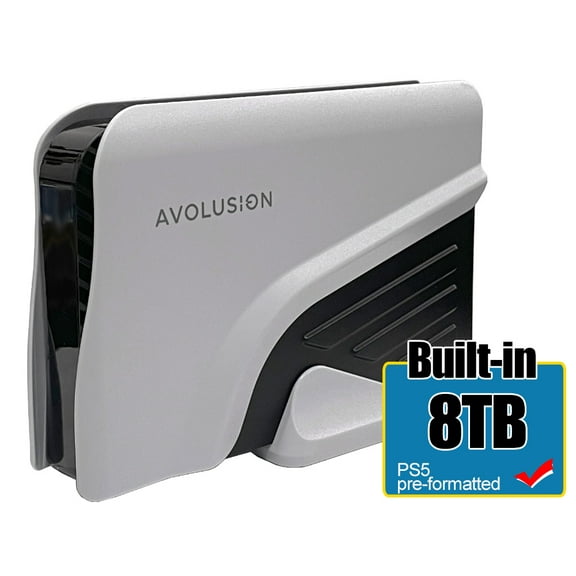

New releases


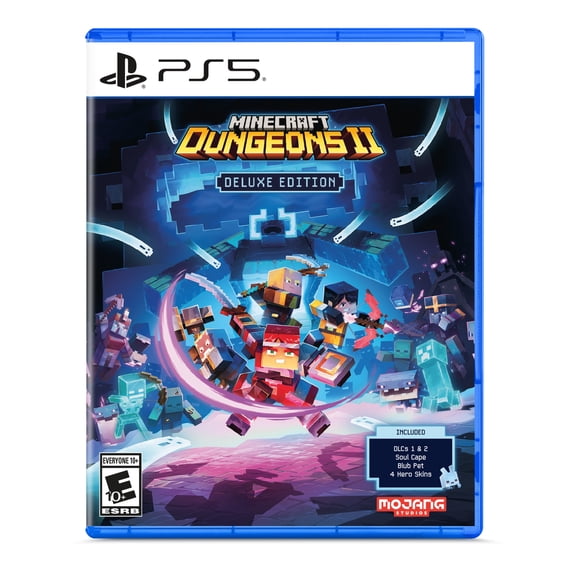

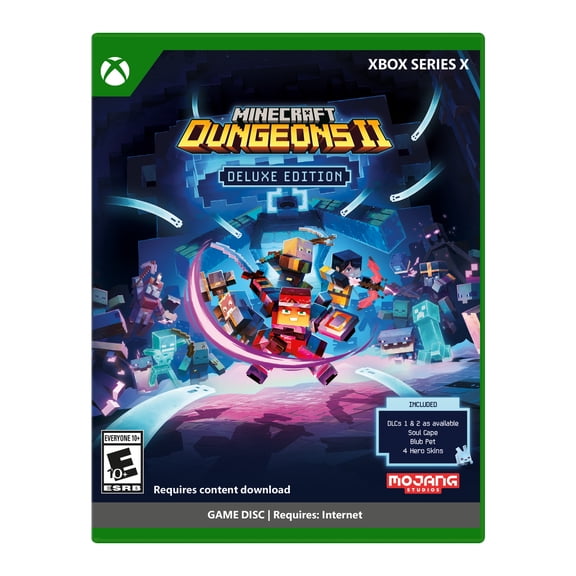


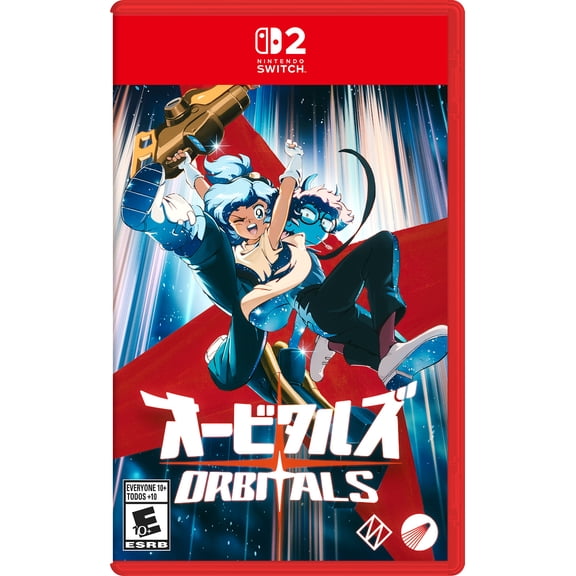
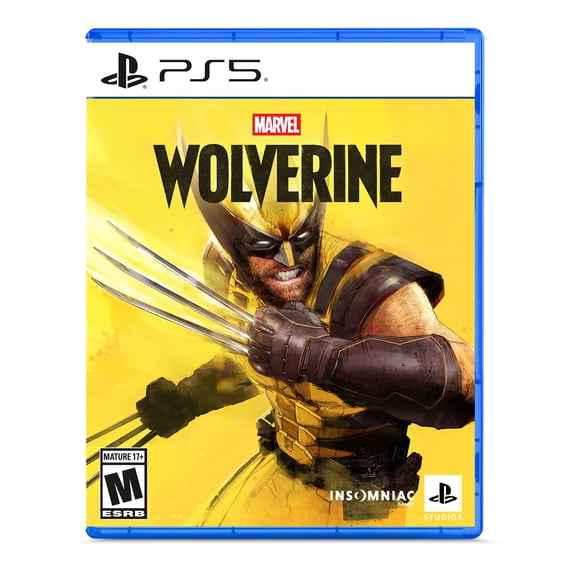
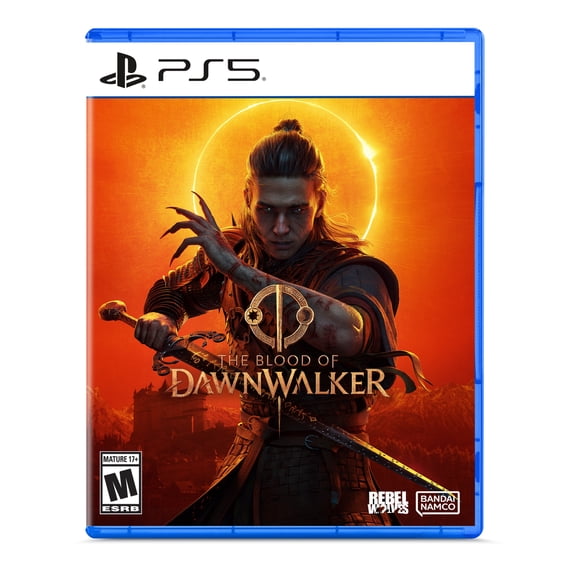
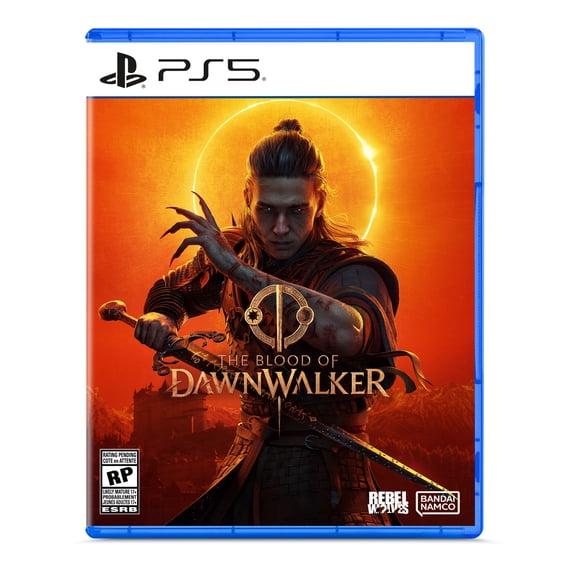

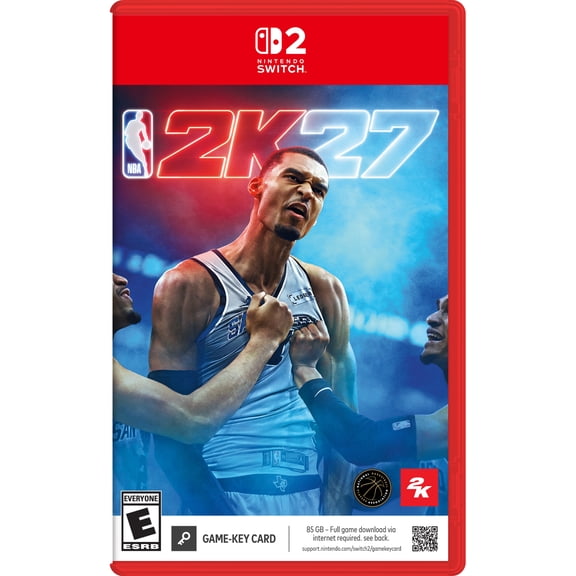
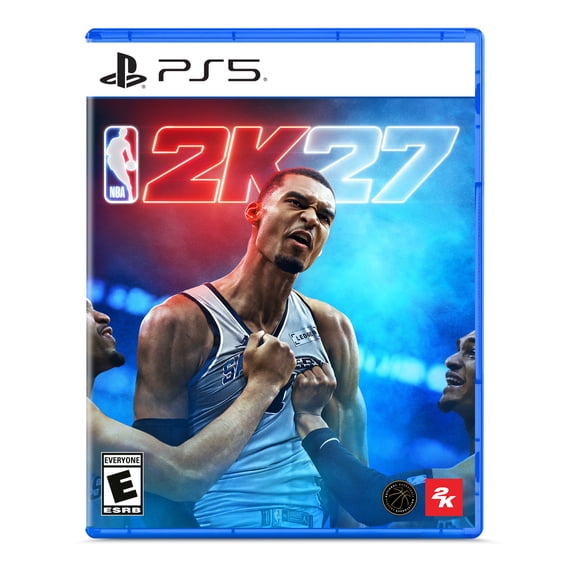
Preorder now

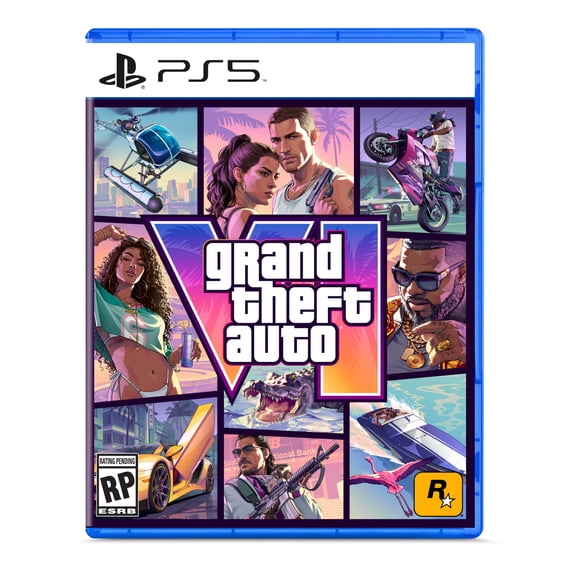
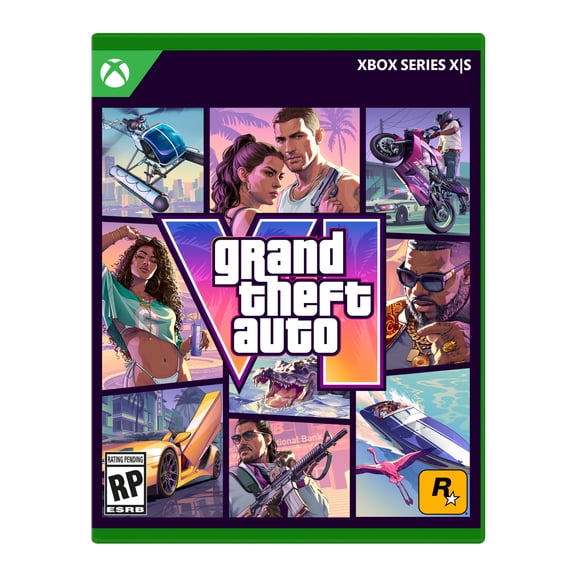
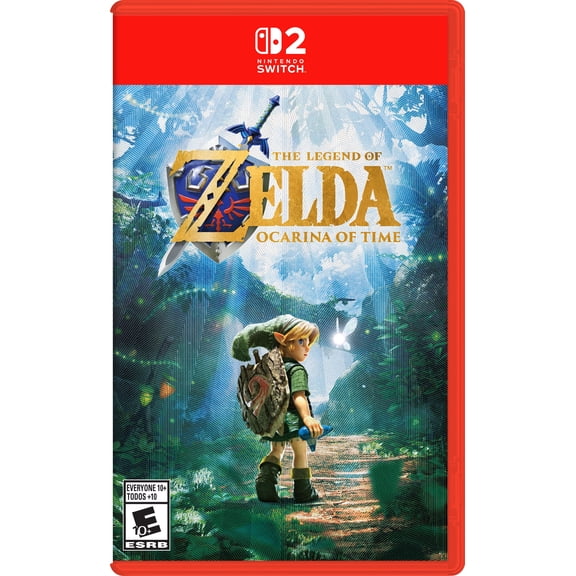
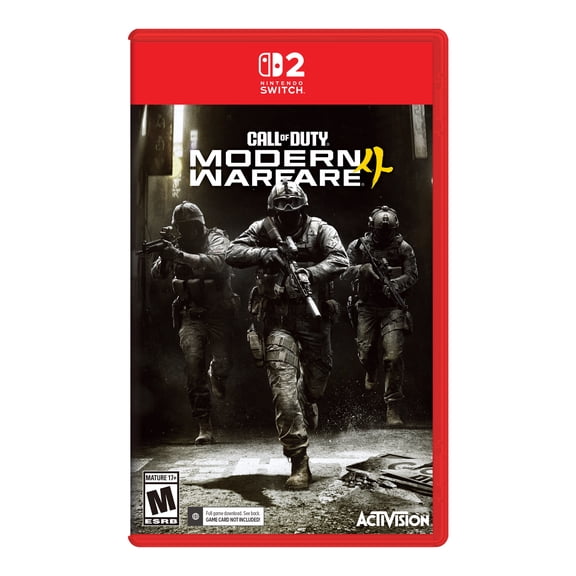

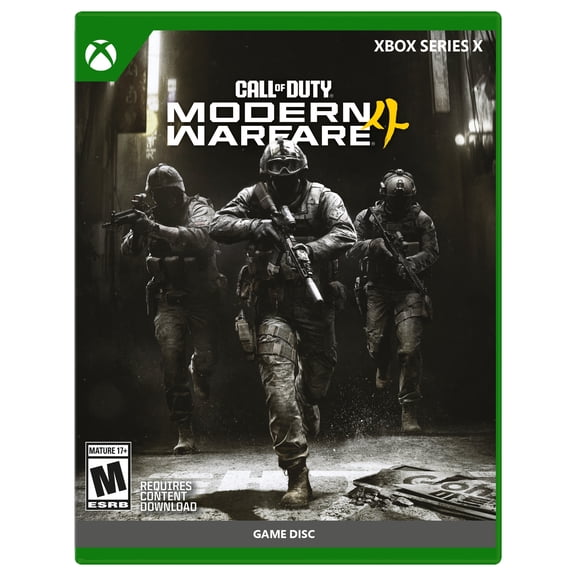
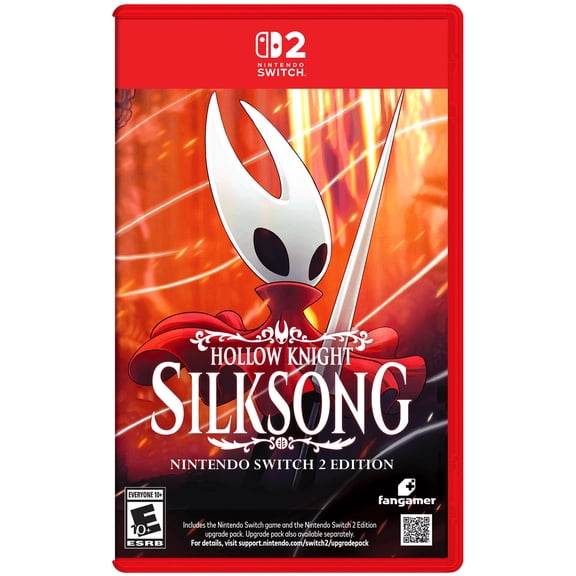
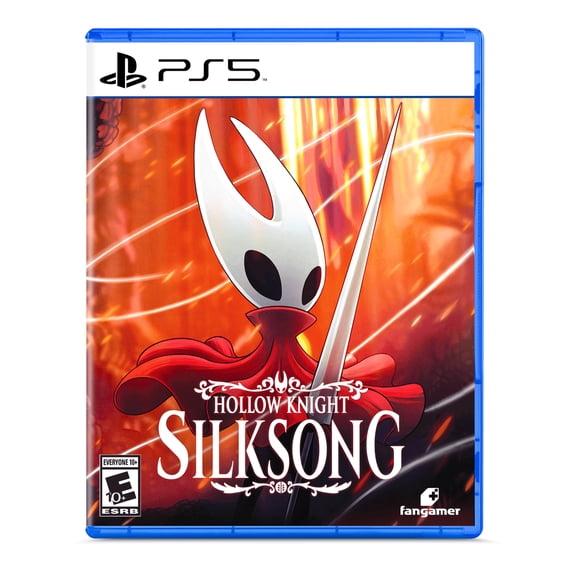
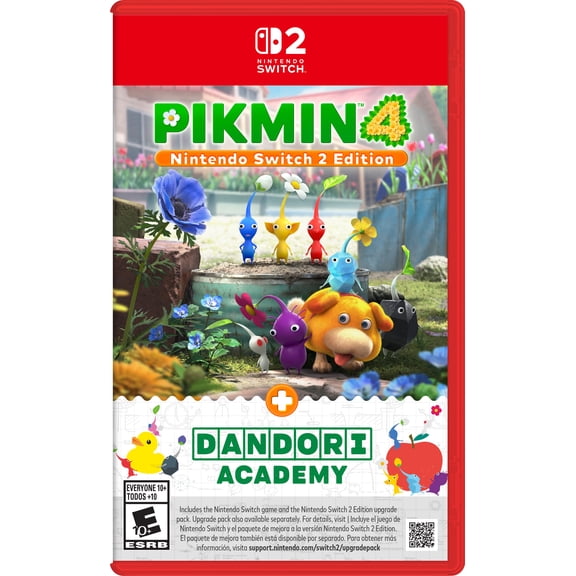
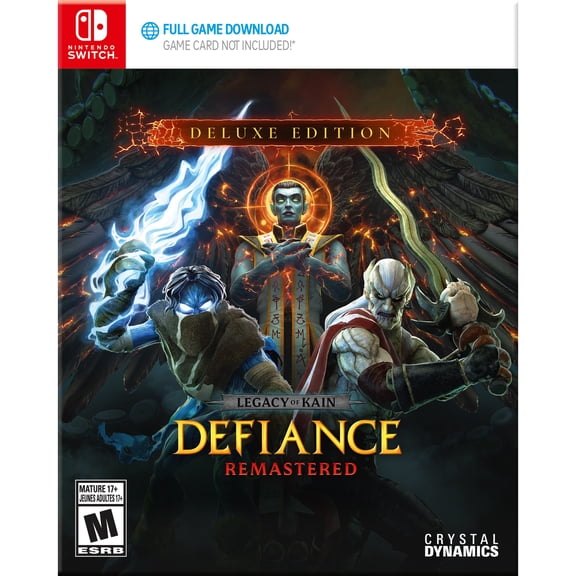
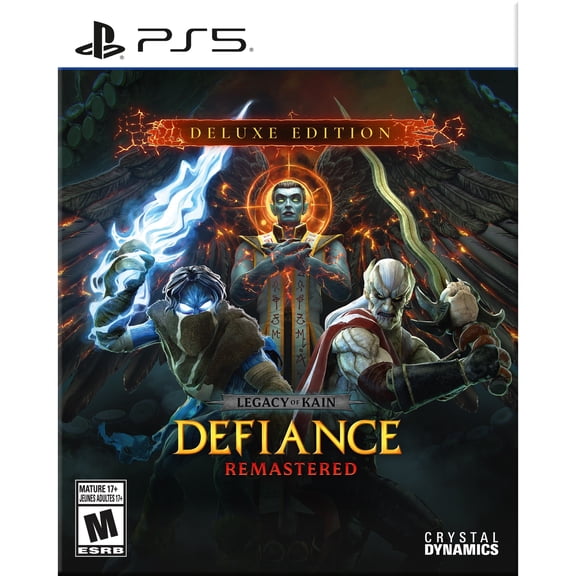
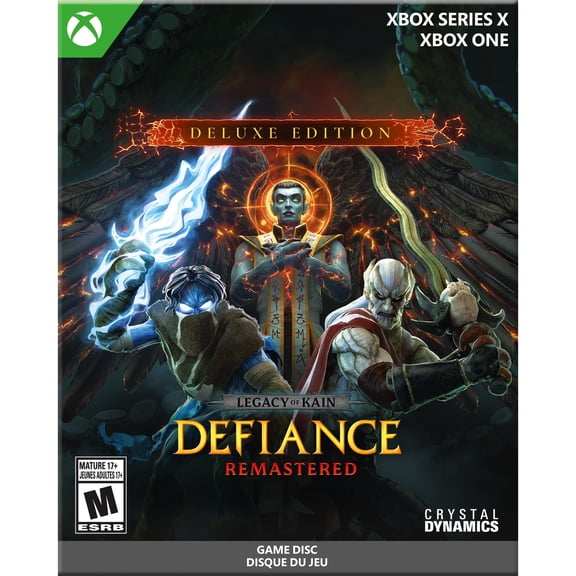
Don't miss these


Best selling accessories
The must have essentials
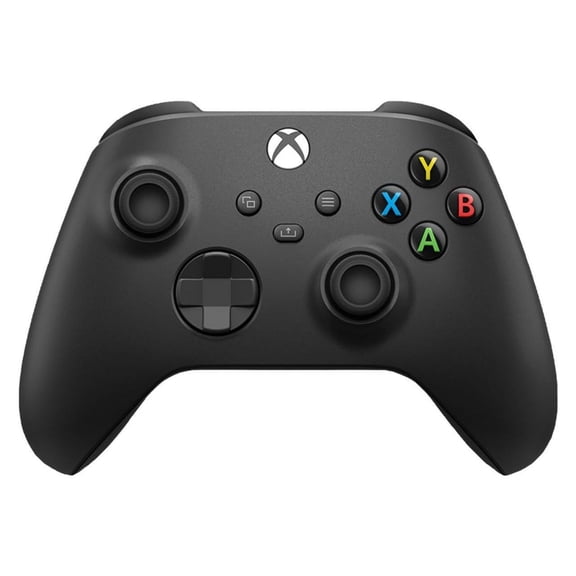
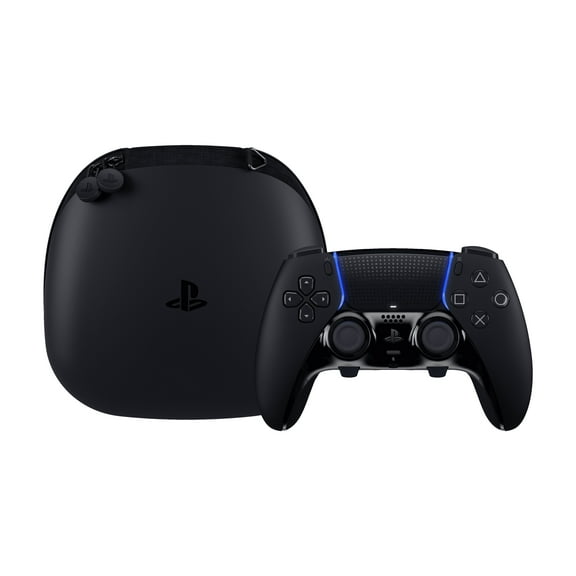
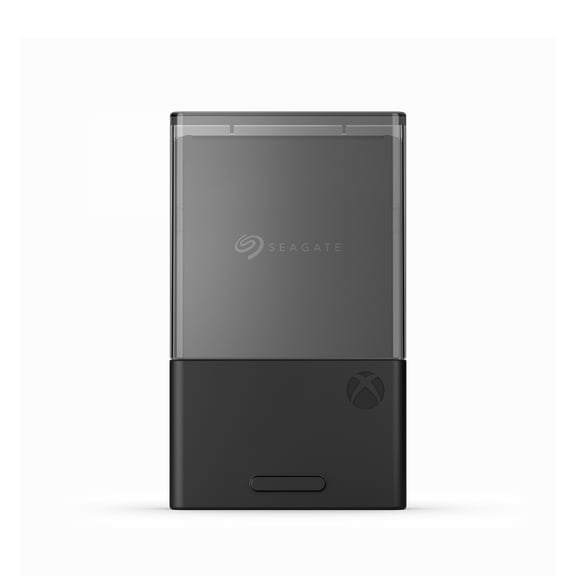
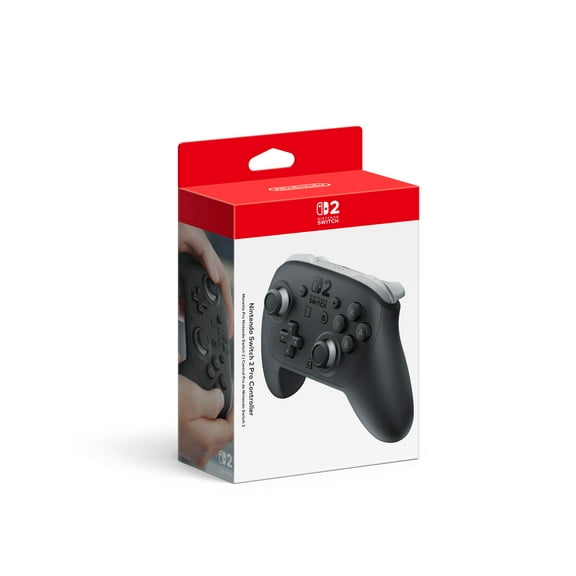
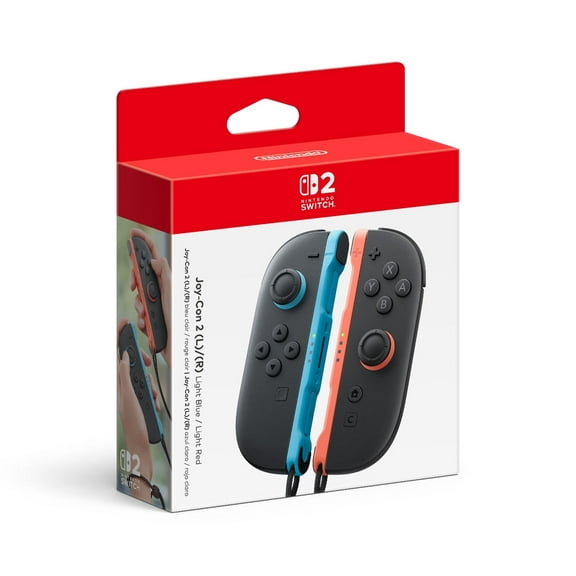
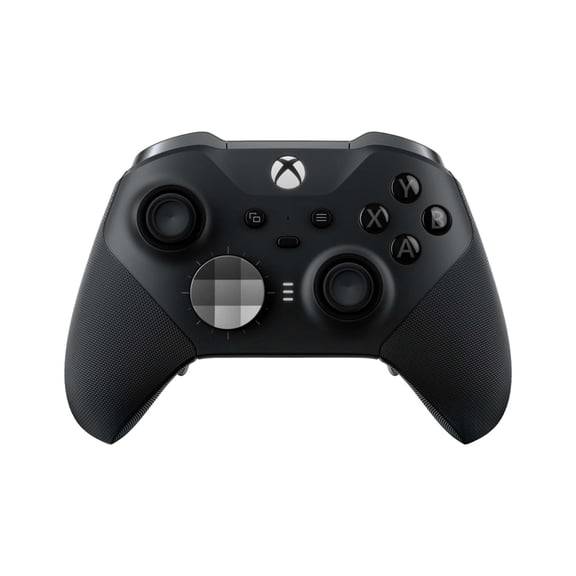
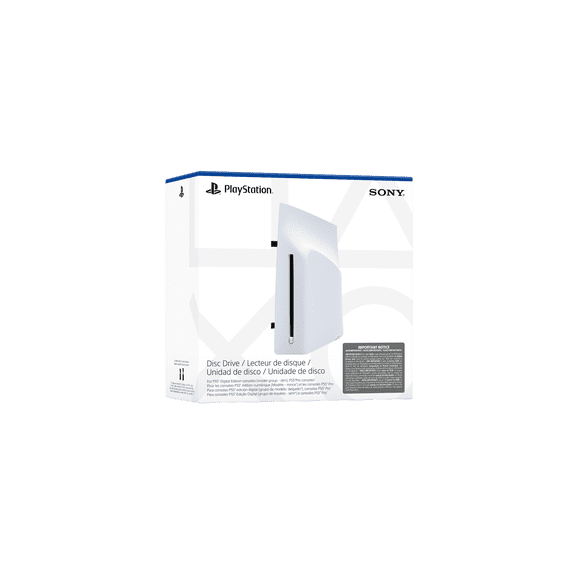
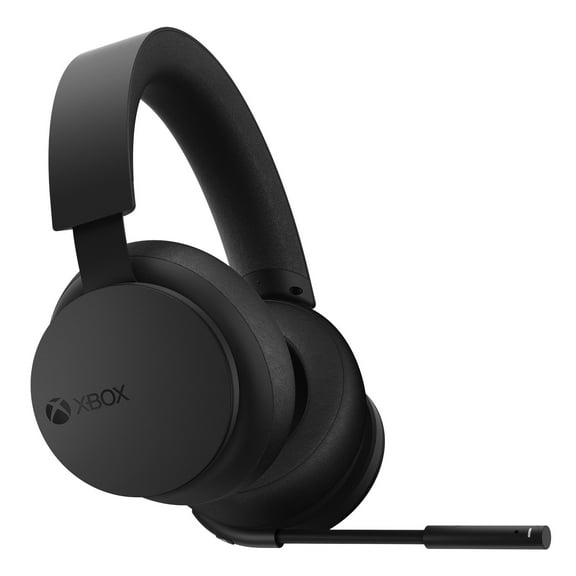
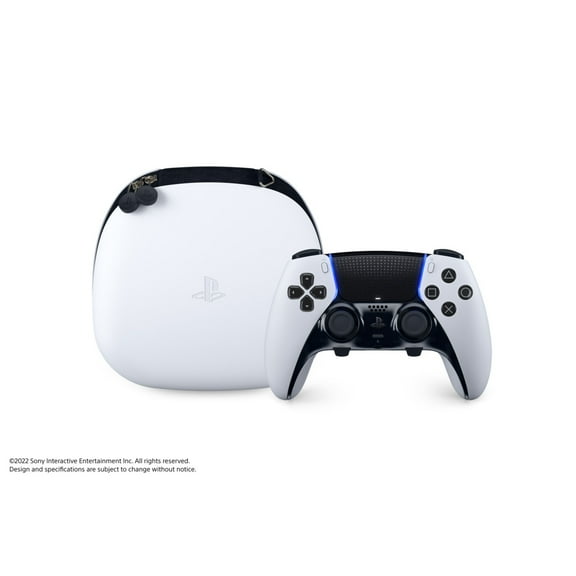
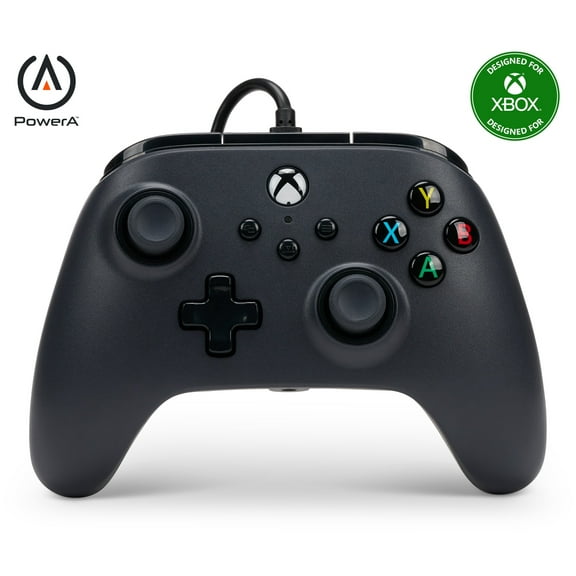
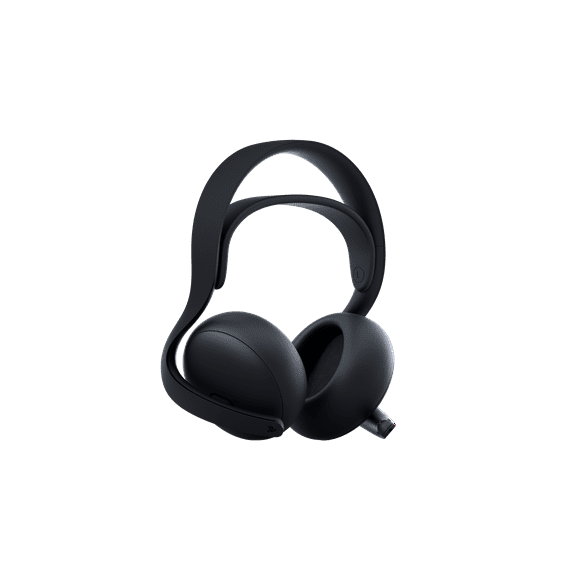
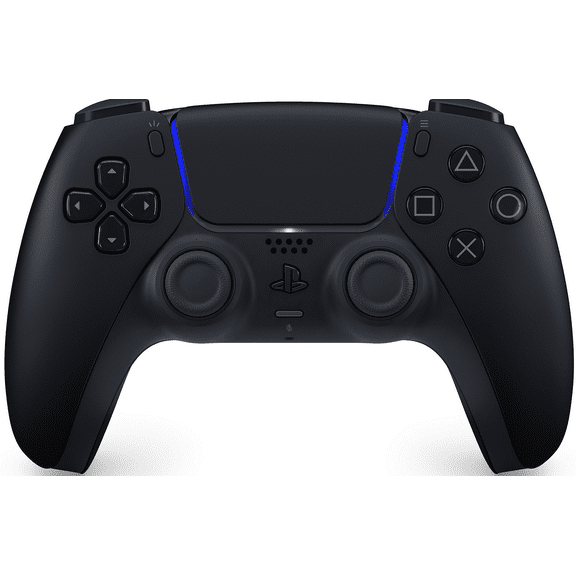

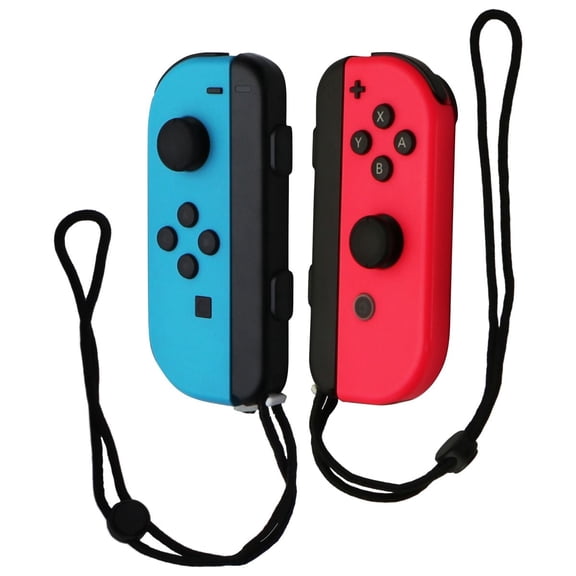




Gaming deals
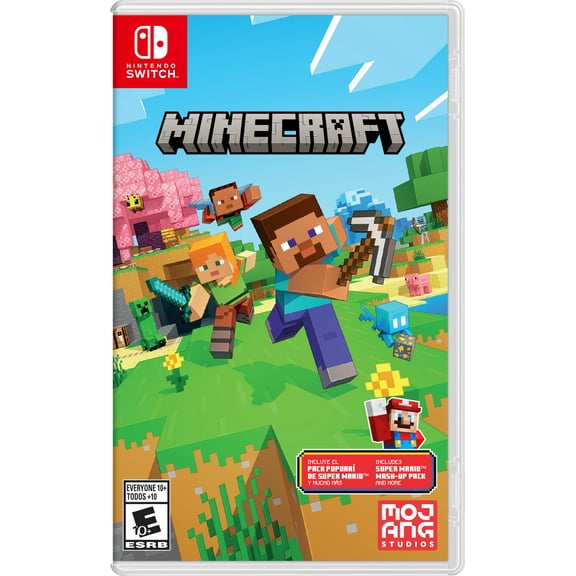
![Fintie Carrying Case for Nintendo Switch OLED Model 2021/Switch 2017, [Shockproof] Hard Shell Protective Cover Travel Bag w/10 Game Card Slots, Lilac Purple](https://i5.walmartimages.com/seo/Fintie-Carrying-Case-Nintendo-Switch-OLED-Model-2021-Switch-2017-Shockproof-Hard-Shell-Protective-Cover-Travel-Bag-w-10-Game-Card-Slots-Lilac-Purple_52b0aed2-66c6-4851-886e-651695d535ab.cb1d8ea29ea0ca3cc4d9e43ce21188e2.jpeg?odnHeight=576&odnWidth=576&odnBg=FFFFFF)

![Pokemon: Let's Go, Pikachu!, Nintendo Switch, [Physical], 045496593940](https://i5.walmartimages.com/asr/24861200-c76d-4cd7-93ef-ca502649d23f.166a606bccfe6b243917ed794d70a747.jpeg?odnHeight=576&odnWidth=576&odnBg=FFFFFF)
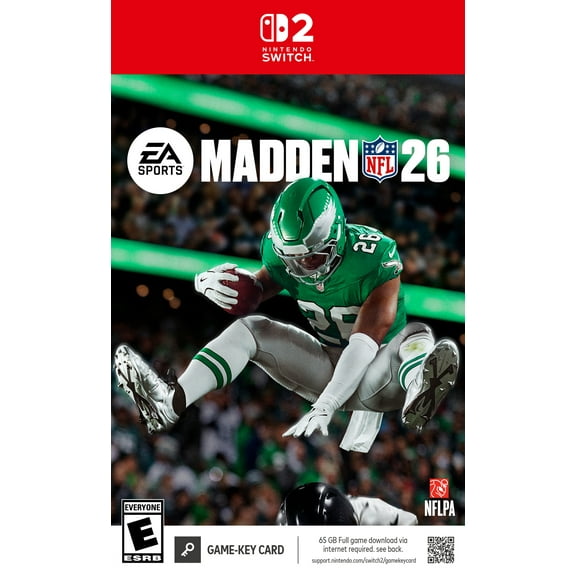
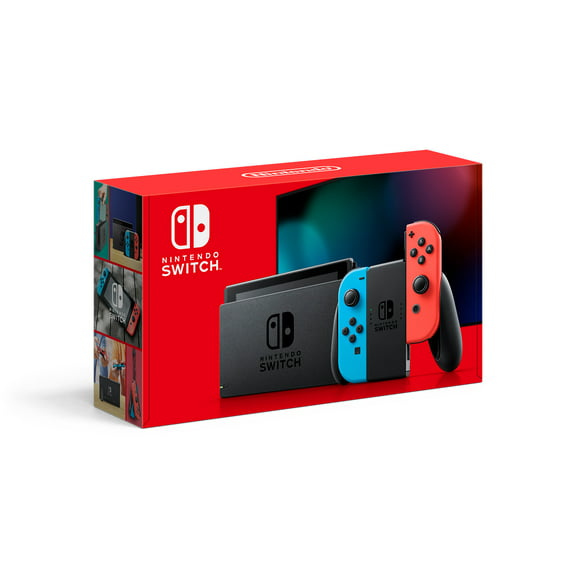
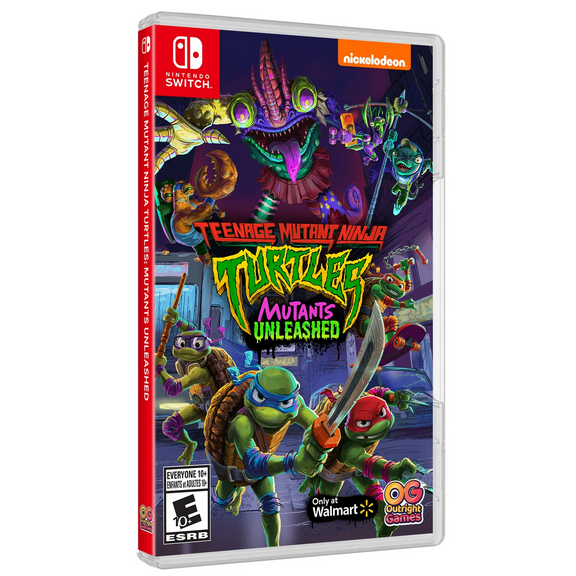
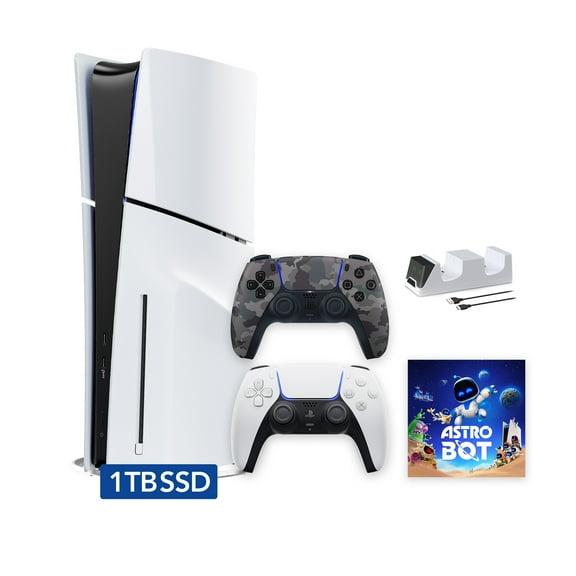
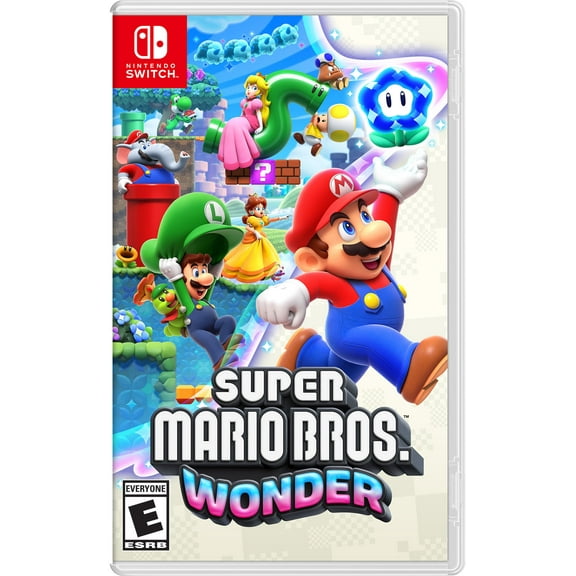
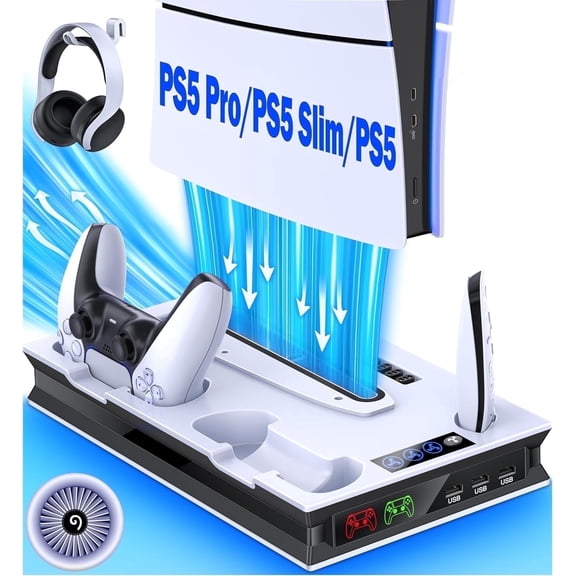
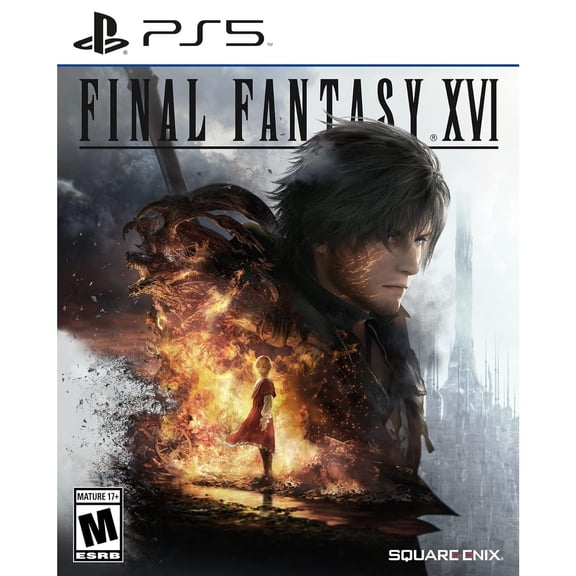


Shop by age



Shop video games by genre






New arrivals

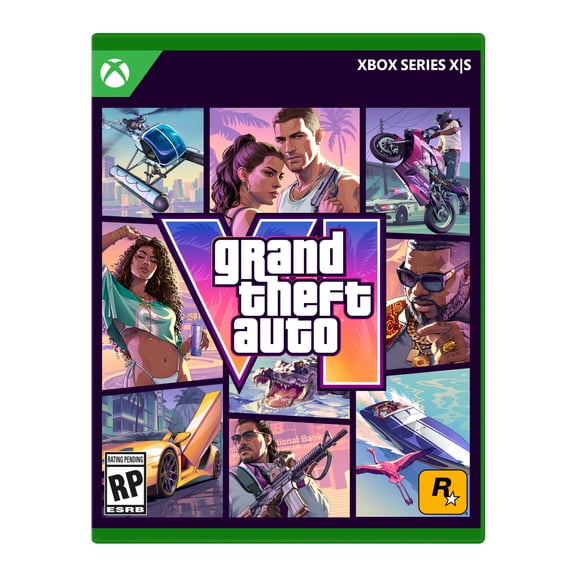


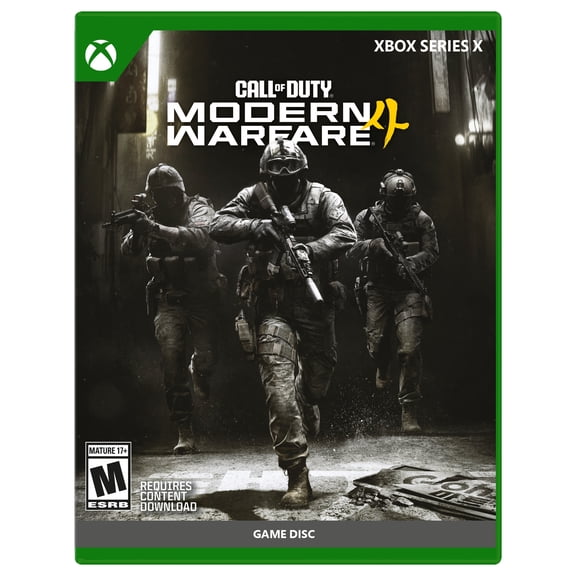
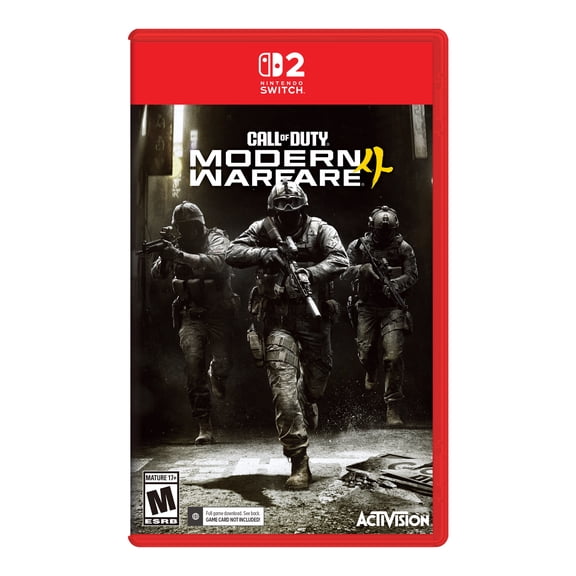

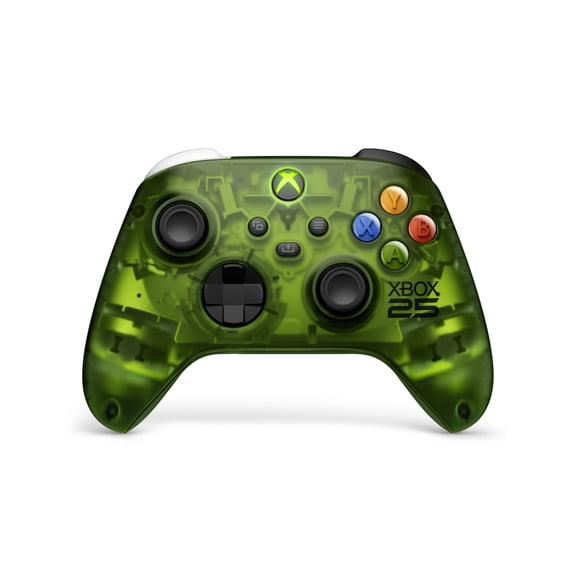
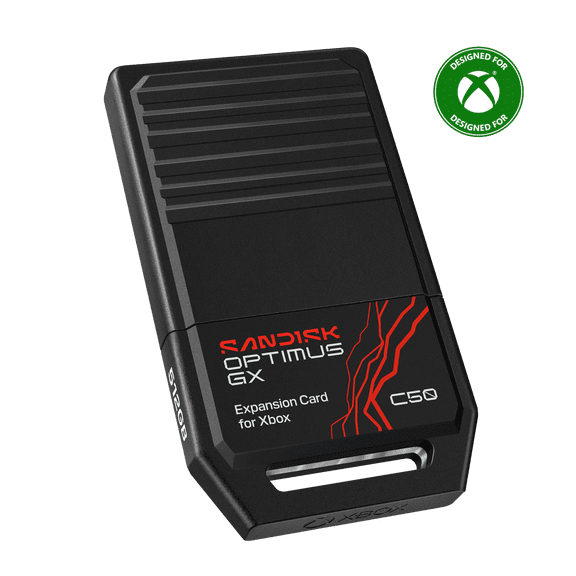
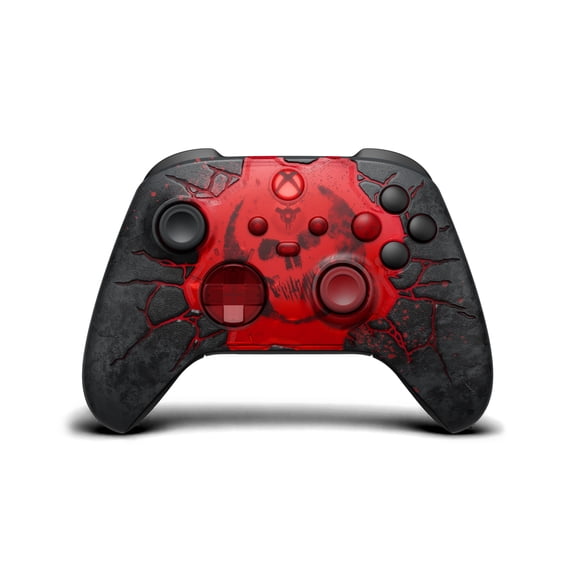
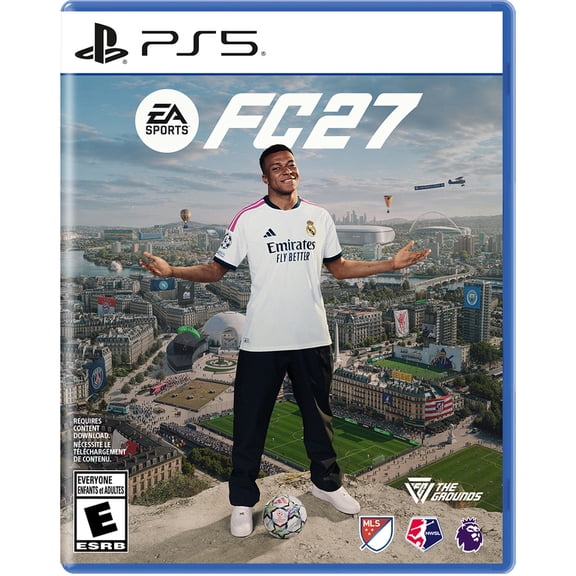
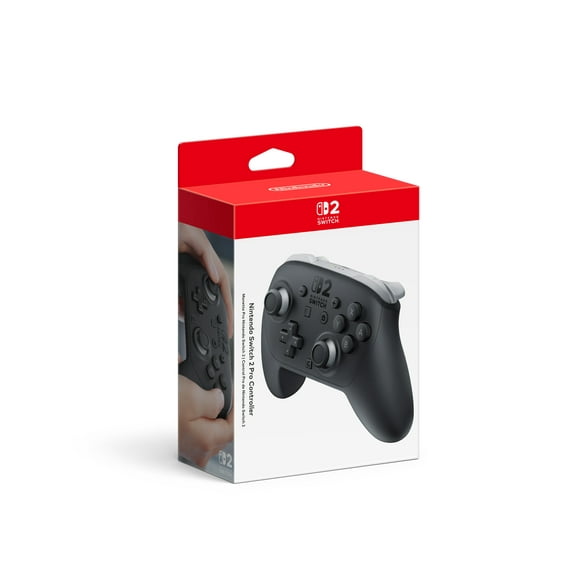
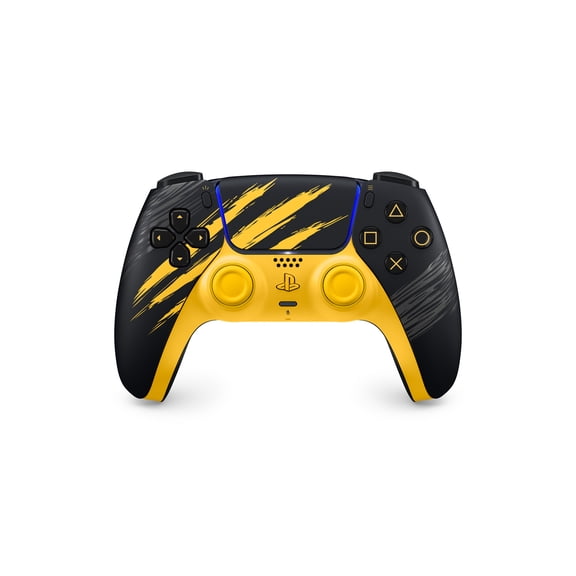
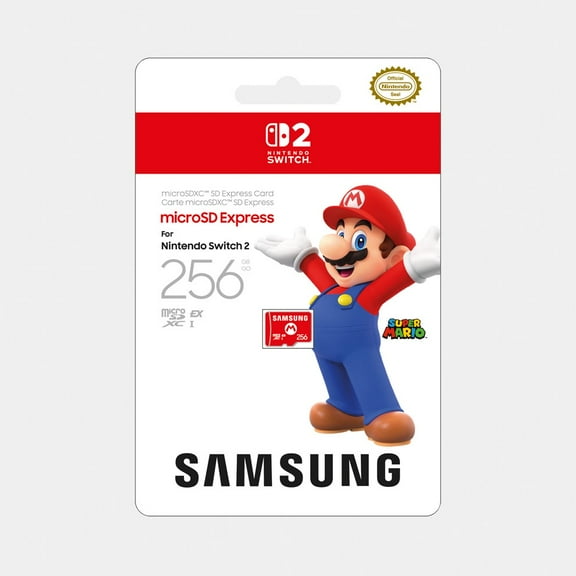

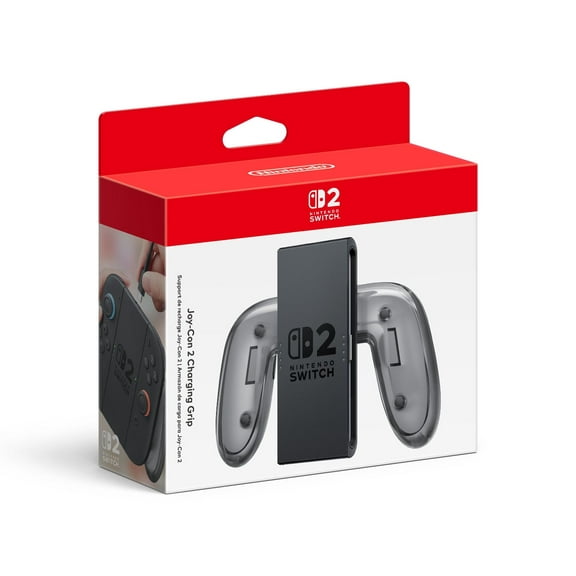

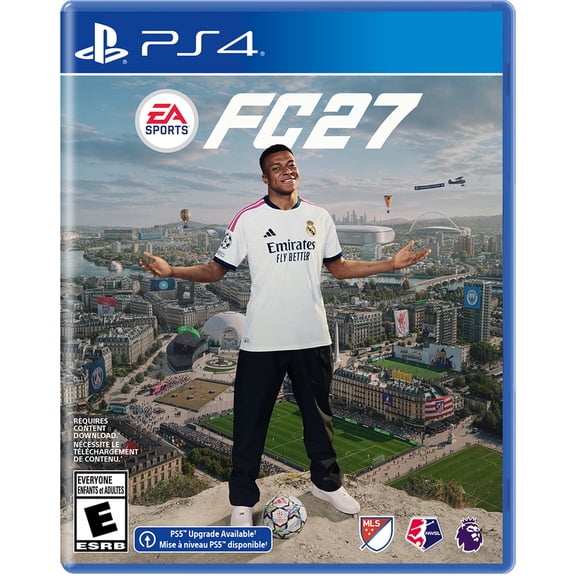




![NBA 2K27: Standard Edition - XBOX Series X|S [Digital]](https://i5.walmartimages.com/seo/NBA-2K27-Standard-Edition-XBOX-Series-X-S-Digital_79630592-0bc0-4c9d-9221-796ce132a4a4.10a0b8eabce557a81fa8f8f18b811337.jpeg?odnHeight=576&odnWidth=576&odnBg=FFFFFF)


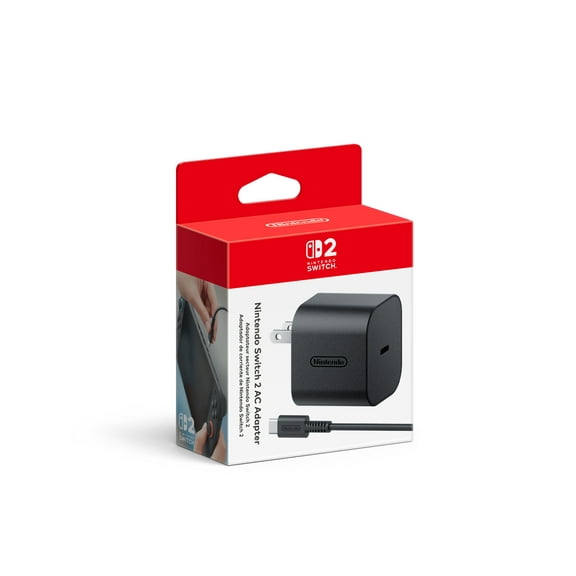


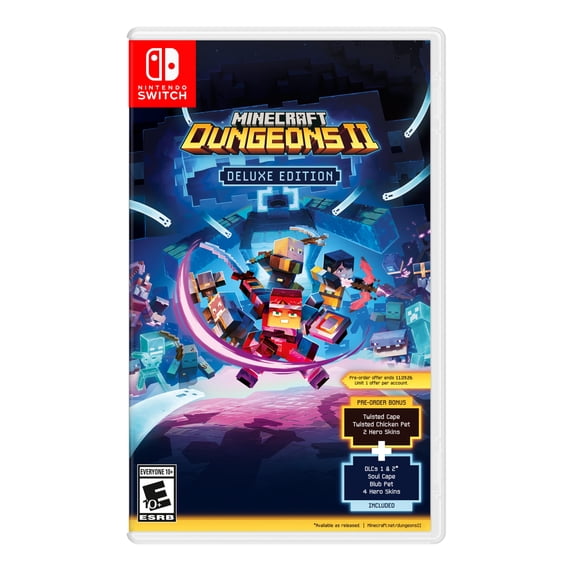
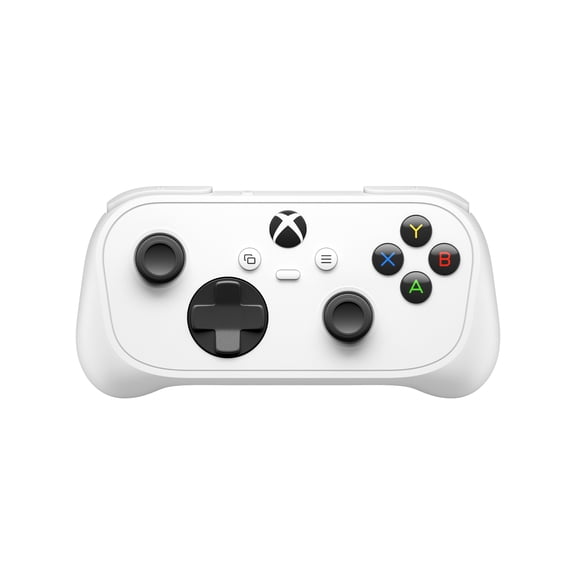
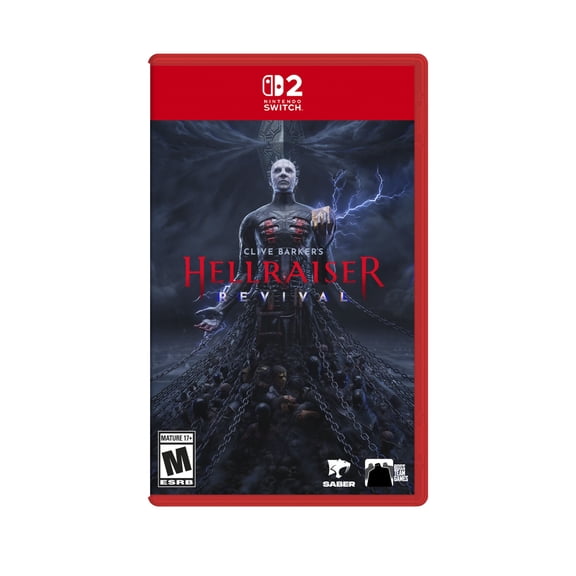


FAQ
About Video Games | Classic and New Release Video Games | Walmart.com
Your video game store destination should make platform choices clearer and game picking faster. You can compare consoles, formats, and genres in one place at Walmart.
When you shop this category, you can move from a new console search to add-on gear without losing momentum. You can also sort through physical discs, digital download codes, and platform-specific picks with less guesswork.
How to choose in a video game store
You should start with platform compatibility before you compare anything else. Your PS5, Xbox Series X, Nintendo Switch, or PC setup decides which titles and accessories fit.
If you own a disc edition console, you can use physical disc games and many download options. If your console is digital only, you should look for digital download codes instead.
You should also compare new, pre-owned, and refurbished choices when you shop gaming consoles. Your decision can depend on packaging preference, included parts, and the setup experience you want.
Choosing video games by genre and format
You can narrow video games faster when you shop by genre first. Your action-adventure games usually focus on exploration, while your RPG picks often emphasize progression and longer play sessions.
If you want quick matchups, you may prefer sports or shooter titles. If you share playtime with others at home, your family games can make group sessions easier to plan.
You should also compare format before checkout. Your physical disc can work well for shelf storage and gifting, while your digital download code can start your library without waiting.
- You can choose action-adventure titles when you want story-driven exploration and mission-based play.
- You can pick RPG games when your sessions run longer and your character progress matters.
- You can select sports or shooter titles when you want competitive matches and repeat play.
- You can look at family games when your household wants simple controls and shared play.
- You can compare physical and digital formats based on your console version and storage habits.
Choosing gaming consoles and storage needs
You should match gaming consoles to your preferred exclusives, controller layout, and play style. Your platform can also shape which subscriptions, downloads, and accessories fit your setup.
If you download often, you should check storage needs before you choose large titles. Your console or PC can fill up quickly when modern game files take significant space.
You can keep your library easier to manage when you compare file sizes early. Your digital purchases may need extra storage planning, especially if you rotate several active games.
When you compare new, pre-owned, and refurbished systems, you should focus on condition details and included components. Your setup goes smoother when you confirm controllers, cables, and storage specs.
What to look for in controllers and accessories
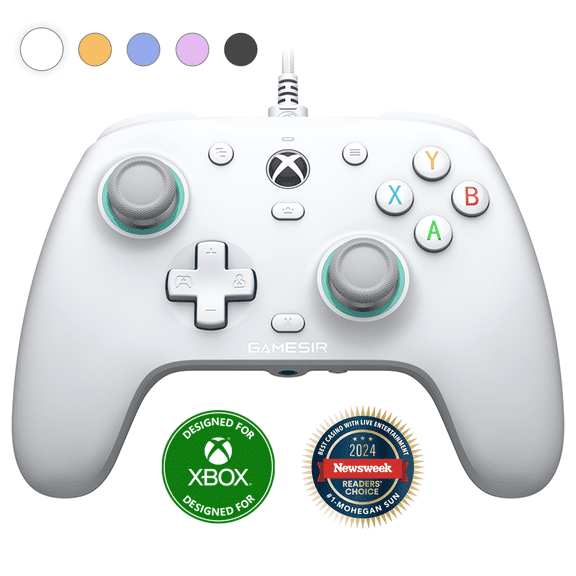
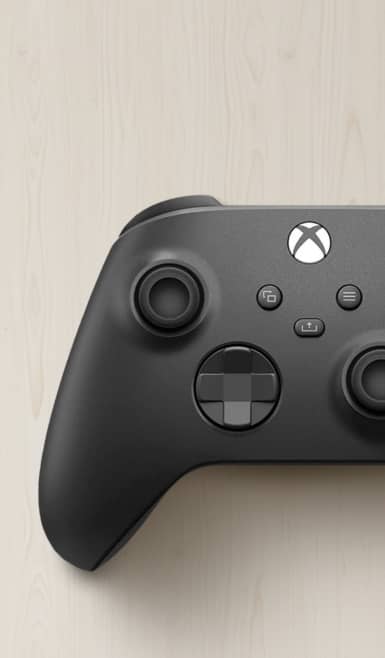
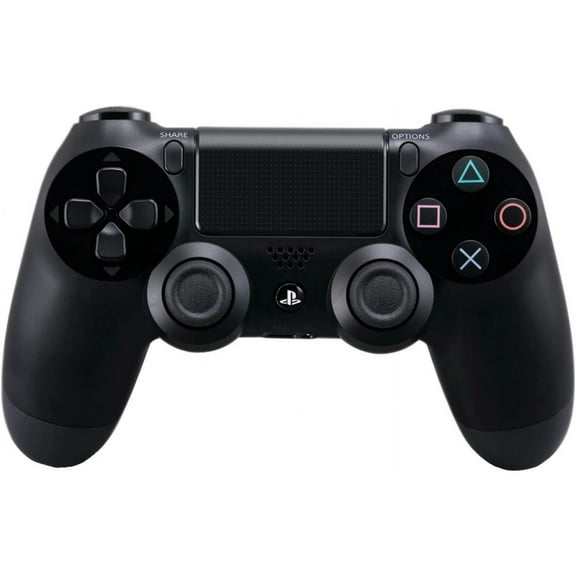
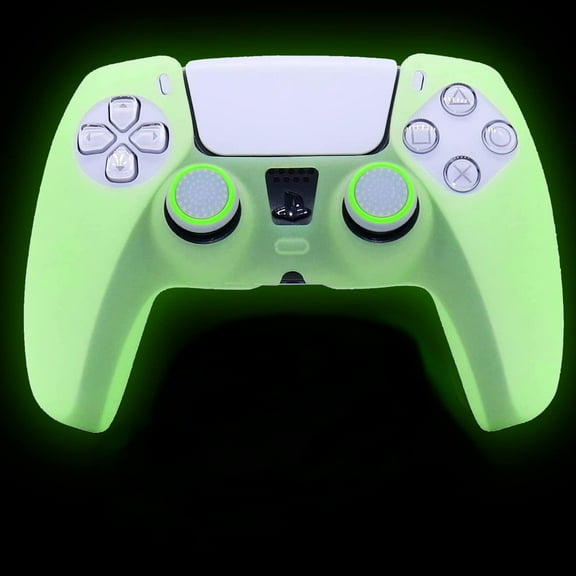
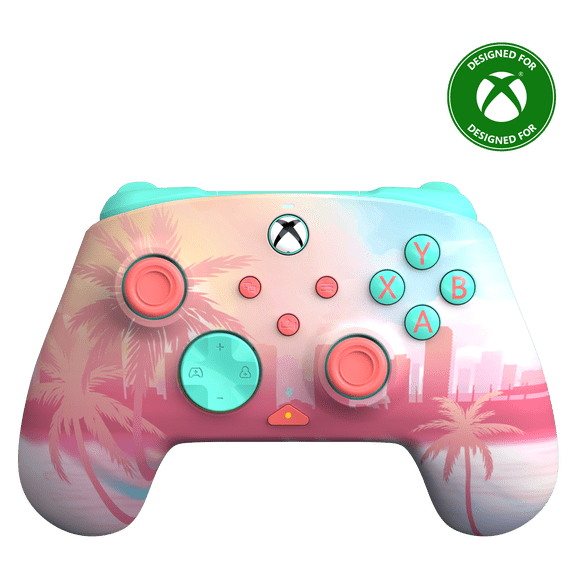
You can improve your setup when you match video game controllers to your platform and play style. Your controller choice may depend on wireless pairing, button layout, or charging preferences.
If you play racing, sports, or fighting titles, you may care more about grip and response. If you play on Switch or PC, your compatibility check matters before you pick extra gear.
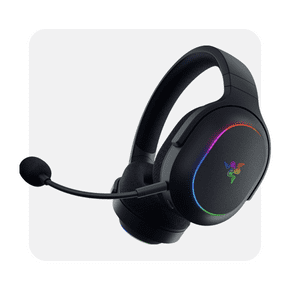
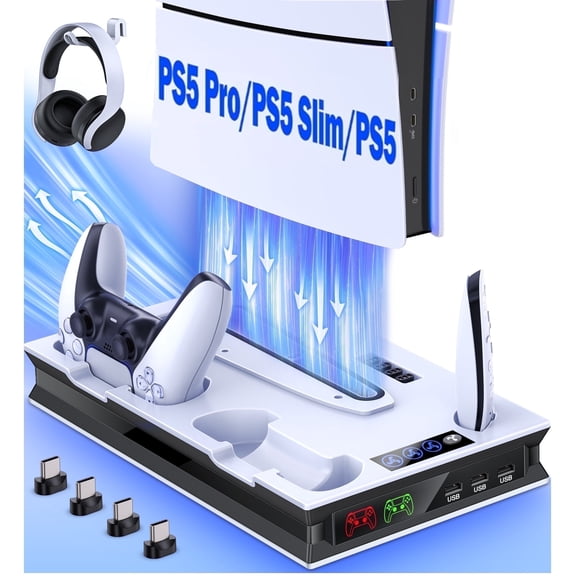
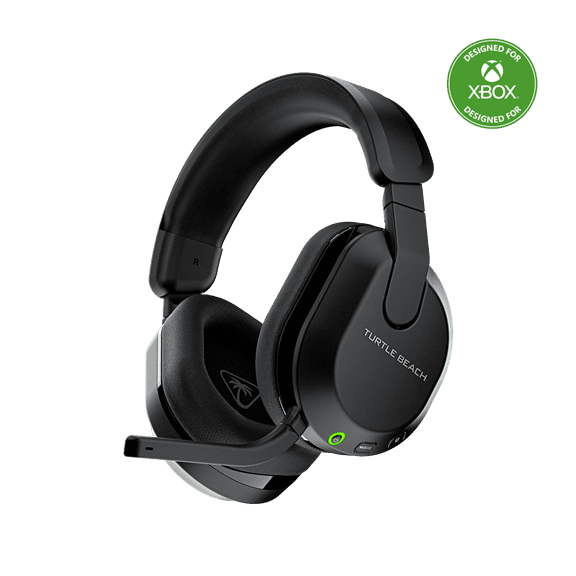
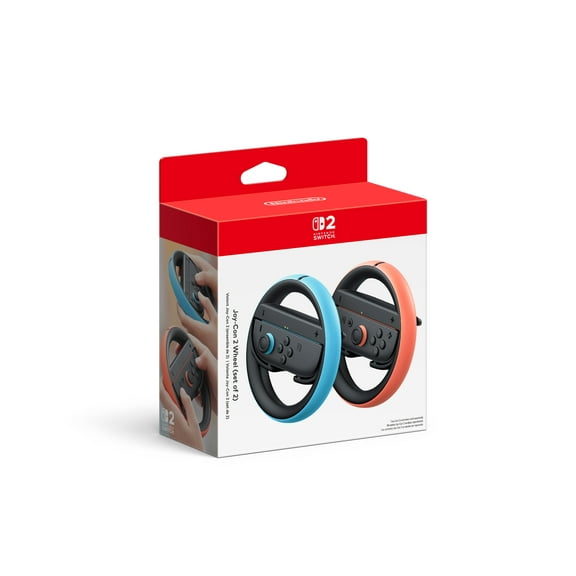
You should also compare gaming accessories that support everyday play. Your options may include headsets, charging docks, memory cards, cases, and steering wheels for specific platforms.
For multiplayer sessions, you should check whether your game supports local co-op or online play. Your online play may also require a platform subscription, so you should confirm that before purchase.
Matching your setup to real play habits
You can build a smarter cart when you match platform, genre, and format to how you actually play. Your weekday routine may favor digital titles, while your gift list may favor boxed games.
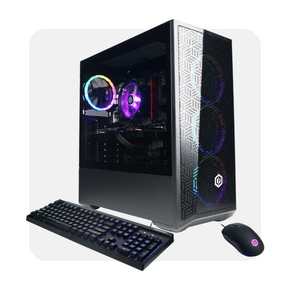
If your household shares one console, you may want family games and an extra controller. If your space includes a gaming desk, your PC setup may benefit from storage and audio accessories.
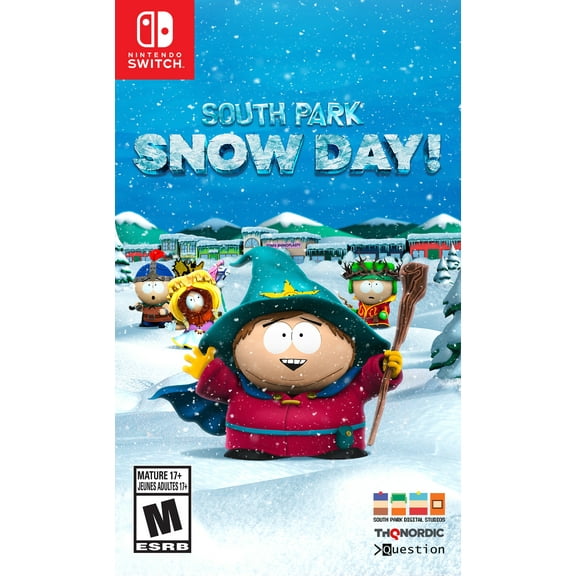
You should check ESRB ratings and content descriptors when you buy for kids or mixed-age groups. Your review of age guidance can help you choose games that fit the players in your home.
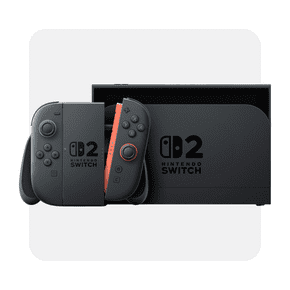
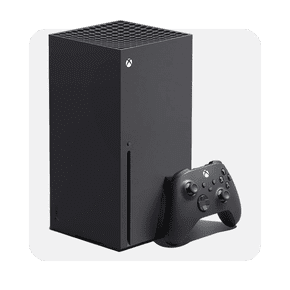
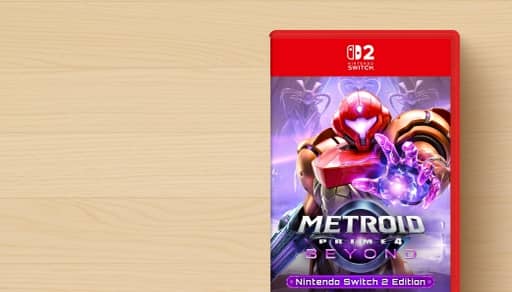
When you want travel-friendly play, your Nintendo Switch picks may pair well with cases and extra controllers. When you want big-screen sessions, your PS5 or Xbox Series X setup may guide your format choice.
You can shop this video game store with more confidence when your choices match your console, storage, and play style. Your setup feels ready sooner when compatibility and format are clear from the start.