




Networking in Computers, Laptops and Tablets










![BENFEI USB 3.0 to Ethernet Adapter, USB C to RJ45 Gigabit LAN (1000Mbps) Network Adapter, Compatible with MacBook/Pro/Air, Surface Pro, Windows 11/10/8/7, Mac OS [Aluminium Shell&Nylon Cable]](https://i5.walmartimages.com/seo/BENFEI-USB-3-0-to-Gigabit-Ethernet-Adapter-Compatible-for-MacBook-Surface-Pro-PC-with-Windows11-10-8-7-XP-Vista-Mac-Aluminium-Shell-Nylon-Cable_08cf89fc-92b7-44cb-b84e-2277d8ca1942.cfb38bd09c8f523e4617d56bb6112c20.jpeg?odnHeight=576&odnWidth=576&odnBg=FFFFFF)
About Networking in Computers, Laptops and Tablets - Walmart.com
You can upgrade your setup with networking equipment that fits your internet plan, room layout, and device count. You can compare routers, modems, switches, extenders, and adapters in one place, so your home connection feels easier to manage.
Choosing the right networking equipment
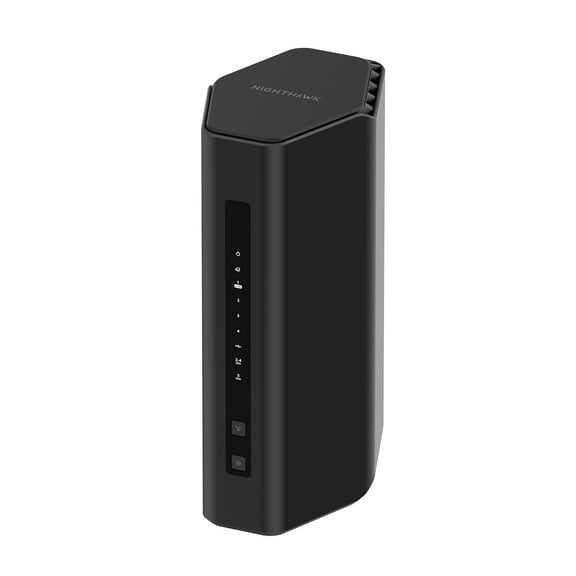
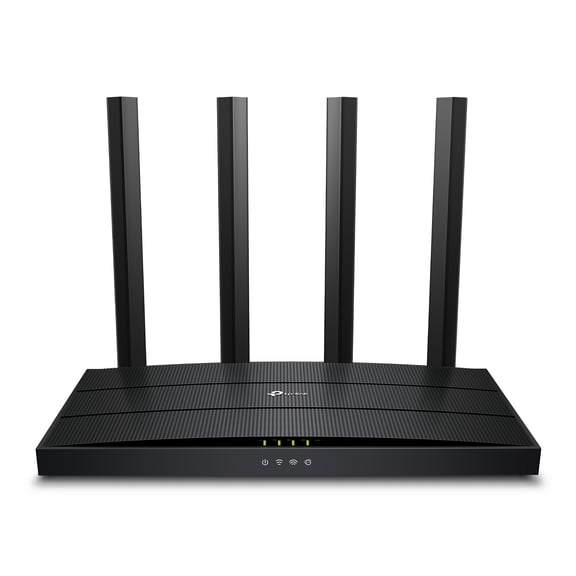
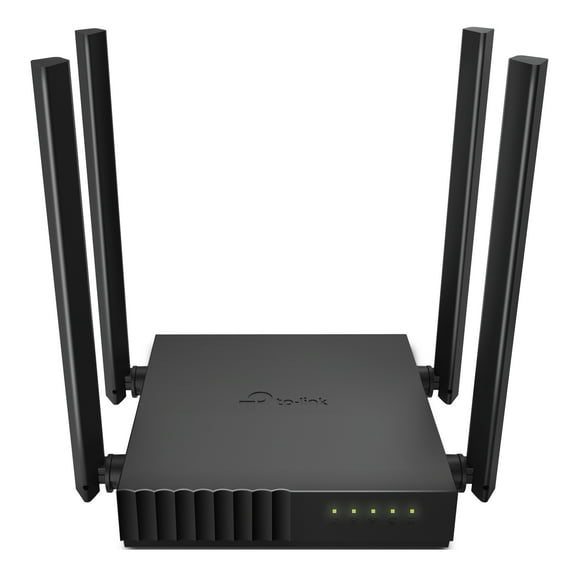
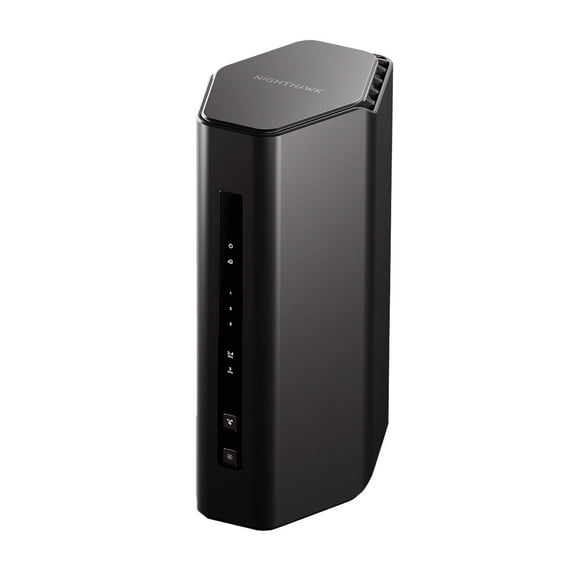
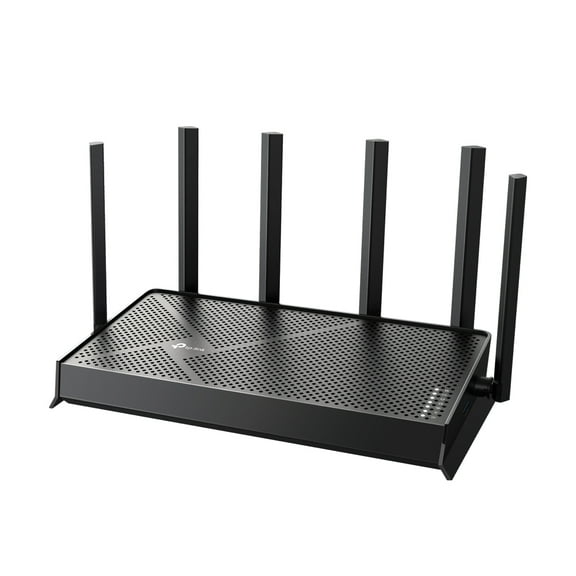
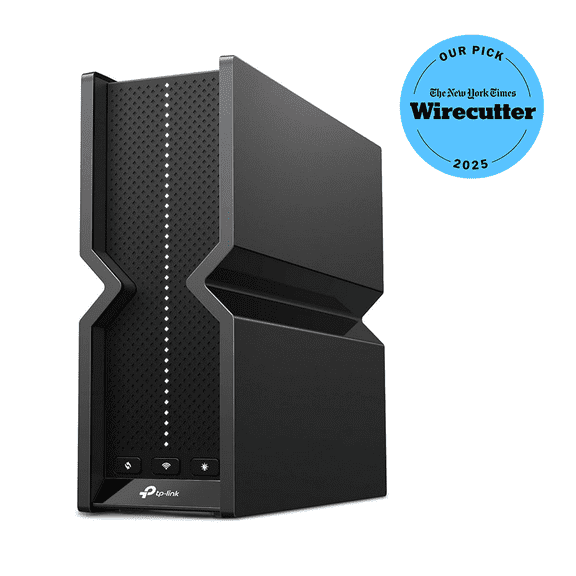
When you compare home networking devices, you should start with device type. You may need a router, a modem, a gateway combo, a switch, an extender, or an adapter.
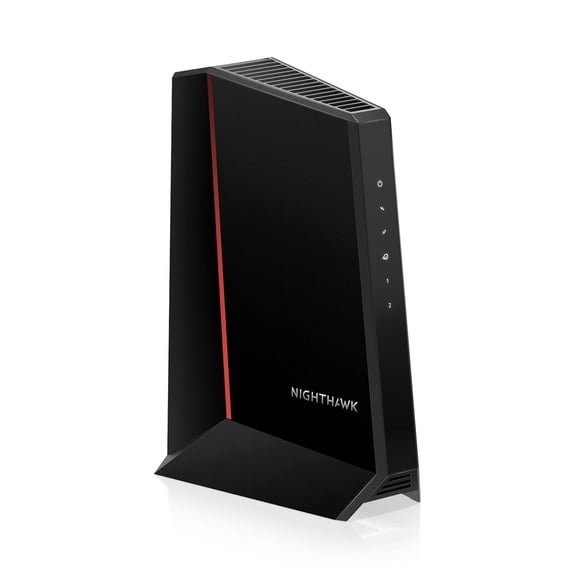
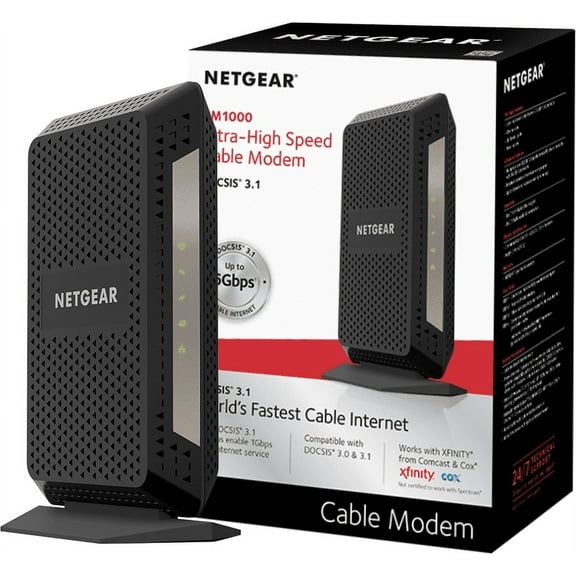
If your internet provider requires a specific modem, you should check compatibility before you choose. If you want fewer boxes and simpler setup, you may prefer wireless routers and modems in one gateway.
You can pick a separate router and modem when you want more flexibility later. You can replace one piece at a time as your speed needs or room layout changes.
How device type changes your setup
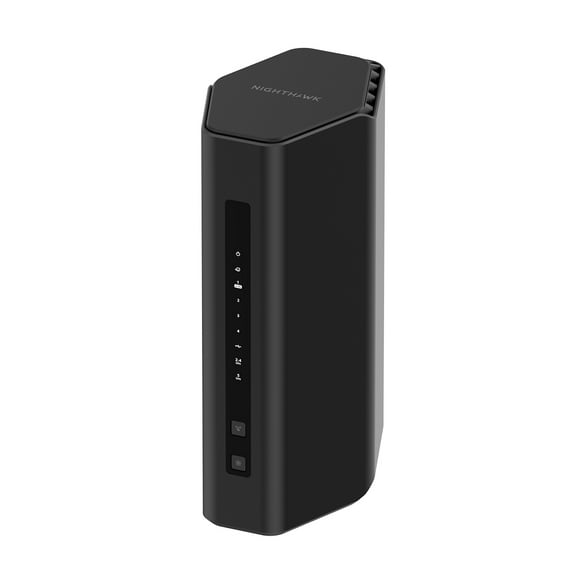
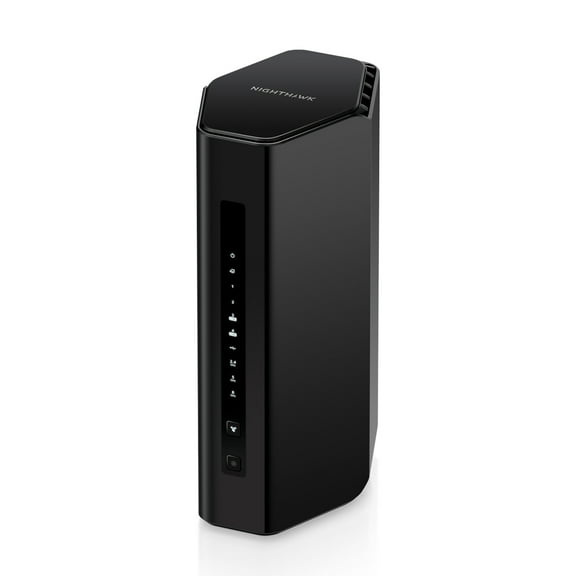
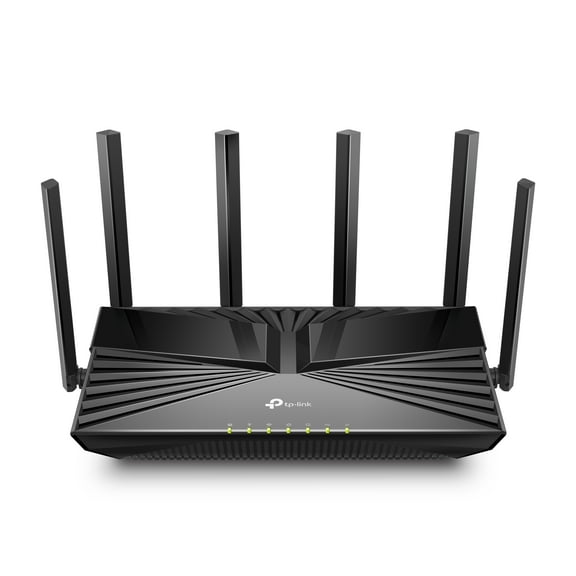
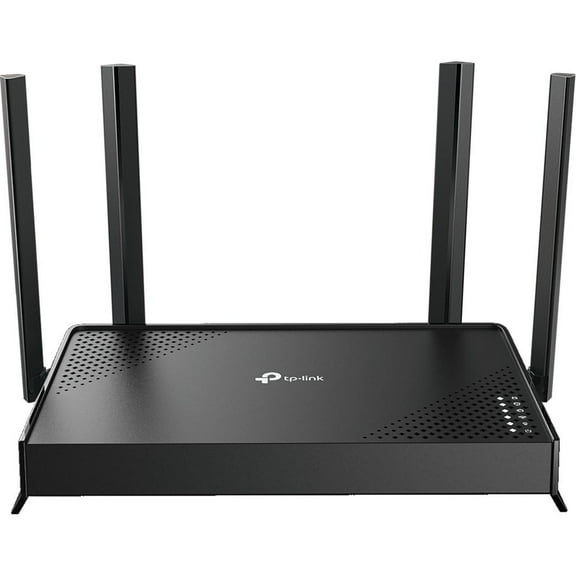
A router shares your connection with phones, laptops, consoles, and smart home gear throughout your space. A modem connects your home to your provider, while a gateway combines both jobs in one unit.
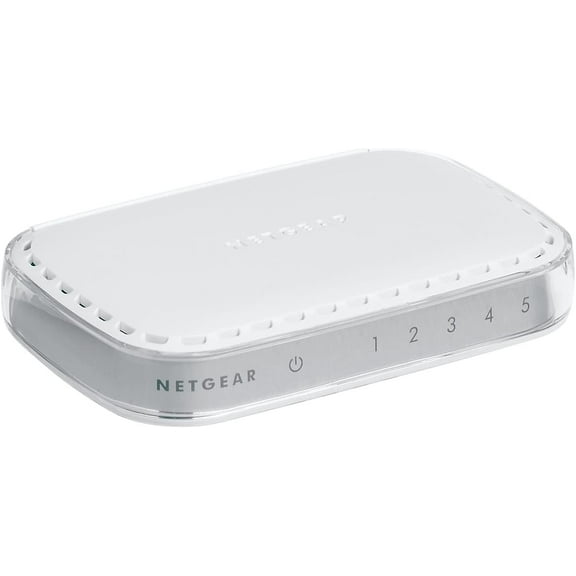
You may want computer networking switches when you have several wired devices in one room. You can connect desktops, printers, streaming boxes, or storage drives without relying only on Wi-Fi.
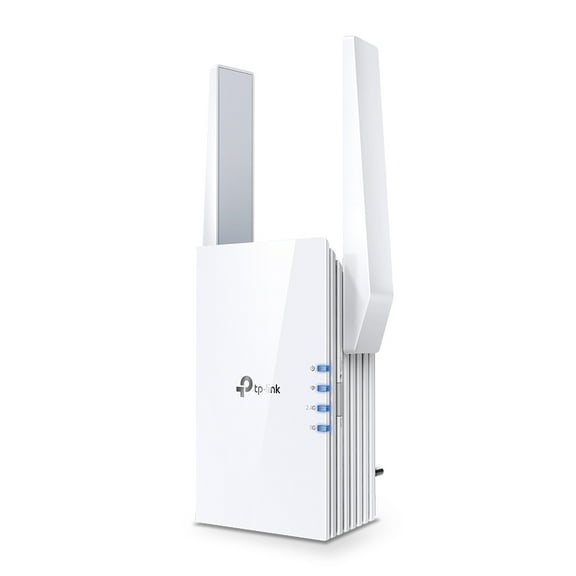
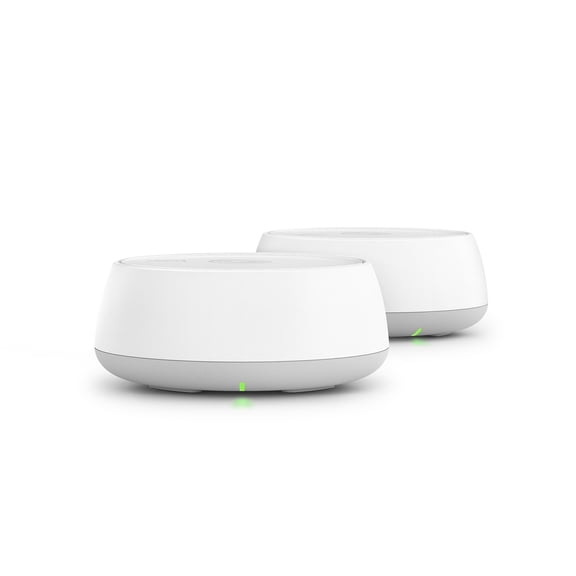
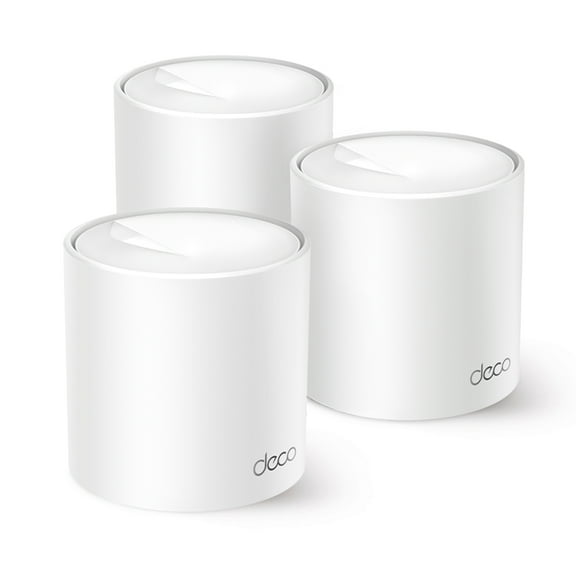
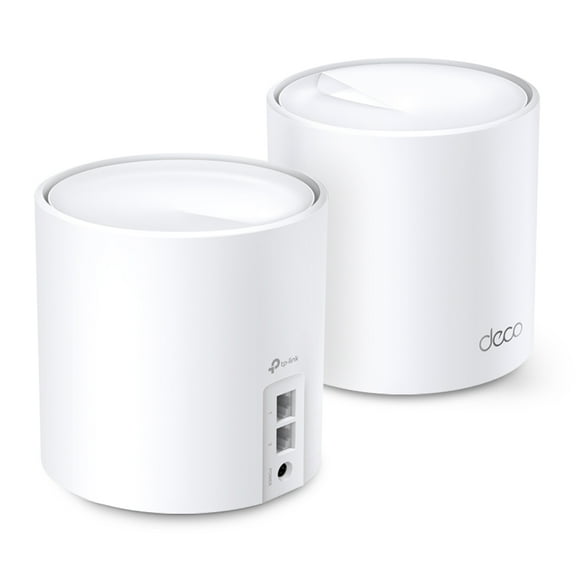
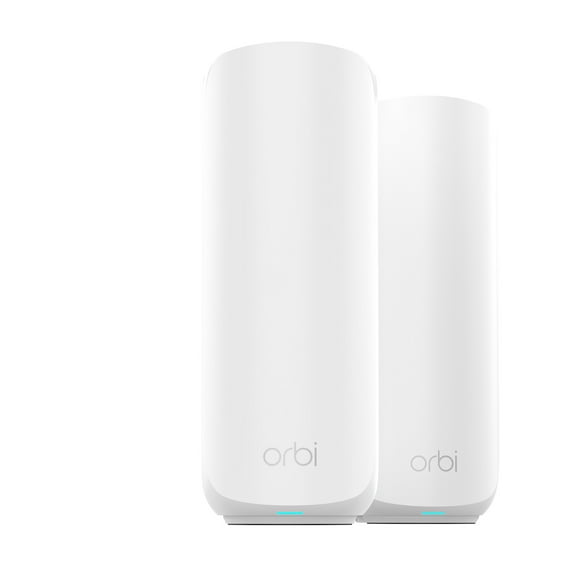
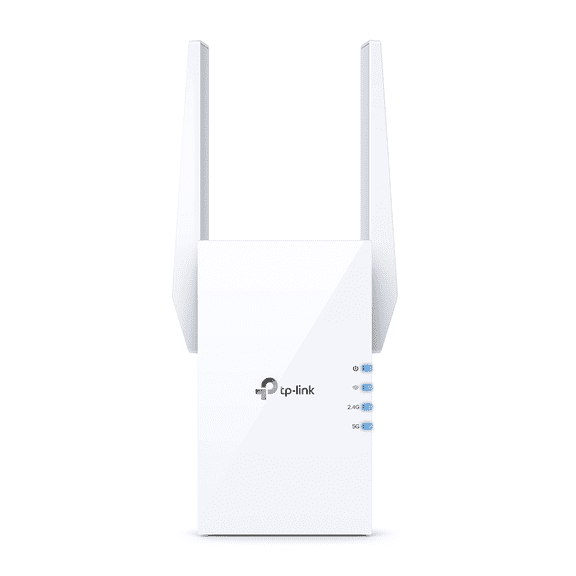
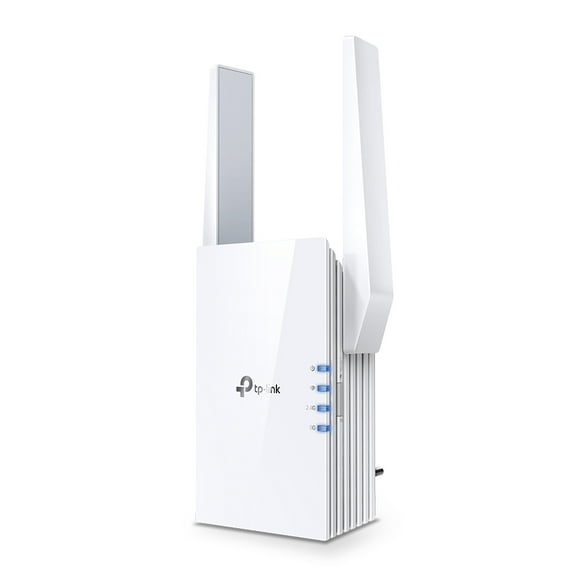
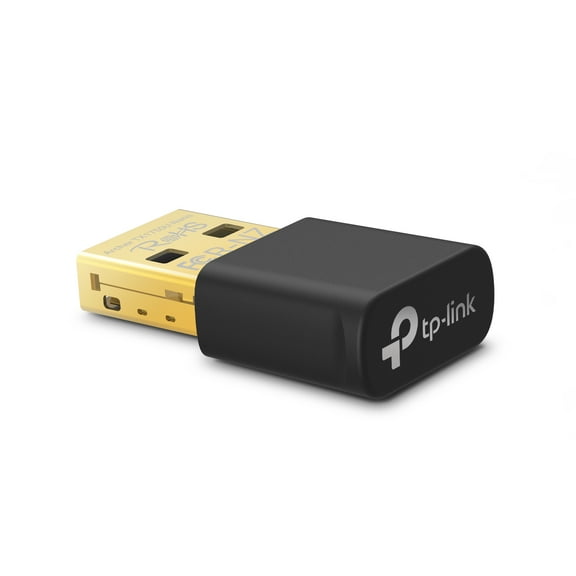
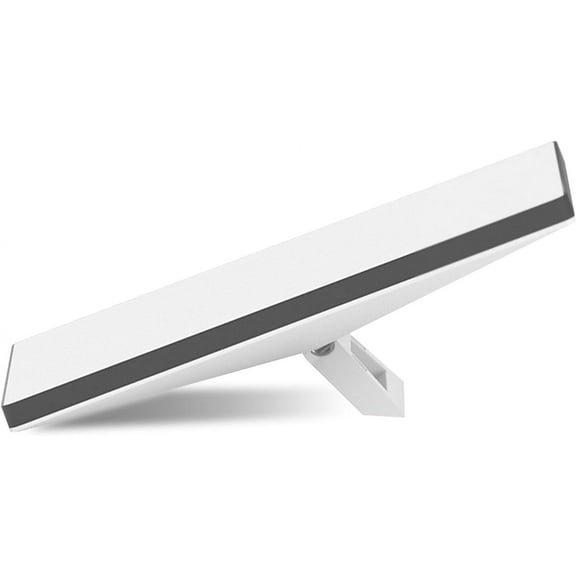
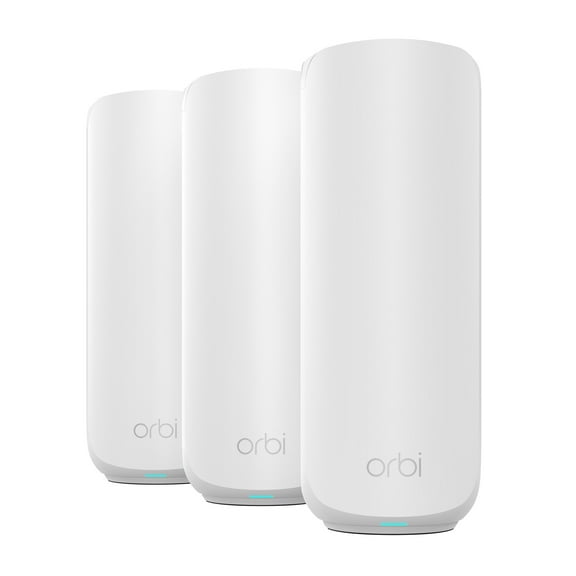
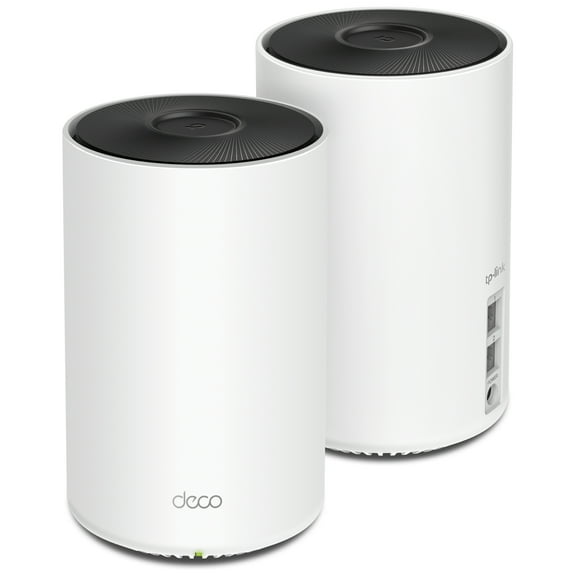
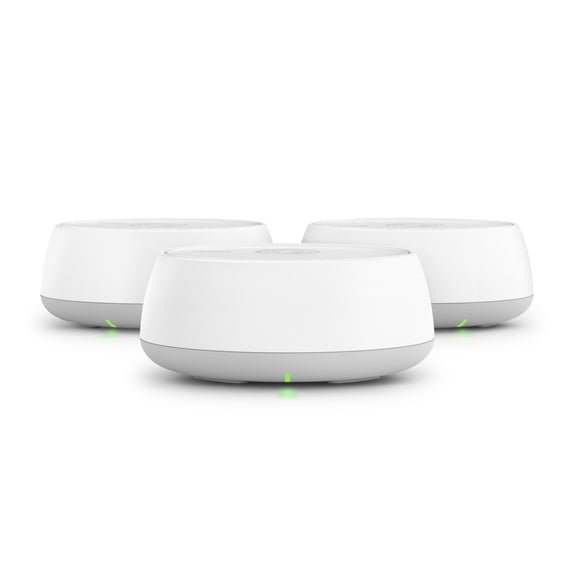
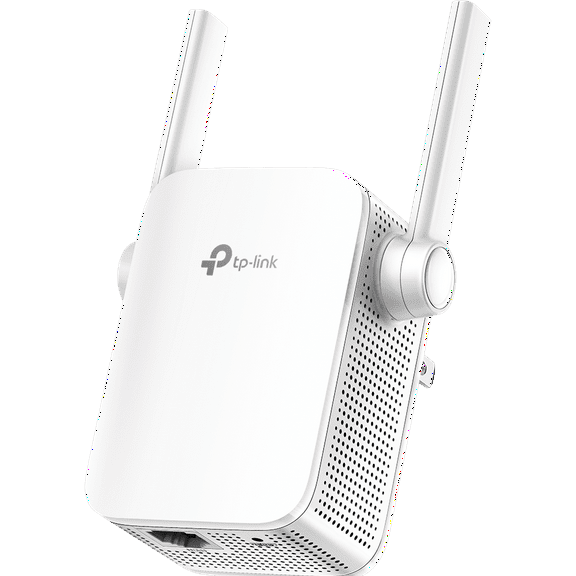
If your signal fades in distant rooms, you should compare wifi range extenders and whole home mesh options. You can use adapters when your laptop or desktop needs a wired or wireless upgrade.
- You can simplify setup with a gateway combo when you want fewer separate devices.
- You can improve wired access with computer networking switches and extra ethernet ports.
- You can extend coverage into garages, upstairs rooms, and home offices with extenders or mesh gear.
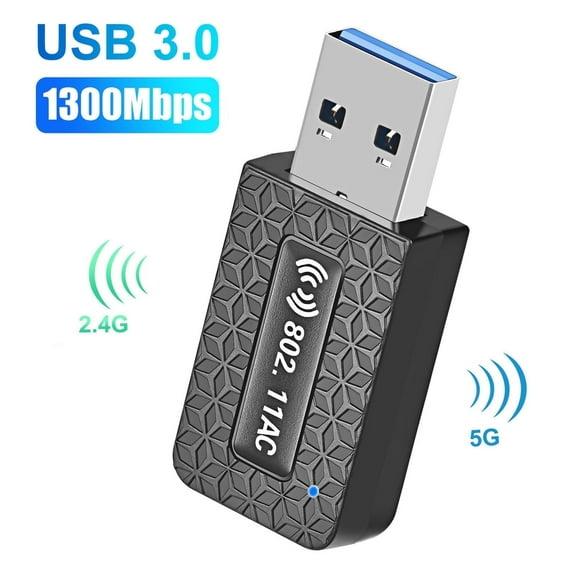
- You can connect older desktops through network adapters when built-in wireless support is limited.
What to look for in wireless standards
You should match the wireless standard to your internet speed and household traffic. You can compare Wi-Fi 6, Wi-Fi 6E, Wi-Fi 7, and dual band routers by how they fit your devices.
If you stream, game, and join video calls at once, you may want newer standards. You’ll usually notice smoother performance when your router handles several devices without slowing simple tasks.
You can choose dual band routers when you want a familiar setup for everyday browsing and streaming. You can look at Wi-Fi 7 if you want support for newer devices and very fast broadband tiers.
Comparing coverage area and device capacity
You should measure your space before you choose home networking devices for coverage. You can compare units rated for up to 1500 square feet, 3000+ square feet, or whole home mesh layouts.
If you live in a smaller apartment, you may only need one router in a central spot. If you have thick walls or multiple floors, you may need mesh nodes or wifi range extenders.
You should also think about how many devices connect at the same time. If your home includes cameras, speakers, tablets, and smart TVs, you’ll want hardware built for heavier traffic.
Checking port speed and wired connections
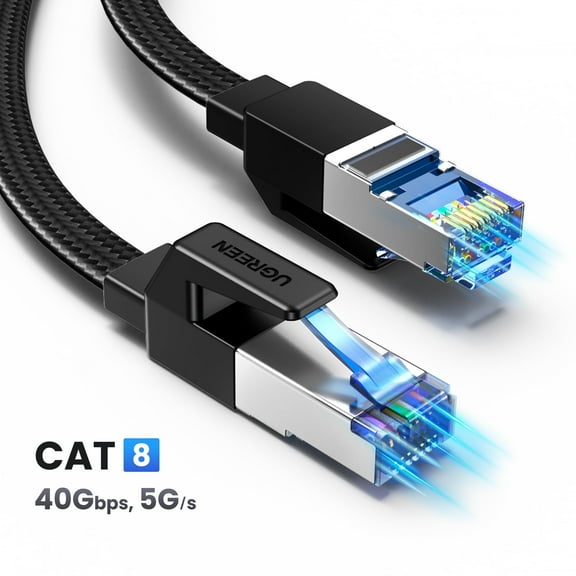
You can improve stability for desks and entertainment centers when you check wired specs carefully. You should compare Gigabit Ethernet, 2.5 Gbps, and 10 Gbps ports based on your internet plan and hardware.
If you transfer large files or run network storage, you may want faster ports. If you mostly browse, stream, and print, Gigabit Ethernet may cover your everyday needs.
You should count how many wired devices you use before choosing computer networking switches or routers. You can avoid extra adapters later when your setup includes enough ports from the start.
Using networking gear for real home setups
You can build a simple apartment setup with a gateway combo, dual-band coverage, and a few wired ports. You can keep laptops, phones, and streaming devices connected without adding extra hardware.
For larger homes, you may prefer a router with whole home mesh support and added nodes. You can carry a stable signal into upstairs bedrooms, back offices, and media rooms.
If you’re planning back to school wifi routers, you should think about dorm rules and shared bandwidth. You can prioritize compact gear, easy setup, and enough capacity for laptops, tablets, and gaming devices.
You can support a home office with wireless access points, ethernet cables, and a switch for wired reliability. You’ll appreciate cleaner desk connections when video calls, uploads, and printers share the same network.
When your gaming area or media cabinet needs steady speed, you should look at port counts first. You can connect consoles, smart TVs, and PCs directly instead of using wireless for every device.
You can also upgrade older systems with network adapters when ports or built-in wireless options are limited. You’ll get a clearer path to compatibility without replacing every device in your setup.
You can feel more confident choosing networking equipment when you compare device type, Wi-Fi standard, coverage, and port speed together. You’ll end up with hardware that fits your space, supports your devices, and keeps everyday connections running smoothly.