Interactive Video Thumbnail
Overall pick

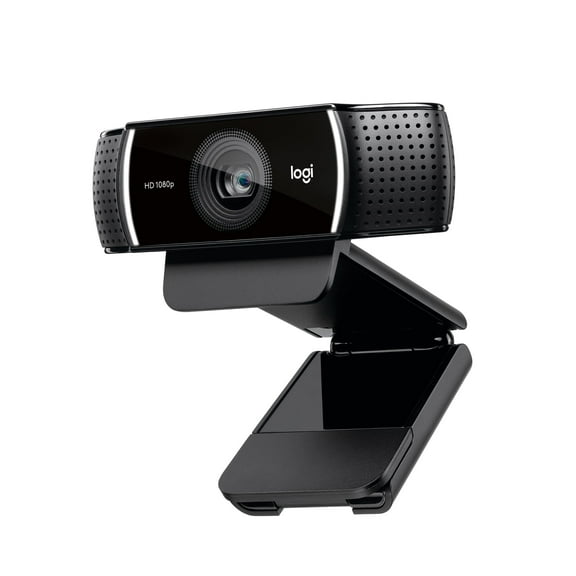
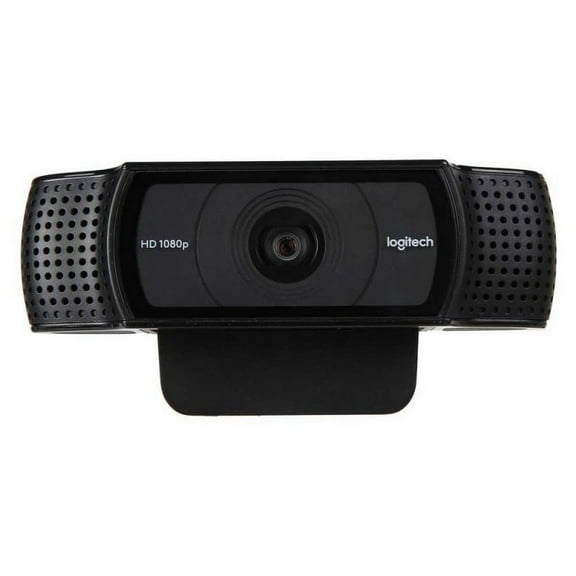
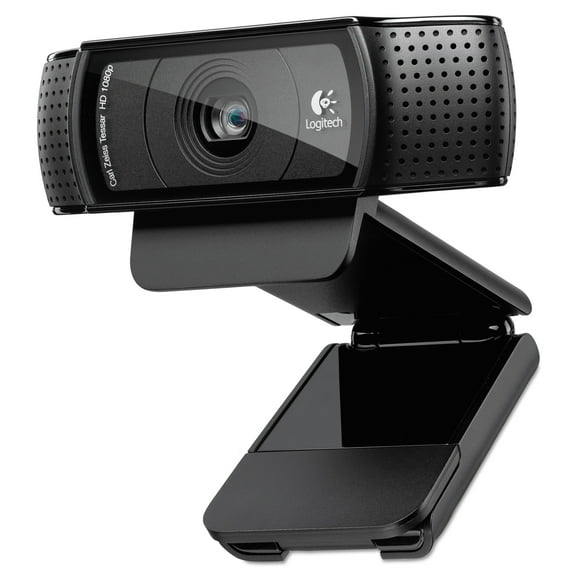
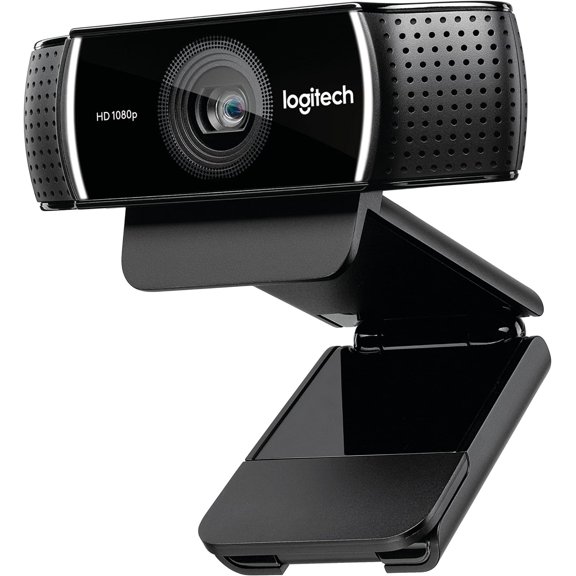
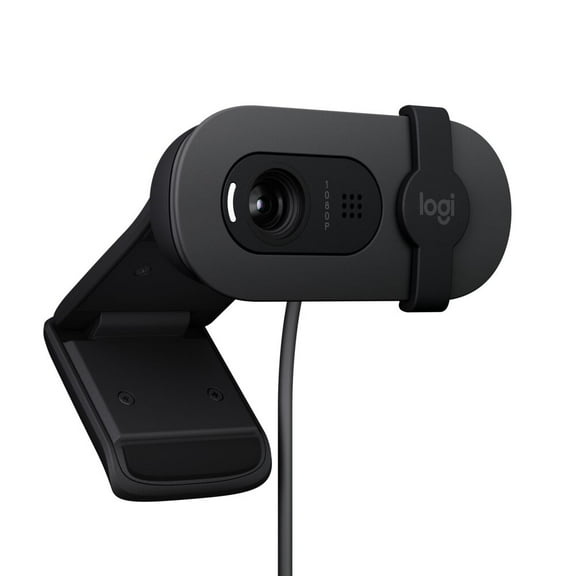
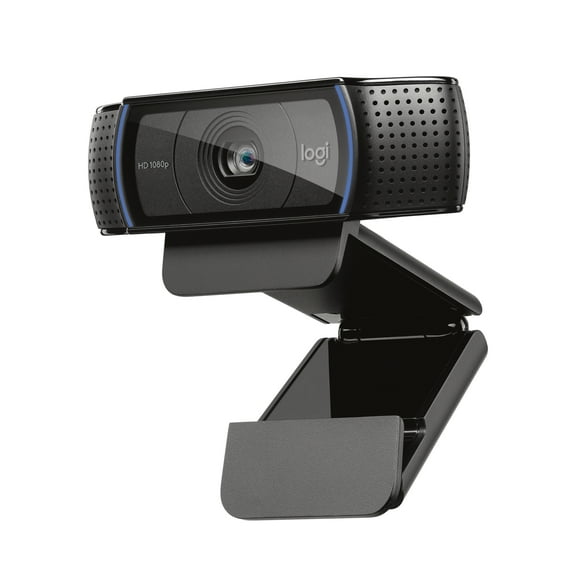
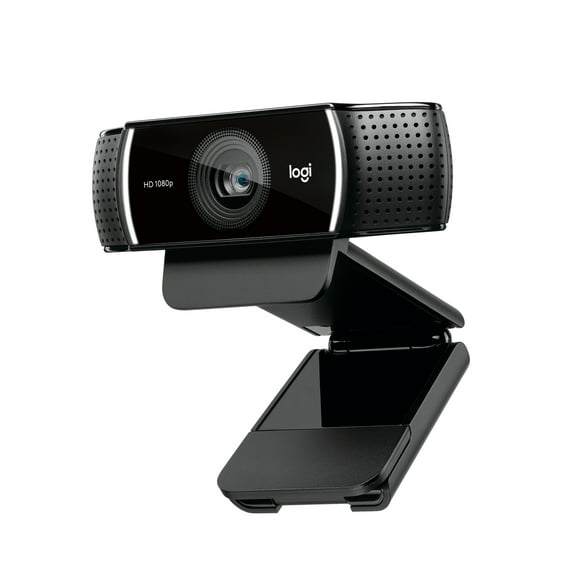
Logitech Pro Stream WebCam, 30 fps at 1080p, Autofocus, Omni-directional microphones, Black

Key item features

  • Premium video quality every time you broadcast.
  • Streaming broadcasts with no lag or distortion.
  • Enjoy razor-sharp high def in every environment. 
  • Two omnidirectional mics capture stereo audio from every angle, ensuring clear, no­drop streaming and recorded video.
  • Full adjustable tabletop tripod with swivel mount. Extends to 18.5 cm.
  • Advanced Capture Software - Create and share video content with ease.
Current price is $66.97
Price when purchased online
  • Free shipping
  • Free 30-day returns
Walmart Accident Plan by Allstate

(Only one option can be selected at a time)

How do you want your item?

Try 30 days for just $1! Choose a plan at checkout.
How do you want your item?
Ships to
Arrives by Today
.
Order within 9 hr 2 min
Sold and shipped by Walmart.com
Free 30-day returns
This item is gift eligible
walmart plus

Try 30 days of Walmart+ for just $1!

T&C apply.

About this item

Product details

Specifications

Warranty

Customer ratings & reviews

4.3 out of 5 stars
stars749 ratings276 reviews
How item rating is calculated

Reviews summary

Pros

  • : Setup is simple, just plug it in and follow prompts.
  • : Captures clear and crisp video quality with good color representation.
  • : Offers great value at this cost.
  • : Offers crisp image quality.
  • : Built with a solid and robust design.

Neutral

  • : Can be sturdy with tripod, but may wobble without.
Generated by AI

Customer photos

  • +27 images
Filtered and sorted results would be available on the new 'Customer ratings & reviews' page.
Sort by |

Showing 1-3 of 276 reviews

Jan 22, 2026
Mando
Top Reviewer
Item details
Color: Black
5 out of 5 stars review

Verified Purchase

Excellent webcam!

This is my first ever purchase of a webcam. After adjusting settings, and testing the picture, photo, video, and mic I am a very happy customer.____Negatives: mic is weak. The closer you are the better, and in my case not so good. Also depends on your environment and settings. Nevertheless, I got myself a lavalier mic. I will be testing it soon.____Positives: The webcam is awesome. Which was the most important part. Now I highly recommend going to the Logitech website and downloading their app called Logitech capture.____From there you can adjust the settings, and these can make a huge difference in how your camera operates. The lighting you use is vital. But once your lighting is good and your settings adjusted, you will get a buttery smooth picture.____I looked up several YouTube videos to understand and explain things in this regard and they were very helpful. This cam uses a usb-a and can be mounted onto a tripod.____If you need a good webcam, give this one a shot, I definitely recommend it.

Helpful?0UJFWUUMDMFL185685796
reply from Logitech

We appreciate you taking the time to share your detailed feedback on the Logitech Pro Stream Webcam! It's great to hear about your positive experience, especially with the picture quality. We also value your insights on the microphone and recommendations for other users.

Jun 28, 2020
GoodGuy
5 out of 5 stars review

Good Quality webcam with a caveat

This is a solid webcam. Unpacking it was okay. It comes covered with that protective plastic all over it. So I unpacked it and it includes the camera with attached USB cable. It's a conventional USB connector. I only tried it on USB 3.0 so can't comment if it works on 2.0 or not. The unit has a neat and sturdy mounting bracket for mounting on the top of your monitor. Quite nice. It also has a provision for a tripod screw which I did not use, but nice to have. Surprisingly, to me anyway, it does not come with software , i.e. when you plug it in to your USB port nothing happens. I went to Logitech's website and downloaded their capture software, installed it and it worked fine after doing that. The quality of the picture is amazingly good. I couldn't detect any fuzziness in movement. Guess the 30 fps helps with that. So in these days of working from home and kids learning from home this is a useful tool and a high quality one.

Incentivized Review
Helpful?0UJFWUUMDMFL185685796
reply from Supplier Response

Hello GoodGuy! We're happy to hear you're enjoying the C922 webcam! The cord attached to the webcam is USB 2.0 so it will work in either USB 2.0 or 3.0 ports. Feel free to reach out to our support team here https://support.logi.com/hc/en-us/requests/new?ticket_form_id=360000621393 if you ever need any assistance. Thank you for the feedback and for shopping Logitech! - Maggie from Logitech

Jun 19, 2020
CasaElJaguar
5 out of 5 stars review

Awesome webcam

Way cool! This well designed and precision engineered hardware hangs snugly on a computer monitor. No complicated instructions. Simple to use. Just plug it into your usb and hang it on your monitor and even fits well on my 2” deep tv screen. It is balanced and weighted nicely so once you set it, it stays in place. If you want to use a tri-pod there is a screw hole for it. The adjustable stand allows this to pirch nicely on its own. The video this produces is amazingly clear and crisp. After using it, I don't want to go back to the standard built in. The only down side is it enhances your appreciation for the quality image and when you see your friends on their built in cameras they look terrible.

Incentivized Review
Helpful?0UJFWUUMDMFL185685796
reply from Supplier Response

Hello, thank you for your purchase, we are glad that you are enjoying your webcam. To further enhance your Pro Stream webcam experience, our Logitech Capture software allows you to adjust settings on your camera and keeps the firmware up to date. If you have any questions feel free to visit us at support.logitech.com