Instructions
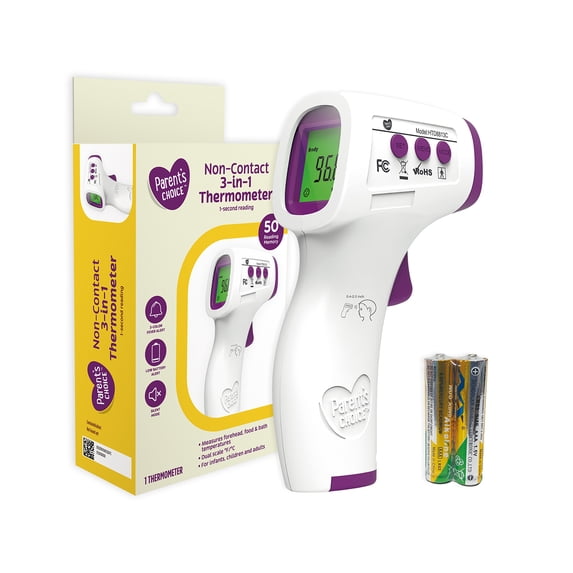
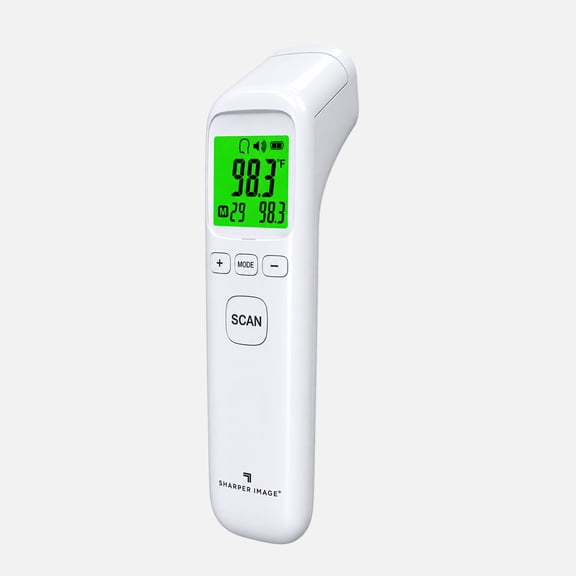
Start measuring: 1.Turn on the thermometer by pressing the On/measure button. The thermometer will perform self-test with all segments displayed for 2 seconds.2.Align staff forehead to keep the distance, and then press the On/measure button to start the measurement, read the data. Green means ready for next measurement. When 37.4℃-38.0℃, it's yellow ,means slight fever warning. Please pay attention to body temperature. When the body temperature is above 38.1℃, it's red , means high fever. Please take action to cool down or go for a doctor. 2) To ensure the accuracy of the measurement, wait at least 30 seconds after 5 consecutive measurements. Mode conversion: When the device is running, pressing the MODE button to cycle conversion between "body" mode and "surface" mode. "body" mode is used for measuring human body temperature, the "surface " mode is used to measure the surface temperature. (The factory default is "body" mode). Recalling and Erasing Memory Data: The last temperature taken before the thermometer powers off is stored in memory, up to 50. 1) In the boot or shutdown state, short press the MEMO button to view the history of measured values. 2) An empty memory cell shows “---℃” or “---℉”. 3) Temperature readings can be stored in memory. Up to 50 temperature readings can be stored into the memory cells and automatically overwrite historical data. 4)In boot mode, press the MEMO button until the LCD display "CLR", which means that all stored data is cleared completely seconds after the long beep, which means that all stored data is cleared completely. Parameter settings: Long press the SET button to modify the measurement parameters. 1)Unit Set-F1 Under the boot mode .Long press SET button to enter F1, press the "MODE" or “MEMO" button to switch Celsius and Fahrenheit temperature units, press the SET button to confirm the unit settings (factory default is Fahrenheit). 2)Fever alert set-F2 Under F1 state, press SET button to enter the F2, press the “MODE” button to decrease 0.1 ℃, press the "MEMO" button plus 0.1 ℃, long press to accelerate the speed of temperature regulation, and finally press the SET button to save. (The factory default is 38.1 ℃) 3)Prompt sound settings-F3 Under F2 state , short press SET button to enter F3, press MODE button or MEMO button to set voice switch, and press the SET button to confirm the settings. (The factory default is the voice Prompt to open). Prompt sound settings ON/OFF function: Under the boot mode, short press SET button to take on or take off the Prompt sound function. Restore to factory setting function Under the boot mode, long press MODE button until LCD display “rst”. Two seconds later ,former F1-F3 parameter back to factory setting