


Sony PS5 DualSense Wireless Controller - Starlight Blue
Key item features
- Bring gaming worlds to life
Haptic feedback
Feel physically responsive feedback to your in-game actions with dual actuators which replace traditional rumble motors. In your hands, these dynamic vibrations can simulate the feeling of everything from environments to the recoil of different weapons.
Adaptive triggers
Experience varying levels of force and tension as you interact with your in-game gear and environments. From pulling back an increasingly tight bowstring to hitting the brakes on a speeding car, feel physically connected to your on-screen actions.
- Find your voice, share your passion
Built-in microphone and headset jack
Chat with friends online using the built-in microphone –or by connecting a headset to the 3.5mm jack. Easily switch voice capture on and off at a moment’s notice with the dedicated mute button.
Create button
Capture and broadcast your most epic gaming moments with the create button. Building on the success of the pioneering SHARE button, “create” offers players more ways to produce gaming content and broadcast their adventures live to the world.
A gaming icon in your hands
Signature comfort
Take control with an evolved, two-tone design that combines an iconic, intuitive layout with enhanced sticks and a reimagined light bar.
Familiar features
The DualSense wireless controller retains many DUALSHOCK 4 features, returning for a new generation of play.
Built-in battery
Charge and play, now via USB Type-C.
Integrated speaker
Select games take on an extra dimension with higher-fidelity sound effects bursting from the controller.
Motion sensor
Bring intuitive motion control to supported games with the built-in accelerometer and gyroscope.
Multi-device connectivity
Play on more devices
Connect using a USB Type-C® cable or Bluetooth® wireless technology so you can easily play on more devices including Windows PC and Mac® computers, Android and iOS mobile phones.
Elevate PC gaming
Discover a deeper immersive experience in your favorite PC games. Bring gaming worlds to life in the palms of your hand with haptic feedback and dynamic adaptive triggers, all integrated into an iconic comfortable design.* Discover a wide range of PC titles published by PlayStation which support immersive DualSense® controller features at https://www.playstation.com/games/pc-games/
Remote Play
Stream compatible games from your PS5® or PS4™ console to your PC using the PS Remote Play App** and control them with the DualSense controller. The app requires an internet connection and account for PlayStation™Network (available for free at remoteplay.dl.playstation.net/remoteplay/). - 1 Compared to DUALSHOCK®4 wireless controller.
2 Available when feature is supported by game.
3 Internet and account for PlayStation™Network required.
4 Cable not included. To connect or charge the controller use the USB cable supplied with the PS5™ console.
*Haptic feedback and adaptive triggers may require USB connection and are available when supported by game.
**PS Remote Play requires Remote Play App, PS4™ or PS5™ console connected to a broadband network with at least 5Mpbs, the latest system software and compatible game. A PS4 or PS5 console with a wired connection via a LAN cable is recommended. In PS4 games streamed via Remote Play, haptic feedback is replaced with basic rumble and adaptive triggers are not supported.
Always update your PS5™ system software and the wireless controller device software to the latest version.
“PlayStation”, “PlayStation Family Mark”, “PS5 logo”, “PS5”, “DualSense” and “DUALSHOCK” are registered trademarks or trademarks of Sony Interactive Entertainment Inc. “SONY” is a registered trademark of Sony Corporation. "Heighten Your Senses" is a registered trademark or trademark of Sony Interactive Entertainment LLC. USB Type-C® is a registered trademark of USB Implementers Forum.
- Find your voice, share your passion
- Find your voice, share your passion
Built-in microphone and headset jack
Chat with friends online using the built-in microphone –or by connecting a headset to the 3.5mm jack. Easily switch voice capture on and off at a moment’s notice with the dedicated mute button.
Create button
Capture and broadcast your most epic gaming moments with the create button. Building on the success of the pioneering SHARE button, “create” offers players more ways to produce gaming content and broadcast their adventures live to the world.
A gaming icon in your hands
Signature comfort
Take control with an evolved, two-tone design that combines an iconic, intuitive layout with enhanced sticks and a reimagined light bar.
Familiar features
The DualSense wireless controller retains many DUALSHOCK 4 features, returning for a new generation of play.
Built-in battery
Charge and play, now via USB Type-C.
Integrated speaker
Select games take on an extra dimension with higher-fidelity sound effects bursting from the controller.
Motion sensor
Bring intuitive motion control to supported games with the built-in accelerometer and gyroscope.
Multi-device connectivity
Play on more devices
Connect using a USB Type-C® cable or Bluetooth® wireless technology so you can easily play on more devices including Windows PC and Mac® computers, Android and iOS mobile phones.
Elevate PC gaming
Discover a deeper immersive experience in your favorite PC games. Bring gaming worlds to life in the palms of your hand with haptic feedback and dynamic adaptive triggers, all integrated into an iconic comfortable design.* Discover a wide range of PC titles published by PlayStation which support immersive DualSense® controller features at https://www.playstation.com/games/pc-games/
Remote Play
Stream compatible games from your PS5® or PS4™ console to your PC using the PS Remote Play App** and control them with the DualSense controller. The app requires an internet connection and account for PlayStation™Network (available for free at remoteplay.dl.playstation.net/remoteplay/). - 1 Compared to DUALSHOCK®4 wireless controller.
2 Available when feature is supported by game.
3 Internet and account for PlayStation™Network required.
4 Cable not included. To connect or charge the controller use the USB cable supplied with the PS5™ console.
*Haptic feedback and adaptive triggers may require USB connection and are available when supported by game.
**PS Remote Play requires Remote Play App, PS4™ or PS5™ console connected to a broadband network with at least 5Mpbs, the latest system software and compatible game. A PS4 or PS5 console with a wired connection via a LAN cable is recommended. In PS4 games streamed via Remote Play, haptic feedback is replaced with basic rumble and adaptive triggers are not supported.
Always update your PS5™ system software and the wireless controller device software to the latest version.
“PlayStation”, “PlayStation Family Mark”, “PS5 logo”, “PS5”, “DualSense” and “DUALSHOCK” are registered trademarks or trademarks of Sony Interactive Entertainment Inc. “SONY” is a registered trademark of Sony Corporation. "Heighten Your Senses" is a registered trademark or trademark of Sony Interactive Entertainment LLC. USB Type-C® is a registered trademark of USB Implementers Forum. - Bring gaming worlds to life
Haptic feedback
Feel physically responsive feedback to your in-game actions with dual actuators which replace traditional rumble motors. In your hands, these dynamic vibrations can simulate the feeling of everything from environments to the recoil of different weapons.
Adaptive triggers
Experience varying levels of force and tension as you interact with your in-game gear and environments. From pulling back an increasingly tight bowstring to hitting the brakes on a speeding car, feel physically connected to your on-screen actions. - Find your voice, share your passion
Built-in microphone and headset jack
Chat with friends online using the built-in microphone –or by connecting a headset to the 3.5mm jack. Easily switch voice capture on and off at a moment’s notice with the dedicated mute button.
Create button
Capture and broadcast your most epic gaming moments with the create button. Building on the success of the pioneering SHARE button, “create” offers players more ways to produce gaming content and broadcast their adventures live to the world.
A gaming icon in your hands
Signature comfort
Take control with an evolved, two-tone design that combines an iconic, intuitive layout with enhanced sticks and a reimagined light bar.
Familiar features
The DualSense wireless controller retains many DUALSHOCK 4 features, returning for a new generation of play.
Built-in battery
Charge and play, now via USB Type-C.
Integrated speaker
Select games take on an extra dimension with higher-fidelity sound effects bursting from the controller.
Motion sensor
Bring intuitive motion control to supported games with the built-in accelerometer and gyroscope.
Multi-device connectivity
Play on more devices
Connect using a USB Type-C® cable or Bluetooth® wireless technology so you can easily play on more devices including Windows PC and Mac® computers, Android and iOS mobile phones.
Elevate PC gaming
Discover a deeper immersive experience in your favorite PC games. Bring gaming worlds to life in the palms of your hand with haptic feedback and dynamic adaptive triggers, all integrated into an iconic comfortable design.* Discover a wide range of PC titles published by PlayStation which support immersive DualSense® controller features at https://www.playstation.com/games/pc-games/
Remote Play
Stream compatible games from your PS5® or PS4™ console to your PC using the PS Remote Play App** and control them with the DualSense controller. The app requires an internet connection and account for PlayStation™Network (available for free at remoteplay.dl.playstation.net/remoteplay/). - 1 Compared to DUALSHOCK®4 wireless controller.
2 Available when feature is supported by game.
3 Internet and account for PlayStation™Network required.
4 Cable not included. To connect or charge the controller use the USB cable supplied with the PS5™ console.
*Haptic feedback and adaptive triggers may require USB connection and are available when supported by game.
**PS Remote Play requires Remote Play App, PS4™ or PS5™ console connected to a broadband network with at least 5Mpbs, the latest system software and compatible game. A PS4 or PS5 console with a wired connection via a LAN cable is recommended. In PS4 games streamed via Remote Play, haptic feedback is replaced with basic rumble and adaptive triggers are not supported.
Always update your PS5™ system software and the wireless controller device software to the latest version.
“PlayStation”, “PlayStation Family Mark”, “PS5 logo”, “PS5”, “DualSense” and “DUALSHOCK” are registered trademarks or trademarks of Sony Interactive Entertainment Inc. “SONY” is a registered trademark of Sony Corporation. "Heighten Your Senses" is a registered trademark or trademark of Sony Interactive Entertainment LLC. USB Type-C® is a registered trademark of USB Implementers Forum.- Bring gaming worlds to life
Haptic feedback
Feel physically responsive feedback to your in-game actions with dual actuators which replace traditional rumble motors. In your hands, these dynamic vibrations can simulate the feeling of everything from environments to the recoil of different weapons.
Adaptive triggers
Experience varying levels of force and tension as you interact with your in-game gear and environments. From pulling back an increasingly tight bowstring to hitting the brakes on a speeding car, feel physically connected to your on-screen actions. - Find your voice, share your passion
Built-in microphone and headset jack
Chat with friends online using the built-in microphone –or by connecting a headset to the 3.5mm jack. Easily switch voice capture on and off at a moment’s notice with the dedicated mute button.
Create button
Capture and broadcast your most epic gaming moments with the create button. Building on the success of the pioneering SHARE button, “create” offers players more ways to produce gaming content and broadcast their adventures live to the world.
A gaming icon in your hands
Signature comfort
Take control with an evolved, two-tone design that combines an iconic, intuitive layout with enhanced sticks and a reimagined light bar.
Familiar features
The DualSense wireless controller retains many DUALSHOCK 4 features, returning for a new generation of play.
Built-in battery
Charge and play, now via USB Type-C.
Integrated speaker
Select games take on an extra dimension with higher-fidelity sound effects bursting from the controller.
Motion sensor
Bring intuitive motion control to supported games with the built-in accelerometer and gyroscope.
Multi-device connectivity
Play on more devices
Connect using a USB Type-C® cable or Bluetooth® wireless technology so you can easily play on more devices including Windows PC and Mac® computers, Android and iOS mobile phones.
Elevate PC gaming
Discover a deeper immersive experience in your favorite PC games. Bring gaming worlds to life in the palms of your hand with haptic feedback and dynamic adaptive triggers, all integrated into an iconic comfortable design.* Discover a wide range of PC titles published by PlayStation which support immersive DualSense® controller features at https://www.playstation.com/games/pc-games/
Remote Play
Stream compatible games from your PS5® or PS4™ console to your PC using the PS Remote Play App** and control them with the DualSense controller. The app requires an internet connection and account for PlayStation™Network (available for free at remoteplay.dl.playstation.net/remoteplay/). - 1 Compared to DUALSHOCK®4 wireless controller.
2 Available when feature is supported by game.
3 Internet and account for PlayStation™Network required.
4 Cable not included. To connect or charge the controller use the USB cable supplied with the PS5™ console.
*Haptic feedback and adaptive triggers may require USB connection and are available when supported by game.
**PS Remote Play requires Remote Play App, PS4™ or PS5™ console connected to a broadband network with at least 5Mpbs, the latest system software and compatible game. A PS4 or PS5 console with a wired connection via a LAN cable is recommended. In PS4 games streamed via Remote Play, haptic feedback is replaced with basic rumble and adaptive triggers are not supported.
Always update your PS5™ system software and the wireless controller device software to the latest version.
“PlayStation”, “PlayStation Family Mark”, “PS5 logo”, “PS5”, “DualSense” and “DUALSHOCK” are registered trademarks or trademarks of Sony Interactive Entertainment Inc. “SONY” is a registered trademark of Sony Corporation. "Heighten Your Senses" is a registered trademark or trademark of Sony Interactive Entertainment LLC. USB Type-C® is a registered trademark of USB Implementers Forum.
- Bring gaming worlds to life
- Bring gaming worlds to life
Haptic feedback
Feel physically responsive feedback to your in-game actions with dual actuators which replace traditional rumble motors. In your hands, these dynamic vibrations can simulate the feeling of everything from environments to the recoil of different weapons.
Adaptive triggers
Experience varying levels of force and tension as you interact with your in-game gear and environments. From pulling back an increasingly tight bowstring to hitting the brakes on a speeding car, feel physically connected to your on-screen actions. - Find your voice, share your passion
Built-in microphone and headset jack
Chat with friends online using the built-in microphone –or by connecting a headset to the 3.5mm jack. Easily switch voice capture on and off at a moment’s notice with the dedicated mute button.
Create button
Capture and broadcast your most epic gaming moments with the create button. Building on the success of the pioneering SHARE button, “create” offers players more ways to produce gaming content and broadcast their adventures live to the world.
A gaming icon in your hands
Signature comfort
Take control with an evolved, two-tone design that combines an iconic, intuitive layout with enhanced sticks and a reimagined light bar.
Familiar features
The DualSense wireless controller retains many DUALSHOCK 4 features, returning for a new generation of play.
Built-in battery
Charge and play, now via USB Type-C.
Integrated speaker
Select games take on an extra dimension with higher-fidelity sound effects bursting from the controller.
Motion sensor
Bring intuitive motion control to supported games with the built-in accelerometer and gyroscope.
Multi-device connectivity
Play on more devices
Connect using a USB Type-C® cable or Bluetooth® wireless technology so you can easily play on more devices including Windows PC and Mac® computers, Android and iOS mobile phones.
Elevate PC gaming
Discover a deeper immersive experience in your favorite PC games. Bring gaming worlds to life in the palms of your hand with haptic feedback and dynamic adaptive triggers, all integrated into an iconic comfortable design.* Discover a wide range of PC titles published by PlayStation which support immersive DualSense® controller features at https://www.playstation.com/games/pc-games/
Remote Play
Stream compatible games from your PS5® or PS4™ console to your PC using the PS Remote Play App** and control them with the DualSense controller. The app requires an internet connection and account for PlayStation™Network (available for free at remoteplay.dl.playstation.net/remoteplay/). - 1 Compared to DUALSHOCK®4 wireless controller.
2 Available when feature is supported by game.
3 Internet and account for PlayStation™Network required.
4 Cable not included. To connect or charge the controller use the USB cable supplied with the PS5™ console.
*Haptic feedback and adaptive triggers may require USB connection and are available when supported by game.
**PS Remote Play requires Remote Play App, PS4™ or PS5™ console connected to a broadband network with at least 5Mpbs, the latest system software and compatible game. A PS4 or PS5 console with a wired connection via a LAN cable is recommended. In PS4 games streamed via Remote Play, haptic feedback is replaced with basic rumble and adaptive triggers are not supported.
Always update your PS5™ system software and the wireless controller device software to the latest version.
“PlayStation”, “PlayStation Family Mark”, “PS5 logo”, “PS5”, “DualSense” and “DUALSHOCK” are registered trademarks or trademarks of Sony Interactive Entertainment Inc. “SONY” is a registered trademark of Sony Corporation. "Heighten Your Senses" is a registered trademark or trademark of Sony Interactive Entertainment LLC. USB Type-C® is a registered trademark of USB Implementers Forum. - Bring gaming worlds to life
Haptic feedback
Feel physically responsive feedback to your in-game actions with dual actuators which replace traditional rumble motors. In your hands, these dynamic vibrations can simulate the feeling of everything from environments to the recoil of different weapons.
Adaptive triggers
Experience varying levels of force and tension as you interact with your in-game gear and environments. From pulling back an increasingly tight bowstring to hitting the brakes on a speeding car, feel physically connected to your on-screen actions. - Find your voice, share your passion
Built-in microphone and headset jack
Chat with friends online using the built-in microphone –or by connecting a headset to the 3.5mm jack. Easily switch voice capture on and off at a moment’s notice with the dedicated mute button.
Create button
Capture and broadcast your most epic gaming moments with the create button. Building on the success of the pioneering SHARE button, “create” offers players more ways to produce gaming content and broadcast their adventures live to the world.
A gaming icon in your hands
Signature comfort
Take control with an evolved, two-tone design that combines an iconic, intuitive layout with enhanced sticks and a reimagined light bar.
Familiar features
The DualSense wireless controller retains many DUALSHOCK 4 features, returning for a new generation of play.
Built-in battery
Charge and play, now via USB Type-C.
Integrated speaker
Select games take on an extra dimension with higher-fidelity sound effects bursting from the controller.
Motion sensor
Bring intuitive motion control to supported games with the built-in accelerometer and gyroscope.
Multi-device connectivity
Play on more devices
Connect using a USB Type-C® cable or Bluetooth® wireless technology so you can easily play on more devices including Windows PC and Mac® computers, Android and iOS mobile phones.
Elevate PC gaming
Discover a deeper immersive experience in your favorite PC games. Bring gaming worlds to life in the palms of your hand with haptic feedback and dynamic adaptive triggers, all integrated into an iconic comfortable design.* Discover a wide range of PC titles published by PlayStation which support immersive DualSense® controller features at https://www.playstation.com/games/pc-games/
Remote Play
Stream compatible games from your PS5® or PS4™ console to your PC using the PS Remote Play App** and control them with the DualSense controller. The app requires an internet connection and account for PlayStation™Network (available for free at remoteplay.dl.playstation.net/remoteplay/). - 1 Compared to DUALSHOCK®4 wireless controller.
2 Available when feature is supported by game.
3 Internet and account for PlayStation™Network required.
4 Cable not included. To connect or charge the controller use the USB cable supplied with the PS5™ console.
*Haptic feedback and adaptive triggers may require USB connection and are available when supported by game.
**PS Remote Play requires Remote Play App, PS4™ or PS5™ console connected to a broadband network with at least 5Mpbs, the latest system software and compatible game. A PS4 or PS5 console with a wired connection via a LAN cable is recommended. In PS4 games streamed via Remote Play, haptic feedback is replaced with basic rumble and adaptive triggers are not supported.
Always update your PS5™ system software and the wireless controller device software to the latest version.
“PlayStation”, “PlayStation Family Mark”, “PS5 logo”, “PS5”, “DualSense” and “DUALSHOCK” are registered trademarks or trademarks of Sony Interactive Entertainment Inc. “SONY” is a registered trademark of Sony Corporation. "Heighten Your Senses" is a registered trademark or trademark of Sony Interactive Entertainment LLC. USB Type-C® is a registered trademark of USB Implementers Forum.
Specs
Brand, PlayStation
Video game platform, PlayStation 5
Compatible OS, PlayStation 5, Windows, Android, iOS, PC, Mac, Android, iOS, Apple TV
Color, Blue
Wireless, Bluetooth
Reviews summary
About this item
Product details
Discover a deeper, highly immersive gaming experience that brings the action to life in the palms of your hands. The DualSense™ wireless controller offers immersive haptic feedback, dynamic adaptive triggers and a built-in microphone, all integrated into an iconic comfortable design. Brighten your PlayStation®5 gaming space with the DualSense™ Starlight Blue wireless controller. Part of a new line-up of galaxy-themed colors, this sleek design takes inspiration from how we view the wonders of space through the night sky
- Bring gaming worlds to life
Haptic feedback
Feel physically responsive feedback to your in-game actions with dual actuators which replace traditional rumble motors. In your hands, these dynamic vibrations can simulate the feeling of everything from environments to the recoil of different weapons.
Adaptive triggers
Experience varying levels of force and tension as you interact with your in-game gear and environments. From pulling back an increasingly tight bowstring to hitting the brakes on a speeding car, feel physically connected to your on-screen actions.
- Find your voice, share your passion
Built-in microphone and headset jack
Chat with friends online using the built-in microphone –or by connecting a headset to the 3.5mm jack. Easily switch voice capture on and off at a moment’s notice with the dedicated mute button.
Create button
Capture and broadcast your most epic gaming moments with the create button. Building on the success of the pioneering SHARE button, “create” offers players more ways to produce gaming content and broadcast their adventures live to the world.
A gaming icon in your hands
Signature comfort
Take control with an evolved, two-tone design that combines an iconic, intuitive layout with enhanced sticks and a reimagined light bar.
Familiar features
The DualSense wireless controller retains many DUALSHOCK 4 features, returning for a new generation of play.
Built-in battery
Charge and play, now via USB Type-C.
Integrated speaker
Select games take on an extra dimension with higher-fidelity sound effects bursting from the controller.
Motion sensor
Bring intuitive motion control to supported games with the built-in accelerometer and gyroscope.
Multi-device connectivity
Play on more devices
Connect using a USB Type-C® cable or Bluetooth® wireless technology so you can easily play on more devices including Windows PC and Mac® computers, Android and iOS mobile phones.
Elevate PC gaming
Discover a deeper immersive experience in your favorite PC games. Bring gaming worlds to life in the palms of your hand with haptic feedback and dynamic adaptive triggers, all integrated into an iconic comfortable design.* Discover a wide range of PC titles published by PlayStation which support immersive DualSense® controller features at https://www.playstation.com/games/pc-games/
Remote Play
Stream compatible games from your PS5® or PS4™ console to your PC using the PS Remote Play App** and control them with the DualSense controller. The app requires an internet connection and account for PlayStation™Network (available for free at remoteplay.dl.playstation.net/remoteplay/). - 1 Compared to DUALSHOCK®4 wireless controller.
2 Available when feature is supported by game.
3 Internet and account for PlayStation™Network required.
4 Cable not included. To connect or charge the controller use the USB cable supplied with the PS5™ console.
*Haptic feedback and adaptive triggers may require USB connection and are available when supported by game.
**PS Remote Play requires Remote Play App, PS4™ or PS5™ console connected to a broadband network with at least 5Mpbs, the latest system software and compatible game. A PS4 or PS5 console with a wired connection via a LAN cable is recommended. In PS4 games streamed via Remote Play, haptic feedback is replaced with basic rumble and adaptive triggers are not supported.
Always update your PS5™ system software and the wireless controller device software to the latest version.
“PlayStation”, “PlayStation Family Mark”, “PS5 logo”, “PS5”, “DualSense” and “DUALSHOCK” are registered trademarks or trademarks of Sony Interactive Entertainment Inc. “SONY” is a registered trademark of Sony Corporation. "Heighten Your Senses" is a registered trademark or trademark of Sony Interactive Entertainment LLC. USB Type-C® is a registered trademark of USB Implementers Forum.
- Find your voice, share your passion
- Find your voice, share your passion
Built-in microphone and headset jack
Chat with friends online using the built-in microphone –or by connecting a headset to the 3.5mm jack. Easily switch voice capture on and off at a moment’s notice with the dedicated mute button.
Create button
Capture and broadcast your most epic gaming moments with the create button. Building on the success of the pioneering SHARE button, “create” offers players more ways to produce gaming content and broadcast their adventures live to the world.
A gaming icon in your hands
Signature comfort
Take control with an evolved, two-tone design that combines an iconic, intuitive layout with enhanced sticks and a reimagined light bar.
Familiar features
The DualSense wireless controller retains many DUALSHOCK 4 features, returning for a new generation of play.
Built-in battery
Charge and play, now via USB Type-C.
Integrated speaker
Select games take on an extra dimension with higher-fidelity sound effects bursting from the controller.
Motion sensor
Bring intuitive motion control to supported games with the built-in accelerometer and gyroscope.
Multi-device connectivity
Play on more devices
Connect using a USB Type-C® cable or Bluetooth® wireless technology so you can easily play on more devices including Windows PC and Mac® computers, Android and iOS mobile phones.
Elevate PC gaming
Discover a deeper immersive experience in your favorite PC games. Bring gaming worlds to life in the palms of your hand with haptic feedback and dynamic adaptive triggers, all integrated into an iconic comfortable design.* Discover a wide range of PC titles published by PlayStation which support immersive DualSense® controller features at https://www.playstation.com/games/pc-games/
Remote Play
Stream compatible games from your PS5® or PS4™ console to your PC using the PS Remote Play App** and control them with the DualSense controller. The app requires an internet connection and account for PlayStation™Network (available for free at remoteplay.dl.playstation.net/remoteplay/). - 1 Compared to DUALSHOCK®4 wireless controller.
2 Available when feature is supported by game.
3 Internet and account for PlayStation™Network required.
4 Cable not included. To connect or charge the controller use the USB cable supplied with the PS5™ console.
*Haptic feedback and adaptive triggers may require USB connection and are available when supported by game.
**PS Remote Play requires Remote Play App, PS4™ or PS5™ console connected to a broadband network with at least 5Mpbs, the latest system software and compatible game. A PS4 or PS5 console with a wired connection via a LAN cable is recommended. In PS4 games streamed via Remote Play, haptic feedback is replaced with basic rumble and adaptive triggers are not supported.
Always update your PS5™ system software and the wireless controller device software to the latest version.
“PlayStation”, “PlayStation Family Mark”, “PS5 logo”, “PS5”, “DualSense” and “DUALSHOCK” are registered trademarks or trademarks of Sony Interactive Entertainment Inc. “SONY” is a registered trademark of Sony Corporation. "Heighten Your Senses" is a registered trademark or trademark of Sony Interactive Entertainment LLC. USB Type-C® is a registered trademark of USB Implementers Forum. - Bring gaming worlds to life
Haptic feedback
Feel physically responsive feedback to your in-game actions with dual actuators which replace traditional rumble motors. In your hands, these dynamic vibrations can simulate the feeling of everything from environments to the recoil of different weapons.
Adaptive triggers
Experience varying levels of force and tension as you interact with your in-game gear and environments. From pulling back an increasingly tight bowstring to hitting the brakes on a speeding car, feel physically connected to your on-screen actions. - Find your voice, share your passion
Built-in microphone and headset jack
Chat with friends online using the built-in microphone –or by connecting a headset to the 3.5mm jack. Easily switch voice capture on and off at a moment’s notice with the dedicated mute button.
Create button
Capture and broadcast your most epic gaming moments with the create button. Building on the success of the pioneering SHARE button, “create” offers players more ways to produce gaming content and broadcast their adventures live to the world.
A gaming icon in your hands
Signature comfort
Take control with an evolved, two-tone design that combines an iconic, intuitive layout with enhanced sticks and a reimagined light bar.
Familiar features
The DualSense wireless controller retains many DUALSHOCK 4 features, returning for a new generation of play.
Built-in battery
Charge and play, now via USB Type-C.
Integrated speaker
Select games take on an extra dimension with higher-fidelity sound effects bursting from the controller.
Motion sensor
Bring intuitive motion control to supported games with the built-in accelerometer and gyroscope.
Multi-device connectivity
Play on more devices
Connect using a USB Type-C® cable or Bluetooth® wireless technology so you can easily play on more devices including Windows PC and Mac® computers, Android and iOS mobile phones.
Elevate PC gaming
Discover a deeper immersive experience in your favorite PC games. Bring gaming worlds to life in the palms of your hand with haptic feedback and dynamic adaptive triggers, all integrated into an iconic comfortable design.* Discover a wide range of PC titles published by PlayStation which support immersive DualSense® controller features at https://www.playstation.com/games/pc-games/
Remote Play
Stream compatible games from your PS5® or PS4™ console to your PC using the PS Remote Play App** and control them with the DualSense controller. The app requires an internet connection and account for PlayStation™Network (available for free at remoteplay.dl.playstation.net/remoteplay/). - 1 Compared to DUALSHOCK®4 wireless controller.
2 Available when feature is supported by game.
3 Internet and account for PlayStation™Network required.
4 Cable not included. To connect or charge the controller use the USB cable supplied with the PS5™ console.
*Haptic feedback and adaptive triggers may require USB connection and are available when supported by game.
**PS Remote Play requires Remote Play App, PS4™ or PS5™ console connected to a broadband network with at least 5Mpbs, the latest system software and compatible game. A PS4 or PS5 console with a wired connection via a LAN cable is recommended. In PS4 games streamed via Remote Play, haptic feedback is replaced with basic rumble and adaptive triggers are not supported.
Always update your PS5™ system software and the wireless controller device software to the latest version.
“PlayStation”, “PlayStation Family Mark”, “PS5 logo”, “PS5”, “DualSense” and “DUALSHOCK” are registered trademarks or trademarks of Sony Interactive Entertainment Inc. “SONY” is a registered trademark of Sony Corporation. "Heighten Your Senses" is a registered trademark or trademark of Sony Interactive Entertainment LLC. USB Type-C® is a registered trademark of USB Implementers Forum.- Bring gaming worlds to life
Haptic feedback
Feel physically responsive feedback to your in-game actions with dual actuators which replace traditional rumble motors. In your hands, these dynamic vibrations can simulate the feeling of everything from environments to the recoil of different weapons.
Adaptive triggers
Experience varying levels of force and tension as you interact with your in-game gear and environments. From pulling back an increasingly tight bowstring to hitting the brakes on a speeding car, feel physically connected to your on-screen actions. - Find your voice, share your passion
Built-in microphone and headset jack
Chat with friends online using the built-in microphone –or by connecting a headset to the 3.5mm jack. Easily switch voice capture on and off at a moment’s notice with the dedicated mute button.
Create button
Capture and broadcast your most epic gaming moments with the create button. Building on the success of the pioneering SHARE button, “create” offers players more ways to produce gaming content and broadcast their adventures live to the world.
A gaming icon in your hands
Signature comfort
Take control with an evolved, two-tone design that combines an iconic, intuitive layout with enhanced sticks and a reimagined light bar.
Familiar features
The DualSense wireless controller retains many DUALSHOCK 4 features, returning for a new generation of play.
Built-in battery
Charge and play, now via USB Type-C.
Integrated speaker
Select games take on an extra dimension with higher-fidelity sound effects bursting from the controller.
Motion sensor
Bring intuitive motion control to supported games with the built-in accelerometer and gyroscope.
Multi-device connectivity
Play on more devices
Connect using a USB Type-C® cable or Bluetooth® wireless technology so you can easily play on more devices including Windows PC and Mac® computers, Android and iOS mobile phones.
Elevate PC gaming
Discover a deeper immersive experience in your favorite PC games. Bring gaming worlds to life in the palms of your hand with haptic feedback and dynamic adaptive triggers, all integrated into an iconic comfortable design.* Discover a wide range of PC titles published by PlayStation which support immersive DualSense® controller features at https://www.playstation.com/games/pc-games/
Remote Play
Stream compatible games from your PS5® or PS4™ console to your PC using the PS Remote Play App** and control them with the DualSense controller. The app requires an internet connection and account for PlayStation™Network (available for free at remoteplay.dl.playstation.net/remoteplay/). - 1 Compared to DUALSHOCK®4 wireless controller.
2 Available when feature is supported by game.
3 Internet and account for PlayStation™Network required.
4 Cable not included. To connect or charge the controller use the USB cable supplied with the PS5™ console.
*Haptic feedback and adaptive triggers may require USB connection and are available when supported by game.
**PS Remote Play requires Remote Play App, PS4™ or PS5™ console connected to a broadband network with at least 5Mpbs, the latest system software and compatible game. A PS4 or PS5 console with a wired connection via a LAN cable is recommended. In PS4 games streamed via Remote Play, haptic feedback is replaced with basic rumble and adaptive triggers are not supported.
Always update your PS5™ system software and the wireless controller device software to the latest version.
“PlayStation”, “PlayStation Family Mark”, “PS5 logo”, “PS5”, “DualSense” and “DUALSHOCK” are registered trademarks or trademarks of Sony Interactive Entertainment Inc. “SONY” is a registered trademark of Sony Corporation. "Heighten Your Senses" is a registered trademark or trademark of Sony Interactive Entertainment LLC. USB Type-C® is a registered trademark of USB Implementers Forum.
- Bring gaming worlds to life
- Bring gaming worlds to life
Haptic feedback
Feel physically responsive feedback to your in-game actions with dual actuators which replace traditional rumble motors. In your hands, these dynamic vibrations can simulate the feeling of everything from environments to the recoil of different weapons.
Adaptive triggers
Experience varying levels of force and tension as you interact with your in-game gear and environments. From pulling back an increasingly tight bowstring to hitting the brakes on a speeding car, feel physically connected to your on-screen actions. - Find your voice, share your passion
Built-in microphone and headset jack
Chat with friends online using the built-in microphone –or by connecting a headset to the 3.5mm jack. Easily switch voice capture on and off at a moment’s notice with the dedicated mute button.
Create button
Capture and broadcast your most epic gaming moments with the create button. Building on the success of the pioneering SHARE button, “create” offers players more ways to produce gaming content and broadcast their adventures live to the world.
A gaming icon in your hands
Signature comfort
Take control with an evolved, two-tone design that combines an iconic, intuitive layout with enhanced sticks and a reimagined light bar.
Familiar features
The DualSense wireless controller retains many DUALSHOCK 4 features, returning for a new generation of play.
Built-in battery
Charge and play, now via USB Type-C.
Integrated speaker
Select games take on an extra dimension with higher-fidelity sound effects bursting from the controller.
Motion sensor
Bring intuitive motion control to supported games with the built-in accelerometer and gyroscope.
Multi-device connectivity
Play on more devices
Connect using a USB Type-C® cable or Bluetooth® wireless technology so you can easily play on more devices including Windows PC and Mac® computers, Android and iOS mobile phones.
Elevate PC gaming
Discover a deeper immersive experience in your favorite PC games. Bring gaming worlds to life in the palms of your hand with haptic feedback and dynamic adaptive triggers, all integrated into an iconic comfortable design.* Discover a wide range of PC titles published by PlayStation which support immersive DualSense® controller features at https://www.playstation.com/games/pc-games/
Remote Play
Stream compatible games from your PS5® or PS4™ console to your PC using the PS Remote Play App** and control them with the DualSense controller. The app requires an internet connection and account for PlayStation™Network (available for free at remoteplay.dl.playstation.net/remoteplay/). - 1 Compared to DUALSHOCK®4 wireless controller.
2 Available when feature is supported by game.
3 Internet and account for PlayStation™Network required.
4 Cable not included. To connect or charge the controller use the USB cable supplied with the PS5™ console.
*Haptic feedback and adaptive triggers may require USB connection and are available when supported by game.
**PS Remote Play requires Remote Play App, PS4™ or PS5™ console connected to a broadband network with at least 5Mpbs, the latest system software and compatible game. A PS4 or PS5 console with a wired connection via a LAN cable is recommended. In PS4 games streamed via Remote Play, haptic feedback is replaced with basic rumble and adaptive triggers are not supported.
Always update your PS5™ system software and the wireless controller device software to the latest version.
“PlayStation”, “PlayStation Family Mark”, “PS5 logo”, “PS5”, “DualSense” and “DUALSHOCK” are registered trademarks or trademarks of Sony Interactive Entertainment Inc. “SONY” is a registered trademark of Sony Corporation. "Heighten Your Senses" is a registered trademark or trademark of Sony Interactive Entertainment LLC. USB Type-C® is a registered trademark of USB Implementers Forum. - Bring gaming worlds to life
Haptic feedback
Feel physically responsive feedback to your in-game actions with dual actuators which replace traditional rumble motors. In your hands, these dynamic vibrations can simulate the feeling of everything from environments to the recoil of different weapons.
Adaptive triggers
Experience varying levels of force and tension as you interact with your in-game gear and environments. From pulling back an increasingly tight bowstring to hitting the brakes on a speeding car, feel physically connected to your on-screen actions. - Find your voice, share your passion
Built-in microphone and headset jack
Chat with friends online using the built-in microphone –or by connecting a headset to the 3.5mm jack. Easily switch voice capture on and off at a moment’s notice with the dedicated mute button.
Create button
Capture and broadcast your most epic gaming moments with the create button. Building on the success of the pioneering SHARE button, “create” offers players more ways to produce gaming content and broadcast their adventures live to the world.
A gaming icon in your hands
Signature comfort
Take control with an evolved, two-tone design that combines an iconic, intuitive layout with enhanced sticks and a reimagined light bar.
Familiar features
The DualSense wireless controller retains many DUALSHOCK 4 features, returning for a new generation of play.
Built-in battery
Charge and play, now via USB Type-C.
Integrated speaker
Select games take on an extra dimension with higher-fidelity sound effects bursting from the controller.
Motion sensor
Bring intuitive motion control to supported games with the built-in accelerometer and gyroscope.
Multi-device connectivity
Play on more devices
Connect using a USB Type-C® cable or Bluetooth® wireless technology so you can easily play on more devices including Windows PC and Mac® computers, Android and iOS mobile phones.
Elevate PC gaming
Discover a deeper immersive experience in your favorite PC games. Bring gaming worlds to life in the palms of your hand with haptic feedback and dynamic adaptive triggers, all integrated into an iconic comfortable design.* Discover a wide range of PC titles published by PlayStation which support immersive DualSense® controller features at https://www.playstation.com/games/pc-games/
Remote Play
Stream compatible games from your PS5® or PS4™ console to your PC using the PS Remote Play App** and control them with the DualSense controller. The app requires an internet connection and account for PlayStation™Network (available for free at remoteplay.dl.playstation.net/remoteplay/). - 1 Compared to DUALSHOCK®4 wireless controller.
2 Available when feature is supported by game.
3 Internet and account for PlayStation™Network required.
4 Cable not included. To connect or charge the controller use the USB cable supplied with the PS5™ console.
*Haptic feedback and adaptive triggers may require USB connection and are available when supported by game.
**PS Remote Play requires Remote Play App, PS4™ or PS5™ console connected to a broadband network with at least 5Mpbs, the latest system software and compatible game. A PS4 or PS5 console with a wired connection via a LAN cable is recommended. In PS4 games streamed via Remote Play, haptic feedback is replaced with basic rumble and adaptive triggers are not supported.
Always update your PS5™ system software and the wireless controller device software to the latest version.
“PlayStation”, “PlayStation Family Mark”, “PS5 logo”, “PS5”, “DualSense” and “DUALSHOCK” are registered trademarks or trademarks of Sony Interactive Entertainment Inc. “SONY” is a registered trademark of Sony Corporation. "Heighten Your Senses" is a registered trademark or trademark of Sony Interactive Entertainment LLC. USB Type-C® is a registered trademark of USB Implementers Forum.- Bring gaming worlds to life
Haptic feedback
Feel physically responsive feedback to your in-game actions with dual actuators which replace traditional rumble motors. In your hands, these dynamic vibrations can simulate the feeling of everything from environments to the recoil of different weapons.
Adaptive triggers
Experience varying levels of force and tension as you interact with your in-game gear and environments. From pulling back an increasingly tight bowstring to hitting the brakes on a speeding car, feel physically connected to your on-screen actions. - Find your voice, share your passion
Built-in microphone and headset jack
Chat with friends online using the built-in microphone –or by connecting a headset to the 3.5mm jack. Easily switch voice capture on and off at a moment’s notice with the dedicated mute button.
Create button
Capture and broadcast your most epic gaming moments with the create button. Building on the success of the pioneering SHARE button, “create” offers players more ways to produce gaming content and broadcast their adventures live to the world.
A gaming icon in your hands
Signature comfort
Take control with an evolved, two-tone design that combines an iconic, intuitive layout with enhanced sticks and a reimagined light bar.
Familiar features
The DualSense wireless controller retains many DUALSHOCK 4 features, returning for a new generation of play.
Built-in battery
Charge and play, now via USB Type-C.
Integrated speaker
Select games take on an extra dimension with higher-fidelity sound effects bursting from the controller.
Motion sensor
Bring intuitive motion control to supported games with the built-in accelerometer and gyroscope.
Multi-device connectivity
Play on more devices
Connect using a USB Type-C® cable or Bluetooth® wireless technology so you can easily play on more devices including Windows PC and Mac® computers, Android and iOS mobile phones.
Elevate PC gaming
Discover a deeper immersive experience in your favorite PC games. Bring gaming worlds to life in the palms of your hand with haptic feedback and dynamic adaptive triggers, all integrated into an iconic comfortable design.* Discover a wide range of PC titles published by PlayStation which support immersive DualSense® controller features at https://www.playstation.com/games/pc-games/
Remote Play
Stream compatible games from your PS5® or PS4™ console to your PC using the PS Remote Play App** and control them with the DualSense controller. The app requires an internet connection and account for PlayStation™Network (available for free at remoteplay.dl.playstation.net/remoteplay/). - 1 Compared to DUALSHOCK®4 wireless controller.
2 Available when feature is supported by game.
3 Internet and account for PlayStation™Network required.
4 Cable not included. To connect or charge the controller use the USB cable supplied with the PS5™ console.
*Haptic feedback and adaptive triggers may require USB connection and are available when supported by game.
**PS Remote Play requires Remote Play App, PS4™ or PS5™ console connected to a broadband network with at least 5Mpbs, the latest system software and compatible game. A PS4 or PS5 console with a wired connection via a LAN cable is recommended. In PS4 games streamed via Remote Play, haptic feedback is replaced with basic rumble and adaptive triggers are not supported.
Always update your PS5™ system software and the wireless controller device software to the latest version.
“PlayStation”, “PlayStation Family Mark”, “PS5 logo”, “PS5”, “DualSense” and “DUALSHOCK” are registered trademarks or trademarks of Sony Interactive Entertainment Inc. “SONY” is a registered trademark of Sony Corporation. "Heighten Your Senses" is a registered trademark or trademark of Sony Interactive Entertainment LLC. USB Type-C® is a registered trademark of USB Implementers Forum.
- Bring gaming worlds to life
- Bring gaming worlds to life
Haptic feedback
Feel physically responsive feedback to your in-game actions with dual actuators which replace traditional rumble motors. In your hands, these dynamic vibrations can simulate the feeling of everything from environments to the recoil of different weapons.
Adaptive triggers
Experience varying levels of force and tension as you interact with your in-game gear and environments. From pulling back an increasingly tight bowstring to hitting the brakes on a speeding car, feel physically connected to your on-screen actions. - Find your voice, share your passion
Built-in microphone and headset jack
Chat with friends online using the built-in microphone –or by connecting a headset to the 3.5mm jack. Easily switch voice capture on and off at a moment’s notice with the dedicated mute button.
Create button
Capture and broadcast your most epic gaming moments with the create button. Building on the success of the pioneering SHARE button, “create” offers players more ways to produce gaming content and broadcast their adventures live to the world.
A gaming icon in your hands
Signature comfort
Take control with an evolved, two-tone design that combines an iconic, intuitive layout with enhanced sticks and a reimagined light bar.
Familiar features
The DualSense wireless controller retains many DUALSHOCK 4 features, returning for a new generation of play.
Built-in battery
Charge and play, now via USB Type-C.
Integrated speaker
Select games take on an extra dimension with higher-fidelity sound effects bursting from the controller.
Motion sensor
Bring intuitive motion control to supported games with the built-in accelerometer and gyroscope.
Multi-device connectivity
Play on more devices
Connect using a USB Type-C® cable or Bluetooth® wireless technology so you can easily play on more devices including Windows PC and Mac® computers, Android and iOS mobile phones.
Elevate PC gaming
Discover a deeper immersive experience in your favorite PC games. Bring gaming worlds to life in the palms of your hand with haptic feedback and dynamic adaptive triggers, all integrated into an iconic comfortable design.* Discover a wide range of PC titles published by PlayStation which support immersive DualSense® controller features at https://www.playstation.com/games/pc-games/
Remote Play
Stream compatible games from your PS5® or PS4™ console to your PC using the PS Remote Play App** and control them with the DualSense controller. The app requires an internet connection and account for PlayStation™Network (available for free at remoteplay.dl.playstation.net/remoteplay/). - 1 Compared to DUALSHOCK®4 wireless controller.
2 Available when feature is supported by game.
3 Internet and account for PlayStation™Network required.
4 Cable not included. To connect or charge the controller use the USB cable supplied with the PS5™ console.
*Haptic feedback and adaptive triggers may require USB connection and are available when supported by game.
**PS Remote Play requires Remote Play App, PS4™ or PS5™ console connected to a broadband network with at least 5Mpbs, the latest system software and compatible game. A PS4 or PS5 console with a wired connection via a LAN cable is recommended. In PS4 games streamed via Remote Play, haptic feedback is replaced with basic rumble and adaptive triggers are not supported.
Always update your PS5™ system software and the wireless controller device software to the latest version.
“PlayStation”, “PlayStation Family Mark”, “PS5 logo”, “PS5”, “DualSense” and “DUALSHOCK” are registered trademarks or trademarks of Sony Interactive Entertainment Inc. “SONY” is a registered trademark of Sony Corporation. "Heighten Your Senses" is a registered trademark or trademark of Sony Interactive Entertainment LLC. USB Type-C® is a registered trademark of USB Implementers Forum. - Bring gaming worlds to life
Haptic feedback
Feel physically responsive feedback to your in-game actions with dual actuators which replace traditional rumble motors. In your hands, these dynamic vibrations can simulate the feeling of everything from environments to the recoil of different weapons.
Adaptive triggers
Experience varying levels of force and tension as you interact with your in-game gear and environments. From pulling back an increasingly tight bowstring to hitting the brakes on a speeding car, feel physically connected to your on-screen actions. - Find your voice, share your passion
Built-in microphone and headset jack
Chat with friends online using the built-in microphone –or by connecting a headset to the 3.5mm jack. Easily switch voice capture on and off at a moment’s notice with the dedicated mute button.
Create button
Capture and broadcast your most epic gaming moments with the create button. Building on the success of the pioneering SHARE button, “create” offers players more ways to produce gaming content and broadcast their adventures live to the world.
A gaming icon in your hands
Signature comfort
Take control with an evolved, two-tone design that combines an iconic, intuitive layout with enhanced sticks and a reimagined light bar.
Familiar features
The DualSense wireless controller retains many DUALSHOCK 4 features, returning for a new generation of play.
Built-in battery
Charge and play, now via USB Type-C.
Integrated speaker
Select games take on an extra dimension with higher-fidelity sound effects bursting from the controller.
Motion sensor
Bring intuitive motion control to supported games with the built-in accelerometer and gyroscope.
Multi-device connectivity
Play on more devices
Connect using a USB Type-C® cable or Bluetooth® wireless technology so you can easily play on more devices including Windows PC and Mac® computers, Android and iOS mobile phones.
Elevate PC gaming
Discover a deeper immersive experience in your favorite PC games. Bring gaming worlds to life in the palms of your hand with haptic feedback and dynamic adaptive triggers, all integrated into an iconic comfortable design.* Discover a wide range of PC titles published by PlayStation which support immersive DualSense® controller features at https://www.playstation.com/games/pc-games/
Remote Play
Stream compatible games from your PS5® or PS4™ console to your PC using the PS Remote Play App** and control them with the DualSense controller. The app requires an internet connection and account for PlayStation™Network (available for free at remoteplay.dl.playstation.net/remoteplay/). - 1 Compared to DUALSHOCK®4 wireless controller.
2 Available when feature is supported by game.
3 Internet and account for PlayStation™Network required.
4 Cable not included. To connect or charge the controller use the USB cable supplied with the PS5™ console.
*Haptic feedback and adaptive triggers may require USB connection and are available when supported by game.
**PS Remote Play requires Remote Play App, PS4™ or PS5™ console connected to a broadband network with at least 5Mpbs, the latest system software and compatible game. A PS4 or PS5 console with a wired connection via a LAN cable is recommended. In PS4 games streamed via Remote Play, haptic feedback is replaced with basic rumble and adaptive triggers are not supported.
Always update your PS5™ system software and the wireless controller device software to the latest version.
“PlayStation”, “PlayStation Family Mark”, “PS5 logo”, “PS5”, “DualSense” and “DUALSHOCK” are registered trademarks or trademarks of Sony Interactive Entertainment Inc. “SONY” is a registered trademark of Sony Corporation. "Heighten Your Senses" is a registered trademark or trademark of Sony Interactive Entertainment LLC. USB Type-C® is a registered trademark of USB Implementers Forum.
Specifications
Model name
Brand
Video game platform
Compatible OS
Warranty
Warranty information
Please be aware that the warranty terms on items offered for sale by third party Marketplace sellers may differ from those displayed in this section (if any). To confirm warranty terms on an item offered for sale by a third party Marketplace seller, please use the 'Contact seller' feature on the third party Marketplace seller's information page and request the item's warranty terms prior to purchase.
Warnings
Similar items you might like
In 1K+ people's carts, PlayStation Sony PS5 DualSense Edge Wireless Controller - Midnight Black $169.00
In 1K+ people's carts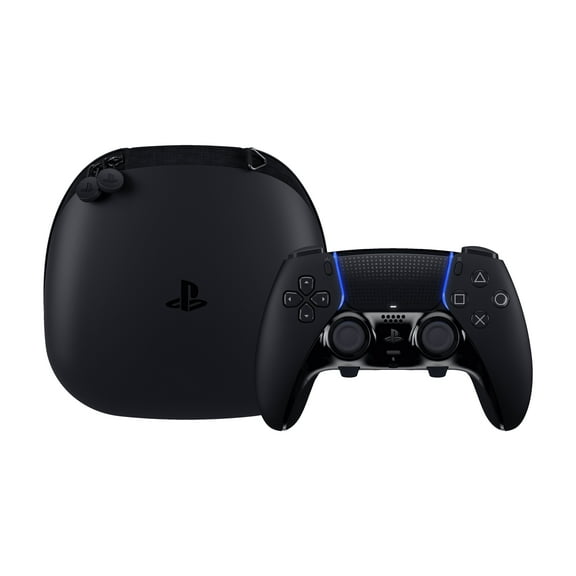 $16900current price $169.00
PlayStation Sony PS5 DualSense Edge Wireless Controller - Midnight Black
25764.5 out of 5 Stars. 2576 reviews4.5 out of 5 starsBest seller, PowerA Twin Charging Station for PlayStation 5 DualSense Wireless Controllers PS5 $20.37 Was $27.86
Best seller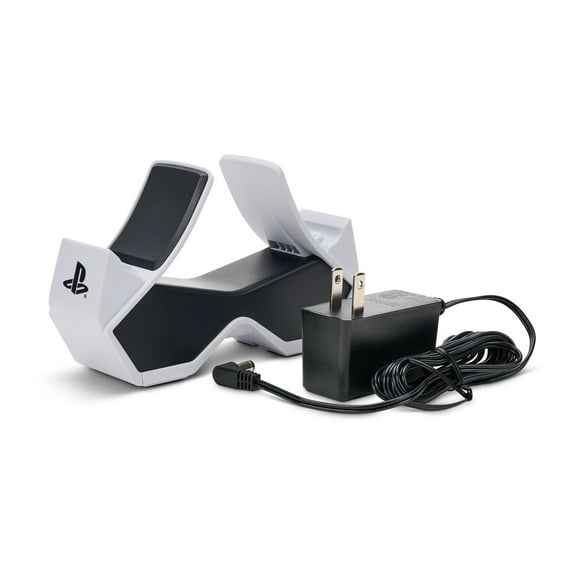 $2037current price $20.37, Was $27.86$27.86
PowerA Twin Charging Station for PlayStation 5 DualSense Wireless Controllers PS5
9824.7 out of 5 Stars. 982 reviews4.7 out of 5 starsIn 500+ people's carts, PlayStation DualSense Edge Wireless, Controller $169.00 Was $199.99
In 500+ people's carts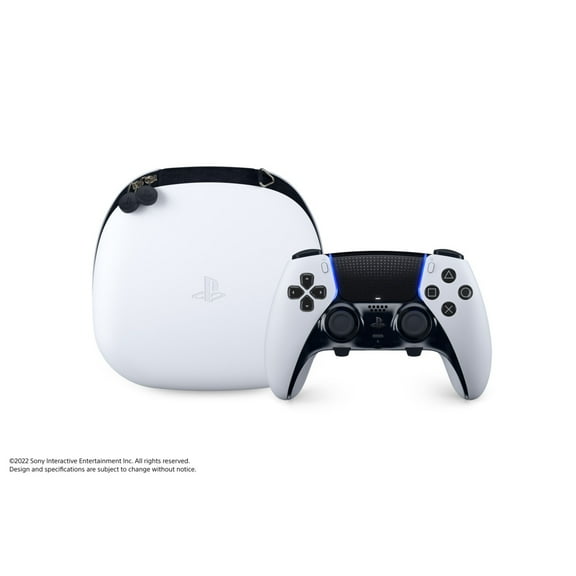 $16900current price $169.00, Was $199.99$199.99
PlayStation DualSense Edge Wireless, Controller
30864.6 out of 5 Stars. 3086 reviews4.6 out of 5 starsBest seller, GameSir G7 Pro Shadow Ember Xbox Controller $63.99 Was $79.88
Best seller $6399current price $63.99, Was $79.88$79.88
GameSir G7 Pro Shadow Ember Xbox Controller
1584.2 out of 5 Stars. 158 reviews4.2 out of 5 starsBest seller, XBOX Wireless Controller – X25 Special Edition – XBOX Series X|S, XBOX One, PCs, TVs, mobile, and more $113.00
Best seller $11300current price $113.00
XBOX Wireless Controller – X25 Special Edition – XBOX Series X|S, XBOX One, PCs, TVs, mobile, and more
1294.5 out of 5 Stars. 129 reviews4.5 out of 5 starsBest seller, Turtle Beach Rematch Wireless RGB Gaming Controller (Koopa Troop) for Nintendo Switch 2, Nintendo Switch, Nintendo Switch Lite, & Nintendo Switch - OLED Model $44.88 Was $64.94 $44.88/count
Best seller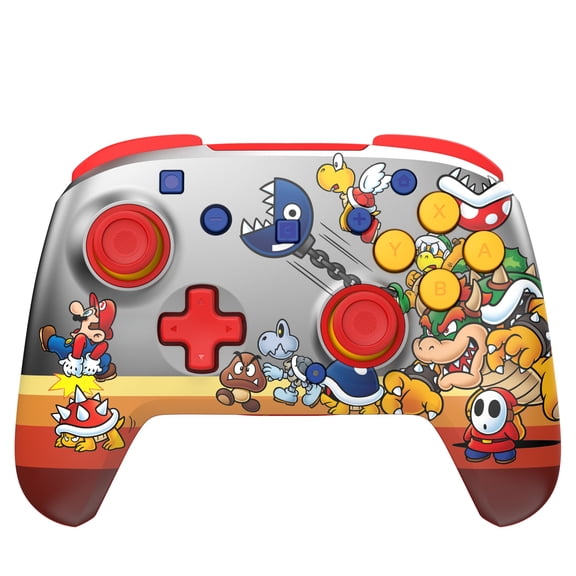 $4488current price $44.88, Was $64.94$64.94$44.88/count
Turtle Beach Rematch Wireless RGB Gaming Controller (Koopa Troop) for Nintendo Switch 2, Nintendo Switch, Nintendo Switch Lite, & Nintendo Switch - OLED Model
524.7 out of 5 Stars. 52 reviews4.7 out of 5 starsPowerA Advantage Wireless Controller for Nintendo Switch 2 - Mario and Friends $39.99 Was $64.87
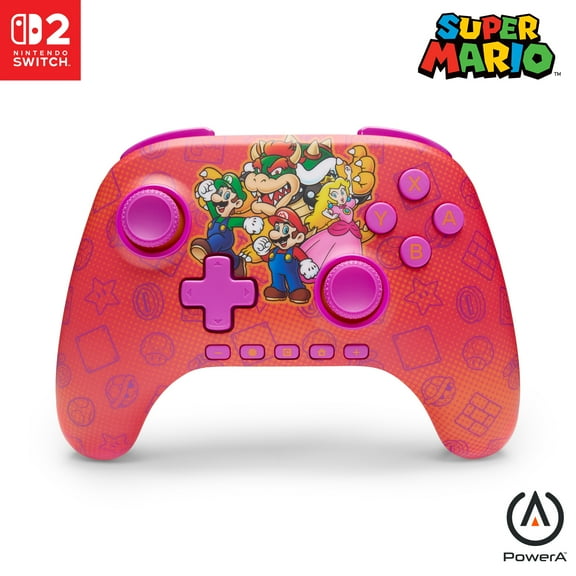 $3999current price $39.99, Was $64.87$64.87
PowerA Advantage Wireless Controller for Nintendo Switch 2 - Mario and Friends
1524.6 out of 5 Stars. 152 reviews4.6 out of 5 stars50+ bought since yesterday, PowerA Advantage Wireless Controller for XBOX Series X|S - Beach Vibes $77.99
50+ bought since yesterday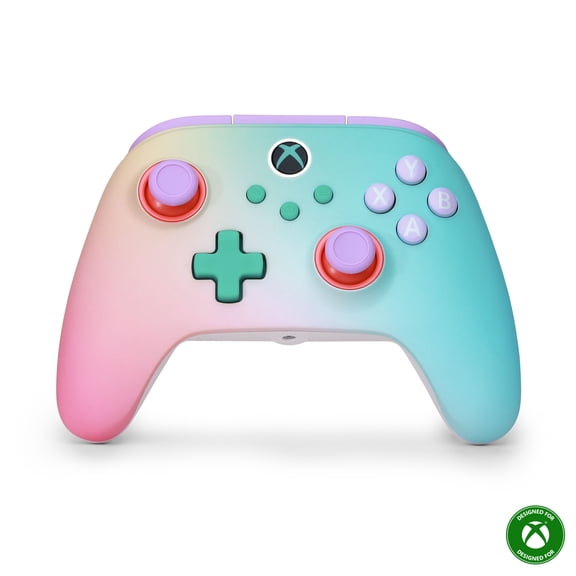 $7799current price $77.99
PowerA Advantage Wireless Controller for XBOX Series X|S - Beach Vibes
474.5 out of 5 Stars. 47 reviews4.5 out of 5 starsPowerA Advantage Wired Controller for Nintendo Switch 2 - Mario Time $17.19 Was $29.84
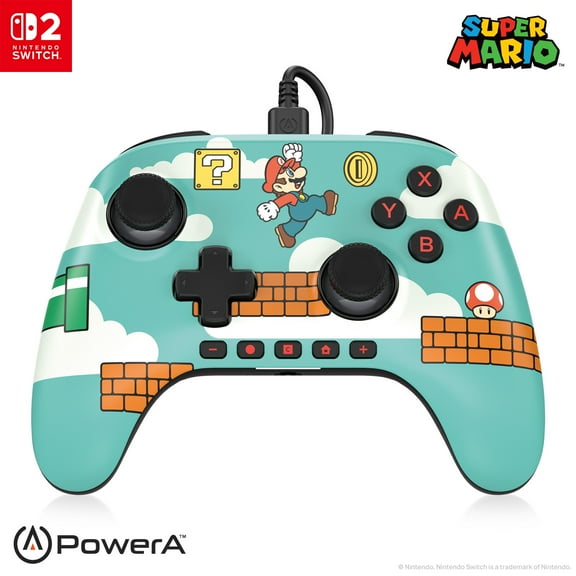 $1719current price $17.19, Was $29.84$29.84
PowerA Advantage Wired Controller for Nintendo Switch 2 - Mario Time
1673.1 out of 5 Stars. 167 reviews3.1 out of 5 starsonn Wired Game Controller for Nintendo Switch 2, Nintendo Switch, Nintendo Switch OLED, and Nintendo Switch Lite, Black $19.67
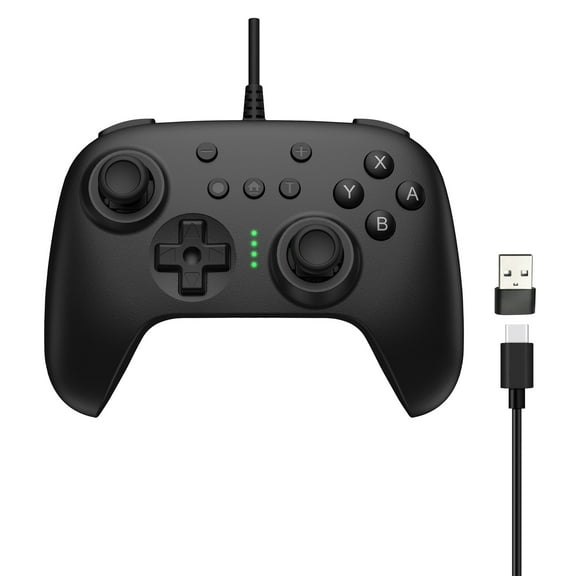 $1967current price $19.67
onn Wired Game Controller for Nintendo Switch 2, Nintendo Switch, Nintendo Switch OLED, and Nintendo Switch Lite, Black
2204.5 out of 5 Stars. 220 reviews4.5 out of 5 starsIn 200+ people's carts, PowerA Wired Controller for Xbox Series X|S - Black $27.99
In 200+ people's carts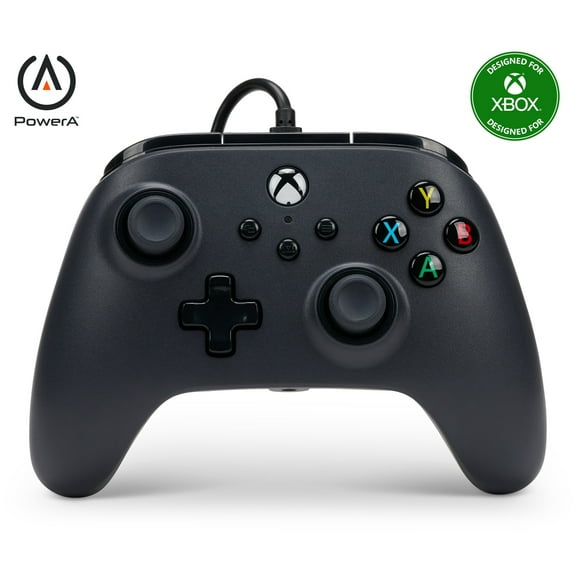 $2799current price $27.99
PowerA Wired Controller for Xbox Series X|S - Black
44464.3 out of 5 Stars. 4446 reviews4.3 out of 5 starsTurtle Beach Afterglow™ Wave Wired Controller - Xbox - Black $49.88 $49.88/count
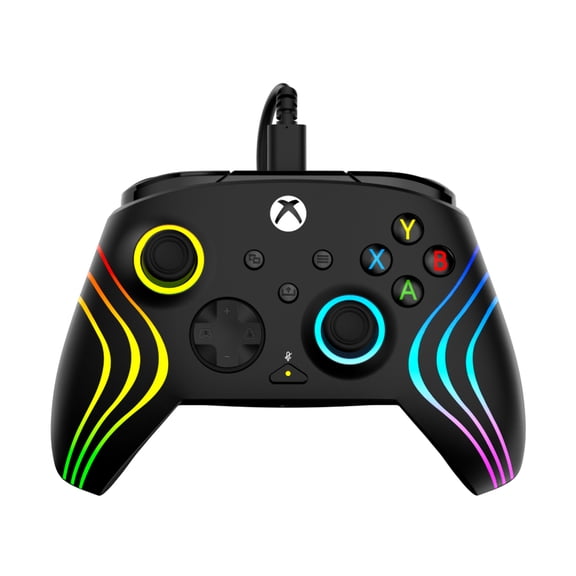 5 optionsAvailable in additional 5 options$4988current price $49.88$49.88/count
Turtle Beach Afterglow™ Wave Wired Controller - Xbox - Black
1554.5 out of 5 Stars. 155 reviews4.5 out of 5 starsonn Wired Game Controller for Nintendo Switch 2, Switch, Switch OLED, Switch Lite, Red $19.67
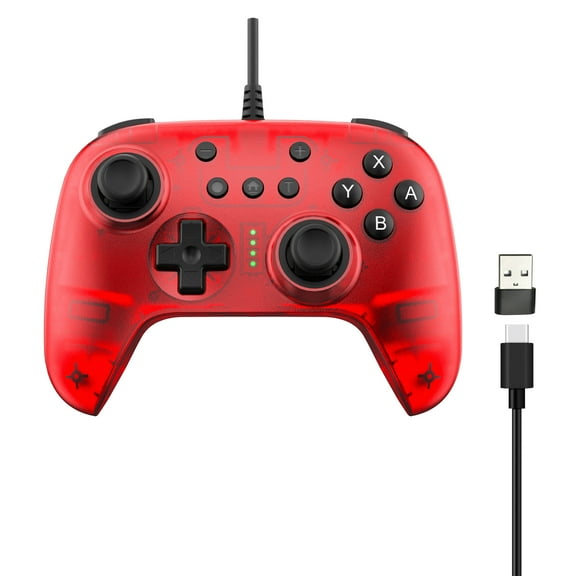 $1967current price $19.67
onn Wired Game Controller for Nintendo Switch 2, Switch, Switch OLED, Switch Lite, Red
1054.6 out of 5 Stars. 105 reviews4.6 out of 5 starsNintendo Joy-Con 2 (L) Controller for Nintendo Switch 2, Light Blue $54.00 $6.75/ea
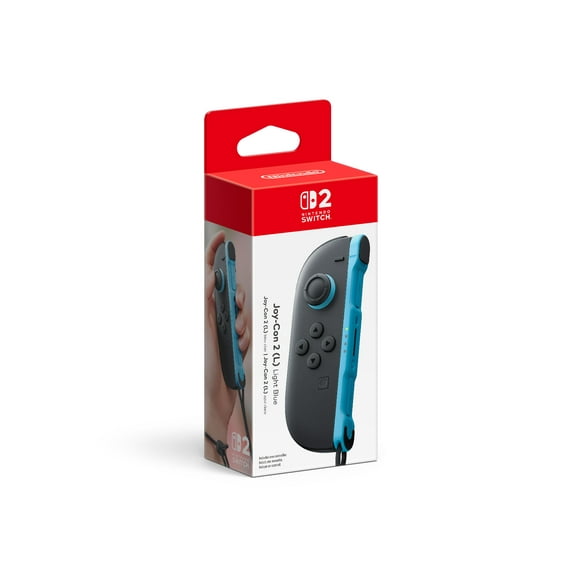 $5400current price $54.00$6.75/ea
Nintendo Joy-Con 2 (L) Controller for Nintendo Switch 2, Light Blue
1484.5 out of 5 Stars. 148 reviews4.5 out of 5 starsBest seller, Nintendo Joy-Con 2 (Left)/(Right) Controllers, Light Blue/Light Red, Bluetooth $99.00
Best seller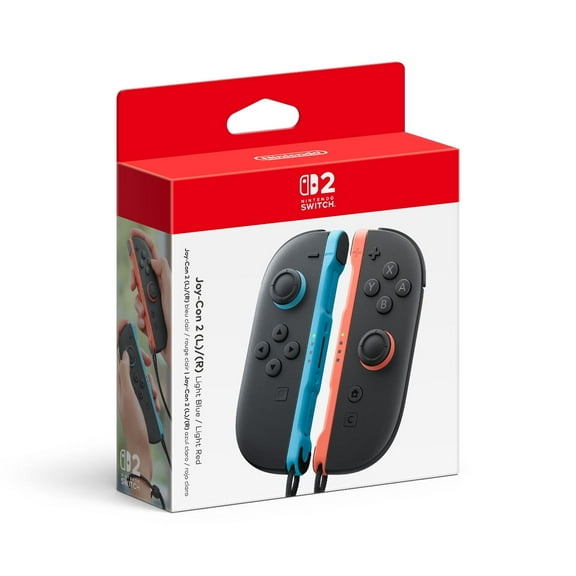


 $9900current price $99.00
Nintendo Joy-Con 2 (Left)/(Right) Controllers, Light Blue/Light Red, Bluetooth
9644.6 out of 5 Stars. 964 reviews4.6 out of 5 starsPowerA Advantage Wired Controller for Nintendo Switch 2 - Mushroom Kingdom $20.99 Was $29.84
 $2099current price $20.99, Was $29.84$29.84
PowerA Advantage Wired Controller for Nintendo Switch 2 - Mushroom Kingdom
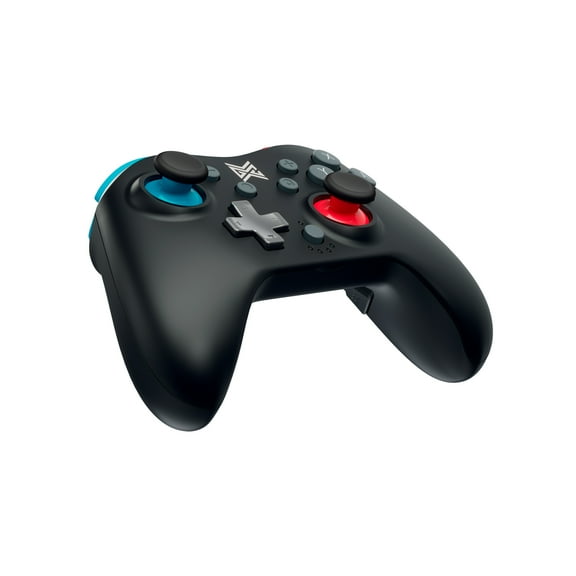
1843.3 out of 5 Stars. 184 reviews3.3 out of 5 starsMGC Switchplate Wireless Controller for Nintendo Switch2, Switch, and Windows PC $32.97 Was $39.88
 $3297current price $32.97, Was $39.88$39.88
MGC Switchplate Wireless Controller for Nintendo Switch2, Switch, and Windows PC
1683.9 out of 5 Stars. 168 reviews3.9 out of 5 starsBest seller, GameSir G7 SE Wired Xbox Game Controller - Jet Black $44.84
Best seller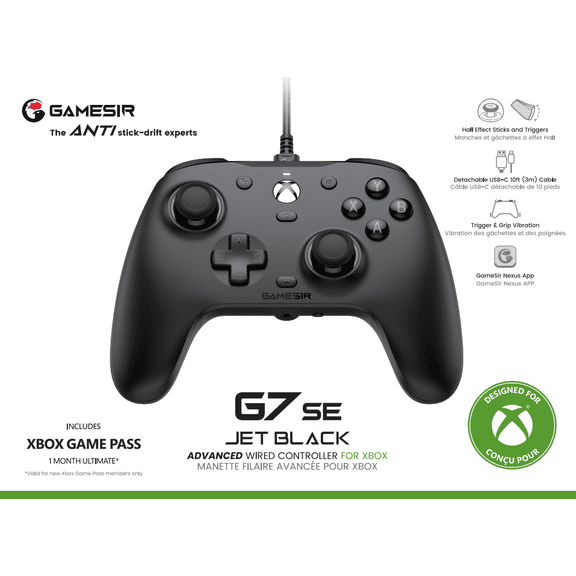 $4484current price $44.84
GameSir G7 SE Wired Xbox Game Controller - Jet Black
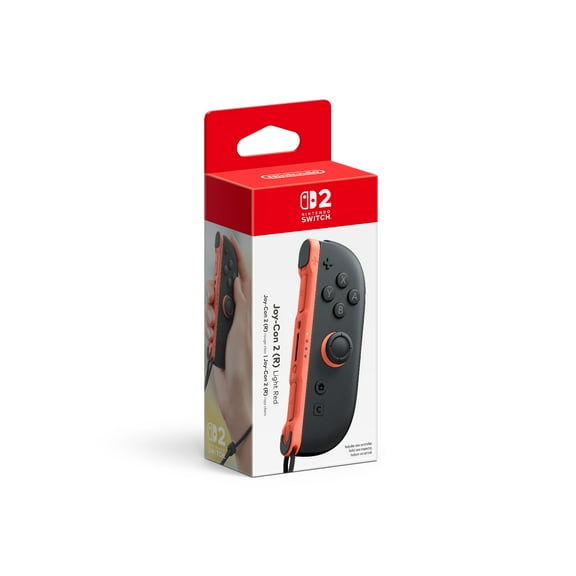
2324.5 out of 5 Stars. 232 reviews4.5 out of 5 starsNintendo Joy-Con 2 (R) Light Red Ambidextrous Video Game Controller for Nintendo Switch 2 $54.00 $6.00/ea
 $5400current price $54.00$6.00/ea
Nintendo Joy-Con 2 (R) Light Red Ambidextrous Video Game Controller for Nintendo Switch 2
1254.5 out of 5 Stars. 125 reviews4.5 out of 5 starsRazer Wolverine V3 Tournament Edition Wired Esports Video Game Controller for Xbox PC, Black $79.88
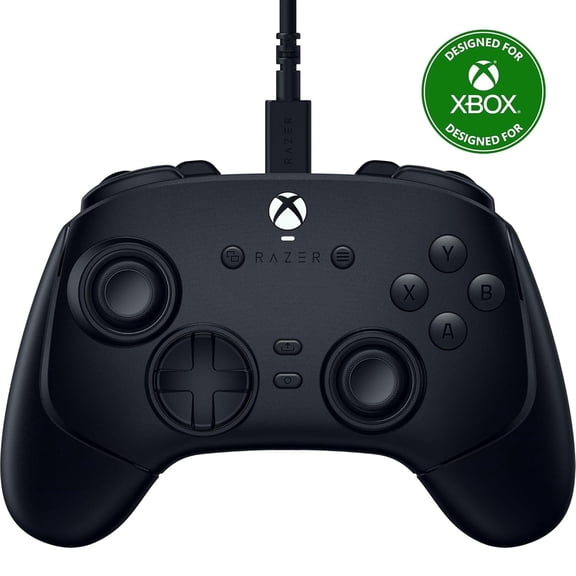 $7988current price $79.88
Razer Wolverine V3 Tournament Edition Wired Esports Video Game Controller for Xbox PC, Black
3474.2 out of 5 Stars. 347 reviews4.2 out of 5 stars
Customer ratings & reviews
Reviews summary
Pros
- : The finish appears glossy and displays bright, accurate hues.
- : The controller features comfortable contours, clean lines and vivid color accents.
- : It remains durable and operates reliably during extended use.
- : The controller provides a comfortable grip and responsive controls.
- : The controller is offered at competitive, discounted prices.
Neutral
- : Buttons respond promptly at times but often stick or stop.
Showing 1-3 of 3,373 reviews
Verified Purchase
Wrong One
I messed this one up. I bought a PS controller when I really needed an XBOX controller. I can really only base this on the shipping and return on the item, which went issue free.
Verified Purchase
A-OK
Love the colour. Works perfectly with my PS5. No drifting problems (yet), and the texture is a good feel in my hands. Light weight, but easily dropped. No damage, but seems like a good purchase at least.
Verified Purchase
Yes
Obsessed, need I say more? Just buy it, you definitely need it!

How do you want your item?
More seller options (6)
Related pages
- Best Sellers In Sony Ps4 Controller Dualshock 4
- One Handed Ps4 Controller
- Can't Connect Ps4 Controller To Ps4
- Ps4 Contrller
- Connect Ps5 Controller Ps4
- Ps4 Controller Dualshock 4
- PlayStation 4 (PS4) Controllers
- PlayStation 5 (PS5) Controllers
- PlayStation 4 (PS4) Accessories
- PS4 Pro
- PlayStation 4 (PS4) Consoles
- Shop All PlayStation 5 (PS5) Accessories