

Scosche















FAQ
About Scosche - Walmart.com
Scosche audio helps you compare speakers, FM transmitters, car mounts, and charging cables in one brand-focused destination. If you're narrowing options for your car, desk, or travel setup, this guide keeps your decision simple.
Instead of sorting through unrelated accessories, you can compare the product types that fit your routine. You can also use clear buying criteria like connection type, compatibility, and power source.
How to choose Scosche audio by product type
Your first decision is product type, because each option supports a different setup. You may want Bluetooth speakers for portable sound, FM transmitters for older vehicles, car mounts for viewing, or charging cables for power.
Once you separate these categories, your comparison becomes much clearer. You can stream playlists through a speaker, route phone audio through a car radio, secure a phone on a vent, or connect a USB-C device.
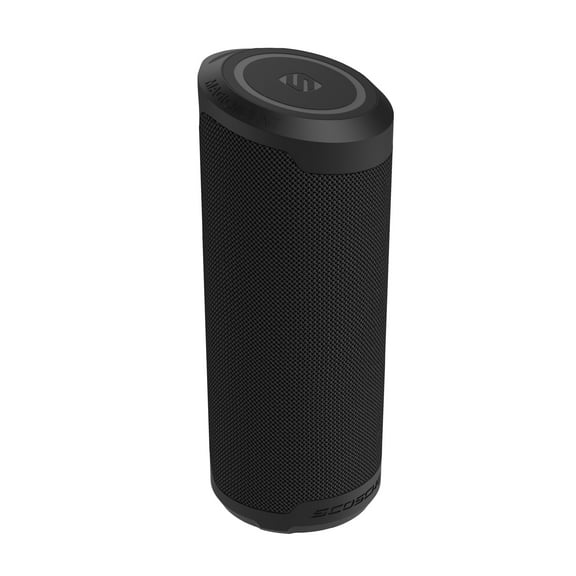
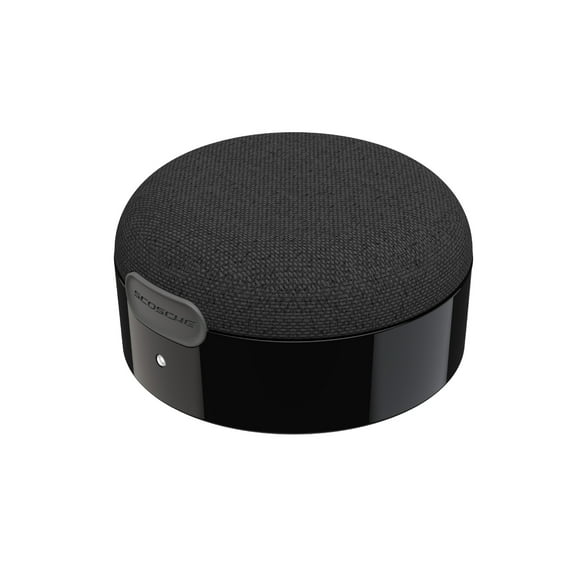
- You can pick Bluetooth speakers when your setup needs portable sound for patios, tailgates, or workspaces.
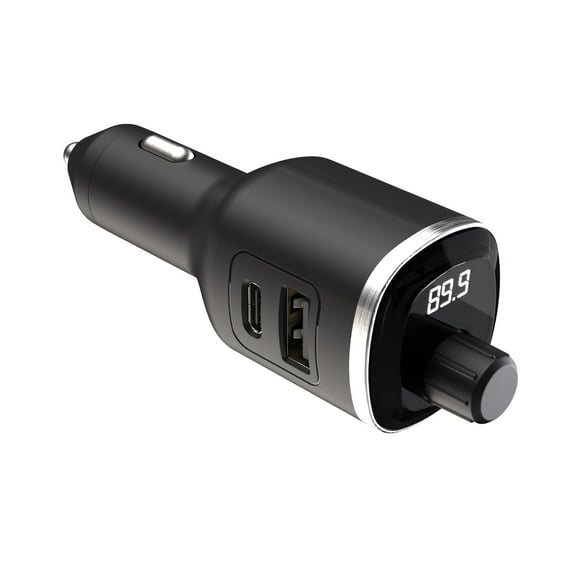
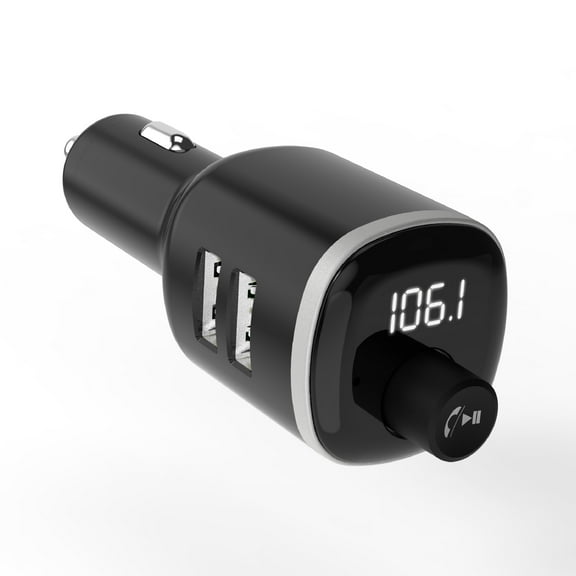
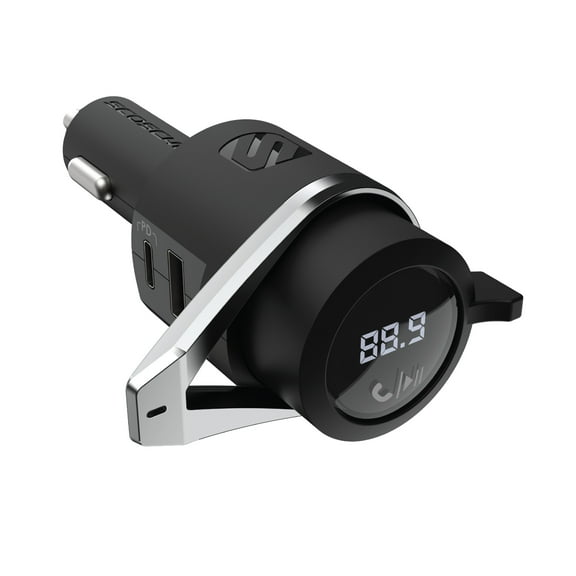
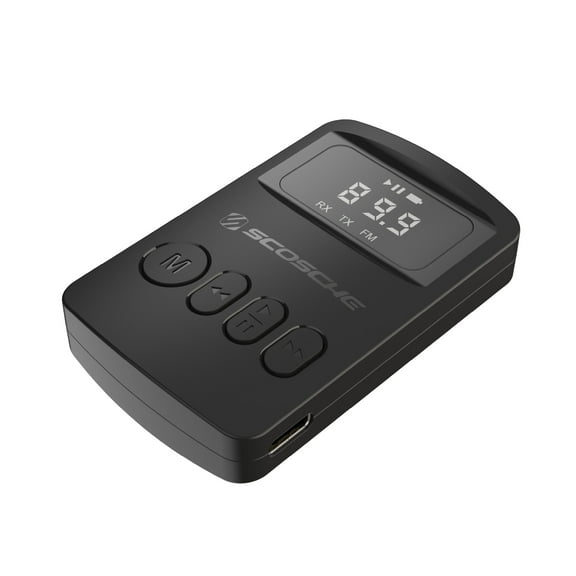
- You can choose FM transmitters when your vehicle uses a radio and lacks built-in wireless audio.
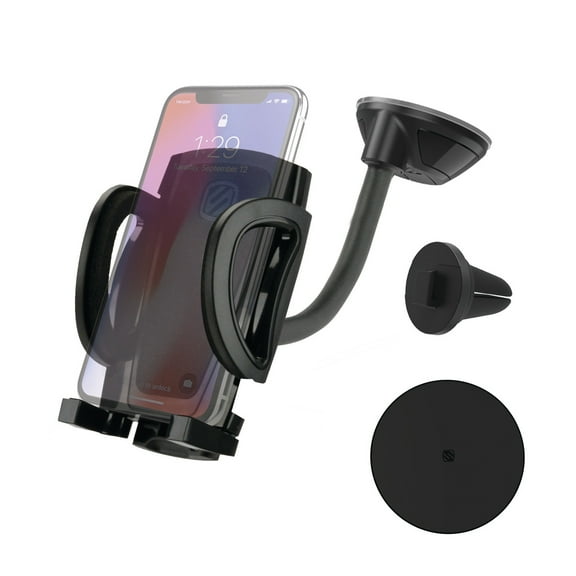
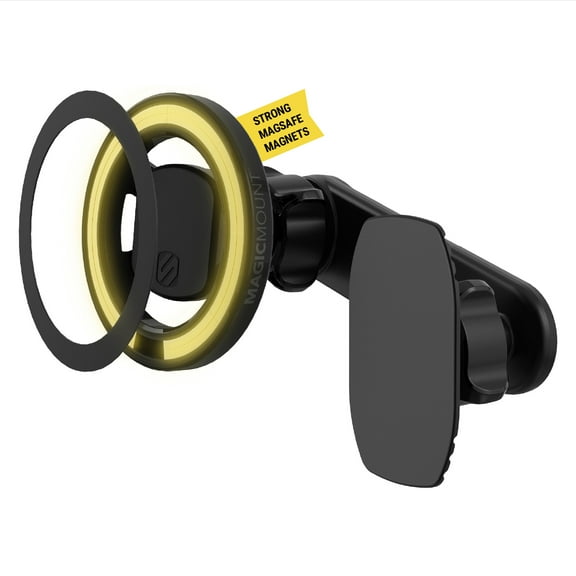
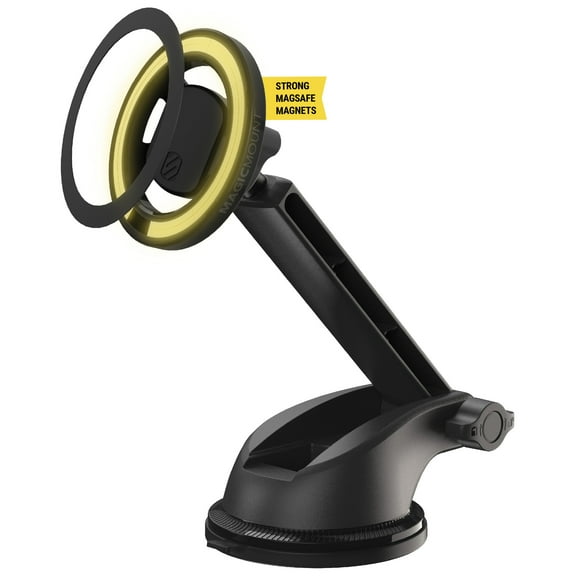
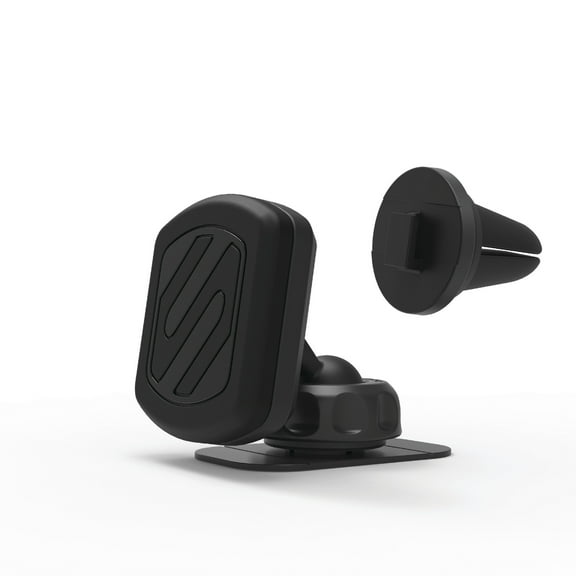
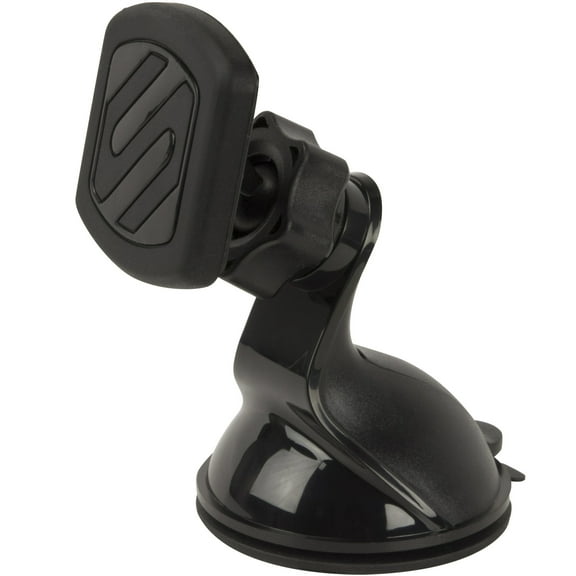
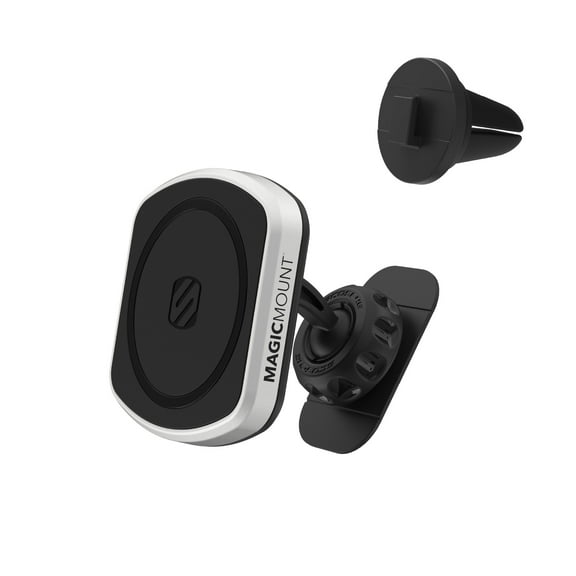
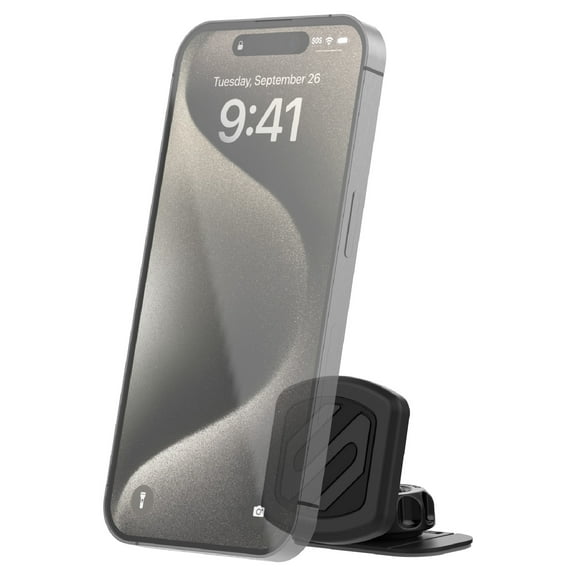
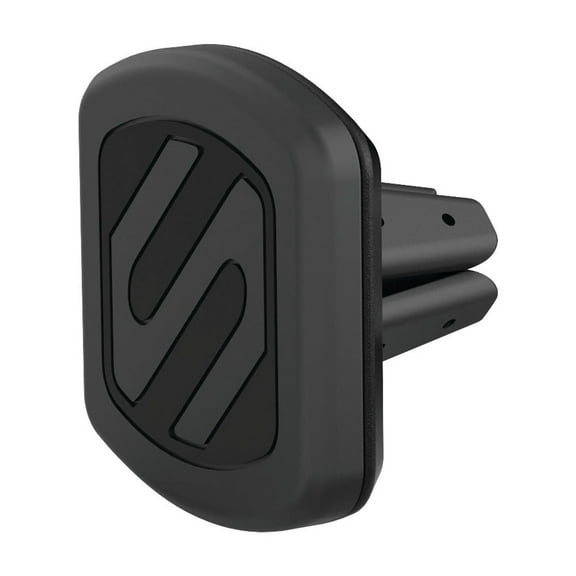
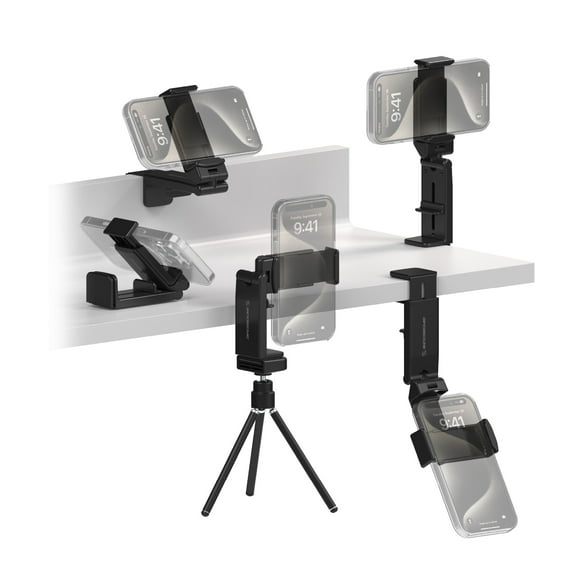
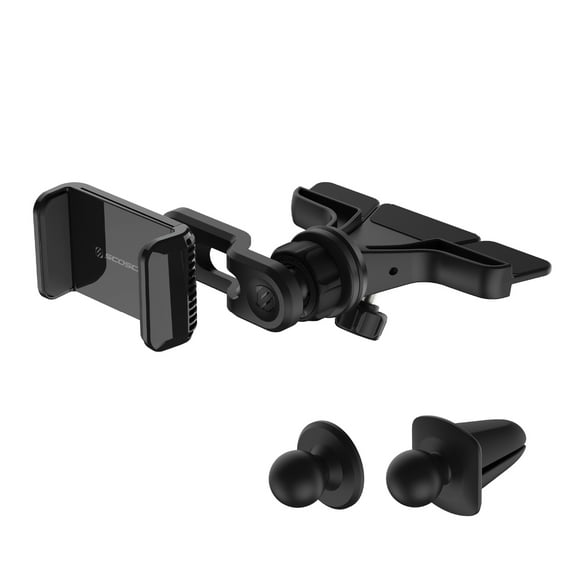
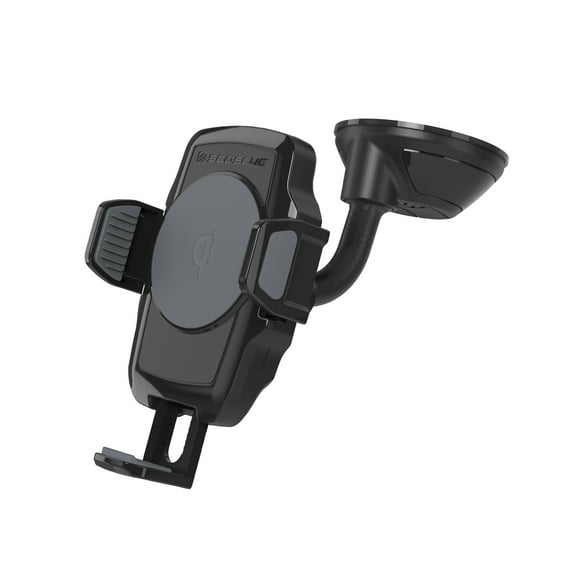
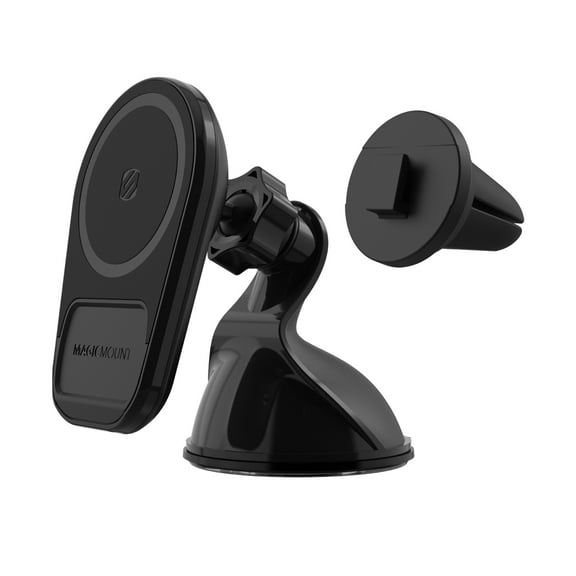
- You can use car mounts when your screen needs eye-level placement for maps, calls, and quick viewing.
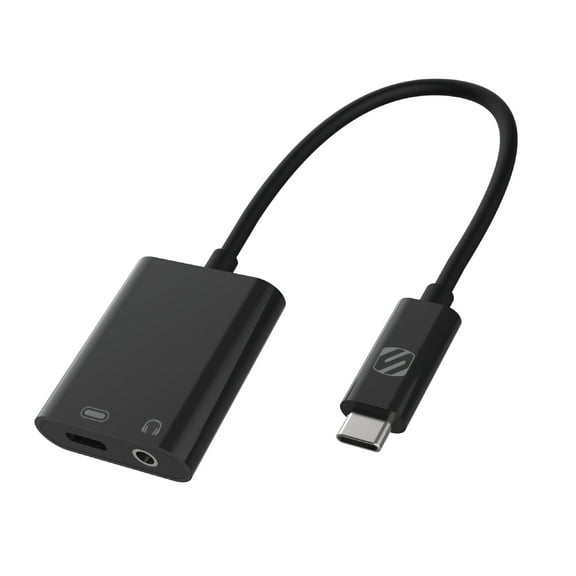
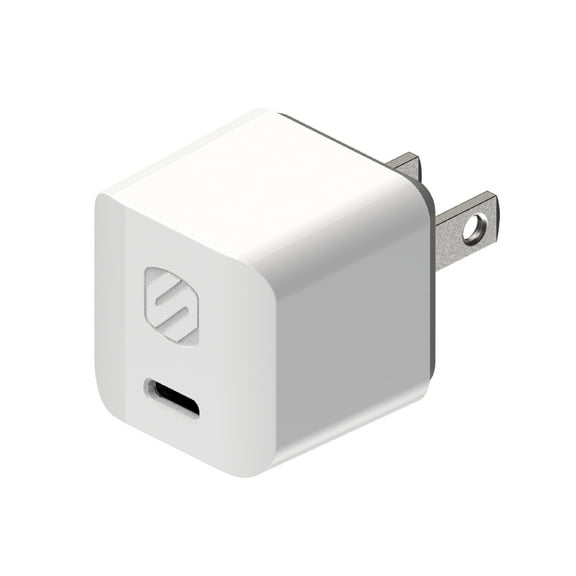
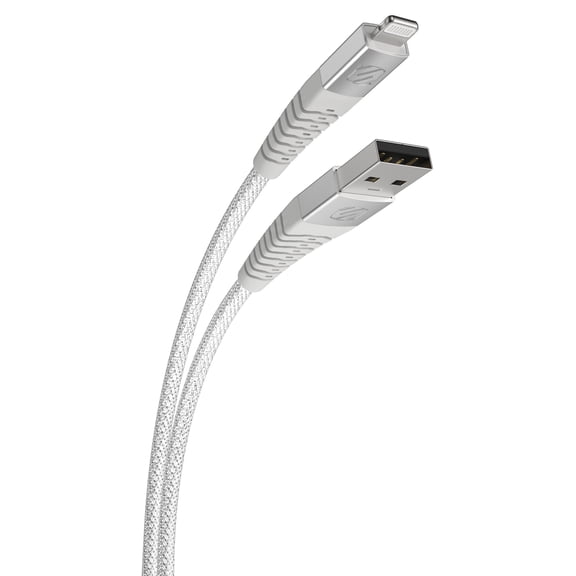
- You can select charging cables when your device depends on the right connector, length, and charging standard.
That separation also helps you avoid mixing audio needs with mounting needs. Your search stays focused when you compare one job at a time.
Choosing connection types for Scosche audio
Your connection type shapes how everything works with your phone, tablet, or vehicle. You can narrow choices quickly when you know whether you need Bluetooth, auxiliary, wireless charging support, or USB-C.
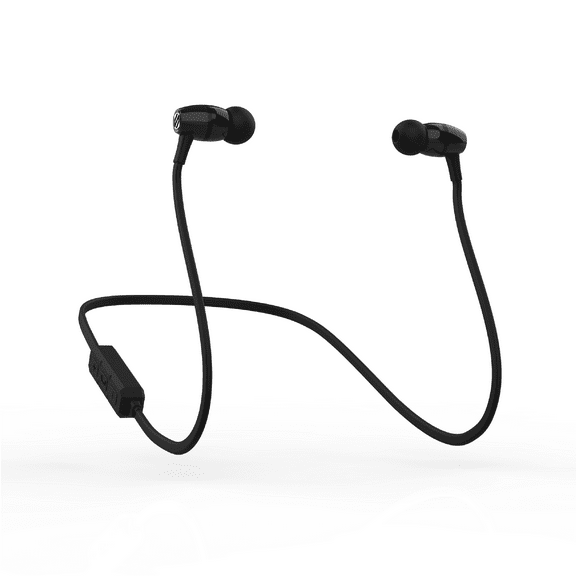
Bluetooth fits everyday use when your setup needs fewer cords around your seat, desk, or bag. You may notice pairing feels easier when your device and accessory support the same Bluetooth version.
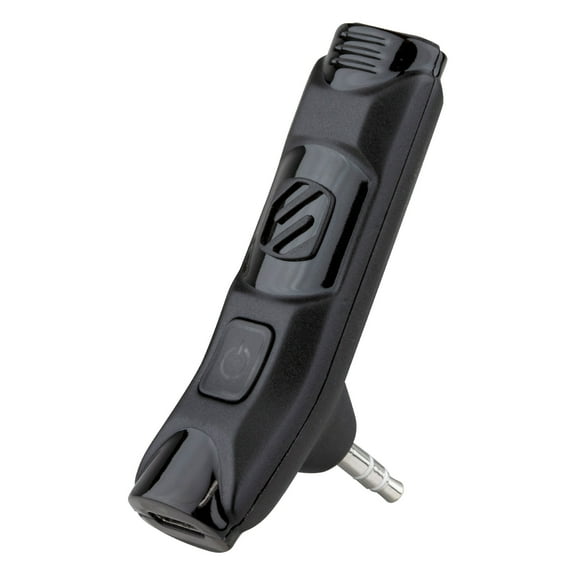
Auxiliary connections still matter when your car or speaker uses a 3.5 mm input. You can keep a direct wired path for steady playback in older vehicles and simple desktop setups.
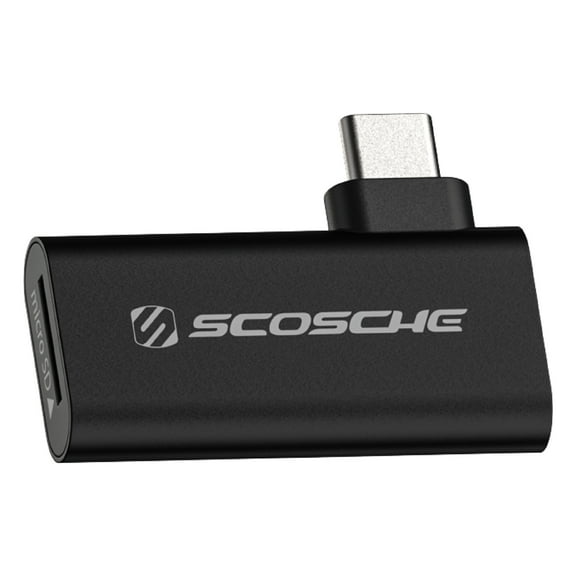
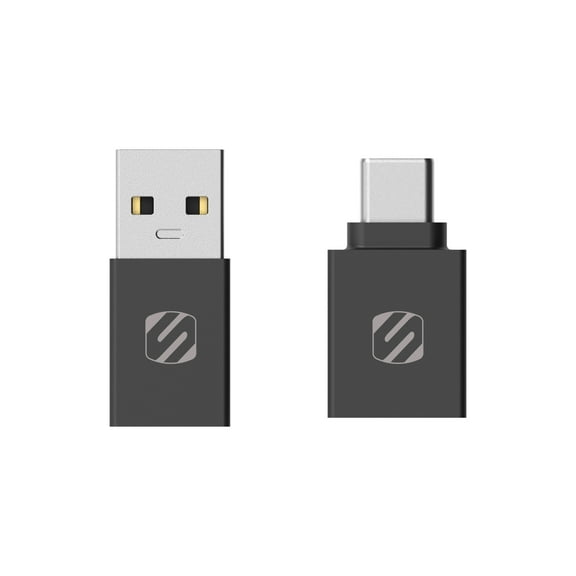
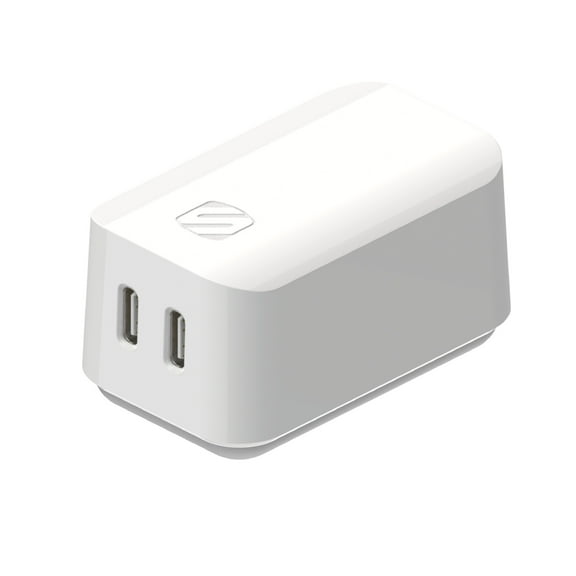
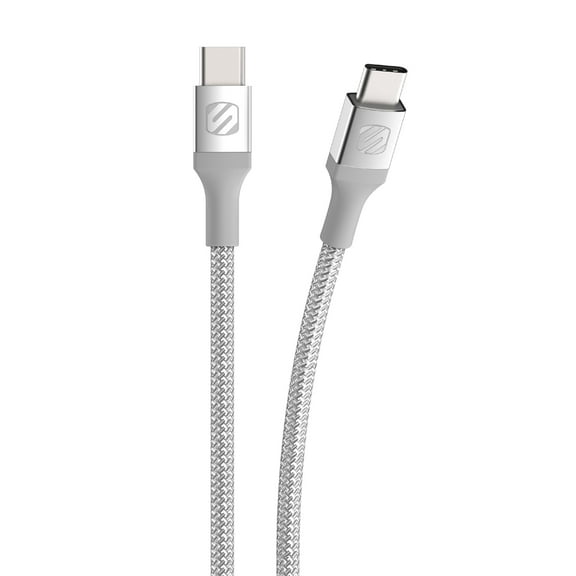
USB-C matters when your phone, tablet, or accessory uses newer charging and data ports. You should check port type first, because the right fit keeps your setup straightforward.
Wireless features can mean wireless audio or wireless charging, and your choice depends on the job. You can compare those functions separately, because they support different daily habits.
What to look for in compatibility and fit
Your compatibility check should come early, especially when ports, phone sizes, and mount styles vary. You can compare universal, iPhone, Samsung, and car-specific options to match your device and layout.
Universal accessories help when your household uses different phones and vehicles. You can move gear between a family car, a work bag, and a travel kit with less guesswork.
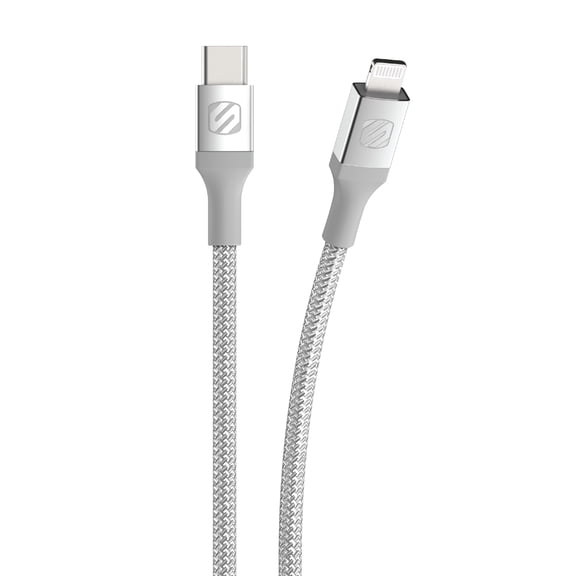
If your device uses USB-C or Lightning, you should confirm the exact connector before you decide. You can also check whether your case thickness and screen width fit the mount design.
Car-specific fit matters when your dashboard shape or vent design needs a closer match. Consider vent mounts, dash mounts, and adhesive styles based on where your screen sits comfortably.
Some shoppers still arrive looking for t-mobile speakers while comparing mobile audio gear. If you've also searched scousch or sorsche, you're still in the right place for the same product family.
Comparing power sources and charging details
Your power source should match where you use your gear most often. You can choose rechargeable battery models for portability, 12V car adapter designs for driving, or USB-powered options for desks and travel.
Rechargeable battery products fit portable listening when you move from room to room or head outdoors. You can compare listed playtime to your commute, work session, or weekend plans.
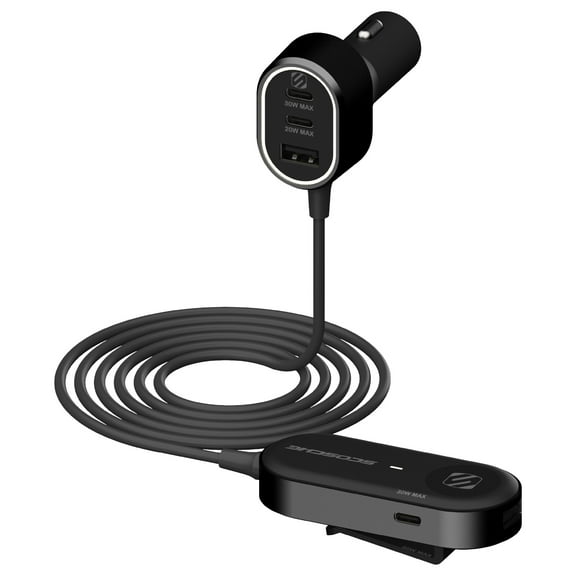
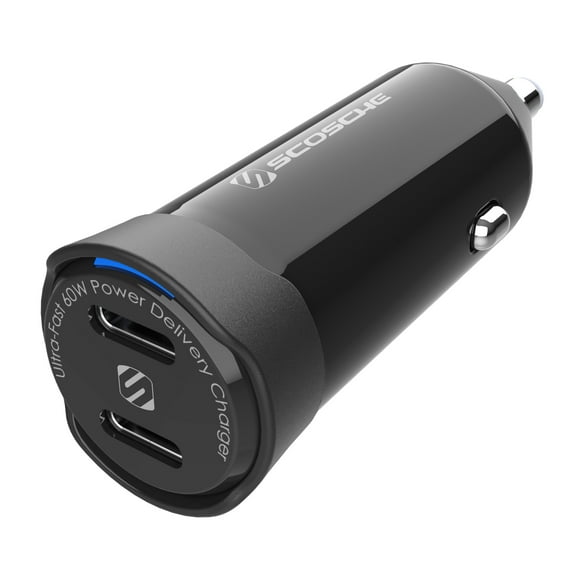
A 12V car adapter works well when your setup stays in the vehicle every day. You can keep an FM transmitter powered during commutes while your phone stays connected for audio.
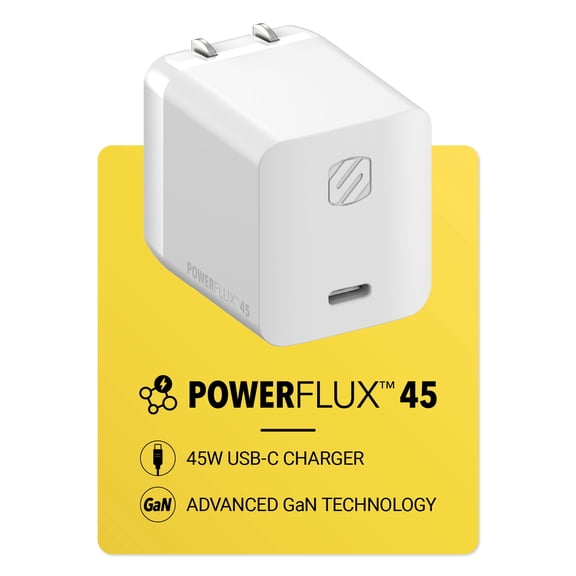
USB-powered gear fits workstations, console areas, and travel kits with common charging access. You should check charging speed support if your device depends on USB-C fast charging.
Battery life also changes how often your routine pauses for recharging. You can compare hours of use and charging method before you narrow your final options.
Using Scosche audio in everyday situations
For outdoor listening, you can pair Bluetooth speakers with a rechargeable battery for camping, cookouts, or dorm use. For desk setups, you can choose USB-powered models that stay connected nearby.
In older vehicles, FM transmitters make sense when your car lacks built-in wireless streaming. You can connect phone audio through the radio while keeping a compact setup powered by a 12V adapter.
During daily drives, car mounts fit errands, delivery routes, and commutes when you rely on maps and hands-free viewing. You can pick a vent or dash style based on your dashboard layout and preferred screen position.
When your setup depends on power and data, charging cables become a key part of your routine. You can choose USB-C for newer devices or compare other connectors for older accessories.
As you evaluate Scosche audio this way, your choices become easier to compare across devices and vehicles. You can move forward with a setup that fits your connection, fit, and power needs.
Your final decision gets easier when you focus on product type, connection, compatibility, and power source together. That approach helps you choose Scosche audio accessories that fit your devices and daily routine.