


Schlage

Why First Secure?


FAQ
About Schlage - Walmart.com
Schlage hardware helps you secure entry doors with trusted lock formats, clear security grades, and finish options that match your home. You can compare deadbolts, keypad models, and connected locks in one place.
If you're updating a front door or replacing worn hardware, Schlage gives you practical choices for daily access. You can narrow your pick by lock type, finish, grade, and smart connectivity.
How to choose Schlage hardware by lock type
You should start with the door function you need most. You can choose a schlage deadbolt for dedicated locking strength or an entry door knob for combined access.
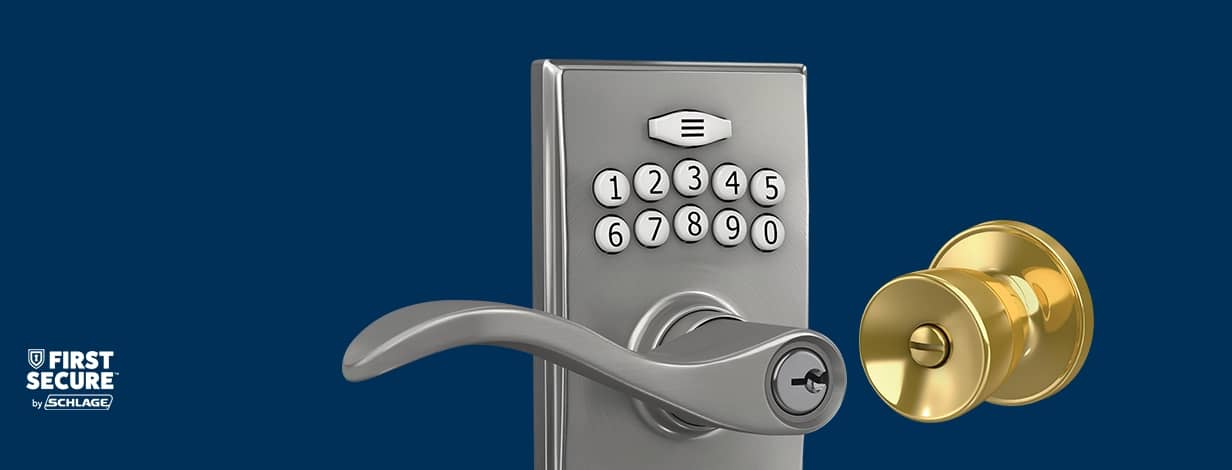
If you want fewer keys in your pocket, you may prefer a schlage keypad lock for code-based entry. If you want app control, you can compare each schlage smart lock by connectivity type.
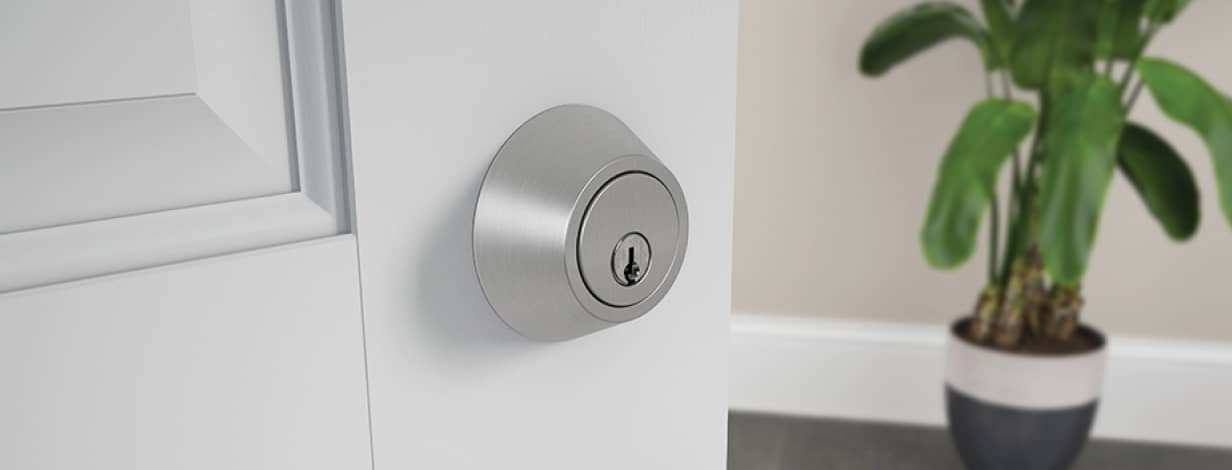
- You can use a deadbolt when you want a separate lock above your handle.
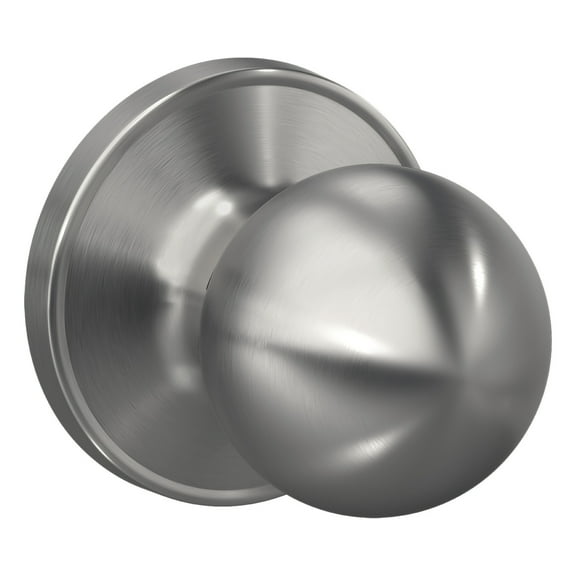
- You can choose an entry door knob when you want a locking knob for standard entry points.
- You can pick a smart lock when you want remote access, app control, or connected routines.
- You can select a keypad lock when you want quick entry with a personal code.
You should also think about who uses the door every day. You can make access simpler for family members, guests, or service visits with the right lock style.
Choosing the right finish and everyday look
You can use finish as both a style choice and a maintenance consideration. You may prefer satin nickel for a soft modern look or matte black for bold contrast.
If your home leans traditional, you might consider aged bronze or bright brass. You can match hinges, handles, and house numbers for a more coordinated entry.
You should check how your finish works with your door color and exterior trim. You can create a cleaner visual match when your hardware tone fits your home's other metal details.
Understanding Schlage door locks security grades
You can compare schlage door locks by ANSI and BHMA grades to understand how each option fits your space. You should read Grade 1 as commercial use, Grade 2 as heavy residential, and Grade 3 as standard.
If your front door gets frequent use, you may want the durability associated with Grade 1 or Grade 2 hardware. You can reserve Grade 3 options for lighter-duty household entry needs.
You should treat the grade as a quick guide to cycle testing and door use expectations. You can make a more confident pick when you match the grade to traffic level.
What to look for in smart connectivity
You can choose non-connected hardware if you want a traditional key experience. You can step up to Bluetooth, Z-Wave, or Wi-Fi when you want more control options.
If you want nearby phone access, Bluetooth may fit your routine. If you use a smart home hub, Z-Wave can support broader automation with compatible devices.
You may prefer Wi-Fi when you want direct app access without extra hub steps. You can compare each connection type by how you unlock, monitor, and manage entry.
Checking door fit, backset, and bore hole details
You should measure your door before you choose new hardware. You can check door thickness, backset distance, and bore hole size to avoid installation surprises.
For many doors, you'll compare a 2-3/8 inch or 2-3/4 inch backset. You should also confirm your bore hole size and latch prep before you replace existing hardware.
If you're updating an older door, those measurements matter even more. You can speed up installation when your new lock matches your current prep dimensions.
Comparing keying options and real-life use cases
You can simplify household access by comparing keyed alike and rekeyable options. If you want one key for multiple doors, keyed alike sets can make daily entry easier.
If you expect future changes, rekeyable technology can give you flexibility without replacing the full lockset. You can keep your entry setup aligned when your access needs shift.
For a busy front door, you may pair a schlage deadbolt with a finish that matches your handle set. For rental updates or side entry access, you might prefer a keypad format.
If you want connected routines, you can choose a schlage smart lock with Wi-Fi, Z-Wave, or Bluetooth support. If you want classic operation, you can stick with non-connected schlage hardware.
You can shop with more confidence when your lock type, grade, fit, and finish all work together. Your door feels more complete when your hardware matches your space and daily routine.