

Samsung Computers in Shop Computers by Brand
















About Samsung Computers in Shop Computers by Brand - Walmart.com
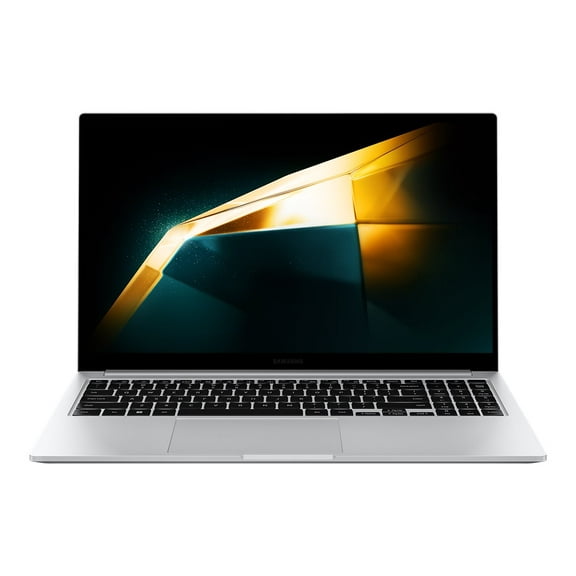
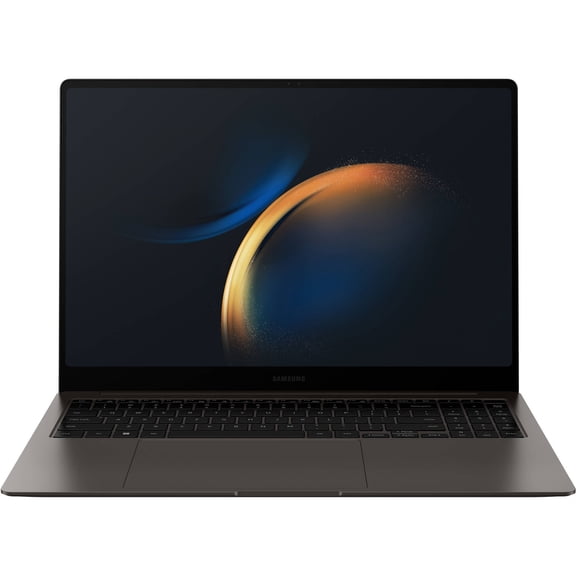
Samsung computers help you compare laptops, Chromebooks, desktops, and 2-in-1 designs in one place. You can sort by operating system, screen size, and model series to match school, work, or everyday use.
If you want clear differences between Galaxy Book models and Chromebook options, you can find that guidance here. You can focus on portability, keyboard comfort, and app support before you narrow your choice.
How to choose Samsung computers by product type
When you compare product types, you should start with where and how you work. You may want a lightweight laptop for travel, a touchscreen hinge for flexibility, or a desktop setup for a fixed workspace.
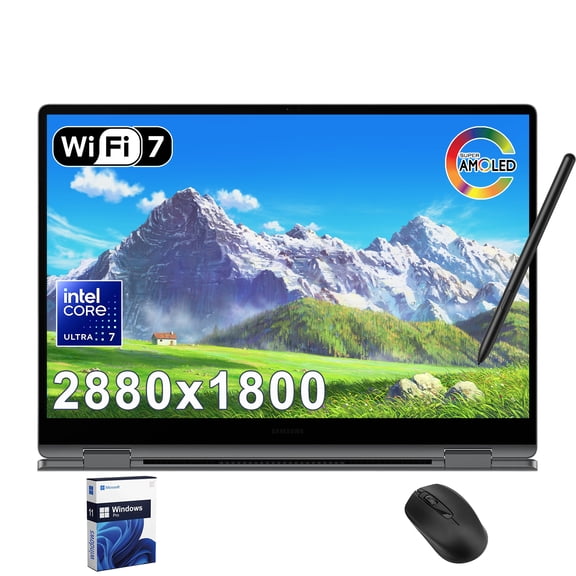
Samsung laptops give you a familiar notebook format for classes, meetings, and daily tasks. A Samsung 2-in-1 laptop lets you switch between typing and tapping when your routine changes.
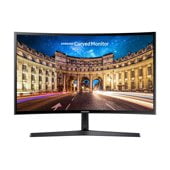
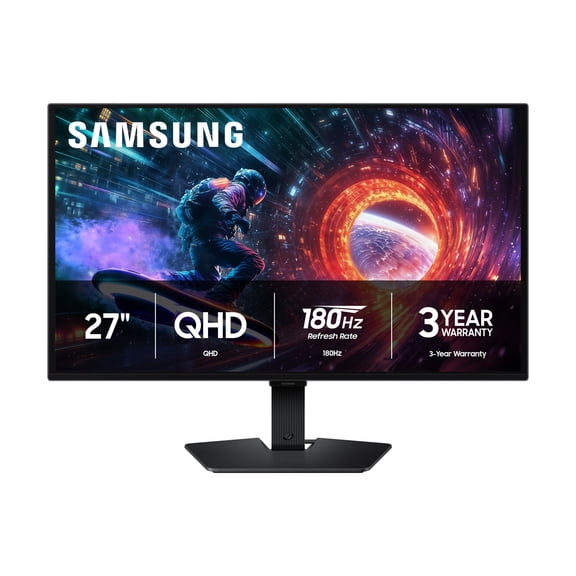
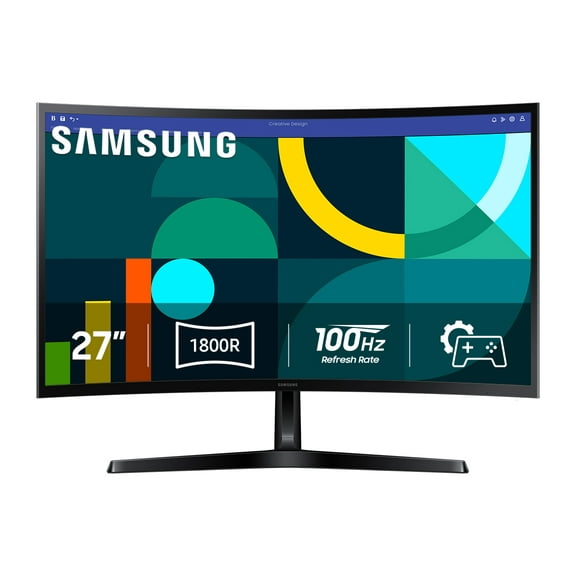
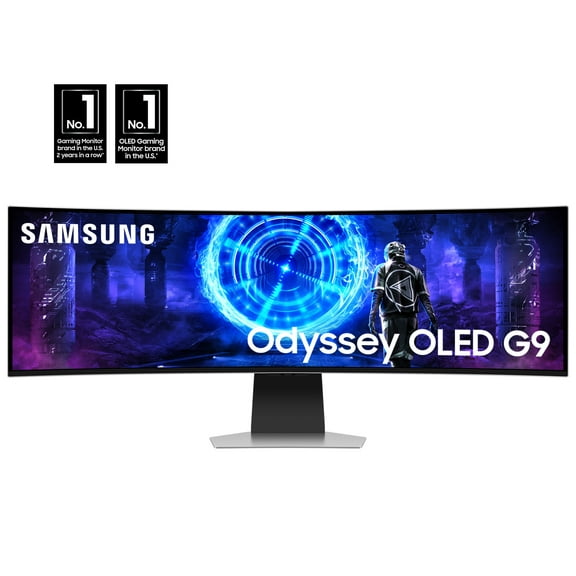
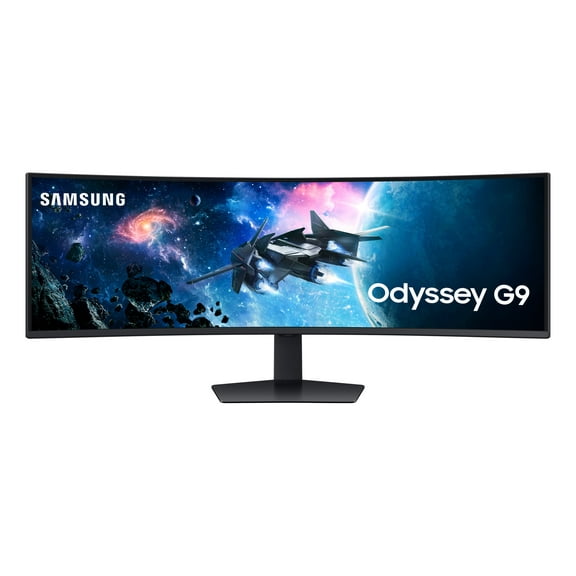
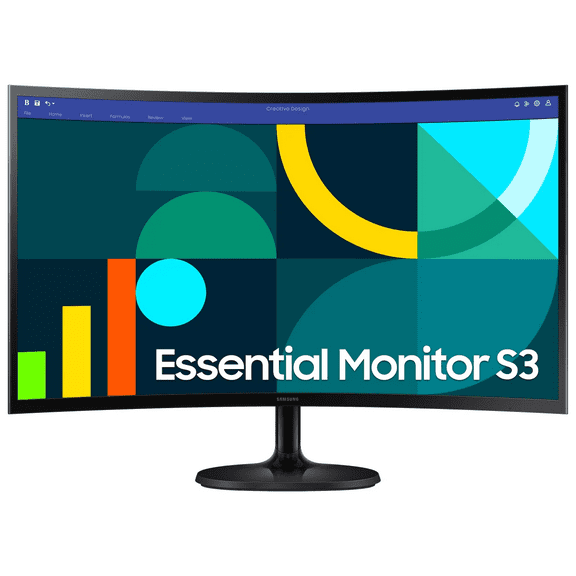
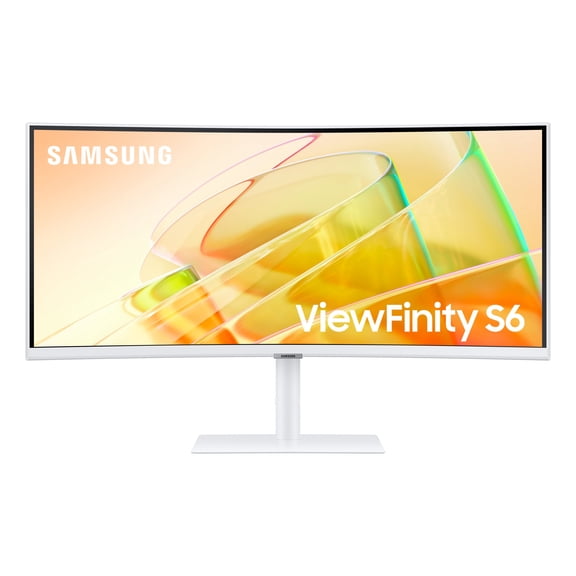
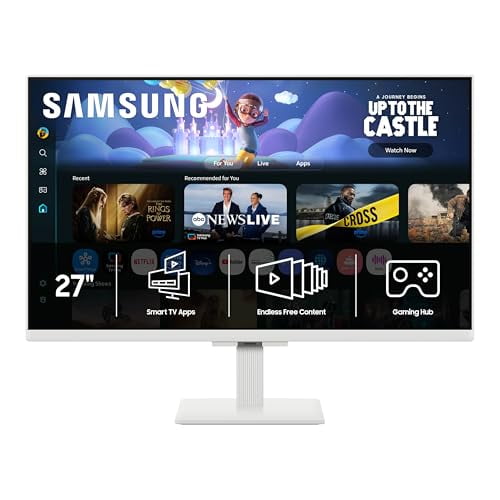
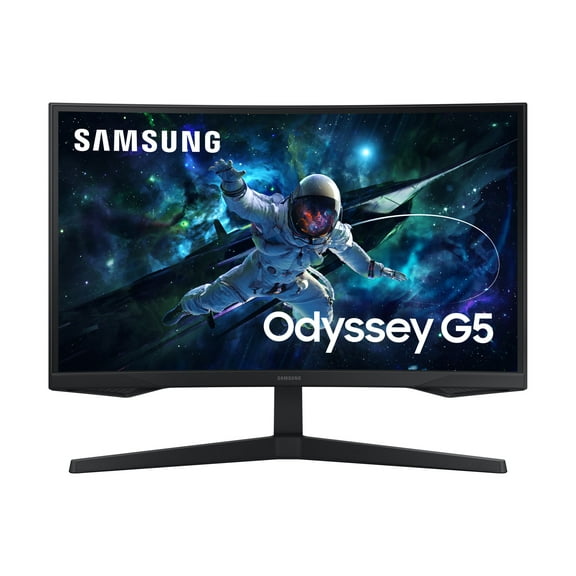
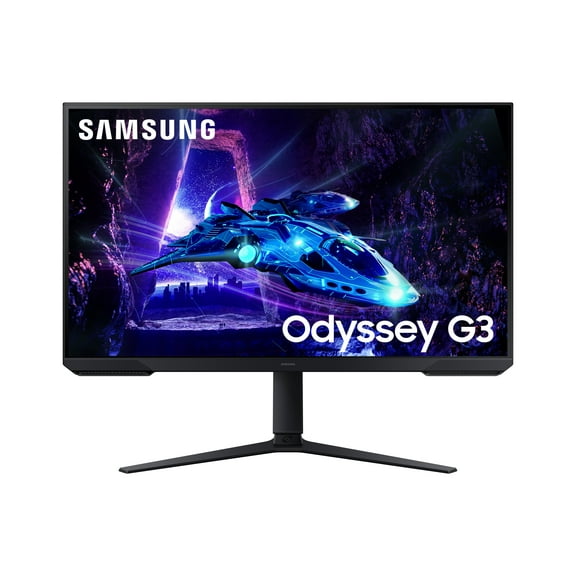
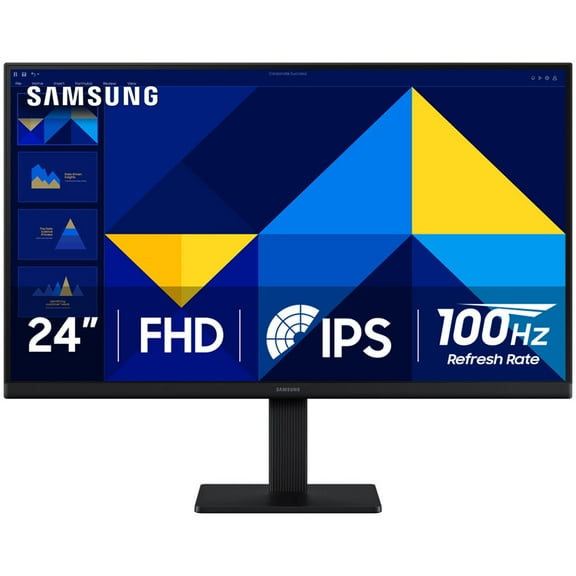
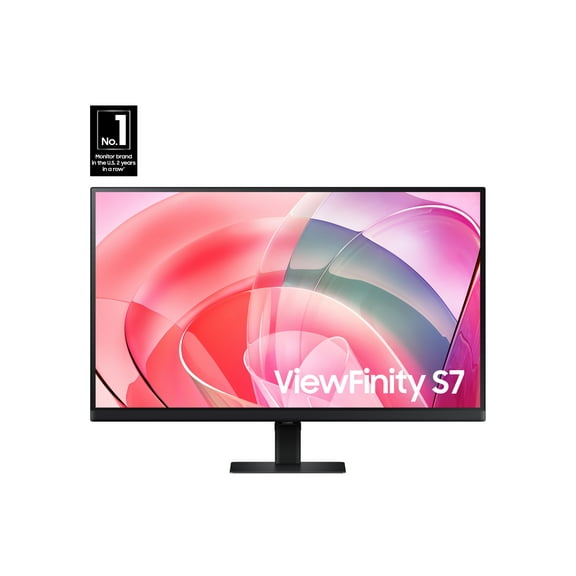
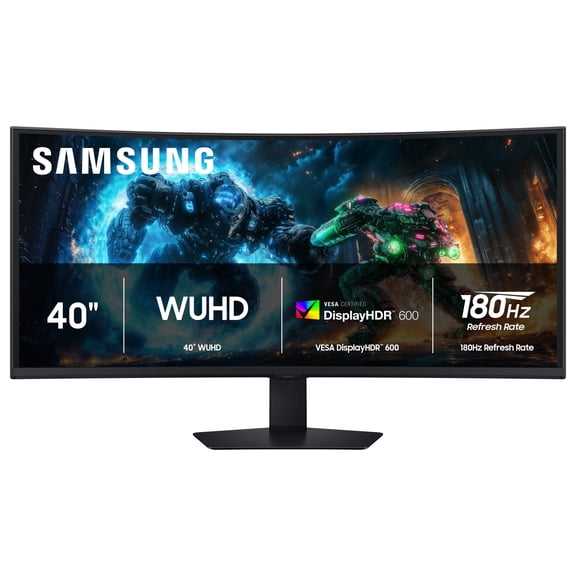
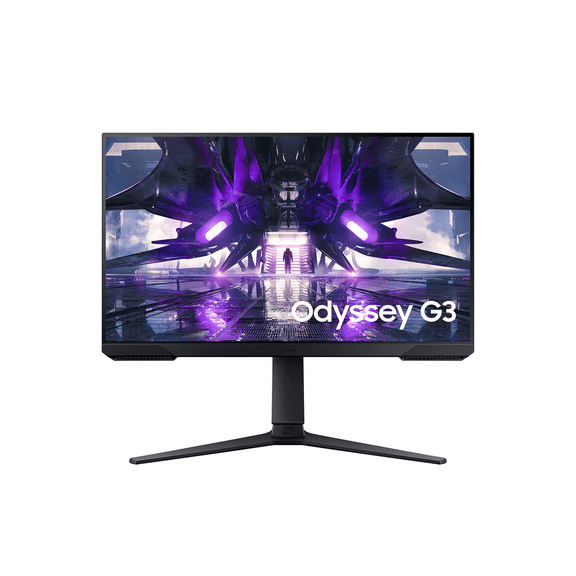
If you prefer a desk-based setup, Samsung desktop computers can support a monitor, full keyboard, and mouse arrangement. You can keep a desktop in place when you don’t need to carry your computer.
- You can choose laptops when you need easy portability between home, school, and work.
- You can choose Chromebooks when you want fast startup and simple web-based workflows.
- You can choose 2-in-1 touchscreens when you want tablet-style viewing and laptop-style typing.
- You can choose desktops when you want a dedicated workstation with room for accessories.
Choosing between Samsung laptops, Galaxy Book, and Chromebook models
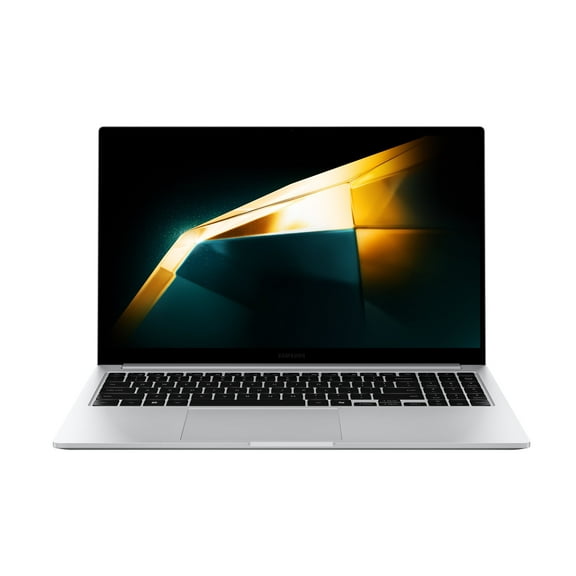
When you compare model series, you should look at what each lineup is designed to handle. You may notice that Samsung Galaxy Book models often fit shoppers who want Windows flexibility and sleek daily portability.
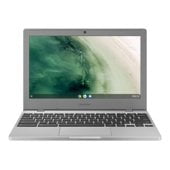
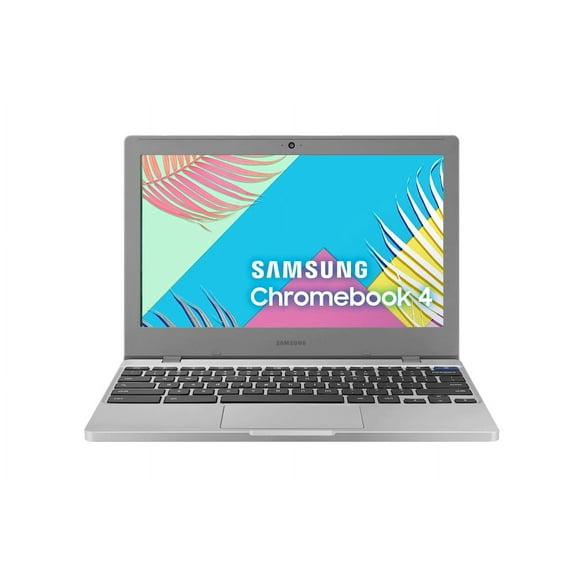
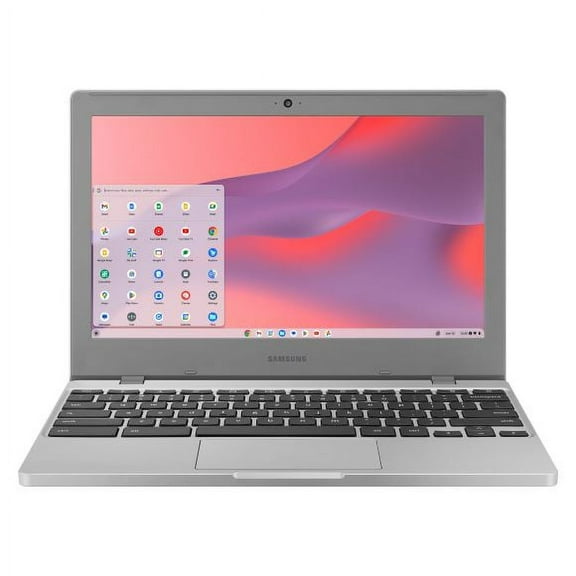
A Samsung Chromebook can make sense when your routine centers on browsing, streaming, email, and cloud documents. You can often move through simple tasks quickly because ChromeOS keeps the experience streamlined.
If you’re comparing Galaxy Book, Galaxy Book Pro, Chromebook 4, and Galaxy Book Ultra, you should match the name to your routine. You can use that model-series step to narrow features before checking memory and storage.
Choosing the right operating system
Your operating system shapes the apps, files, and accessories you use every day. You should compare Windows 11 and ChromeOS first because that choice affects software compatibility and workflow.
Windows 11 usually suits you when you need broader app support for office programs, multitasking, and many common peripherals. You can also find it helpful when your work depends on local file storage.
ChromeOS usually suits you when you spend most of your time in a browser or cloud-based apps. You can often enjoy quick startup, simple navigation, and easy account syncing across devices.
If your classes or job require specific desktop software, you should check whether Windows 11 is the right fit. If your routine stays web-focused, you may find ChromeOS easier to manage.
Choosing screen size and setup style
Screen size changes how your computer feels in a backpack, on a lap, or on a desk. You should compare 11.6-inch, 13.3-inch, 14-inch, and 15.6-inch options based on your daily movement.
An 11.6-inch or 13.3-inch screen can work well when you carry your device often. You may prefer those sizes if you commute, switch classrooms, or work from different rooms.
A 14-inch screen often gives you a balanced middle ground for portability and viewing space. You can keep it manageable for travel while still seeing documents and split windows comfortably.
A 15.6-inch screen can give you more room for spreadsheets, media, and side-by-side tabs. You may prefer that size when your computer stays home more often than it travels.
If you want a permanent desk setup, you should also compare that screen decision with desktops. You can pair a desktop arrangement with your preferred monitor size and input accessories.
What to look for in performance and everyday use
Performance is highly important when you match processor power to your tasks. You should compare Intel Core i5 or i7 options with Celeron systems based on what you actually run.
If you handle documents, web research, and video calls, a Celeron-based Samsung Chromebook may cover your daily basics. You can keep expectations aligned when your workload stays light and browser-focused.
If you multitask across many tabs, larger files, or demanding programs, you should look closely at Core i5 or i7 systems. You may notice smoother switching when your routine includes heavier productivity work.
You should also check storage and memory alongside the processor. You can avoid a cramped experience when you compare how many files, apps, and open tasks you keep at once.
How Samsung computers fit real routines
If you need a school device, you might compare a compact Chromebook 4 with a small screen for easy carrying. You can keep notes, web assignments, and streaming in a simple daily workflow.
If you work across documents, meetings, and shared files, you may lean toward Samsung laptops with Windows 11. You can handle broader app needs while keeping a travel-friendly form factor.
If you want one device for typing, presenting, and couch viewing, you should compare a Samsung 2-in-1 laptop. You can shift between angles and input styles without changing devices.
If your routine stays in one room, you may prefer Samsung desktop computers for a dedicated setup. You can build around a monitor, full-size keyboard, and a more stationary workspace.
For mixed home and office use, you might compare a Samsung Galaxy Book with a 14-inch or 15.6-inch display. You can balance mobility, viewing space, and everyday productivity more easily.
When you narrow your options by product type, operating system, model series, and screen size, your choice becomes clearer. You can land on Samsung computers that fit your tasks, your setup, and your daily pace.