

Premium Tablets in Premium Tech




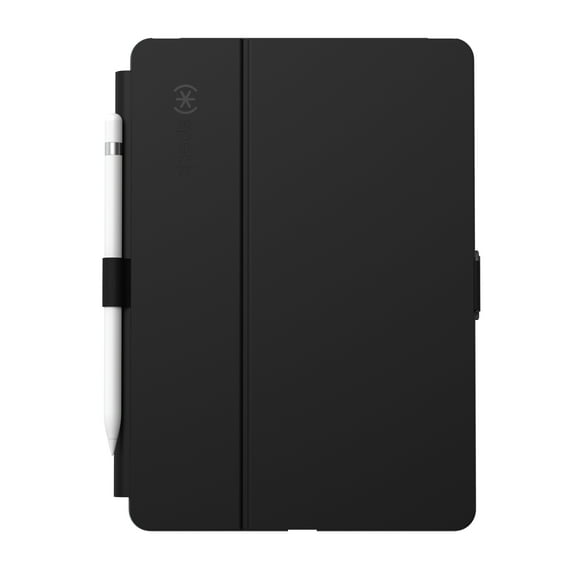






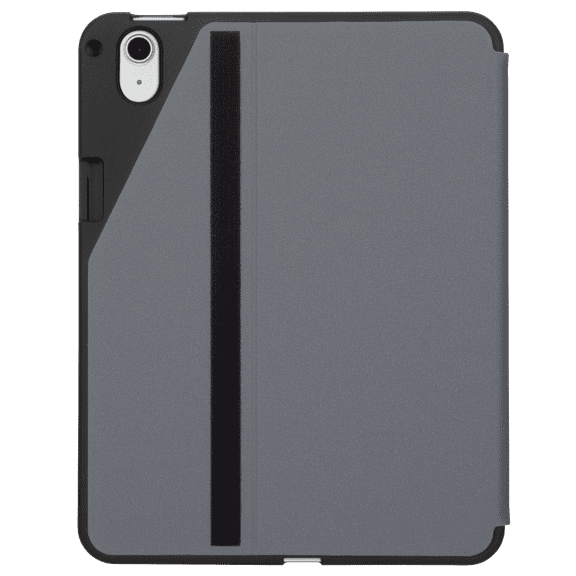


![[U] by UAG Designed for iPad Air 10.9-inch (5th Gen, 2022) Case Lucent Lightweight Ultra-Slim Shockproof Smart Folio Protective Cover with Auto/Sleep Wake & Pencil Holder, Black](https://i5.walmartimages.com/seo/U-UAG-Designed-iPad-Air-10-9-inch-5th-Gen-2022-Case-Lucent-Lightweight-Ultra-Slim-Shockproof-Smart-Folio-Protective-Cover-Auto-Sleep-Wake-Pencil-Hold_c459b1c1-0fe0-4260-b703-c4d1a46d2386.803743951b4699511f3874a81a5a56b0.jpeg?odnHeight=576&odnWidth=576&odnBg=FFFFFF)
![Black, variant on [U] by UAG Designed for iPad Air 10.9-inch (5th Gen, 2022) Case Lucent Lightweight Ultra-Slim Shockproof Smart Folio Protective Cover with Auto/Sleep Wake & Pencil Holder, Black](https://i5.walmartimages.com/asr/c459b1c1-0fe0-4260-b703-c4d1a46d2386.803743951b4699511f3874a81a5a56b0.jpeg?odnBg=FFFFFF&odnHeight=30&odnWidth=30)
![Cerulean, variant on [U] by UAG Designed for iPad Air 10.9-inch (5th Gen, 2022) Case Lucent Lightweight Ultra-Slim Shockproof Smart Folio Protective Cover with Auto/Sleep Wake & Pencil Holder, Black](https://i5.walmartimages.com/asr/456c2095-6afa-4d80-8313-6e07fa968f07.821fd5e265182e6410f6d59790287fcb.jpeg?odnBg=FFFFFF&odnHeight=30&odnWidth=30)


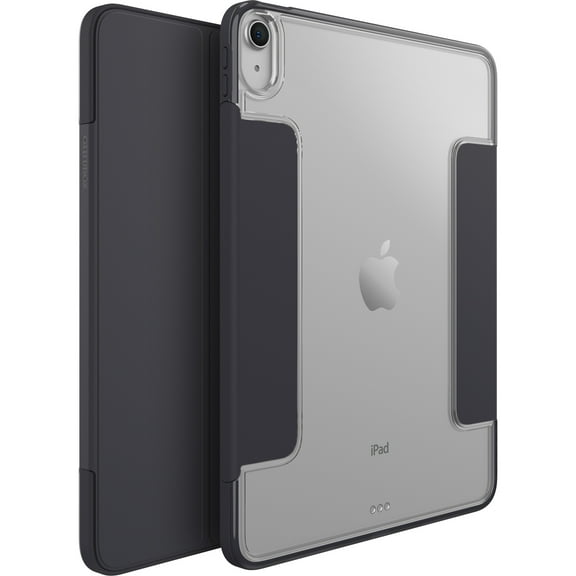
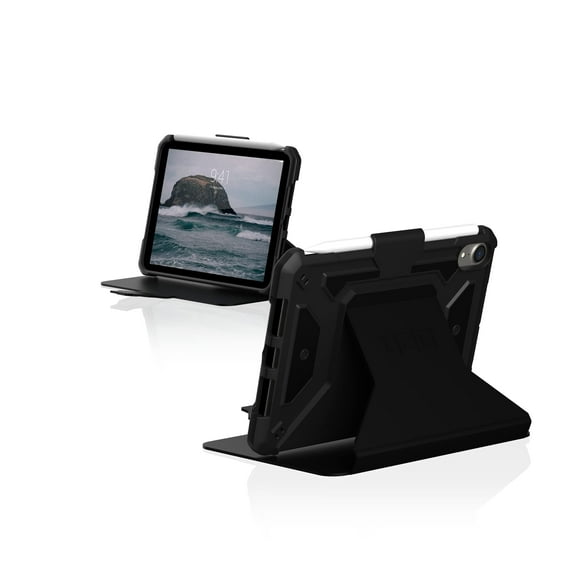
![[U] by UAG iPad Mini A17 Pro (7th Gen)(6th Gen, 2021) Case 8.3" Lucent Lightweight Ultra-Slim Shockproof Smart Folio Protective Cover with Auto/Sleep Wake & Pencil Holder, Black](https://i5.walmartimages.com/seo/U-UAG-iPad-Mini-Case-6th-Gen-2021-8-3-inch-Screen-Lucent-Lightweight-Ultra-Slim-Shockproof-Smart-Folio-Protective-Cover-Auto-Sleep-Wake-Pencil-Holder_39971503-7b86-4664-8d4b-d486781db53a.1018db49ff47fadca6234fad065f4f45.jpeg?odnHeight=576&odnWidth=576&odnBg=FFFFFF)
![Black, variant on [U] by UAG iPad Mini A17 Pro (7th Gen)(6th Gen, 2021) Case 8.3" Lucent Lightweight Ultra-Slim Shockproof Smart Folio Protective Cover with Auto/Sleep Wake & Pencil Holder, Black](https://i5.walmartimages.com/asr/39971503-7b86-4664-8d4b-d486781db53a.1018db49ff47fadca6234fad065f4f45.jpeg?odnBg=FFFFFF&odnHeight=30&odnWidth=30)
![Cerulean, variant on [U] by UAG iPad Mini A17 Pro (7th Gen)(6th Gen, 2021) Case 8.3" Lucent Lightweight Ultra-Slim Shockproof Smart Folio Protective Cover with Auto/Sleep Wake & Pencil Holder, Black](https://i5.walmartimages.com/asr/c325f0ce-7939-4125-b04b-8f9261933507.de566c0152d538e28ced557deabf07e5.jpeg?odnBg=FFFFFF&odnHeight=30&odnWidth=30)










About Premium Tablets in Premium Tech - Walmart.com
You can compare tablets more clearly when you focus on operating system, screen size, storage, and connectivity. You’ll also find tablet computers that fit school, work, streaming, reading, and travel without extra guesswork.
How to choose tablets for your routine
When you compare tablets, you should start with the tasks you handle most often. Your daily habits can point you toward the right screen, software, and storage combination.
If you carry your device often, you may prefer portable tablets with lighter builds and smaller displays. If your day includes split-screen tasks, you may want more room for notes, email, and documents.
You can narrow your options faster when you match features to your routine. Your decision becomes simpler when you compare a few key details side by side.
- You can choose screen sizes that match reading, streaming, drawing, or multitasking.
- You can compare operating systems based on your apps, accessories, and other devices.
- You can select storage capacity that fits photos, downloads, games, and work files.
- You can decide whether Wi-Fi or cellular access fits your travel and commute needs.
Choosing the right tablet computers by operating system
You should begin with operating system compatibility because it shapes your apps, accessories, and file sharing. Your choice often depends on the phones, laptops, and services you already use.
If you use iOS devices, you may prefer a setup that keeps messaging, photos, and account syncing familiar. If you use Android devices, you may want wider hardware variety and flexible customization.
If you need desktop-style tools, you may look at Windows options for familiar productivity software. You can also compare app availability and keyboard support before making your final choice.
Choosing the right touchscreen tablets by screen size
You should treat screen size as a comfort decision, not just a number. Your hands, bag space, and viewing habits all affect what feels practical.
If you want a compact device, seven- to eight-inch touchscreen tablets can feel easy to hold for reading. You may also like that size when your space is limited.
If you want an everyday middle ground, nine- to 10-inch models can balance portability and viewing space. You can use that range for streaming, homework, browsing, and casual gaming.
If you need more room, 11-inch and larger displays can help you view documents and multitask more comfortably. You may also prefer larger screens for drawing or keyboard use.
What to look for in storage and connectivity
You should choose storage based on what you plan to keep on your device. Your needs may stay light if you mostly stream, browse, and use web-based apps.
If you store photos, download movies, or install larger games, you may want 64GB or 128GB. If your tasks include creative files or business documents, you may consider 256GB or more.
You should also compare Wi-Fi only and Wi-Fi plus cellular models. Your home use may work well with Wi-Fi, while your travel routine may benefit from cellular access.
If you commute, work on the go, or need maps and email away from hotspots, cellular can add flexibility. If you stay connected at home or school, Wi-Fi may cover your routine.
Matching tablets to work, school, and downtime
You can choose tablets for work by focusing on storage, keyboard compatibility, and screen space. Your workflow may feel smoother when you have room for documents, video calls, and note taking.
You can choose tablets for school by balancing size, battery expectations, and app access. Your classes may call for reading, research, writing, and cloud-based assignments throughout the day.
If you want a device for gaming, you may look for a larger display and more storage. If you read often, you may prefer a lighter model that feels comfortable in one hand.
For entertainment, you may want strong streaming support, clear visuals, and enough room for offline downloads. Your tablet can also handle casual browsing, recipes, and video chats around the house.
How to compare tablets with confidence
You can make a smarter choice when you compare operating system, screen size, storage, connectivity, and your primary use case together. Your next device should fit how you read, work, study, and unwind every day.