


iPad Accessories in iPad & Tablets







































About iPad Accessories in iPad & Tablets - Walmart.com
Apple iPad accessories help you protect your tablet, power it correctly, and set up a smoother daily routine. You can compare fit, connector type, and protection level faster when you use a category guide built for iPad models.
If you're replacing a worn case or building a full setup, you need accessories that match your exact device. You can narrow your options by checking model family, screen size, and how you use your iPad each day.
How to choose apple iPad accessories by model
You should start with device compatibility, because iPad Pro, iPad Air, iPad mini, and iPad 10.2 use different sizes and connections. You can avoid returns by checking your generation, camera cutout, and charging port before you compare accessories.
When you shop apple iPad accessories, you should match each item to your specific model name, not just the word iPad. You may also need to compare USB-C, Lightning, or Smart Connector support for keyboards and chargers.
Screen size matters when you choose cases, ipad screen protectors, and keyboard covers. You can get a cleaner fit when you confirm whether your device is an 11-inch Pro, a mini, or a 10.2-inch iPad.
Choosing the right accessory type
You can build your setup around protection, typing, drawing, or charging needs. You should compare ipad cases, ipad chargers, screen protectors, stylus pens for ipad, and keyboards by the tasks you handle most.
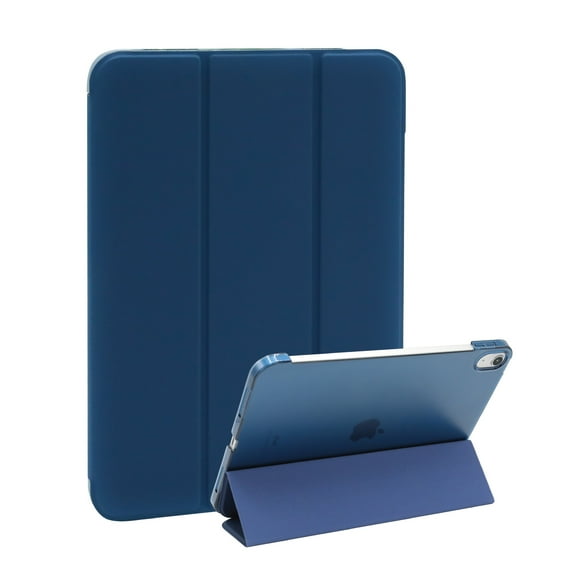
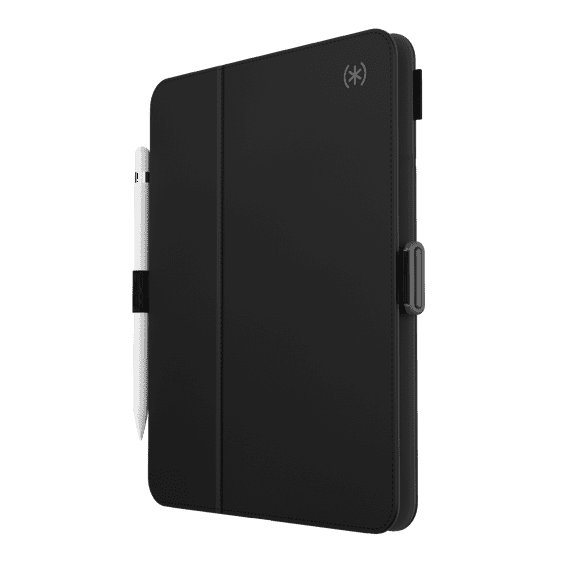
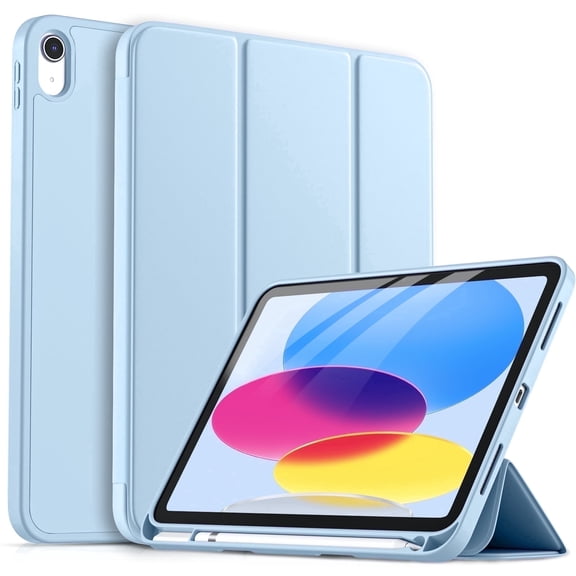
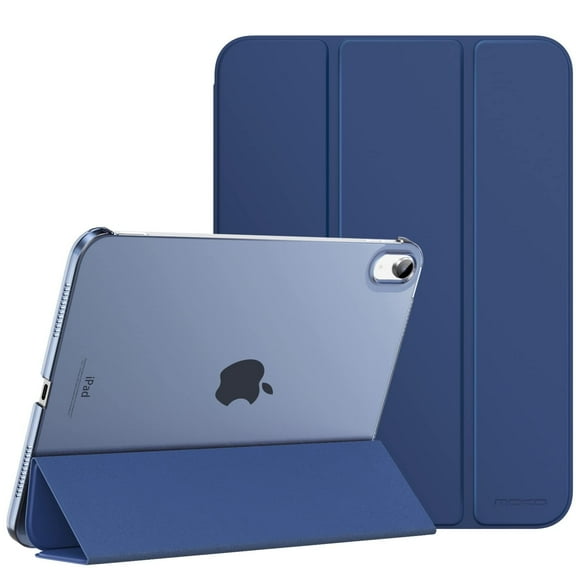
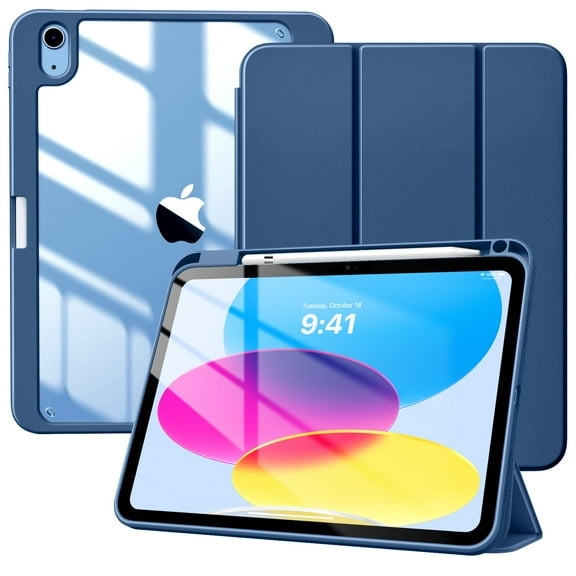
- You can use folio cases when you want front-and-back coverage and a built-in stand.
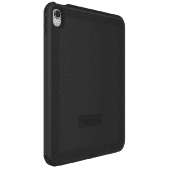
- You can pick rugged shells when your routine calls for more corner coverage and grip.
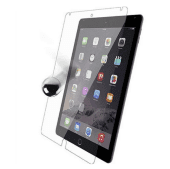
- You can choose tempered glass when you want a smooth screen feel and scratch-resistant coverage.
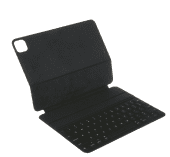
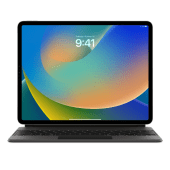
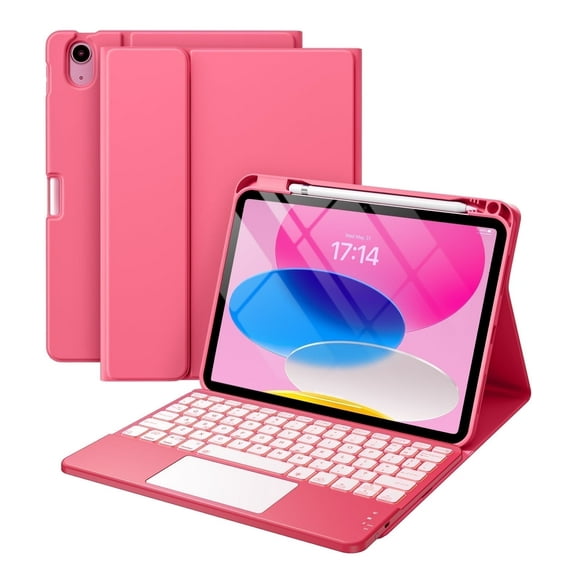
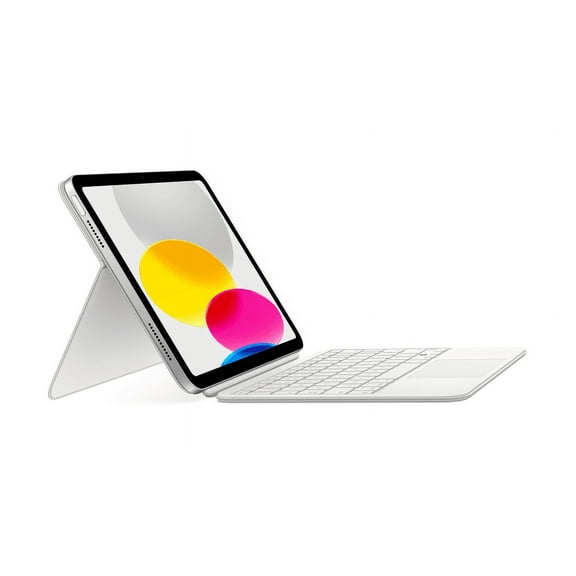
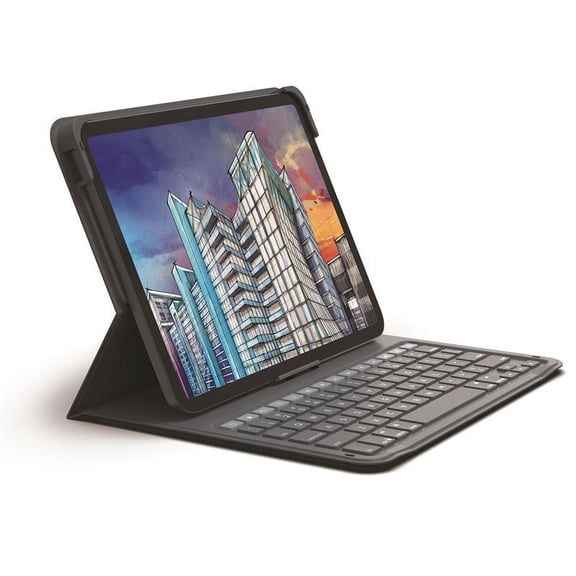
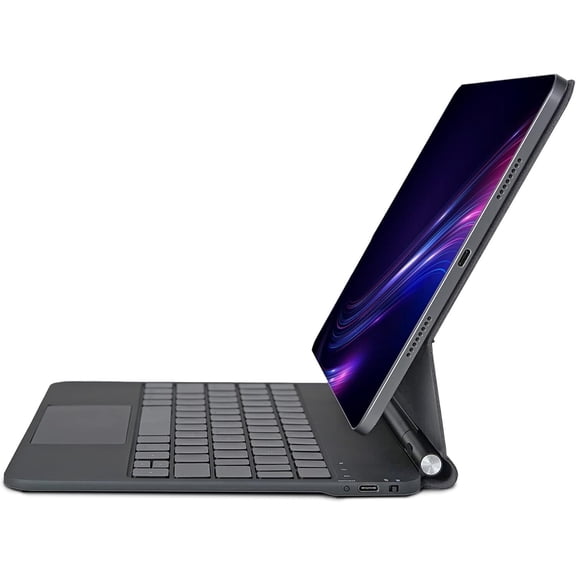
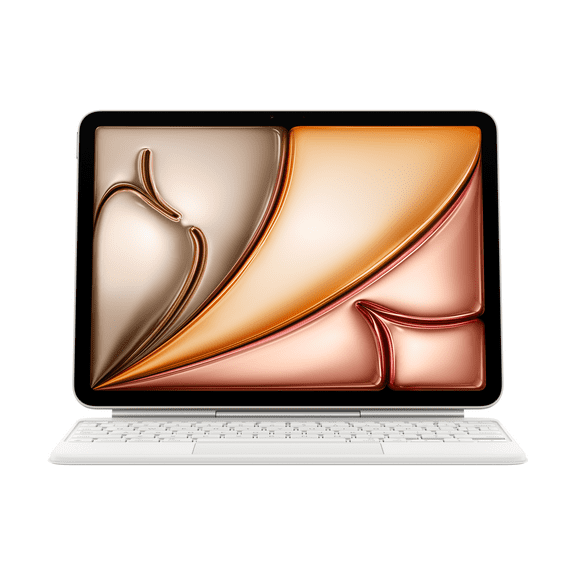
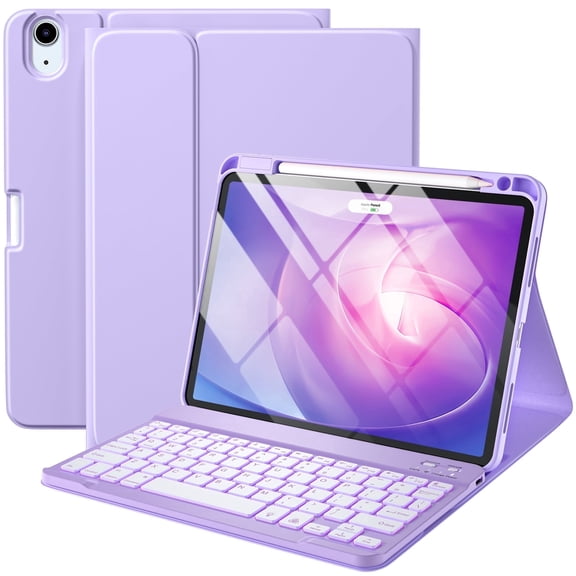
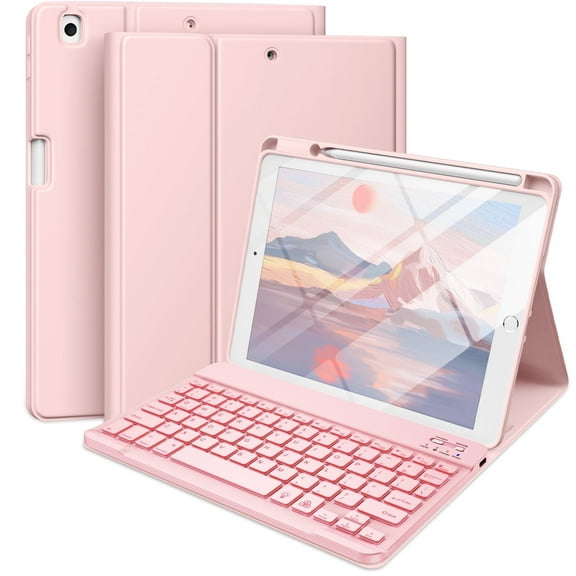
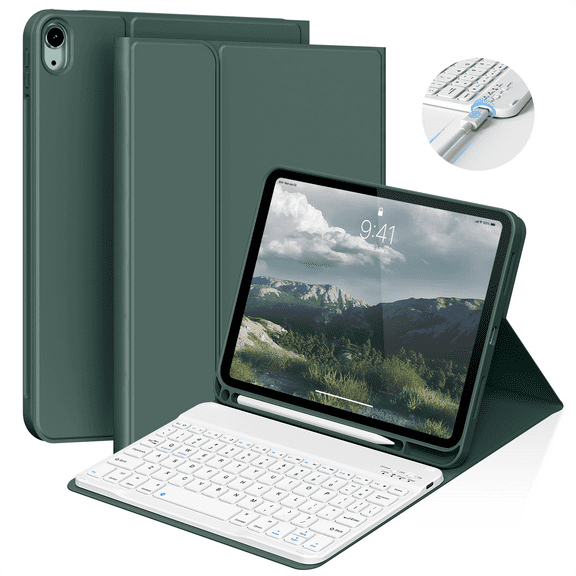
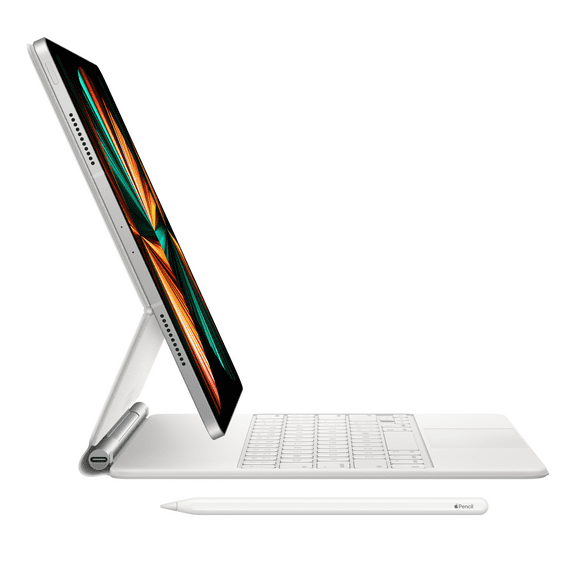
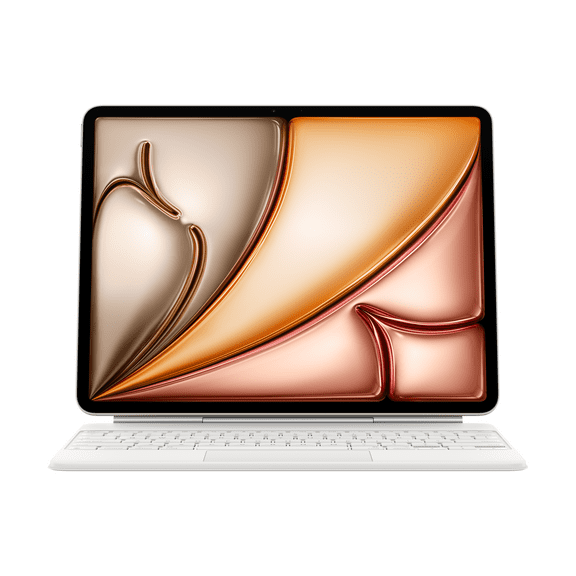
- You can compare ipad keyboard cases when you want typing support without carrying a separate keyboard.
- You can keep a charger or cable handy when you move between your desk, bag, and bedside.
Your choice gets easier when you separate everyday essentials from add-on tools. You may want a case and screen layer first, then add a keyboard, stand, or stylus for specific tasks.
If your iPad travels often, you may focus on slim protection and compact charging gear. If your iPad stays on a desk, you may prefer ipad stands, full-size keys, and stable viewing angles.
What to look for in protection materials
You should compare material and protection level before you pick a case or screen layer. You can use silicone for a softer grip, leather for a polished look, or heavy-duty plastic for firmer structure.
Tempered glass works well when you want clear display coverage and a smooth swipe feel. You can pair it with ipad cases that raise the edges slightly around the screen and camera.
Your routine should guide how much protection you choose. You may want slim covers for easy bag storage, or thicker shells when you need stronger edge coverage and handhold security.
You can also compare closure style, pencil storage, and stand positions. Your case may work harder for you when it folds for streaming, typing, or reading without slipping.
Comparing connection type and power requirements
You should check connection type before you choose keyboards, chargers, and cables. You can compare Bluetooth, USB-C, Lightning, and Smart Connector options based on how your iPad powers and pairs.
Bluetooth accessories give you flexible placement and fewer attached parts on your screen. Smart Connector options can simplify pairing when your compatible iPad supports that connection style.
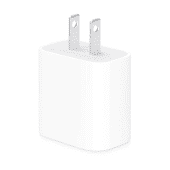
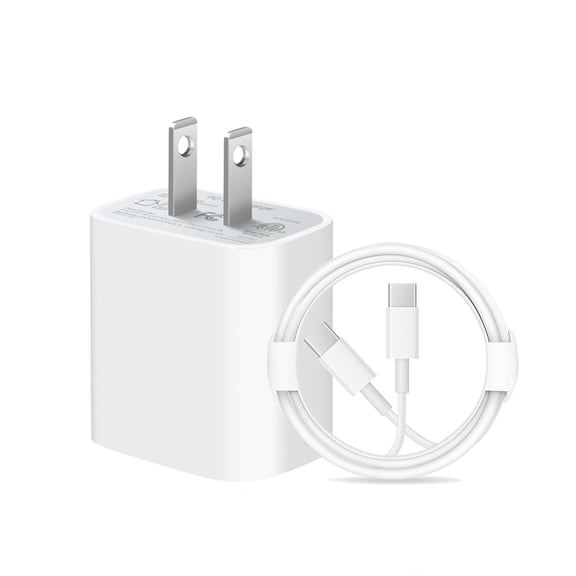
For charging, you should confirm whether your iPad uses USB-C or Lightning. You can also compare wattage when you want a charger that matches your tablet and daily charging habits.
If you carry one charger for several devices, you may prefer USB-C accessories for easier cable sharing. If you use an older iPad, your setup may still depend on Lightning cables and adapters.
Balancing productivity and portability
You should think about where you use your iPad most often before you choose typing accessories. You can keep your setup lighter with slim covers, or add a keyboard case for longer writing sessions.
Keyboard weight, key spacing, and viewing angle affect daily comfort. You may want a lighter travel setup for commuting, while a steadier keyboard works well at a table or counter.
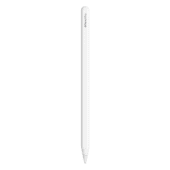
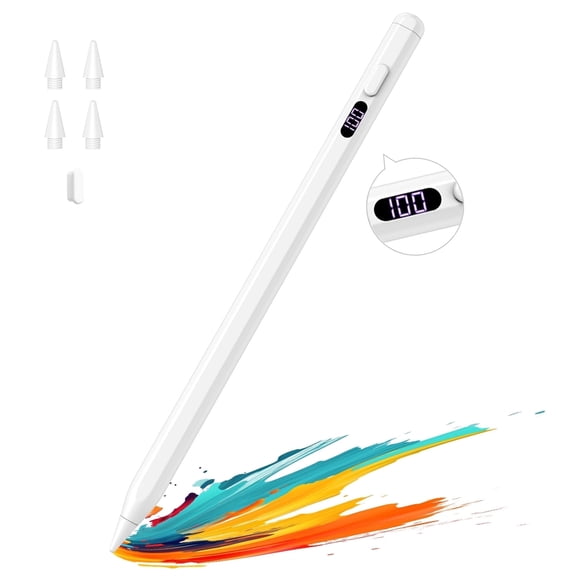
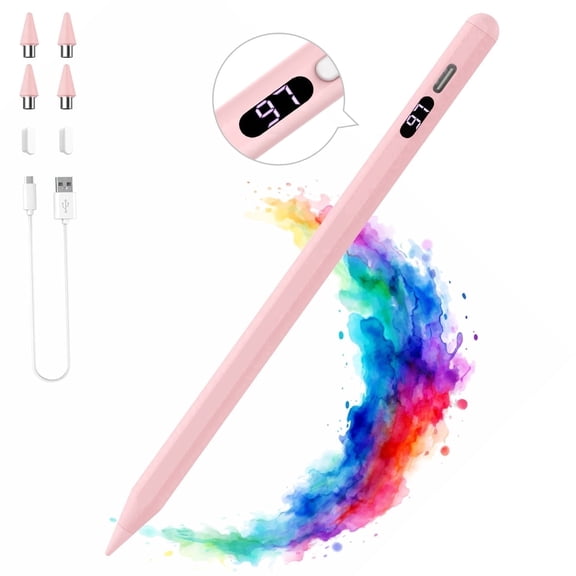
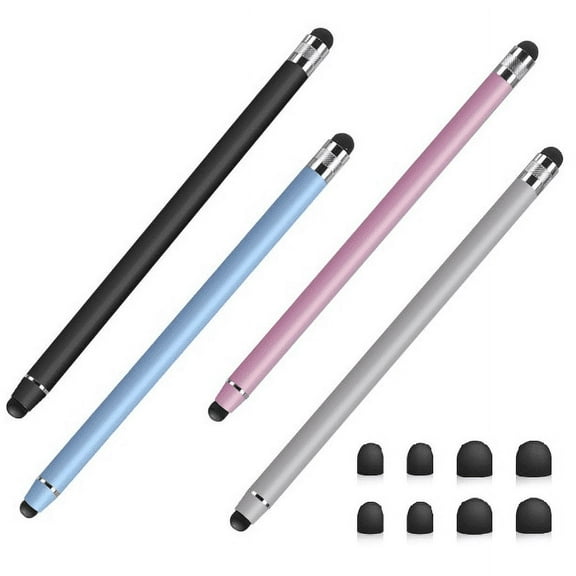
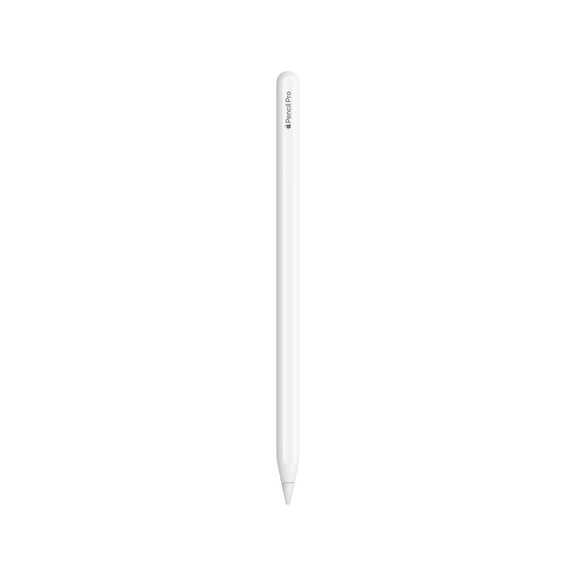
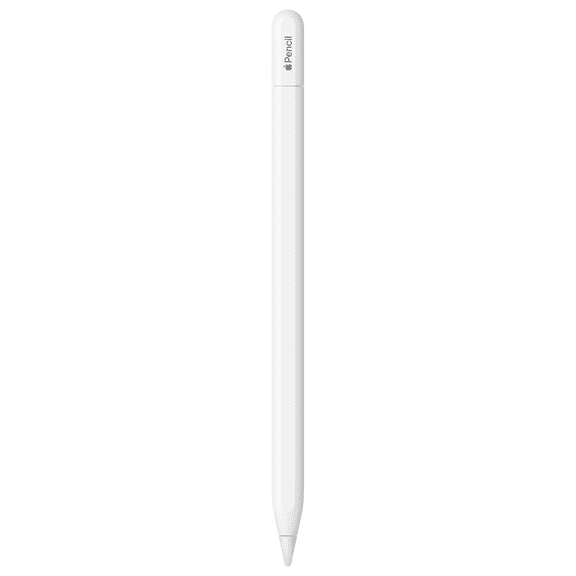
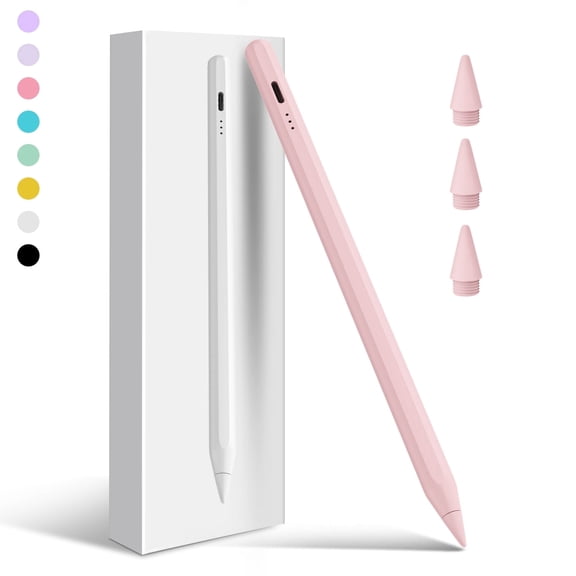
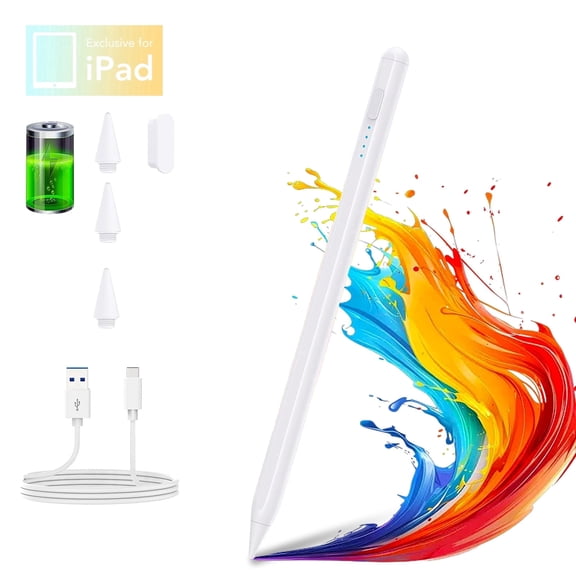
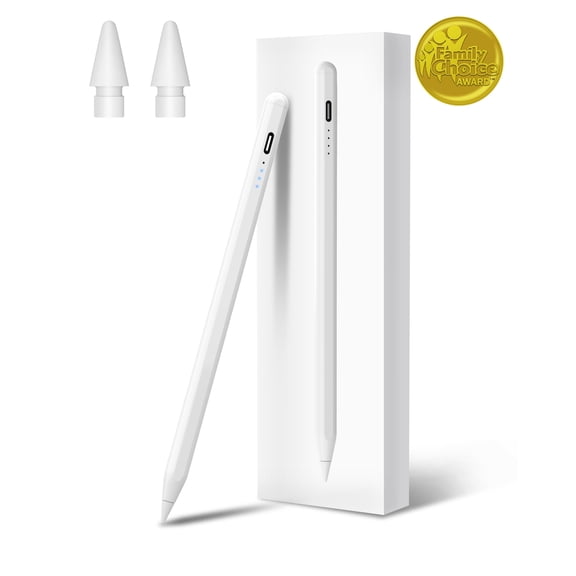
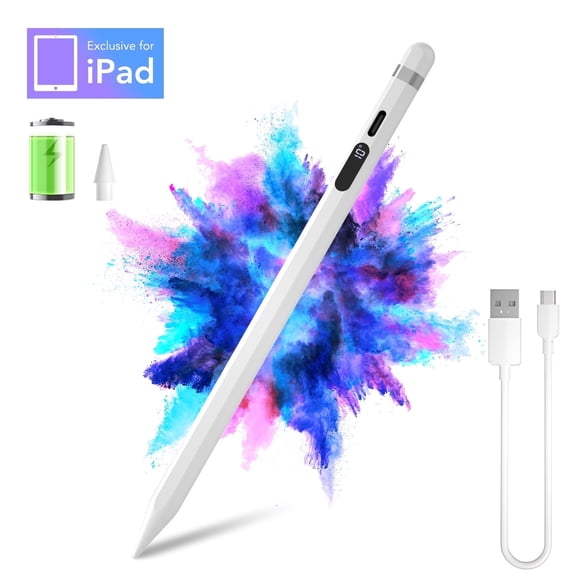
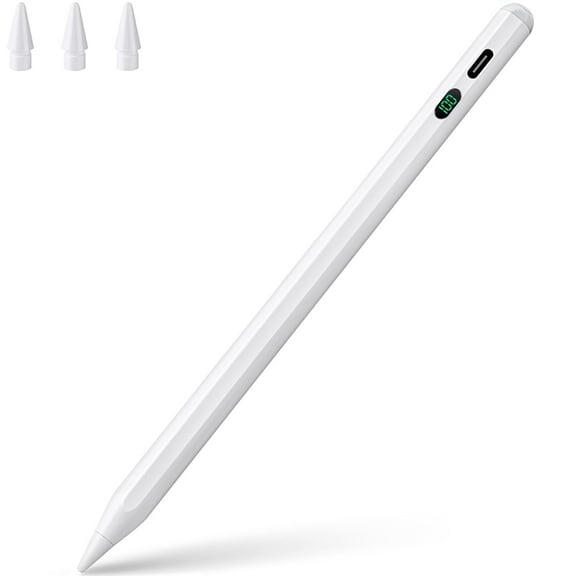
Stylus pens for ipad can make note-taking, sketching, and marking documents feel more direct. You should check magnetic attachment, charging method, and model compatibility before you choose one.
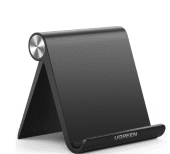
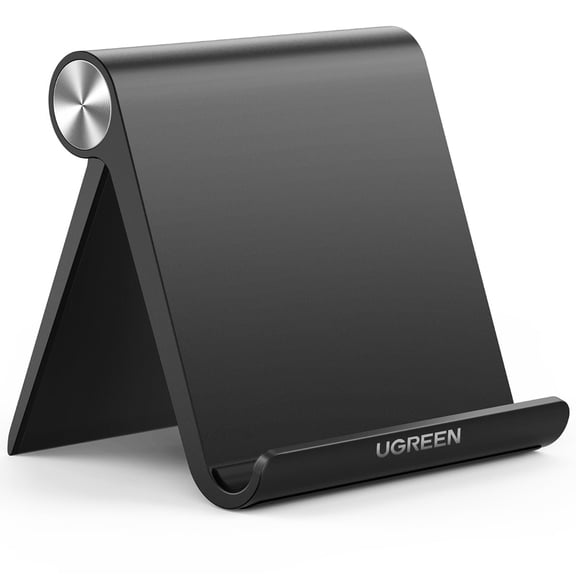
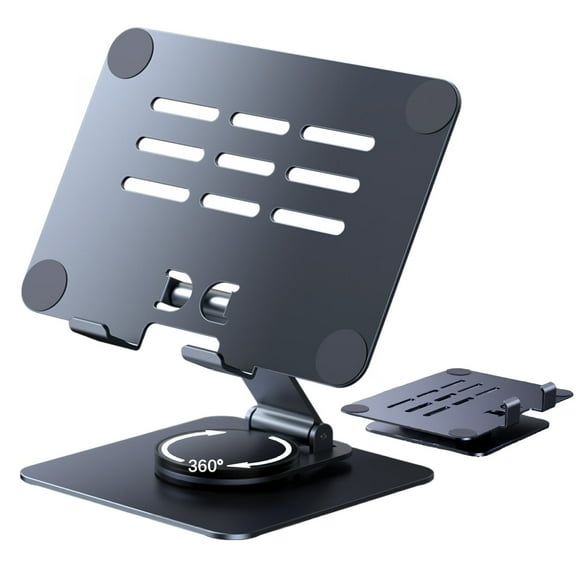
ipad stands can also change how comfortably you read, stream, or join video calls. You can compare fixed and adjustable designs based on your desk height, lap use, and storage space.
Apple iPad accessories for everyday use cases
If you use your iPad for school or work, you may want a keyboard case, a charger, and a screen layer. You can create a setup that supports typing, video calls, and daily transport.
For streaming and reading, you may prefer a folio case with multiple stand angles. You can add tempered glass if you want your display covered while keeping touch response familiar.
If you draw or annotate often, you may look for stylus support and a case with pencil storage. You should also confirm whether your iPad model supports the pen style you want.
When your household shares devices, you may prefer accessories that install quickly and wipe clean easily. You can keep chargers in more than one room and use stands for common viewing spots.
With apple iPad accessories matched to your model, connector, and routine, you can make your tablet easier to carry and easier to use. You’ll get a setup that fits your screen, supports your tasks, and stays ready through the day.