

Farming Simulator in Video Game Titles

![Farming Simulator 22 [PlayStation 5]](https://i5.walmartimages.com/seo/Farming-Simulator-22-PlayStation-5_75178578-8bdf-4d55-ba59-a9a521555684.1db6adda8f1253fcd0eae70538a56967.jpeg?odnHeight=576&odnWidth=576&odnBg=FFFFFF)





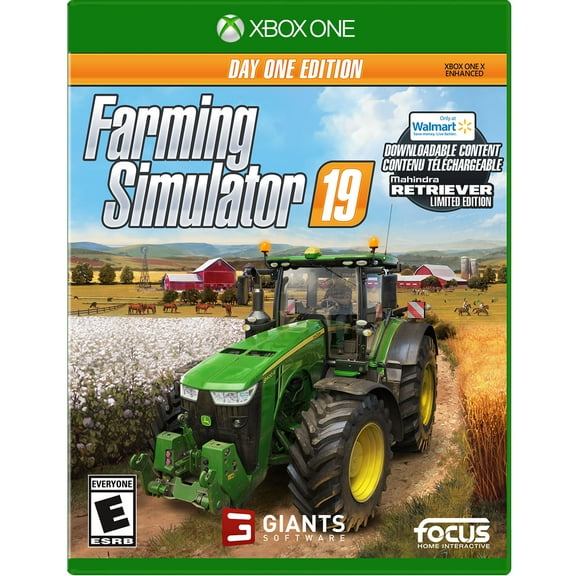
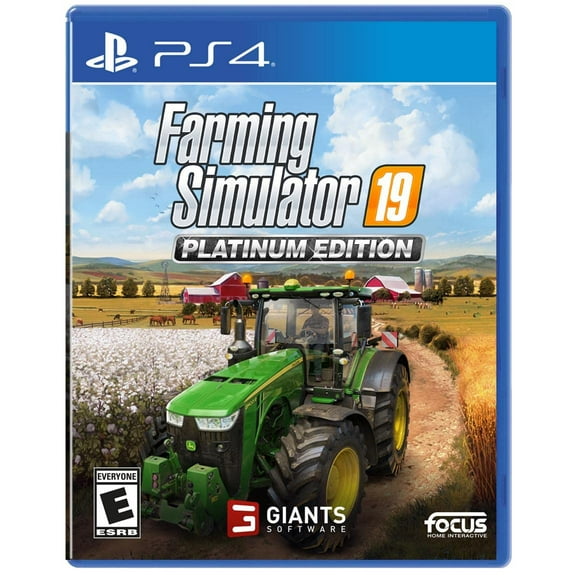
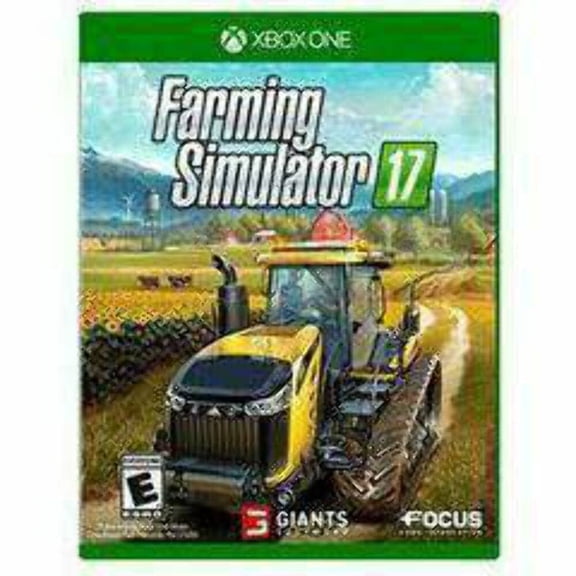



About Farming Simulator in Video Game Titles - Walmart.com
You can compare farming simulator video games by platform, edition, and format, so your next pick fits your console and play style. You’ll also find key differences between disc and digital copies, plus guidance for solo farming or cooperative sessions.
If you’re narrowing down versions, you should start with compatibility before you compare crops, maps, or vehicle rosters. You’ll make an informed choice when your game edition matches your system, storage setup, and preferred way to play.
Choosing the right farming simulator platform
You should check your console first because platform compatibility shapes everything from disc use to multiplayer access. You’ll want to confirm whether you play on PS4, PS5, Xbox One, Xbox Series X, Nintendo Switch, or PC.
If you’re buying a physical disc, you should confirm that your console includes a disc drive. If you prefer digital download, you’ll want enough storage space and the correct account for your platform.
You may also compare backward compatibility before you choose an older edition for a newer console. You’ll avoid guesswork when you match the listed platform to your exact system model.
- You can target PS4, PS5, Xbox, Switch, or PC versions with less confusion.
- You can match physical disc or digital download to your setup and storage preference.
- You can choose single-player career or cooperative multiplayer based on how you like to farm.
- You can compare edition names quickly, so your purchase lines up with your feature expectations.
Comparing farming simulator PS4 and other console options
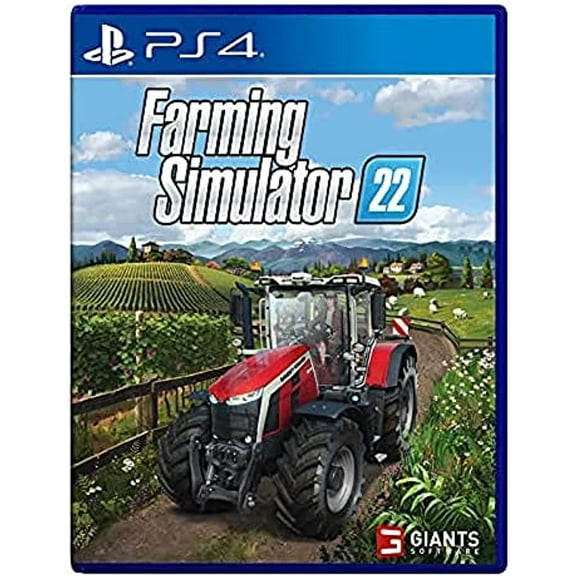
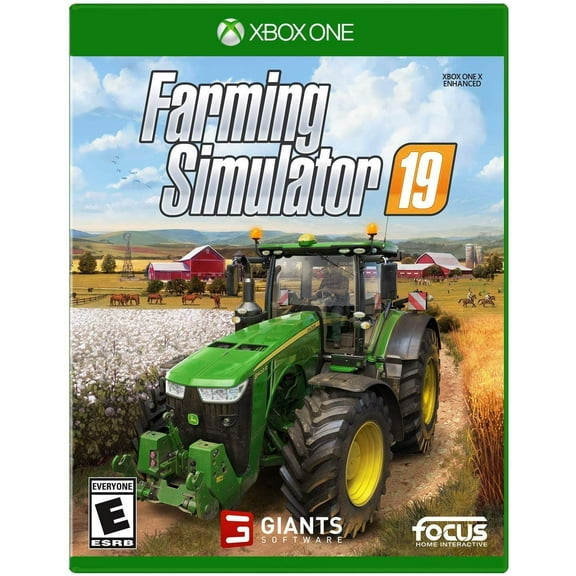
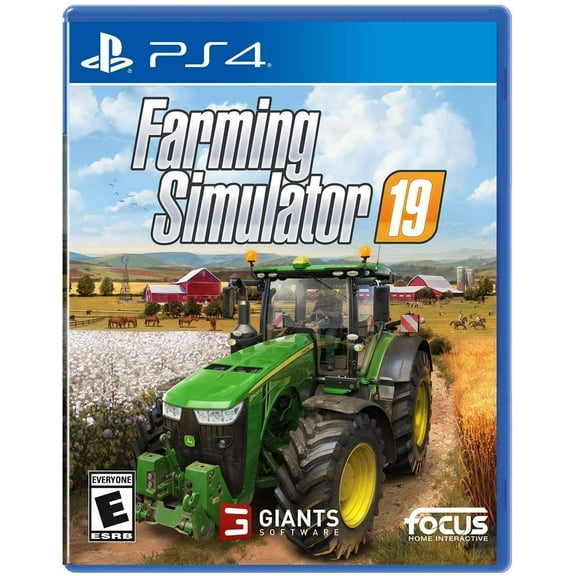
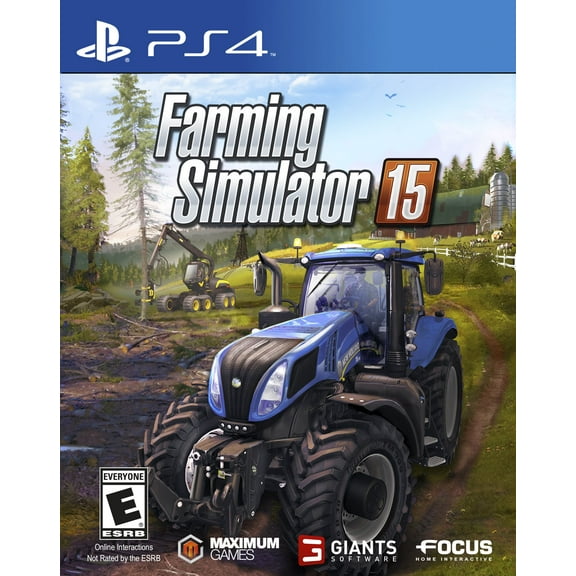
If you’re shopping farming simulator PS4 titles, you should confirm whether you want a standard release or a newer numbered edition. You’ll often see shoppers compare ps4 farming simulator options when they want familiar controls and broad console support.
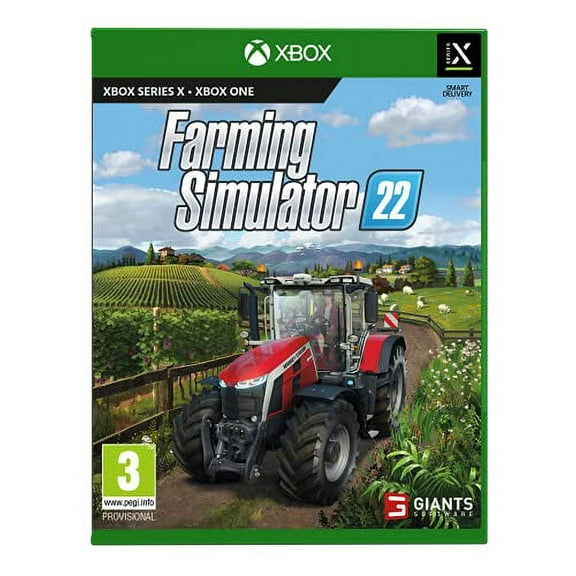
You may prefer PS5 or Xbox Series X when you want newer hardware support and a current-generation setup. You’ll still need to check the product page because not every release appears on every platform.
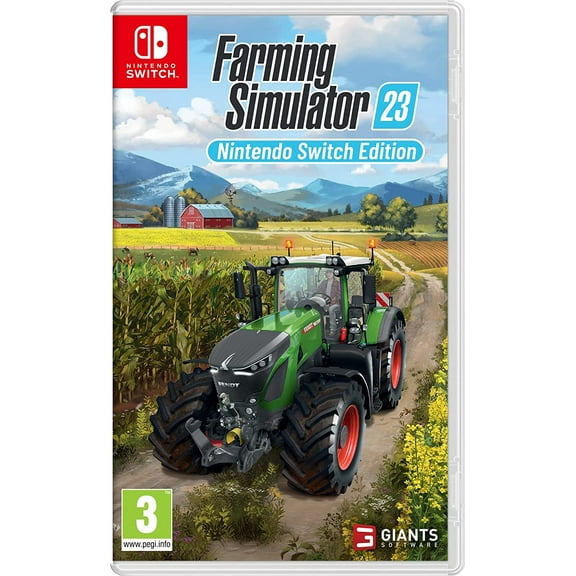
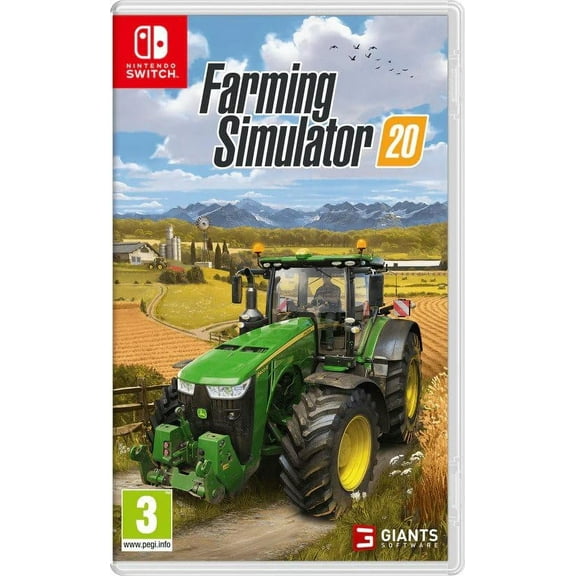
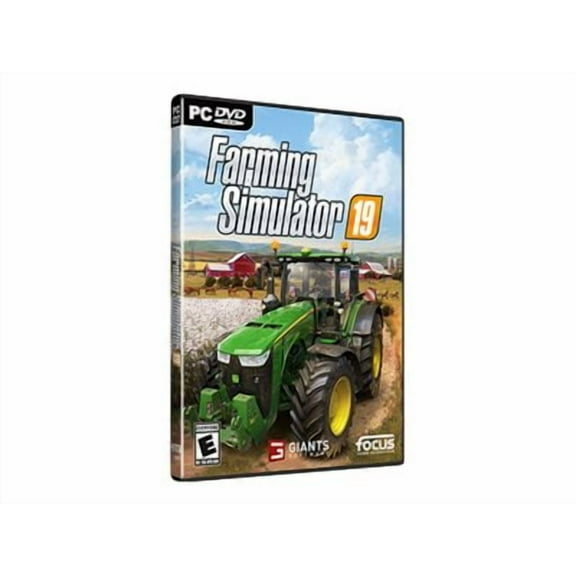
If you’re shopping for Nintendo Switch, you should consider how portable play fits your routine. You may prefer PC when you want flexible controls, desktop play, and easy access to your game library.
Choosing between Farming Simulator 22 and Farming Simulator 25
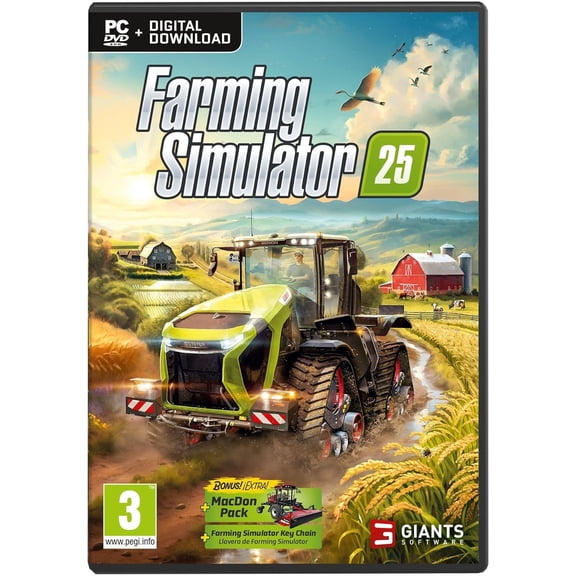
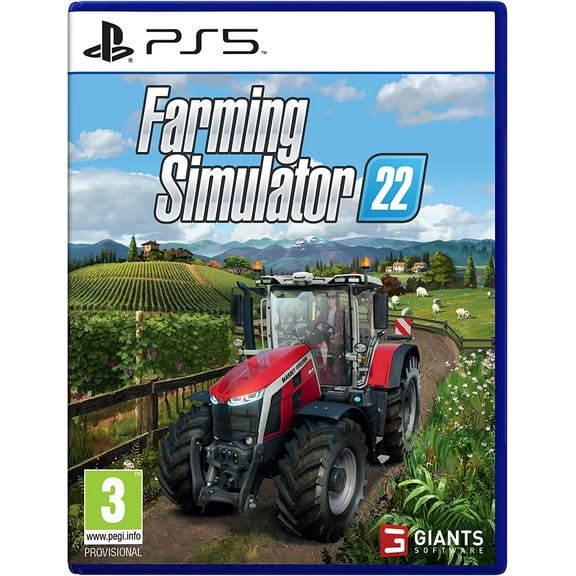
You should compare Farming Simulator 22 and Farming Simulator 25 by looking at content focus, platform availability, and the release you already know. You’ll usually start with the newer edition when you want new gameplay additions and updated presentation.
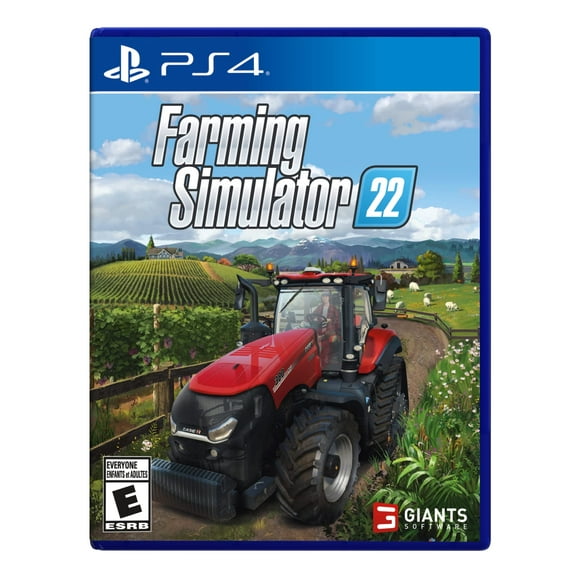
If you’re considering farming simulator 22 ps4, you should verify that the listing names your console directly. You’ll find that edition checks matter because release support can differ by platform and format.
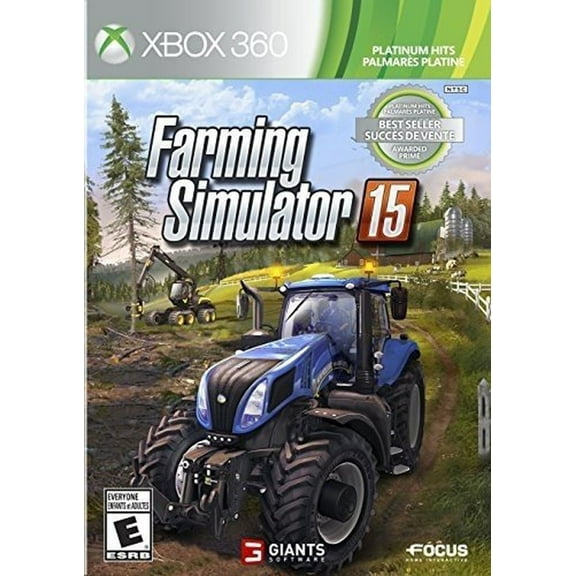
You may also see Platinum Edition or Premium Edition versions when you want expanded content in one package. You should read what’s included, so your edition matches the machines, maps, or add-on content you expect.
When you compare editions, you should focus on what changes your experience instead of just the number in the title. You’ll make a confident decision when you compare included content, supported systems, and multiplayer options.
Deciding on physical disc or digital download
You should choose physical disc when you want a boxed copy, easy shelf storage, or a gift-ready option. You’ll need a compatible console with a disc drive before you choose that format.
If you prefer digital download, you should check account access, storage space, and redemption steps before you purchase. You’ll like this format when you want quick library access without switching discs.
You may also compare format when you’re thinking about how you share your console or organize your collection. You’ll want the product listing to match your preferred delivery method, especially when you’re buying for someone else.
Checking gameplay style and multiplayer details
You should pick agricultural simulation games when you want long-session progress, equipment management, and field planning. You’ll usually spend your time planting, harvesting, transporting goods, and building out your farm routine.
If you enjoy relaxed solo play, you should look for a single-player career that lets your farm grow over time. You may prefer cooperative multiplayer when you want to manage fields and vehicles with friends.
You should also check whether online multiplayer on your console needs an active subscription. You’ll want to review the listing details for PlayStation or Xbox requirements before you plan group sessions.
When you compare gameplay, you should think about how you actually play during the week. You’ll get more from your purchase when your version fits short check-ins, longer sessions, or shared play nights.
What to look for before you choose farming simulator
You should use farming simulator details like platform, edition, and format as your main decision points. You’ll shop with more confidence when your listing clearly states console support, included content, and play mode.
If you’re comparing farming simulator price or farming simulator cost, you should still start with compatibility and edition fit. You’ll get a more useful result when your chosen version works with your console and preferred format right away.
You can narrow your options easily when you compare Farming Simulator 22, Farming Simulator 25, platform support, and multiplayer notes side by side. You’ll end with a version that fits your console, your schedule, and your preferred way to build a farm.