

Destiny in Video Game Titles
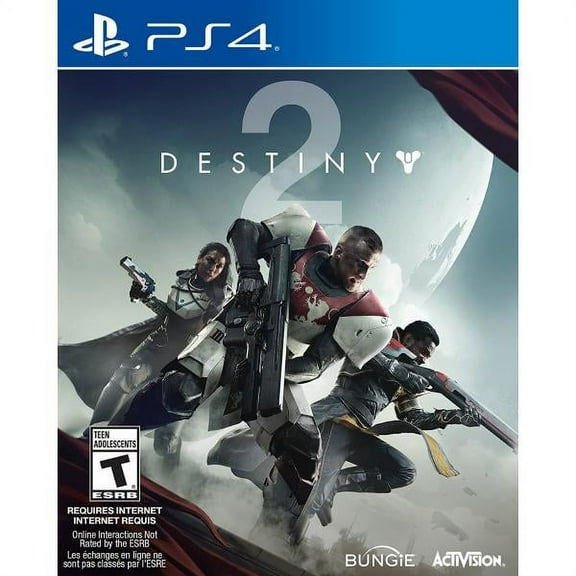

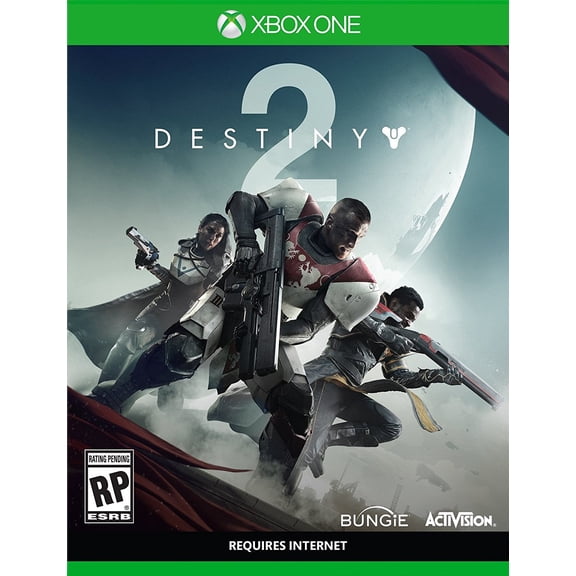

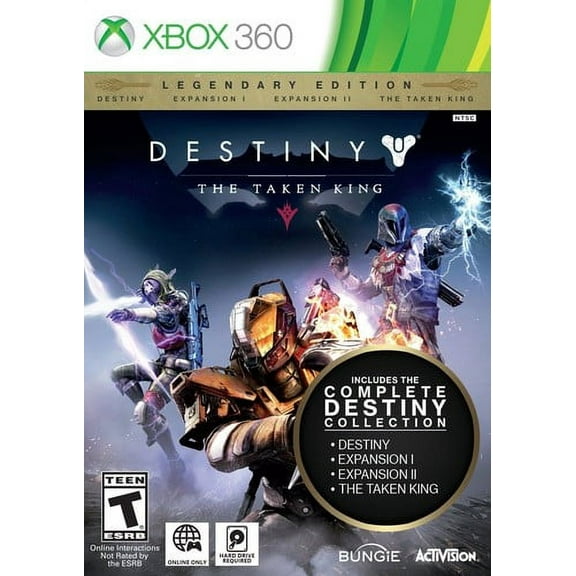

![Destiny 2 for PlayStation 4 [VIDEOGAMES] PS 4](https://i5.walmartimages.com/seo/Destiny-2-Activision-PlayStation-4-047875880948_83738ca5-6ae3-4768-bf47-cda052e1748d_1.0013dc38e7134f862ca9bc2880a416f3.jpeg?odnHeight=576&odnWidth=576&odnBg=FFFFFF)





About Destiny in Video Game Titles - Walmart.com
Destiny game platforms help you compare where you'll play, which edition fits your progress, and which format matches your setup. You'll want clear platform guidance because Destiny spans console generations, expansion paths, and online play requirements.
Choosing the right Destiny game platforms
You'll usually start with platform compatibility before you choose any edition or add-on. Your console or PC setup affects cross-play access, generation upgrades, and how you continue your existing character progress.
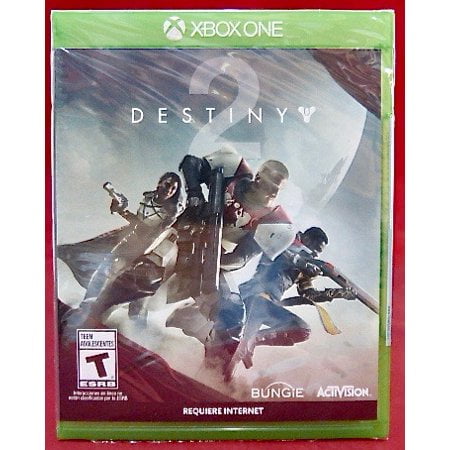
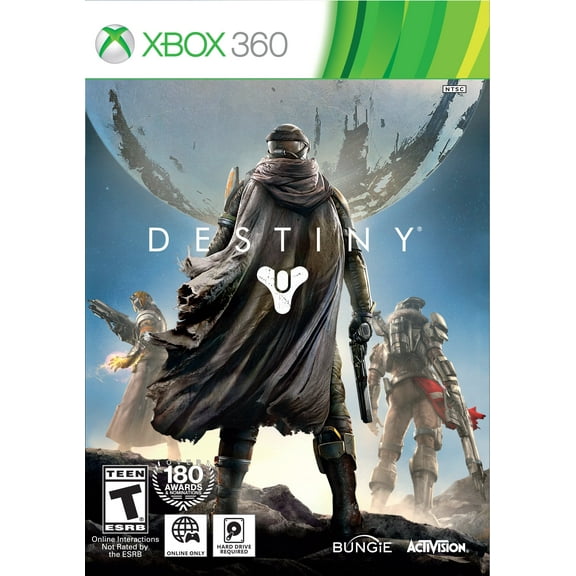
On PlayStation 5 or Xbox Series X, you'll want versions built for current hardware support. On PlayStation 4 or Xbox One, you'll need to check that your selected edition matches older console compatibility.
When you compare PC with console options, you'll notice storefront and account preferences can shape your choice. You'll also want to confirm how your platform connects to online multiplayer access and expansion ownership.
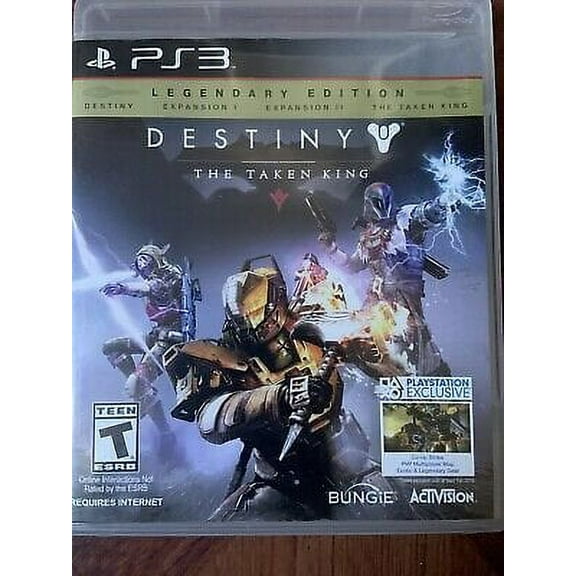
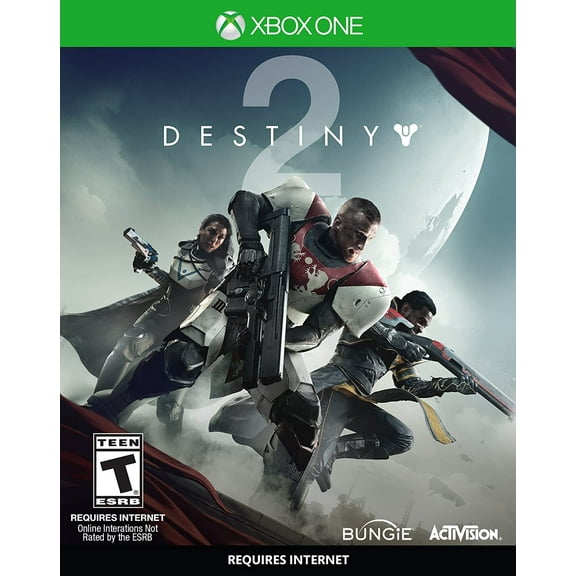
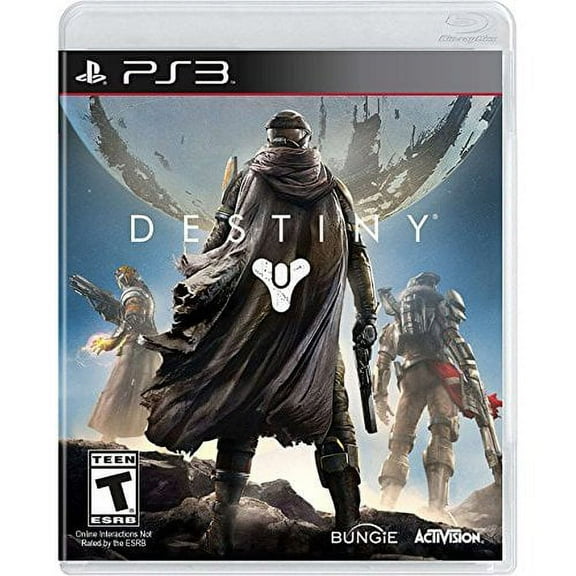
- You can compare PlayStation 5, Xbox Series X, PC, PlayStation 4, and Xbox One versions in one place.
- You'll find it easier to choose between base game access and newer expansion content.
- You can decide whether a physical disc or digital download fits your routine.
- You'll be able to review cross-play support and online subscription needs before checkout.
What to look for in Destiny the video game editions
You'll often choose between Standard Edition content and expansion releases like The Final Shape, Lightfall, or The Witch Queen. Your choice depends on whether you're starting fresh or adding new content to an existing Destiny 2 account.
If you're new, you'll want to check what the base game or standard package includes. If you've already played, you'll likely compare expansions by campaign content, destination access, and activities tied to each release.
Edition names deserve close attention because expansion purchases don't always replace base access. Your buying decision gets easier when you match the listed content to the progress already linked to your account.
Comparing platform features and online play requirements
You'll want to understand cross-play support if your friends use different systems. Your account can often connect across supported ecosystems, which helps you keep playing with the same group.
When you check generation upgrades, you'll want to see whether your version supports current and previous consoles. Your upgrade path matters if you've moved from PlayStation 4 to PlayStation 5 or from Xbox One to Xbox Series X.
You'll also need to consider online multiplayer requirements before you choose a console version. Your PlayStation or Xbox experience may require an active PlayStation Plus or Xbox Game Pass plan for online sessions.
Because these details affect how you play, you'll want the product listing to confirm platform-specific access. Your smoother setup starts with checking compatibility notes, online requirements, and whether expansion content matches your account region.
Choosing between physical disc and digital download
You'll usually pick format based on how you like to install and access your games. Your physical disc can suit shelf collectors, while your digital download can simplify switching between supported titles.
If you prefer a boxed copy, you'll want to confirm the disc matches your console generation. If you prefer instant library access, you'll want a digital option that works with your account and supported storefront.
You may also think about gifting, storage, and how you manage your collection. Your format choice can shape how quickly you start playing and how you organize expansion ownership.
Matching your setup to real Destiny play scenarios
If you're returning after a break, you'll likely compare Lightfall, The Witch Queen, and The Final Shape first. Your goal may be catching up on campaigns, unlocking newer destinations, and joining current activities with friends.
When you're buying for a current console, you'll want a version that aligns with PlayStation 5 or Xbox Series X support. Your choice can make setup simpler if you've already moved beyond PlayStation 4 or Xbox One.
If you game across systems, you'll want to prioritize destiny game platforms with clear cross-play details. Your multiplayer plans matter because shared sessions, account progress, and platform access all affect your experience.
For a gift, you'll want to compare format and platform before anything else. A reliable pick usually comes from matching the exact console, checking digital or disc preference, and choosing the right expansion level.
If you're building a sci-fi shooter library, you'll want Destiny titles that fit your favorite way to play. Your collection may focus on campaign expansions, ongoing multiplayer content, or a specific console family.
How to choose with confidence
You'll make a smarter pick when you compare platform, edition, format, and online access together. Your Destiny purchase feels simpler when the version you choose matches your hardware, your account, and your next campaign.