


Find auto parts that fit
Let’s search for parts that fit your vehicle.Delphi Technologies in Auto & Tires Shop By Brand









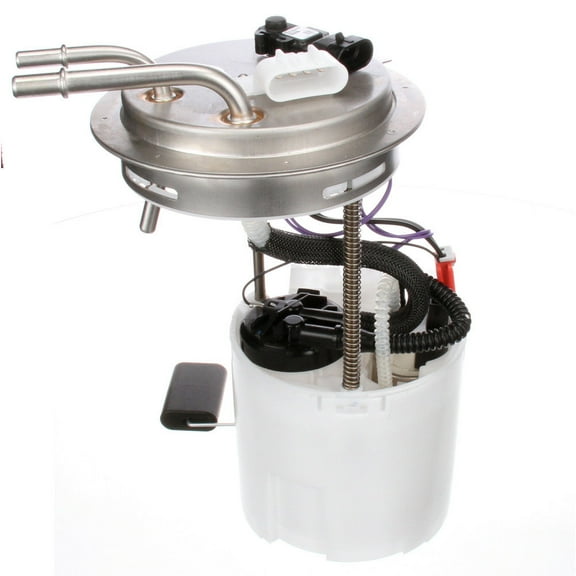
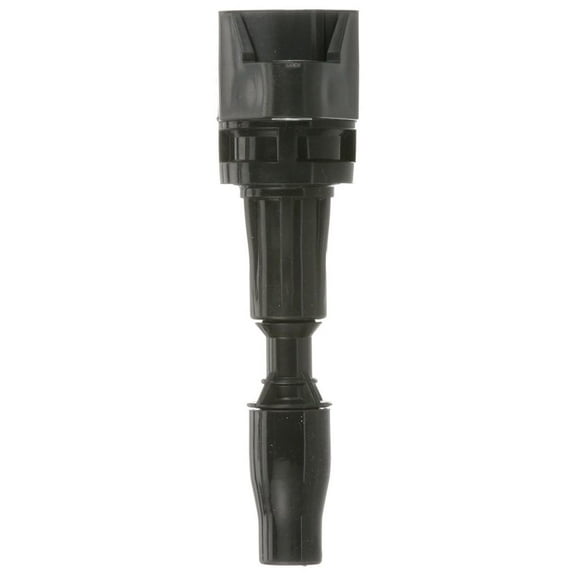

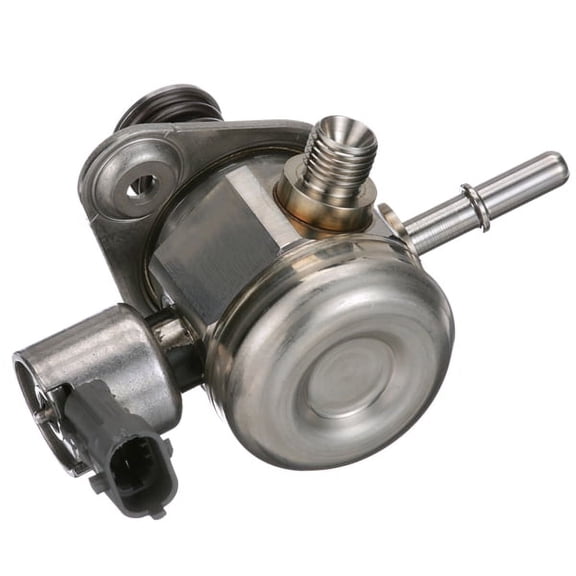
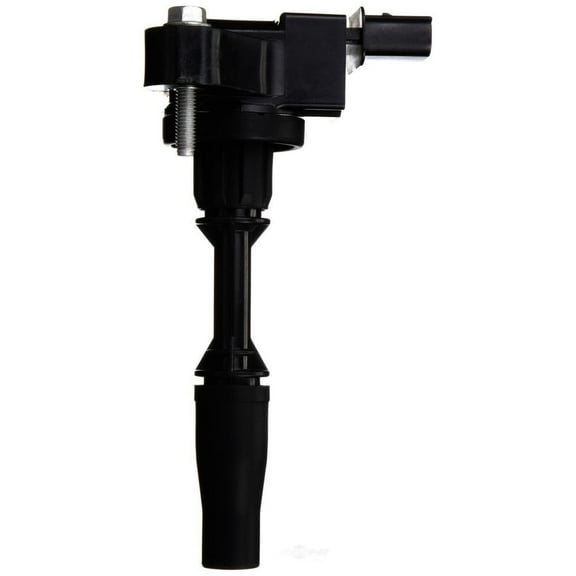






About Delphi Technologies in Auto & Tires Shop By Brand - Walmart.com
Laptop chargers help you keep your computer powered for work, class, and travel. You can compare connector types, wattage, and brand fit to choose a charger that matches your laptop.
How to choose laptop chargers
You should start with compatibility before you pick any replacement laptop charger. You can check your current adapter label for voltage, wattage, and connector details.
Your charger needs the same output voltage as your original adapter. You can choose equal or higher wattage, which helps your laptop draw the power it needs.
You should also compare connector shape and size before you order. Your laptop may use a USB-C plug, a barrel plug, or a square tip.
- You can match the connector type to your laptop port.
- You can compare 45W, 65W, 90W, and 100W options.
- You can choose universal or brand-specific compatibility.
- You can decide between an AC wall outlet model or a DC car adapter.
- You can look for UL listing and over-voltage protection details.
When you review these details first, you avoid guesswork during checkout. You also narrow your options faster when you shop by exact fit.
Choosing connector type and wattage
You can begin with the connector because your laptop won't charge without the right tip. You should compare outer and inner diameter measurements for barrel plugs and check pin configuration carefully.
If your laptop uses USB-C, you can look for a usb c laptop charger that supports laptop charging output. You should confirm your device accepts power through its USB-C port.
When your laptop uses a square tip, you should match that exact shape instead of guessing. You can avoid returns by checking your original charger model number first.
Your wattage choice affects how well your charger supports daily use. You can use a 65W laptop charger for many mainstream notebooks, while larger systems may need 90W or 100W.
You should match the listed output voltage exactly on any adapter you choose. You can select equal or higher wattage, but your voltage should stay the same.
For everyday desk use, you may prefer an AC wall outlet charger with a familiar setup. For commuting, you can consider a car laptop charger for power on the road.
Universal laptop charger or brand-specific fit
You can choose a universal laptop charger when you want flexibility across several compatible laptops. You may get multiple tips, which helps when your household uses different connector styles.
If you know your brand and model, you can choose a brand-specific adapter for a more direct match. You might search for an hp laptop charger, dell laptop charger, or lenovo laptop charger.
Your decision often depends on how exact your charging needs are. You can use universal options for broader compatibility, while brand-matched chargers simplify selection for one laptop family.
You should still verify the voltage, wattage, and connector before you complete your choice. Your brand name alone doesn't confirm a precise fit across every series.
When you replace a lost adapter, you can filter by brand compatibility to cut down your search. You can also compare model details if your laptop line has several charging standards.
What to look for in a replacement laptop charger
You can use a replacement laptop charger at home, in the office, or in your backpack setup. Your charger choice can support daily routines like video calls, homework sessions, and shared workspaces.
For a compact travel kit, you may want a usb c laptop charger that works with newer compatible laptops. You can pair that option with a smaller cable setup for easier packing.
If your older notebook uses a barrel plug, you should compare the millimeter measurements on the tip. You can prevent mismatch by checking both the outer ring and the inner pin style.
During long commutes, you may prefer a DC car adapter that plugs into your vehicle power source. You can keep your laptop ready between meetings, classes, or remote work stops.
You should also look for plain-language safety details when you compare options. You can check for UL listing and over-voltage protection to support consistent everyday charging.
When your laptop came with a 45W adapter, you should confirm whether that rating still matches your current setup. You can step up in wattage if your device allows it.
With the right laptop chargers, you can power your laptop with fewer compatibility questions. You get a clearer path to the connector, wattage, and format that fits your routine.